Cheat
kubectx & kubens Switch context and namespace
 Light · Postcard
102 × 152 mm · PDF
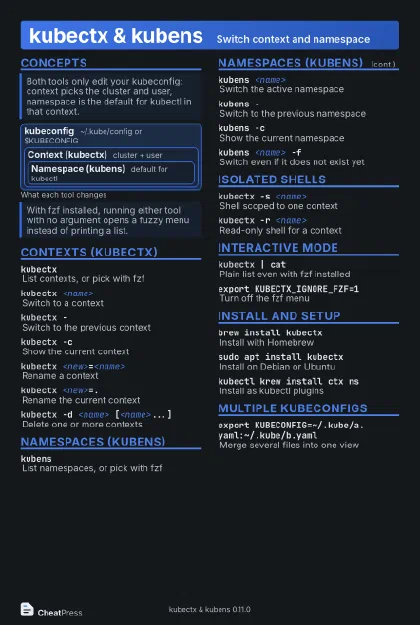 Dark · Postcard
102 × 152 mm · PDF
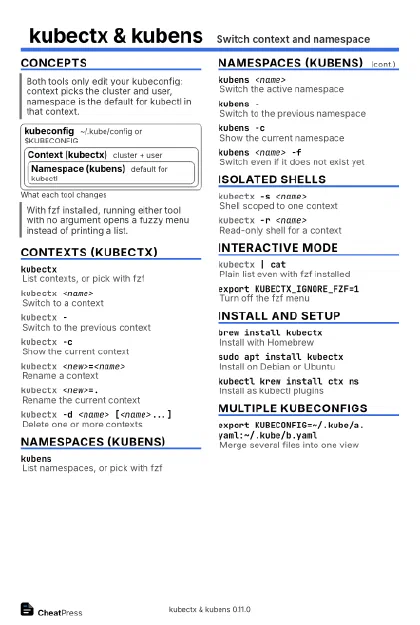 Ink saver · Postcard
102 × 152 mm · PDF
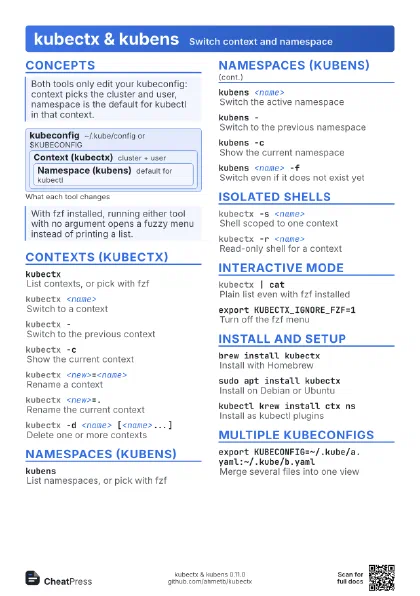
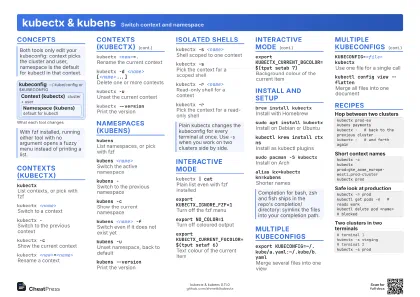 Light · A4 landscape
297 × 210 mm · PDF
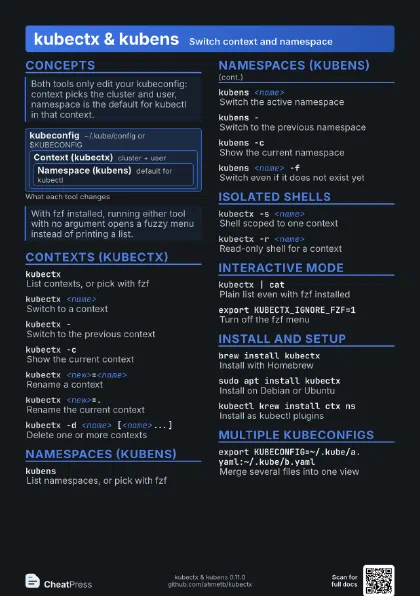
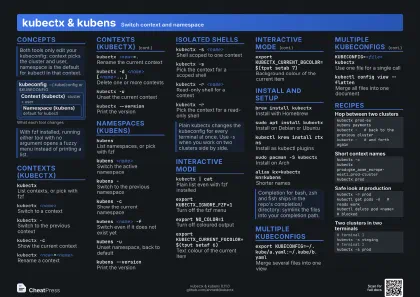 Dark · A4 landscape
297 × 210 mm · PDF
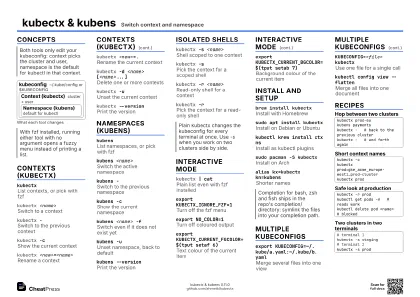 Ink saver · A4 landscape
297 × 210 mm · PDF
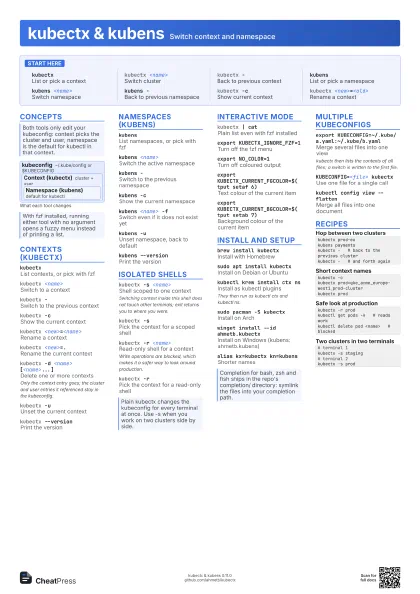
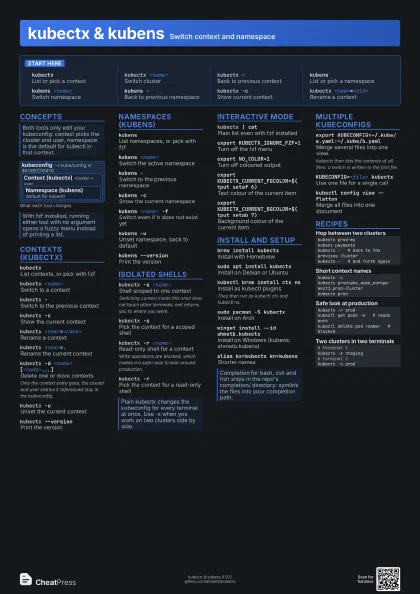
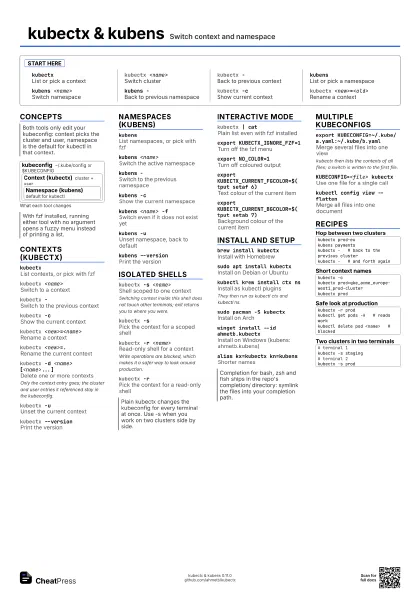
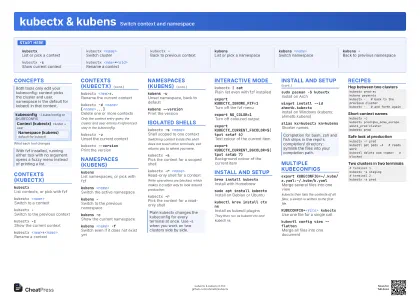 Light · A3 landscape
420 × 297 mm · PDF
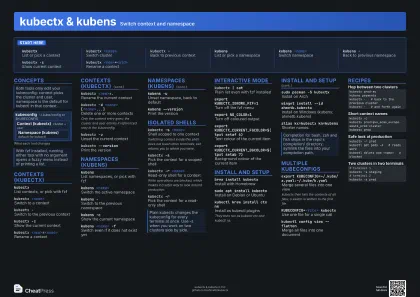 Dark · A3 landscape
420 × 297 mm · PDF
 Ink saver · A3 landscape
420 × 297 mm · PDF
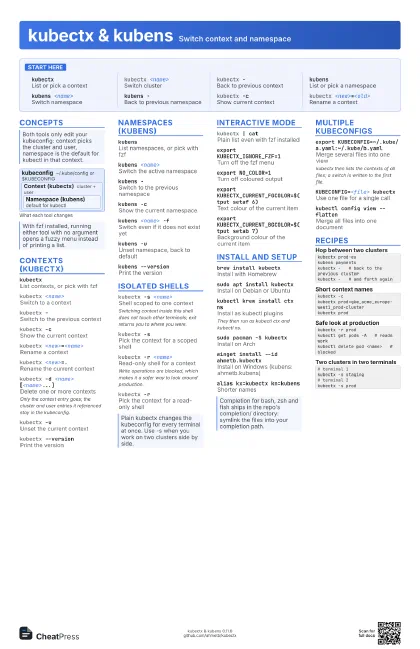
Start here
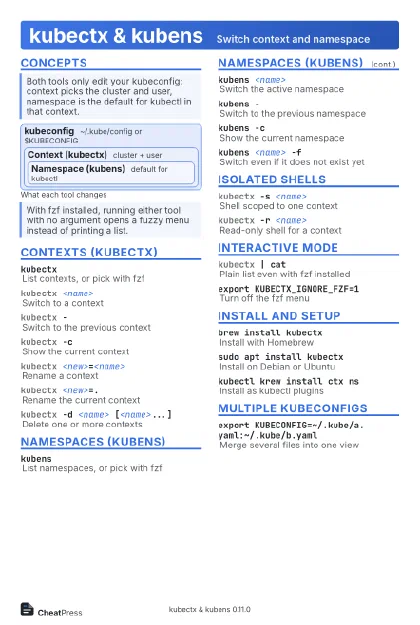
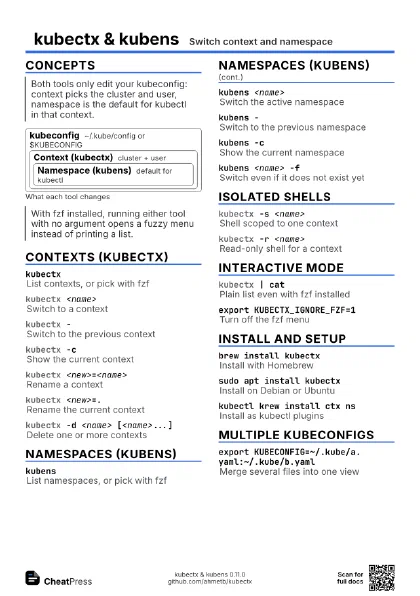
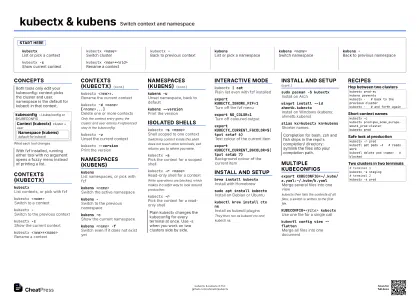
kubectxList or pick a context
kubectx <name>
Switch cluster
kubectx -Back to previous context
kubensList or pick a namespace
kubens <name>
Switch namespace
kubens -Back to previous namespace
kubectx -cShow current context
kubectx <new>=<old>
Rename a context
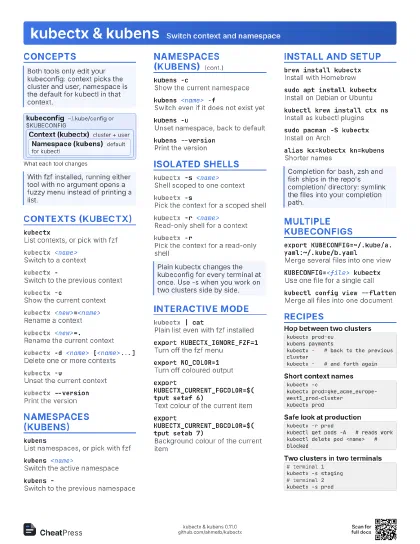
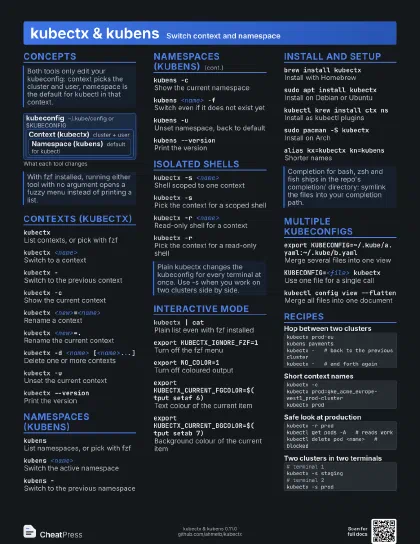
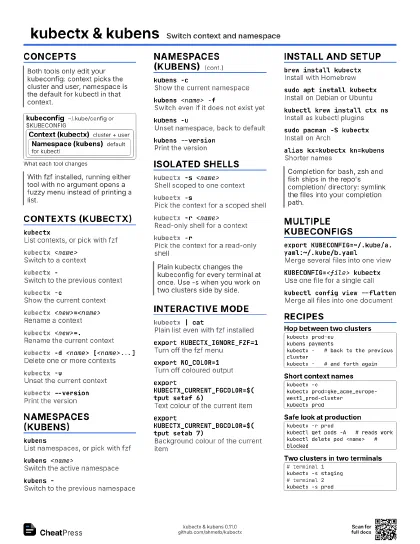
Concepts
kubeconfig
~/.kube/config or $KUBECONFIG
Context (kubectx)
cluster + user
Namespace (kubens)
default for kubectl
Contexts (kubectx)
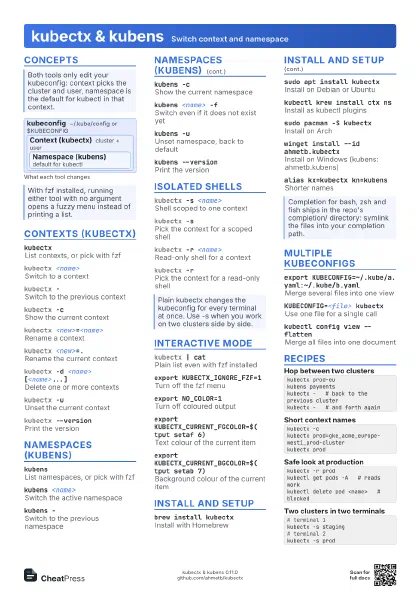
kubectxList contexts, or pick with fzf
kubectx <name>
Switch to a context
kubectx -Switch to the previous context
kubectx -cShow the current context
kubectx <new>=<name>
Rename a context
kubectx <new>=.
Rename the current context
kubectx -d <name> [<name>...]
Delete one or more contexts
Only the context entry goes; the cluster and user entries it
referenced stay in the kubeconfig.
kubectx -uUnset the current context
kubectx --version
Print the version
Namespaces (kubens)
kubensList namespaces, or pick with fzf
kubens <name>
Switch the active namespace
kubens -Switch to the previous namespace
kubens -cShow the current namespace
kubens <name> -f
Switch even if it does not exist yet
kubens -uUnset namespace, back to default
kubens --version
Print the version
Isolated shells
kubectx -s <name>
Shell scoped to one context
Switching context inside this shell does not touch other
terminals; exit returns you to where you were.
kubectx -sPick the context for a scoped shell
kubectx -r <name>
Read-only shell for a context
Write operations are blocked, which makes it a safer way to
look around production.
kubectx -rPick the context for a read-only shell
Interactive mode
kubectx | catPlain list even with fzf installed
export KUBECTX_IGNORE_FZF=1
Turn off the fzf menu
export NO_COLOR=1
Turn off coloured output
export KUBECTX_CURRENT_FGCOLOR=$(tput setaf 6)
Text colour of the current item
export KUBECTX_CURRENT_BGCOLOR=$(tput setab 7)
Background colour of the current item
Install and setup
brew install kubectx
Install with Homebrew
sudo apt install kubectx
Install on Debian or Ubuntu
kubectl krew install ctx ns
Install as kubectl plugins
They then run as kubectl ctx and kubectl ns.
sudo pacman -S kubectx
Install on Arch
winget install --id ahmetb.kubectx
Install on Windows (kubens: ahmetb.kubens)
alias kx=kubectx kn=kubens
Shorter names
Multiple kubeconfigs
export KUBECONFIG=~/.kube/a.yaml:~/.kube/b.yaml
Merge several files into one view
kubectx then lists the contexts of all files; a switch is
written to the first file.
KUBECONFIG=<file> kubectx
Use one file for a single call
kubectl config view --flatten
Merge all files into one document
Recipes
kubectx prod-eukubens paymentskubectx - # back to the previous clusterkubectx - # and forth againkubectx -ckubectx prod=gke_acme_europe-west1_prod-clusterkubectx prodkubectx -r prodkubectl get pods -A # reads workkubectl delete pod <name> # blocked# terminal 1kubectx -s staging# terminal 2kubectx -s prod