Cheat
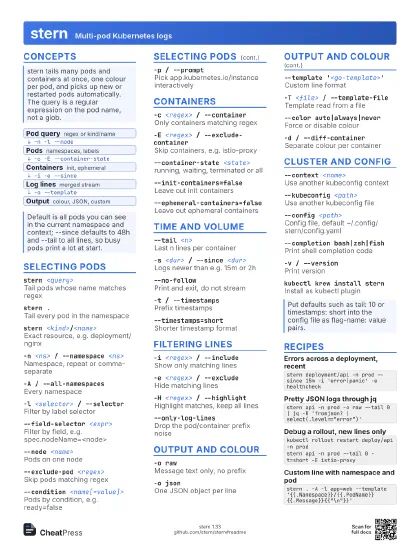
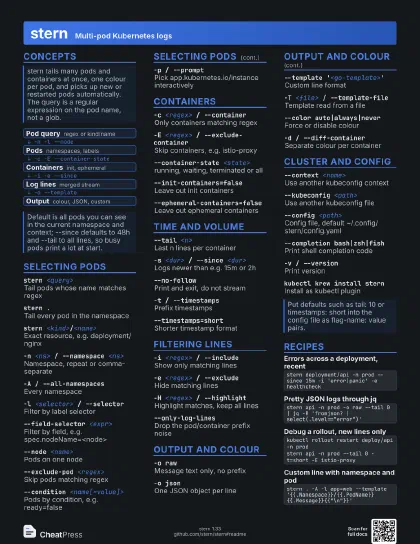
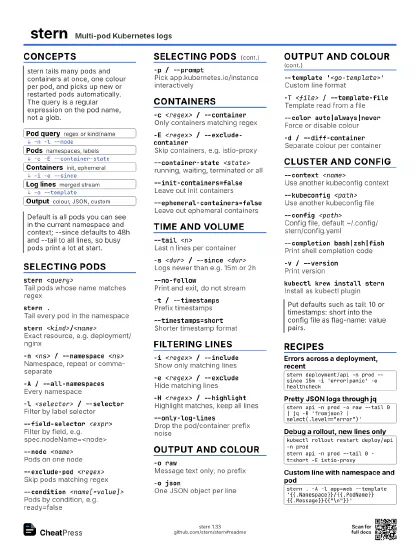
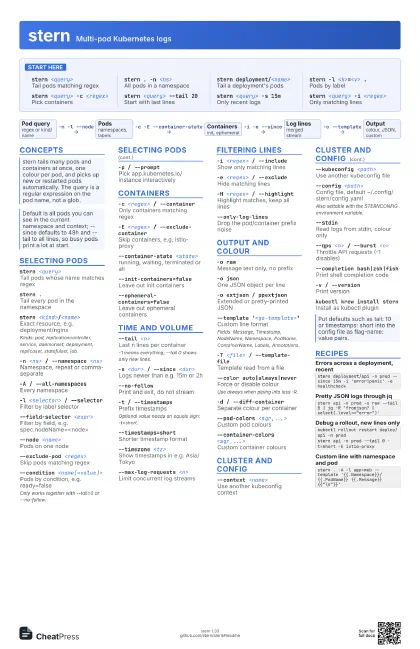
stern Multi-pod Kubernetes logs
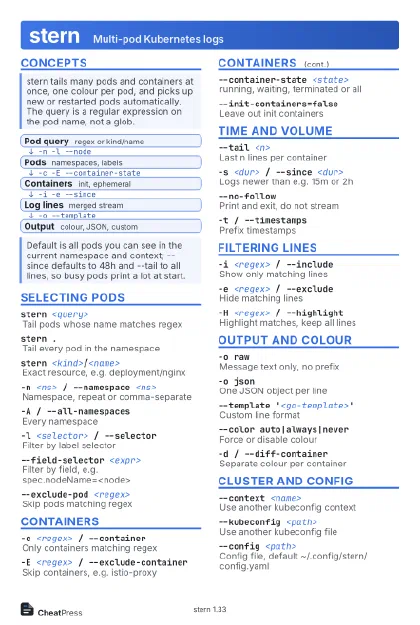 Light · Postcard
102 × 152 mm · PDF
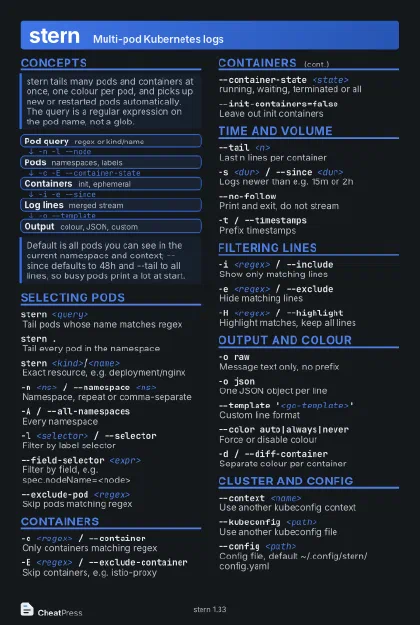 Dark · Postcard
102 × 152 mm · PDF
 Ink saver · Postcard
102 × 152 mm · PDF
 Light · A4 landscape
297 × 210 mm · PDF
 Dark · A4 landscape
297 × 210 mm · PDF
 Ink saver · A4 landscape
297 × 210 mm · PDF
 Light · A3 landscape
420 × 297 mm · PDF
 Dark · A3 landscape
420 × 297 mm · PDF
 Ink saver · A3 landscape
420 × 297 mm · PDF
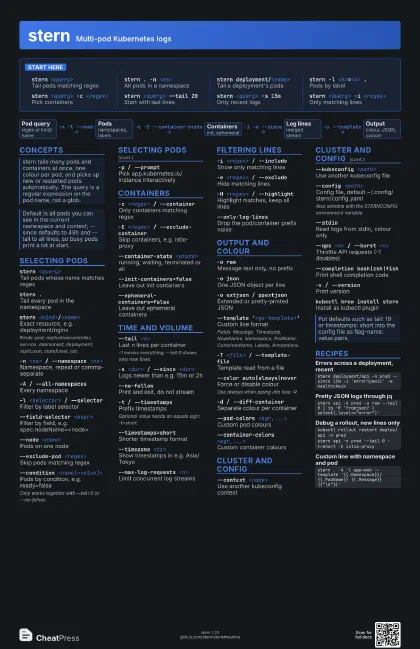
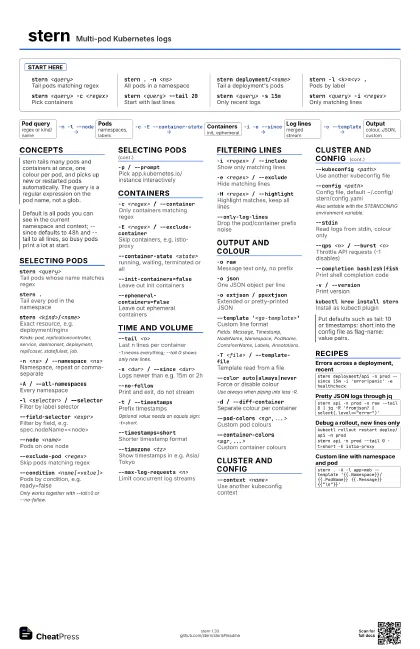
Start here
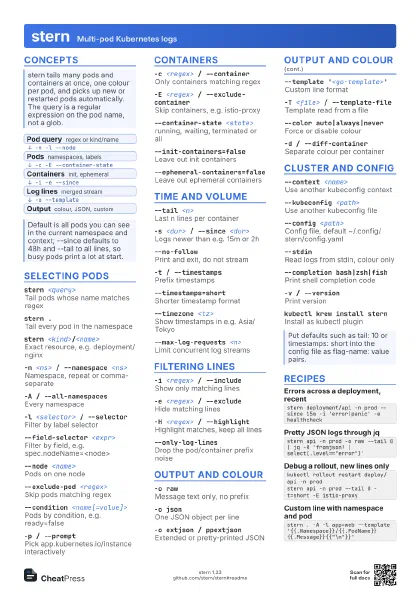
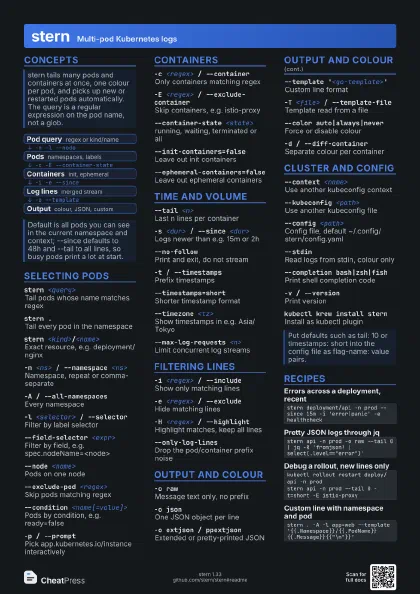
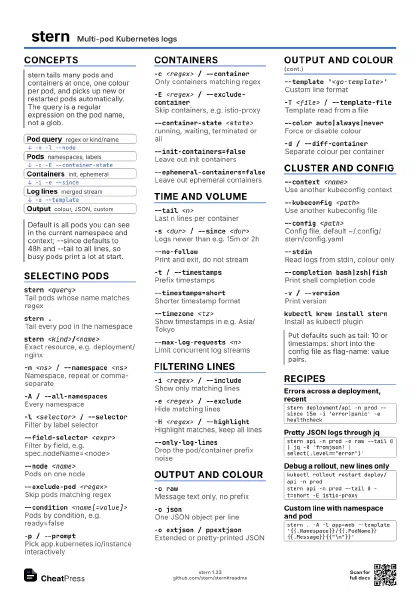
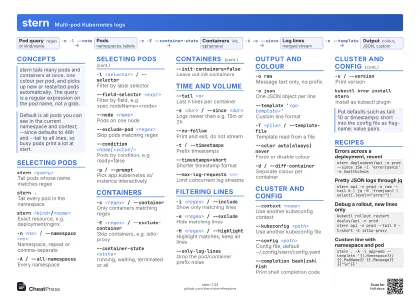
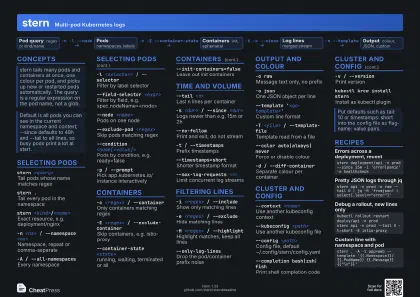
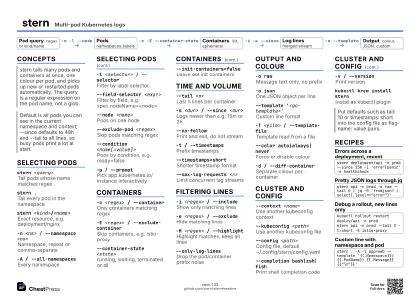
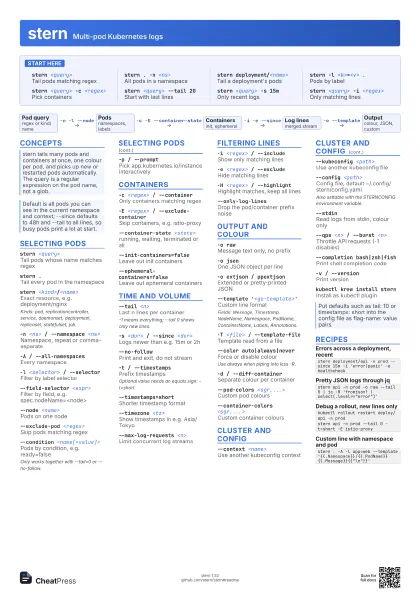
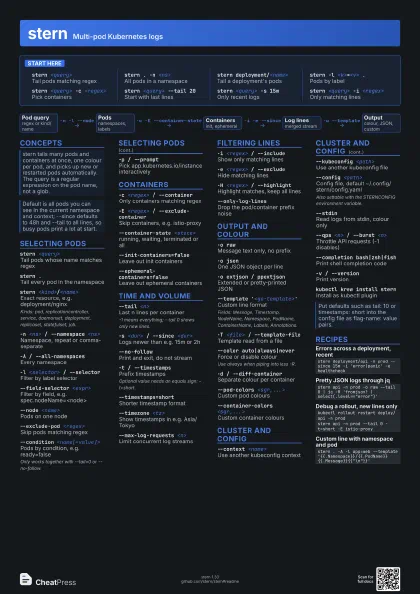
stern <query>
Tail pods matching regex
stern . -n <ns>
All pods in a namespace
stern deployment/<name>
Tail a deployment's pods
stern -l <k>=<v> .
Pods by label
stern <query> -c <regex>
Pick containers
stern <query> --tail 20
Start with last lines
stern <query> -s 15m
Only recent logs
stern <query> -i <regex>
Only matching lines
Concepts
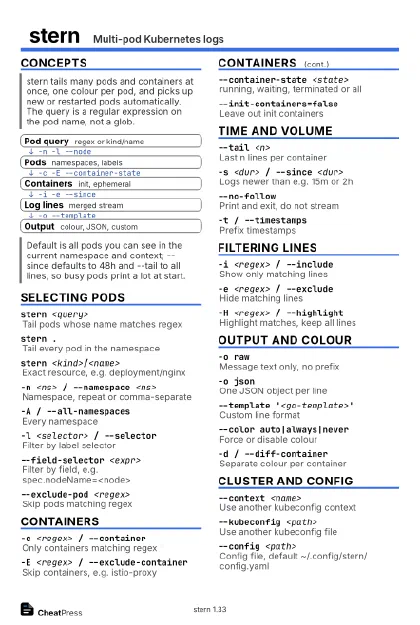
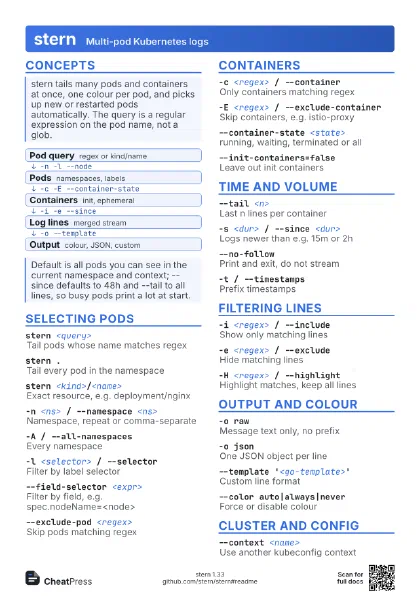
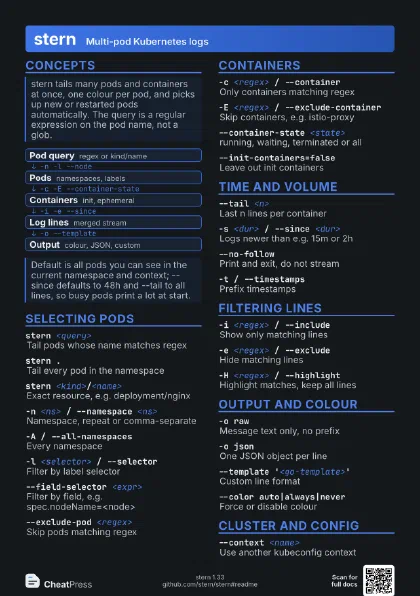
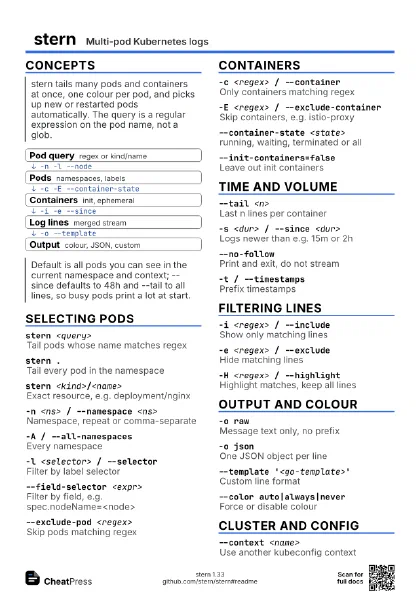
- Pod query regex or kind/name
- Pods namespaces, labels
- Containers init, ephemeral
- Log lines merged stream
- Output colour, JSON, custom
Selecting pods
stern <query>
Tail pods whose name matches regex
stern .Tail every pod in the namespace
stern <kind>/<name>
Exact resource, e.g. deployment/nginx
Kinds: pod, replicationcontroller, service, daemonset,
deployment, replicaset, statefulset, job.
-n <ns> / --namespace <ns>
Namespace, repeat or comma-separate
-A / --all-namespaces
Every namespace
-l <selector> / --selector
Filter by label selector
--field-selector <expr>
Filter by field, e.g. spec.nodeName=<node>
--node <name>
Pods on one node
--exclude-pod <regex>
Skip pods matching regex
--condition <name[=value]>
Pods by condition, e.g. ready=false
Only works together with --tail=0 or --no-follow.
-p / --prompt
Pick app.kubernetes.io/instance interactively
Containers
-c <regex> / --container
Only containers matching regex
-E <regex> / --exclude-container
Skip containers, e.g. istio-proxy
--container-state <state>
running, waiting, terminated or all
--init-containers=false
Leave out init containers
--ephemeral-containers=false
Leave out ephemeral containers
Time and volume
--tail <n>
Last n lines per container
-1 means everything; --tail 0 shows only new lines.
-s <dur> / --since <dur>
Logs newer than e.g. 15m or 2h
--no-followPrint and exit, do not stream
-t / --timestamps
Prefix timestamps
Optional value needs an equals sign: -t=short.
--timestamps=short
Shorter timestamp format
--timezone <tz>
Show timestamps in e.g. Asia/Tokyo
--max-log-requests <n>
Limit concurrent log streams
Filtering lines
-i <regex> / --include
Show only matching lines
-e <regex> / --exclude
Hide matching lines
-H <regex> / --highlight
Highlight matches, keep all lines
--only-log-lines
Drop the pod/container prefix noise
Output and colour
-o rawMessage text only, no prefix
-o jsonOne JSON object per line
-o extjson / ppextjson
Extended or pretty-printed JSON
--template '<go-template>'
Custom line format
Fields: Message, Timestamp, NodeName, Namespace, PodName,
ContainerName, Labels, Annotations.
-T <file> / --template-file
Template read from a file
--color auto|always|never
Force or disable colour
Use always when piping into less -R.
-d / --diff-container
Separate colour per container
--pod-colors <sgr,...>
Custom pod colours
--container-colors <sgr,...>
Custom container colours
Cluster and config
--context <name>
Use another kubeconfig context
--kubeconfig <path>
Use another kubeconfig file
--config <path>
Config file, default ~/.config/stern/config.yaml
Also settable with the STERNCONFIG environment variable.
--stdinRead logs from stdin, colour only
--qps <n> / --burst <n>
Throttle API requests (-1 disables)
--completion bash|zsh|fish
Print shell completion code
-v / --versionPrint version
kubectl krew install stern
Install as kubectl plugin
Recipes
stern deployment/api -n prod --since 15m -i 'error|panic' -e healthcheckstern api -n prod -o raw --tail 0 | jq -R 'fromjson? | select(.level=="error")'kubectl rollout restart deploy/api -n prodstern api -n prod --tail 0 -t=short -E istio-proxystern . -A -l app=web --template '{{.Namespace}}/{{.PodName}} {{.Message}}{{"\n"}}'