Cheat
khal Terminal calendar
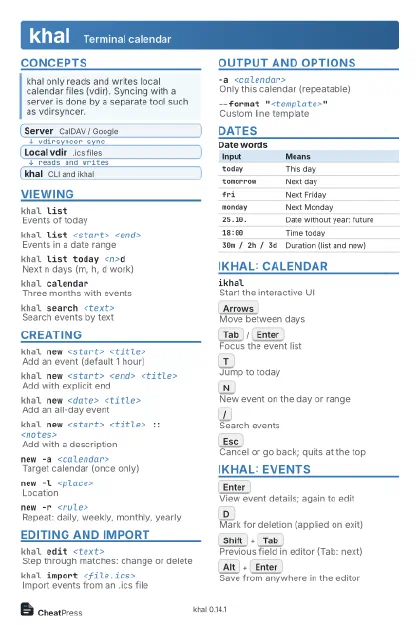 Light · Postcard
102 × 152 mm · PDF
 Dark · Postcard
102 × 152 mm · PDF
 Ink saver · Postcard
102 × 152 mm · PDF
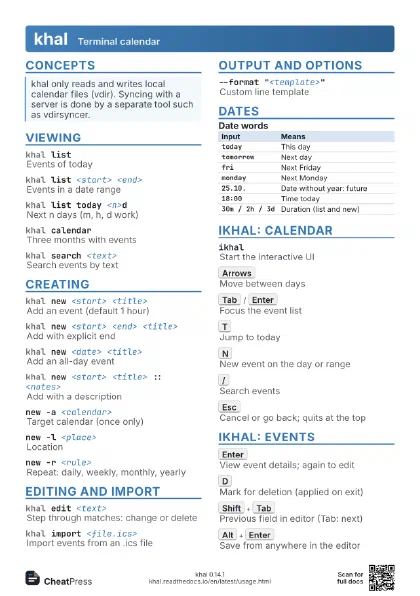
 Light · A4 landscape
297 × 210 mm · PDF
 Dark · A4 landscape
297 × 210 mm · PDF
 Ink saver · A4 landscape
297 × 210 mm · PDF
 Light · A3 landscape
420 × 297 mm · PDF
 Dark · A3 landscape
420 × 297 mm · PDF
 Ink saver · A3 landscape
420 × 297 mm · PDF
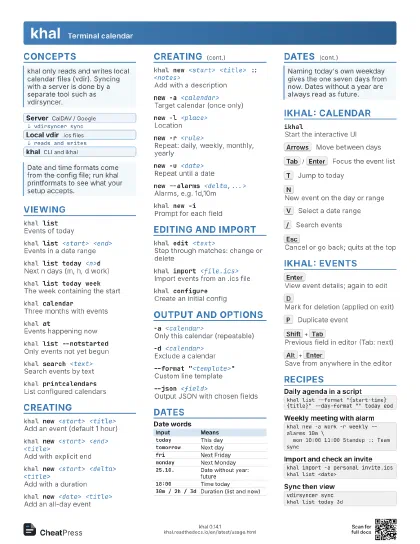
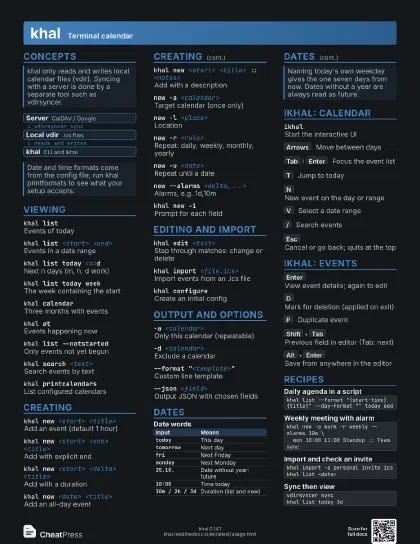
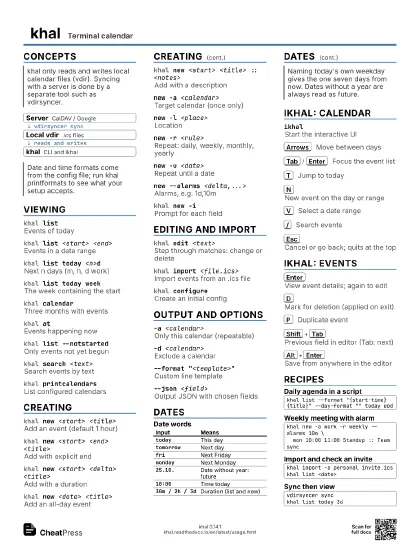
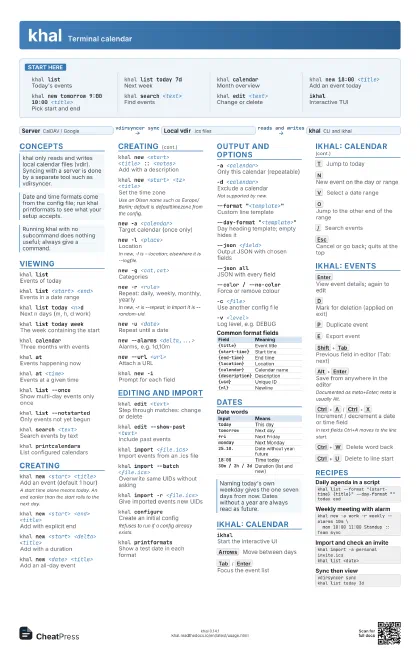
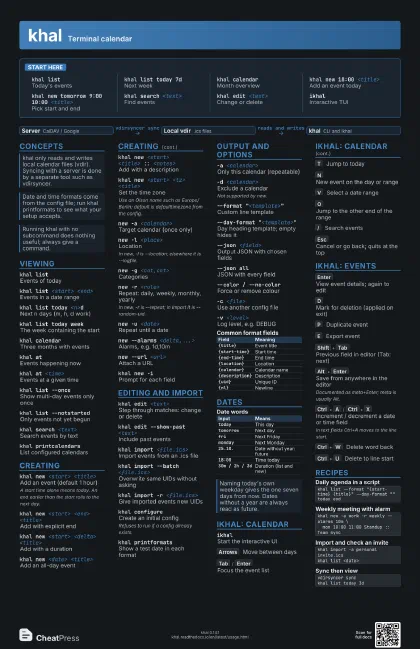
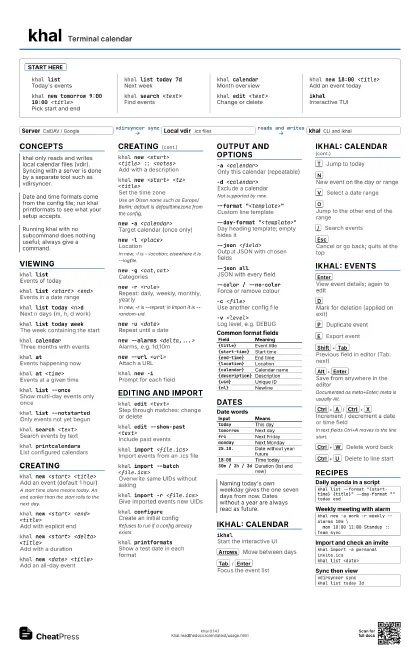
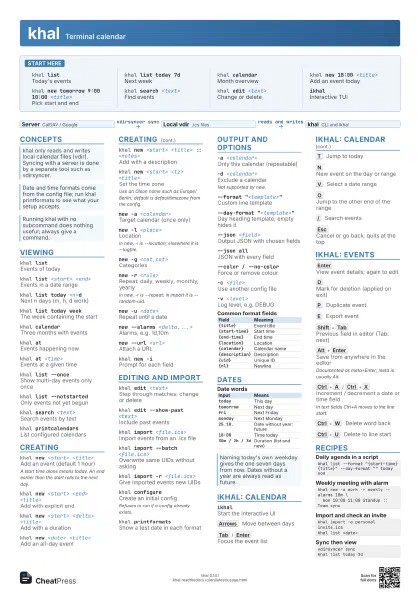
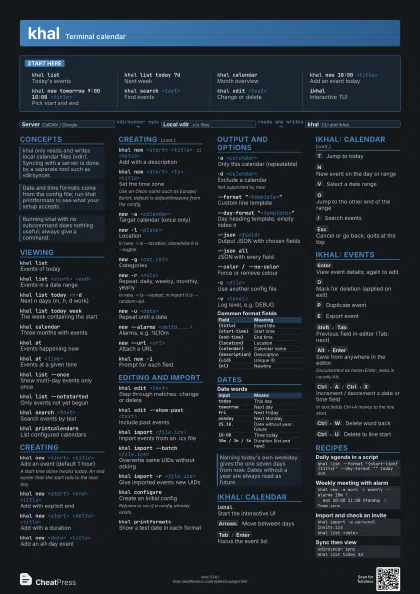
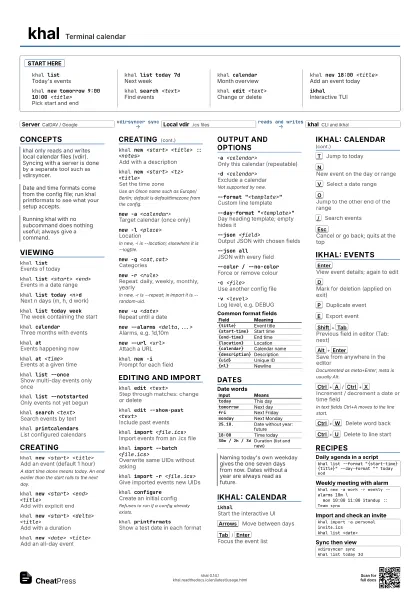
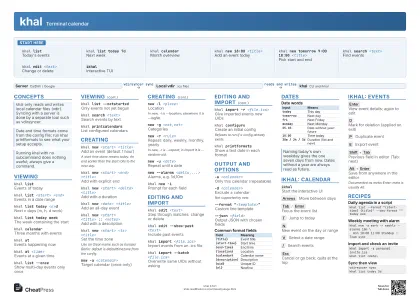
Start here
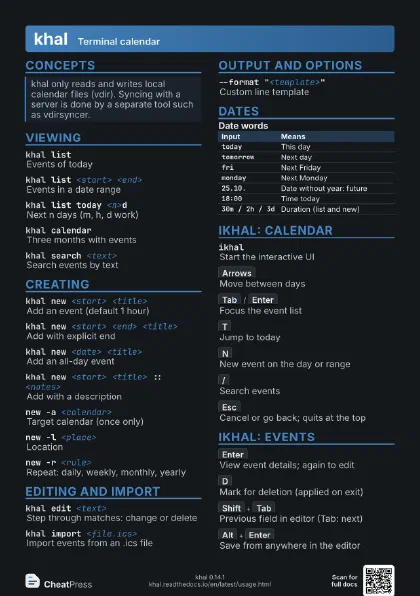
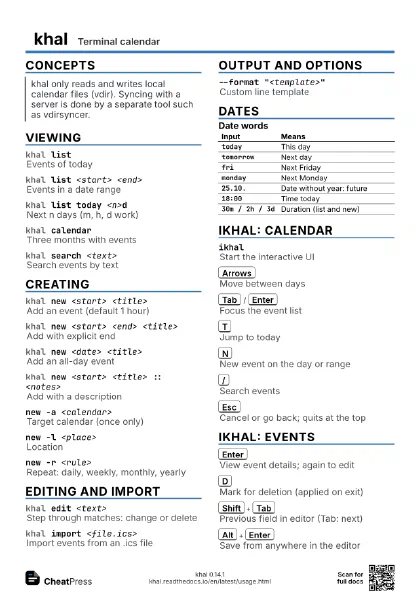
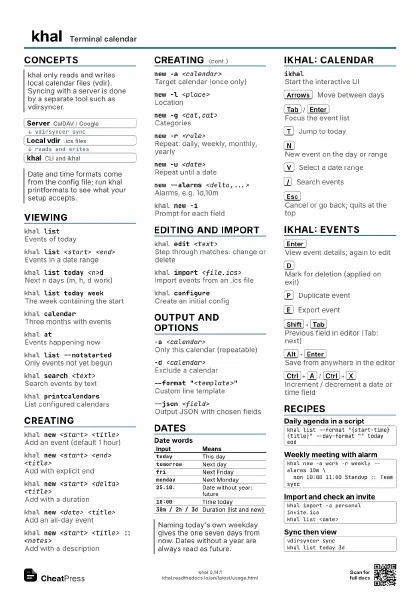
khal listToday's events
khal list today 7d
Next week
khal calendarMonth overview
khal new 18:00 <title>
Add an event today
khal new tomorrow 9:00 10:00 <title>
Pick start and end
khal search <text>
Find events
khal edit <text>
Change or delete
ikhalInteractive TUI
Concepts
- Server CalDAV / Google
- Local vdir .ics files
- khal CLI and ikhal
Viewing
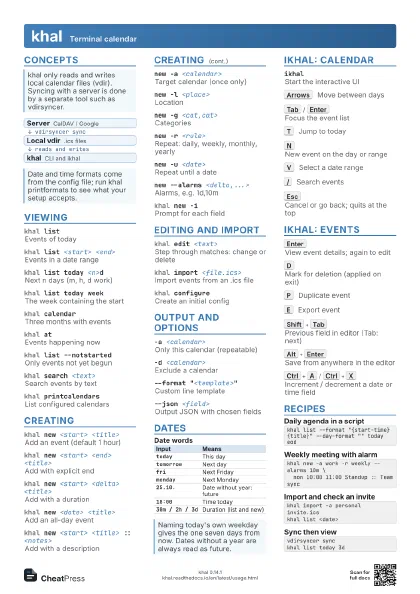
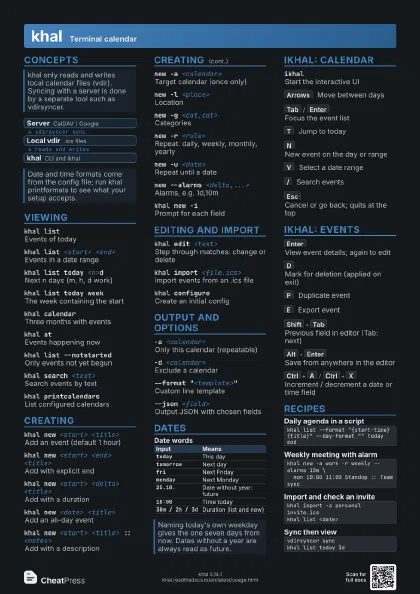
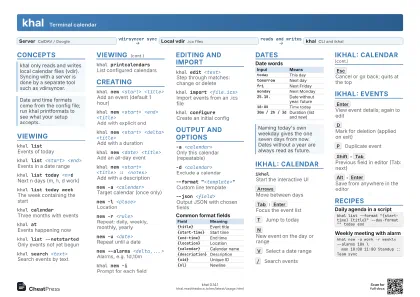
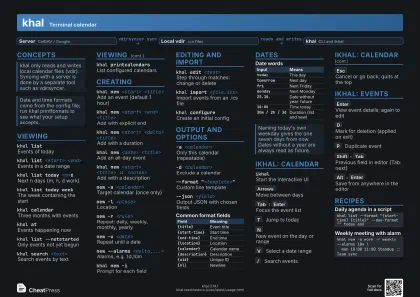
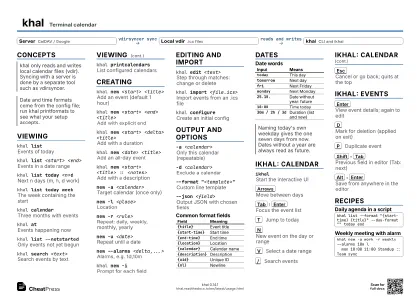
khal listEvents of today
khal list <start> <end>
Events in a date range
khal list today <n>d
Next n days (m, h, d work)
khal list today week
The week containing the start
khal calendarThree months with events
khal atEvents happening now
khal at <time>
Events at a given time
khal list --once
Show multi-day events only once
khal list --notstarted
Only events not yet begun
khal search <text>
Search events by text
khal printcalendars
List configured calendars
Creating
khal new <start> <title>
Add an event (default 1 hour)
A start time alone means today. An end earlier than the start
rolls to the next day.
khal new <start> <end> <title>
Add with explicit end
khal new <start> <delta> <title>
Add with a duration
khal new <date> <title>
Add an all-day event
khal new <start> <title> :: <notes>
Add with a description
khal new <start> <tz> <title>
Set the time zone
Use an Olson name such as Europe/Berlin; default is
defaulttimezone from the config.
new -a <calendar>
Target calendar (once only)
new -l <place>
Location
In new, -l is --location; elsewhere it is --logfile.
new -g <cat,cat>
Categories
new -r <rule>
Repeat: daily, weekly, monthly, yearly
In new, -r is --repeat; in import it is --random-uid.
new -u <date>
Repeat until a date
new --alarms <delta,...>
Alarms, e.g. 1d,10m
new --url <url>
Attach a URL
khal new -iPrompt for each field
Editing and import
khal edit <text>
Step through matches: change or delete
khal edit --show-past <text>
Include past events
khal import <file.ics>
Import events from an .ics file
khal import --batch <file.ics>
Overwrite same UIDs without asking
khal import -r <file.ics>
Give imported events new UIDs
khal configureCreate an initial config
Refuses to run if a config already exists.
khal printformats
Show a test date in each format
Output and options
-a <calendar>
Only this calendar (repeatable)
-d <calendar>
Exclude a calendar
Not supported by new.
--format "<template>"
Custom line template
--day-format "<template>"
Day heading template; empty hides it
--json <field>
Output JSON with chosen fields
--json allJSON with every field
--color / --no-color
Force or remove colour
-c <file>Use another config file
-v <level>
Log level, e.g. DEBUG
| Field | Meaning |
|---|---|
{title} |
Event title |
{start-time} |
Start time |
{end-time} |
End time |
{location} |
Location |
{calendar} |
Calendar name |
{description} |
Description |
{uid} |
Unique ID |
{nl} |
Newline |
Dates
| Input | Means |
|---|---|
today |
This day |
tomorrow |
Next day |
fri |
Next Friday |
monday |
Next Monday |
25.10. |
Date without year: future |
18:00 |
Time today |
30m / 2h / 3d |
Duration (list and new) |
ikhal: calendar
ikhalStart the interactive UI
Arrows
Move between days
Tab
/
Enter
Focus the event list
T
Jump to today
N
New event on the day or range
V
Select a date range
O
Jump to the other end of the range
/
Search events
Esc
Cancel or go back; quits at the top
ikhal: events
Enter
View event details; again to edit
D
Mark for deletion (applied on exit)
P
Duplicate event
E
Export event
Shift+Tab
Previous field in editor (Tab: next)
Alt+Enter
Save from anywhere in the editor
Documented as meta+Enter; meta is usually Alt.
Ctrl+A
/
Ctrl+X
Increment / decrement a date or time field
In text fields Ctrl+A moves to the line start.
Ctrl+W
Delete word back
Ctrl+U
Delete to line start
Recipes
khal list --format "{start-time} {title}" --day-format "" today eodkhal new -a work -r weekly --alarms 10m \ mon 10:00 11:00 Standup :: Team synckhal import -a personal invite.icskhal list <date>vdirsyncer synckhal list today 3d