Cheat
istioctl Service mesh CLI
 Light · Postcard
102 × 152 mm · PDF
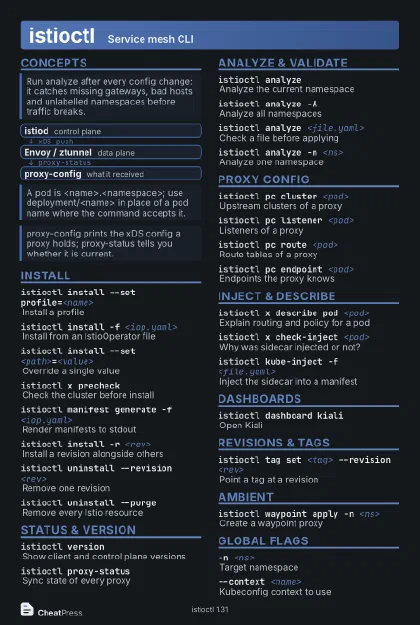 Dark · Postcard
102 × 152 mm · PDF
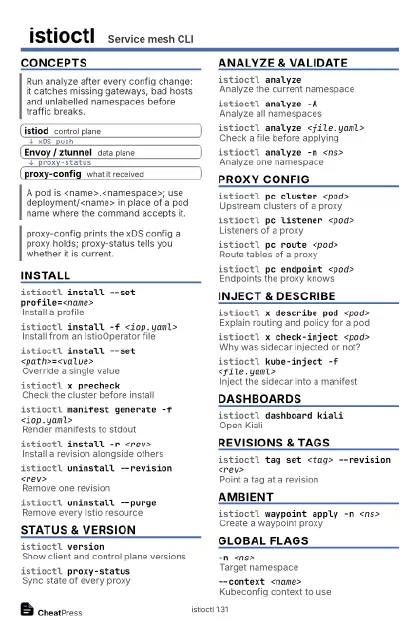 Ink saver · Postcard
102 × 152 mm · PDF
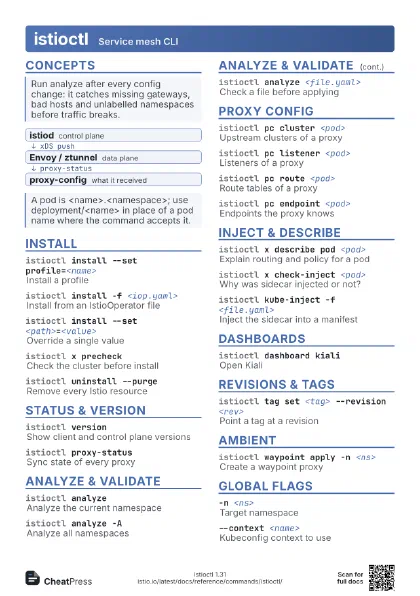
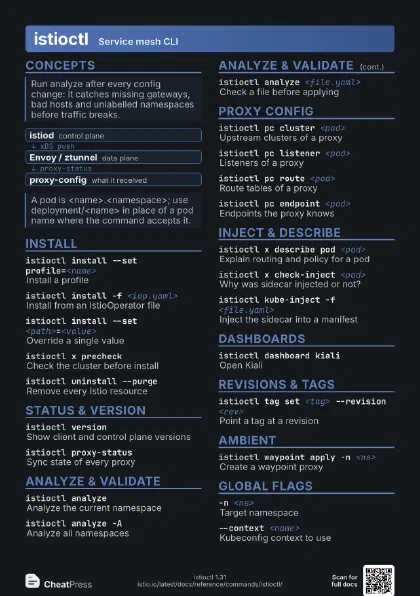
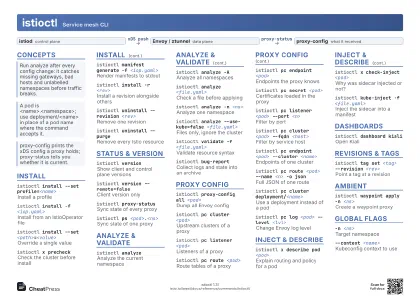 Light · A4 landscape
297 × 210 mm · PDF
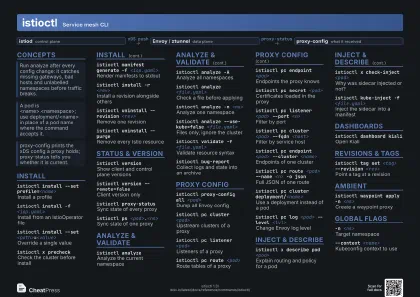 Dark · A4 landscape
297 × 210 mm · PDF
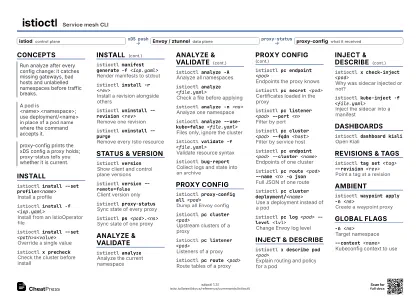 Ink saver · A4 landscape
297 × 210 mm · PDF


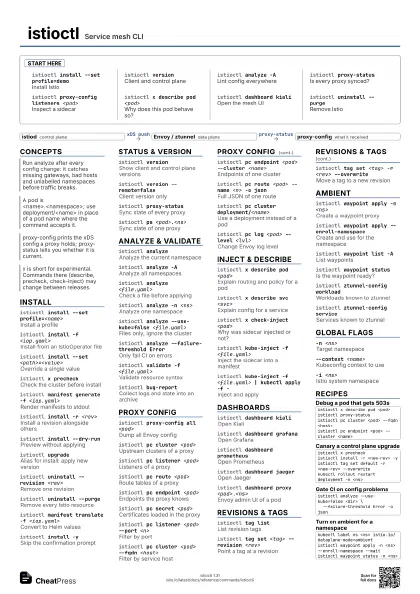
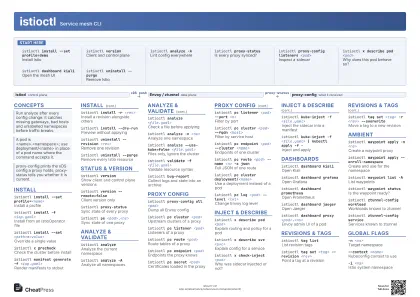 Light · A3 landscape
420 × 297 mm · PDF
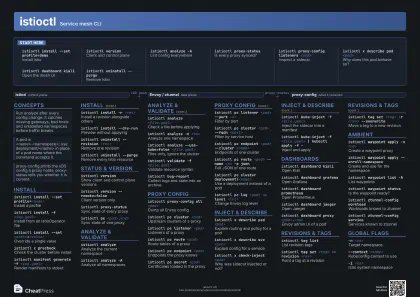 Dark · A3 landscape
420 × 297 mm · PDF
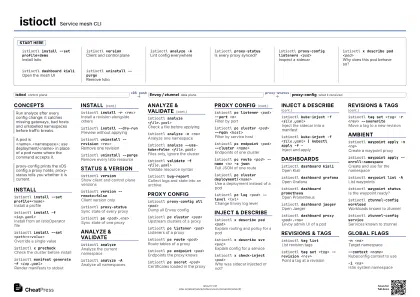 Ink saver · A3 landscape
420 × 297 mm · PDF
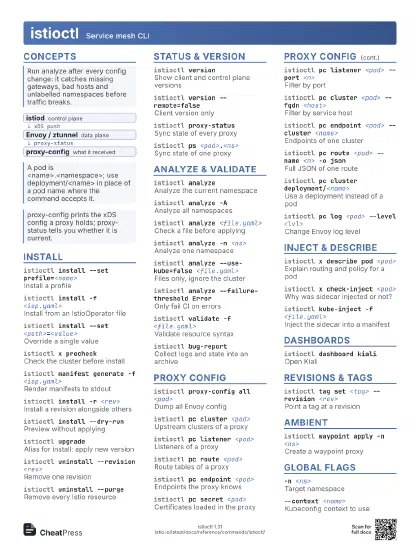


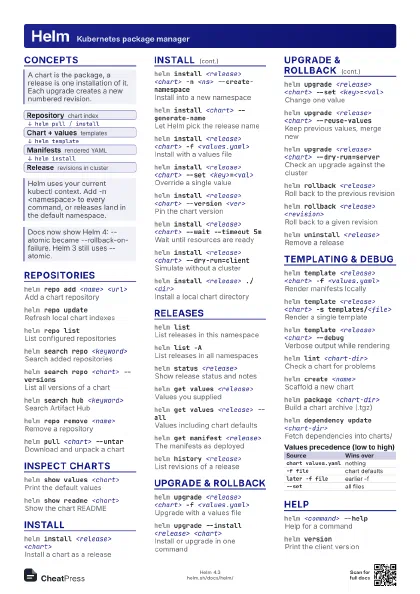
Start here
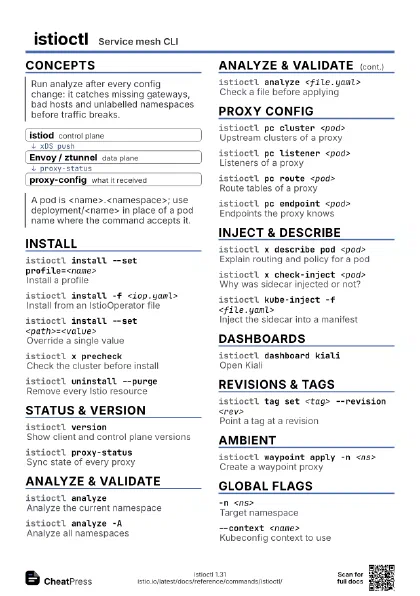
istioctl install --set profile=demo
Install Istio
istioctl version
Client and control plane
istioctl analyze -A
Lint config everywhere
istioctl proxy-status
Is every proxy synced?
istioctl proxy-config listeners <pod>
Inspect a sidecar
istioctl x describe pod <pod>
Why does this pod behave so?
istioctl dashboard kiali
Open the mesh UI
istioctl uninstall --purge
Remove Istio
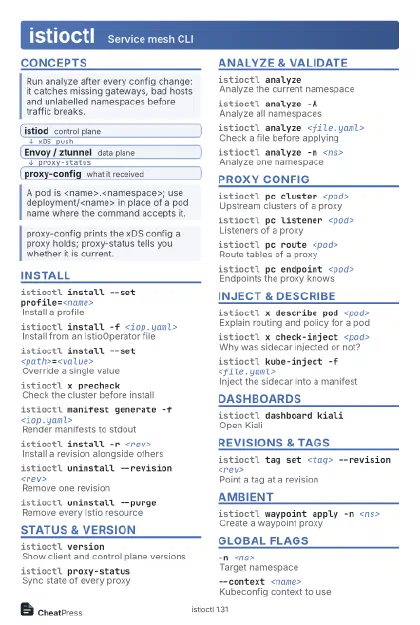
Concepts
- istiod control plane
- Envoy / ztunnel data plane
- proxy-config what it received
Install
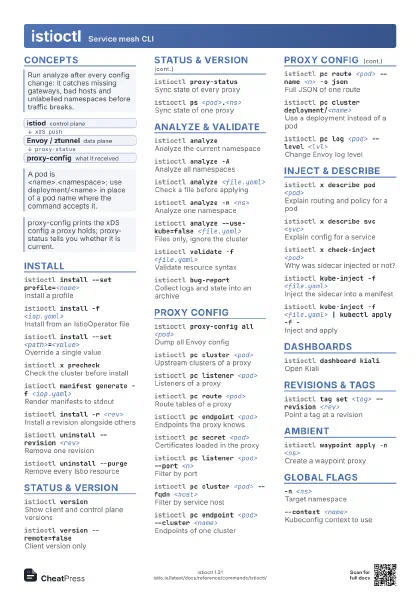
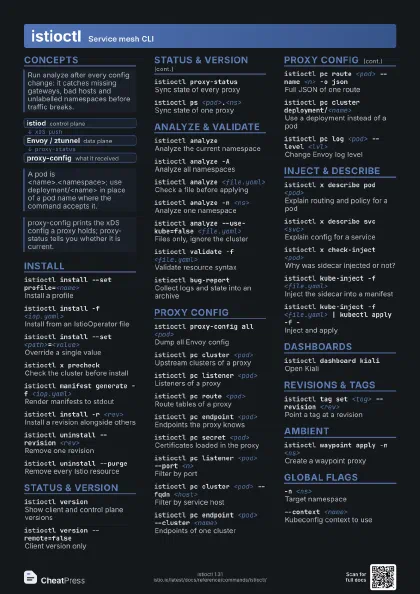
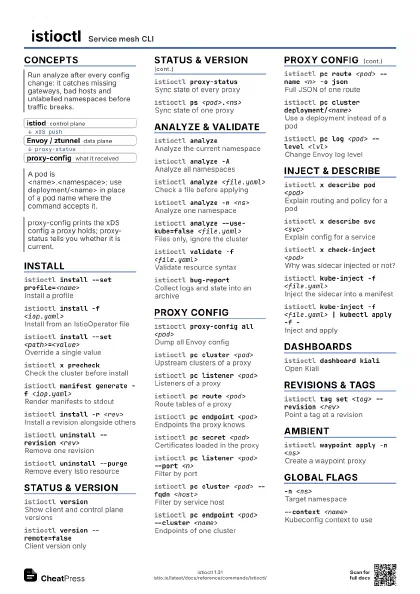
istioctl install --set profile=<name>
Install a profile
istioctl install -f <iop.yaml>
Install from an IstioOperator file
istioctl install --set <path>=<value>
Override a single value
istioctl x precheck
Check the cluster before install
istioctl manifest generate -f <iop.yaml>
Render manifests to stdout
istioctl install -r <rev>
Install a revision alongside others
istioctl install --dry-run
Preview without applying
istioctl upgrade
Alias for install: apply new version
istioctl uninstall --revision <rev>
Remove one revision
istioctl uninstall --purge
Remove every Istio resource
istioctl manifest translate -f <iop.yaml>
Convert to Helm values
istioctl install -y
Skip the confirmation prompt
Status & Version
istioctl version
Show client and control plane versions
istioctl version --remote=false
Client version only
istioctl proxy-status
Sync state of every proxy
istioctl ps <pod>.<ns>
Sync state of one proxy
istioctl proxy-status -o json
Machine-readable sync state
istioctl remote-clusters
Clusters istiod is connected to
Analyze & Validate
istioctl analyze
Analyze the current namespace
istioctl analyze -A
Analyze all namespaces
istioctl analyze <file.yaml>
Check a file before applying
istioctl analyze -n <ns>
Analyze one namespace
istioctl analyze --use-kube=false <file.yaml>
Files only, ignore the cluster
istioctl analyze -o json
Output as JSON
istioctl analyze --failure-threshold Error
Only fail CI on errors
istioctl analyze -L
List all analyzers
istioctl validate -f <file.yaml>
Validate resource syntax
istioctl bug-report
Collect logs and state into an archive
Proxy Config
istioctl proxy-config all <pod>
Dump all Envoy config
istioctl pc cluster <pod>
Upstream clusters of a proxy
istioctl pc listener <pod>
Listeners of a proxy
istioctl pc route <pod>
Route tables of a proxy
istioctl pc endpoint <pod>
Endpoints the proxy knows
istioctl pc secret <pod>
Certificates loaded in the proxy
istioctl pc listener <pod> --port <n>
Filter by port
istioctl pc cluster <pod> --fqdn <host>
Filter by service host
istioctl pc endpoint <pod> --cluster
                    <name>
Endpoints of one cluster
istioctl pc route <pod> --name <n> -o
                    json
Full JSON of one route
istioctl pc cluster deployment/<name>
Use a deployment instead of a pod
istioctl pc bootstrap <pod>
Show the bootstrap config
istioctl pc log <pod> --level <lvl>
Change Envoy log level
istioctl pc log <pod> -r
Reset Envoy log levels
istioctl pc cluster --file <dump.json>
Read an offline config dump
Inject & Describe
istioctl x describe pod <pod>
Explain routing and policy for a pod
istioctl x describe svc <svc>
Explain config for a service
istioctl x check-inject <pod>
Why was sidecar injected or not?
istioctl kube-inject -f <file.yaml>
Inject the sidecar into a manifest
istioctl kube-inject -f <file.yaml> | kubectl apply
                    -f -
Inject and apply
istioctl x injector list
Injector versions per namespace
istioctl x workload entry configure -f
                    <wg.yaml>
Config files for a VM workload
istioctl x workload group create --name <n>
Template a WorkloadGroup
Dashboards
istioctl dashboard kiali
Open Kiali
istioctl dashboard grafana
Open Grafana
istioctl dashboard prometheus
Open Prometheus
istioctl dashboard jaeger
Open Jaeger
istioctl dashboard zipkin
Open Zipkin
istioctl dashboard proxy <pod>.<ns>
Envoy admin UI of a pod
istioctl dashboard controlz <istiod-pod>
Open istiod ControlZ
istioctl dash <ui> -p <port>
Pick the local port
istioctl x metrics <workload>
Rate, errors and latency
istioctl x envoy-stats <pod>
Envoy stats of a pod
Revisions & Tags
istioctl tag list
List revision tags
istioctl tag set <tag> --revision <rev>
Point a tag at a revision
istioctl tag set <tag> -r <rev>
                    --overwrite
Move a tag to a new revision
istioctl tag generate <tag> -r <rev>
Print the tag manifest
istioctl tag remove <tag>
Delete a tag
istioctl admin log
Show istiod log levels
istioctl admin log --level <scope>:<lvl>
Set an istiod log level
Ambient
istioctl waypoint apply -n <ns>
Create a waypoint proxy
istioctl waypoint apply --enroll-namespace
Create and use for the namespace
istioctl waypoint list -A
List waypoints
istioctl waypoint status
Is the waypoint ready?
istioctl waypoint generate
Print the waypoint YAML
istioctl waypoint delete --all
Delete all waypoints
istioctl ztunnel-config workload
Workloads known to ztunnel
istioctl ztunnel-config service
Services known to ztunnel
istioctl ztunnel-config policy
Policies ztunnel enforces
istioctl ztunnel-config certificate
Certificates held by ztunnel
istioctl ztunnel-config connections
Active ztunnel connections
Global Flags
-n <ns>Target namespace
--context <name>
Kubeconfig context to use
-i <ns>Istio system namespace
-c <file>Kubeconfig file
--as <user>
Impersonate a user
istioctl completion bash
Print shell completion
istioctl options
List global flags
Recipes
istioctl x describe pod <pod>istioctl proxy-statusistioctl pc cluster <pod> --fqdn <host>istioctl pc endpoint <pod> --cluster <name>istioctl x precheckistioctl install -r <new-rev> -yistioctl tag set default -r <new-rev> --overwritekubectl rollout restart deployment -n <ns>istioctl analyze --use-kube=false <dir> \ --failure-threshold Error -o jsonkubectl label ns <ns> istio.io/dataplane-mode=ambientistioctl waypoint apply -n <ns> --enroll-namespace --waitistioctl waypoint status -n <ns>