Cheat
gping Ping with a graph
 Light · Postcard
102 × 152 mm · PDF
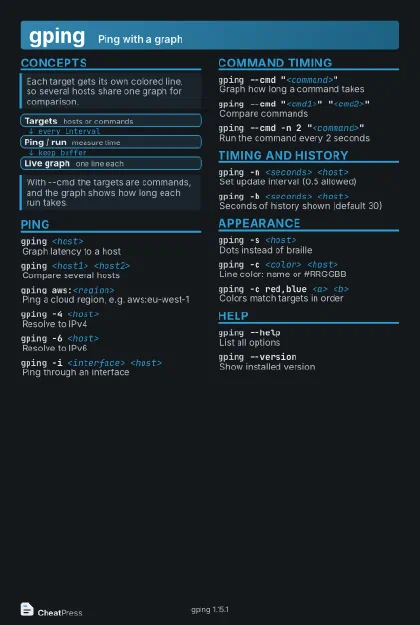 Dark · Postcard
102 × 152 mm · PDF
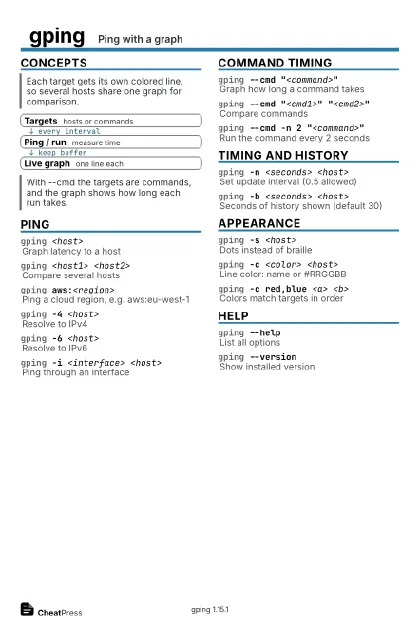 Ink saver · Postcard
102 × 152 mm · PDF
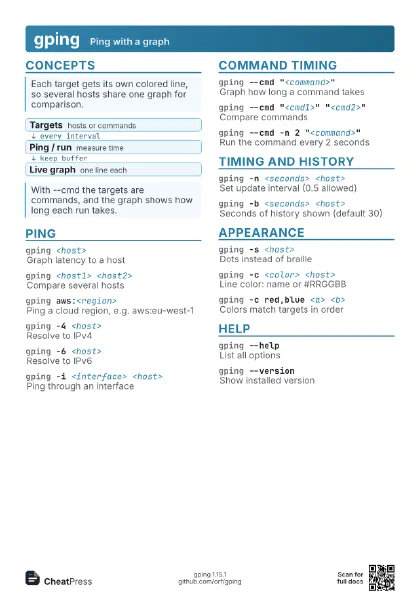
 Light · A4 landscape
297 × 210 mm · PDF
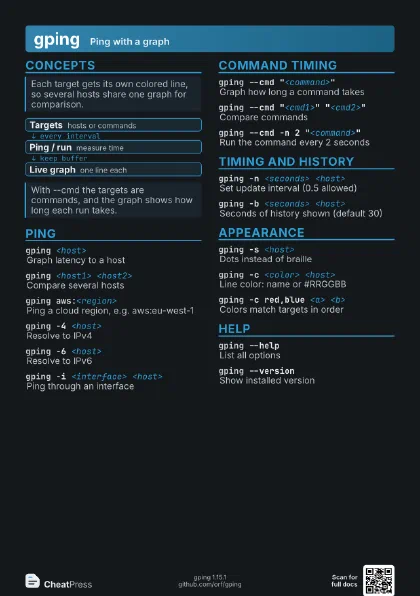
 Dark · A4 landscape
297 × 210 mm · PDF
 Ink saver · A4 landscape
297 × 210 mm · PDF
 Light · A3 landscape
420 × 297 mm · PDF
 Dark · A3 landscape
420 × 297 mm · PDF
 Ink saver · A3 landscape
420 × 297 mm · PDF
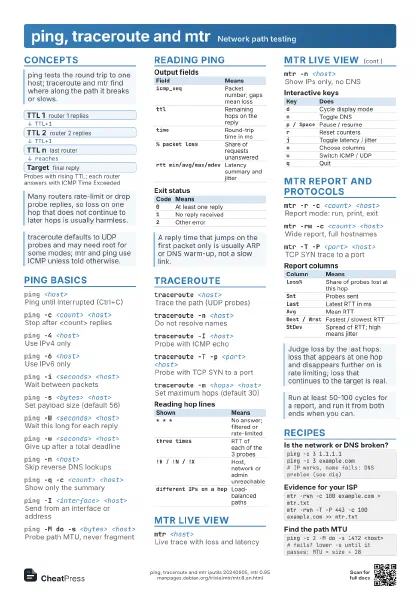
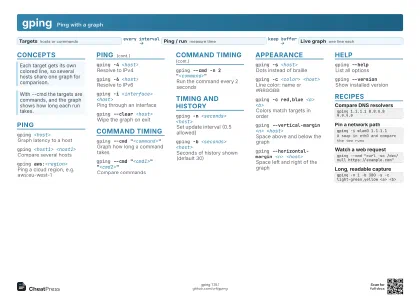
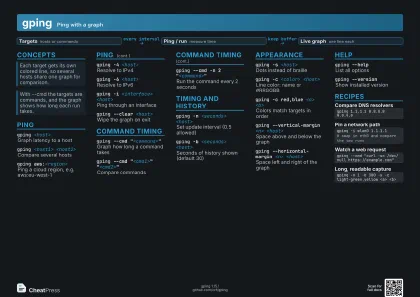
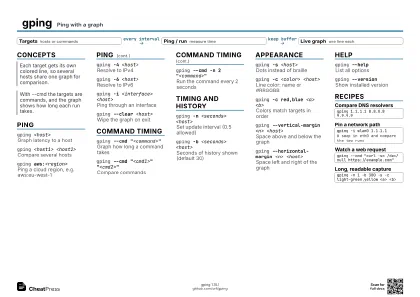
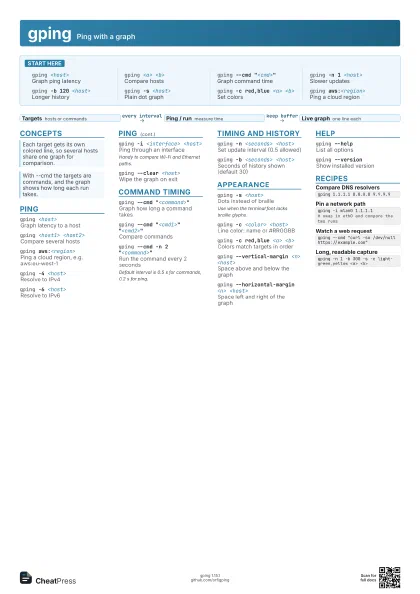
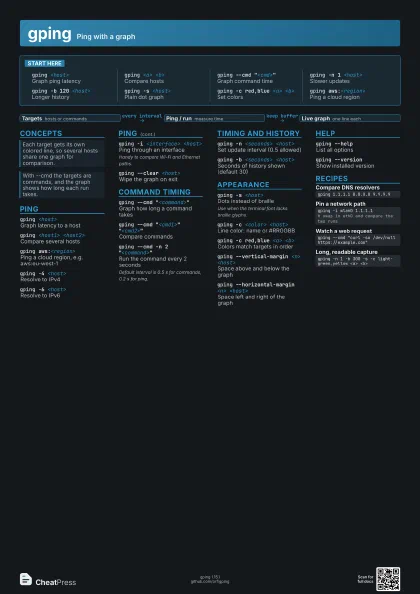
Start here
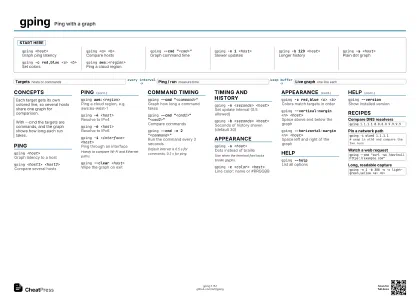
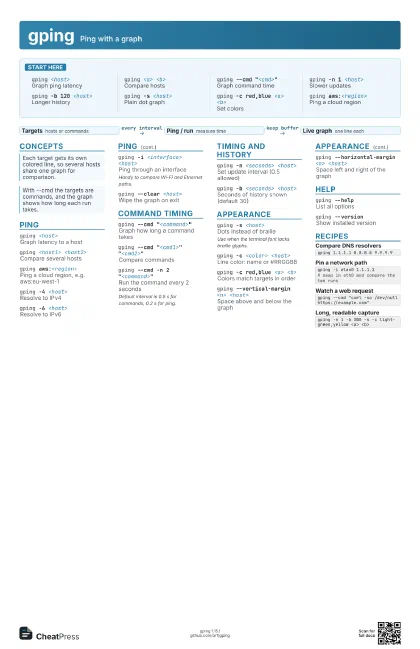
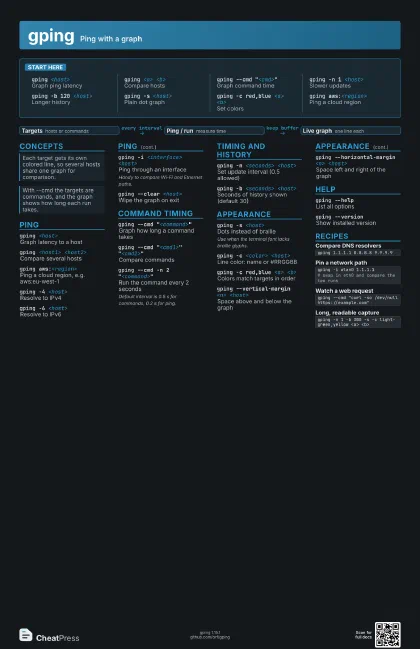
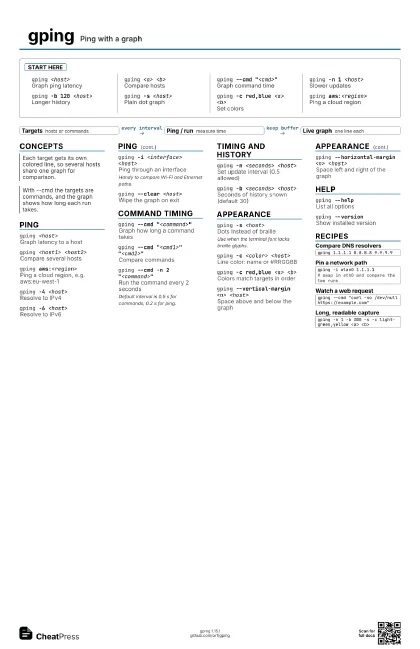
gping <host>
Graph ping latency
gping <a> <b>
Compare hosts
gping --cmd "<cmd>"
Graph command time
gping -n 1 <host>
Slower updates
gping -b 120 <host>
Longer history
gping -s <host>
Plain dot graph
gping -c red,blue <a> <b>
Set colors
gping aws:<region>
Ping a cloud region
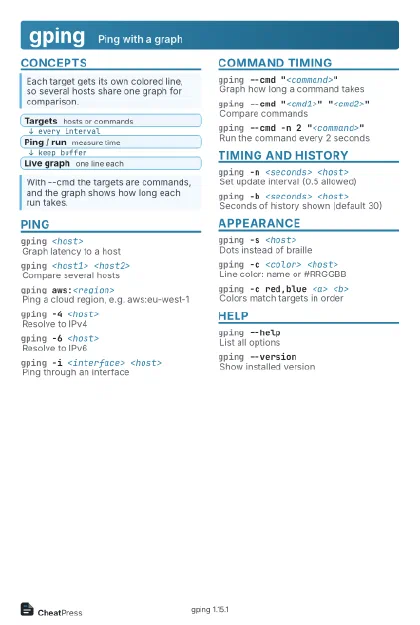
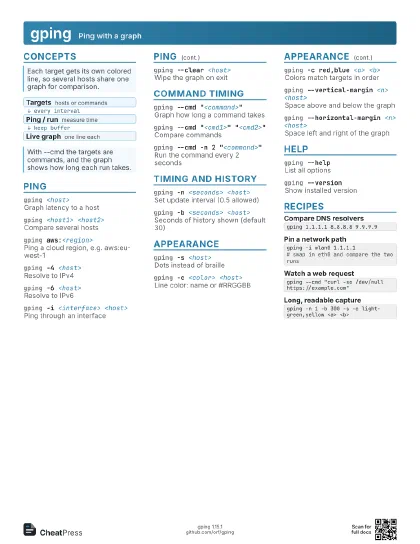
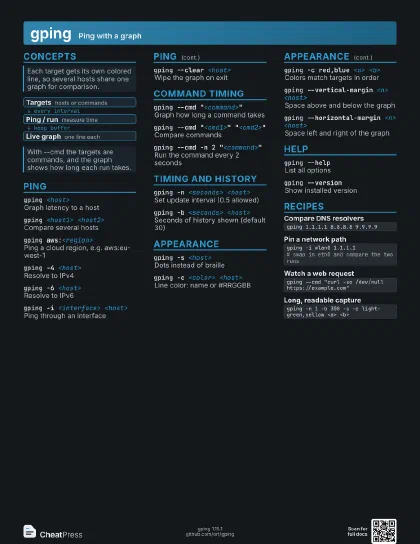
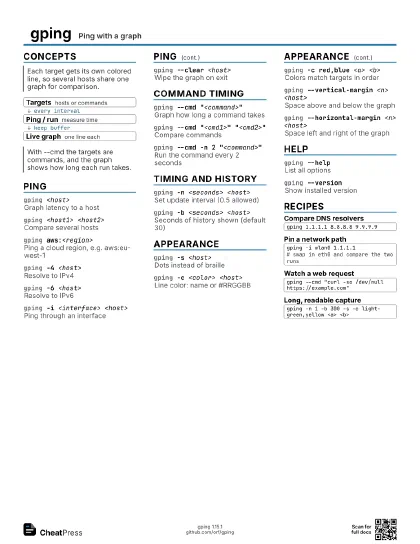
Concepts
- Targets hosts or commands
- Ping / run measure time
- Live graph one line each
Ping
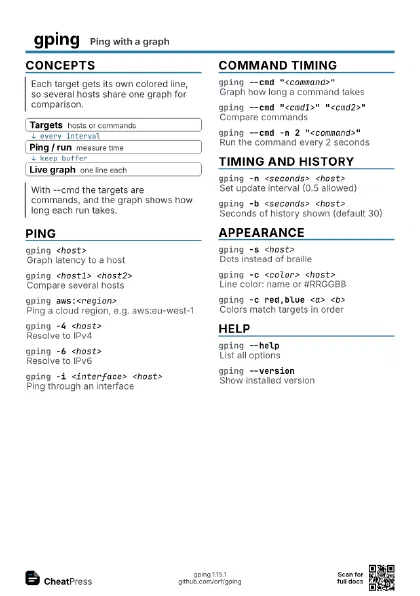
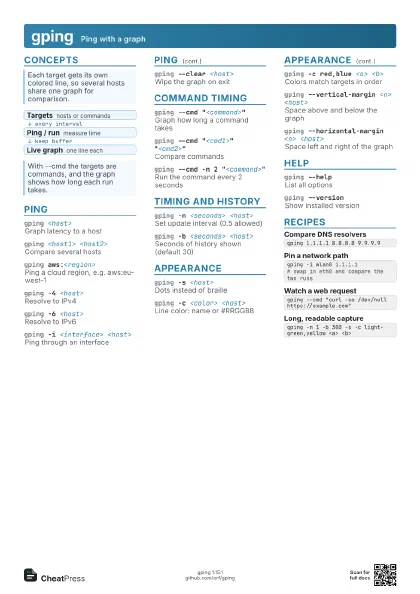
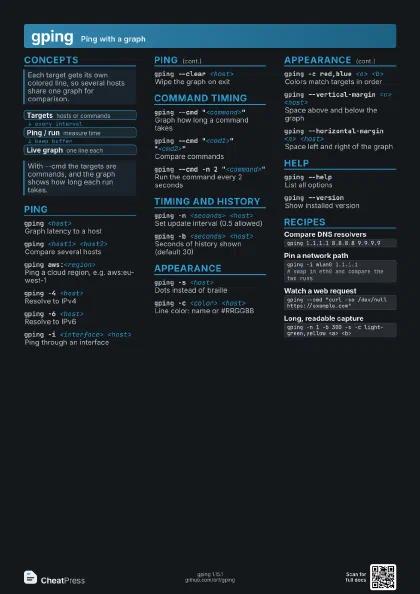
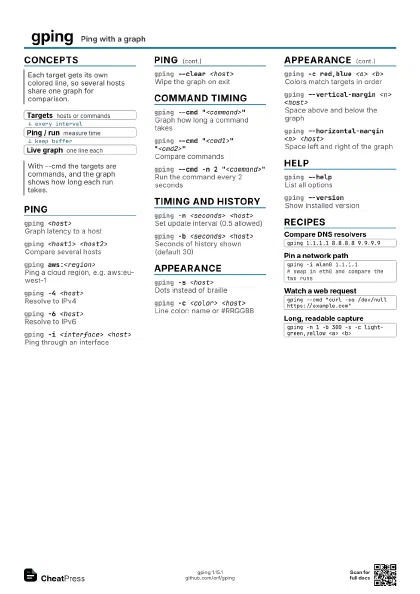
gping <host>
Graph latency to a host
gping <host1> <host2>
Compare several hosts
gping aws:<region>
Ping a cloud region, e.g. aws:eu-west-1
gping -4 <host>
Resolve to IPv4
gping -6 <host>
Resolve to IPv6
gping -i <interface> <host>
Ping through an interface
Handy to compare Wi-Fi and Ethernet paths.
gping --clear <host>
Wipe the graph on exit
Command timing
gping --cmd "<command>"
Graph how long a command takes
gping --cmd "<cmd1>"
                    "<cmd2>"
Compare commands
gping --cmd -n 2 "<command>"
Run the command every 2 seconds
Default interval is 0.5 s for commands, 0.2 s for ping.
Timing and history
gping -n <seconds> <host>
Set update interval (0.5 allowed)
gping -b <seconds> <host>
Seconds of history shown (default 30)
Appearance
gping -s <host>
Dots instead of braille
Use when the terminal font lacks braille glyphs.
gping -c <color> <host>
Line color: name or #RRGGBB
gping -c red,blue <a> <b>
Colors match targets in order
gping --vertical-margin <n> <host>
Space above and below the graph
gping --horizontal-margin <n> <host>
Space left and right of the graph
Help
gping --helpList all options
gping --versionShow installed version
Recipes
gping 1.1.1.1 8.8.8.8 9.9.9.9gping -i wlan0 1.1.1.1# swap in eth0 and compare the two runsgping --cmd "curl -so /dev/null https://example.com"gping -n 1 -b 300 -s -c light-green,yellow <a> <b>