Cheat
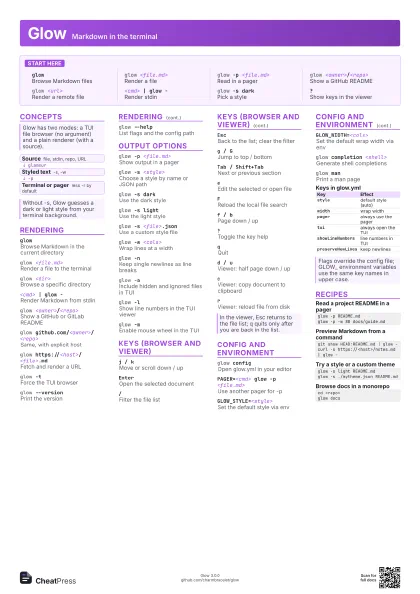
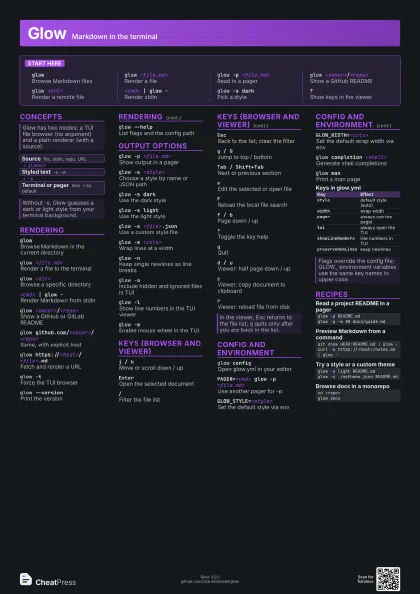
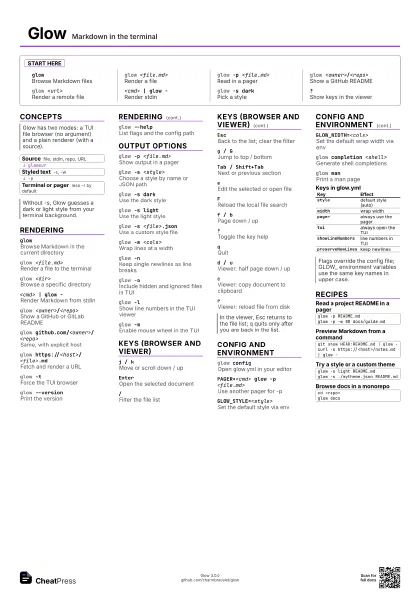
Glow Markdown in the terminal
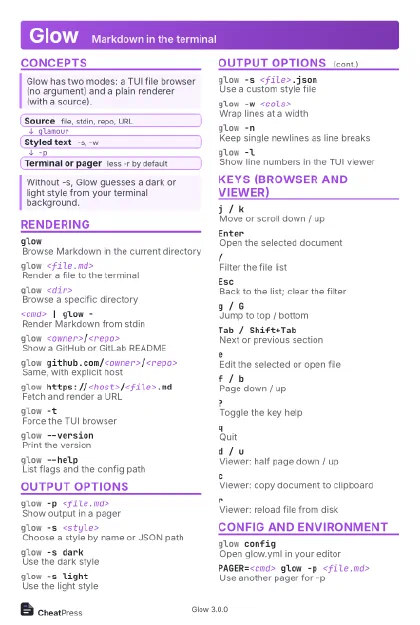 Light · Postcard
102 × 152 mm · PDF
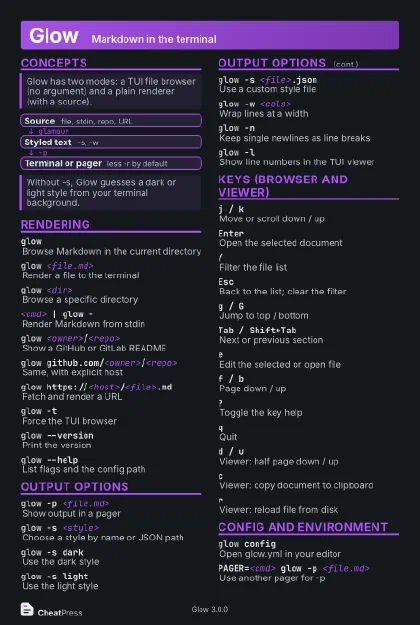 Dark · Postcard
102 × 152 mm · PDF
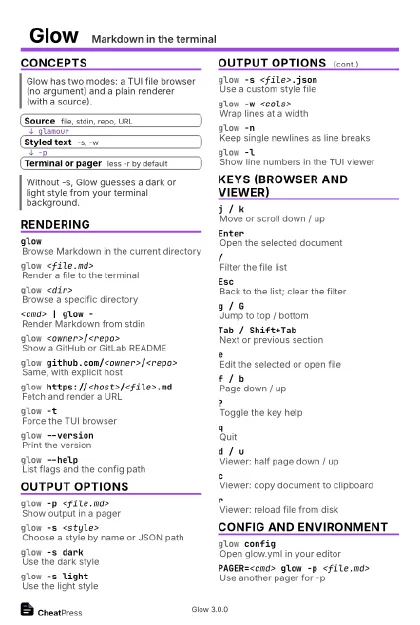 Ink saver · Postcard
102 × 152 mm · PDF
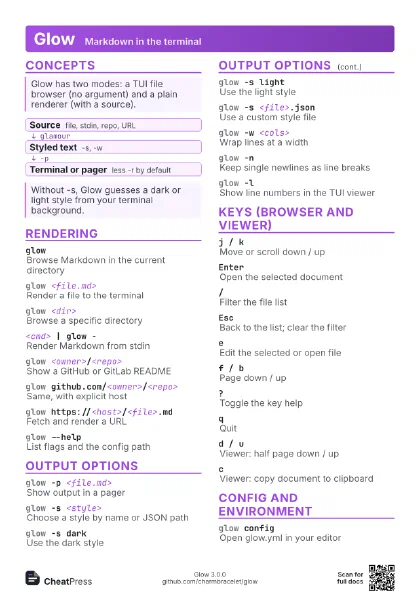
 Light · A4 landscape
297 × 210 mm · PDF
 Dark · A4 landscape
297 × 210 mm · PDF
 Ink saver · A4 landscape
297 × 210 mm · PDF
 Light · A3 landscape
420 × 297 mm · PDF
 Dark · A3 landscape
420 × 297 mm · PDF
 Ink saver · A3 landscape
420 × 297 mm · PDF
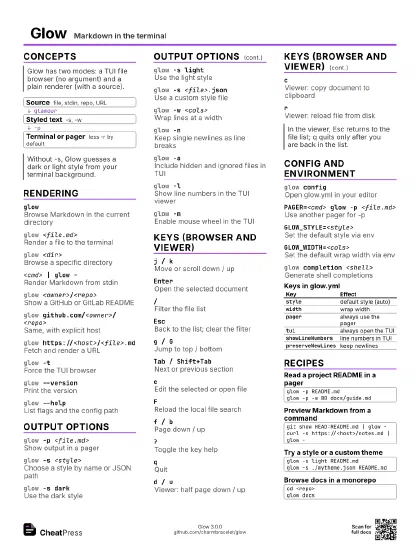
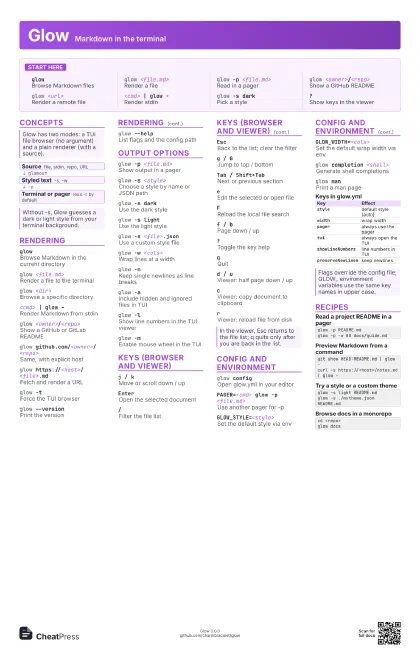
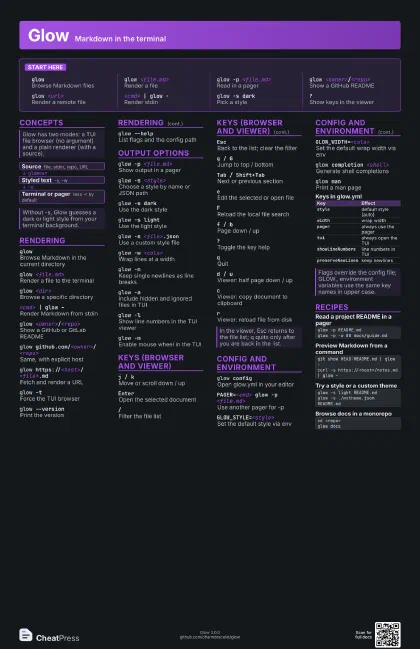
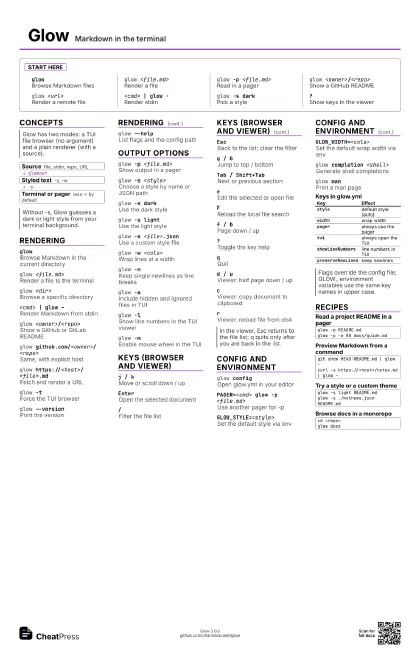
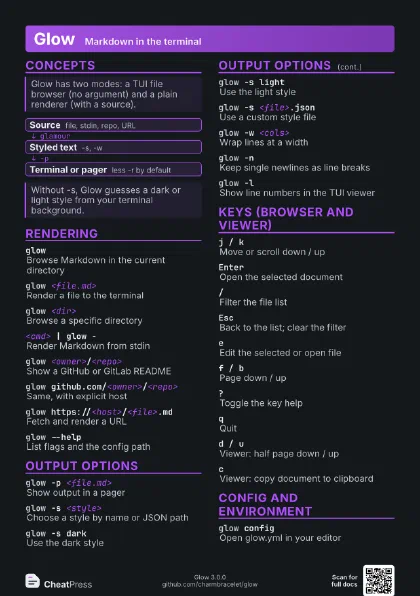
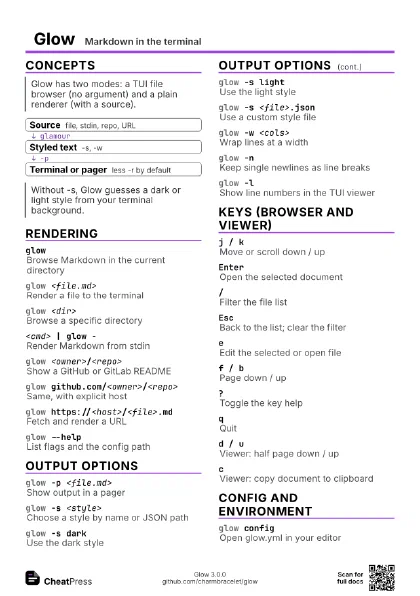
Start here
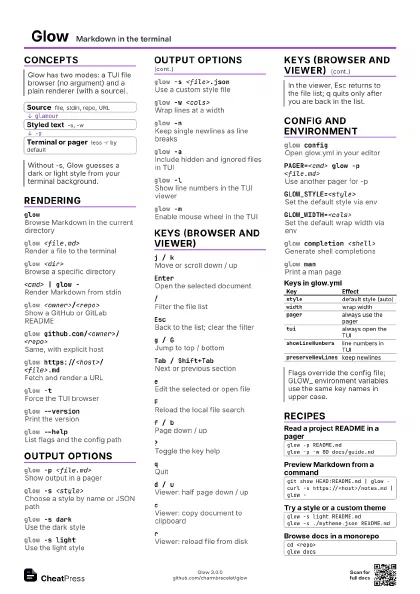
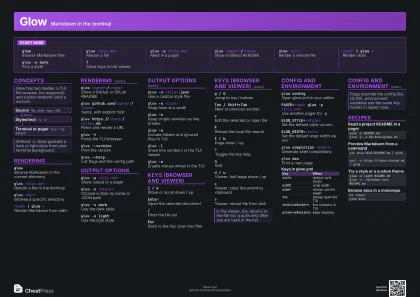
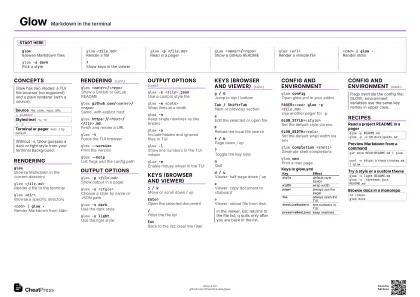
glowBrowse Markdown files
glow <file.md>
Render a file
glow -p <file.md>
Read in a pager
glow <owner>/<repo>
Show a GitHub README
glow <url>
Render a remote file
<cmd> | glow -
Render stdin
glow -s darkPick a style
?Show keys in the viewer
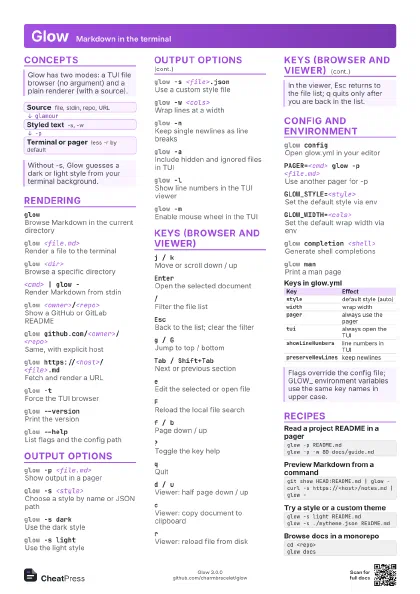
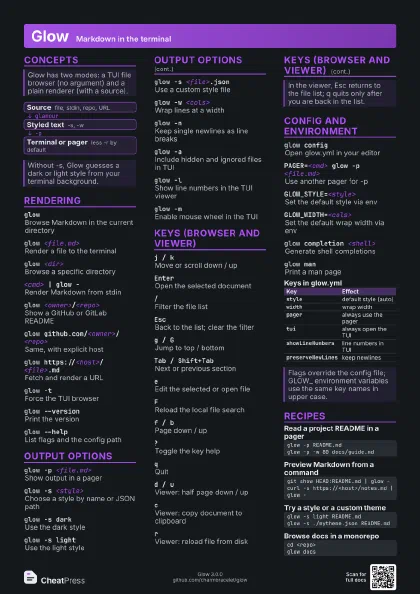
Concepts
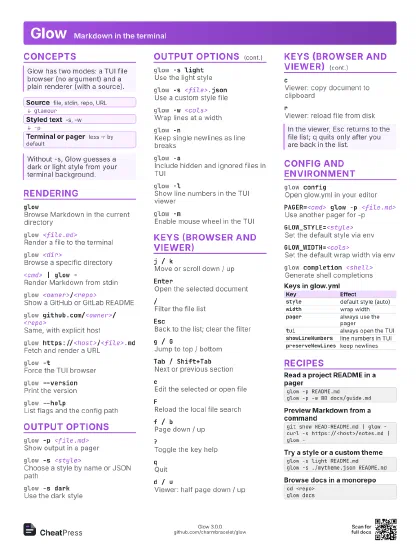
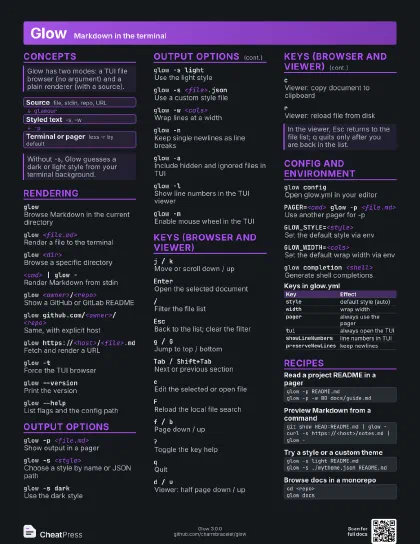
- Source file, stdin, repo, URL
- Styled text -s, -w
- Terminal or pager less -r by default
Rendering
glowBrowse Markdown in the current directory
glow <file.md>
Render a file to the terminal
glow <dir>
Browse a specific directory
<cmd> | glow -
Render Markdown from stdin
glow <owner>/<repo>
Show a GitHub or GitLab README
glow github.com/<owner>/<repo>
Same, with explicit host
glow https://<host>/<file>.md
Fetch and render a URL
glow -tForce the TUI browser
glow --versionPrint the version
glow --helpList flags and the config path
Output options
glow -p <file.md>
Show output in a pager
glow -s <style>
Choose a style by name or JSON path
glow -s darkUse the dark style
glow -s lightUse the light style
glow -s <file>.json
Use a custom style file
glow -w <cols>
Wrap lines at a width
glow -nKeep single newlines as line breaks
glow -aInclude hidden and ignored files in TUI
glow -lShow line numbers in the TUI viewer
glow -mEnable mouse wheel in the TUI
Keys (browser and viewer)
j / kMove or scroll down / up
EnterOpen the selected document
/Filter the file list
EscBack to the list; clear the filter
g / GJump to top / bottom
Tab / Shift+Tab
Next or previous section
eEdit the selected or open file
FReload the local file search
f / bPage down / up
?Toggle the key help
qQuit
d / uViewer: half page down / up
cViewer: copy document to clipboard
rViewer: reload file from disk
Config and environment
glow configOpen glow.yml in your editor
PAGER=<cmd> glow -p <file.md>
Use another pager for -p
GLOW_STYLE=<style>
Set the default style via env
GLOW_WIDTH=<cols>
Set the default wrap width via env
glow completion <shell>
Generate shell completions
glow manPrint a man page
| Key | Effect |
|---|---|
style |
default style (auto) |
width |
wrap width |
pager |
always use the pager |
tui |
always open the TUI |
showLineNumbers |
line numbers in TUI |
preserveNewLines |
keep newlines |
Recipes
glow -p README.mdglow -p -w 80 docs/guide.mdgit show HEAD:README.md | glow -curl -s https://<host>/notes.md | glow -glow -s light README.mdglow -s ./mytheme.json README.mdcd <repo>glow docs