Cheat
fnm Fast Node manager
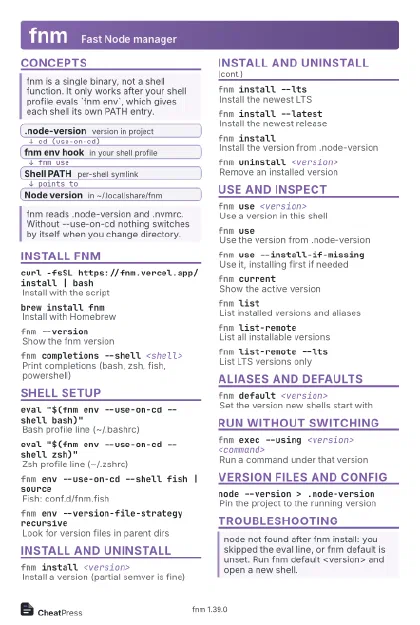 Light · Postcard
102 × 152 mm · PDF
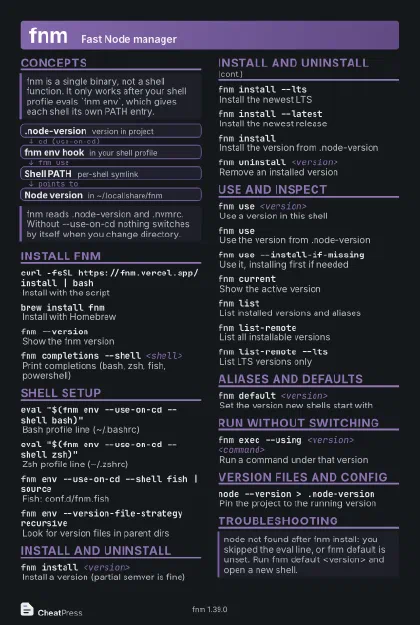 Dark · Postcard
102 × 152 mm · PDF
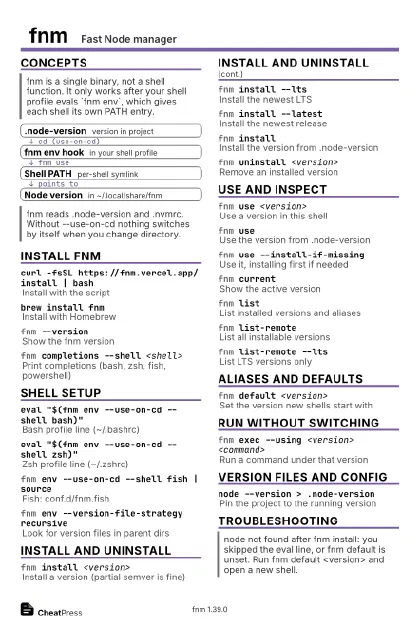 Ink saver · Postcard
102 × 152 mm · PDF
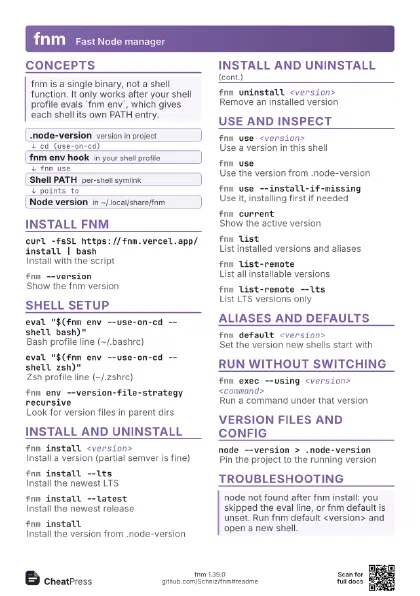
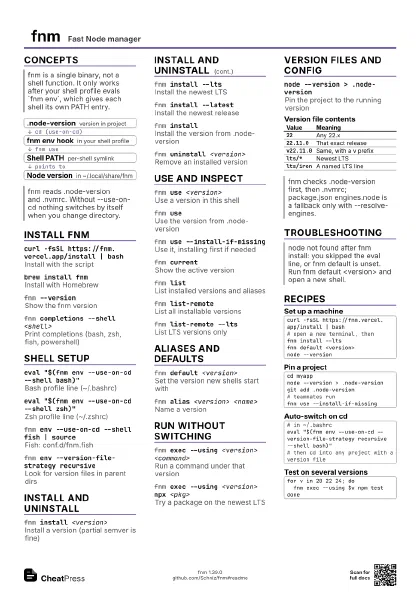
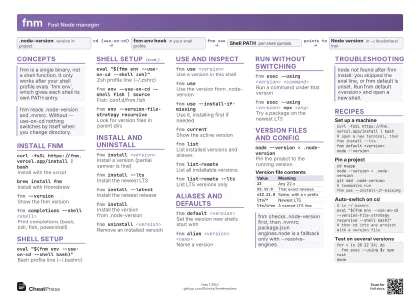 Light · A4 landscape
297 × 210 mm · PDF
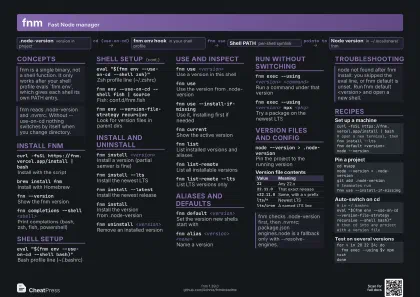 Dark · A4 landscape
297 × 210 mm · PDF
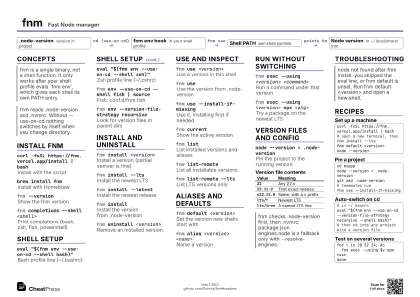 Ink saver · A4 landscape
297 × 210 mm · PDF
 Light · A3 landscape
420 × 297 mm · PDF
 Dark · A3 landscape
420 × 297 mm · PDF
 Ink saver · A3 landscape
420 × 297 mm · PDF
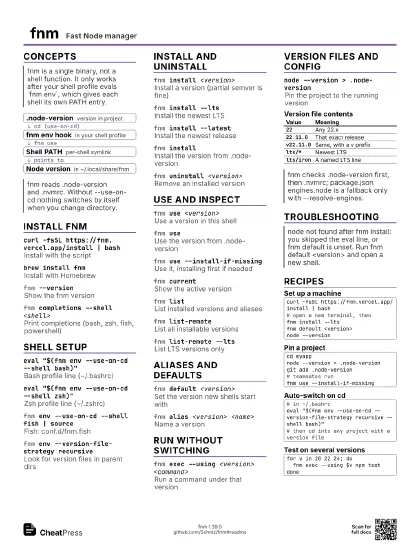
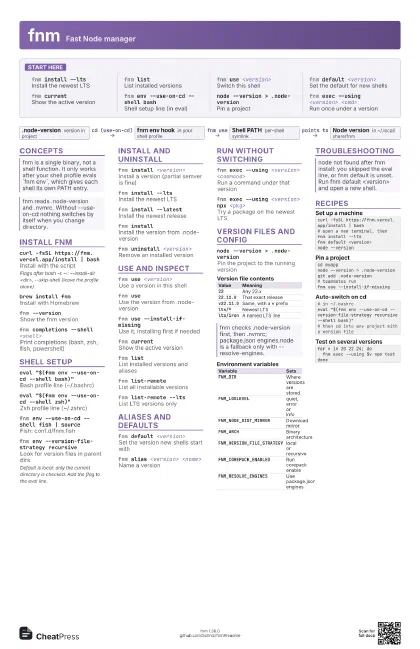
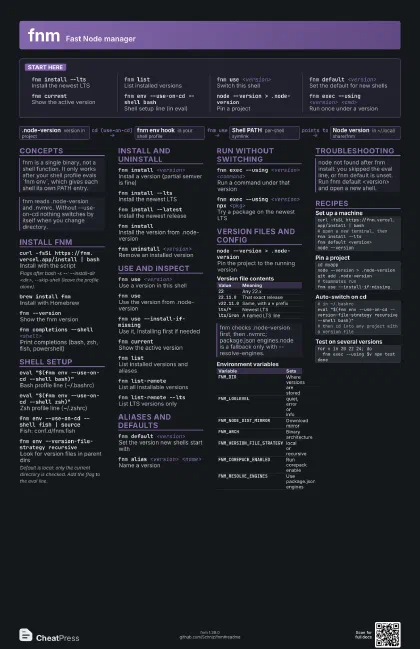
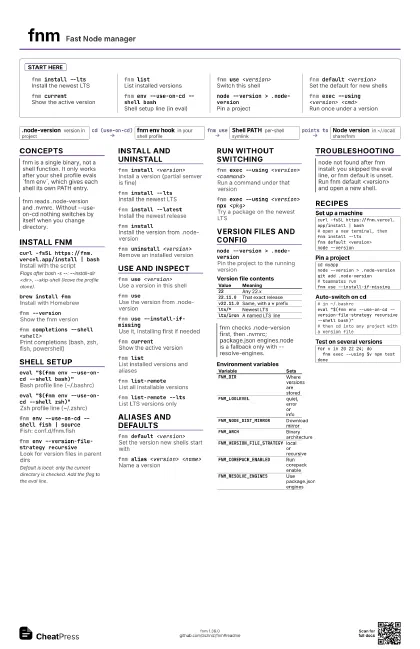
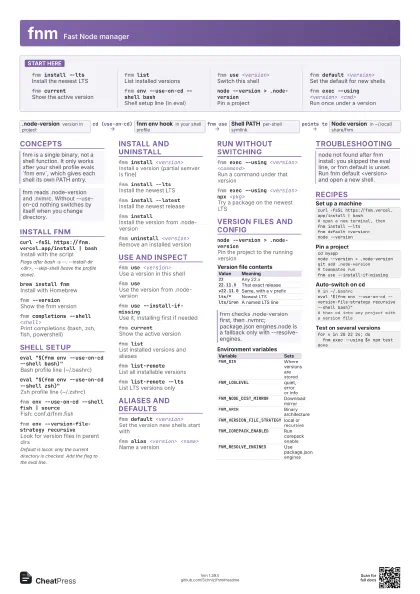
Start here
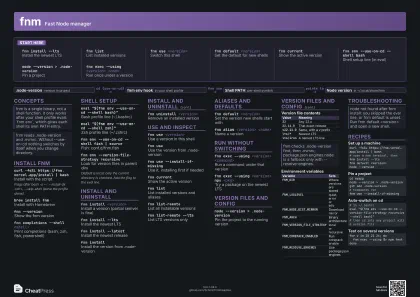
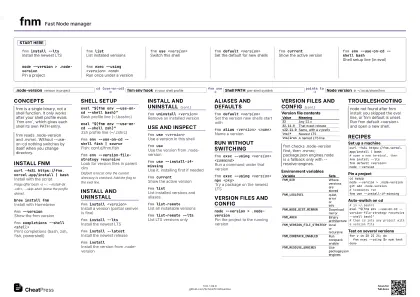
fnm install --lts
Install the newest LTS
fnm listList installed versions
fnm use <version>
Switch this shell
fnm default <version>
Set the default for new shells
fnm currentShow the active version
fnm env --use-on-cd --shell bash
Shell setup line (in eval)
node --version > .node-version
Pin a project
fnm exec --using <version> <cmd>
Run once under a version
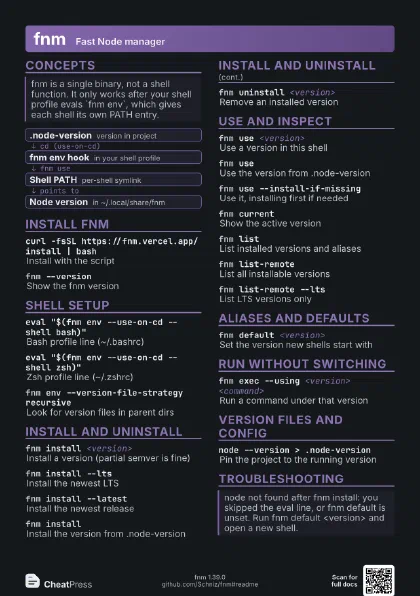
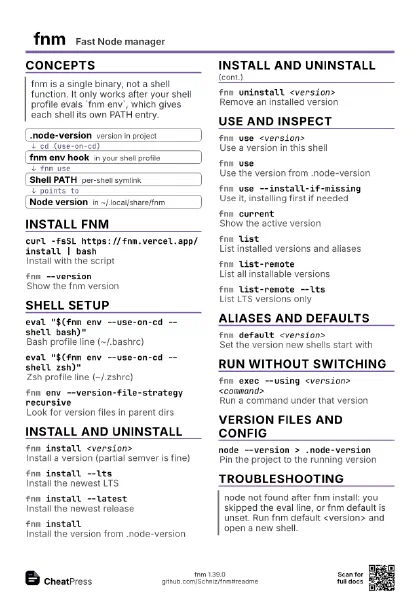
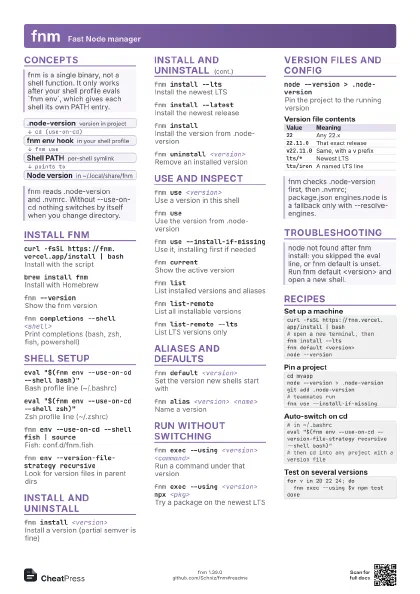
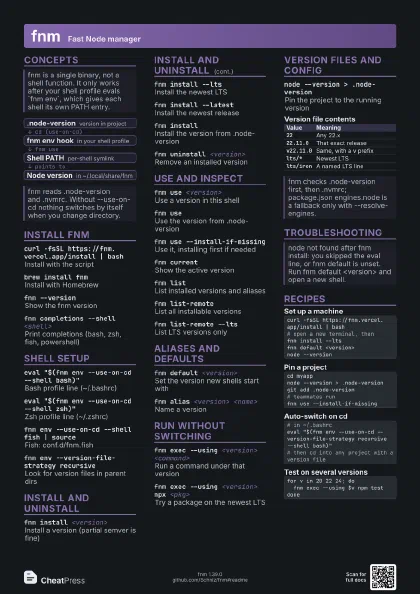
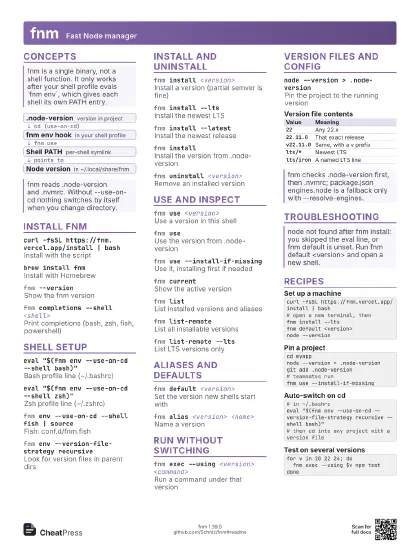
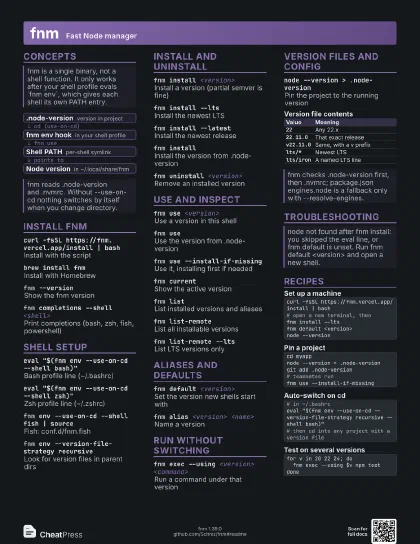
Concepts
- .node-version version in project
- fnm env hook in your shell profile
- Shell PATH per-shell symlink
- Node version in ~/.local/share/fnm
Install fnm
curl -fsSL https://fnm.vercel.app/install | bash
Install with the script
Flags after bash -s --: --install-dir <dir>,
--skip-shell (leave the profile alone).
brew install fnm
Install with Homebrew
fnm --versionShow the fnm version
fnm completions --shell <shell>
Print completions (bash, zsh, fish, powershell)
Shell setup
eval "$(fnm env --use-on-cd --shell bash)"
Bash profile line (~/.bashrc)
eval "$(fnm env --use-on-cd --shell zsh)"
Zsh profile line (~/.zshrc)
fnm env --use-on-cd --shell fish | source
Fish: conf.d/fnm.fish
fnm env --version-file-strategy recursive
Look for version files in parent dirs
Default is local: only the current directory is checked. Add
the flag to the eval line.
Install and uninstall
fnm install <version>
Install a version (partial semver is fine)
fnm install --lts
Install the newest LTS
fnm install --latest
Install the newest release
fnm installInstall the version from .node-version
fnm uninstall <version>
Remove an installed version
Use and inspect
fnm use <version>
Use a version in this shell
fnm useUse the version from .node-version
fnm use --install-if-missing
Use it, installing first if needed
fnm currentShow the active version
fnm listList installed versions and aliases
fnm list-remoteList all installable versions
fnm list-remote --lts
List LTS versions only
Aliases and defaults
fnm default <version>
Set the version new shells start with
fnm alias <version> <name>
Name a version
Run without switching
fnm exec --using <version> <command>
Run a command under that version
fnm exec --using <version> npx <pkg>
Try a package on the newest LTS
Version files and config
node --version > .node-version
Pin the project to the running version
| Value | Meaning |
|---|---|
22 |
Any 22.x |
22.11.0 |
That exact release |
v22.11.0 |
Same, with a v prefix |
lts/* |
Newest LTS |
lts/iron |
A named LTS line |
| Variable | Sets |
|---|---|
FNM_DIR |
Where versions are stored |
FNM_LOGLEVEL |
quiet, error or info |
FNM_NODE_DIST_MIRROR |
Download mirror |
FNM_ARCH |
Binary architecture |
FNM_VERSION_FILE_STRATEGY |
local or recursive |
FNM_COREPACK_ENABLED |
Run corepack enable |
FNM_RESOLVE_ENGINES |
Use package.json engines |
Troubleshooting
Recipes
curl -fsSL https://fnm.vercel.app/install | bash# open a new terminal, thenfnm install --ltsfnm default <version>node --versioncd myappnode --version > .node-versiongit add .node-version# teammates runfnm use --install-if-missing# in ~/.bashrceval "$(fnm env --use-on-cd --version-file-strategy recursive --shell bash)"# then cd into any project with a version filefor v in 20 22 24; do fnm exec --using $v npm testdone