Cheat
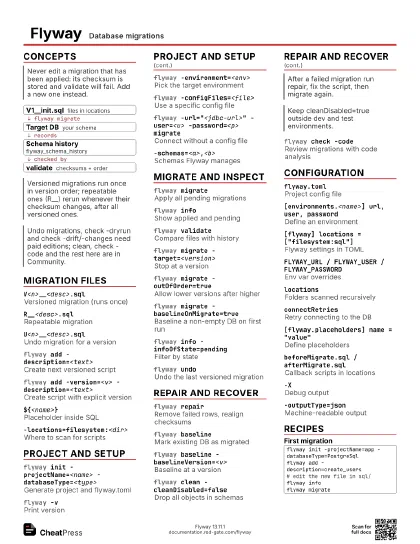
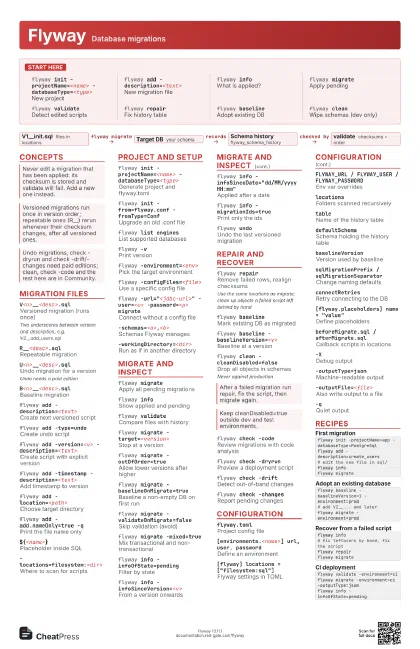
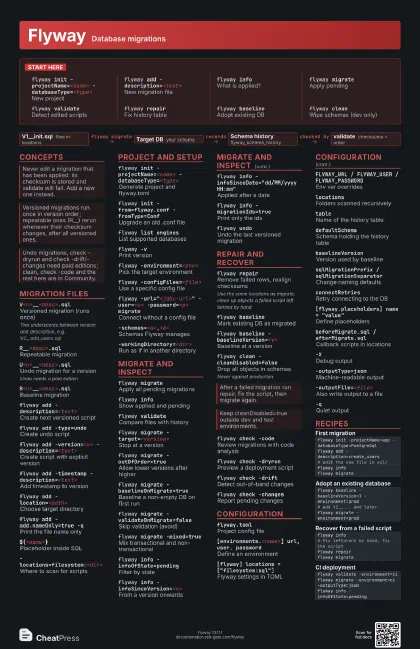
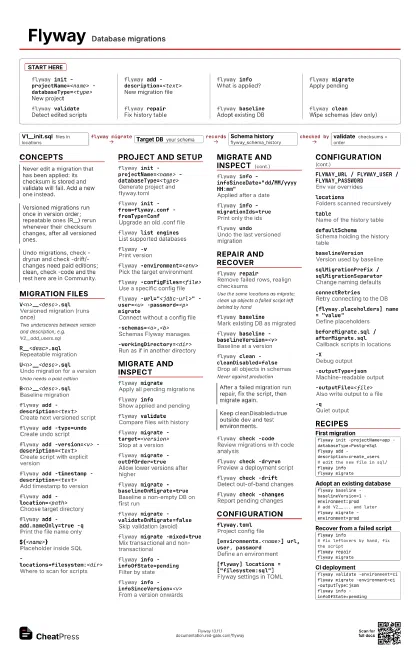
Flyway Database migrations
 Light · Postcard
102 × 152 mm · PDF
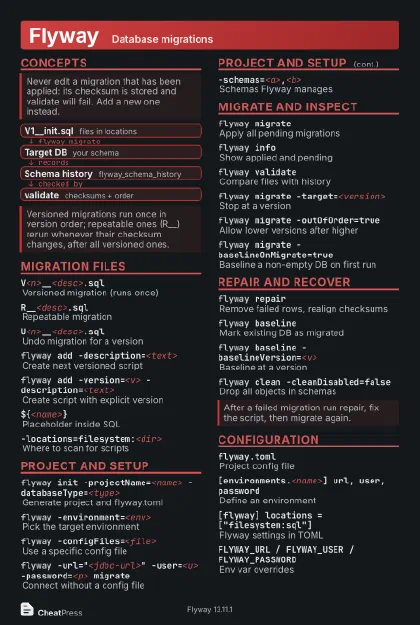 Dark · Postcard
102 × 152 mm · PDF
 Ink saver · Postcard
102 × 152 mm · PDF
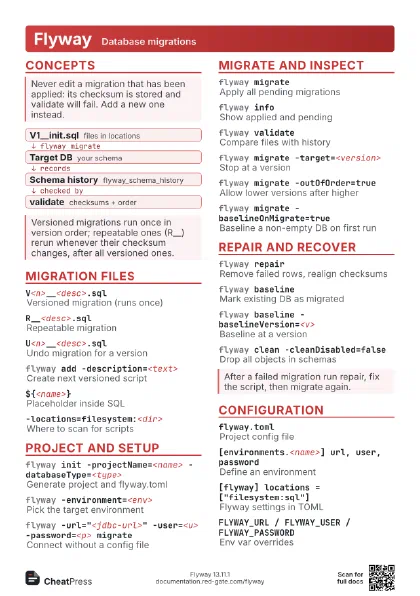
 Light · A4 landscape
297 × 210 mm · PDF
 Dark · A4 landscape
297 × 210 mm · PDF
 Ink saver · A4 landscape
297 × 210 mm · PDF
 Light · A3 landscape
420 × 297 mm · PDF
 Dark · A3 landscape
420 × 297 mm · PDF
 Ink saver · A3 landscape
420 × 297 mm · PDF
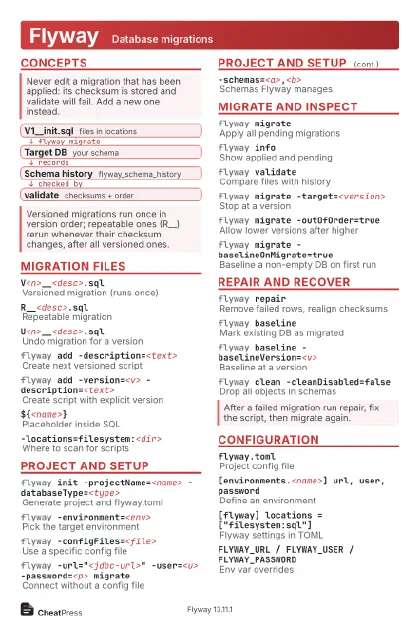
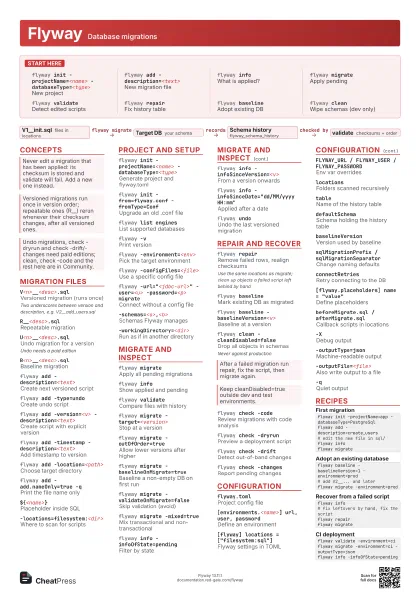
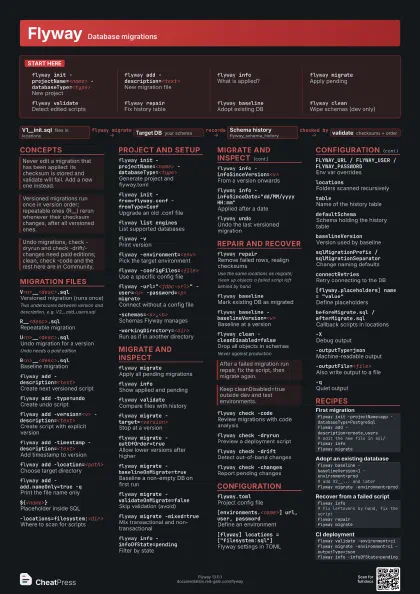
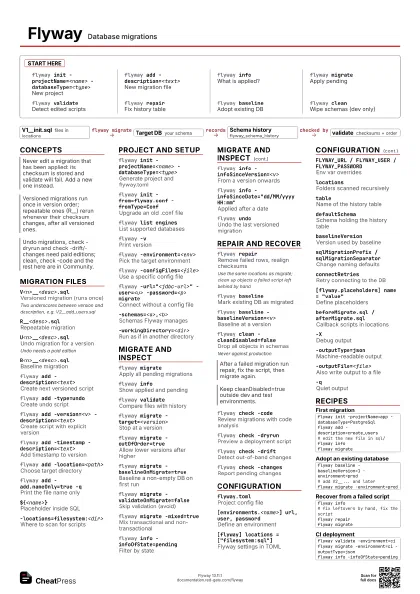
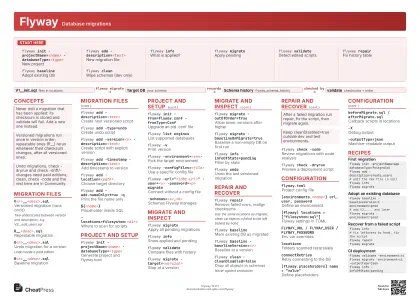
Start here
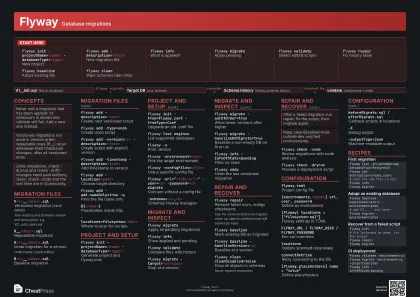
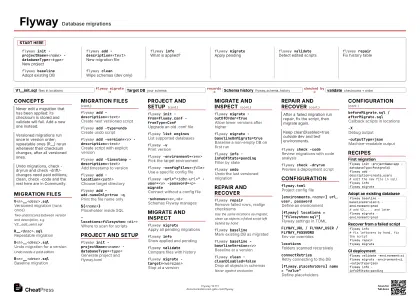
flyway init -projectName=<name>
                    -databaseType=<type>
New project
flyway add -description=<text>
New migration file
flyway infoWhat is applied?
flyway migrateApply pending
flyway validateDetect edited scripts
flyway repairFix history table
flyway baselineAdopt existing DB
flyway cleanWipe schemas (dev only)
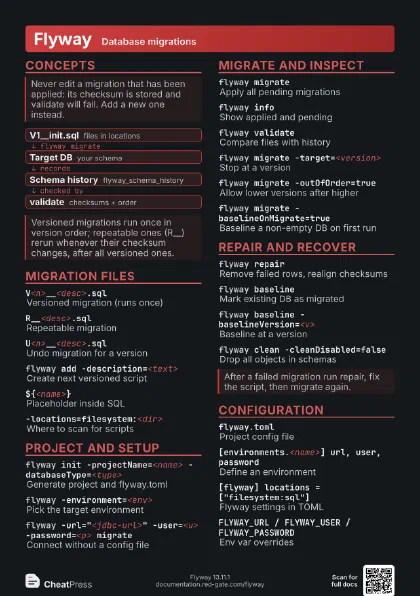
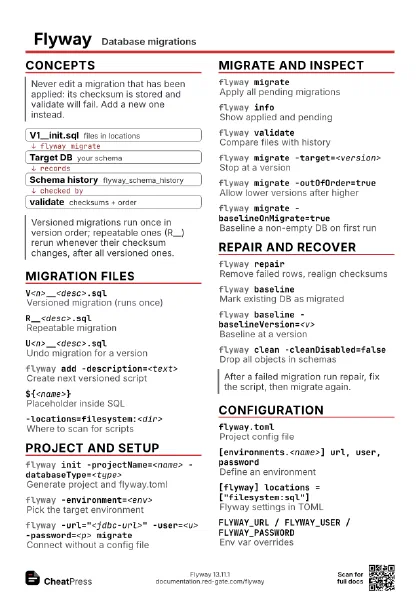
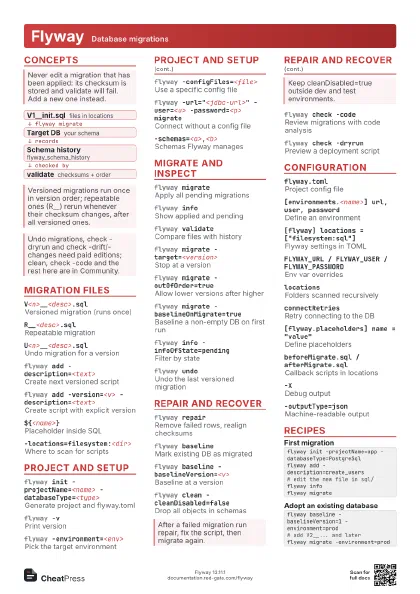
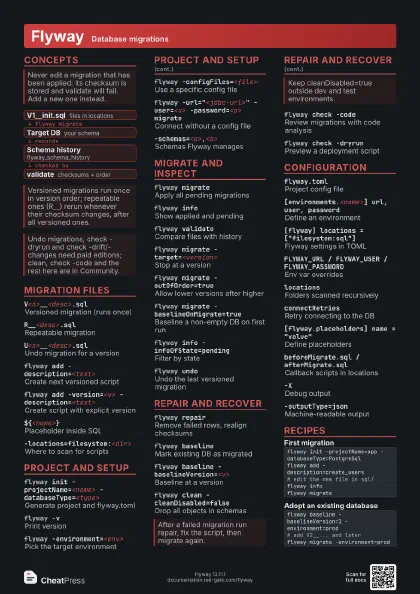
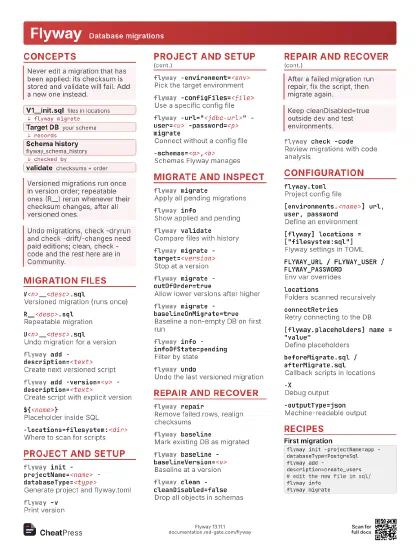
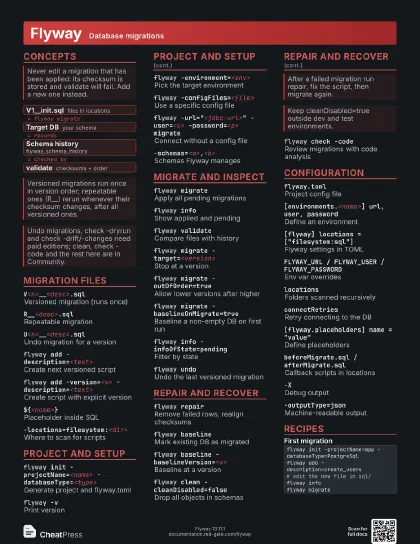
Concepts
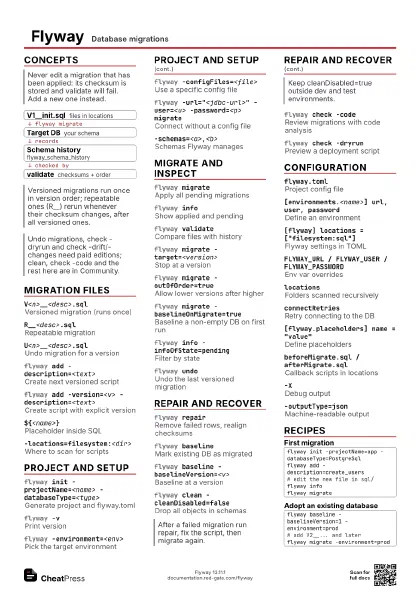
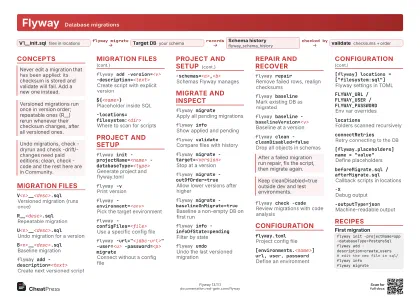
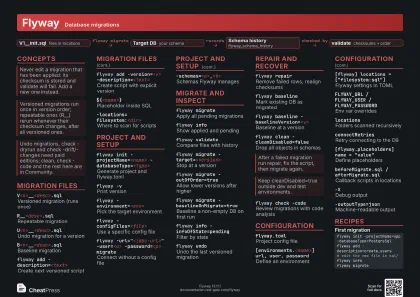
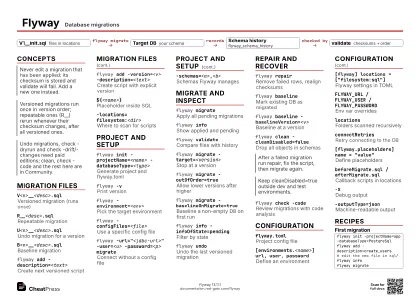
- V1__init.sql files in locations
- Target DB your schema
- Schema history flyway_schema_history
- validate checksums + order
Migration files
V<n>__<desc>.sql
Versioned migration (runs once)
Two underscores between version and description, e.g.
V2__add_users.sql
R__<desc>.sql
Repeatable migration
U<n>__<desc>.sql
Undo migration for a version
Undo needs a paid edition
B<n>__<desc>.sql
Baseline migration
flyway add -description=<text>
Create next versioned script
flyway add -type=undo
Create undo script
flyway add -version=<v>
                    -description=<text>
Create script with explicit version
flyway add -timestamp -description=<text>
Add timestamp to version
flyway add -location=<path>
Choose target directory
flyway add -add.nameOnly=true -q
Print the file name only
${<name>}Placeholder inside SQL
-locations=filesystem:<dir>
Where to scan for scripts
Project and setup
flyway init -projectName=<name>
                    -databaseType=<type>
Generate project and flyway.toml
flyway init -from=flyway.conf -fromType=Conf
Upgrade an old .conf file
flyway list engines
List supported databases
flyway -vPrint version
flyway -environment=<env>
Pick the target environment
flyway -configFiles=<file>
Use a specific config file
flyway -url="<jdbc-url>" -user=<u>
                    -password=<p> migrate
Connect without a config file
-schemas=<a>,<b>
Schemas Flyway manages
-workingDirectory=<dir>
Run as if in another directory
Migrate and inspect
flyway migrateApply all pending migrations
flyway infoShow applied and pending
flyway validateCompare files with history
flyway migrate -target=<version>
Stop at a version
flyway migrate -outOfOrder=true
Allow lower versions after higher
flyway migrate -baselineOnMigrate=true
Baseline a non-empty DB on first run
flyway migrate -validateOnMigrate=false
Skip validation (avoid)
flyway migrate -mixed=true
Mix transactional and non-transactional
flyway info -infoOfState=pending
Filter by state
flyway info -infoSinceVersion=<v>
From a version onwards
flyway info -infoSinceDate="dd/MM/yyyy HH:mm"
Applied after a date
flyway info -migrationIds=true
Print only the ids
flyway undoUndo the last versioned migration
Repair and recover
flyway repairRemove failed rows, realign checksums
Use the same locations as migrate; clean up objects a failed
script left behind by hand
flyway baselineMark existing DB as migrated
flyway baseline -baselineVersion=<v>
Baseline at a version
flyway clean -cleanDisabled=false
Drop all objects in schemas
Never against production
flyway check -code
Review migrations with code analysis
flyway check -dryrun
Preview a deployment script
flyway check -drift
Detect out-of-band changes
flyway check -changes
Report pending changes
Configuration
flyway.tomlProject config file
[environments.<name>] url, user, password
Define an environment
[flyway] locations = ["filesystem:sql"]
Flyway settings in TOML
FLYWAY_URL / FLYWAY_USER / FLYWAY_PASSWORD
Env var overrides
locationsFolders scanned recursively
tableName of the history table
defaultSchemaSchema holding the history table
baselineVersionVersion used by baseline
sqlMigrationPrefix / sqlMigrationSeparator
Change naming defaults
connectRetriesRetry connecting to the DB
[flyway.placeholders] name = "value"
Define placeholders
beforeMigrate.sql / afterMigrate.sql
Callback scripts in locations
-XDebug output
-outputType=json
Machine-readable output
-outputFile=<file>
Also write output to a file
-qQuiet output
Recipes
flyway init -projectName=app -databaseType=PostgreSqlflyway add -description=create_users# edit the new file in sql/flyway infoflyway migrateflyway baseline -baselineVersion=1 -environment=prod# add V2__... and laterflyway migrate -environment=prodflyway info# fix leftovers by hand, fix the scriptflyway repairflyway migrateflyway validate -environment=ciflyway migrate -environment=ci -outputType=jsonflyway info -infoOfState=pending