Cheat
Volta Node toolchain manager
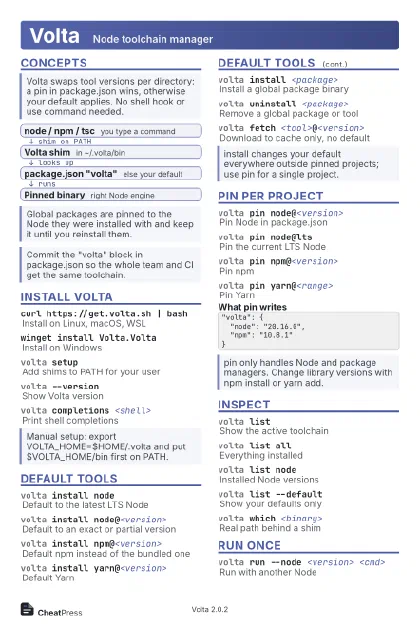 Light · Postcard
102 × 152 mm · PDF
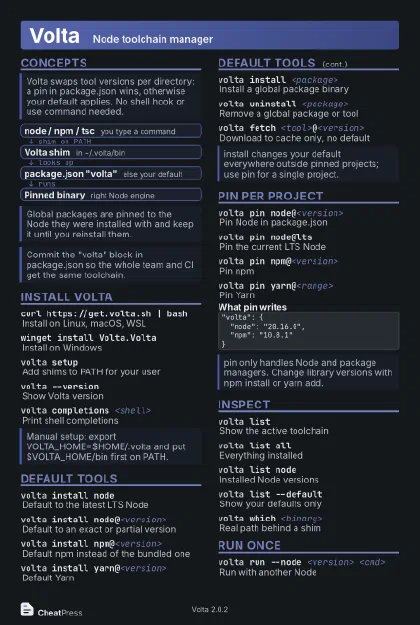 Dark · Postcard
102 × 152 mm · PDF
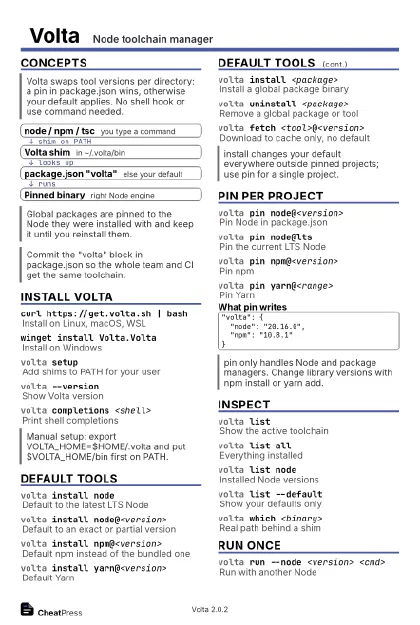 Ink saver · Postcard
102 × 152 mm · PDF
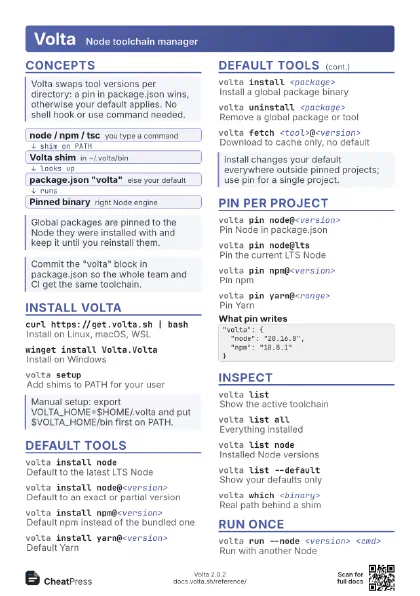
 Light · A4 landscape
297 × 210 mm · PDF
 Dark · A4 landscape
297 × 210 mm · PDF
 Ink saver · A4 landscape
297 × 210 mm · PDF
 Light · A3 landscape
420 × 297 mm · PDF
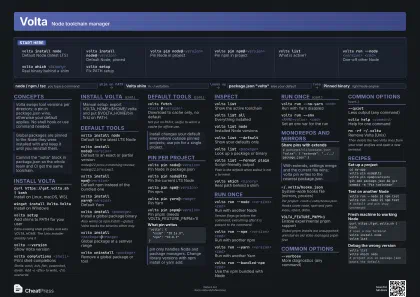 Dark · A3 landscape
420 × 297 mm · PDF
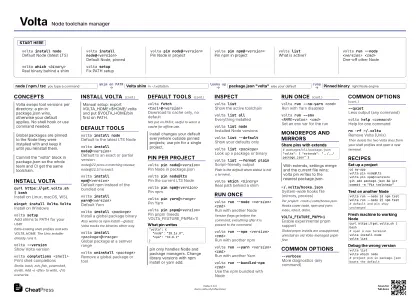 Ink saver · A3 landscape
420 × 297 mm · PDF
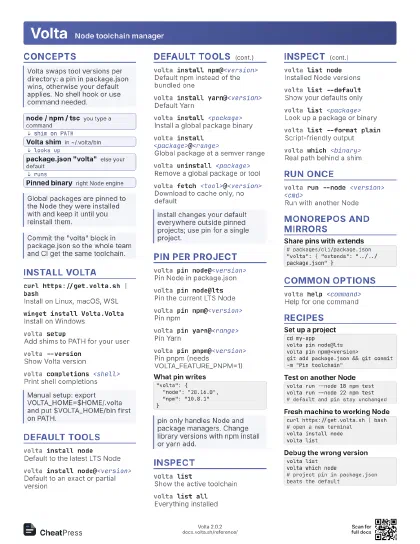
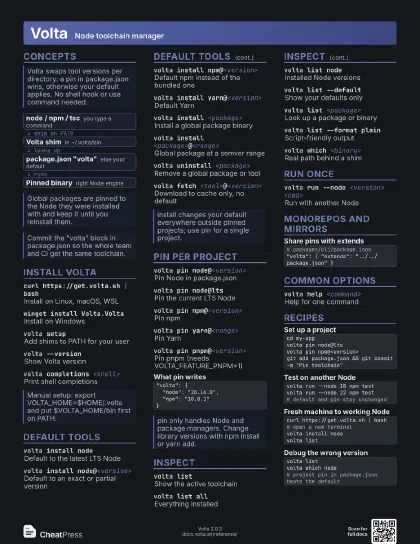
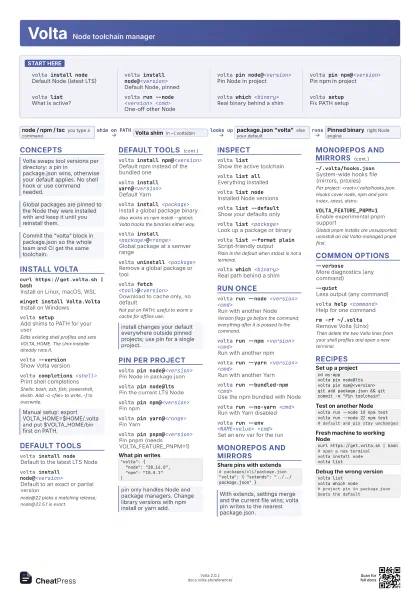
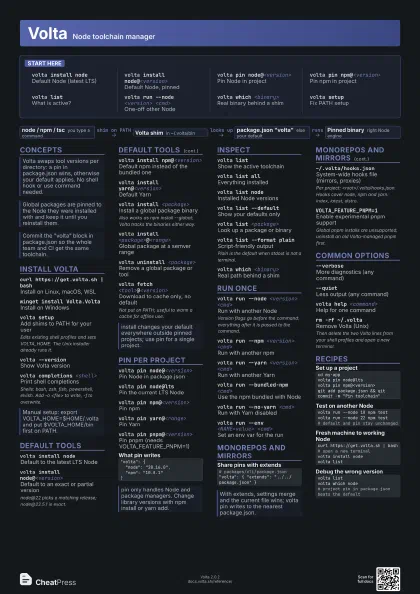
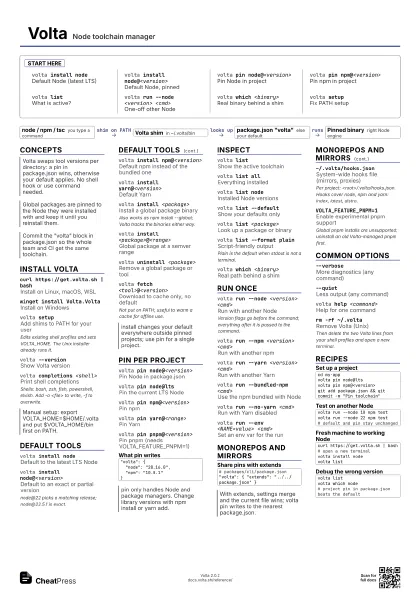
Start here
volta install node
Default Node (latest LTS)
volta install node@<version>
Default Node, pinned
volta pin node@<version>
Pin Node in project
volta pin npm@<version>
Pin npm in project
volta listWhat is active?
volta run --node <version> <cmd>
One-off other Node
volta which <binary>
Real binary behind a shim
volta setupFix PATH setup
Concepts
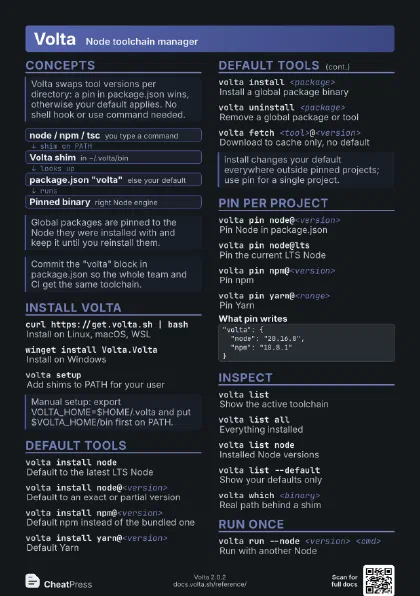
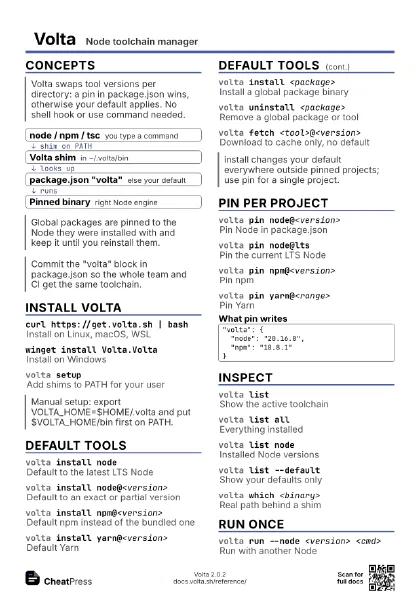
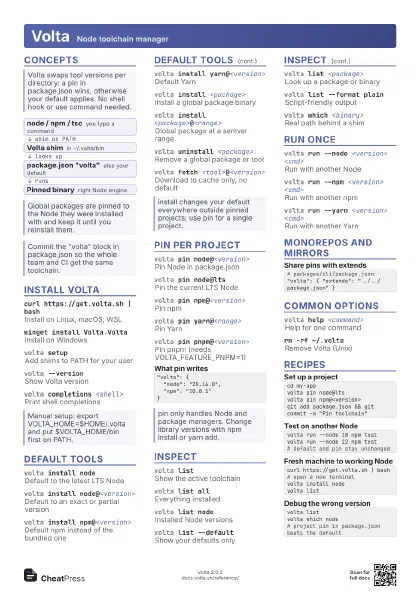
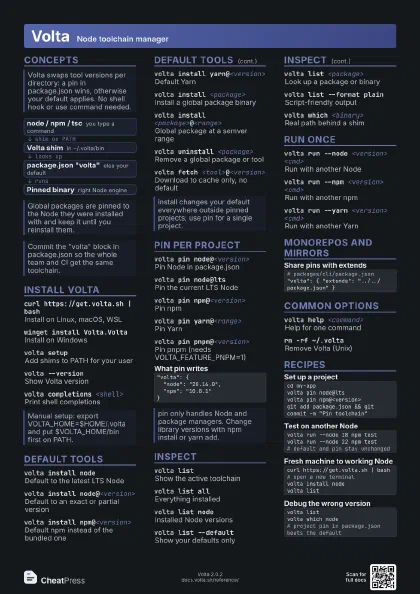
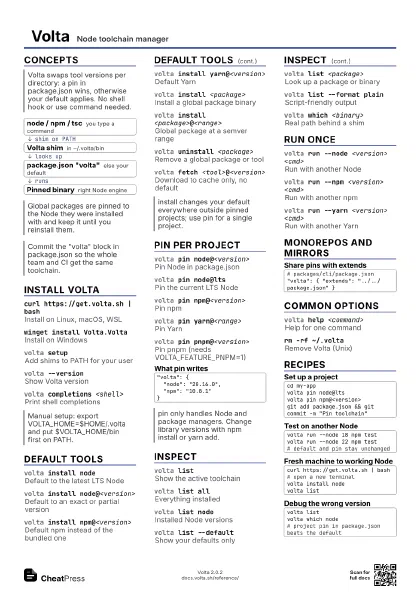
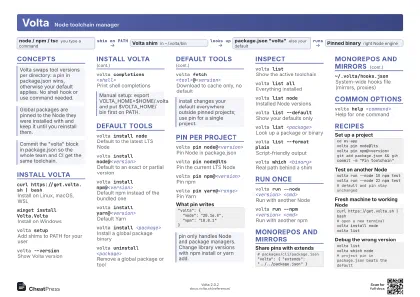
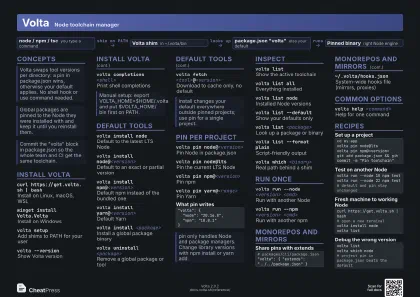
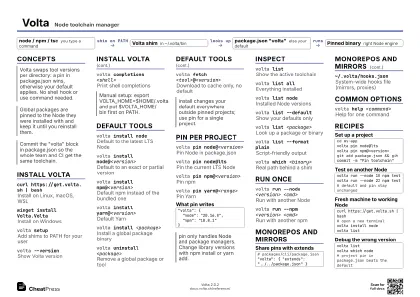
- node / npm / tsc you type a command
- Volta shim in ~/.volta/bin
- package.json "volta" else your default
- Pinned binary right Node engine
Install Volta
curl https://get.volta.sh | bash
Install on Linux, macOS, WSL
winget install Volta.Volta
Install on Windows
volta setupAdd shims to PATH for your user
Edits existing shell profiles and sets VOLTA_HOME. The Unix
installer already runs it.
volta --versionShow Volta version
volta completions <shell>
Print shell completions
Shells: bash, zsh, fish, powershell, elvish. Add -o
<file> to write, -f to overwrite.
Default tools
volta install node
Default to the latest LTS Node
volta install node@<version>
Default to an exact or partial version
node@22 picks a matching release; node@22.5.1 is exact.
volta install npm@<version>
Default npm instead of the bundled one
volta install yarn@<version>
Default Yarn
volta install <package>
Install a global package binary
Also works as npm install --global; Volta tracks the binaries
either way.
volta install <package>@<range>
Global package at a semver range
volta uninstall <package>
Remove a global package or tool
volta fetch <tool>@<version>
Download to cache only, no default
Not put on PATH; useful to warm a cache for offline use.
Pin per project
volta pin node@<version>
Pin Node in package.json
volta pin node@lts
Pin the current LTS Node
volta pin npm@<version>
Pin npm
volta pin yarn@<range>
Pin Yarn
volta pin pnpm@<version>
Pin pnpm (needs VOLTA_FEATURE_PNPM=1)
"volta": { "node": "20.16.0", "npm": "10.8.1"}Inspect
volta listShow the active toolchain
volta list allEverything installed
volta list nodeInstalled Node versions
volta list --default
Show your defaults only
volta list <package>
Look up a package or binary
volta list --format plain
Script-friendly output
Plain is the default when stdout is not a terminal.
volta which <binary>
Real path behind a shim
Run once
volta run --node <version> <cmd>
Run with another Node
Version flags go before the command; everything after it is
passed to the command.
volta run --npm <version> <cmd>
Run with another npm
volta run --yarn <version> <cmd>
Run with another Yarn
volta run --bundled-npm <cmd>
Use the npm bundled with Node
volta run --no-yarn <cmd>
Run with Yarn disabled
volta run --env <NAME=value> <cmd>
Set an env var for the run
Monorepos and mirrors
# packages/cli/package.json"volta": { "extends": "../../package.json" }~/.volta/hooks.json
System-wide hooks file (mirrors, proxies)
Per project: <root>/.volta/hooks.json. Hooks cover node,
npm and yarn: index, latest, distro.
VOLTA_FEATURE_PNPM=1
Enable experimental pnpm support
Global pnpm installs are unsupported; uninstall an old
Volta-managed pnpm first.
Common options
--verboseMore diagnostics (any command)
--quietLess output (any command)
volta help <command>
Help for one command
rm -rf ~/.voltaRemove Volta (Unix)
Then delete the two Volta lines from your shell profiles and
open a new terminal.
Recipes
cd my-appvolta pin node@ltsvolta pin npm@<version>git add package.json && git commit -m "Pin toolchain"volta run --node 18 npm testvolta run --node 22 npm test# default and pin stay unchangedcurl https://get.volta.sh | bash# open a new terminalvolta install nodevolta listvolta listvolta which node# project pin in package.json beats the default