Cheat
nvm Node version manager
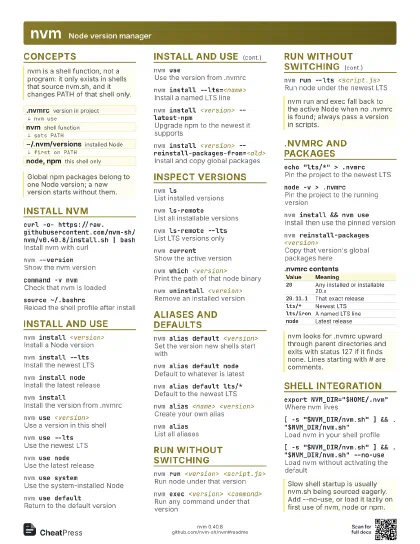
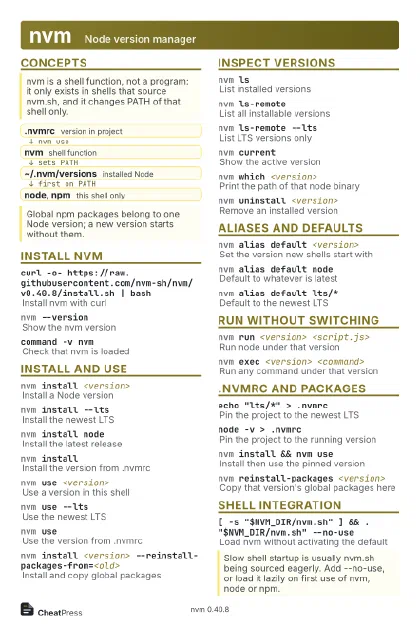 Light · Postcard
102 × 152 mm · PDF
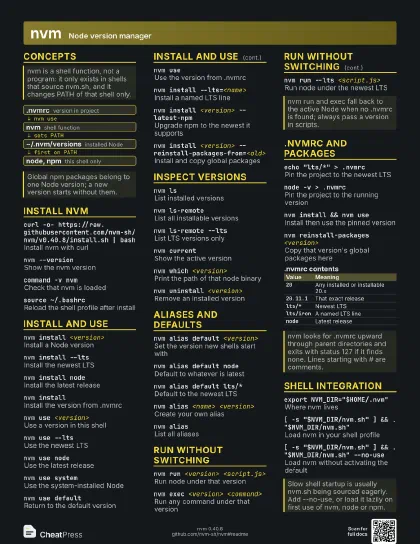
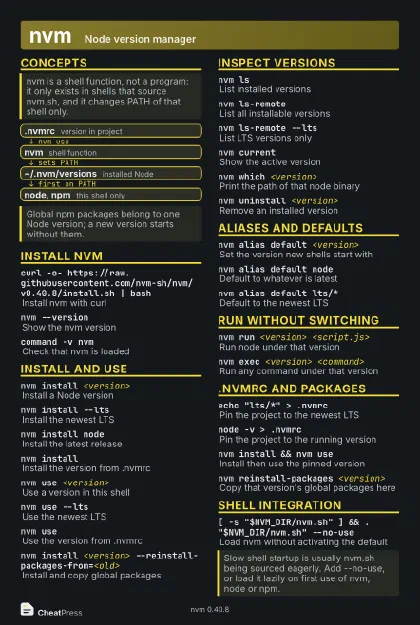 Dark · Postcard
102 × 152 mm · PDF
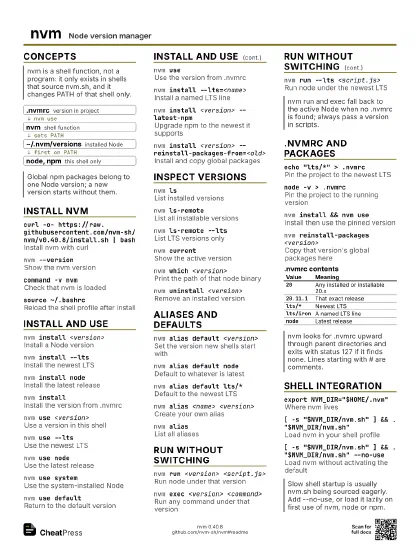
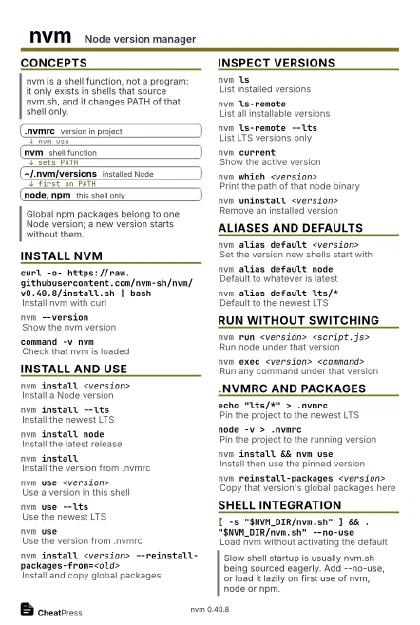 Ink saver · Postcard
102 × 152 mm · PDF
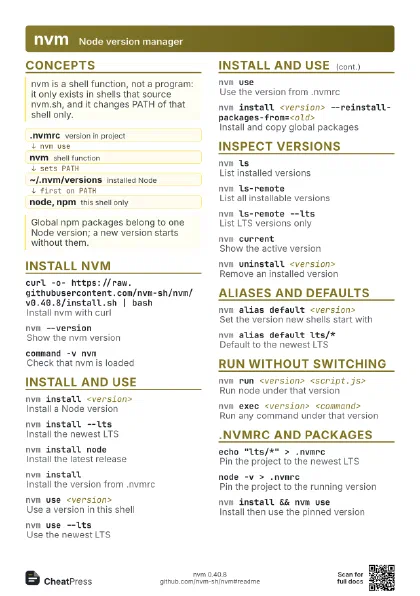
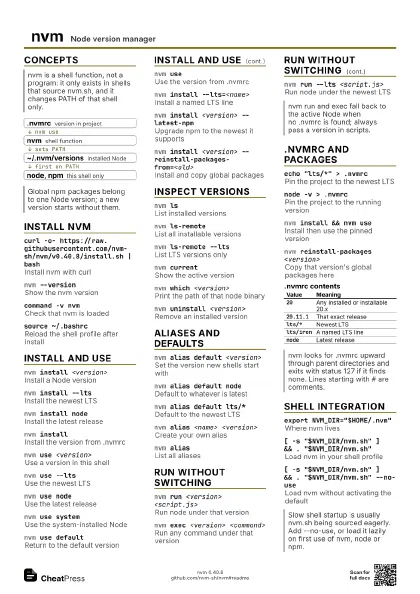
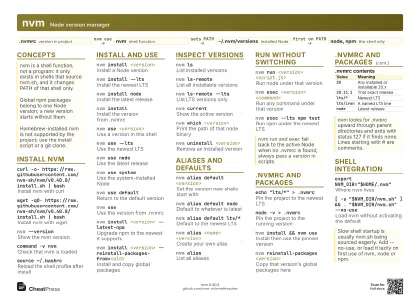 Light · A4 landscape
297 × 210 mm · PDF
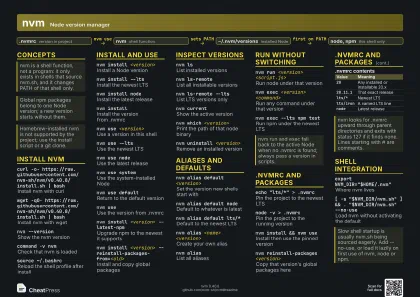 Dark · A4 landscape
297 × 210 mm · PDF
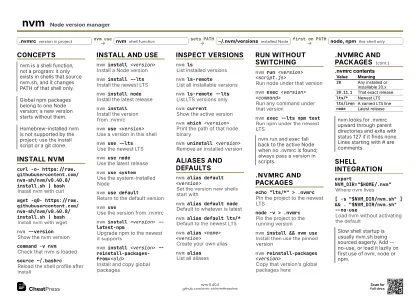 Ink saver · A4 landscape
297 × 210 mm · PDF
 Light · A3 landscape
420 × 297 mm · PDF
 Dark · A3 landscape
420 × 297 mm · PDF
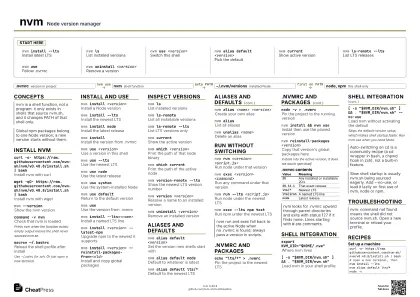 Ink saver · A3 landscape
420 × 297 mm · PDF
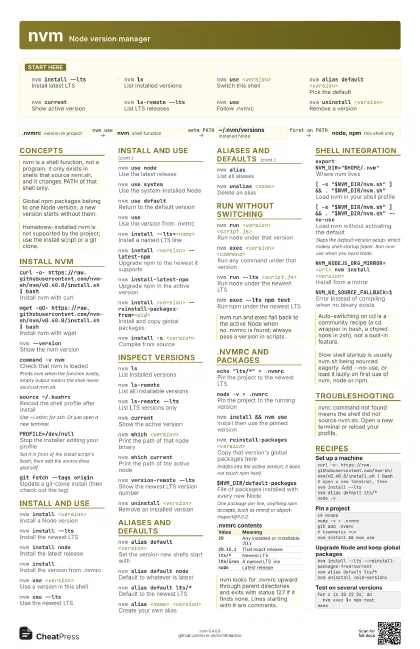
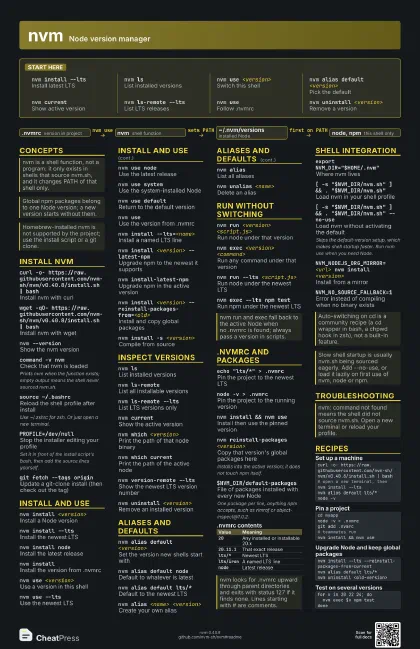
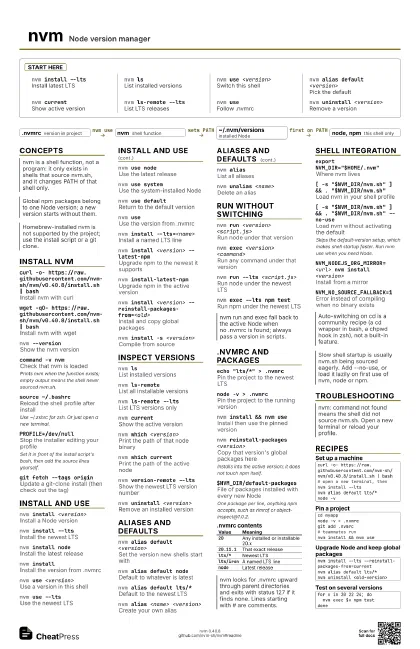
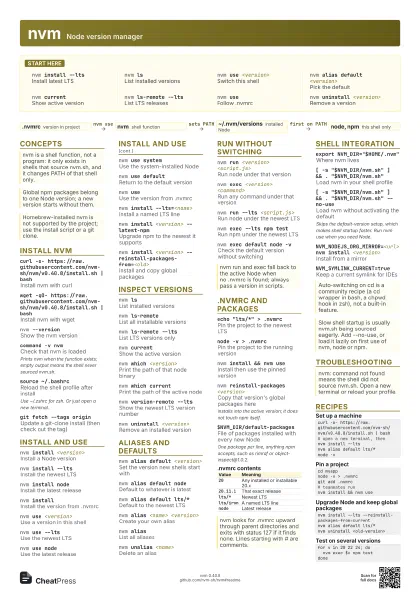
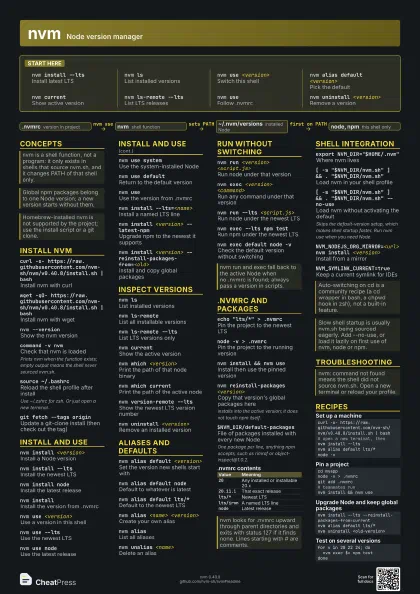
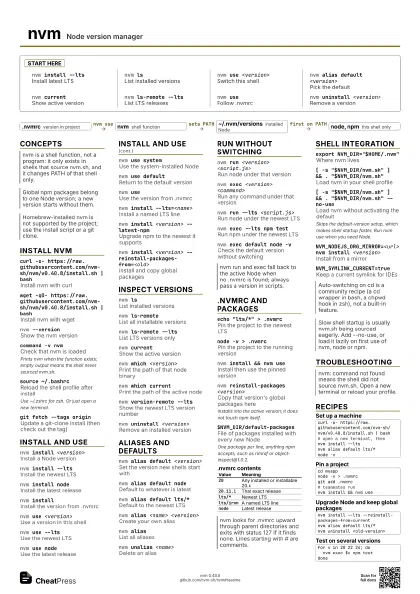
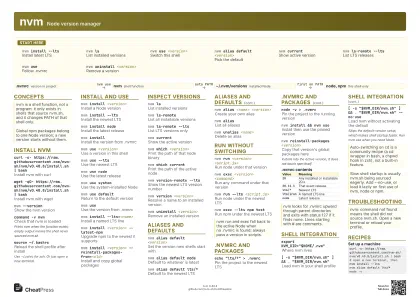
Start here
nvm install --lts
Install latest LTS
nvm lsList installed versions
nvm use <version>
Switch this shell
nvm alias default <version>
Pick the default
nvm currentShow active version
nvm ls-remote --lts
List LTS releases
nvm useFollow .nvmrc
nvm uninstall <version>
Remove a version
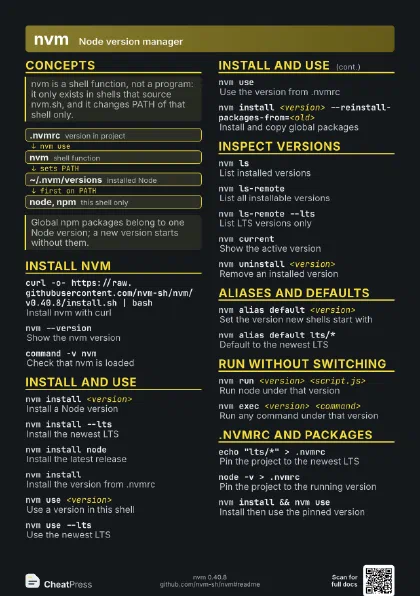
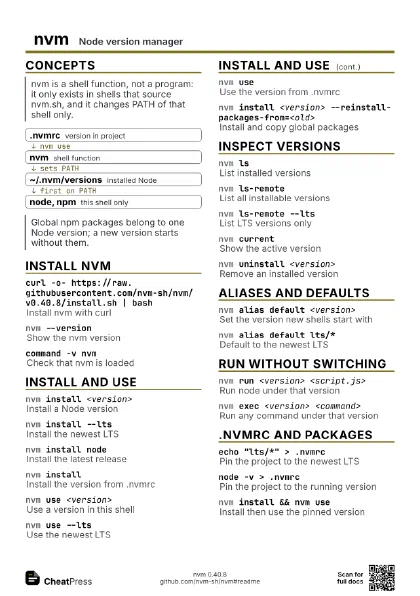
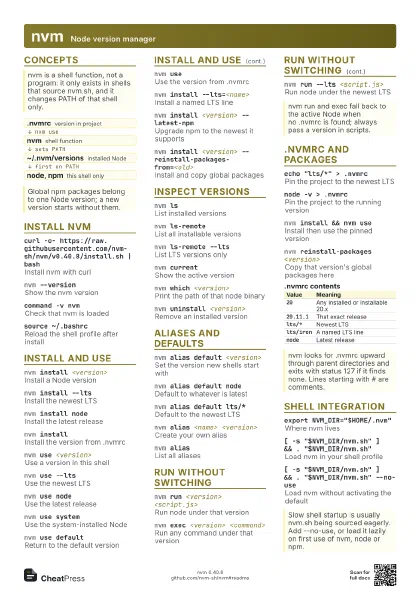
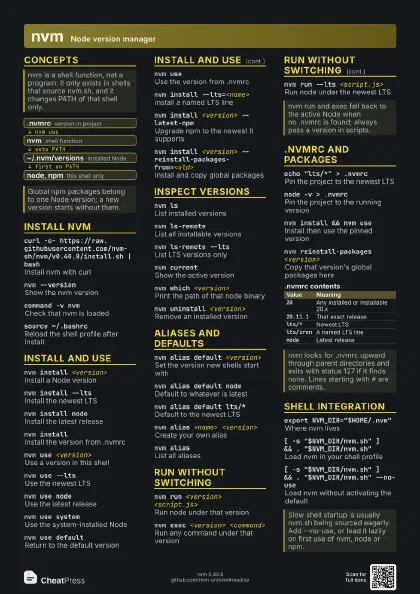
Concepts
- .nvmrc version in project
- nvm shell function
- ~/.nvm/versions installed Node
- node, npm this shell only
Install nvm
curl -o-
                    https://raw.githubusercontent.com/nvm-sh/nvm/v0.40.8/install.sh
                    | bash
Install nvm with curl
wget -qO-
                    https://raw.githubusercontent.com/nvm-sh/nvm/v0.40.8/install.sh
                    | bash
Install nvm with wget
nvm --versionShow the nvm version
command -v nvmCheck that nvm is loaded
Prints nvm when the function exists; empty output means the
shell never sourced nvm.sh.
source ~/.bashrc
Reload the shell profile after install
Use ~/.zshrc for zsh. Or just open a new terminal.
PROFILE=/dev/null
Stop the installer editing your profile
Set it in front of the install script's bash, then add the
source lines yourself.
XDG_CONFIG_HOME
Keep nvm files under $XDG_CONFIG_HOME/nvm
git fetch --tags origin
Update a git-clone install (then check out the tag)
Install and use
nvm install <version>
Install a Node version
nvm install --lts
Install the newest LTS
nvm install node
Install the latest release
nvm installInstall the version from .nvmrc
nvm use <version>
Use a version in this shell
nvm use --ltsUse the newest LTS
nvm use nodeUse the latest release
nvm use systemUse the system-installed Node
nvm use defaultReturn to the default version
nvm useUse the version from .nvmrc
nvm install --lts=<name>
Install a named LTS line
nvm install <version> --latest-npm
Upgrade npm to the newest it supports
nvm install-latest-npm
Upgrade npm in the active version
nvm install <version>
                    --reinstall-packages-from=<old>
Install and copy global packages
nvm install -s <version>
Compile from source
nvm install <version> --offline
Install from cached files only
Inspect versions
nvm lsList installed versions
nvm ls-remoteList all installable versions
nvm ls-remote --lts
List LTS versions only
nvm currentShow the active version
nvm which <version>
Print the path of that node binary
nvm which current
Print the path of the active node
nvm version-remote --lts
Show the newest LTS version number
nvm version <version>
Resolve a name to an installed version
nvm ls --no-colors
List without colour codes
nvm uninstall <version>
Remove an installed version
nvm cache clearEmpty the download cache
Suggested by the docs when an install fails with curl: (33).
Aliases and defaults
nvm alias default <version>
Set the version new shells start with
nvm alias default node
Default to whatever is latest
nvm alias default lts/*
Default to the newest LTS
nvm alias <name> <version>
Create your own alias
nvm aliasList all aliases
nvm unalias <name>
Delete an alias
nvm use lts/<name>
Use a named LTS line, such as lts/iron
LTS aliases are managed by nvm under $NVM_DIR/alias/lts; do
not edit them.
nvm deactivate
Undo nvm's PATH changes in this shell
nvm unloadRemove nvm from this shell
Run without switching
nvm run <version> <script.js>
Run node under that version
nvm exec <version> <command>
Run any command under that version
nvm run --lts <script.js>
Run node under the newest LTS
nvm exec --lts npm test
Run npm under the newest LTS
nvm exec default node -v
Check the default version without switching
.nvmrc and packages
echo "lts/*" > .nvmrc
Pin the project to the newest LTS
node -v > .nvmrc
Pin the project to the running version
nvm install && nvm use
Install then use the pinned version
nvm reinstall-packages <version>
Copy that version's global packages here
Installs into the active version; it does not touch npm
itself.
npx nvmrcValidate the .nvmrc file
$NVM_DIR/default-packages
File of packages installed with every new Node
One package per line, anything npm accepts, such as rimraf or
object-inspect@1.0.2.
| Value | Meaning |
|---|---|
20 |
Any installed or installable 20.x |
20.11.1 |
That exact release |
lts/* |
Newest LTS |
lts/iron |
A named LTS line |
node |
Latest release |
Shell integration
export NVM_DIR="$HOME/.nvm"
Where nvm lives
[ -s "$NVM_DIR/nvm.sh" ] && .
                    "$NVM_DIR/nvm.sh"
Load nvm in your shell profile
[ -s "$NVM_DIR/nvm.sh" ] && .
                    "$NVM_DIR/nvm.sh" --no-use
Load nvm without activating the default
Skips the default-version setup, which makes shell startup
faster. Run nvm use when you need Node.
NVM_NODEJS_ORG_MIRROR=<url> nvm install
                    <version>
Install from a mirror
NVM_NO_SOURCE_FALLBACK=1
Error instead of compiling when no binary exists
NVM_SYMLINK_CURRENT=true
Keep a current symlink for IDEs
Troubleshooting
Recipes
curl -o- https://raw.githubusercontent.com/nvm-sh/nvm/v0.40.8/install.sh | bash# open a new terminal, thennvm install --ltsnvm alias default lts/*node -vcd myappnode -v > .nvmrcgit add .nvmrc# teammates runnvm install && nvm usenvm install --lts --reinstall-packages-from=currentnvm alias default lts/*nvm uninstall <old-version>for v in 20 22 24; do nvm exec $v npm testdone