Cheat
Alembic Database migrations
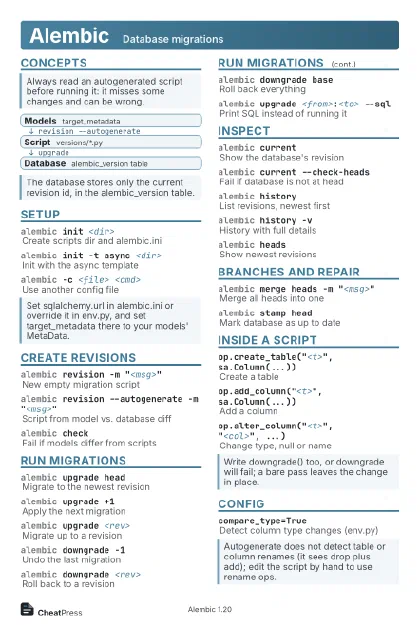 Light · Postcard
102 × 152 mm · PDF
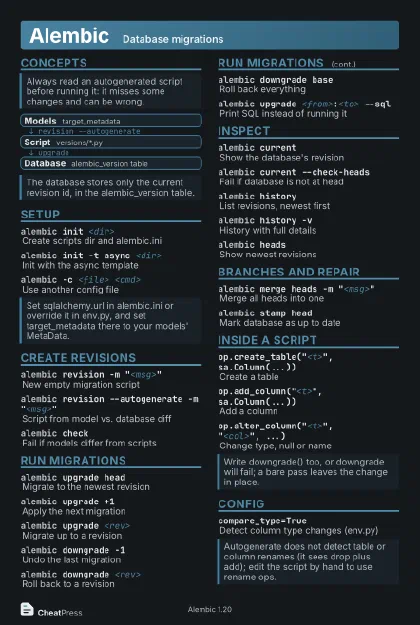 Dark · Postcard
102 × 152 mm · PDF
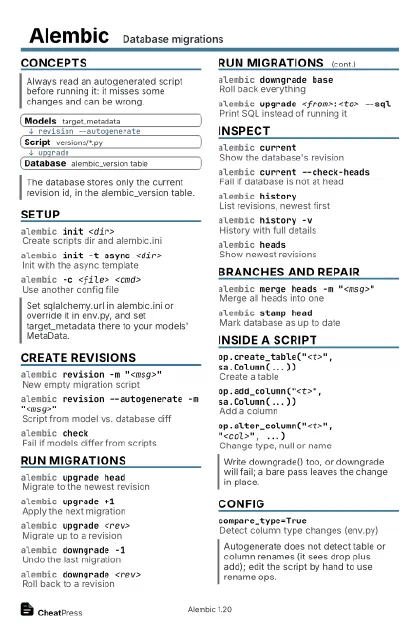 Ink saver · Postcard
102 × 152 mm · PDF
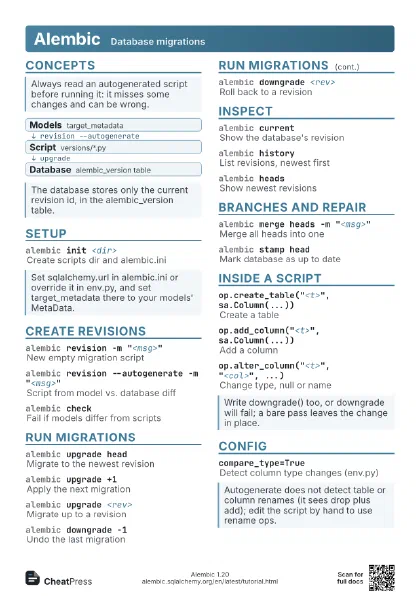
 Light · A4 landscape
297 × 210 mm · PDF
 Dark · A4 landscape
297 × 210 mm · PDF
 Ink saver · A4 landscape
297 × 210 mm · PDF
 Light · A3 landscape
420 × 297 mm · PDF
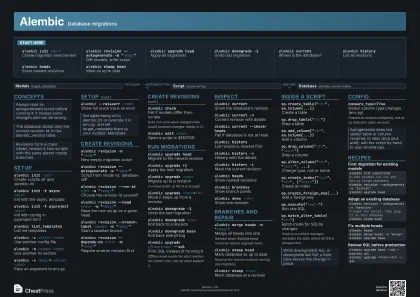 Dark · A3 landscape
420 × 297 mm · PDF
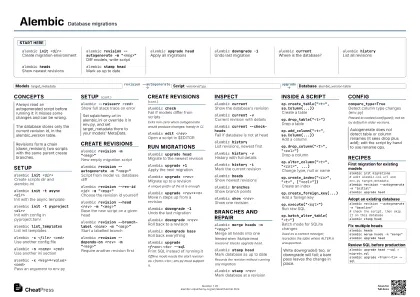 Ink saver · A3 landscape
420 × 297 mm · PDF
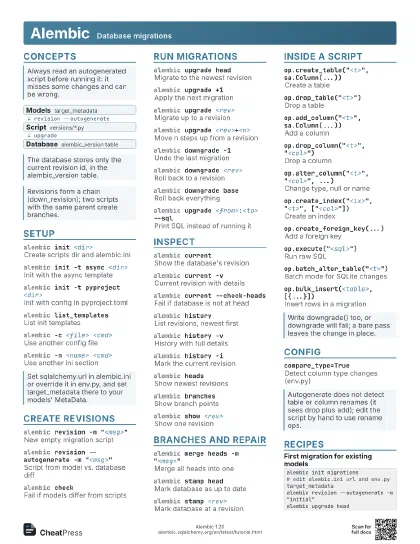
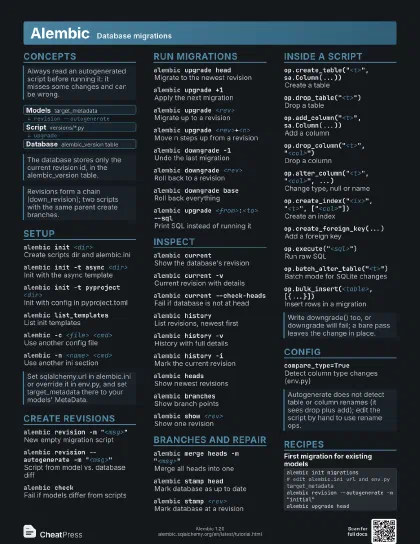
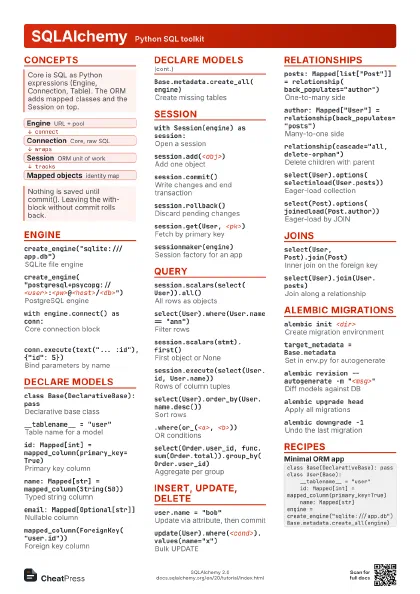
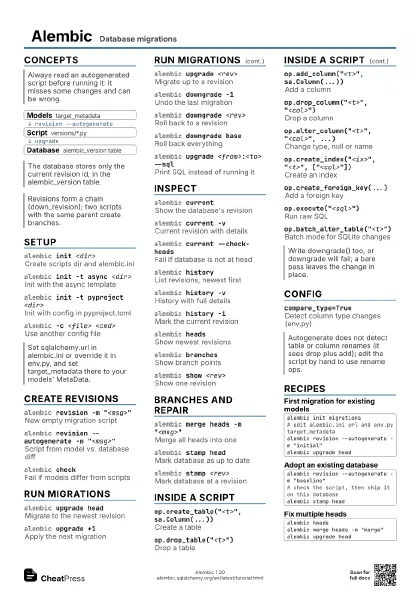
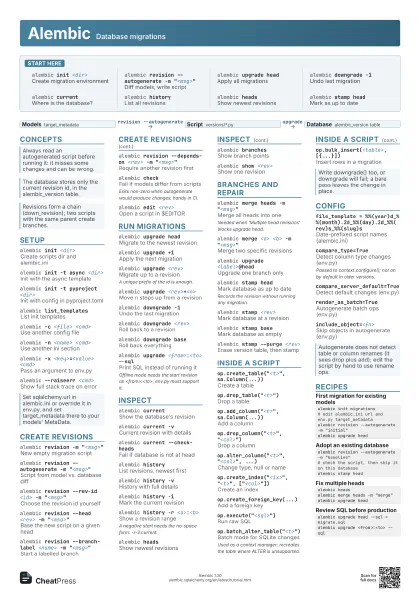
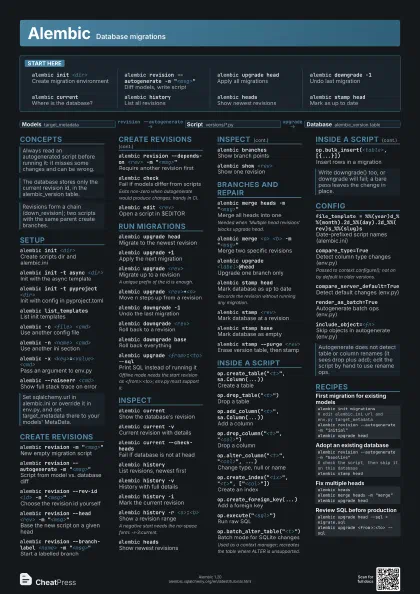
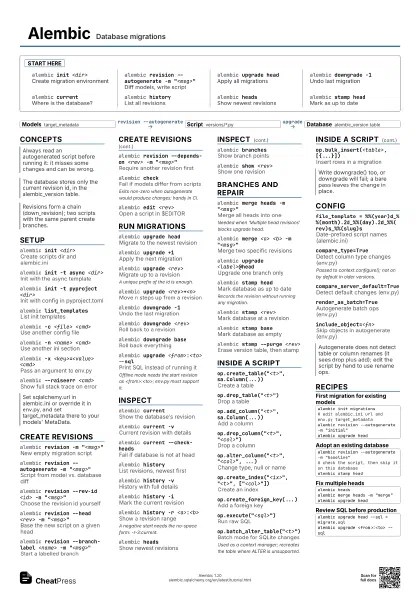
Start here
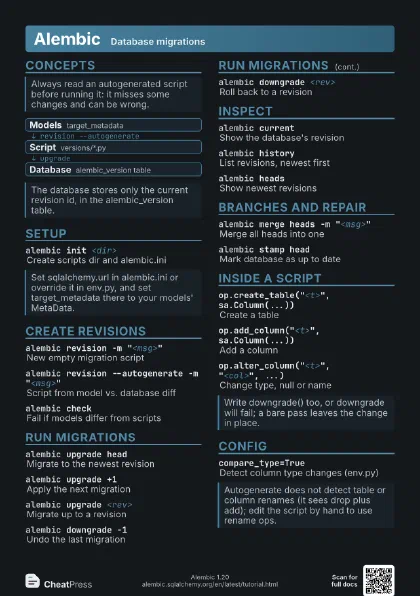
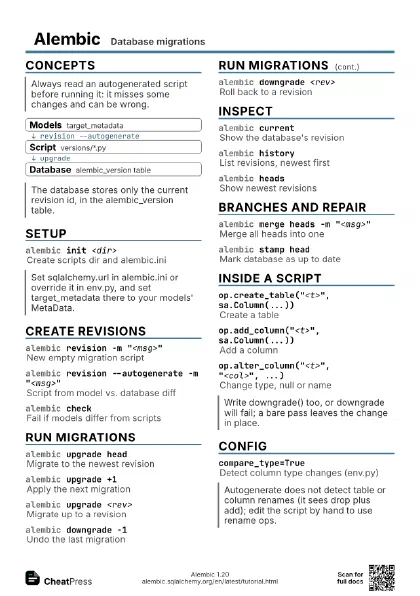
alembic init <dir>
Create migration environment
alembic revision --autogenerate -m
                    "<msg>"
Diff models, write script
alembic upgrade head
Apply all migrations
alembic downgrade -1
Undo last migration
alembic currentWhere is the database?
alembic historyList all revisions
alembic headsShow newest revisions
alembic stamp head
Mark as up to date
Concepts
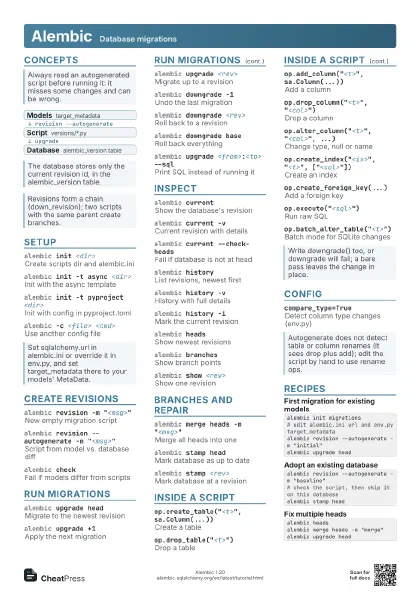
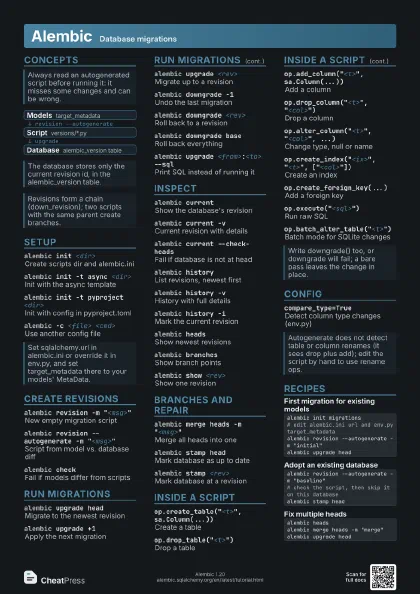
- Models target_metadata
- Script versions/*.py
- Database alembic_version table
Setup
alembic init <dir>
Create scripts dir and alembic.ini
alembic init -t async <dir>
Init with the async template
alembic init -t pyproject <dir>
Init with config in pyproject.toml
alembic list_templates
List init templates
alembic -c <file> <cmd>
Use another config file
alembic -n <name> <cmd>
Use another ini section
alembic -x <key>=<value> <cmd>
Pass an argument to env.py
alembic --raiseerr <cmd>
Show full stack trace on error
Create revisions
alembic revision -m "<msg>"
New empty migration script
alembic revision --autogenerate -m
                    "<msg>"
Script from model vs. database diff
alembic revision --rev-id <id> -m
                    "<msg>"
Choose the revision id yourself
alembic revision --head <rev> -m
                    "<msg>"
Base the new script on a given head
alembic revision --branch-label <name> -m
                    "<msg>"
Start a labelled branch
alembic revision --depends-on <rev> -m
                    "<msg>"
Require another revision first
alembic checkFail if models differ from scripts
Exits non-zero when autogenerate would produce changes: handy
in CI.
alembic edit <rev>
Open a script in $EDITOR
Run migrations
alembic upgrade head
Migrate to the newest revision
alembic upgrade +1
Apply the next migration
alembic upgrade <rev>
Migrate up to a revision
A unique prefix of the id is enough.
alembic upgrade <rev>+<n>
Move n steps up from a revision
alembic downgrade -1
Undo the last migration
alembic downgrade <rev>
Roll back to a revision
alembic downgrade base
Roll back everything
alembic upgrade <from>:<to> --sql
Print SQL instead of running it
Offline mode needs the start revision as
<from>:<to>; env.py must support it.
alembic upgrade head --tag <tag>
Pass a tag to env.py
Inspect
alembic currentShow the database's revision
alembic current -v
Current revision with details
alembic current --check-heads
Fail if database is not at head
alembic historyList revisions, newest first
alembic history -v
History with full details
alembic history -i
Mark the current revision
alembic history -r <a>:<b>
Show a revision range
A negative start needs the no-space form: -r-3:current.
alembic headsShow newest revisions
alembic branches
Show branch points
alembic show <rev>
Show one revision
Branches and repair
alembic merge heads -m "<msg>"
Merge all heads into one
Needed when 'Multiple head revisions' blocks upgrade
head.
alembic merge <a> <b> -m
                    "<msg>"
Merge two specific revisions
alembic upgrade <label>@head
Upgrade one branch only
alembic stamp head
Mark database as up to date
Records the revision without running any migration.
alembic stamp <rev>
Mark database at a revision
alembic stamp base
Mark database as empty
alembic stamp --purge <rev>
Erase version table, then stamp
alembic ensure_version
Create the version table
Inside a script
op.create_table("<t>", sa.Column(...))
Create a table
op.drop_table("<t>")
Drop a table
op.add_column("<t>", sa.Column(...))
Add a column
op.drop_column("<t>",
                    "<col>")
Drop a column
op.alter_column("<t>", "<col>",
                    ...)
Change type, null or name
op.create_index("<ix>", "<t>",
                    ["<col>"])
Create an index
op.create_foreign_key(...)
Add a foreign key
op.execute("<sql>")
Run raw SQL
op.batch_alter_table("<t>")
Batch mode for SQLite changes
Used as a context manager; recreates the table where ALTER is
unsupported.
op.bulk_insert(<table>, [{...}])
Insert rows in a migration
Config
file_template =
                    %%(year)d_%%(month).2d_%%(day).2d_%%(rev)s_%%(slug)s
Date-prefixed script names (alembic.ini)
compare_type=True
Detect column type changes (env.py)
Passed to context.configure(); not on by default in older
versions.
compare_server_default=True
Detect default changes (env.py)
render_as_batch=True
Autogenerate batch ops (env.py)
include_object=<fn>
Skip objects in autogenerate (env.py)
version_locations = <dir> <dir>
Several script folders (alembic.ini)
Recipes
alembic init migrations# edit alembic.ini url and env.py target_metadataalembic revision --autogenerate -m "initial"alembic upgrade headalembic revision --autogenerate -m "baseline"# check the script, then skip it on this databasealembic stamp headalembic headsalembic merge heads -m "merge"alembic upgrade headalembic upgrade head --sql > migrate.sqlalembic upgrade <from>:<to> --sql