Cheat
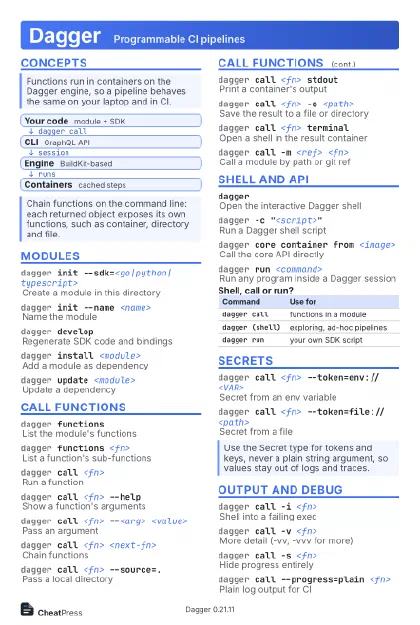
Dagger Programmable CI pipelines
 Light · Postcard
102 × 152 mm · PDF
 Dark · Postcard
102 × 152 mm · PDF
 Ink saver · Postcard
102 × 152 mm · PDF
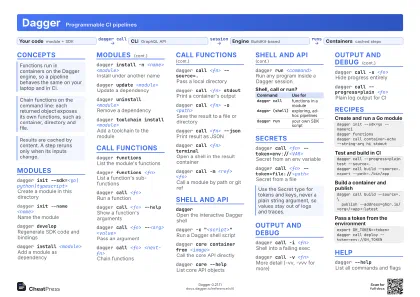 Light · A4 landscape
297 × 210 mm · PDF
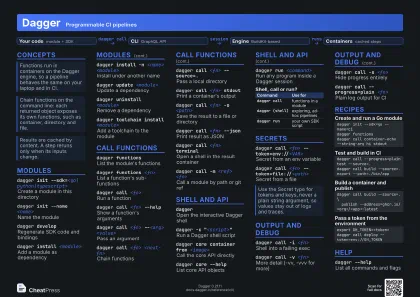 Dark · A4 landscape
297 × 210 mm · PDF
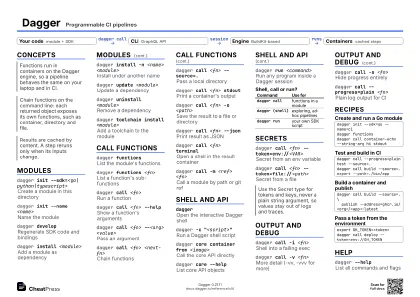 Ink saver · A4 landscape
297 × 210 mm · PDF
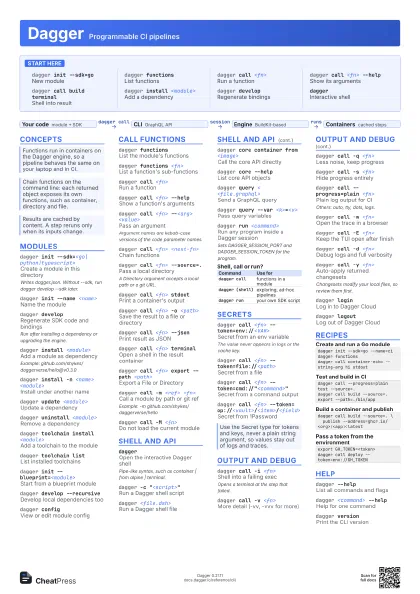
 Light · A3 landscape
420 × 297 mm · PDF
 Dark · A3 landscape
420 × 297 mm · PDF
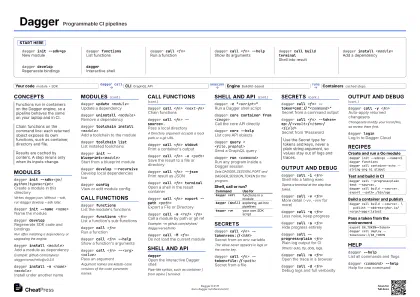 Ink saver · A3 landscape
420 × 297 mm · PDF
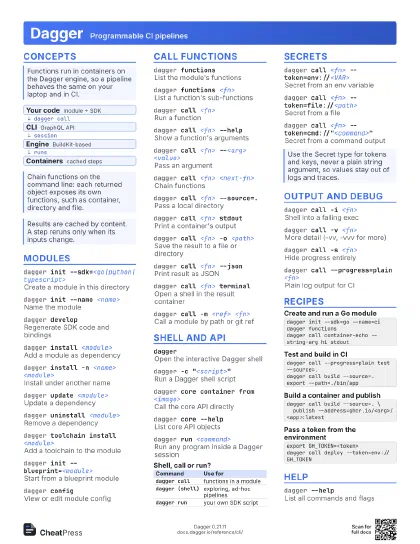
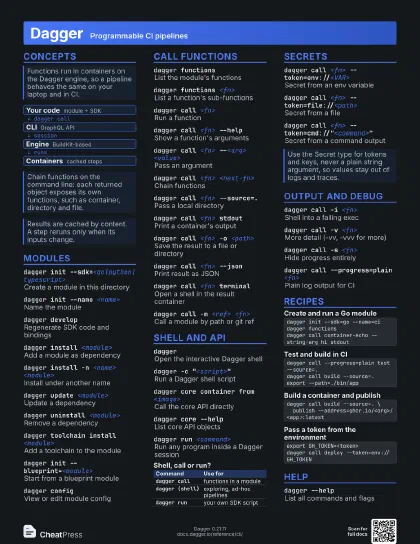
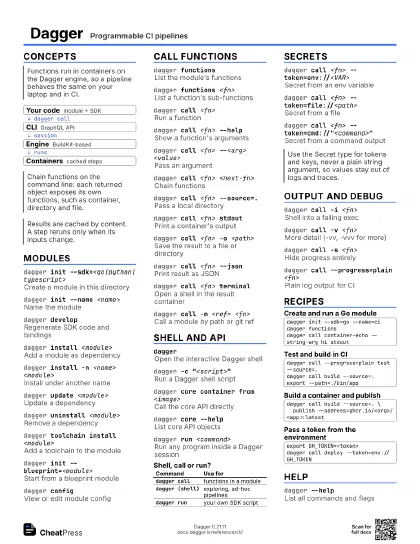
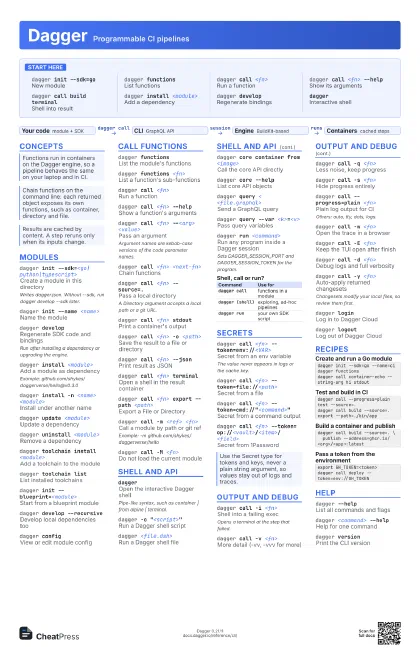
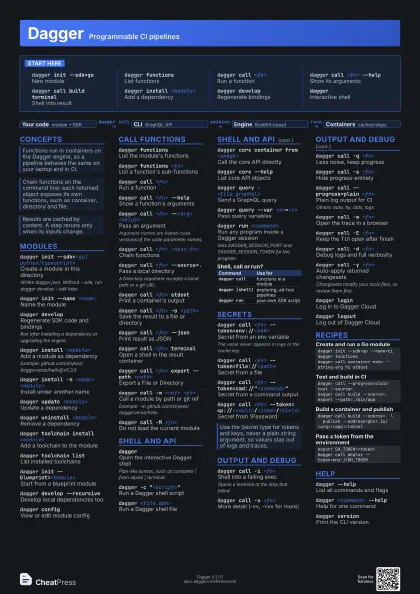
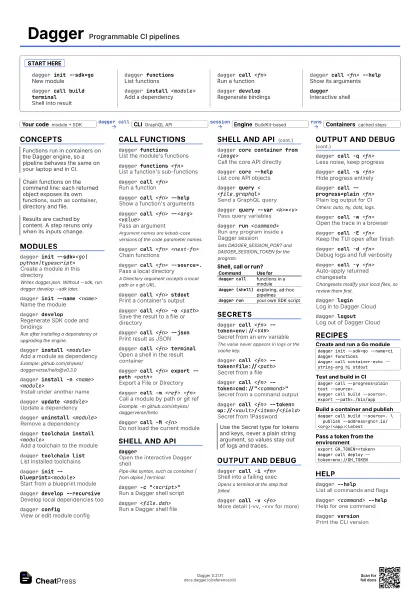
Start here
dagger init --sdk=go
New module
dagger functions
List functions
dagger call <fn>
Run a function
dagger call <fn> --help
Show its arguments
dagger call build terminal
Shell into result
dagger install <module>
Add a dependency
dagger developRegenerate bindings
daggerInteractive shell
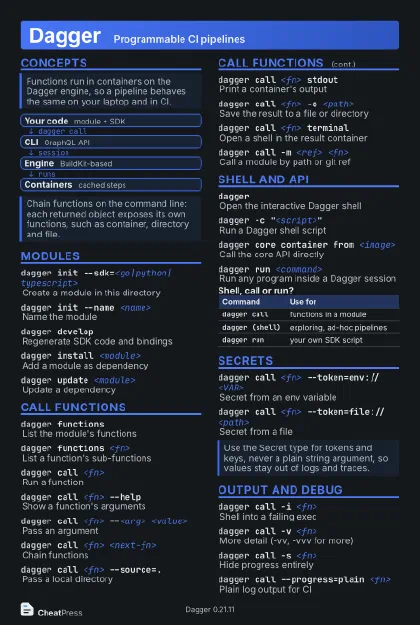
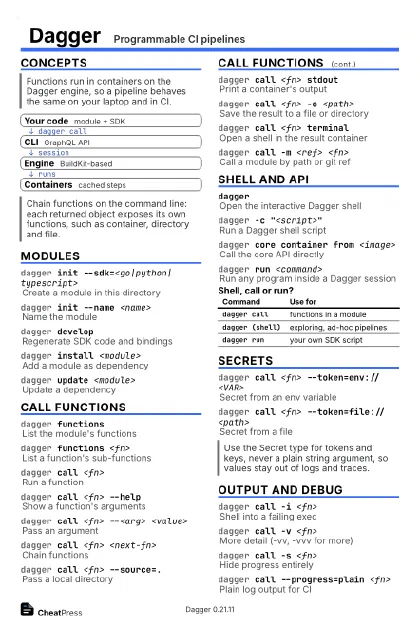
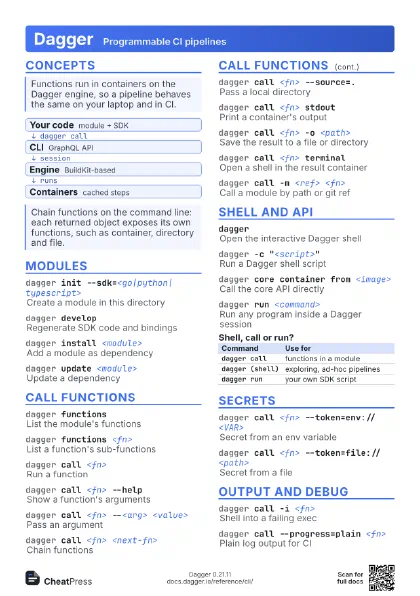
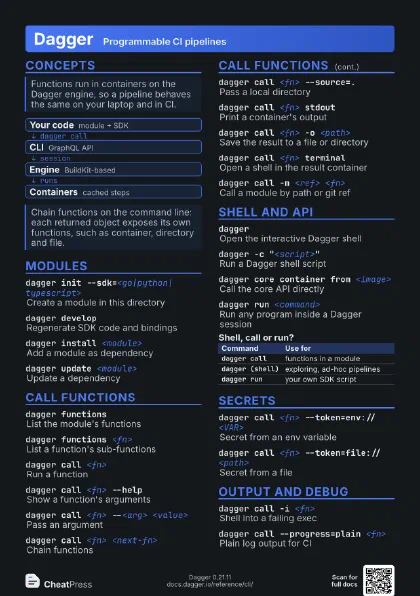
Concepts
- Your code module + SDK
- CLI GraphQL API
- Engine BuildKit-based
- Containers cached steps
Modules
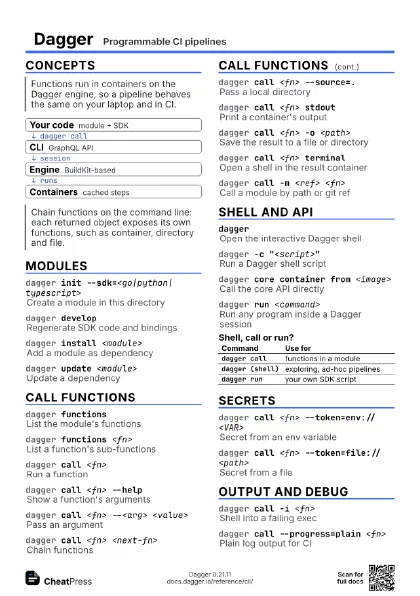
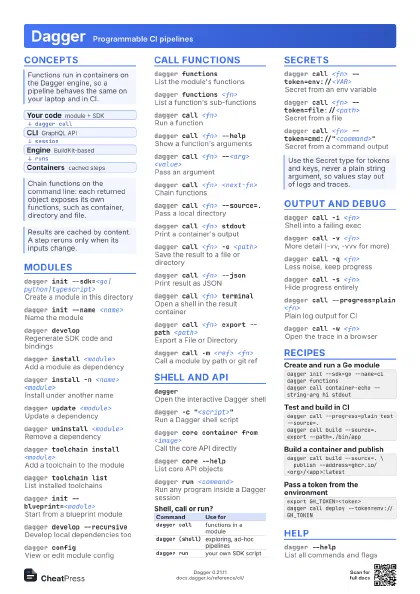
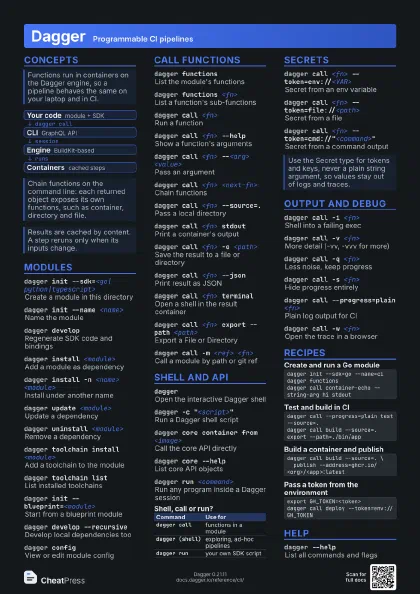
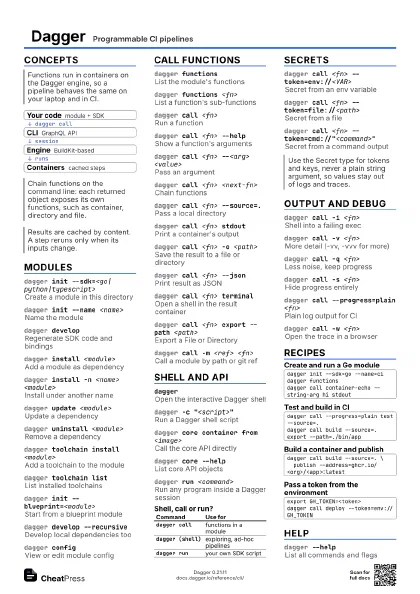
dagger init --sdk=<go|python|typescript>
Create a module in this directory
Writes dagger.json. Without --sdk, run dagger develop --sdk
later.
dagger init --name <name>
Name the module
dagger developRegenerate SDK code and bindings
Run after installing a dependency or upgrading the engine.
dagger install <module>
Add a module as dependency
Example: github.com/shykes/daggerverse/hello@v0.3.0
dagger install -n <name> <module>
Install under another name
dagger update <module>
Update a dependency
dagger uninstall <module>
Remove a dependency
dagger toolchain install <module>
Add a toolchain to the module
dagger toolchain list
List installed toolchains
dagger init --blueprint=<module>
Start from a blueprint module
dagger develop --recursive
Develop local dependencies too
dagger configView or edit module config
Call functions
dagger functions
List the module's functions
dagger functions <fn>
List a function's sub-functions
dagger call <fn>
Run a function
dagger call <fn> --help
Show a function's arguments
dagger call <fn> --<arg> <value>
Pass an argument
Argument names are kebab-case versions of the code parameter
names.
dagger call <fn> <next-fn>
Chain functions
dagger call <fn> --source=.
Pass a local directory
A Directory argument accepts a local path or a git URL.
dagger call <fn> stdout
Print a container's output
dagger call <fn> -o <path>
Save the result to a file or directory
dagger call <fn> --json
Print result as JSON
dagger call <fn> terminal
Open a shell in the result container
dagger call <fn> export --path <path>
Export a File or Directory
dagger call -m <ref> <fn>
Call a module by path or git ref
Example: -m github.com/shykes/daggerverse/hello
dagger call -M <fn>
Do not load the current module
Shell and API
daggerOpen the interactive Dagger shell
Pipe-like syntax, such as container | from alpine | terminal.
dagger -c "<script>"
Run a Dagger shell script
dagger <file.dsh>
Run a Dagger shell file
dagger core container from <image>
Call the core API directly
dagger core --help
List core API objects
dagger query < <file.graphql>
Send a GraphQL query
dagger query --var <k>=<v>
Pass query variables
dagger run <command>
Run any program inside a Dagger session
Sets DAGGER_SESSION_PORT and DAGGER_SESSION_TOKEN for the
program.
| Command | Use for |
|---|---|
dagger call |
functions in a module |
dagger (shell) |
exploring, ad-hoc pipelines |
dagger run |
your own SDK script |
Secrets
dagger call <fn> --token=env://<VAR>
Secret from an env variable
The value never appears in logs or the cache key.
dagger call <fn> --token=file://<path>
Secret from a file
dagger call <fn>
                    --token=cmd://"<command>"
Secret from a command output
dagger call <fn>
                    --token=op://<vault>/<item>/<field>
Secret from 1Password
Output and debug
dagger call -i <fn>
Shell into a failing exec
Opens a terminal at the step that failed.
dagger call -v <fn>
More detail (-vv, -vvv for more)
dagger call -q <fn>
Less noise, keep progress
dagger call -s <fn>
Hide progress entirely
dagger call --progress=plain <fn>
Plain log output for CI
Others: auto, tty, dots, logs.
dagger call -w <fn>
Open the trace in a browser
dagger call -E <fn>
Keep the TUI open after finish
dagger call -d <fn>
Debug logs and full verbosity
dagger call -y <fn>
Auto-apply returned changesets
Changesets modify your local files, so review them first.
dagger loginLog in to Dagger Cloud
dagger logoutLog out of Dagger Cloud
Recipes
dagger init --sdk=go --name=cidagger functionsdagger call container-echo --string-arg hi stdoutdagger call --progress=plain test --source=.dagger call build --source=. export --path=./bin/appdagger call build --source=. \ publish --address=ghcr.io/<org>/<app>:latestexport GH_TOKEN=<token>dagger call deploy --token=env://GH_TOKENHelp
dagger --helpList all commands and flags
dagger <command> --help
Help for one command
dagger versionPrint the CLI version