Cheat
Docker Buildx Docker's BuildKit CLI
 Light · Postcard
102 × 152 mm · PDF
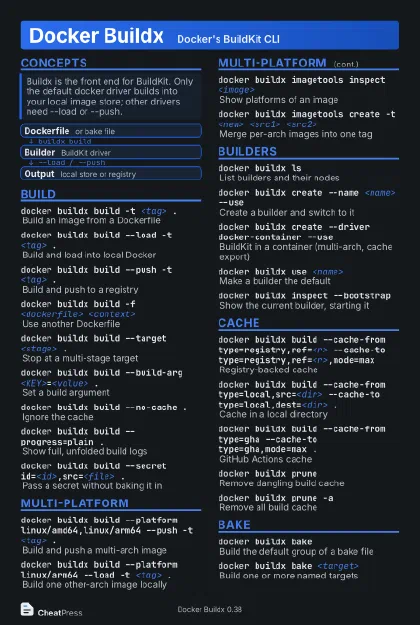 Dark · Postcard
102 × 152 mm · PDF
 Ink saver · Postcard
102 × 152 mm · PDF
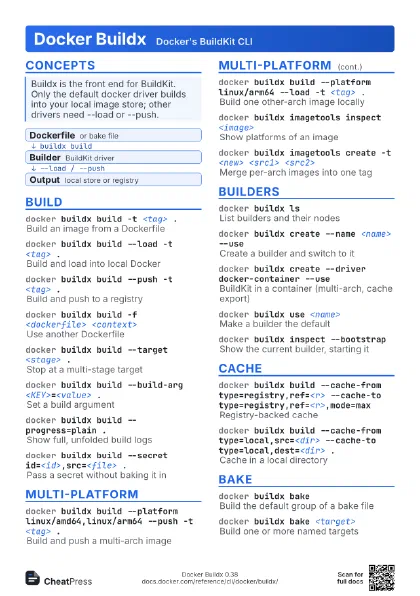
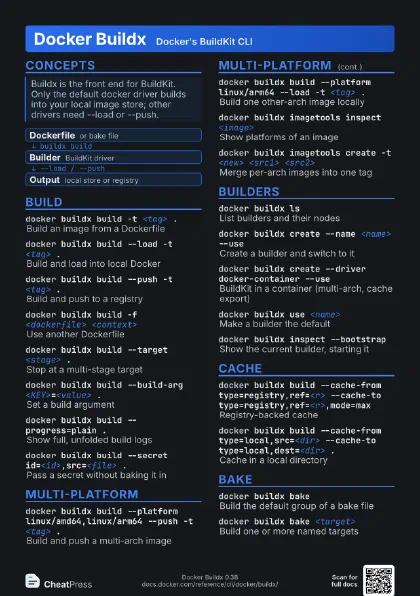
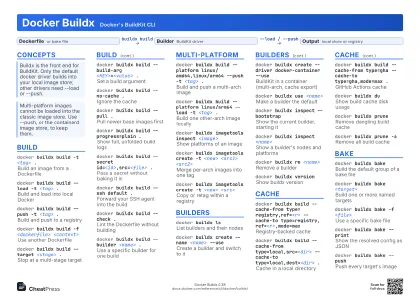 Light · A4 landscape
297 × 210 mm · PDF
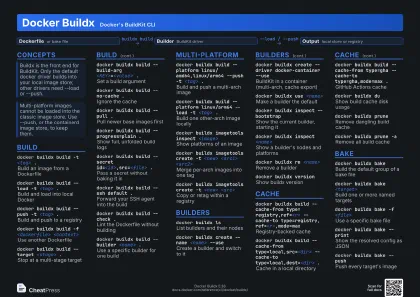 Dark · A4 landscape
297 × 210 mm · PDF
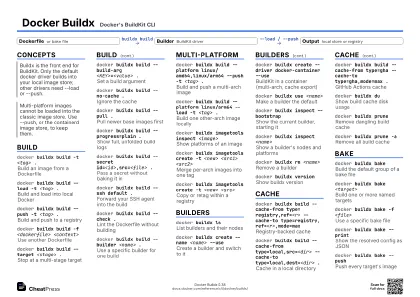 Ink saver · A4 landscape
297 × 210 mm · PDF
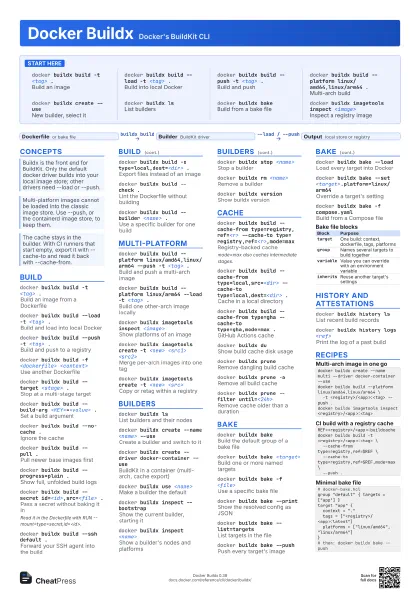
 Light · A3 landscape
420 × 297 mm · PDF
 Dark · A3 landscape
420 × 297 mm · PDF
 Ink saver · A3 landscape
420 × 297 mm · PDF
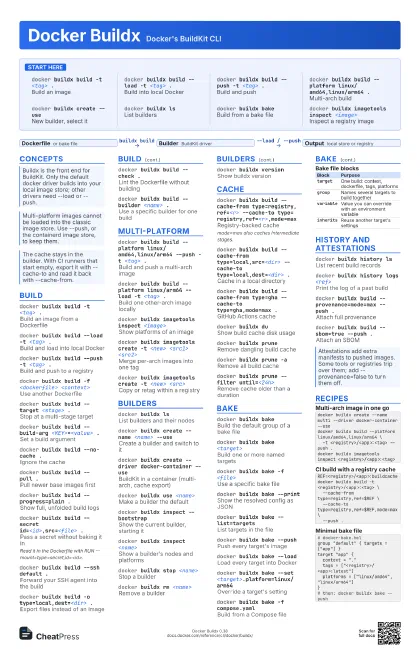
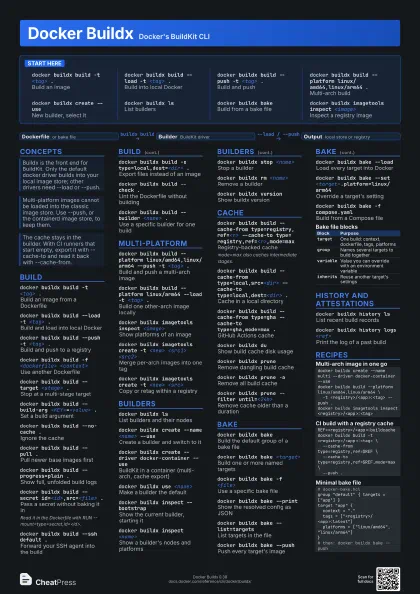
Start here
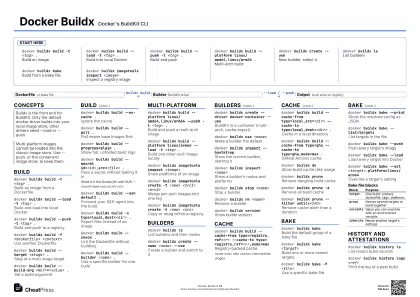
docker buildx build -t <tag> .
Build an image
docker buildx build --load -t <tag> .
Build into local Docker
docker buildx build --push -t <tag> .
Build and push
docker buildx build --platform linux/amd64,linux/arm64
                    .
Multi-arch build
docker buildx create --use
New builder, select it
docker buildx ls
List builders
docker buildx bake
Build from a bake file
docker buildx imagetools inspect <image>
Inspect a registry image
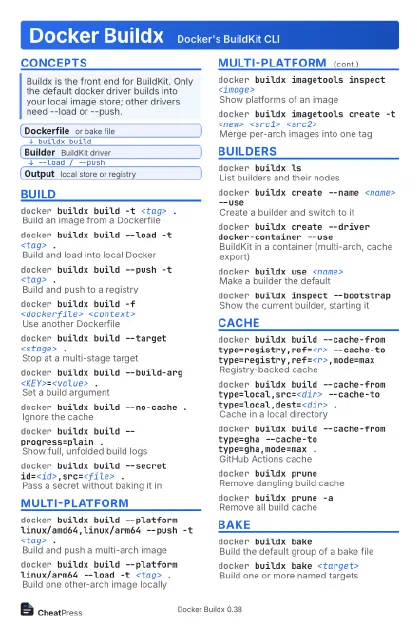
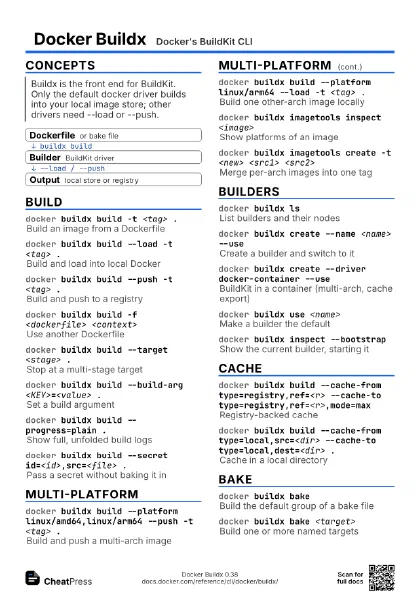
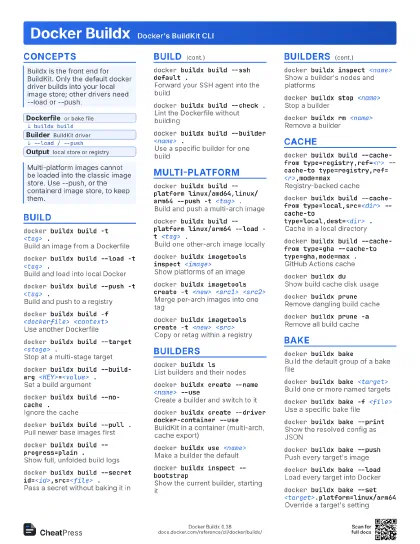
Concepts
- Dockerfile or bake file
- Builder BuildKit driver
- Output local store or registry
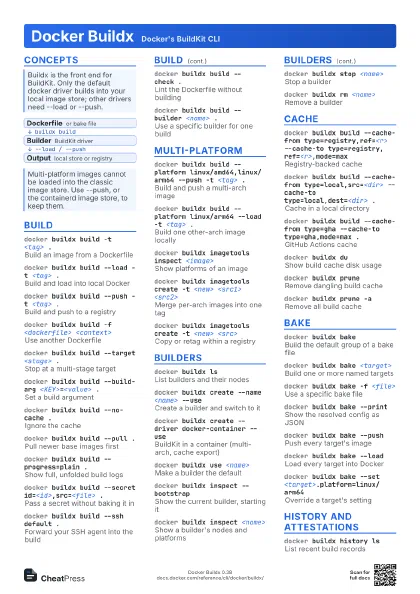
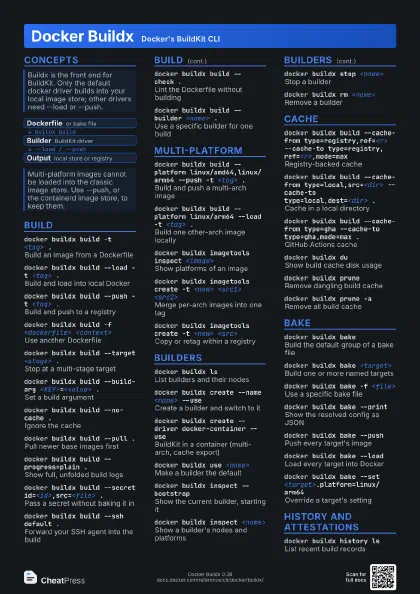
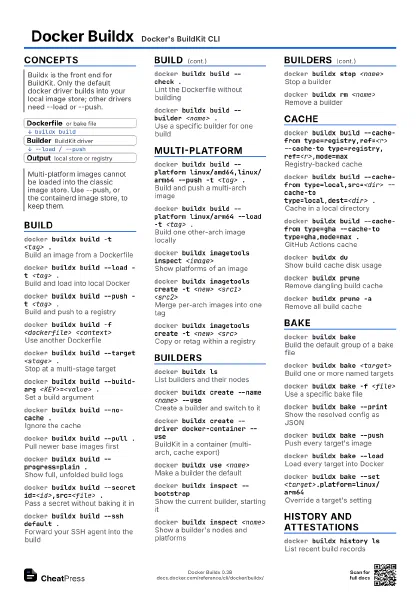
Build
docker buildx build -t <tag> .
Build an image from a Dockerfile
docker buildx build --load -t <tag> .
Build and load into local Docker
docker buildx build --push -t <tag> .
Build and push to a registry
docker buildx build -f <dockerfile>
                    <context>
Use another Dockerfile
docker buildx build --target <stage> .
Stop at a multi-stage target
docker buildx build --build-arg <KEY>=<value>
                    .
Set a build argument
docker buildx build --no-cache .
Ignore the cache
docker buildx build --pull .
Pull newer base images first
docker buildx build --progress=plain .
Show full, unfolded build logs
docker buildx build --secret id=<id>,src=<file>
                    .
Pass a secret without baking it in
Read it in the Dockerfile with RUN
--mount=type=secret,id=<id>.
docker buildx build --ssh default .
Forward your SSH agent into the build
docker buildx build -o type=local,dest=<dir> .
Export files instead of an image
docker buildx build --check .
Lint the Dockerfile without building
docker buildx build --builder <name> .
Use a specific builder for one build
Multi-platform
docker buildx build --platform linux/amd64,linux/arm64
                    --push -t <tag> .
Build and push a multi-arch image
docker buildx build --platform linux/arm64 --load -t
                    <tag> .
Build one other-arch image locally
docker buildx imagetools inspect <image>
Show platforms of an image
docker buildx imagetools create -t <new> <src1>
                    <src2>
Merge per-arch images into one tag
docker buildx imagetools create -t <new>
                    <src>
Copy or retag within a registry
Builders
docker buildx ls
List builders and their nodes
docker buildx create --name <name> --use
Create a builder and switch to it
docker buildx create --driver docker-container --use
BuildKit in a container (multi-arch, cache export)
docker buildx use <name>
Make a builder the default
docker buildx inspect --bootstrap
Show the current builder, starting it
docker buildx inspect <name>
Show a builder's nodes and platforms
docker buildx stop <name>
Stop a builder
docker buildx rm <name>
Remove a builder
docker buildx create --append --name <name> --node
                    <node> <ctx>
Add a node to a builder
docker buildx version
Show buildx version
Cache
docker buildx build --cache-from
                    type=registry,ref=<r> --cache-to
                    type=registry,ref=<r>,mode=max
Registry-backed cache
mode=max also caches intermediate stages.
docker buildx build --cache-from type=local,src=<dir>
                    --cache-to type=local,dest=<dir> .
Cache in a local directory
docker buildx build --cache-from type=gha --cache-to
                    type=gha,mode=max .
GitHub Actions cache
docker buildx du
Show build cache disk usage
docker buildx prune
Remove dangling build cache
docker buildx prune -a
Remove all build cache
docker buildx prune --filter until=<24h>
Remove cache older than a duration
Bake
docker buildx bake
Build the default group of a bake file
docker buildx bake <target>
Build one or more named targets
docker buildx bake -f <file>
Use a specific bake file
docker buildx bake --print
Show the resolved config as JSON
docker buildx bake --list=targets
List targets in the file
docker buildx bake --push
Push every target's image
docker buildx bake --load
Load every target into Docker
docker buildx bake --set
                    <target>.platform=linux/arm64
Override a target's setting
docker buildx bake -f compose.yaml
Build from a Compose file
| Block | Purpose |
|---|---|
target |
One build: context, dockerfile, tags, platforms |
group |
Names several targets to build together |
variable |
Value you can override with an environment variable |
inherits |
Reuse another target's settings |
History and attestations
docker buildx history ls
List recent build records
docker buildx history logs <ref>
Print the log of a past build
docker buildx build --provenance=mode=max --push .
Attach full provenance
docker buildx build --sbom=true --push .
Attach an SBOM
docker buildx build --attest type=sbom --attest
                    type=provenance,mode=max .
Set attestations explicitly
Recipes
docker buildx create --name multi --driver docker-container --usedocker buildx build --platform linux/amd64,linux/arm64 \ -t <registry>/<app>:<tag> --push .docker buildx imagetools inspect <registry>/<app>:<tag>REF=<registry>/<app>:buildcachedocker buildx build -t <registry>/<app>:<tag> \ --cache-from type=registry,ref=$REF \ --cache-to type=registry,ref=$REF,mode=max \ --push .docker buildx build --platform linux/amd64 -t <registry>/<app>:amd64 --push .docker buildx build --platform linux/arm64 -t <registry>/<app>:arm64 --push .docker buildx imagetools create -t <registry>/<app>:latest \ <registry>/<app>:amd64 <registry>/<app>:arm64# docker-bake.hclgroup "default" { targets = ["app"] }target "app" { context = "." tags = ["<registry>/<app>:latest"] platforms = ["linux/amd64", "linux/arm64"]}# then: docker buildx bake --push