Cheat
Cypress Browser test runner
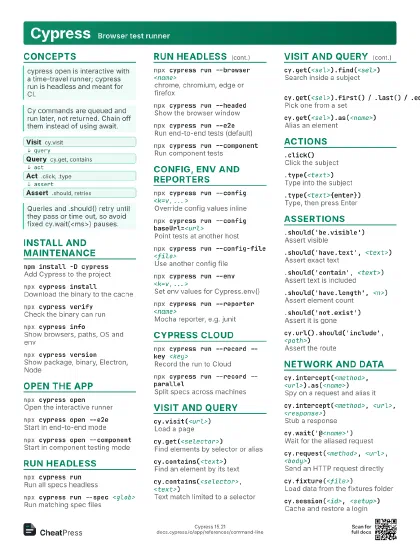
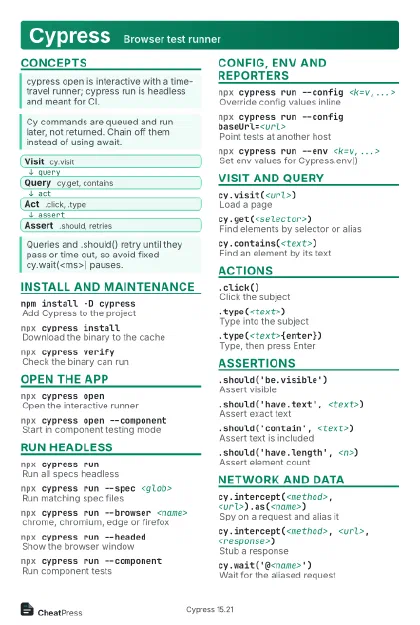 Light · Postcard
102 × 152 mm · PDF
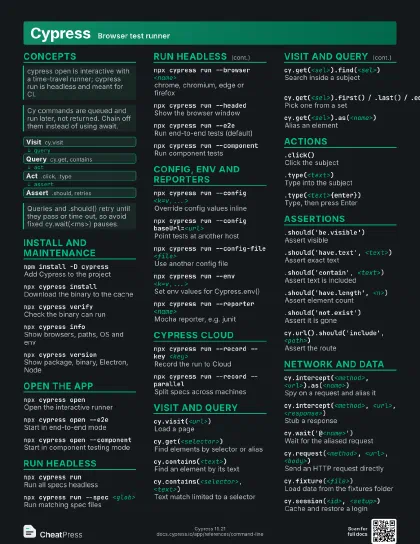
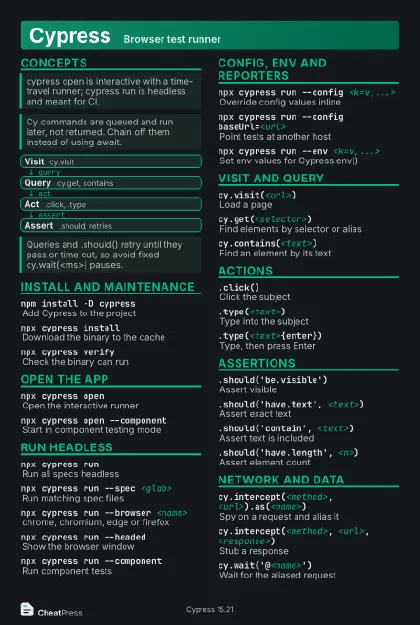 Dark · Postcard
102 × 152 mm · PDF
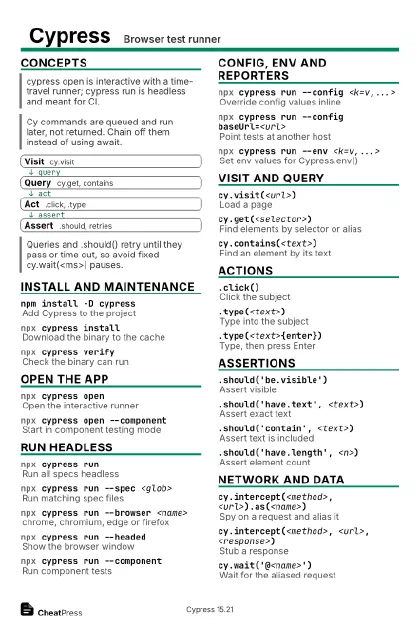 Ink saver · Postcard
102 × 152 mm · PDF
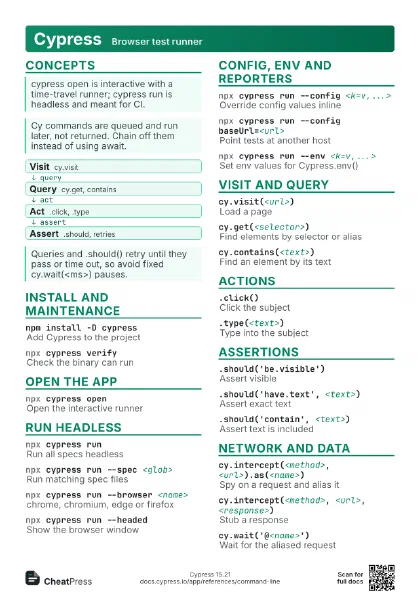
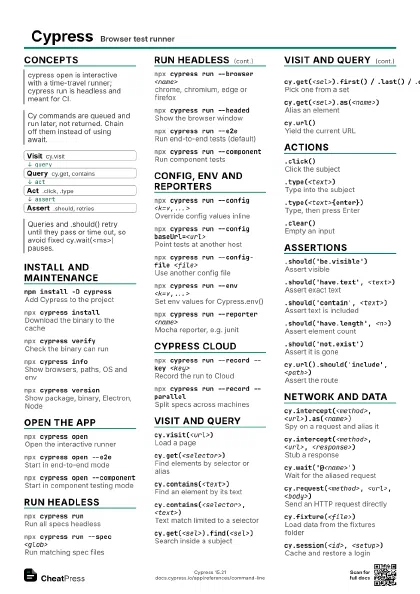
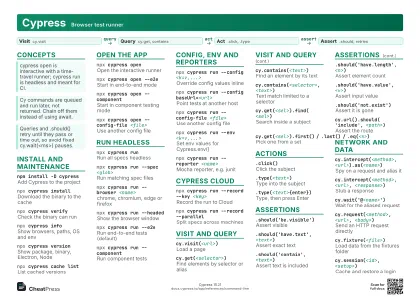 Light · A4 landscape
297 × 210 mm · PDF
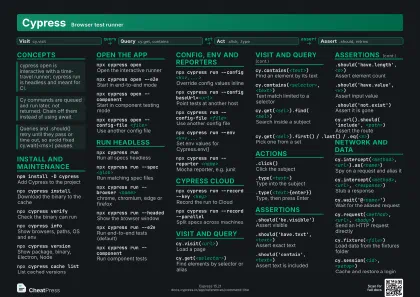 Dark · A4 landscape
297 × 210 mm · PDF
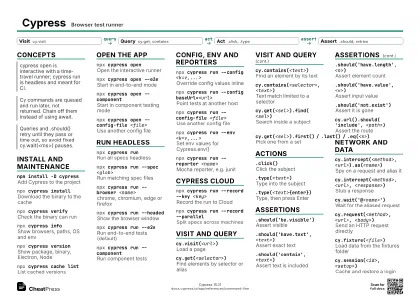 Ink saver · A4 landscape
297 × 210 mm · PDF
 Light · A3 landscape
420 × 297 mm · PDF
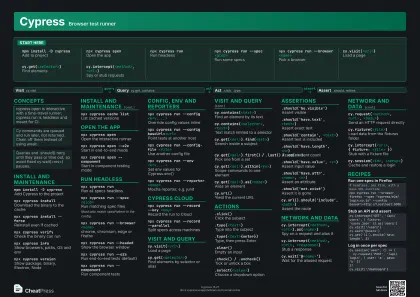 Dark · A3 landscape
420 × 297 mm · PDF
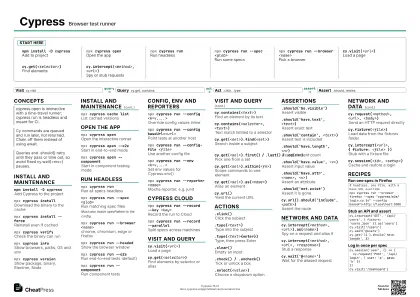 Ink saver · A3 landscape
420 × 297 mm · PDF
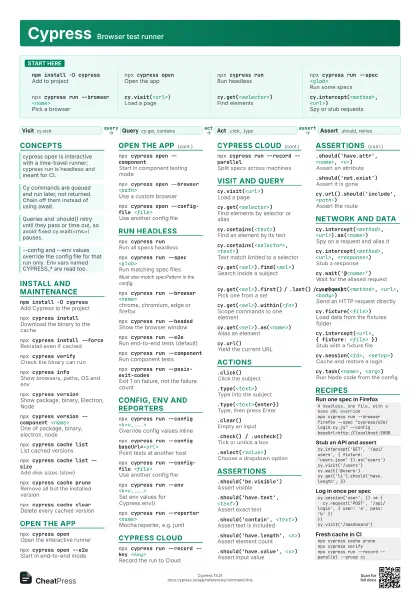
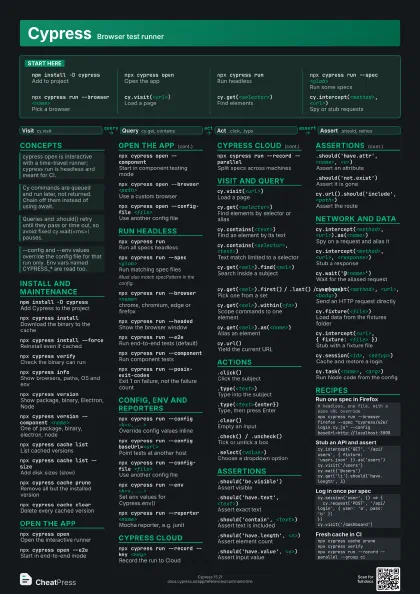
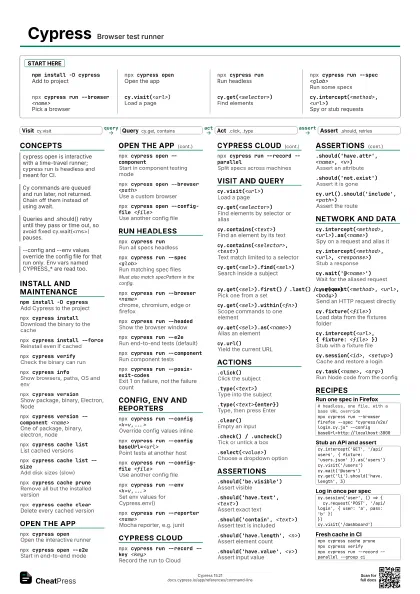
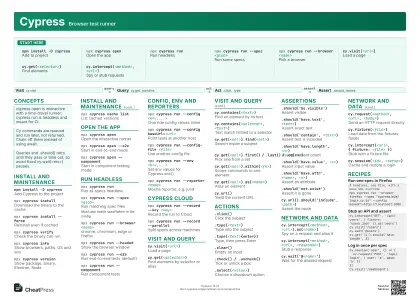
Start here
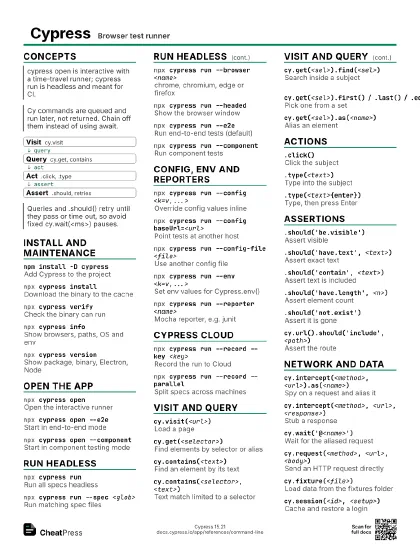
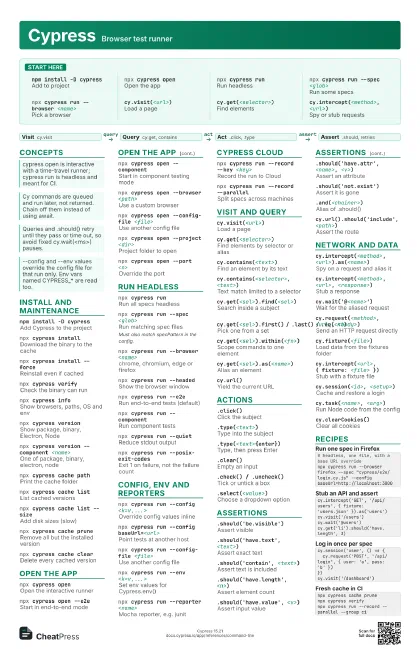
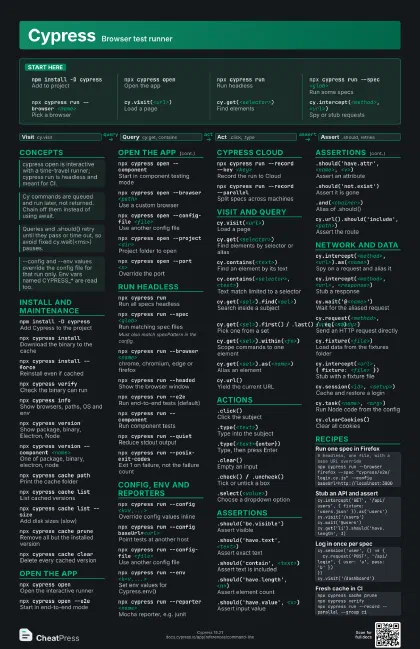
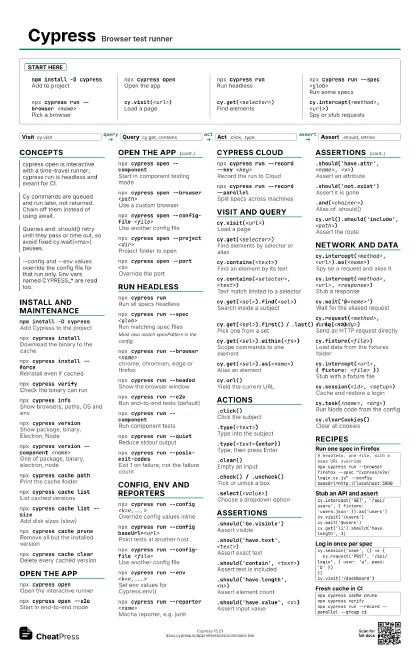
npm install -D cypress
Add to project
npx cypress open
Open the app
npx cypress runRun headless
npx cypress run --spec <glob>
Run some specs
npx cypress run --browser <name>
Pick a browser
cy.visit(<url>)
Load a page
cy.get(<selector>)
Find elements
cy.intercept(<method>, <url>)
Spy or stub requests
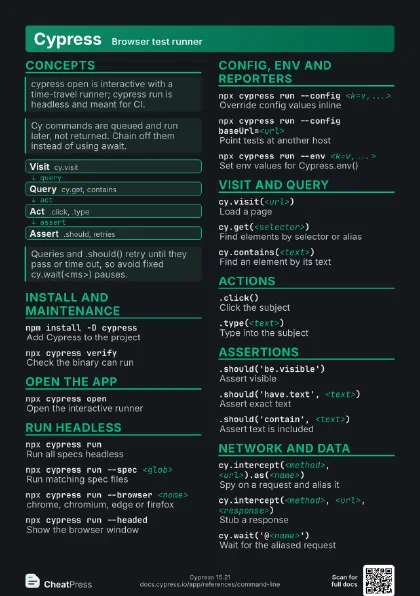
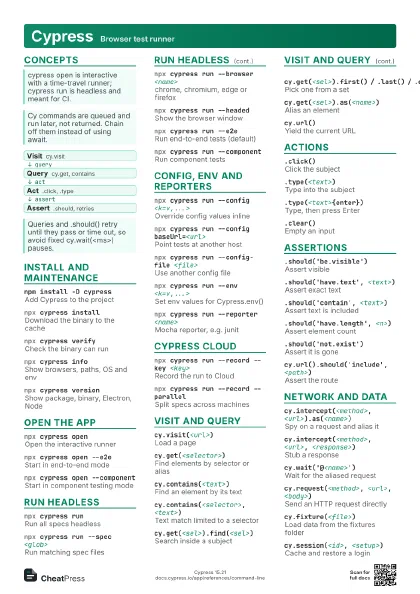
Concepts
- Visit cy.visit
- Query cy.get, contains
- Act .click, .type
- Assert .should, retries
Install and maintenance
npm install -D cypress
Add Cypress to the project
npx cypress install
Download the binary to the cache
npx cypress install --force
Reinstall even if cached
npx cypress verify
Check the binary can run
npx cypress info
Show browsers, paths, OS and env
npx cypress version
Show package, binary, Electron, Node
npx cypress version --component <name>
One of package, binary, electron, node
npx cypress cache path
Print the cache folder
npx cypress cache list
List cached versions
npx cypress cache list --size
Add disk sizes (slow)
npx cypress cache prune
Remove all but the installed version
npx cypress cache clear
Delete every cached version
Open the app
npx cypress open
Open the interactive runner
npx cypress open --e2e
Start in end-to-end mode
npx cypress open --component
Start in component testing mode
npx cypress open --browser <path>
Use a custom browser
npx cypress open --config-file <file>
Use another config file
npx cypress open --project <dir>
Project folder to open
npx cypress open --port <n>
Override the port
npx cypress open --global
Switch between nested projects
Run headless
npx cypress runRun all specs headless
npx cypress run --spec <glob>
Run matching spec files
Must also match specPattern in the config.
npx cypress run --browser <name>
chrome, chromium, edge or firefox
npx cypress run --headed
Show the browser window
npx cypress run --e2e
Run end-to-end tests (default)
npx cypress run --component
Run component tests
npx cypress run --no-exit
Keep the app open after the spec
npx cypress run --quiet
Reduce stdout output
npx cypress run --pass-with-no-tests
Exit 0 when no specs are found
npx cypress run --posix-exit-codes
Exit 1 on failure, not the failure count
Config, env and reporters
npx cypress run --config <k=v,...>
Override config values inline
npx cypress run --config baseUrl=<url>
Point tests at another host
npx cypress run --config-file <file>
Use another config file
npx cypress run --env <k=v,...>
Set env values for Cypress.env()
npx cypress run --expose <k=v,...>
Public values for Cypress.expose()
npx cypress run --reporter <name>
Mocha reporter, e.g. junit
npx cypress run --reporter-options <opts>
Options for the reporter
npx cypress run --project <dir>
Run another project folder
Cypress Cloud
npx cypress run --record --key <key>
Record the run to Cloud
npx cypress run --record --parallel
Split specs across machines
npx cypress run --record --group <name>
Group runs under one name
npx cypress run --record --tag <tags>
Tag the recorded run
npx cypress run --ci-build-id <id>
Set the build id (usually auto)
npx cypress run --auto-cancel-after-failures
                    <n>
Cancel the Cloud run after n failures
Visit and query
cy.visit(<url>)
Load a page
cy.get(<selector>)
Find elements by selector or alias
cy.contains(<text>)
Find an element by its text
cy.contains(<selector>, <text>)
Text match limited to a selector
cy.get(<sel>).find(<sel>)
Search inside a subject
cy.get(<sel>).first() / .last() /
                    .eq(<n>)
Pick one from a set
cy.get(<sel>).within(<fn>)
Scope commands to one element
cy.get(<sel>).as(<name>)
Alias an element
cy.url()Yield the current URL
Actions
.click()Click the subject
.type(<text>)
Type into the subject
.type(<text>{enter})
Type, then press Enter
.clear()Empty an input
.check() / .uncheck()
Tick or untick a box
.select(<value>)
Choose a dropdown option
.dblclick()Double-click the subject
.trigger(<event>)
Fire any DOM event
.click({ force: true })
Skip actionability checks
Assertions
.should('be.visible')
Assert visible
.should('have.text', <text>)
Assert exact text
.should('contain', <text>)
Assert text is included
.should('have.length', <n>)
Assert element count
.should('have.value', <v>)
Assert input value
.should('have.attr', <name>, <v>)
Assert an attribute
.should('not.exist')
Assert it is gone
.and(<chainer>)
Alias of .should()
cy.url().should('include', <path>)
Assert the route
Network and data
cy.intercept(<method>,
                    <url>).as(<name>)
Spy on a request and alias it
cy.intercept(<method>, <url>,
                    <response>)
Stub a response
cy.wait('@<name>')
Wait for the aliased request
cy.request(<method>, <url>, <body>)
Send an HTTP request directly
cy.fixture(<file>)
Load data from the fixtures folder
cy.intercept(<url>, { fixture: <file> })
Stub with a fixture file
cy.session(<id>, <setup>)
Cache and restore a login
cy.task(<name>, <arg>)
Run Node code from the config
cy.setCookie(<name>, <value>)
Set a cookie
cy.clearCookies()
Clear all cookies
Recipes
# headless, one file, with a base URL overridenpx cypress run --browser firefox --spec "cypress/e2e/login.cy.js" --config baseUrl=http://localhost:3000cy.intercept('GET', '/api/users', { fixture: 'users.json' }).as('users')cy.visit('/users')cy.wait('@users')cy.get('li').should('have.length', 3)cy.session('user', () => { cy.request('POST', '/api/login', { user: 'a', pass: 'b' })})cy.visit('/dashboard')npx cypress cache prunenpx cypress verifynpx cypress run --record --parallel --group ci