Cheat
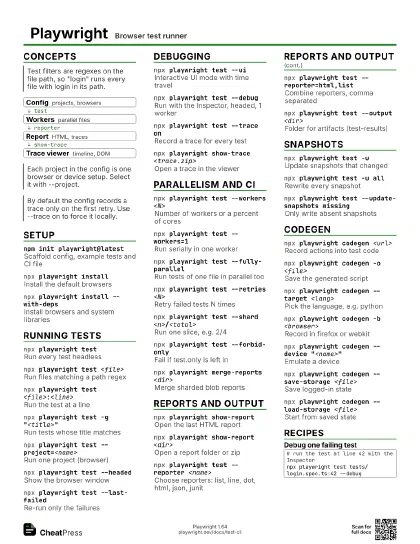
Playwright Browser test runner
 Light · Postcard
102 × 152 mm · PDF
 Dark · Postcard
102 × 152 mm · PDF
 Ink saver · Postcard
102 × 152 mm · PDF
 Light · A4 landscape
297 × 210 mm · PDF
 Dark · A4 landscape
297 × 210 mm · PDF
 Ink saver · A4 landscape
297 × 210 mm · PDF
 Light · A3 landscape
420 × 297 mm · PDF
 Dark · A3 landscape
420 × 297 mm · PDF
 Ink saver · A3 landscape
420 × 297 mm · PDF
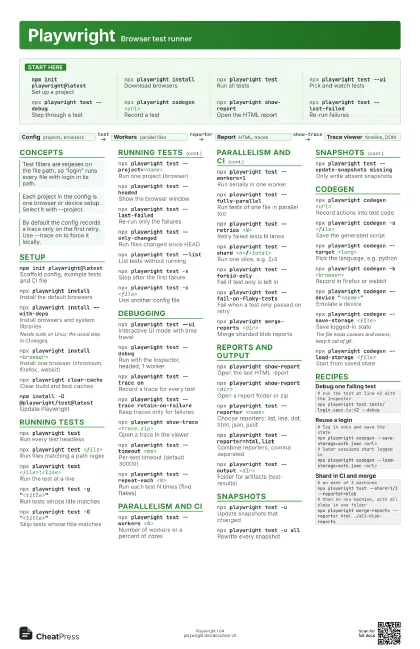
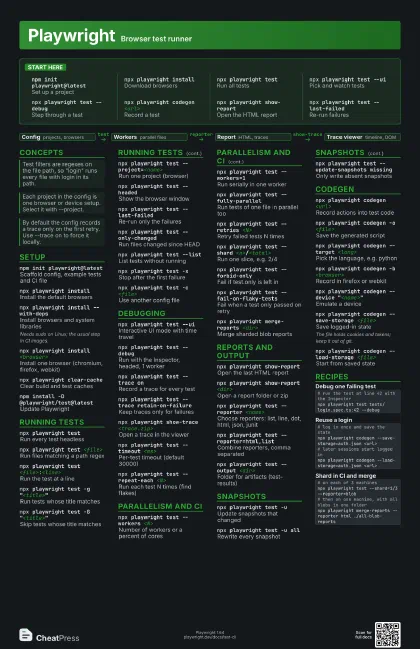
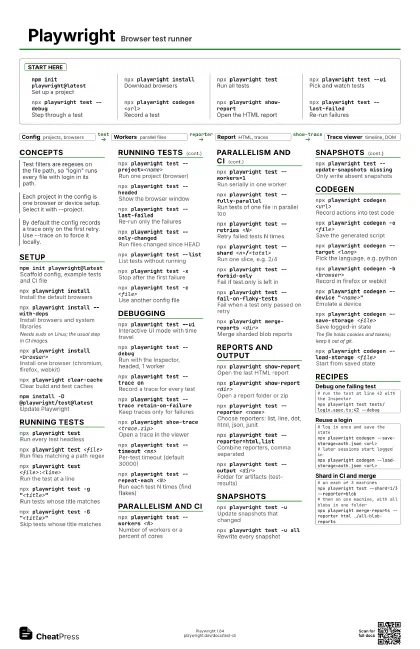
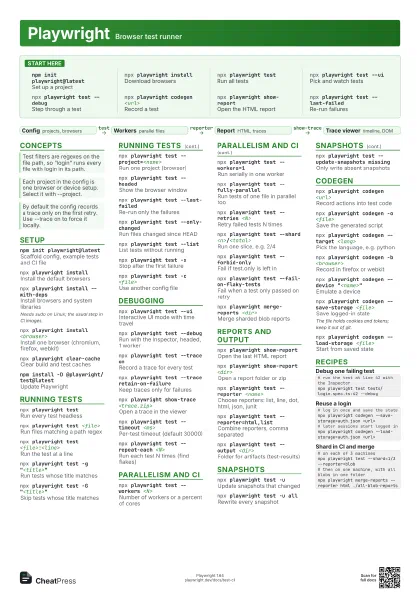
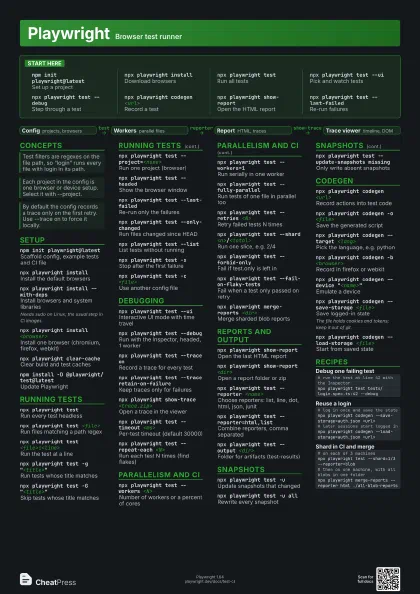
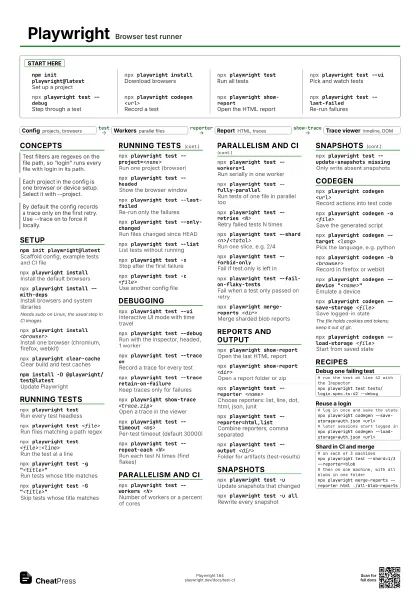
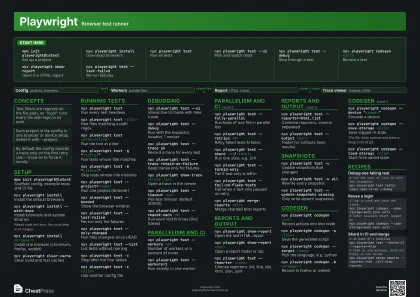
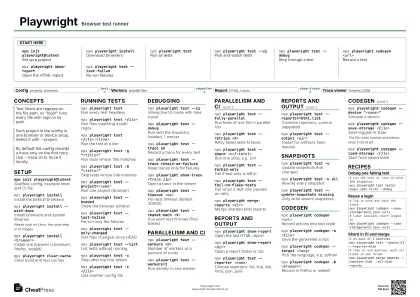
Start here
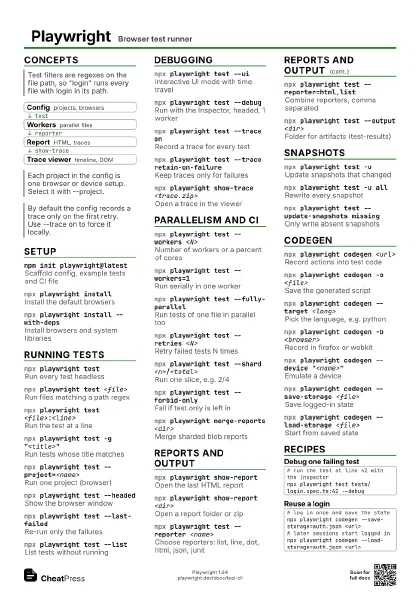
npm init playwright@latest
Set up a project
npx playwright install
Download browsers
npx playwright test
Run all tests
npx playwright test --ui
Pick and watch tests
npx playwright test --debug
Step through a test
npx playwright codegen <url>
Record a test
npx playwright show-report
Open the HTML report
npx playwright test --last-failed
Re-run failures
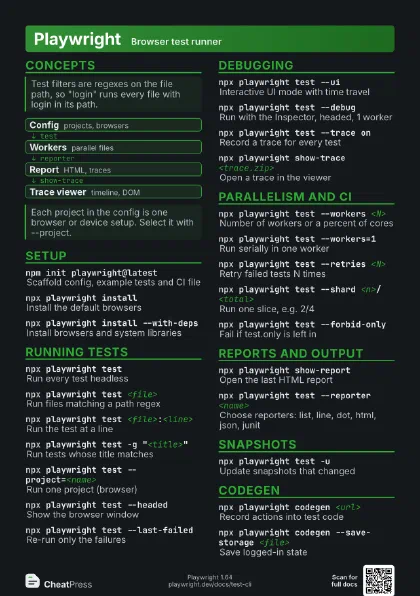
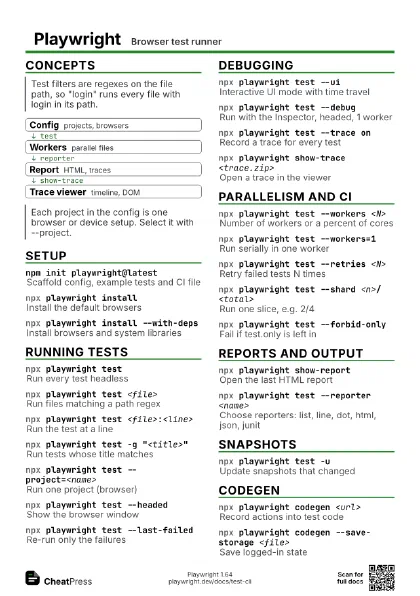
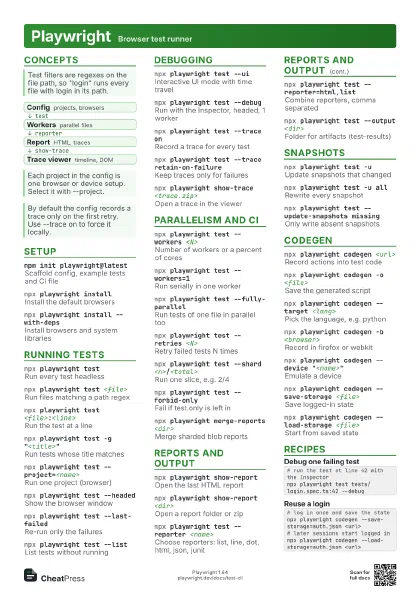
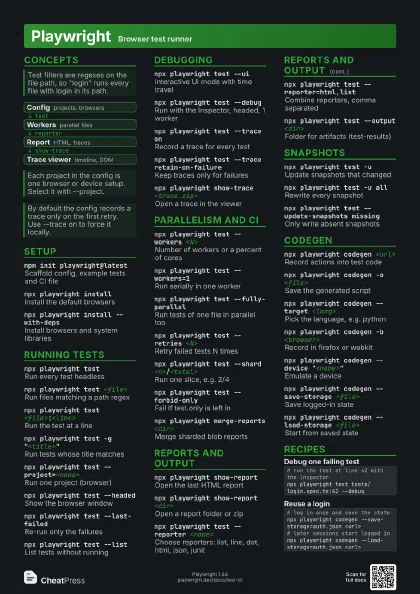
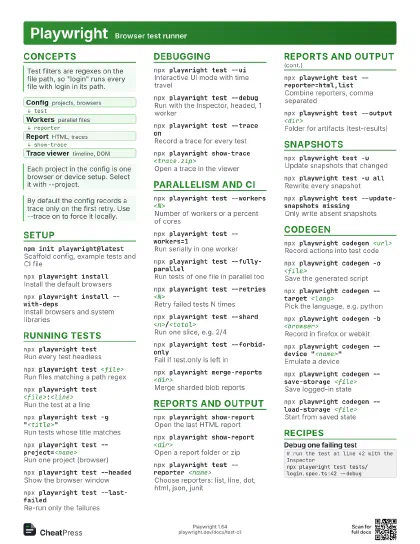
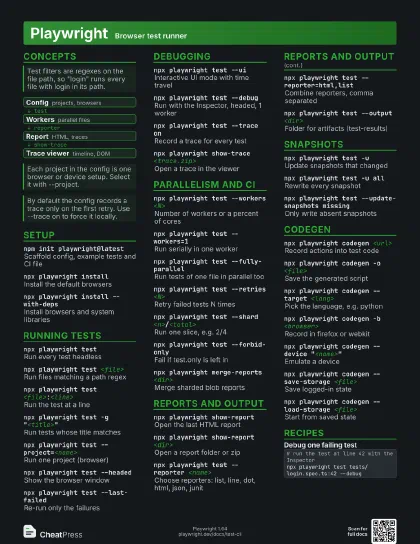
Concepts
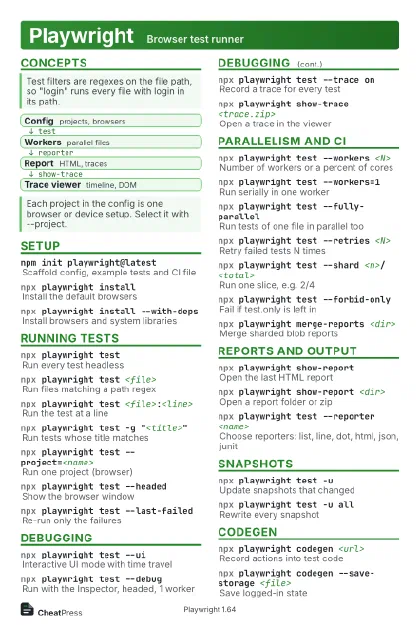
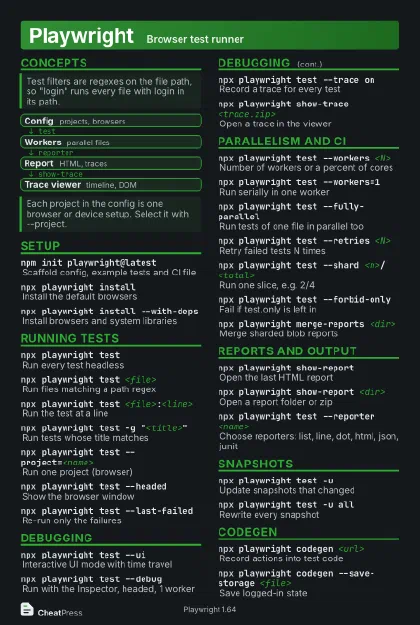
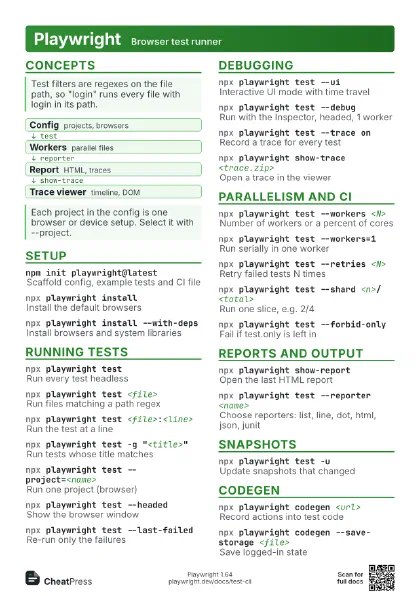
- Config projects, browsers
- Workers parallel files
- Report HTML, traces
- Trace viewer timeline, DOM
Setup
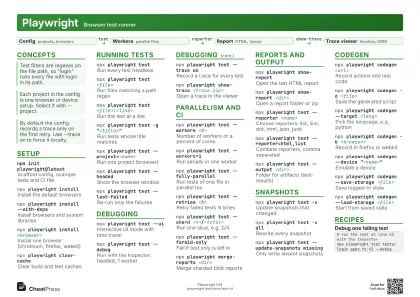
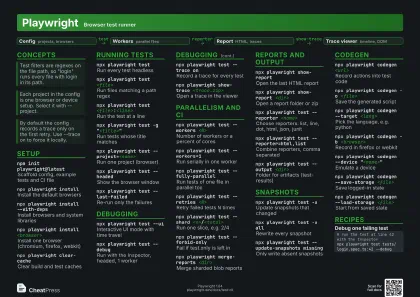
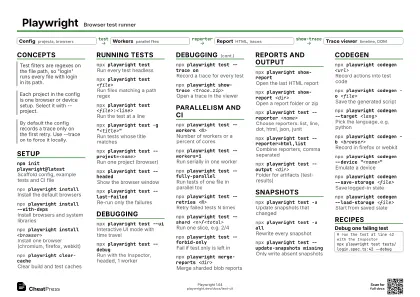
npm init playwright@latest
Scaffold config, example tests and CI file
npx playwright install
Install the default browsers
npx playwright install --with-deps
Install browsers and system libraries
Needs sudo on Linux; the usual step in CI images.
npx playwright install <browser>
Install one browser (chromium, firefox, webkit)
npx playwright clear-cache
Clear build and test caches
npm install -D @playwright/test@latest
Update Playwright
Running tests
npx playwright test
Run every test headless
npx playwright test <file>
Run files matching a path regex
npx playwright test <file>:<line>
Run the test at a line
npx playwright test -g "<title>"
Run tests whose title matches
npx playwright test -G "<title>"
Skip tests whose title matches
npx playwright test --project=<name>
Run one project (browser)
npx playwright test --headed
Show the browser window
npx playwright test --last-failed
Re-run only the failures
npx playwright test --only-changed
Run files changed since HEAD
npx playwright test --list
List tests without running
npx playwright test -x
Stop after the first failure
npx playwright test -c <file>
Use another config file
Debugging
npx playwright test --ui
Interactive UI mode with time travel
npx playwright test --debug
Run with the Inspector, headed, 1 worker
npx playwright test --trace on
Record a trace for every test
npx playwright test --trace retain-on-failure
Keep traces only for failures
npx playwright show-trace <trace.zip>
Open a trace in the viewer
npx playwright test --timeout <ms>
Per-test timeout (default 30000)
npx playwright test --repeat-each <N>
Run each test N times (find flakes)
Parallelism and CI
npx playwright test --workers <N>
Number of workers or a percent of cores
npx playwright test --workers=1
Run serially in one worker
npx playwright test --fully-parallel
Run tests of one file in parallel too
npx playwright test --retries <N>
Retry failed tests N times
npx playwright test --shard <n>/<total>
Run one slice, e.g. 2/4
npx playwright test --forbid-only
Fail if test.only is left in
npx playwright test --fail-on-flaky-tests
Fail when a test only passed on retry
npx playwright merge-reports <dir>
Merge sharded blob reports
Reports and output
npx playwright show-report
Open the last HTML report
npx playwright show-report <dir>
Open a report folder or zip
npx playwright test --reporter <name>
Choose reporters: list, line, dot, html, json, junit
npx playwright test --reporter=html,list
Combine reporters, comma separated
npx playwright test --output <dir>
Folder for artifacts (test-results)
Snapshots
npx playwright test -u
Update snapshots that changed
npx playwright test -u all
Rewrite every snapshot
npx playwright test --update-snapshots missing
Only write absent snapshots
Codegen
npx playwright codegen <url>
Record actions into test code
npx playwright codegen -o <file>
Save the generated script
npx playwright codegen --target <lang>
Pick the language, e.g. python
npx playwright codegen -b <browser>
Record in firefox or webkit
npx playwright codegen --device
                    "<name>"
Emulate a device
npx playwright codegen --save-storage <file>
Save logged-in state
The file holds cookies and tokens; keep it out of git.
npx playwright codegen --load-storage <file>
Start from saved state
Recipes
# run the test at line 42 with the Inspectornpx playwright test tests/login.spec.ts:42 --debug# log in once and save the statenpx playwright codegen --save-storage=auth.json <url># later sessions start logged innpx playwright codegen --load-storage=auth.json <url># on each of 3 machinesnpx playwright test --shard=1/3 --reporter=blob# then on one machine, with all blobs in one foldernpx playwright merge-reports --reporter html ./all-blob-reports