Cheat
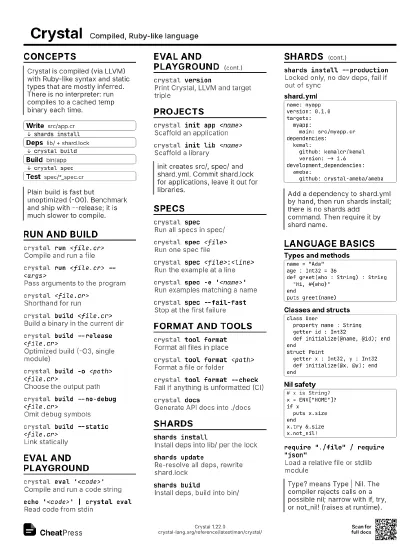
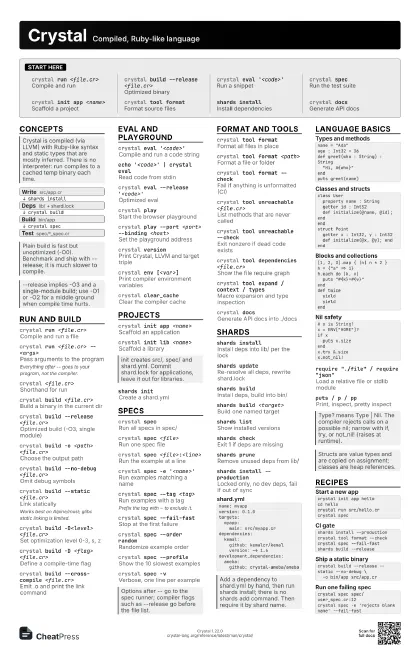
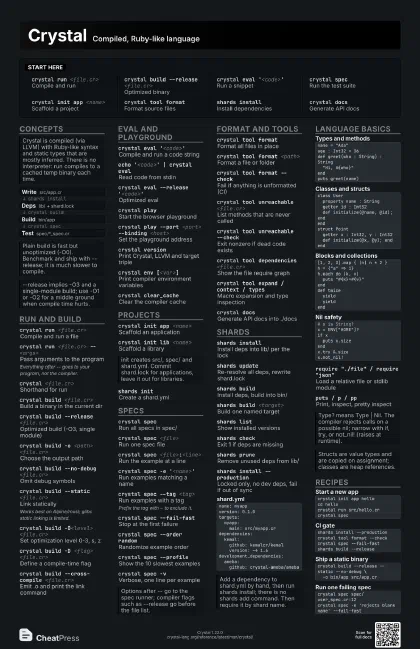
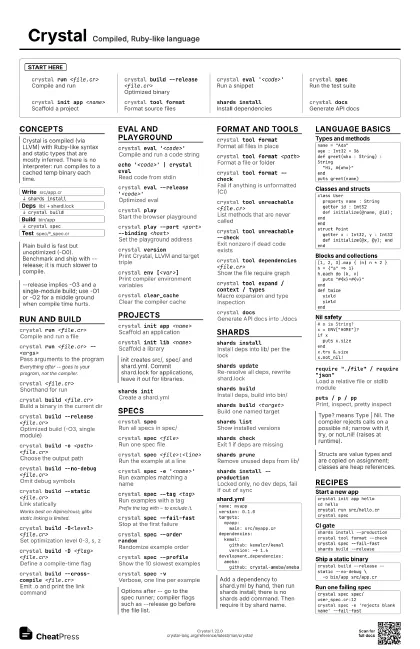
Crystal Compiled, Ruby-like language
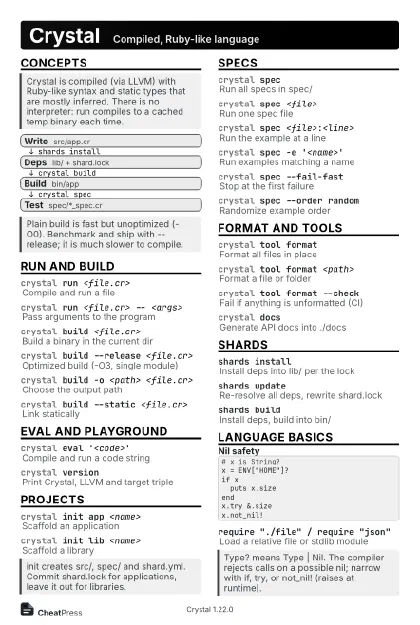 Light · Postcard
102 × 152 mm · PDF
 Dark · Postcard
102 × 152 mm · PDF
 Ink saver · Postcard
102 × 152 mm · PDF
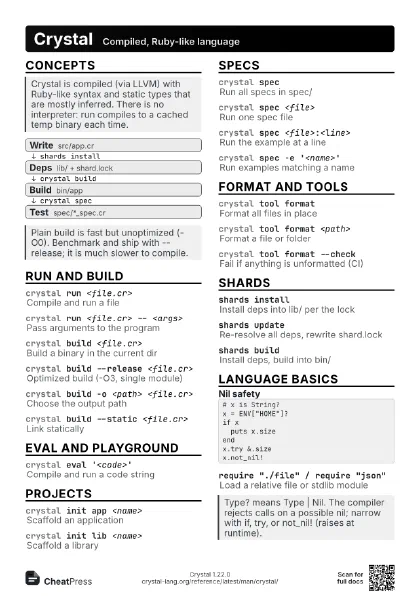
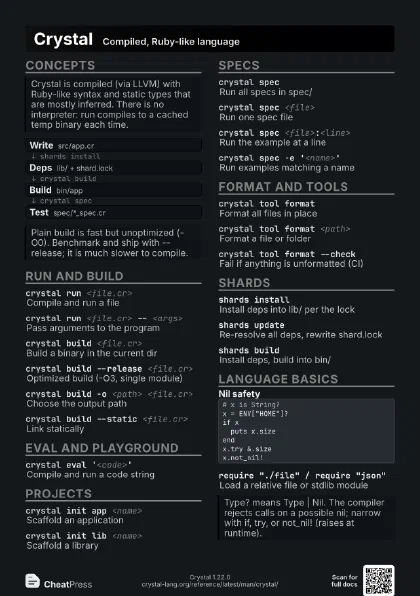
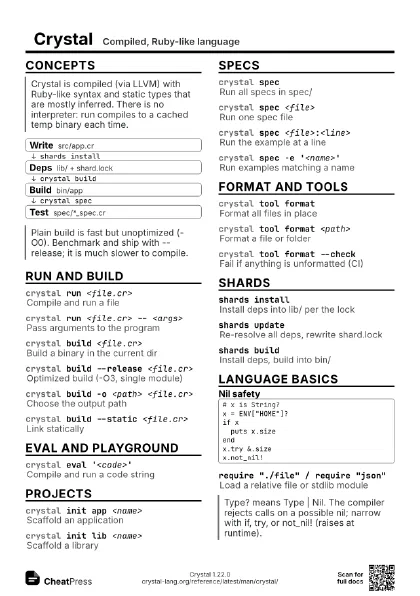
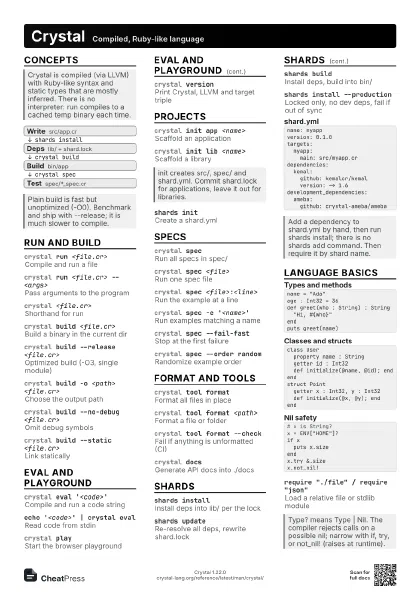
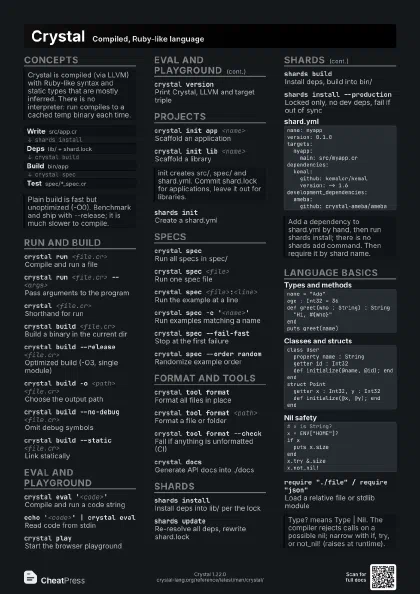
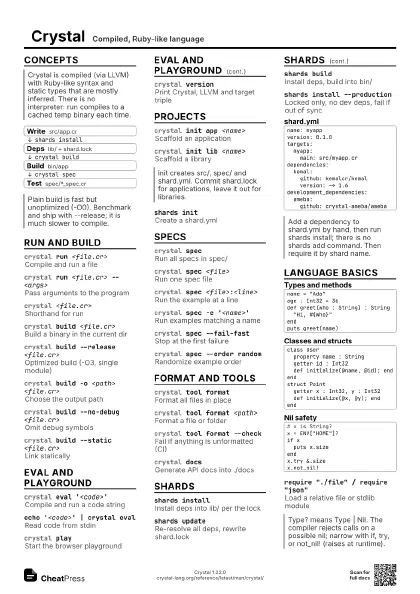
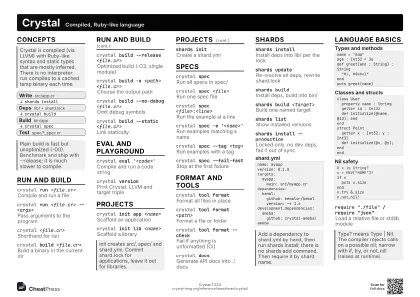 Light · A4 landscape
297 × 210 mm · PDF
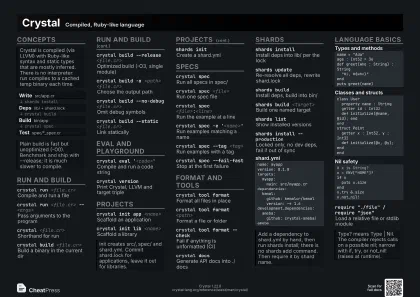 Dark · A4 landscape
297 × 210 mm · PDF
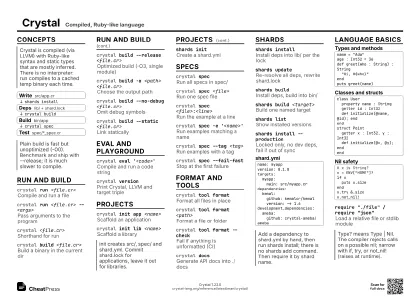 Ink saver · A4 landscape
297 × 210 mm · PDF
 Light · A3 landscape
420 × 297 mm · PDF
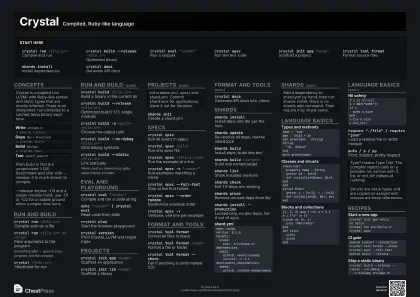 Dark · A3 landscape
420 × 297 mm · PDF
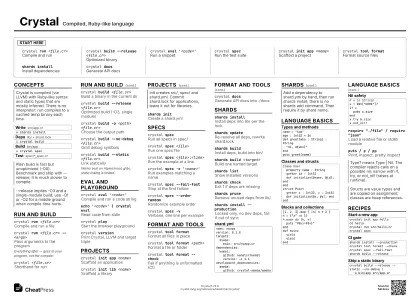 Ink saver · A3 landscape
420 × 297 mm · PDF
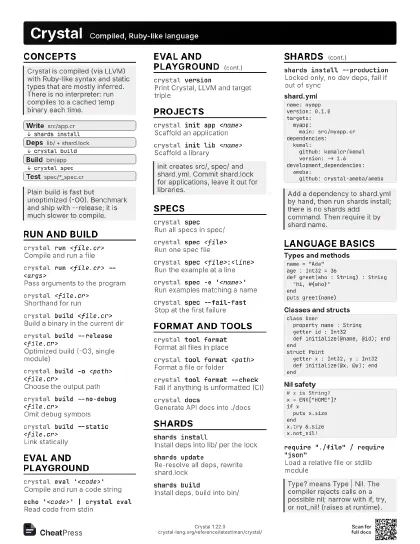
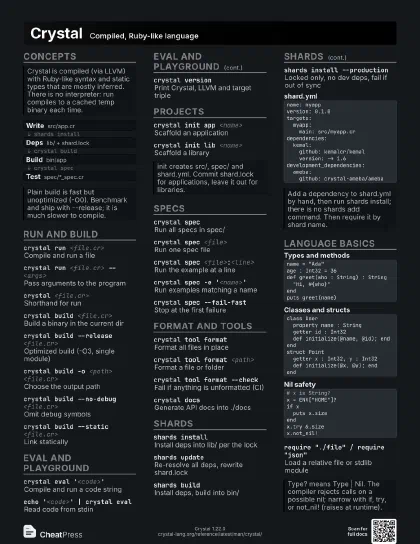
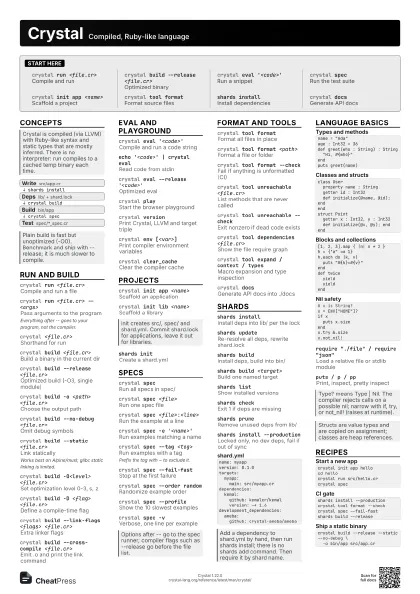
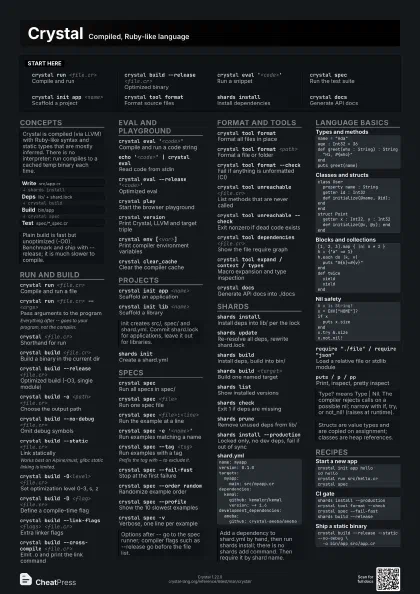
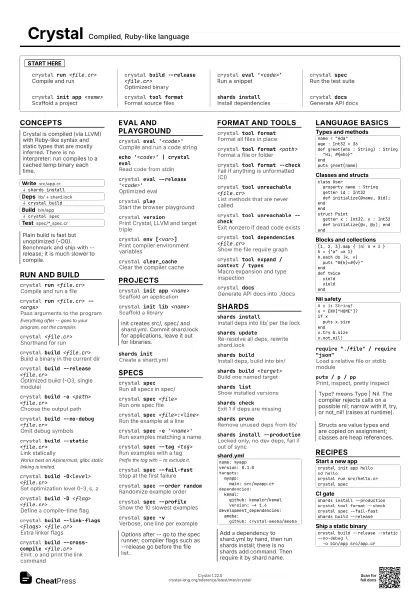
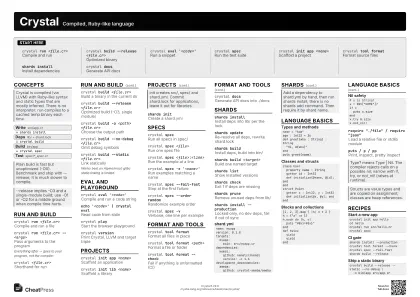
Start here
crystal run <file.cr>
Compile and run
crystal build --release <file.cr>
Optimized binary
crystal eval '<code>'
Run a snippet
crystal specRun the test suite
crystal init app <name>
Scaffold a project
crystal tool format
Format source files
shards installInstall dependencies
crystal docsGenerate API docs
Concepts
- Write src/app.cr
- Deps lib/ + shard.lock
- Build bin/app
- Test spec/*_spec.cr
Run and build
crystal run <file.cr>
Compile and run a file
crystal run <file.cr> -- <args>
Pass arguments to the program
Everything after -- goes to your program, not the compiler.
crystal <file.cr>
Shorthand for run
crystal build <file.cr>
Build a binary in the current dir
crystal build --release <file.cr>
Optimized build (-O3, single module)
crystal build -o <path> <file.cr>
Choose the output path
crystal build --no-debug <file.cr>
Omit debug symbols
crystal build --static <file.cr>
Link statically
Works best on Alpine/musl; glibc static linking is limited.
crystal build -O<level> <file.cr>
Set optimization level 0-3, s, z
crystal build -D <flag> <file.cr>
Define a compile-time flag
crystal build --link-flags <flags>
                    <file.cr>
Extra linker flags
crystal build --cross-compile <file.cr>
Emit .o and print the link command
crystal build --progress <file.cr>
Show compile progress
crystal build --verbose <file.cr>
Print the commands it executes
Eval and playground
crystal eval '<code>'
Compile and run a code string
echo '<code>' | crystal eval
Read code from stdin
crystal eval --release '<code>'
Optimized eval
crystal playStart the browser playground
crystal play --port <port> --binding
                    <host>
Set the playground address
crystal versionPrint Crystal, LLVM and target triple
crystal env [<var>]
Print compiler environment variables
crystal clear_cache
Clear the compiler cache
Projects
crystal init app <name>
Scaffold an application
crystal init lib <name>
Scaffold a library
crystal init app <name> <dir>
Scaffold into a given directory
shards initCreate a shard.yml
shards version [<path>]
Print a shard's version
Specs
crystal specRun all specs in spec/
crystal spec <file>
Run one spec file
crystal spec <file>:<line>
Run the example at a line
crystal spec -e '<name>'
Run examples matching a name
crystal spec --tag <tag>
Run examples with a tag
Prefix the tag with ~ to exclude it.
crystal spec --fail-fast
Stop at the first failure
crystal spec --order random
Randomize example order
crystal spec --profile
Show the 10 slowest examples
crystal spec -vVerbose, one line per example
crystal spec --dry-run
List examples without running them
crystal spec --release
Build the specs optimized
Format and tools
crystal tool format
Format all files in place
crystal tool format <path>
Format a file or folder
crystal tool format --check
Fail if anything is unformatted (CI)
crystal tool unreachable <file.cr>
List methods that are never called
crystal tool unreachable --check
Exit nonzero if dead code exists
crystal tool dependencies <file.cr>
Show the file require graph
crystal tool dependencies -f mermaid
Output as tree, flat, dot or mermaid
crystal tool expand / context / types
Macro expansion and type inspection
crystal tool hierarchy / implementations
Type tree and method lookup
crystal docsGenerate API docs into ./docs
crystal docs -o <dir> --project-name
                    <name>
Choose output dir and name
crystal docs -b <url>
Set the canonical base URL
Shards
shards installInstall deps into lib/ per the lock
shards updateRe-resolve all deps, rewrite shard.lock
shards buildInstall deps, build into bin/
shards build <target>
Build one named target
shards listShow installed versions
shards checkExit 1 if deps are missing
shards pruneRemove unused deps from lib/
shards install --production
Locked only, no dev deps, fail if out of sync
shards update <name>
Update a single dependency
name: myappversion: 0.1.0targets: myapp: main: src/myapp.crdependencies: kemal: github: kemalcr/kemal version: ~> 1.6development_dependencies: ameba: github: crystal-ameba/amebaLanguage basics
name = "Ada"age : Int32 = 36def greet(who : String) : String "Hi, #{who}"endputs greet(name)class User property name : String getter id : Int32 def initialize(@name, @id); endendstruct Point getter x : Int32, y : Int32 def initialize(@x, @y); endend[1, 2, 3].map { |n| n * 2 }h = {"a" => 1}h.each do |k, v| puts "#{k}=#{v}"enddef twice yield yieldend# x is String?x = ENV["HOME"]?if x puts x.sizeendx.try &.sizex.not_nil!require "./file" / require "json"
Load a relative file or stdlib module
puts / p / ppPrint, inspect, pretty inspect
Recipes
crystal init app hellocd hellocrystal run src/hello.crcrystal specshards install --productioncrystal tool format --checkcrystal spec --fail-fastshards build --releasecrystal build --release --static --no-debug \ -o bin/app src/app.crcrystal spec spec/user_spec.cr:12crystal spec -e 'rejects blank name' --fail-fast