Cheat
Cilium CLI Kubernetes networking CLI
 Light · Postcard
102 × 152 mm · PDF
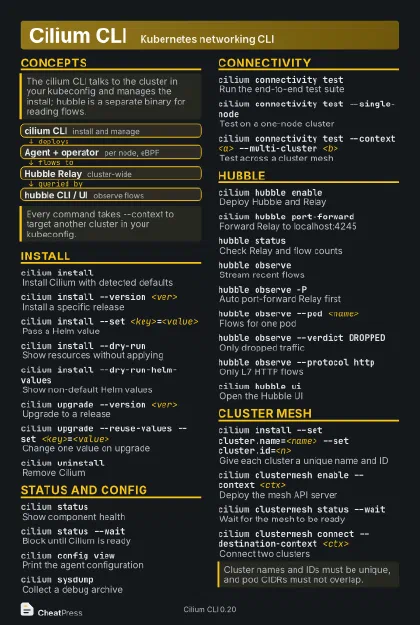 Dark · Postcard
102 × 152 mm · PDF
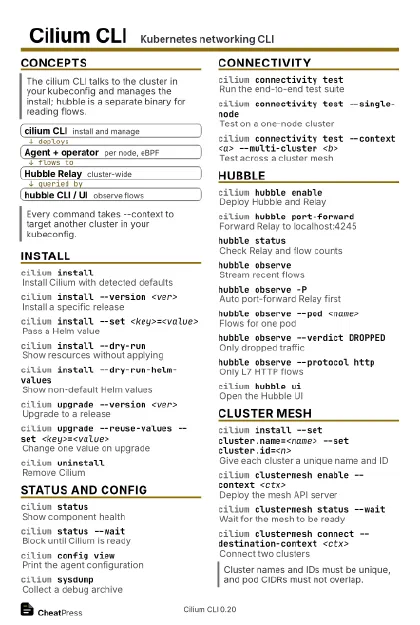 Ink saver · Postcard
102 × 152 mm · PDF
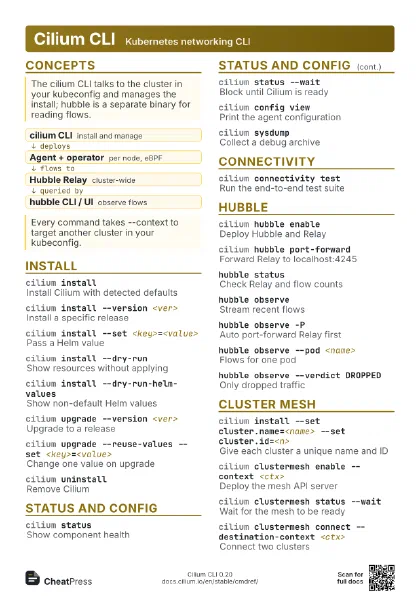
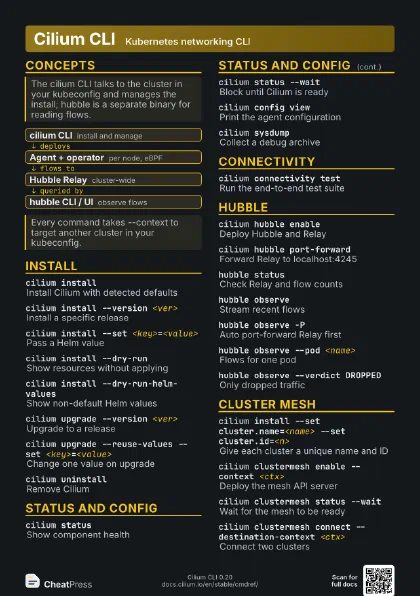
 Light · A4 landscape
297 × 210 mm · PDF
 Dark · A4 landscape
297 × 210 mm · PDF
 Ink saver · A4 landscape
297 × 210 mm · PDF
 Light · A3 landscape
420 × 297 mm · PDF
 Dark · A3 landscape
420 × 297 mm · PDF
 Ink saver · A3 landscape
420 × 297 mm · PDF
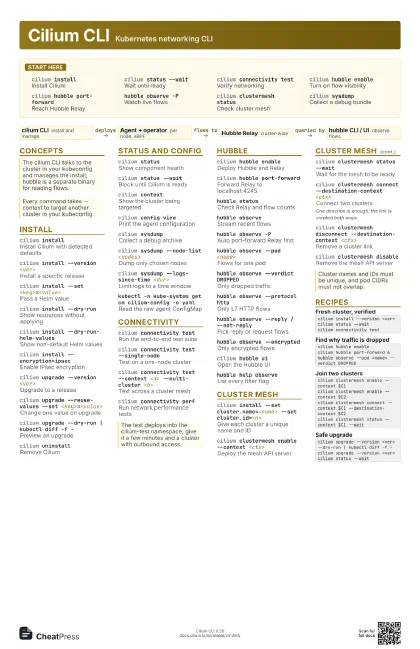
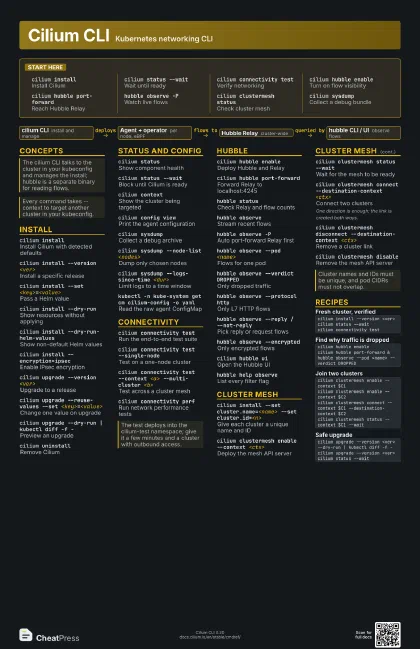
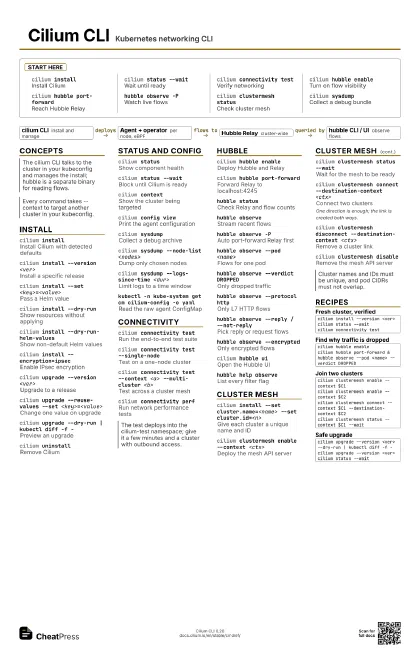
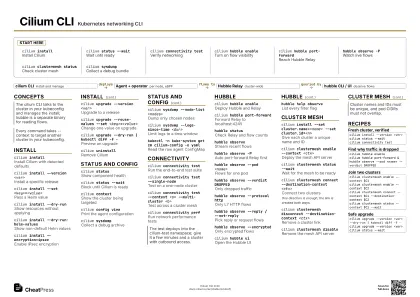
Start here
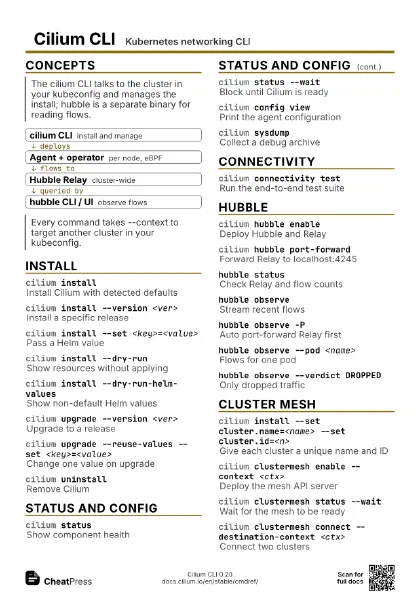
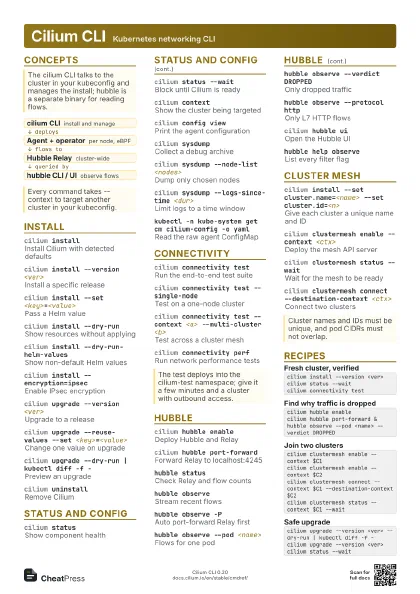
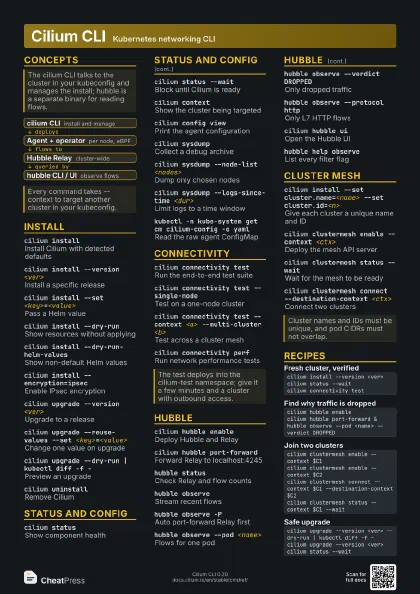
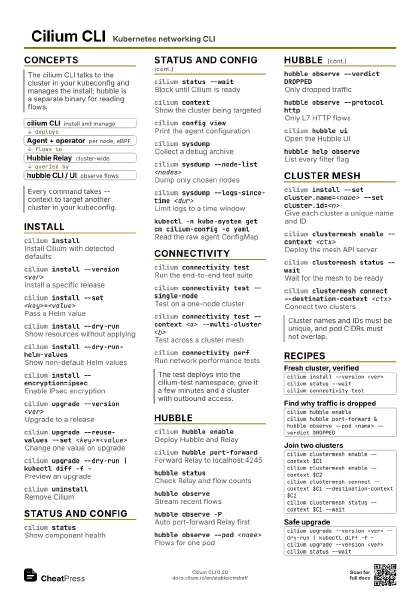
cilium installInstall Cilium
cilium status --wait
Wait until ready
cilium connectivity test
Verify networking
cilium hubble enable
Turn on flow visibility
cilium hubble port-forward
Reach Hubble Relay
hubble observe -P
Watch live flows
cilium clustermesh status
Check cluster mesh
cilium sysdumpCollect a debug bundle
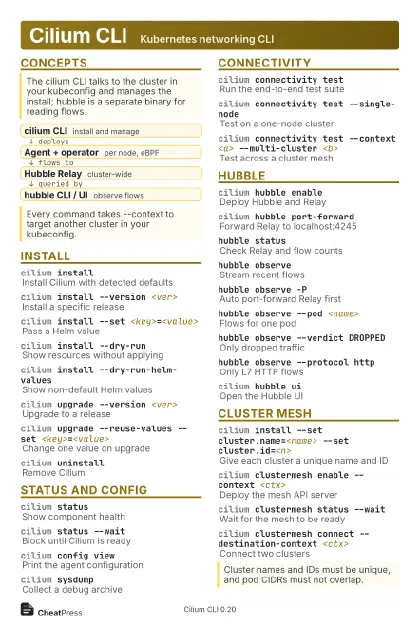
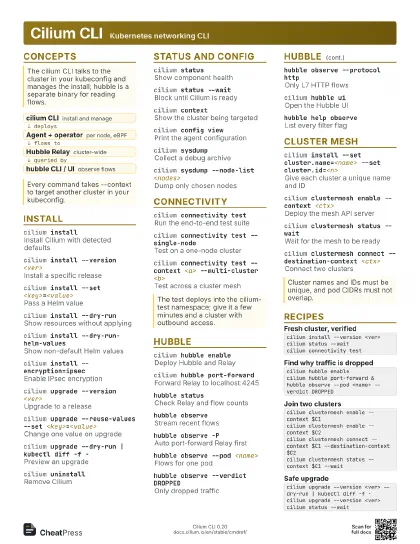
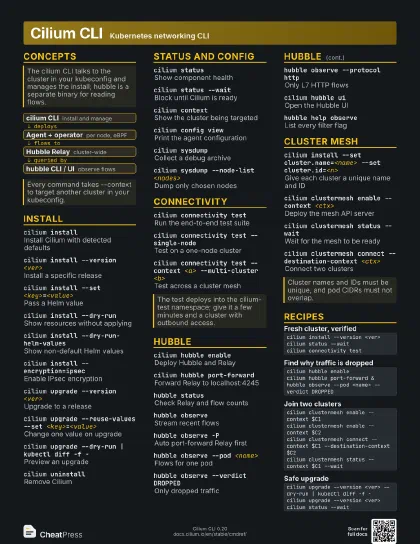
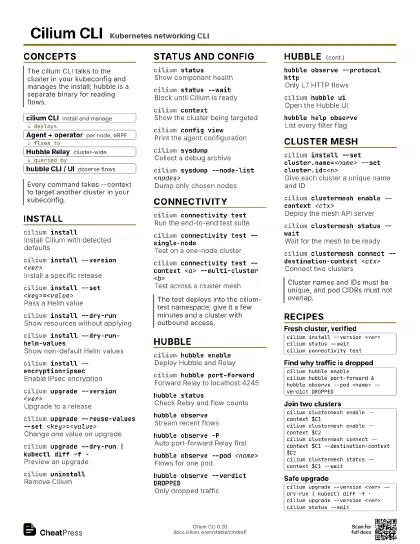
Concepts
- cilium CLI install and manage
- Agent + operator per node, eBPF
- Hubble Relay cluster-wide
- hubble CLI / UI observe flows
Install
cilium installInstall Cilium with detected defaults
cilium install --version <ver>
Install a specific release
cilium install --set <key>=<value>
Pass a Helm value
cilium install --dry-run
Show resources without applying
cilium install --dry-run-helm-values
Show non-default Helm values
cilium install --encryption=ipsec
Enable IPsec encryption
cilium upgrade --version <ver>
Upgrade to a release
cilium upgrade --reuse-values --set
                    <key>=<value>
Change one value on upgrade
cilium upgrade --dry-run | kubectl diff -f -
Preview an upgrade
cilium uninstall
Remove Cilium
Status and config
cilium statusShow component health
cilium status --wait
Block until Cilium is ready
cilium contextShow the cluster being targeted
cilium config view
Print the agent configuration
cilium sysdumpCollect a debug archive
cilium sysdump --node-list <nodes>
Dump only chosen nodes
cilium sysdump --logs-since-time <dur>
Limit logs to a time window
kubectl -n kube-system get cm cilium-config -o yaml
Read the raw agent ConfigMap
Connectivity
cilium connectivity test
Run the end-to-end test suite
cilium connectivity test --single-node
Test on a one-node cluster
cilium connectivity test --context <a>
                    --multi-cluster <b>
Test across a cluster mesh
cilium connectivity perf
Run network performance tests
Hubble
cilium hubble enable
Deploy Hubble and Relay
cilium hubble port-forward
Forward Relay to localhost:4245
hubble statusCheck Relay and flow counts
hubble observeStream recent flows
hubble observe -P
Auto port-forward Relay first
hubble observe --pod <name>
Flows for one pod
hubble observe --verdict DROPPED
Only dropped traffic
hubble observe --protocol http
Only L7 HTTP flows
hubble observe --reply / --not-reply
Pick reply or request flows
hubble observe --encrypted
Only encrypted flows
cilium hubble ui
Open the Hubble UI
hubble help observe
List every filter flag
Cluster mesh
cilium install --set cluster.name=<name> --set
                    cluster.id=<n>
Give each cluster a unique name and ID
cilium clustermesh enable --context <ctx>
Deploy the mesh API server
cilium clustermesh status --wait
Wait for the mesh to be ready
cilium clustermesh connect --destination-context
                    <ctx>
Connect two clusters
One direction is enough; the link is created both ways.
cilium clustermesh disconnect --destination-context
                    <ctx>
Remove a cluster link
cilium clustermesh disable
Remove the mesh API server
Recipes
cilium install --version <ver>cilium status --waitcilium connectivity testcilium hubble enablecilium hubble port-forward &hubble observe --pod <name> --verdict DROPPEDcilium clustermesh enable --context $C1cilium clustermesh enable --context $C2cilium clustermesh connect --context $C1 --destination-context $C2cilium clustermesh status --context $C1 --waitcilium upgrade --version <ver> --dry-run | kubectl diff -f -cilium upgrade --version <ver>cilium status --wait