Cheat
Checkov IaC security scanner
 Light · Postcard
102 × 152 mm · PDF
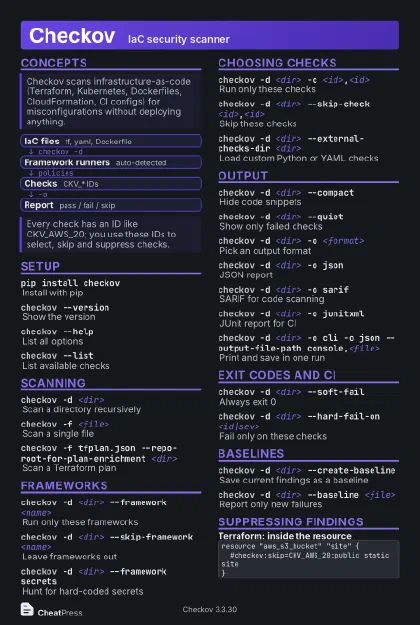 Dark · Postcard
102 × 152 mm · PDF
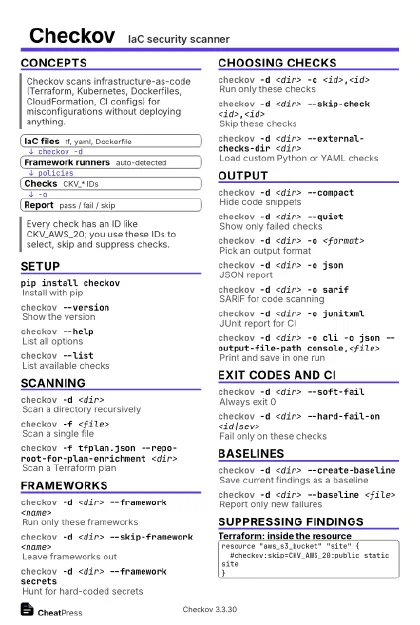 Ink saver · Postcard
102 × 152 mm · PDF
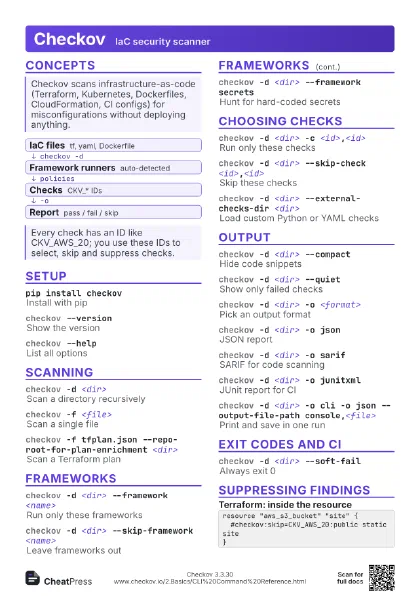
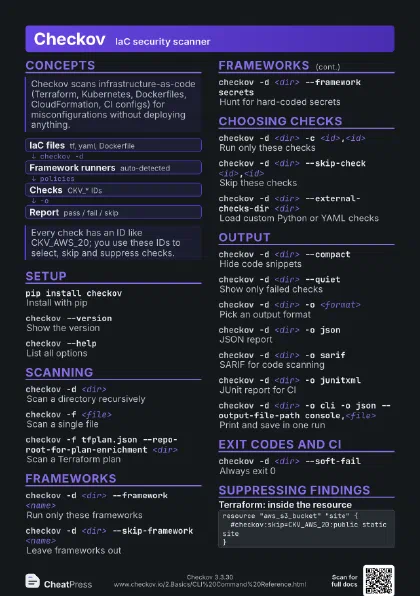
 Light · A4 landscape
297 × 210 mm · PDF
 Dark · A4 landscape
297 × 210 mm · PDF
 Ink saver · A4 landscape
297 × 210 mm · PDF
 Light · A3 landscape
420 × 297 mm · PDF
 Dark · A3 landscape
420 × 297 mm · PDF
 Ink saver · A3 landscape
420 × 297 mm · PDF
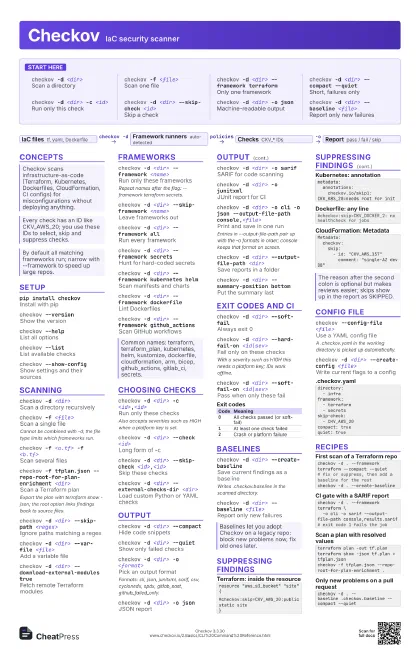
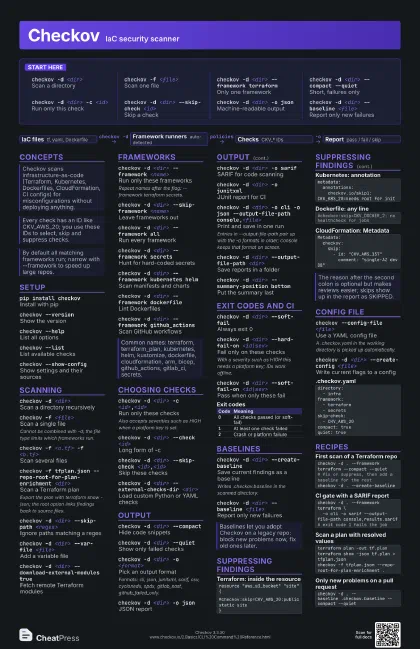
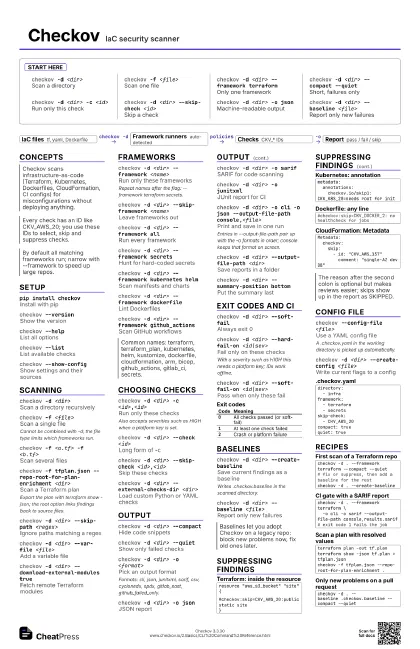
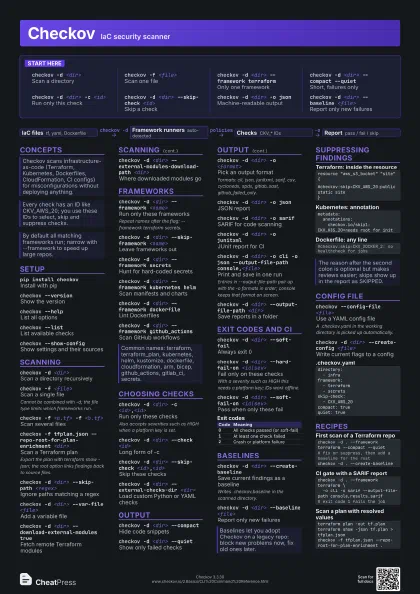
Start here
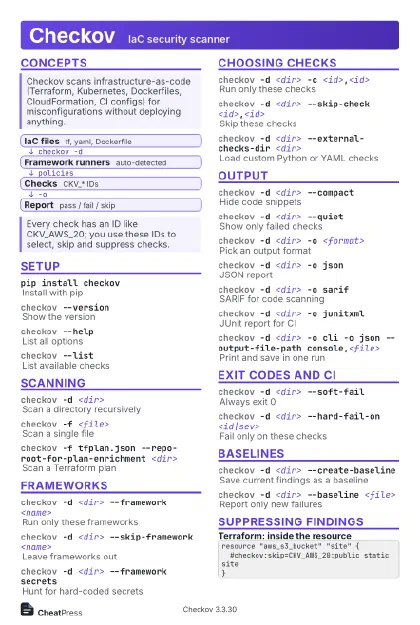
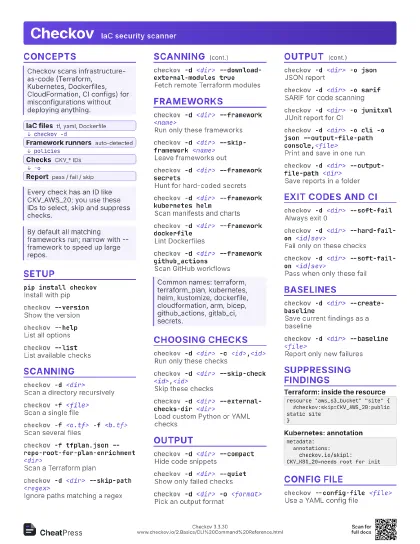
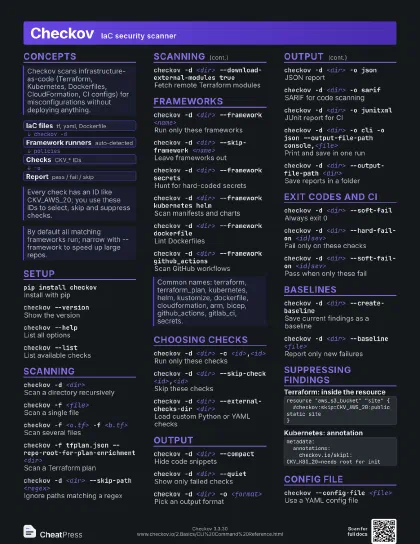
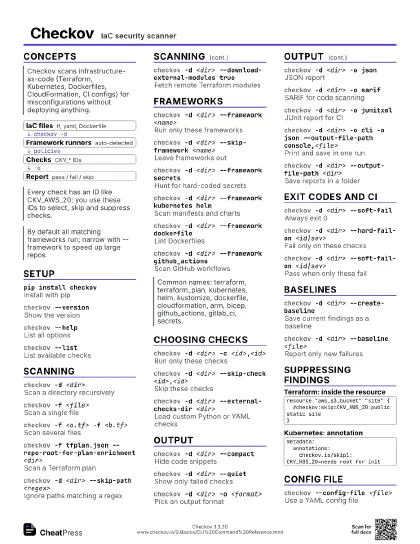
checkov -d <dir>
Scan a directory
checkov -f <file>
Scan one file
checkov -d <dir> --framework terraform
Only one framework
checkov -d <dir> --compact --quiet
Short, failures only
checkov -d <dir> -c <id>
Run only this check
checkov -d <dir> --skip-check <id>
Skip a check
checkov -d <dir> -o json
Machine-readable output
checkov -d <dir> --baseline <file>
Report only new failures
Concepts
- IaC files tf, yaml, Dockerfile
- Framework runners auto-detected
- Checks CKV_* IDs
- Report pass / fail / skip
Setup
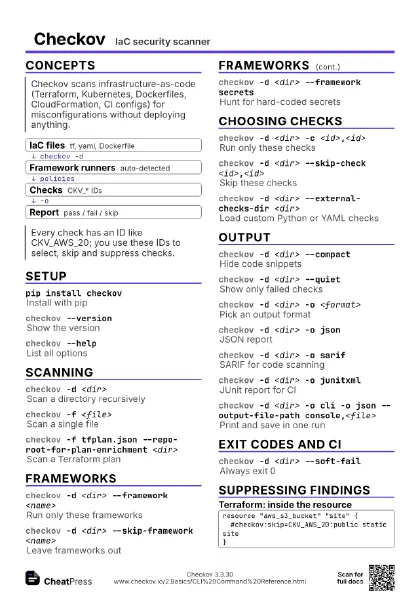
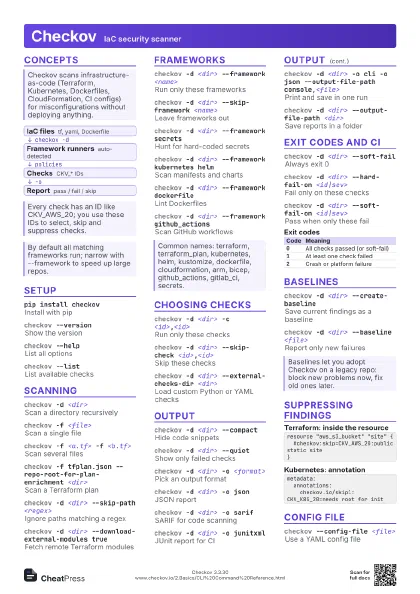
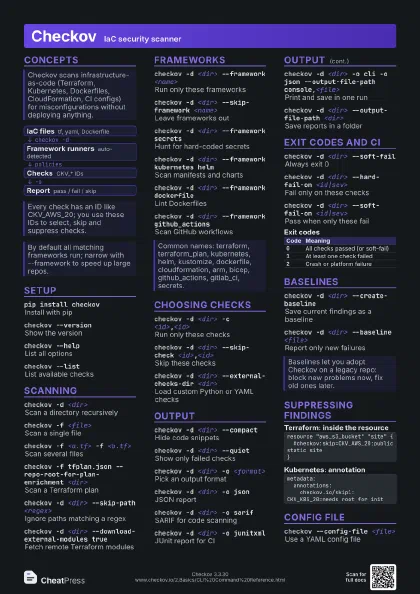
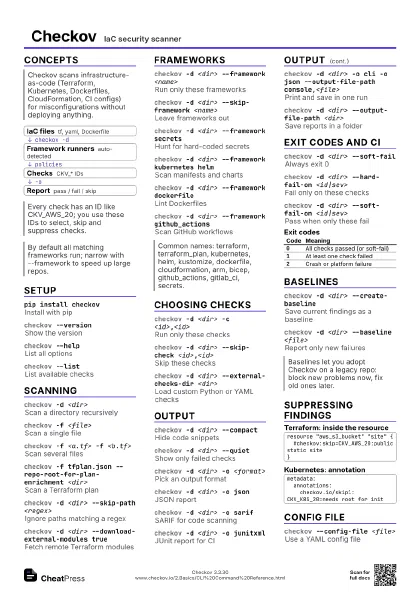
pip install checkov
Install with pip
checkov --version
Show the version
checkov --helpList all options
checkov --listList available checks
checkov --show-config
Show settings and their sources
Scanning
checkov -d <dir>
Scan a directory recursively
checkov -f <file>
Scan a single file
Cannot be combined with -d; the file type limits which
frameworks run.
checkov -f <a.tf> -f <b.tf>
Scan several files
checkov -f tfplan.json --repo-root-for-plan-enrichment
                    <dir>
Scan a Terraform plan
Export the plan with terraform show -json; the root option
links findings back to source files.
checkov -d <dir> --skip-path <regex>
Ignore paths matching a regex
checkov -d <dir> --var-file <file>
Add a variable file
checkov -d <dir> --download-external-modules
                    true
Fetch remote Terraform modules
checkov -d <dir> --external-modules-download-path
                    <dir>
Where downloaded modules go
checkov --docker-image <image> --dockerfile-path
                    <file>
Scan an image
Needs a Prisma Cloud API key.
Frameworks
checkov -d <dir> --framework <name>
Run only these frameworks
Repeat names after the flag: --framework terraform secrets.
checkov -d <dir> --skip-framework <name>
Leave frameworks out
checkov -d <dir> --framework all
Run every framework
checkov -d <dir> --framework secrets
Hunt for hard-coded secrets
checkov -d <dir> --framework kubernetes helm
Scan manifests and charts
checkov -d <dir> --framework dockerfile
Lint Dockerfiles
checkov -d <dir> --framework github_actions
Scan GitHub workflows
Choosing checks
checkov -d <dir> -c <id>,<id>
Run only these checks
Also accepts severities such as HIGH when a platform key is
set.
checkov -d <dir> --check <id>
Long form of -c
checkov -d <dir> --skip-check
                    <id>,<id>
Skip these checks
checkov -d <dir> --run-all-external-checks
Run custom checks regardless of -c
checkov -d <dir> --external-checks-dir
                    <dir>
Load custom Python or YAML checks
checkov -d <dir> --external-checks-git
                    <url>
Load custom checks from GitHub
Output
checkov -d <dir> --compact
Hide code snippets
checkov -d <dir> --quiet
Show only failed checks
checkov -d <dir> -o <format>
Pick an output format
Formats: cli, json, junitxml, sarif, csv, cyclonedx, spdx,
gitlab_sast, github_failed_only.
checkov -d <dir> -o json
JSON report
checkov -d <dir> -o sarif
SARIF for code scanning
checkov -d <dir> -o junitxml
JUnit report for CI
checkov -d <dir> -o cli -o json --output-file-path
                    console,<file>
Print and save in one run
Entries in --output-file-path pair up with the -o formats in
order; console keeps that format on screen.
checkov -d <dir> --output-file-path <dir>
Save reports in a folder
checkov -d <dir> --summary-position bottom
Put the summary last
checkov -d <dir> --output-bc-ids
Print BC IDs instead of CKV
Exit codes and CI
checkov -d <dir> --soft-fail
Always exit 0
checkov -d <dir> --hard-fail-on <id|sev>
Fail only on these checks
With a severity such as HIGH this needs a platform key; IDs
work offline.
checkov -d <dir> --soft-fail-on <id|sev>
Pass when only these fail
checkov -d <dir> --no-fail-on-crash
Exit 0 if platform upload breaks
checkov -d <dir> --skip-results-upload
Never send results to the platform
| Code | Meaning |
|---|---|
0 |
All checks passed (or soft-fail) |
1 |
At least one check failed |
2 |
Crash or platform failure |
Baselines
checkov -d <dir> --create-baseline
Save current findings as a baseline
Writes .checkov.baseline in the scanned directory.
checkov -d <dir> --baseline <file>
Report only new failures
checkov -d <dir> --baseline <file>
                    --output-baseline-as-skipped
Show baselined checks as skipped
Suppressing findings
resource "aws_s3_bucket" "site" { #checkov:skip=CKV_AWS_20:public static site}metadata: annotations: checkov.io/skip1: CKV_K8S_20=needs root for init#checkov:skip=CKV_DOCKER_2: no healthcheck for jobsMetadata: checkov: skip: - id: "CKV_AWS_157" comment: "single-AZ dev DB"Config file
checkov --config-file <file>
Use a YAML config file
A .checkov.yaml in the working directory is picked up
automatically.
checkov -d <dir> --create-config <file>
Write current flags to a config
directory: - infraframework: - terraform - secretsskip-check: - CKV_AWS_20compact: truequiet: trueexport CKV_FRAMEWORK=<name>
Set options through environment
Variables also exist for CKV_CHECK and CKV_SKIP_CHECK.
Recipes
checkov -d . --framework terraform --compact --quiet# fix or suppress, then add a baseline for the restcheckov -d . --create-baselinecheckov -d . --framework terraform \ -o cli -o sarif --output-file-path console,results.sarif# exit code 1 fails the jobterraform plan -out tf.planterraform show -json tf.plan > tfplan.jsoncheckov -f tfplan.json --repo-root-for-plan-enrichment .checkov -d . --baseline .checkov.baseline --compact --quiet