Cheat
Clang tools Format, lint, analyze C/C++
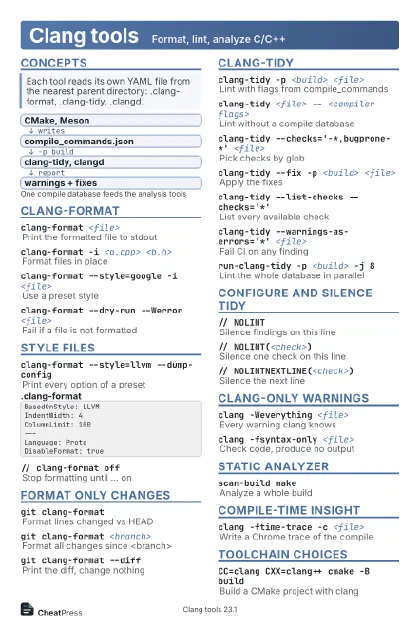 Light · Postcard
102 × 152 mm · PDF
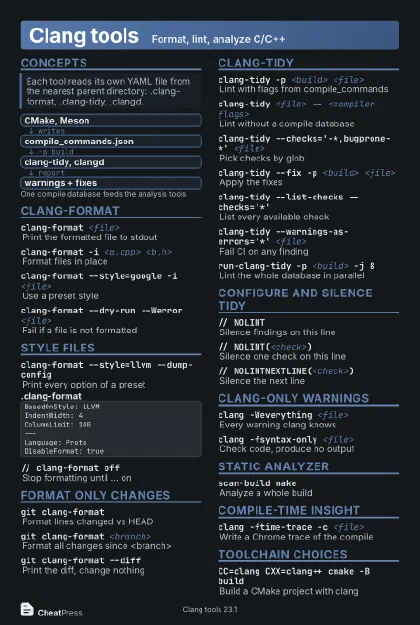 Dark · Postcard
102 × 152 mm · PDF
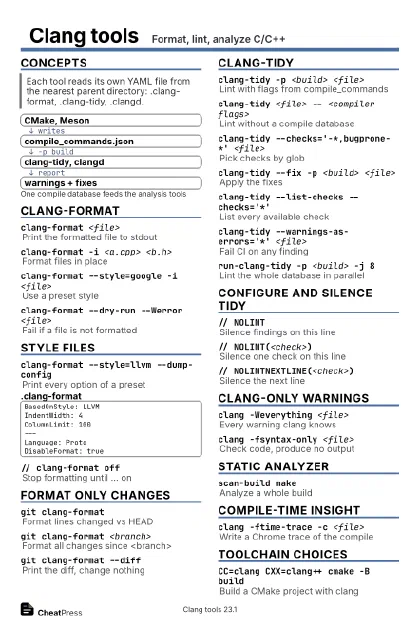 Ink saver · Postcard
102 × 152 mm · PDF
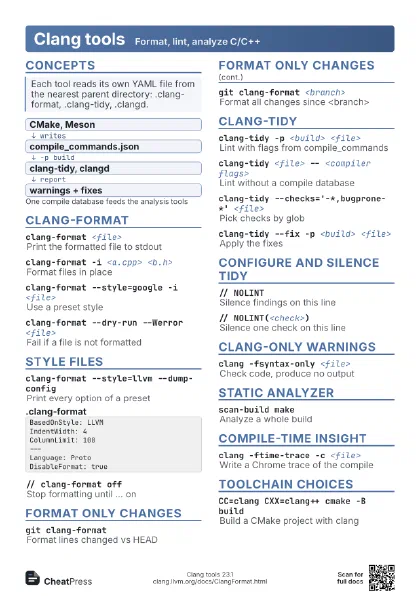
 Light · A4 landscape
297 × 210 mm · PDF
 Dark · A4 landscape
297 × 210 mm · PDF
 Ink saver · A4 landscape
297 × 210 mm · PDF
 Light · A3 landscape
420 × 297 mm · PDF
 Dark · A3 landscape
420 × 297 mm · PDF
 Ink saver · A3 landscape
420 × 297 mm · PDF
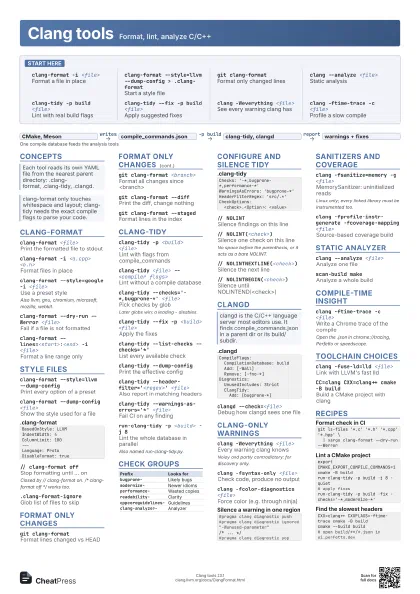
Start here
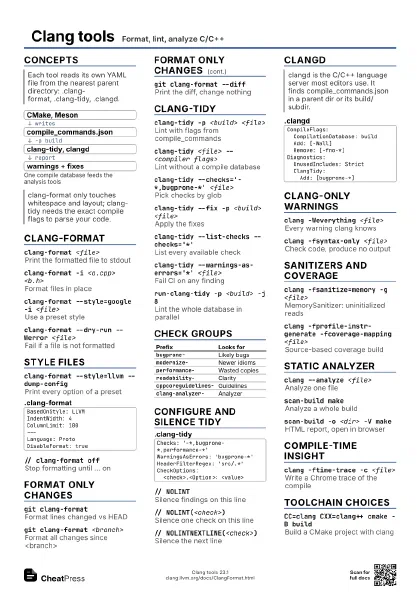
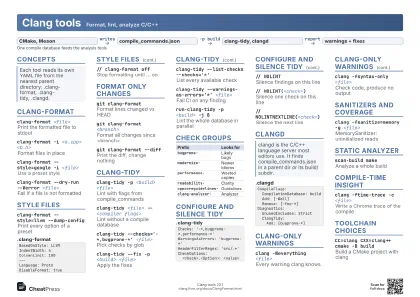
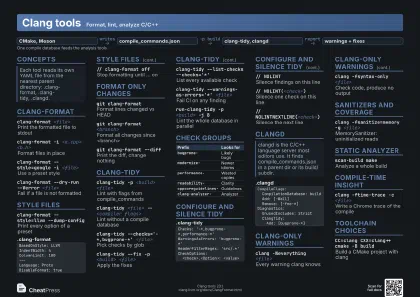
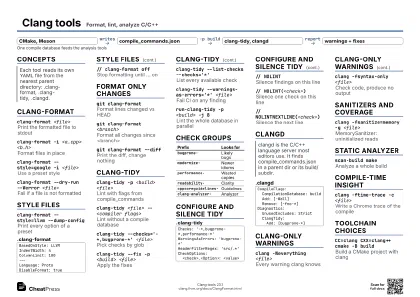
clang-format -i <file>
Format a file in place
clang-format --style=llvm --dump-config >
                    .clang-format
Start a style file
git clang-format
Format only changed lines
clang --analyze <file>
Static analysis
clang-tidy -p build <file>
Lint with real build flags
clang-tidy --fix -p build <file>
Apply suggested fixes
clang -Weverything <file>
See every warning clang has
clang -ftime-trace -c <file>
Profile a slow compile
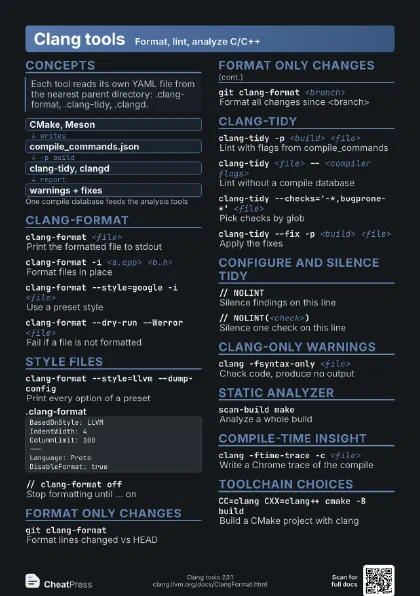
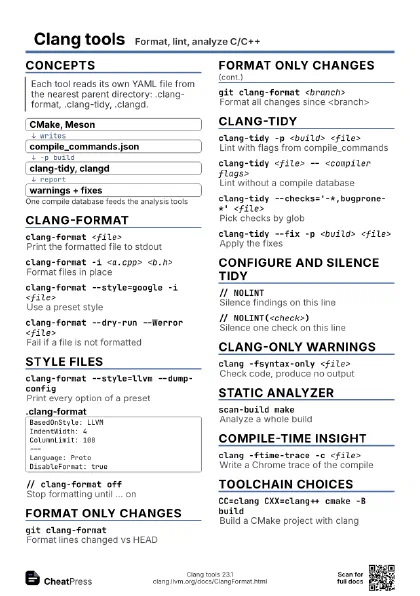
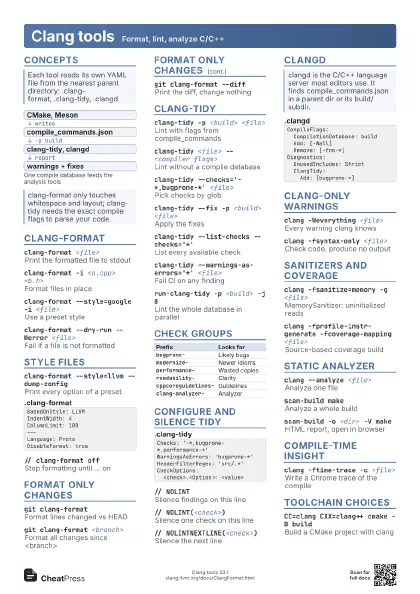
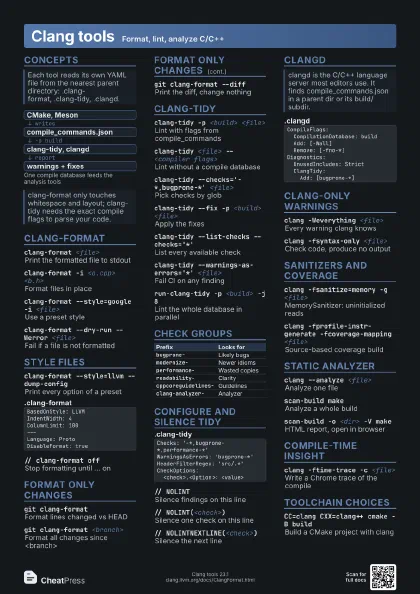
Concepts
- CMake, Meson
- compile_commands.json
- clang-tidy, clangd
- warnings + fixes
clang-format
clang-format <file>
Print the formatted file to stdout
clang-format -i <a.cpp> <b.h>
Format files in place
clang-format --style=google -i <file>
Use a preset style
Also llvm, gnu, chromium, microsoft, mozilla, webkit.
clang-format --dry-run --Werror <file>
Fail if a file is not formatted
clang-format --lines=<start>:<end> -i
                    <file>
Format a line range only
Style files
clang-format --style=llvm --dump-config
Print every option of a preset
clang-format --dump-config <file>
Show the style used for a file
BasedOnStyle: LLVMIndentWidth: 4ColumnLimit: 100---Language: ProtoDisableFormat: true// clang-format off
Stop formatting until ... on
Closed by // clang-format on. /* clang-format off */ works
too.
.clang-format-ignore
Glob list of files to skip
Format only changes
git clang-format
Format lines changed vs HEAD
git clang-format <branch>
Format all changes since <branch>
git clang-format --diff
Print the diff, change nothing
git clang-format --staged
Format lines in the index
clang-tidy
clang-tidy -p <build> <file>
Lint with flags from compile_commands
clang-tidy <file> -- <compiler flags>
Lint without a compile database
clang-tidy --checks='-*,bugprone-*'
                    <file>
Pick checks by glob
Later globs win; a leading - disables.
clang-tidy --fix -p <build> <file>
Apply the fixes
clang-tidy --list-checks --checks='*'
List every available check
clang-tidy --dump-config
Print the effective config
clang-tidy --header-filter='<regex>'
                    <file>
Also report in matching headers
clang-tidy --warnings-as-errors='*'
                    <file>
Fail CI on any finding
run-clang-tidy -p <build> -j 8
Lint the whole database in parallel
Also named run-clang-tidy.py.
Check groups
| Prefix | Looks for |
|---|---|
bugprone- |
Likely bugs |
modernize- |
Newer idioms |
performance- |
Wasted copies |
readability- |
Clarity |
cppcoreguidelines- |
Guidelines |
clang-analyzer- |
Analyzer |
Configure and silence tidy
Checks: '-*,bugprone-*,performance-*'WarningsAsErrors: 'bugprone-*'HeaderFilterRegex: 'src/.*'CheckOptions: <check>.<Option>: <value>// NOLINTSilence findings on this line
// NOLINT(<check>)
Silence one check on this line
No space before the parenthesis, or it acts as a bare NOLINT.
// NOLINTNEXTLINE(<check>)
Silence the next line
// NOLINTBEGIN(<check>)
Silence until NOLINTEND(<check>)
clangd
CompileFlags: CompilationDatabase: build Add: [-Wall] Remove: [-fno-*]Diagnostics: UnusedIncludes: Strict ClangTidy: Add: [bugprone-*]clangd --check=<file>
Debug how clangd sees one file
Clang-only warnings
clang -Weverything <file>
Every warning clang knows
Noisy and partly contradictory: for discovery only.
clang -fsyntax-only <file>
Check code, produce no output
clang -fcolor-diagnostics <file>
Force color (e.g. through ninja)
#pragma clang diagnostic push#pragma clang diagnostic ignored "-Wunused-parameter"/* ... */#pragma clang diagnostic popSanitizers and coverage
clang -fsanitize=memory -g <file>
MemorySanitizer: uninitialized reads
Linux only; every linked library must be instrumented too.
clang -fprofile-instr-generate -fcoverage-mapping
                    <file>
Source-based coverage build
llvm-cov report <app>
                    -instr-profile=<p.profdata>
Coverage summary per file
Static analyzer
clang --analyze <file>
Analyze one file
clang --analyze --analyzer-output text <file>
Print findings to the terminal
scan-build makeAnalyze a whole build
scan-build -o <dir> -V make
HTML report, open in browser
Compile-time insight
clang -ftime-trace -c <file>
Write a Chrome trace of the compile
Open the .json in chrome://tracing, Perfetto or speedscope.
clang -O2 -Rpass=inline <file>
Report what got inlined
clang -O2 -Rpass-missed=loop-vectorize <file>
Why a loop was not vectorized
clang -### <file>
Print commands without running
clang -Xclang -ast-dump -fsyntax-only <file>
Dump the AST
clang -S -emit-llvm <file>
Write LLVM IR (.ll)
Toolchain choices
clang -fuse-ld=lld <file>
Link with LLVM's fast lld
clang++ -stdlib=libc++ <file>
Use libc++ instead of libstdc++
clang --target=<triple> <file>
Cross-compile for another target
CC=clang CXX=clang++ cmake -B build
Build a CMake project with clang
Recipes
git ls-files '*.c' '*.h' '*.cpp' '*.hpp' \ | xargs clang-format --dry-run --Werrorexport CMAKE_EXPORT_COMPILE_COMMANDS=1cmake -B buildrun-clang-tidy -p build -j 8 -quiet# apply fixesrun-clang-tidy -p build -fix -checks='-*,modernize-*'CXX=clang++ CXXFLAGS=-ftime-trace cmake -B buildcmake --build build# open build/**/*.json in ui.perfetto.dev