Cheat
bluetoothctl Bluetooth from the shell
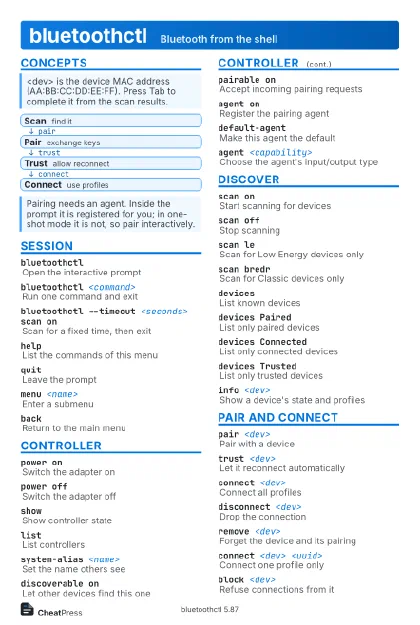 Light · Postcard
102 × 152 mm · PDF
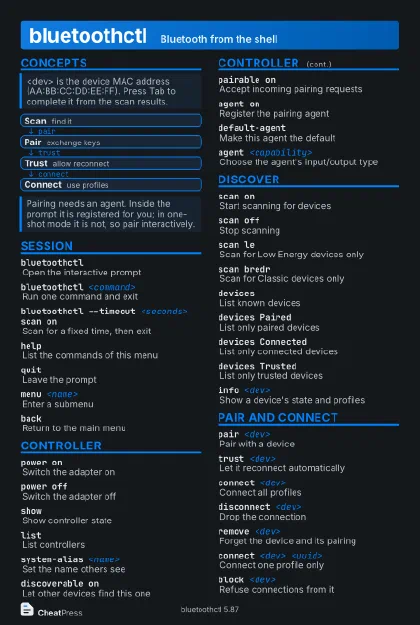 Dark · Postcard
102 × 152 mm · PDF
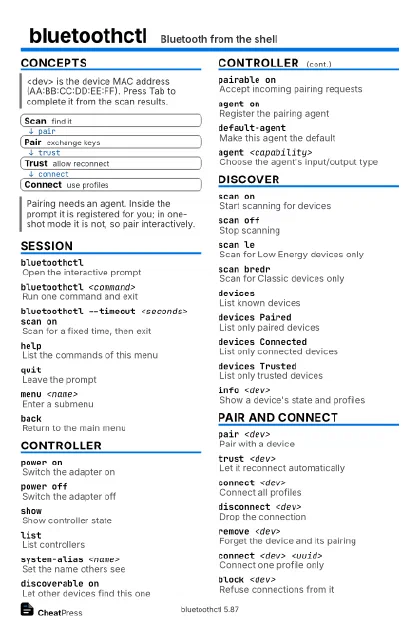 Ink saver · Postcard
102 × 152 mm · PDF
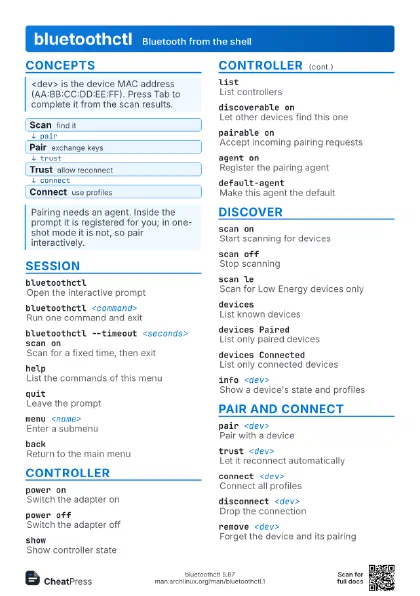
 Light · A4 landscape
297 × 210 mm · PDF
 Dark · A4 landscape
297 × 210 mm · PDF
 Ink saver · A4 landscape
297 × 210 mm · PDF
 Light · A3 landscape
420 × 297 mm · PDF
 Dark · A3 landscape
420 × 297 mm · PDF
 Ink saver · A3 landscape
420 × 297 mm · PDF
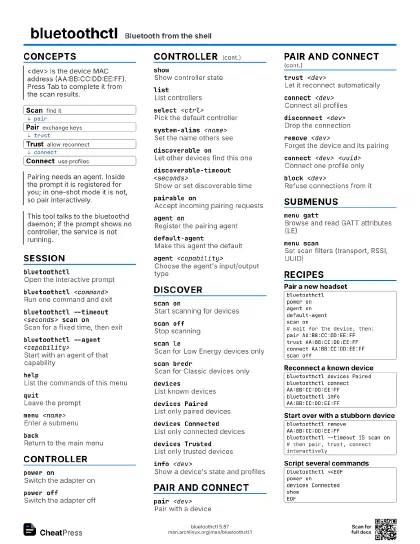
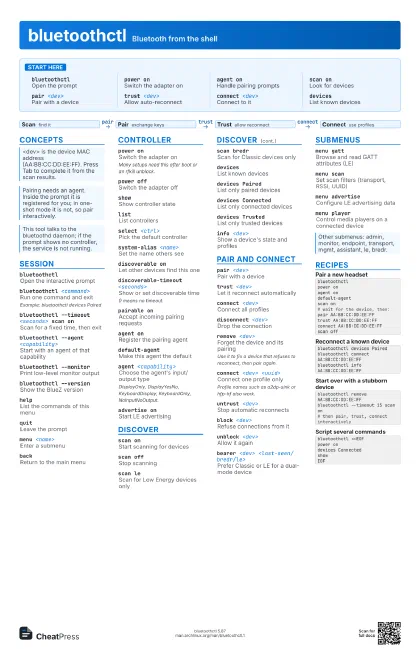
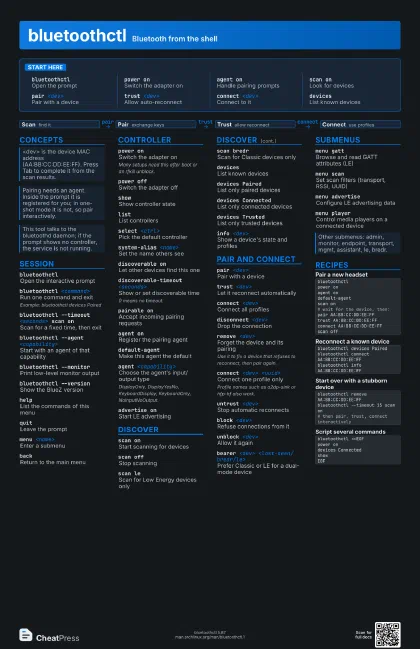
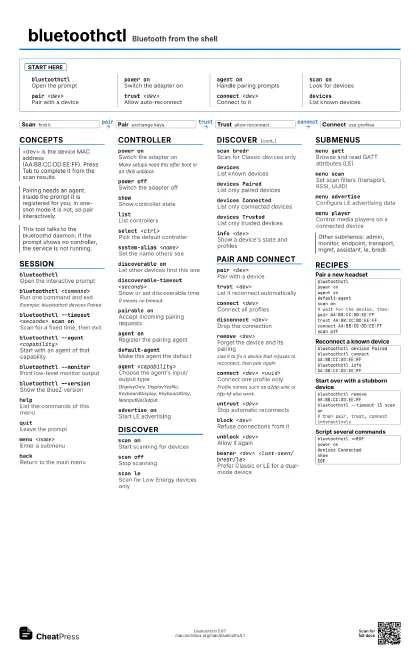
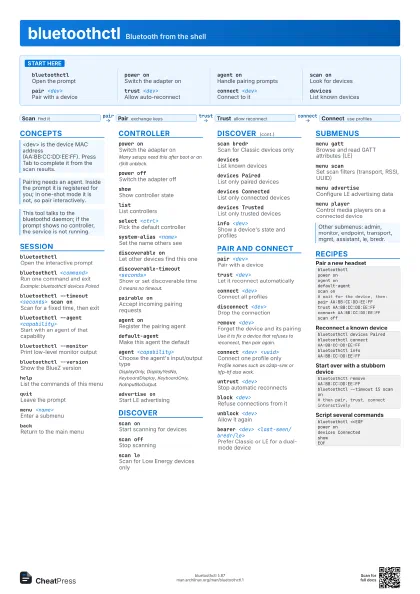
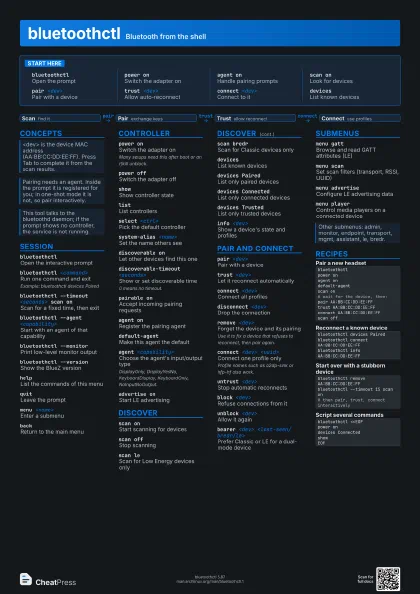
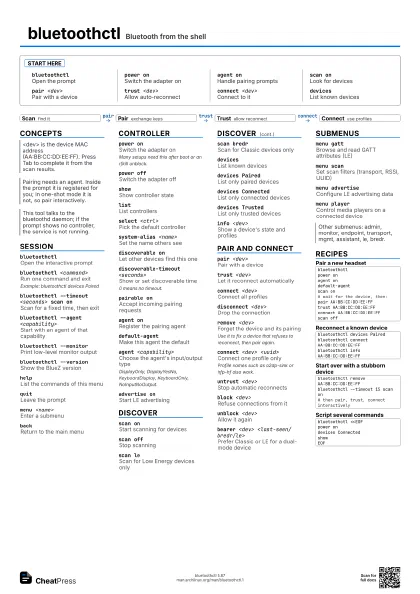
Start here
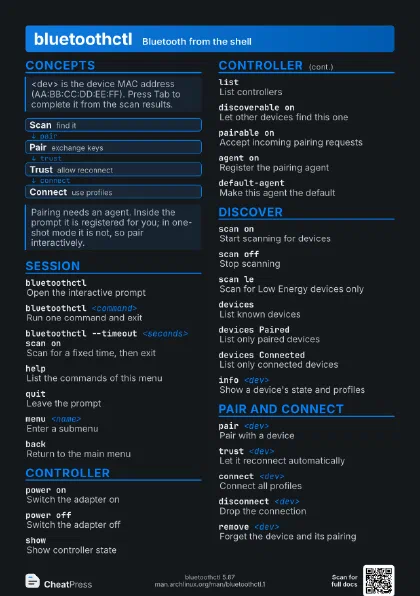
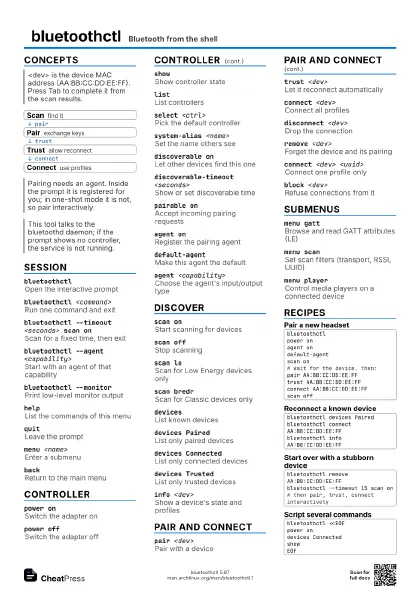
bluetoothctlOpen the prompt
power onSwitch the adapter on
agent onHandle pairing prompts
scan onLook for devices
pair <dev>
Pair with a device
trust <dev>
Allow auto-reconnect
connect <dev>
Connect to it
devicesList known devices
Concepts
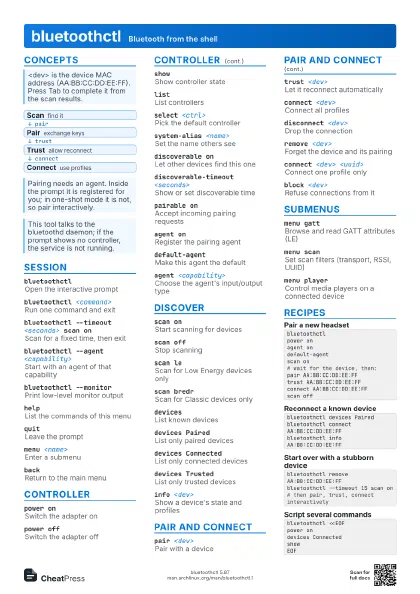
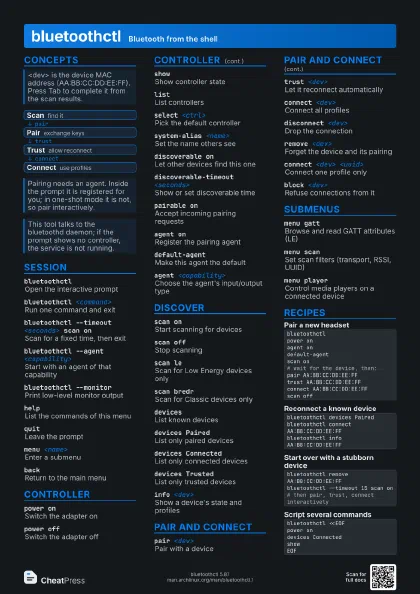
- Scan find it
- Pair exchange keys
- Trust allow reconnect
- Connect use profiles
Session
bluetoothctlOpen the interactive prompt
bluetoothctl <command>
Run one command and exit
Example: bluetoothctl devices Paired
bluetoothctl --timeout <seconds> scan on
Scan for a fixed time, then exit
bluetoothctl --agent <capability>
Start with an agent of that capability
bluetoothctl --monitor
Print low-level monitor output
bluetoothctl --version
Show the BlueZ version
helpList the commands of this menu
quitLeave the prompt
menu <name>
Enter a submenu
backReturn to the main menu
Controller
power onSwitch the adapter on
Many setups need this after boot or an rfkill unblock.
power offSwitch the adapter off
showShow controller state
listList controllers
select <ctrl>
Pick the default controller
system-alias <name>
Set the name others see
discoverable onLet other devices find this one
discoverable-timeout <seconds>
Show or set discoverable time
0 means no timeout.
pairable onAccept incoming pairing requests
agent onRegister the pairing agent
default-agentMake this agent the default
agent <capability>
Choose the agent's input/output type
DisplayOnly, DisplayYesNo, KeyboardDisplay, KeyboardOnly,
NoInputNoOutput.
advertise onStart LE advertising
Discover
scan onStart scanning for devices
scan offStop scanning
scan leScan for Low Energy devices only
scan bredrScan for Classic devices only
devicesList known devices
devices PairedList only paired devices
devices Connected
List only connected devices
devices TrustedList only trusted devices
info <dev>
Show a device's state and profiles
Pair and connect
pair <dev>
Pair with a device
trust <dev>
Let it reconnect automatically
connect <dev>
Connect all profiles
disconnect <dev>
Drop the connection
remove <dev>
Forget the device and its pairing
Use it to fix a device that refuses to reconnect, then pair
again.
connect <dev> <uuid>
Connect one profile only
Profile names such as a2dp-sink or hfp-hf also work.
untrust <dev>
Stop automatic reconnects
block <dev>
Refuse connections from it
unblock <dev>
Allow it again
bearer <dev> <last-seen/bredr/le>
Prefer Classic or LE for a dual-mode device
Submenus
menu gattBrowse and read GATT attributes (LE)
menu scanSet scan filters (transport, RSSI, UUID)
menu advertiseConfigure LE advertising data
menu player
Control media players on a connected device
Recipes
bluetoothctlpower onagent ondefault-agentscan on# wait for the device, then:pair AA:BB:CC:DD:EE:FFtrust AA:BB:CC:DD:EE:FFconnect AA:BB:CC:DD:EE:FFscan offbluetoothctl devices Pairedbluetoothctl connect AA:BB:CC:DD:EE:FFbluetoothctl info AA:BB:CC:DD:EE:FFbluetoothctl remove AA:BB:CC:DD:EE:FFbluetoothctl --timeout 15 scan on# then pair, trust, connect interactivelybluetoothctl <<EOFpower ondevices ConnectedshowEOF