Cheat
Buildah Build OCI images
 Light · Postcard
102 × 152 mm · PDF
 Dark · Postcard
102 × 152 mm · PDF
 Ink saver · Postcard
102 × 152 mm · PDF
 Light · A4 landscape
297 × 210 mm · PDF
 Dark · A4 landscape
297 × 210 mm · PDF
 Ink saver · A4 landscape
297 × 210 mm · PDF
 Light · A3 landscape
420 × 297 mm · PDF
 Dark · A3 landscape
420 × 297 mm · PDF
 Ink saver · A3 landscape
420 × 297 mm · PDF
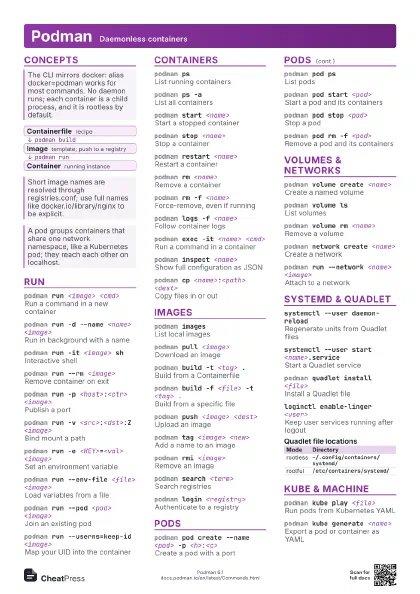
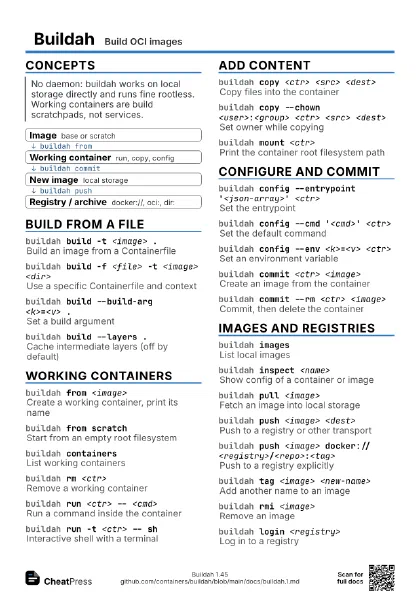
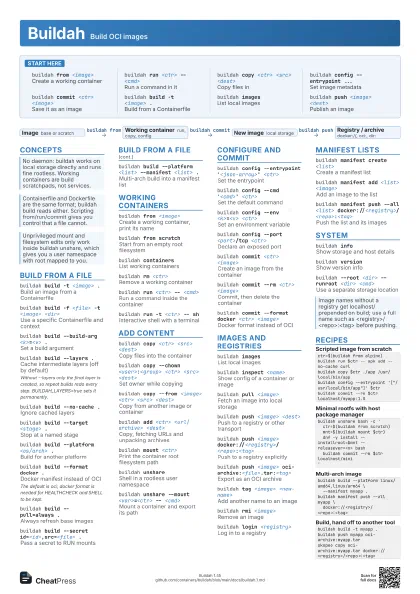
Start here
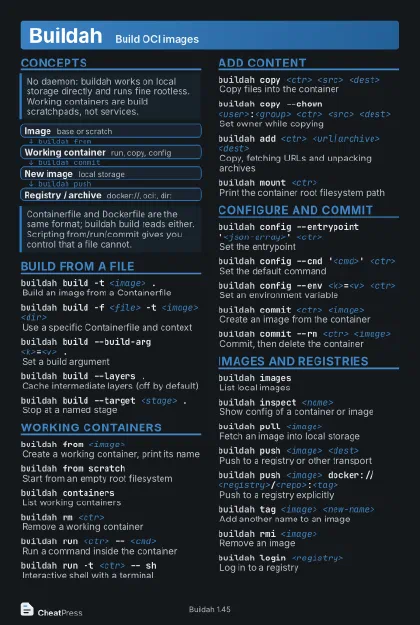
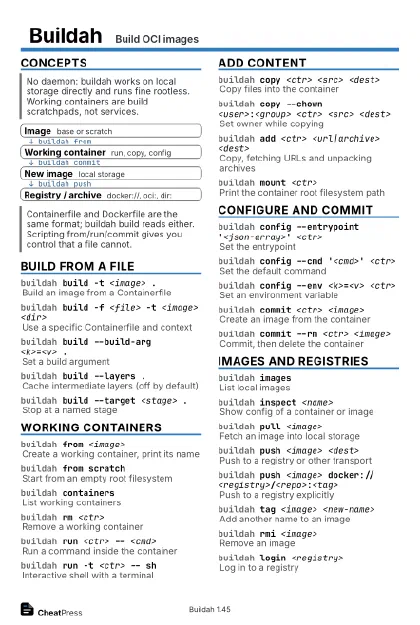
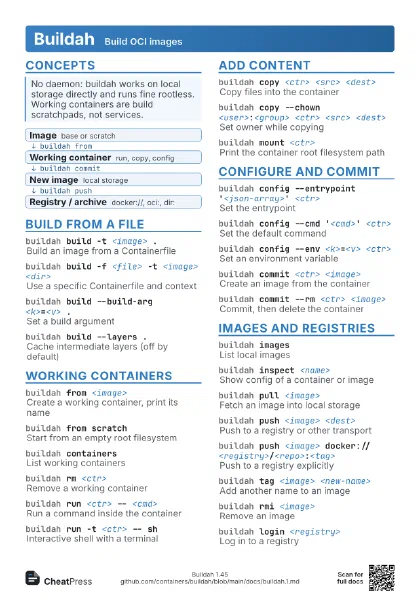
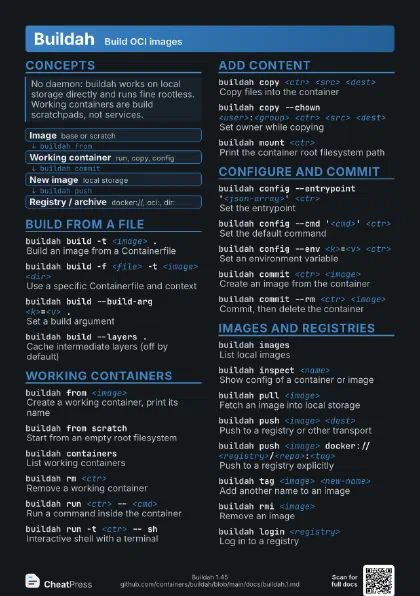
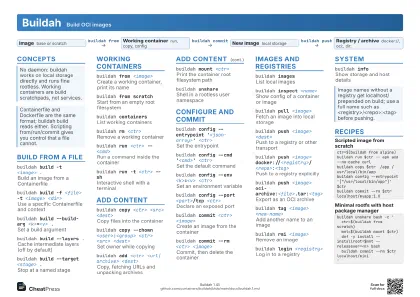
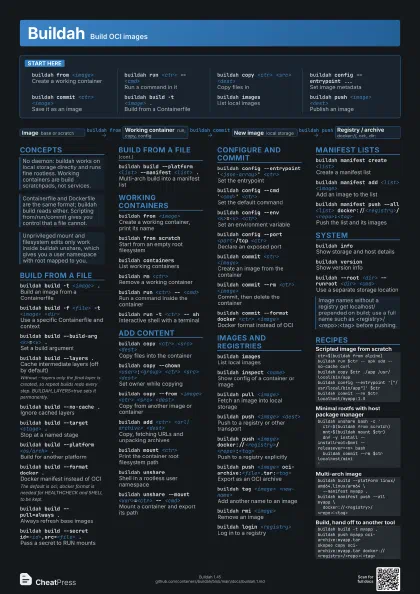
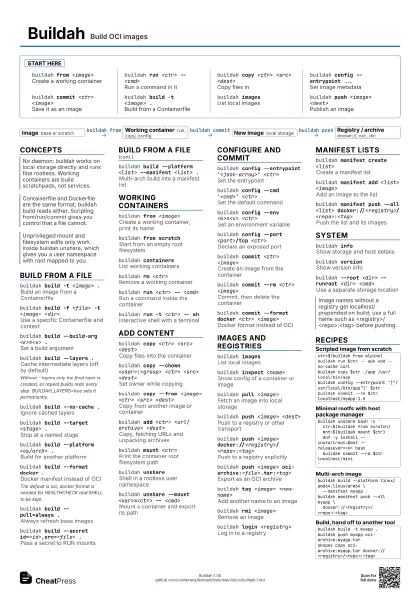
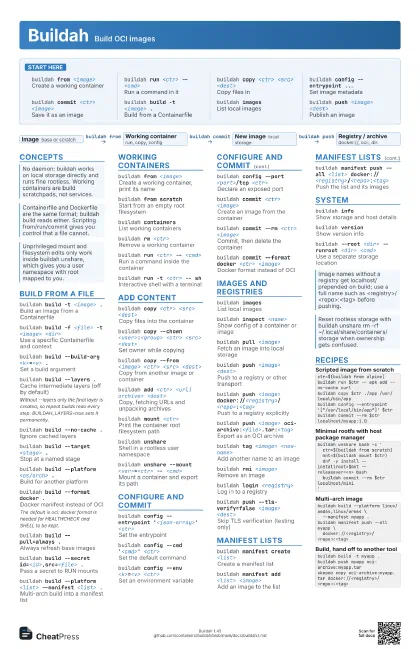
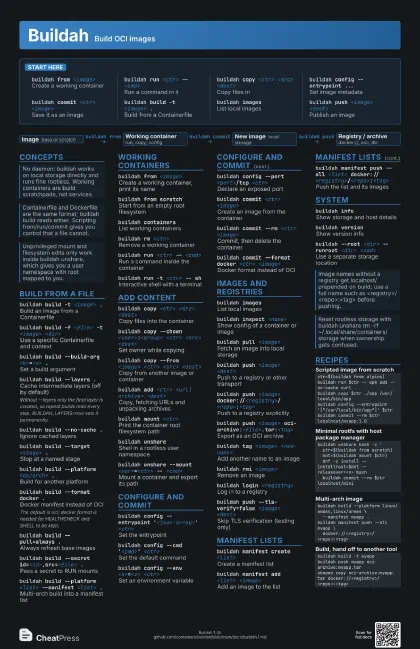
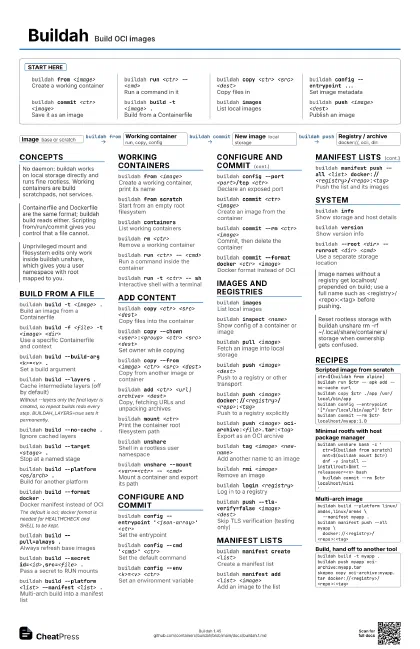
buildah from <image>
Create a working container
buildah run <ctr> -- <cmd>
Run a command in it
buildah copy <ctr> <src> <dest>
Copy files in
buildah config --entrypoint ...
Set image metadata
buildah commit <ctr> <image>
Save it as an image
buildah build -t <image> .
Build from a Containerfile
buildah imagesList local images
buildah push <image> <dest>
Publish an image
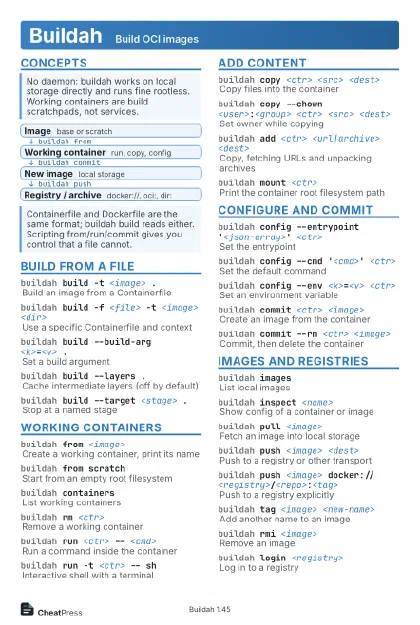
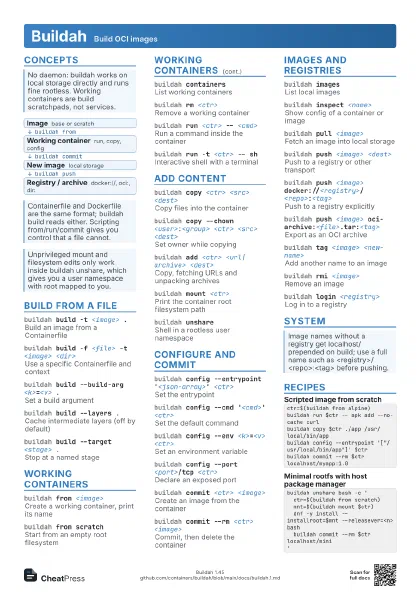
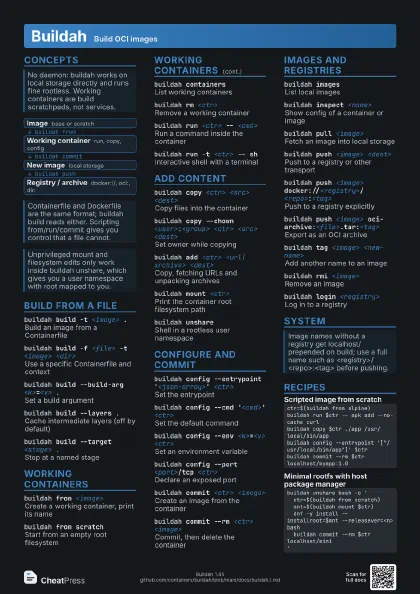
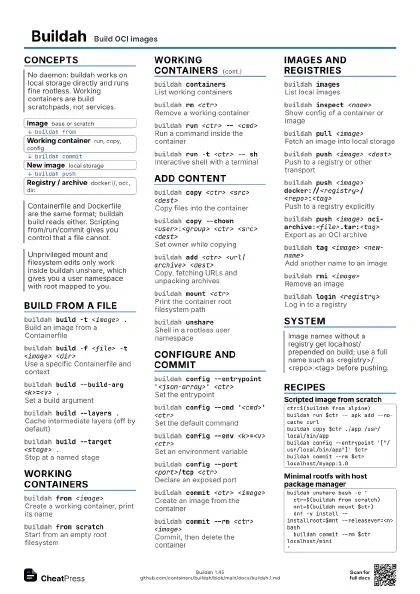
Concepts
- Image base or scratch
- Working container run, copy, config
- New image local storage
- Registry / archive docker://, oci:, dir:
Build from a file
buildah build -t <image> .
Build an image from a Containerfile
buildah build -f <file> -t <image>
                    <dir>
Use a specific Containerfile and context
buildah build --build-arg <k>=<v> .
Set a build argument
buildah build --layers .
Cache intermediate layers (off by default)
Without --layers only the final layer is created, so repeat
builds redo every step. BUILDAH_LAYERS=true sets it
permanently.
buildah build --no-cache .
Ignore cached layers
buildah build --target <stage> .
Stop at a named stage
buildah build --platform <os/arch> .
Build for another platform
buildah build --format docker .
Docker manifest instead of OCI
The default is oci; docker format is needed for HEALTHCHECK
and SHELL to be kept.
buildah build --pull=always .
Always refresh base images
buildah build --secret id=<id>,src=<file>
                    .
Pass a secret to RUN mounts
buildah build --platform <list> --manifest
                    <list> .
Multi-arch build into a manifest list
Working containers
buildah from <image>
Create a working container, print its name
buildah from scratch
Start from an empty root filesystem
buildah containers
List working containers
buildah rm <ctr>
Remove a working container
buildah run <ctr> -- <cmd>
Run a command inside the container
buildah run -t <ctr> -- sh
Interactive shell with a terminal
Add content
buildah copy <ctr> <src> <dest>
Copy files into the container
buildah copy --chown <user>:<group> <ctr>
                    <src> <dest>
Set owner while copying
buildah copy --from <image> <ctr> <src>
                    <dest>
Copy from another image or container
buildah add <ctr> <url|archive>
                    <dest>
Copy, fetching URLs and unpacking archives
buildah mount <ctr>
Print the container root filesystem path
buildah unshareShell in a rootless user namespace
buildah unshare --mount <var>=<ctr> --
                    <cmd>
Mount a container and export its path
Configure and commit
buildah config --entrypoint '<json-array>'
                    <ctr>
Set the entrypoint
buildah config --cmd '<cmd>'
                    <ctr>
Set the default command
buildah config --env <k>=<v> <ctr>
Set an environment variable
buildah config --port <port>/tcp <ctr>
Declare an exposed port
buildah commit <ctr> <image>
Create an image from the container
buildah commit --rm <ctr> <image>
Commit, then delete the container
buildah commit --format docker <ctr>
                    <image>
Docker format instead of OCI
Images and registries
buildah imagesList local images
buildah inspect <name>
Show config of a container or image
buildah pull <image>
Fetch an image into local storage
buildah push <image> <dest>
Push to a registry or other transport
buildah push <image>
                    docker://<registry>/<repo>:<tag>
Push to a registry explicitly
buildah push <image>
                    oci-archive:<file>.tar:<tag>
Export as an OCI archive
buildah tag <image> <new-name>
Add another name to an image
buildah rmi <image>
Remove an image
buildah login <registry>
Log in to a registry
buildah push --tls-verify=false <image>
                    <dest>
Skip TLS verification (testing only)
Manifest lists
buildah manifest create <list>
Create a manifest list
buildah manifest add <list> <image>
Add an image to the list
buildah manifest push --all <list>
                    docker://<registry>/<repo>:<tag>
Push the list and its images
System
buildah infoShow storage and host details
buildah versionShow version info
buildah --root <dir> --runroot <dir>
                    <cmd>
Use a separate storage location
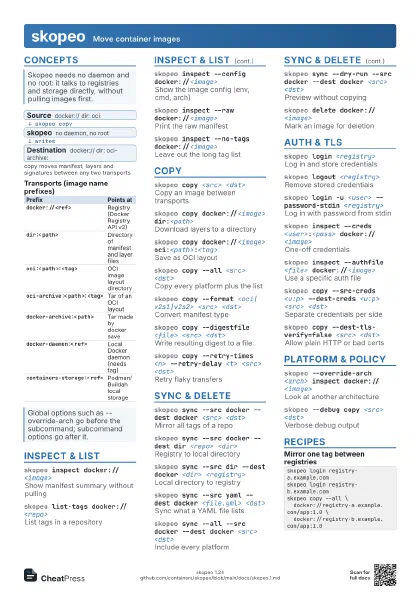
Recipes
ctr=$(buildah from alpine)buildah run $ctr -- apk add --no-cache curlbuildah copy $ctr ./app /usr/local/bin/appbuildah config --entrypoint '["/usr/local/bin/app"]' $ctrbuildah commit --rm $ctr localhost/myapp:1.0buildah unshare bash -c ' ctr=$(buildah from scratch) mnt=$(buildah mount $ctr) dnf -y install --installroot=$mnt --releasever=<n> bash buildah commit --rm $ctr localhost/mini'buildah build --platform linux/amd64,linux/arm64 \ --manifest myapp .buildah manifest push --all myapp \ docker://<registry>/<repo>:<tag>buildah build -t myapp .buildah push myapp oci-archive:myapp.tarskopeo copy oci-archive:myapp.tar docker://<registry>/<repo>:<tag>