Cheat
Argo Workflows Kubernetes workflow engine
 Light · Postcard
102 × 152 mm · PDF
 Dark · Postcard
102 × 152 mm · PDF
 Ink saver · Postcard
102 × 152 mm · PDF
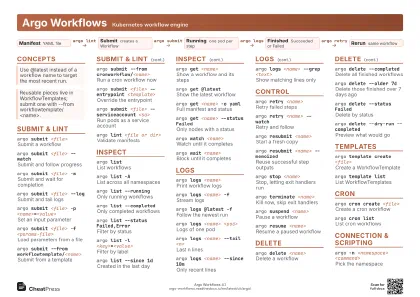 Light · A4 landscape
297 × 210 mm · PDF
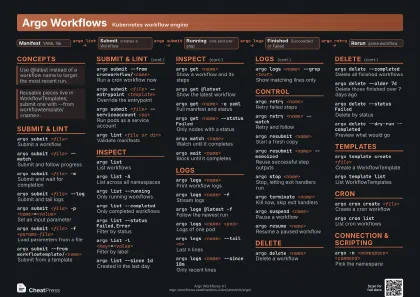 Dark · A4 landscape
297 × 210 mm · PDF
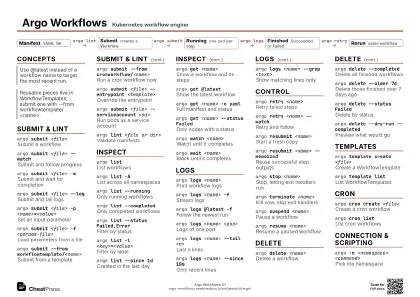 Ink saver · A4 landscape
297 × 210 mm · PDF
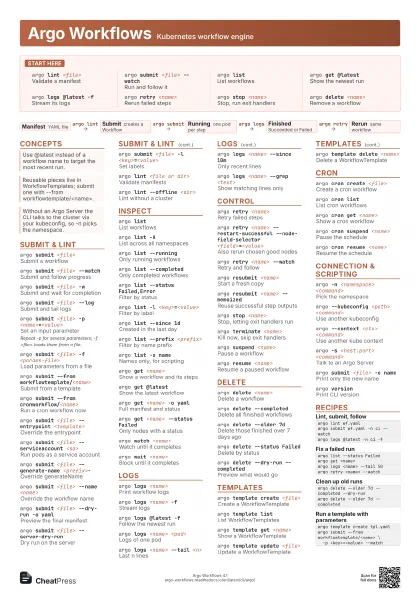
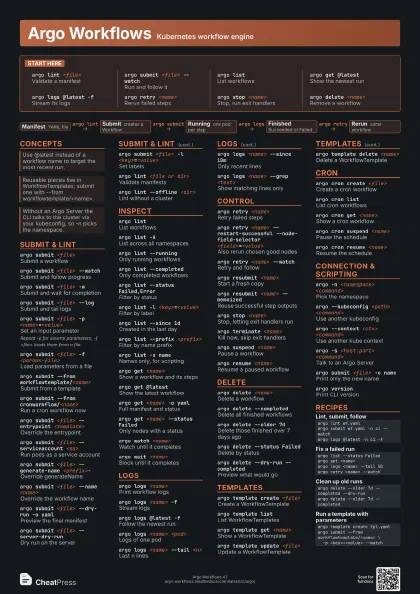
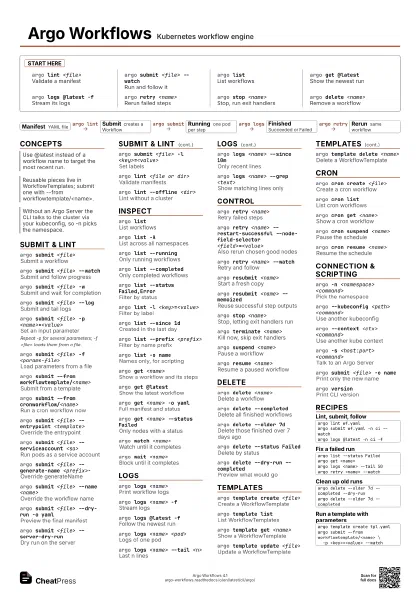
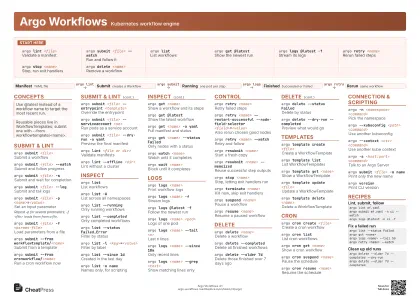 Light · A3 landscape
420 × 297 mm · PDF
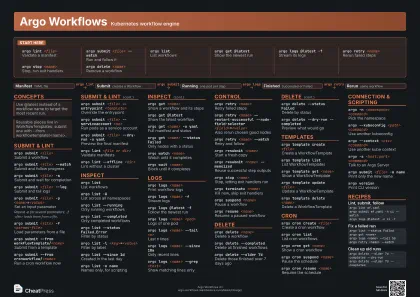 Dark · A3 landscape
420 × 297 mm · PDF
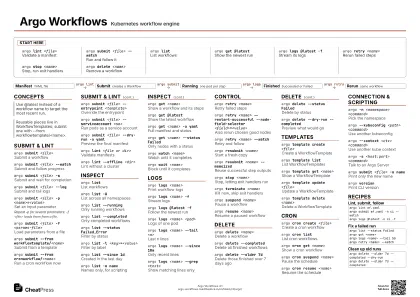 Ink saver · A3 landscape
420 × 297 mm · PDF
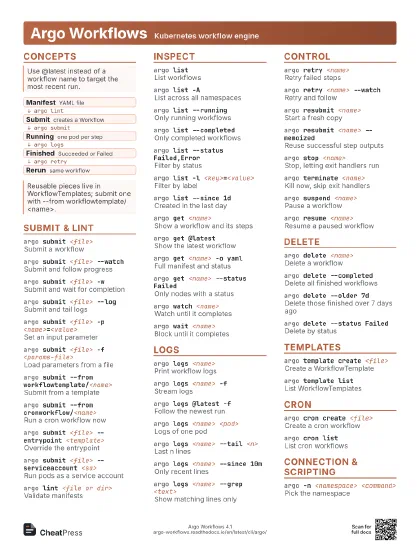
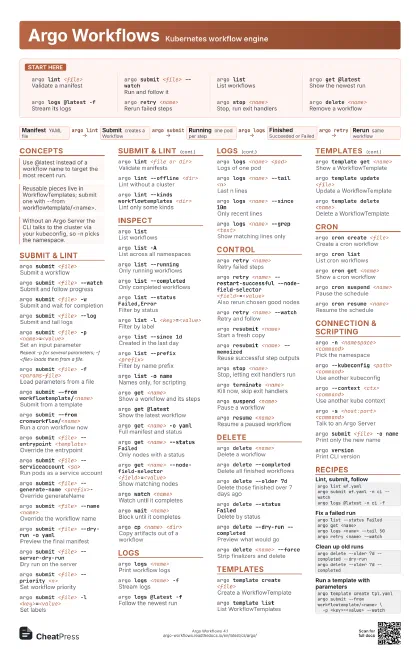
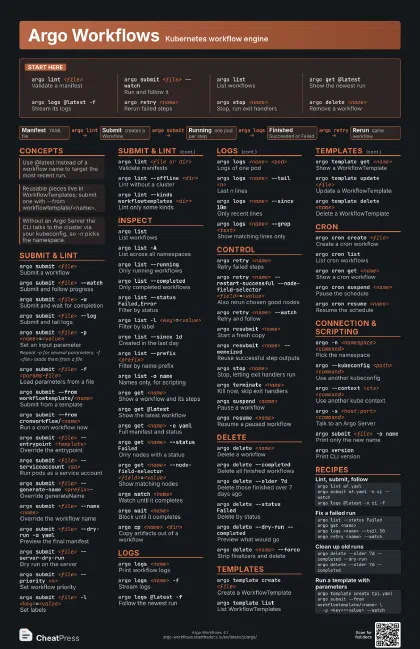
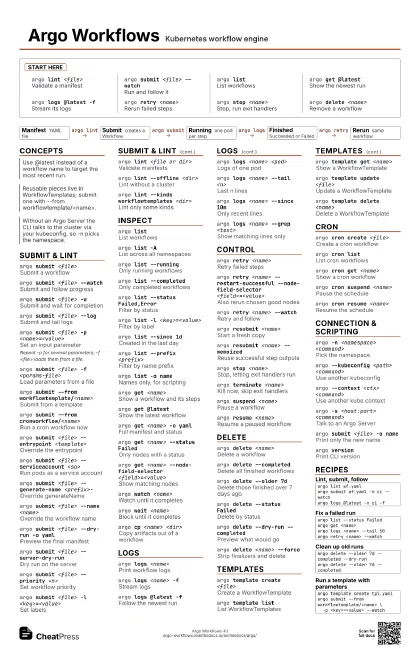
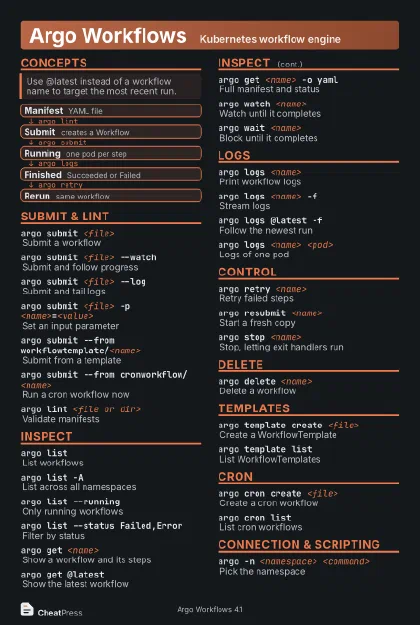
Start here
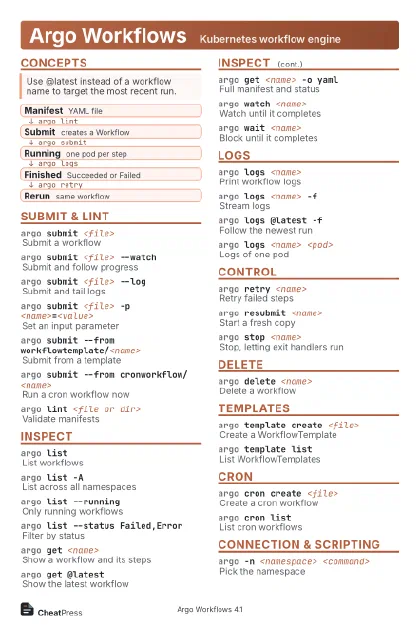
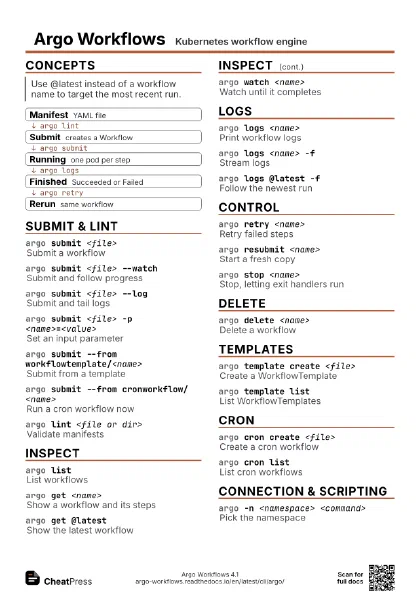
argo lint <file>
Validate a manifest
argo submit <file> --watch
Run and follow it
argo listList workflows
argo get @latest
Show the newest run
argo logs @latest -f
Stream its logs
argo retry <name>
Rerun failed steps
argo stop <name>
Stop, run exit handlers
argo delete <name>
Remove a workflow
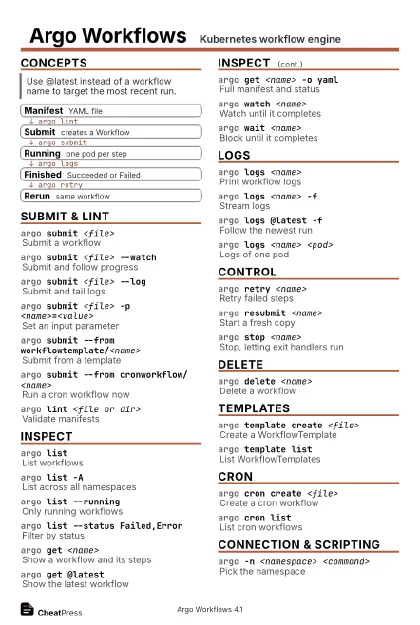
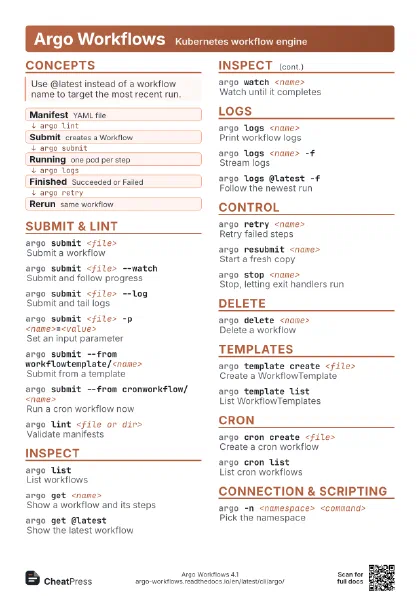
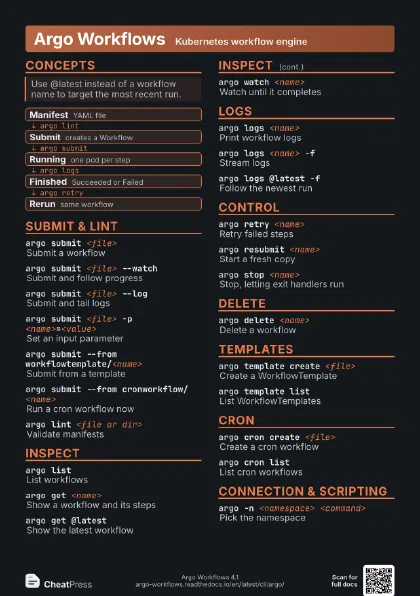
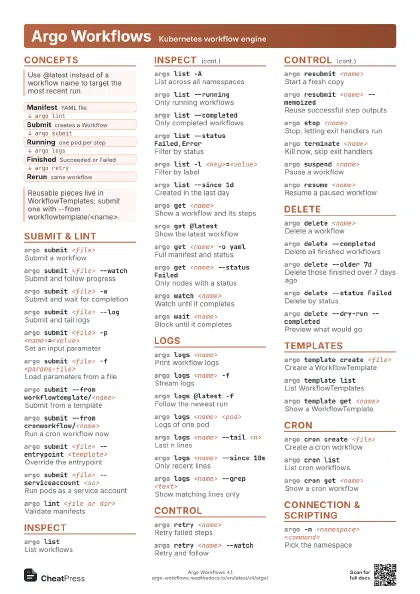
Concepts
- Manifest YAML file
- Submit creates a Workflow
- Running one pod per step
- Finished Succeeded or Failed
- Rerun same workflow
Submit & lint
argo submit <file>
Submit a workflow
argo submit <file> --watch
Submit and follow progress
argo submit <file> -w
Submit and wait for completion
argo submit <file> --log
Submit and tail logs
argo submit <file> -p
                    <name>=<value>
Set an input parameter
Repeat -p for several parameters; -f <file> loads them
from a file.
argo submit <file> -f <params-file>
Load parameters from a file
argo submit --from workflowtemplate/<name>
Submit from a template
argo submit --from cronworkflow/<name>
Run a cron workflow now
argo submit <file> --entrypoint
                    <template>
Override the entrypoint
argo submit <file> --serviceaccount <sa>
Run pods as a service account
argo submit <file> --generate-name
                    <prefix>-
Override generateName
argo submit <file> --name <name>
Override the workflow name
argo submit <file> --dry-run -o yaml
Preview the final manifest
argo submit <file> --server-dry-run
Dry run on the server
argo submit <file> --priority <n>
Set workflow priority
argo submit <file> -l <key>=<value>
Set labels
argo lint <file or dir>
Validate manifests
argo lint --offline <dir>
Lint without a cluster
argo lint --kinds workflowtemplates <dir>
Lint only some kinds
Inspect
argo listList workflows
argo list -AList across all namespaces
argo list --running
Only running workflows
argo list --completed
Only completed workflows
argo list --status Failed,Error
Filter by status
argo list -l <key>=<value>
Filter by label
argo list --since 1d
Created in the last day
argo list --prefix <prefix>
Filter by name prefix
argo list -o name
Names only, for scripting
argo get <name>
Show a workflow and its steps
argo get @latest
Show the latest workflow
argo get <name> -o yaml
Full manifest and status
argo get <name> --status Failed
Only nodes with a status
argo get <name> --node-field-selector
                    <field>=<value>
Show matching nodes
argo get <name> --no-utf8
Plain ASCII tree
argo watch <name>
Watch until it completes
argo wait <name>
Block until it completes
argo cp <name> <dir>
Copy artifacts out of a workflow
Logs
argo logs <name>
Print workflow logs
argo logs <name> -f
Stream logs
argo logs @latest -f
Follow the newest run
argo logs <name> <pod>
Logs of one pod
argo logs <name> --tail <n>
Last n lines
argo logs <name> --since 10m
Only recent lines
argo logs <name> --timestamps
Prefix each line with time
argo logs <name> --grep <text>
Show matching lines only
argo logs <name> -c init
Logs of another container
The default container is main; init and wait hold artifact and
sidecar work.
argo logs <name> -l <key>=<value>
Select pods by label
argo logs <name> -p
Previous container instance
argo logs <name> --no-color
Disable colors
Control
argo retry <name>
Retry failed steps
argo retry <name> --restart-successful
                    --node-field-selector <field>=<value>
Also rerun chosen good nodes
argo retry <name> -p <name>=<value>
Retry with a new parameter
argo retry <name> --watch
Retry and follow
argo resubmit <name>
Start a fresh copy
argo resubmit <name> --memoized
Reuse successful step outputs
argo resubmit <name> -p
                    <name>=<value>
Resubmit with a new parameter
argo stop <name>
Stop, letting exit handlers run
argo stop <name> --message
                    "<text>"
Stop with a message
argo terminate <name>
Kill now, skip exit handlers
argo suspend <name>
Pause a workflow
argo resume <name>
Resume a paused workflow
argo resume <name> --node-field-selector
                    <field>=<value>
Resume one suspended node
argo node set <name> --node-field-selector
                    <field>=<value> -p <k>=<v>
Set outputs on a node
Delete
argo delete <name>
Delete a workflow
argo delete --completed
Delete all finished workflows
argo delete --older 7d
Delete those finished over 7 days ago
argo delete --status Failed
Delete by status
argo delete --dry-run --completed
Preview what would go
argo delete -l <key>=<value>
Delete by label
argo delete <name> --force
Strip finalizers and delete
argo delete --all
Delete every workflow in the namespace
Templates
argo template create <file>
Create a WorkflowTemplate
argo template list
List WorkflowTemplates
argo template get <name>
Show a WorkflowTemplate
argo template update <file>
Update a WorkflowTemplate
argo template delete <name>
Delete a WorkflowTemplate
argo template lint <file or dir>
Validate template manifests
argo cluster-template create <file>
Create a cluster-wide template
argo cluster-template list
List cluster templates
Cron
argo cron create <file>
Create a cron workflow
argo cron listList cron workflows
argo cron get <name>
Show a cron workflow
argo cron suspend <name>
Pause the schedule
argo cron resume <name>
Resume the schedule
argo cron update <file>
Update a cron workflow
argo cron delete <name>
Delete a cron workflow
argo cron create <file> --schedule
                    "<cron>"
Override the schedule
argo cron lint <file>
Validate a cron manifest
argo cron backfill <name>
Backfill missed runs (alpha)
Connection & scripting
argo -n <namespace> <command>
Pick the namespace
argo --kubeconfig <path> <command>
Use another kubeconfig
argo --context <ctx> <command>
Use another kube context
argo -s <host:port> <command>
Talk to an Argo Server
argo -s <host:port> -k <command>
Skip server TLS verification
argo --token "<token>" <command>
Authenticate with a bearer token
argo submit <file> -o name
Print only the new name
argo list -o json
JSON output
argo versionPrint CLI version
argo completion bash
Generate shell completion
argo archive list
List archived workflows
argo convert <file>
Convert a legacy manifest
Recipes
argo lint wf.yamlargo submit wf.yaml -n ci --watchargo logs @latest -n ci -fargo list --status Failedargo get <name>argo logs <name> --tail 50argo retry <name> --watchargo delete --older 7d --completed --dry-runargo delete --older 7d --completedargo template create tpl.yamlargo submit --from workflowtemplate/<name> \ -p <key>=<value> --watch