Cheat
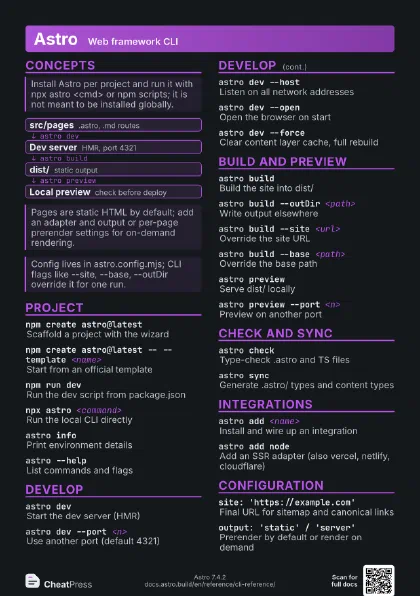
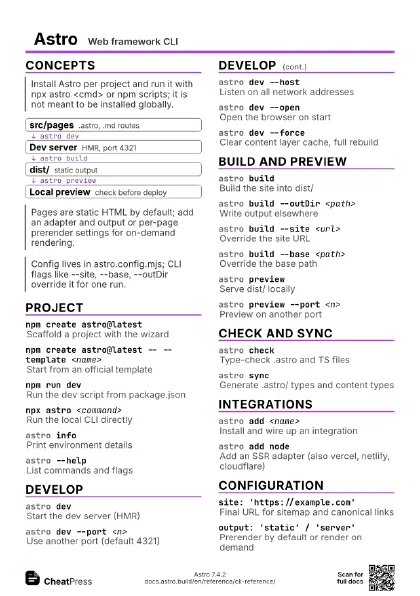
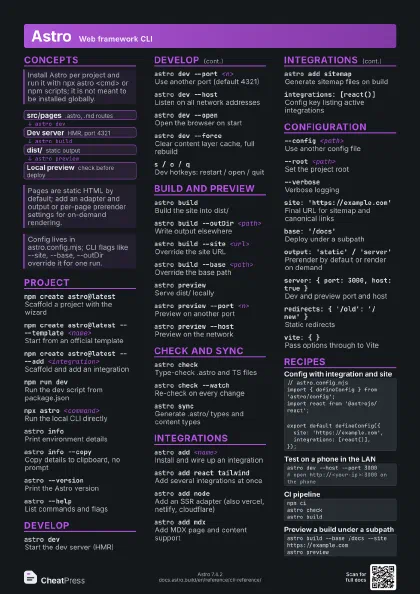
Astro Web framework CLI
 Light · Postcard
102 × 152 mm · PDF
 Dark · Postcard
102 × 152 mm · PDF
 Ink saver · Postcard
102 × 152 mm · PDF
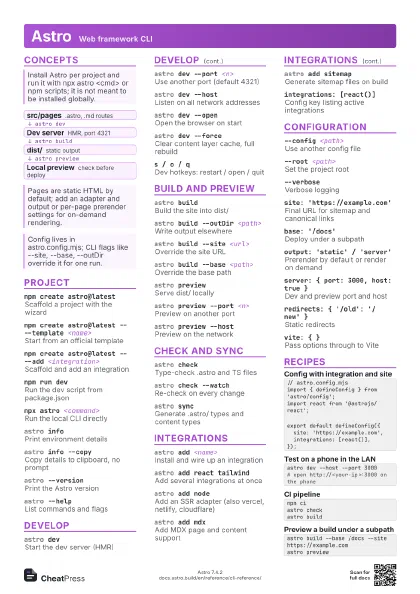
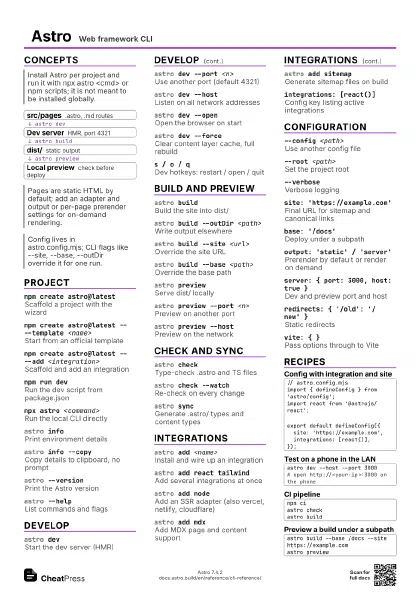
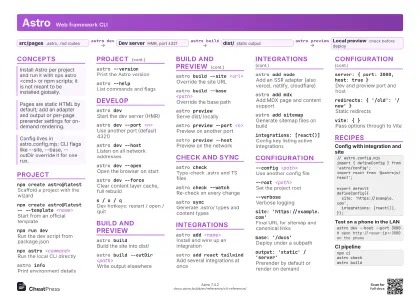 Light · A4 landscape
297 × 210 mm · PDF
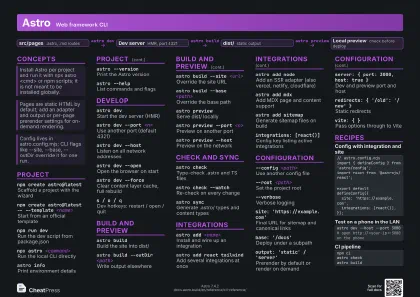 Dark · A4 landscape
297 × 210 mm · PDF
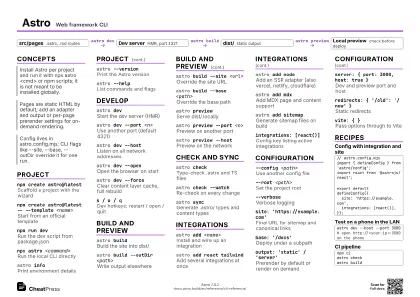 Ink saver · A4 landscape
297 × 210 mm · PDF
 Light · A3 landscape
420 × 297 mm · PDF
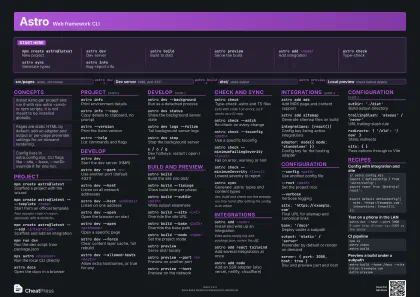 Dark · A3 landscape
420 × 297 mm · PDF
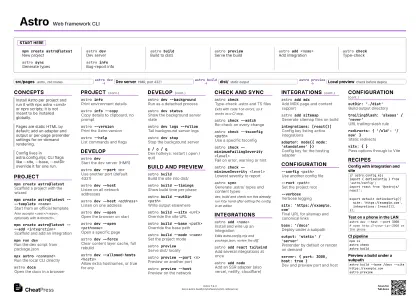 Ink saver · A3 landscape
420 × 297 mm · PDF
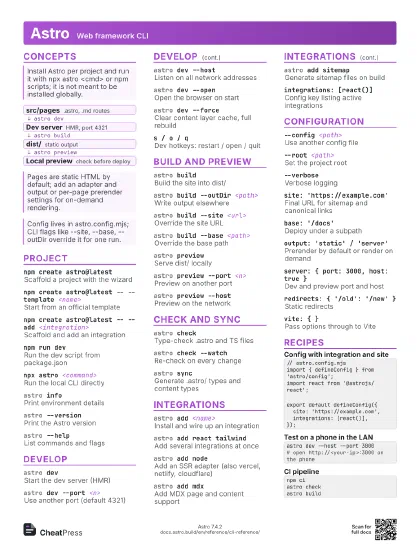
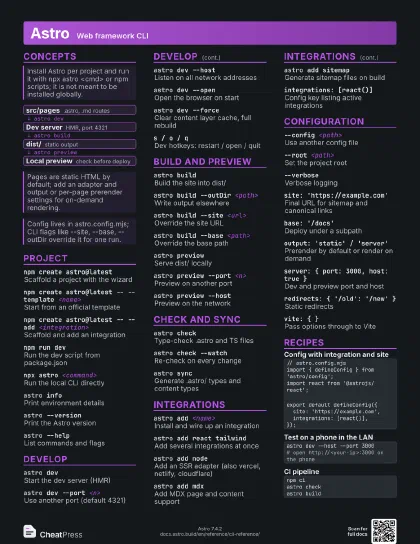
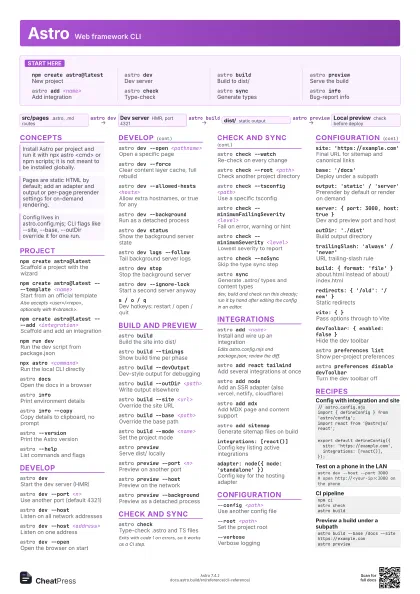
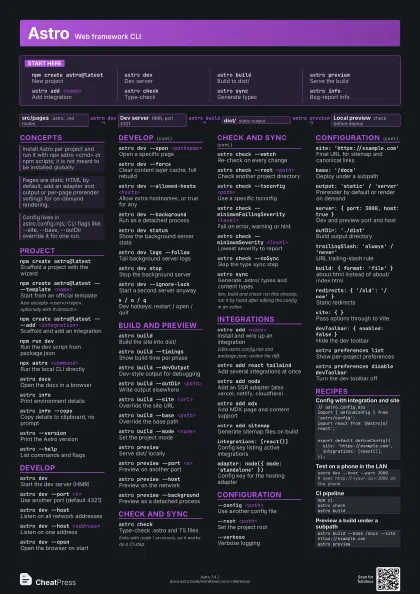
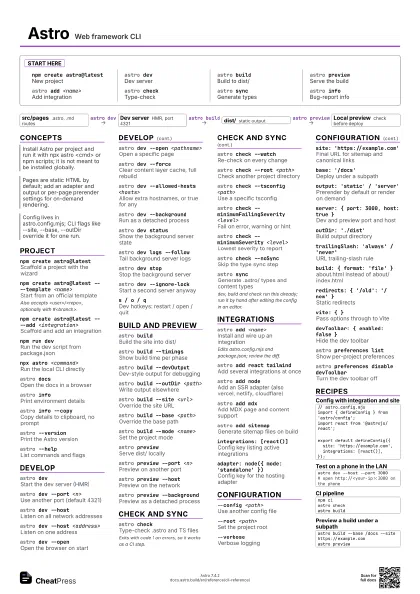
Start here
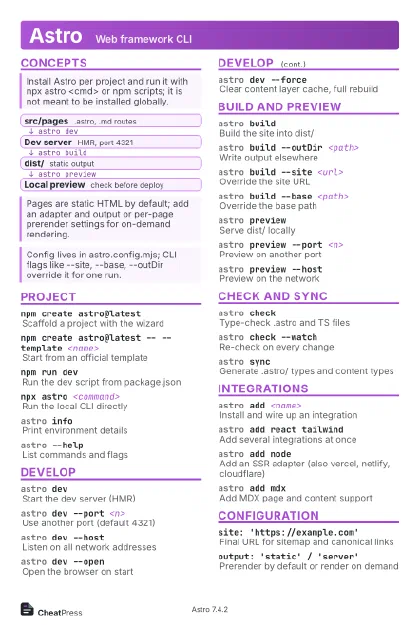
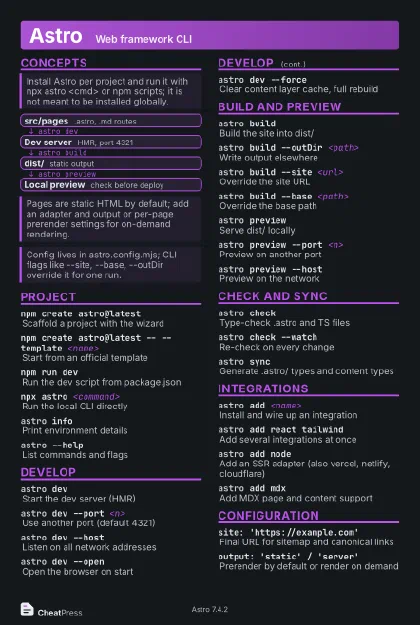
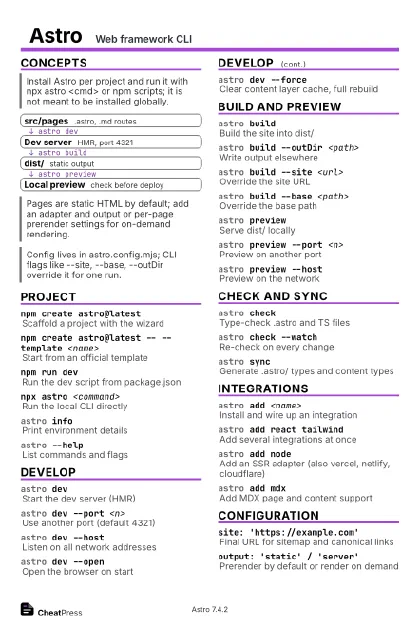
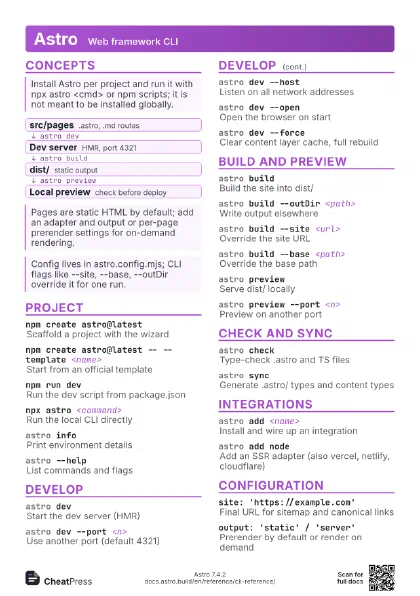
npm create astro@latest
New project
astro devDev server
astro buildBuild to dist/
astro previewServe the build
astro add <name>
Add integration
astro checkType-check
astro syncGenerate types
astro infoBug-report info
Concepts
- src/pages .astro, .md routes
- Dev server HMR, port 4321
- dist/ static output
- Local preview check before deploy
Project
npm create astro@latest
Scaffold a project with the wizard
npm create astro@latest -- --template <name>
Start from an official template
Also accepts <user>/<repo>, optionally with
#<branch>.
npm create astro@latest -- --add <integration>
Scaffold and add an integration
npm run devRun the dev script from package.json
npx astro <command>
Run the local CLI directly
astro docsOpen the docs in a browser
astro infoPrint environment details
astro info --copy
Copy details to clipboard, no prompt
astro --versionPrint the Astro version
astro --helpList commands and flags
Develop
astro devStart the dev server (HMR)
astro dev --port <n>
Use another port (default 4321)
astro dev --host
Listen on all network addresses
astro dev --host <address>
Listen on one address
astro dev --open
Open the browser on start
astro dev --open <pathname>
Open a specific page
astro dev --force
Clear content layer cache, full rebuild
astro dev --allowed-hosts <hosts>
Allow extra hostnames, or true for any
astro dev --background
Run as a detached process
astro dev status
Show the background server state
astro dev logs --follow
Tail background server logs
astro dev stopStop the background server
astro dev --ignore-lock
Start a second server anyway
s / o / qDev hotkeys: restart / open / quit
Build and preview
astro buildBuild the site into dist/
astro build --timings
Show build time per phase
astro build --devOutput
Dev-style output for debugging
astro build --outDir <path>
Write output elsewhere
astro build --site <url>
Override the site URL
astro build --base <path>
Override the base path
astro build --mode <name>
Set the project mode
astro previewServe dist/ locally
astro preview --port <n>
Preview on another port
astro preview --host
Preview on the network
astro preview --background
Preview as a detached process
Check and sync
astro checkType-check .astro and TS files
Exits with code 1 on errors, so it works as a CI step.
astro check --watch
Re-check on every change
astro check --root <path>
Check another project directory
astro check --tsconfig <path>
Use a specific tsconfig
astro check --minimumFailingSeverity <level>
Fail on error, warning or hint
astro check --minimumSeverity <level>
Lowest severity to report
astro check --noSync
Skip the type sync step
astro syncGenerate .astro/ types and content types
dev, build and check run this already; run it by hand after
editing the config in an editor.
astro create-key
Generate a key for server islands
Integrations
astro add <name>
Install and wire up an integration
Edits astro.config.mjs and package.json; review the diff.
astro add react tailwind
Add several integrations at once
astro add node
Add an SSR adapter (also vercel, netlify, cloudflare)
astro add mdxAdd MDX page and content support
astro add sitemap
Generate sitemap files on build
integrations: [react()]
Config key listing active integrations
adapter: node({ mode: 'standalone' })
Config key for the hosting adapter
Configuration
--config <path>
Use another config file
--root <path>
Set the project root
--verboseVerbose logging
--silentSuppress console output
--jsonJSON-formatted logging
site: 'https://example.com'
Final URL for sitemap and canonical links
base: '/docs'
Deploy under a subpath
output: 'static' / 'server'
Prerender by default or render on demand
server: { port: 3000, host: true }
Dev and preview port and host
outDir: './dist'
Build output directory
trailingSlash: 'always' / 'never'
URL trailing-slash rule
build: { format: 'file' }
about.html instead of about/index.html
redirects: { '/old': '/new' }
Static redirects
vite: { }Pass options through to Vite
devToolbar: { enabled: false }
Hide the dev toolbar
astro preferences list
Show per-project preferences
astro preferences disable devToolbar
Turn the dev toolbar off
astro telemetry disable
Stop anonymous telemetry
Recipes
// astro.config.mjsimport { defineConfig } from 'astro/config';import react from '@astrojs/react';export default defineConfig({ site: 'https://example.com', integrations: [react()],});astro dev --host --port 3000# open http://<your-ip>:3000 on the phonenpm ciastro checkastro buildastro build --base /docs --site https://example.comastro preview