Cheat
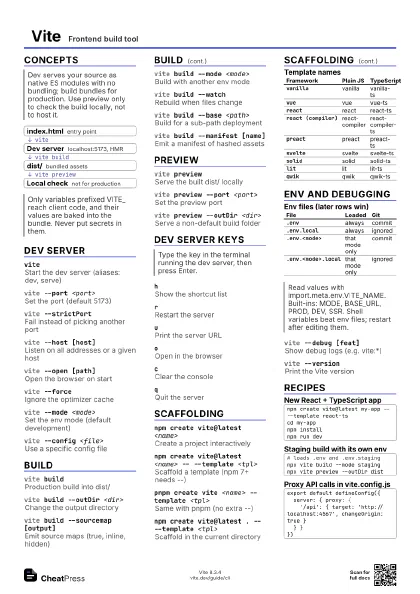
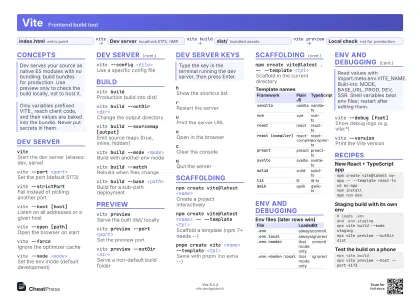
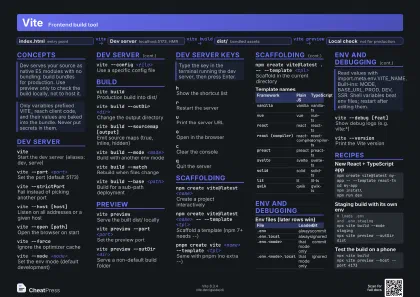
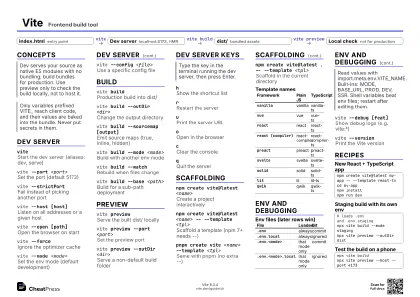
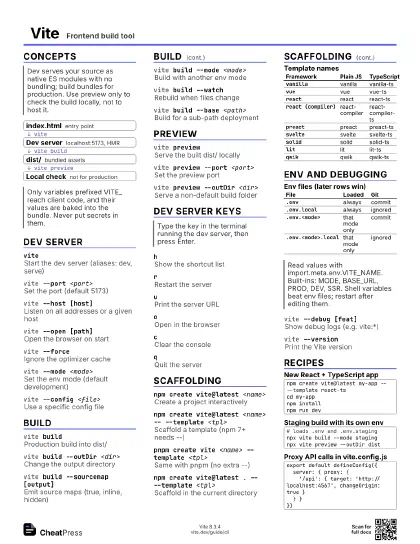
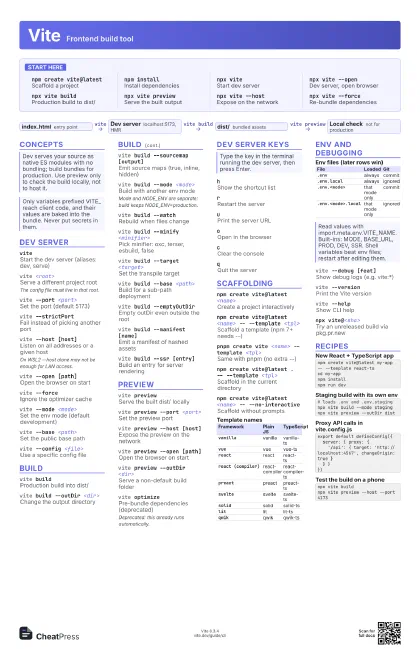
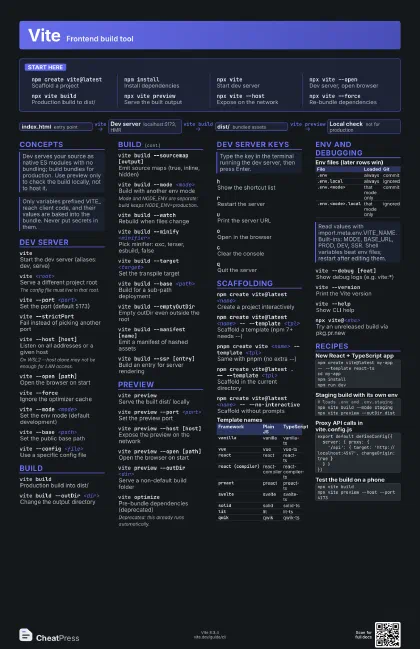
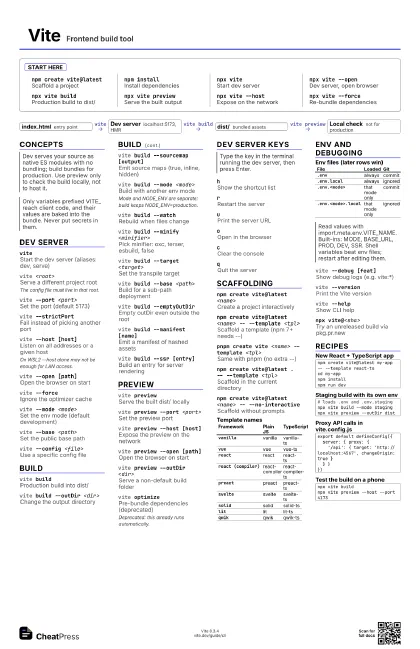
Vite Frontend build tool
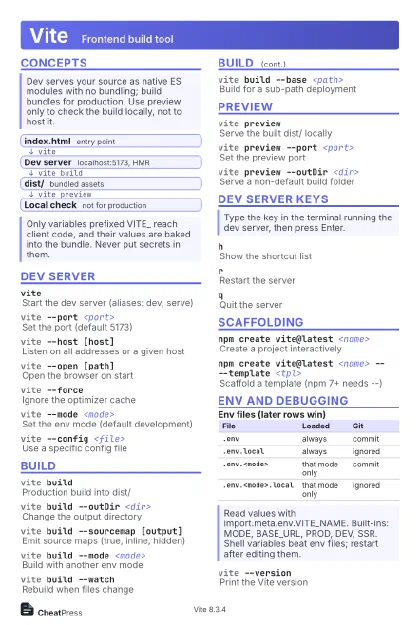 Light · Postcard
102 × 152 mm · PDF
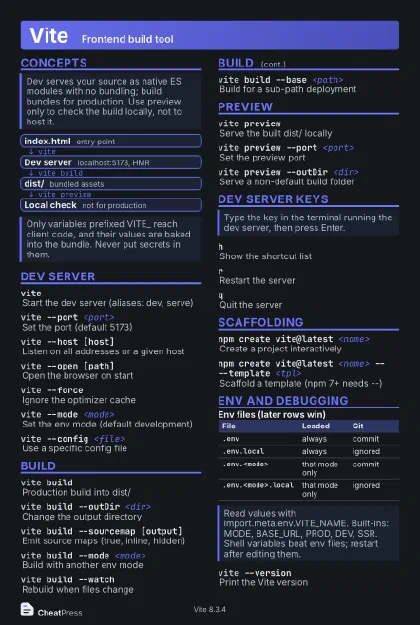 Dark · Postcard
102 × 152 mm · PDF
 Ink saver · Postcard
102 × 152 mm · PDF
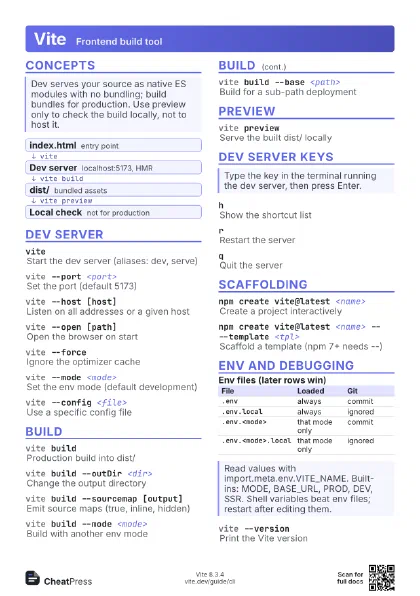
 Light · A4 landscape
297 × 210 mm · PDF
 Dark · A4 landscape
297 × 210 mm · PDF
 Ink saver · A4 landscape
297 × 210 mm · PDF
 Light · A3 landscape
420 × 297 mm · PDF
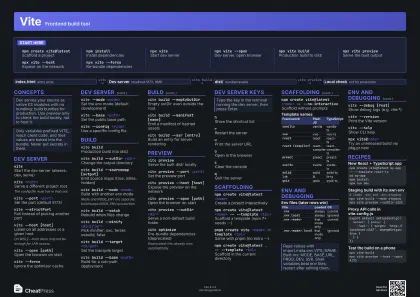 Dark · A3 landscape
420 × 297 mm · PDF
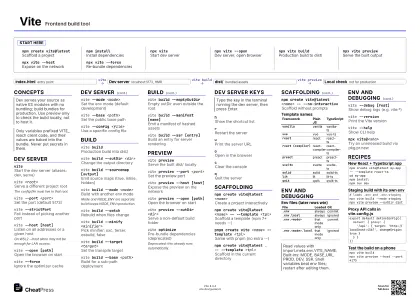 Ink saver · A3 landscape
420 × 297 mm · PDF
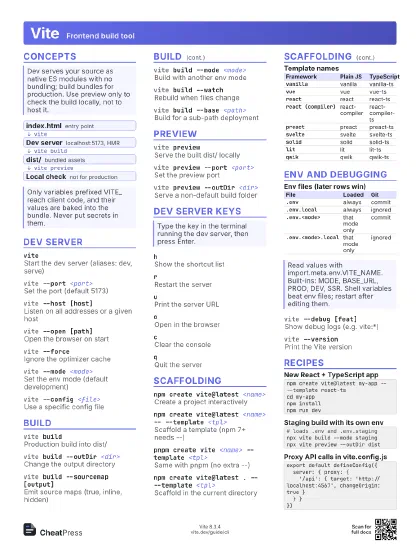
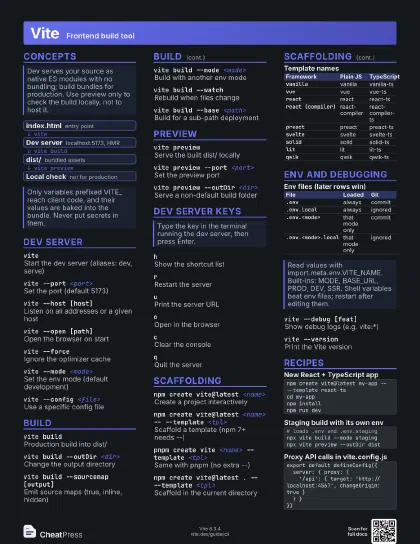
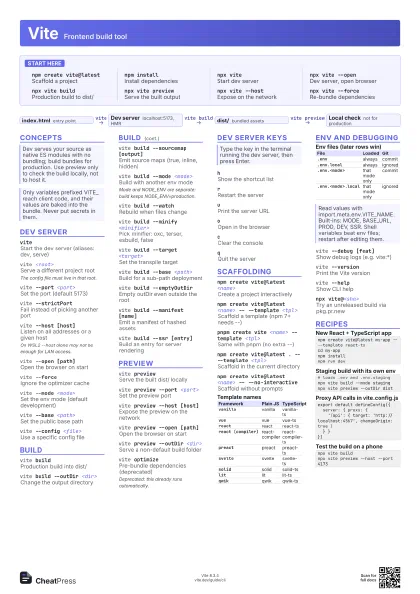
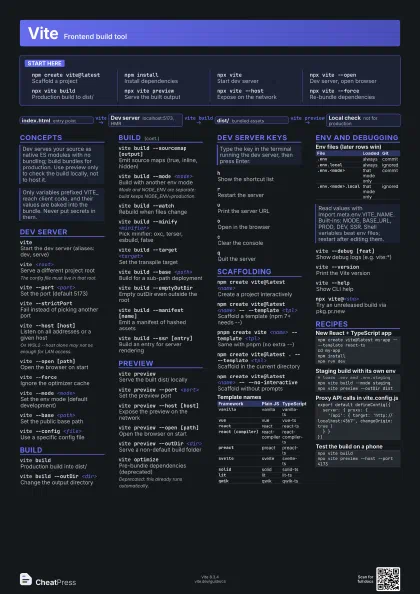
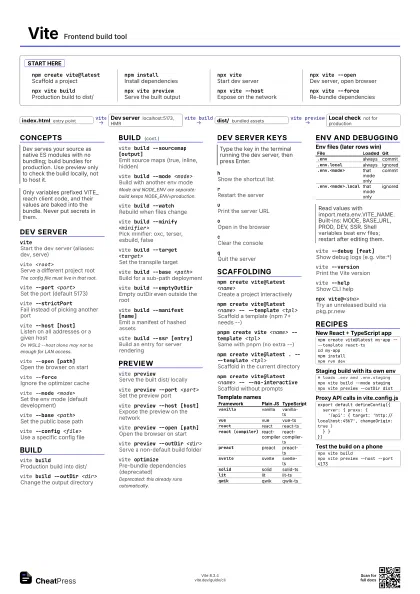
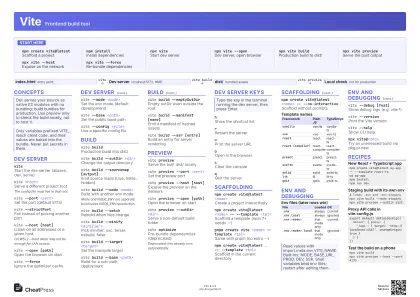
Start here
npm create vite@latest
Scaffold a project
npm installInstall dependencies
npx viteStart dev server
npx vite --openDev server, open browser
npx vite buildProduction build to dist/
npx vite preview
Serve the built output
npx vite --hostExpose on the network
npx vite --force
Re-bundle dependencies
Concepts
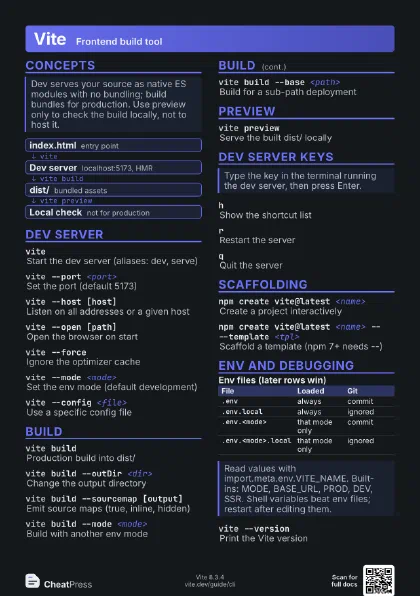
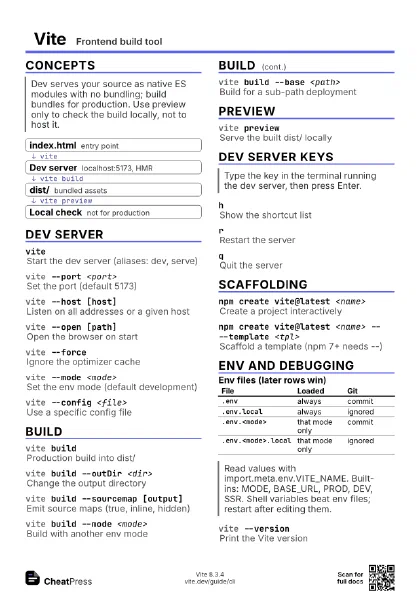
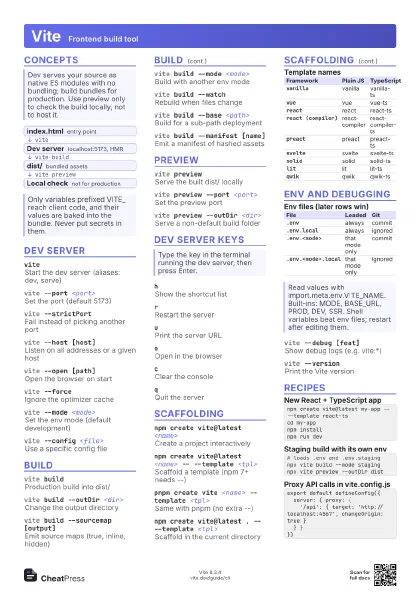
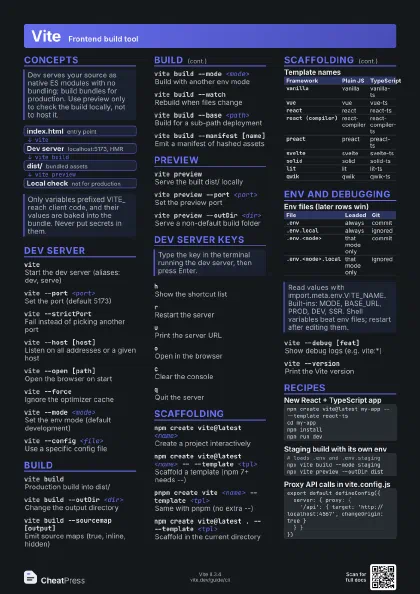
- index.html entry point
- Dev server localhost:5173, HMR
- dist/ bundled assets
- Local check not for production
Dev server
vite
Start the dev server (aliases: dev, serve)
vite <root>
Serve a different project root
The config file must live in that root.
vite --port <port>
Set the port (default 5173)
vite --strictPort
Fail instead of picking another port
vite --host [host]
Listen on all addresses or a given host
On WSL2 --host alone may not be enough for LAN access.
vite --open [path]
Open the browser on start
vite --forceIgnore the optimizer cache
vite --mode <mode>
Set the env mode (default development)
vite --base <path>
Set the public base path
vite --config <file>
Use a specific config file
Build
vite buildProduction build into dist/
vite build --outDir <dir>
Change the output directory
vite build --sourcemap [output]
Emit source maps (true, inline, hidden)
vite build --mode <mode>
Build with another env mode
Mode and NODE_ENV are separate: build keeps
NODE_ENV=production.
vite build --watch
Rebuild when files change
vite build --minify <minifier>
Pick minifier: oxc, terser, esbuild, false
vite build --target <target>
Set the transpile target
vite build --base <path>
Build for a sub-path deployment
vite build --emptyOutDir
Empty outDir even outside the root
vite build --manifest [name]
Emit a manifest of hashed assets
vite build --ssr [entry]
Build an entry for server rendering
Preview
vite previewServe the built dist/ locally
vite preview --port <port>
Set the preview port
vite preview --host [host]
Expose the preview on the network
vite preview --open [path]
Open the browser on start
vite preview --outDir <dir>
Serve a non-default build folder
vite optimizePre-bundle dependencies (deprecated)
Deprecated: this already runs automatically.
Dev server keys
hShow the shortcut list
rRestart the server
uPrint the server URL
oOpen in the browser
cClear the console
qQuit the server
Scaffolding
npm create vite@latest <name>
Create a project interactively
npm create vite@latest <name> -- --template
                    <tpl>
Scaffold a template (npm 7+ needs --)
pnpm create vite <name> --template <tpl>
Same with pnpm (no extra --)
npm create vite@latest . -- --template <tpl>
Scaffold in the current directory
npm create vite@latest <name> --
                    --no-interactive
Scaffold without prompts
| Framework | Plain JS | TypeScript |
|---|---|---|
vanilla |
vanilla | vanilla-ts |
vue |
vue | vue-ts |
react |
react | react-ts |
react (compiler) |
react-compiler | react-compiler-ts |
preact |
preact | preact-ts |
svelte |
svelte | svelte-ts |
solid |
solid | solid-ts |
lit |
lit | lit-ts |
qwik |
qwik | qwik-ts |
Env and debugging
| File | Loaded | Git |
|---|---|---|
.env |
always | commit |
.env.local |
always | ignored |
.env.<mode> |
that mode only | commit |
.env.<mode>.local |
that mode only | ignored |
vite --debug [feat]
Show debug logs (e.g. vite:*)
vite --versionPrint the Vite version
vite --helpShow CLI help
npx vite@<sha>
Try an unreleased build via pkg.pr.new
Recipes
npm create vite@latest my-app -- --template react-tscd my-appnpm installnpm run dev# loads .env and .env.stagingnpx vite build --mode stagingnpx vite preview --outDir distexport default defineConfig({ server: { proxy: { '/api': { target: 'http://localhost:4567', changeOrigin: true } } }})npx vite buildnpx vite preview --host --port 4173