Cheat
tig Text-mode git browser
 Light · Postcard
102 × 152 mm · PDF
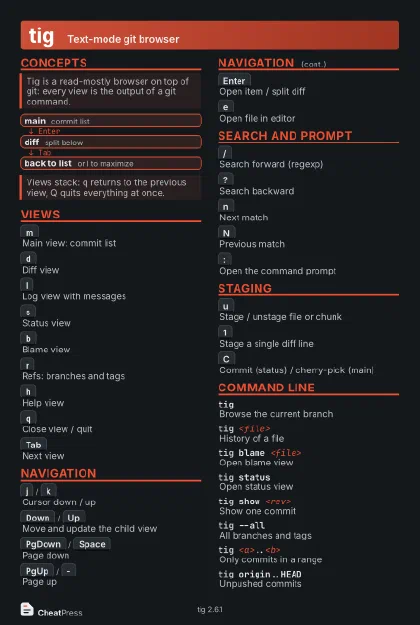 Dark · Postcard
102 × 152 mm · PDF
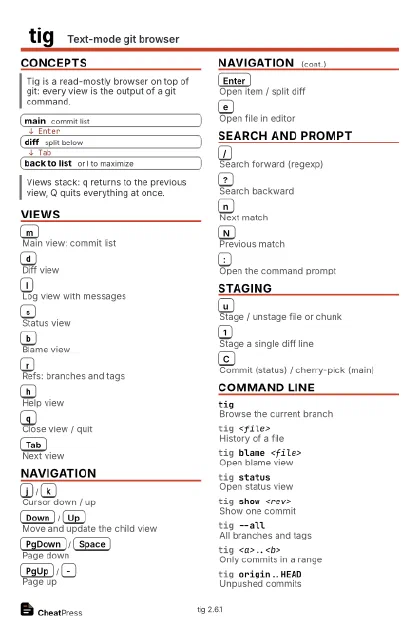 Ink saver · Postcard
102 × 152 mm · PDF
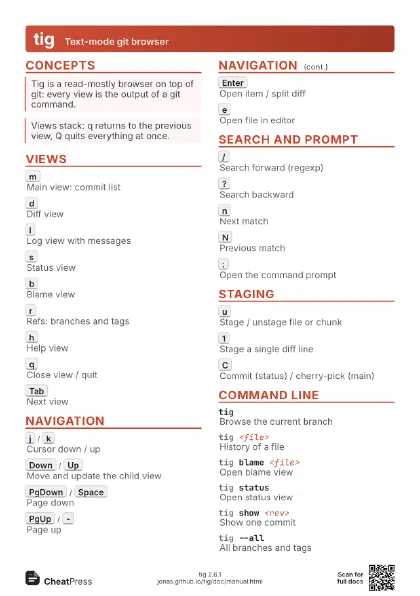
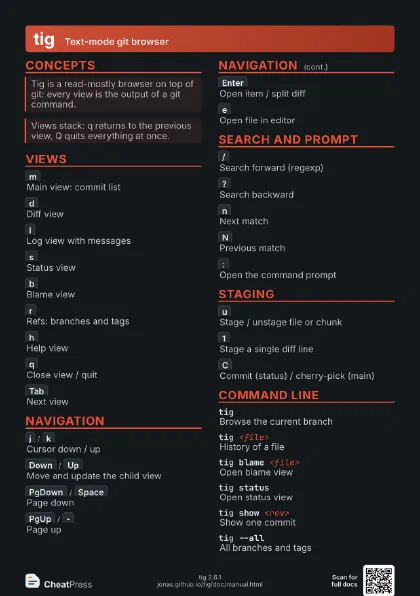
 Light · A4 landscape
297 × 210 mm · PDF
 Dark · A4 landscape
297 × 210 mm · PDF
 Ink saver · A4 landscape
297 × 210 mm · PDF
 Light · A3 landscape
420 × 297 mm · PDF
 Dark · A3 landscape
420 × 297 mm · PDF
 Ink saver · A3 landscape
420 × 297 mm · PDF
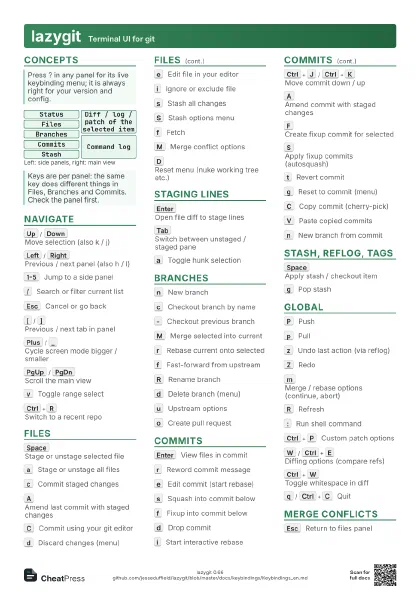
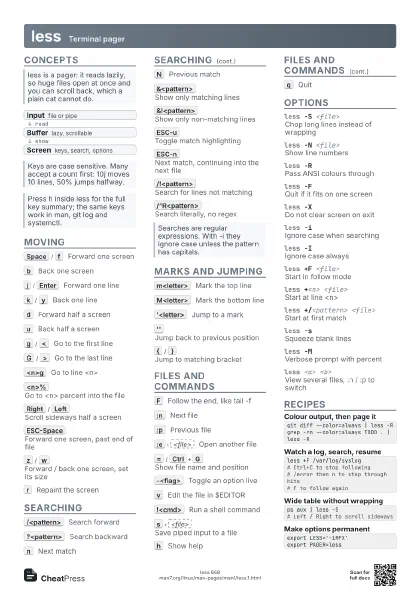
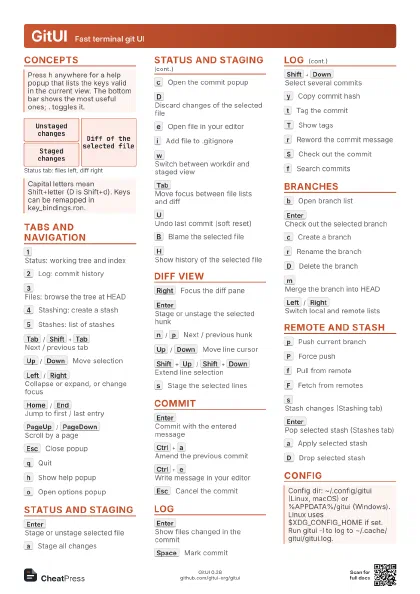
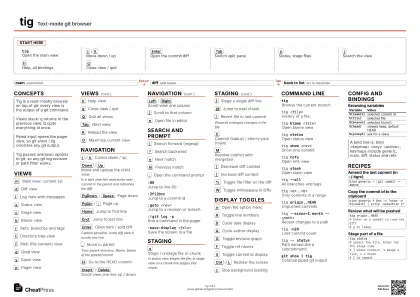
Start here
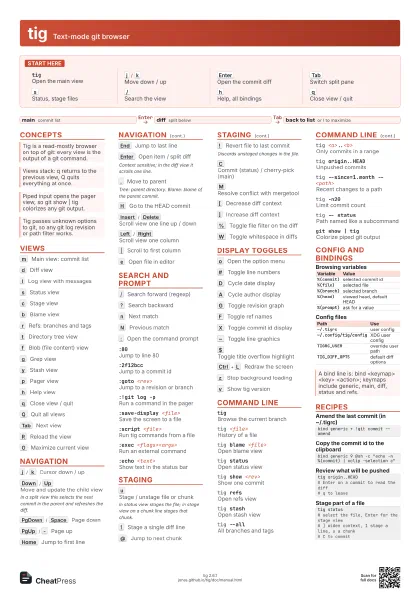
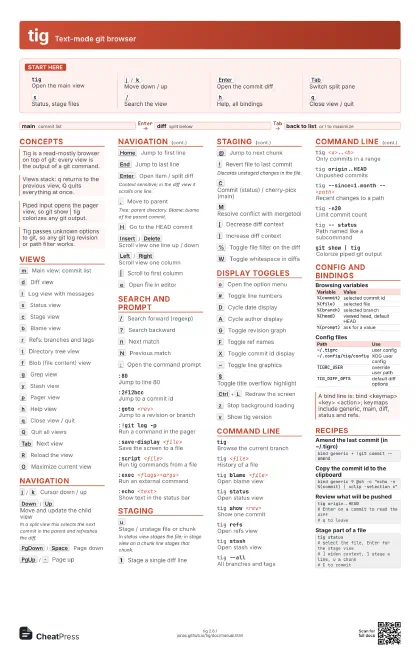
tigOpen the main view
j
/
k
Move down / up
Enter
Open the commit diff
Tab
Switch split pane
s
Status, stage files
/
Search the view
h
Help, all bindings
q
Close view / quit
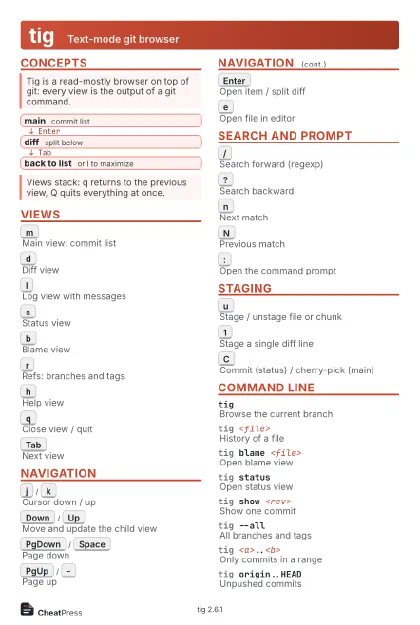
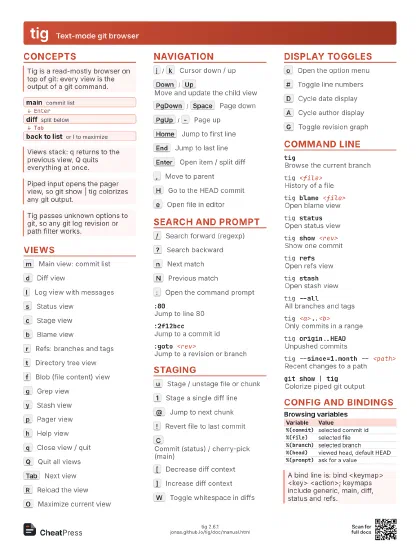
Concepts
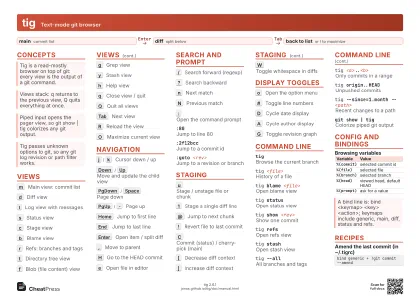
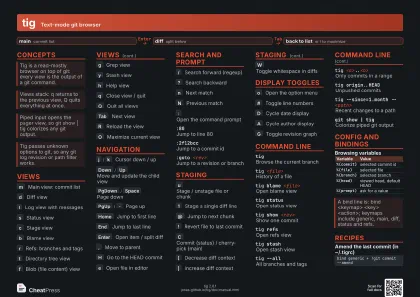
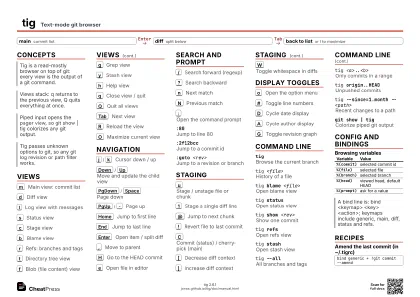
- main commit list
- diff split below
- back to list or l to maximize
Views
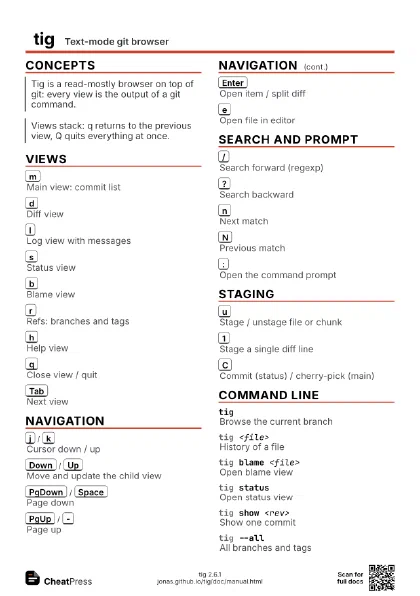
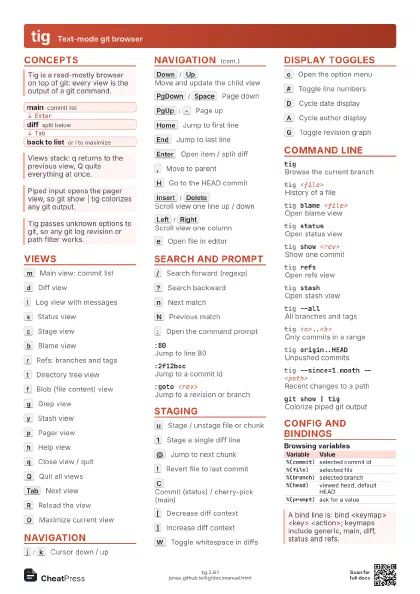
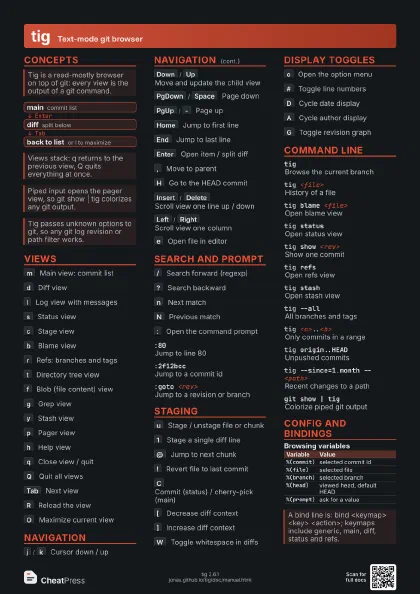
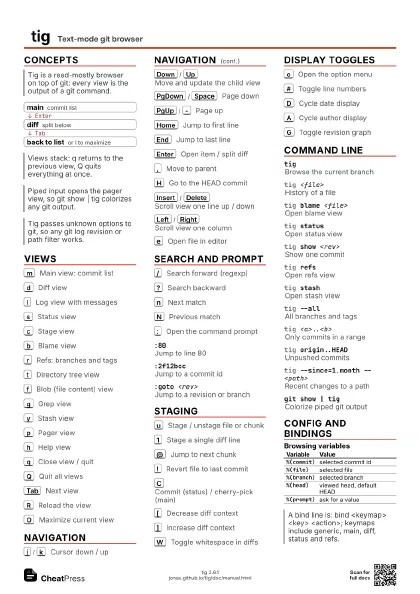
m
Main view: commit list
d
Diff view
l
Log view with messages
s
Status view
c
Stage view
b
Blame view
r
Refs: branches and tags
t
Directory tree view
f
Blob (file content) view
g
Grep view
y
Stash view
p
Pager view
h
Help view
q
Close view / quit
Q
Quit all views
Tab
Next view
R
Reload the view
O
Maximize current view
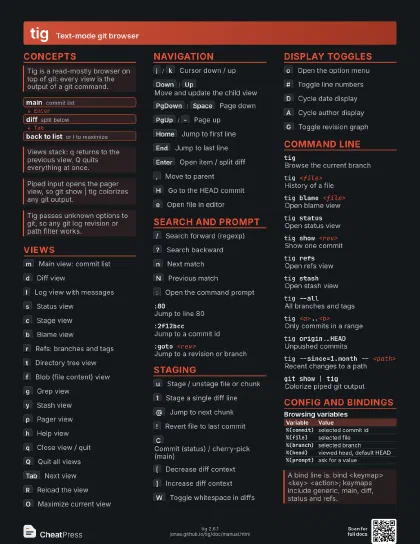
Navigation
j
/
k
Cursor down / up
Down
/
Up
Move and update the child view
In a split view this selects the next commit in the parent and
refreshes the diff.
PgDown
/
Space
Page down
PgUp
/
-
Page up
Home
Jump to first line
End
Jump to last line
Enter
Open item / split diff
Context sensitive; in the diff view it scrolls one line.
,
Move to parent
Tree: parent directory. Blame: blame of the parent commit.
H
Go to the HEAD commit
Insert
/
Delete
Scroll view one line up / down
Left
/
Right
Scroll view one column
|
Scroll to first column
e
Open file in editor
Search and prompt
/
Search forward (regexp)
?
Search backward
n
Next match
N
Previous match
:
Open the command prompt
:80Jump to line 80
:2f12bccJump to a commit id
:goto <rev>
Jump to a revision or branch
:!git log -pRun a command in the pager
:save-display <file>
Save the screen to a file
:script <file>
Run tig commands from a file
:exec <flags><args>
Run an external command
:echo <text>
Show text in the status bar
Staging
u
Stage / unstage file or chunk
In status view stages the file; in stage view on a chunk line
stages that chunk.
1
Stage a single diff line
@
Jump to next chunk
!
Revert file to last commit
Discards unstaged changes in the file.
C
Commit (status) / cherry-pick (main)
M
Resolve conflict with mergetool
[
Decrease diff context
]
Increase diff context
%
Toggle file filter on the diff
W
Toggle whitespace in diffs
Display toggles
o
Open the option menu
#
Toggle line numbers
D
Cycle date display
A
Cycle author display
G
Toggle revision graph
F
Toggle ref names
X
Toggle commit id display
~
Toggle line graphics
$
Toggle title overflow highlight
Ctrl+L
Redraw the screen
z
Stop background loading
v
Show tig version
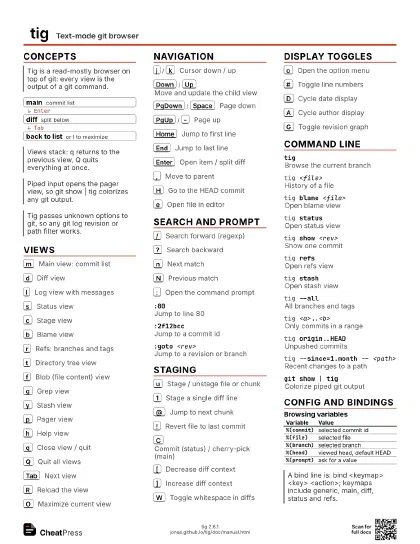
Command line
tigBrowse the current branch
tig <file>
History of a file
tig blame <file>
Open blame view
tig statusOpen status view
tig show <rev>
Show one commit
tig refsOpen refs view
tig stashOpen stash view
tig --allAll branches and tags
tig <a>..<b>
Only commits in a range
tig origin..HEAD
Unpushed commits
tig --since=1.month -- <path>
Recent changes to a path
tig -n20Limit commit count
tig -- statusPath named like a subcommand
git show | tigColorize piped git output
Config and bindings
| Variable | Value |
|---|---|
%(commit) |
selected commit id |
%(file) |
selected file |
%(branch) |
selected branch |
%(head) |
viewed head, default HEAD |
%(prompt) |
ask for a value |
| Path | Use |
|---|---|
~/.tigrc |
user config |
~/.config/tig/config |
XDG user config |
TIGRC_USER |
override user path |
TIG_DIFF_OPTS |
default diff options |
Recipes
bind generic + !git commit --amendbind generic 9 @sh -c "echo -n %(commit) | xclip -selection c"tig origin..HEAD# Enter on a commit to read the diff# q to leavetig status# select the file, Enter for the stage view# ] widen context, 1 stage a line, u a chunk# C to commit