Cheat
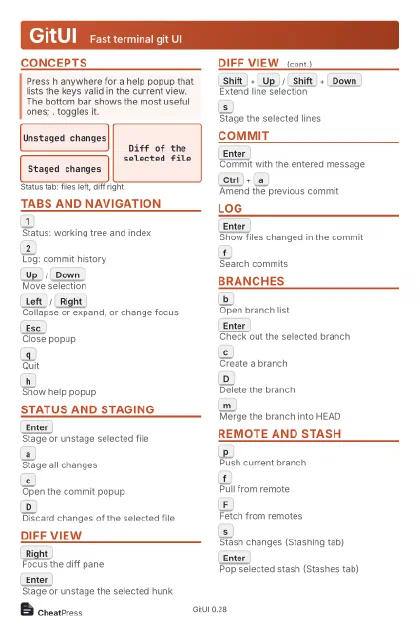
GitUI Fast terminal git UI
 Light · Postcard
102 × 152 mm · PDF
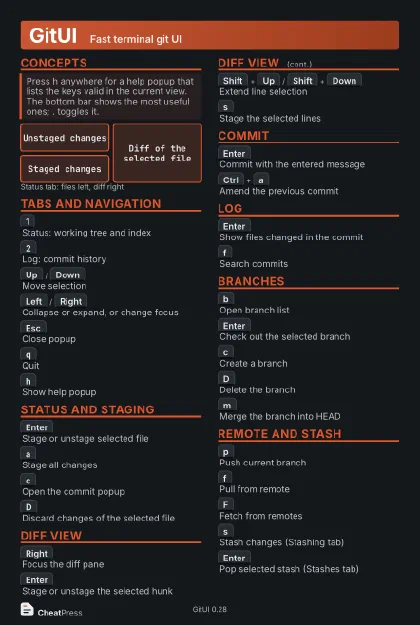 Dark · Postcard
102 × 152 mm · PDF
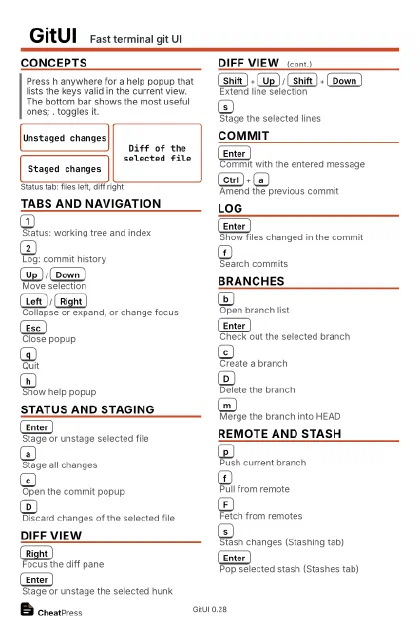 Ink saver · Postcard
102 × 152 mm · PDF
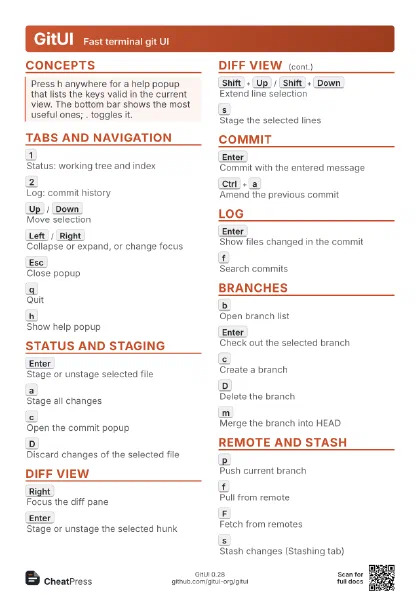
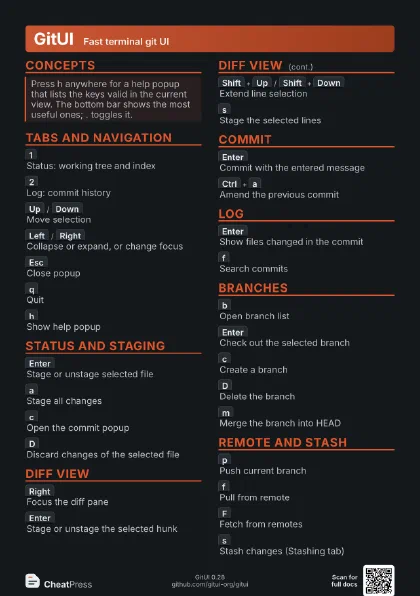
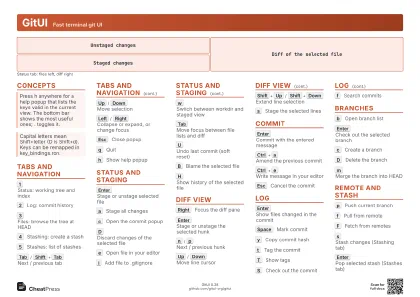 Light · A4 landscape
297 × 210 mm · PDF
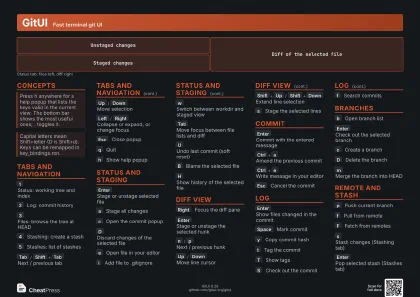 Dark · A4 landscape
297 × 210 mm · PDF
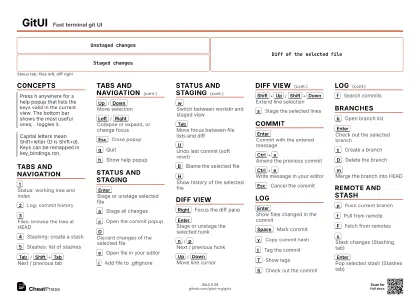 Ink saver · A4 landscape
297 × 210 mm · PDF
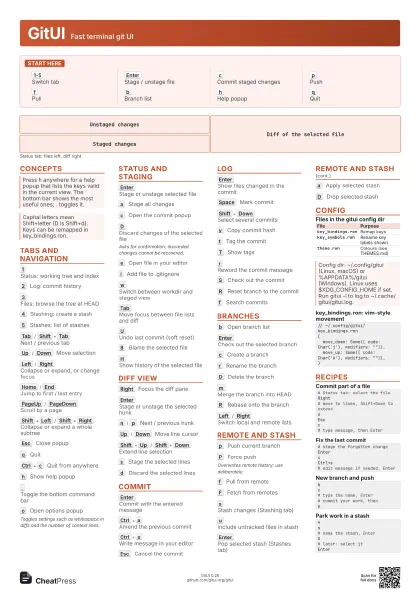
 Light · A3 landscape
420 × 297 mm · PDF
 Dark · A3 landscape
420 × 297 mm · PDF
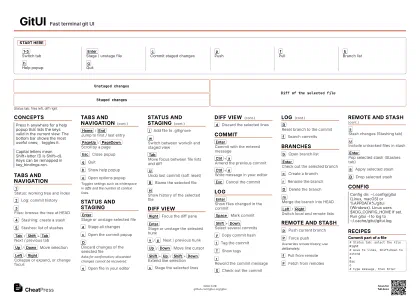 Ink saver · A3 landscape
420 × 297 mm · PDF
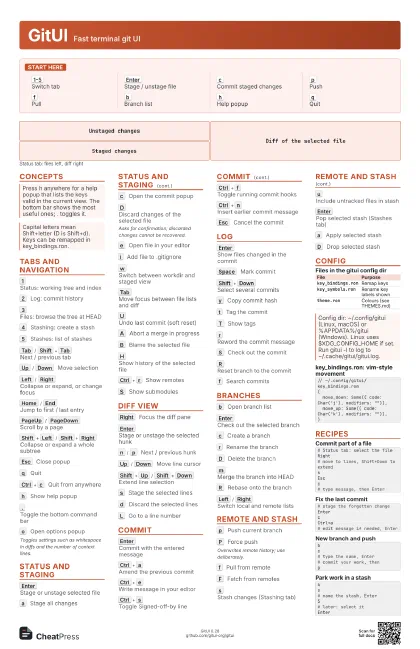
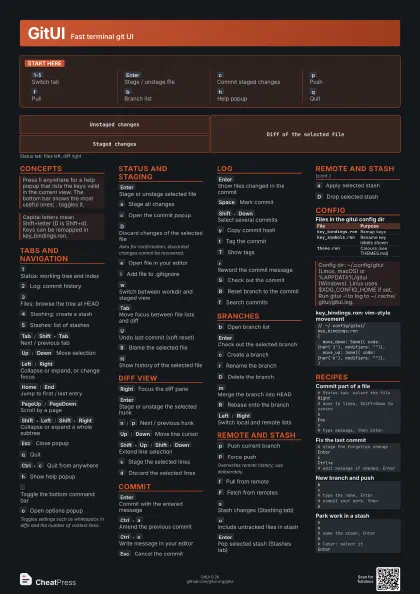
Start here
1-5
Switch tab
Enter
Stage / unstage file
c
Commit staged changes
p
Push
f
Pull
b
Branch list
h
Help popup
q
Quit
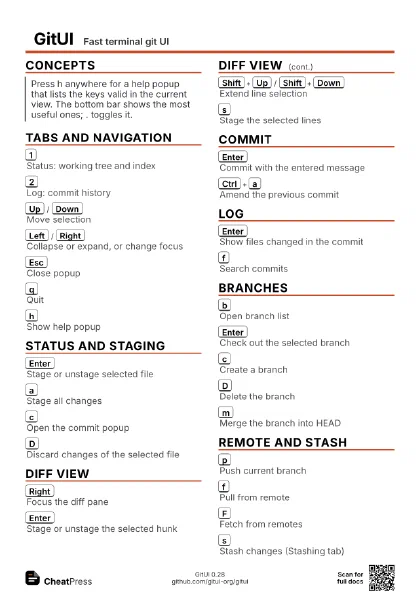
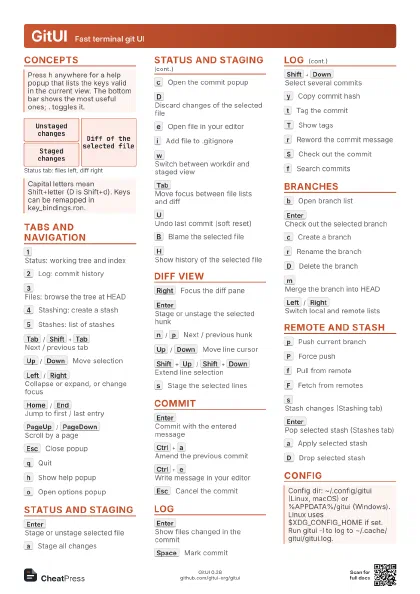
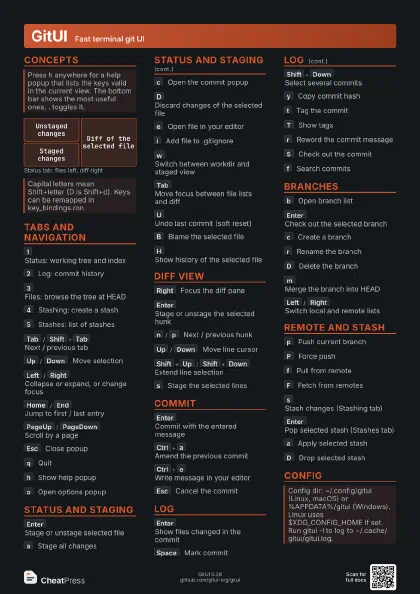
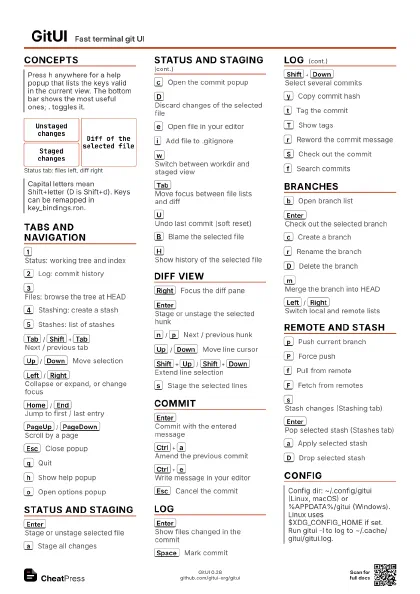
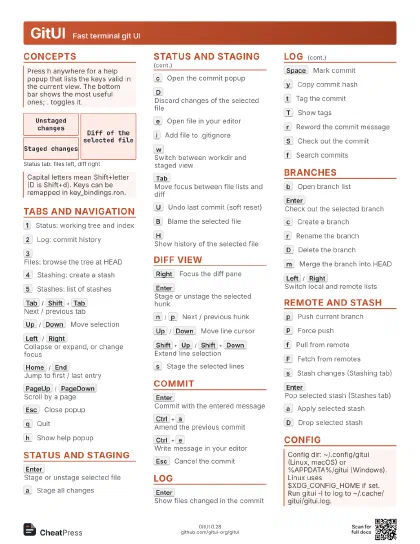
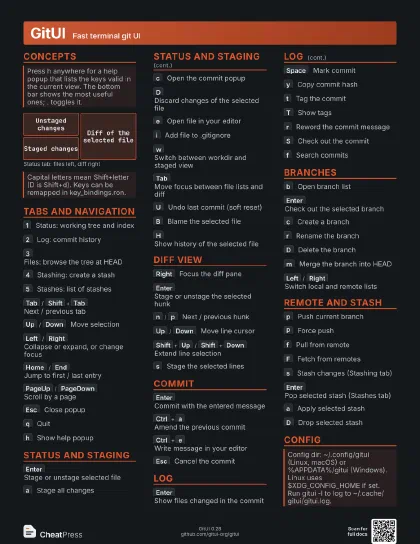
Concepts
Unstaged changes
Staged changes
Diff of the selected file
Tabs and navigation
1
Status: working tree and index
2
Log: commit history
3
Files: browse the tree at HEAD
4
Stashing: create a stash
5
Stashes: list of stashes
Tab
/
Shift+Tab
Next / previous tab
Up
/
Down
Move selection
Left
/
Right
Collapse or expand, or change focus
Home
/
End
Jump to first / last entry
PageUp
/
PageDown
Scroll by a page
Shift+Left
/
Shift+Right
Collapse or expand a whole subtree
Esc
Close popup
q
Quit
Ctrl+c
Quit from anywhere
h
Show help popup
.
Toggle the bottom command bar
o
Open options popup
Toggles settings such as whitespace in diffs and the number of
context lines.
Status and staging
Enter
Stage or unstage selected file
a
Stage all changes
c
Open the commit popup
D
Discard changes of the selected file
Asks for confirmation; discarded changes cannot be recovered.
e
Open file in your editor
i
Add file to .gitignore
w
Switch between workdir and staged view
Tab
Move focus between file lists and diff
U
Undo last commit (soft reset)
A
Abort a merge in progress
B
Blame the selected file
H
Show history of the selected file
Ctrl+r
Show remotes
S
Show submodules
Diff view
Right
Focus the diff pane
Enter
Stage or unstage the selected hunk
n
/
p
Next / previous hunk
Up
/
Down
Move line cursor
Shift+Up
/
Shift+Down
Extend line selection
s
Stage the selected lines
d
Discard the selected lines
L
Go to a line number
Commit
Enter
Commit with the entered message
Ctrl+a
Amend the previous commit
Ctrl+e
Write message in your editor
Ctrl+s
Toggle Signed-off-by line
Ctrl+f
Toggle running commit hooks
Ctrl+n
Insert earlier commit message
Esc
Cancel the commit
Log
Enter
Show files changed in the commit
Space
Mark commit
Shift+Down
Select several commits
C
Compare marked commits
y
Copy commit hash
t
Tag the commit
T
Show tags
r
Reword the commit message
S
Check out the commit
R
Reset branch to the commit
f
Search commits
Ctrl+j
Jump to commit by SHA
F
Open file tree of the commit
Branches
b
Open branch list
Enter
Check out the selected branch
c
Create a branch
r
Rename the branch
D
Delete the branch
m
Merge the branch into HEAD
R
Rebase onto the branch
s
Reset HEAD to the branch
f
Search branches
Left
/
Right
Switch local and remote lists
Remote and stash
p
Push current branch
P
Force push
Overwrites remote history; use deliberately.
f
Pull from remote
F
Fetch from remotes
s
Stash changes (Stashing tab)
u
Include untracked files in stash
i
Keep staged changes in the index
Enter
Pop selected stash (Stashes tab)
a
Apply selected stash
D
Drop selected stash
Right
Inspect the selected stash
Config
| File | Purpose |
|---|---|
key_bindings.ron |
Remap keys |
key_symbols.ron |
Rename key labels shown |
theme.ron |
Colours (see THEMES.md) |
// ~/.config/gitui/key_bindings.ron( move_down: Some(( code: Char('j'), modifiers: "")), move_up: Some(( code: Char('k'), modifiers: "")),)Recipes
# Status tab: select the fileRight# move to lines, Shift+Down to extendsEscc# type message, then Enter# stage the forgotten changeEntercCtrl+a# edit message if needed, Enterbc# type the name, Enter# commit your work, thenp4s# name the stash, Enter5# later: select itEnter