Cheat
sqlcmd SQL Server shell
 Light · Postcard
102 × 152 mm · PDF
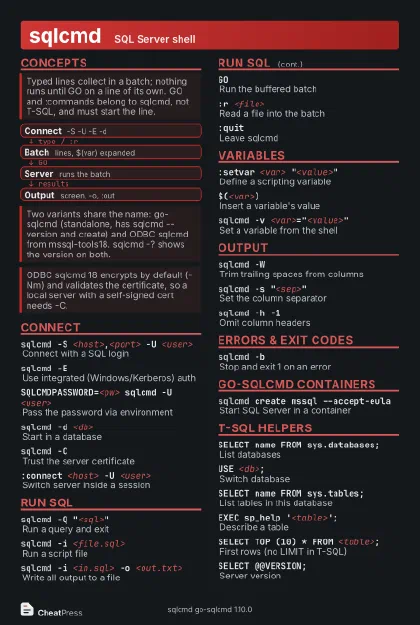 Dark · Postcard
102 × 152 mm · PDF
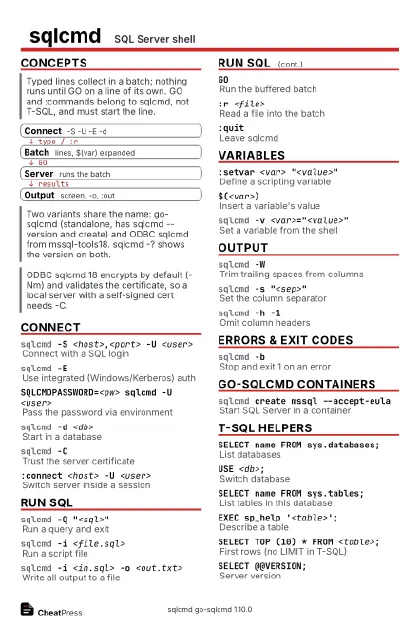 Ink saver · Postcard
102 × 152 mm · PDF
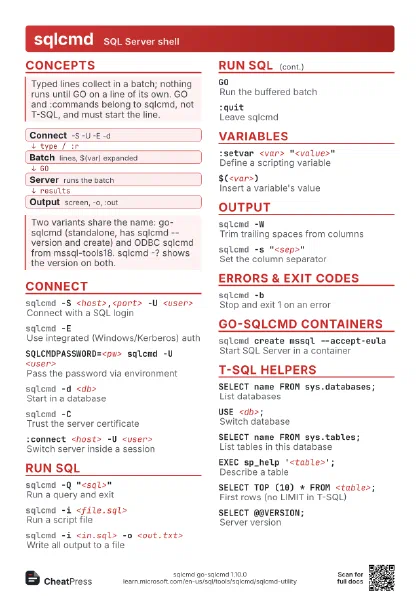
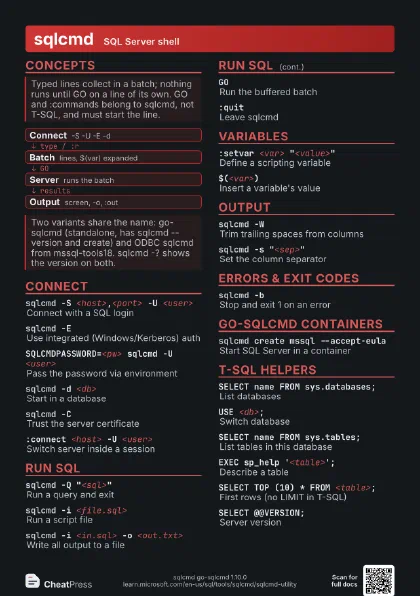
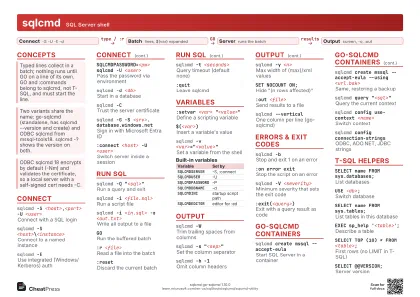 Light · A4 landscape
297 × 210 mm · PDF
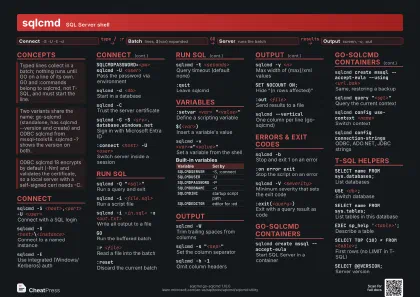 Dark · A4 landscape
297 × 210 mm · PDF
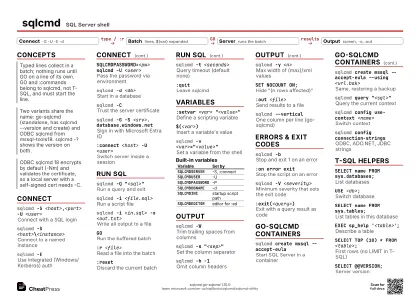 Ink saver · A4 landscape
297 × 210 mm · PDF
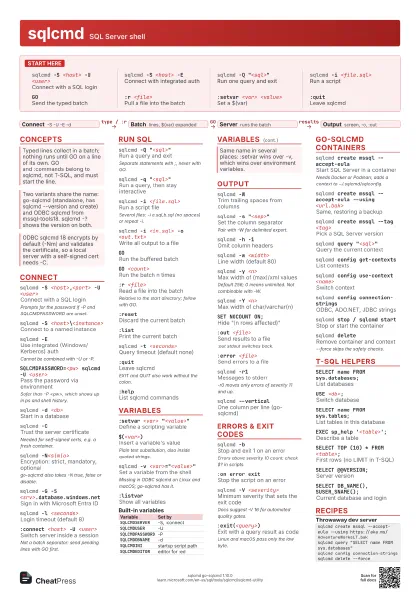
 Light · A3 landscape
420 × 297 mm · PDF
 Dark · A3 landscape
420 × 297 mm · PDF
 Ink saver · A3 landscape
420 × 297 mm · PDF
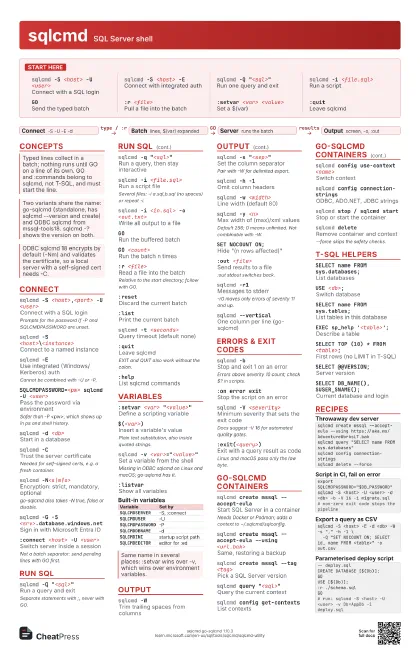
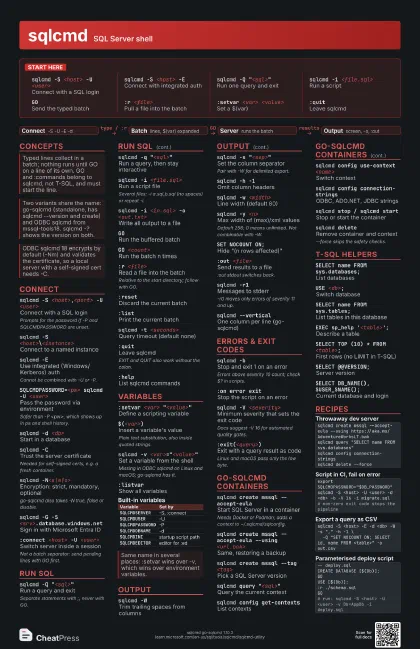
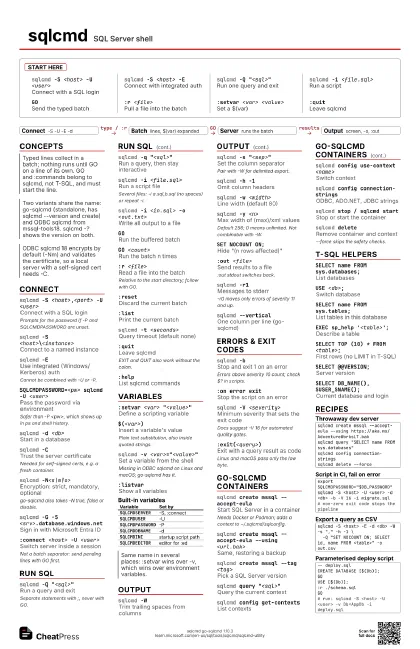
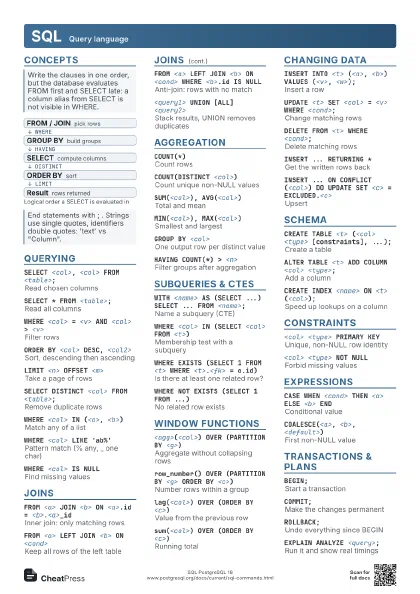
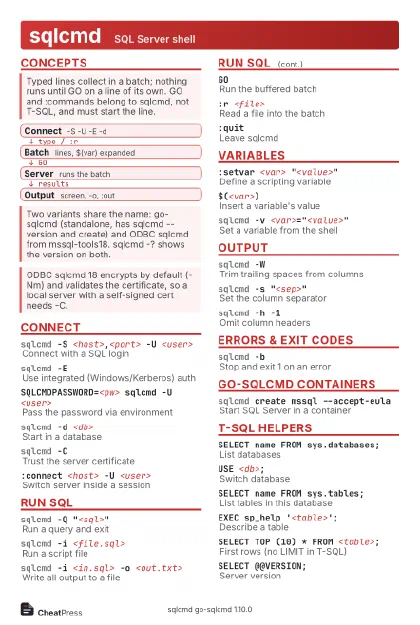
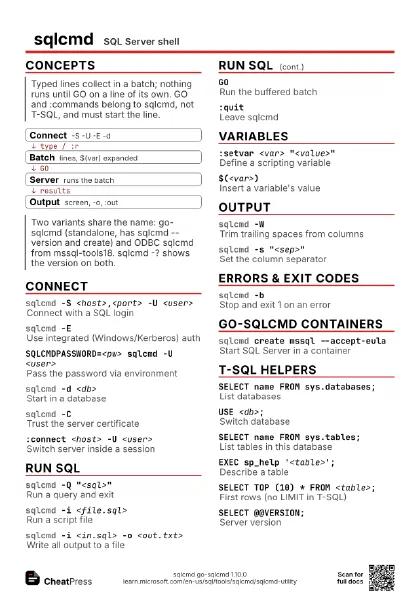
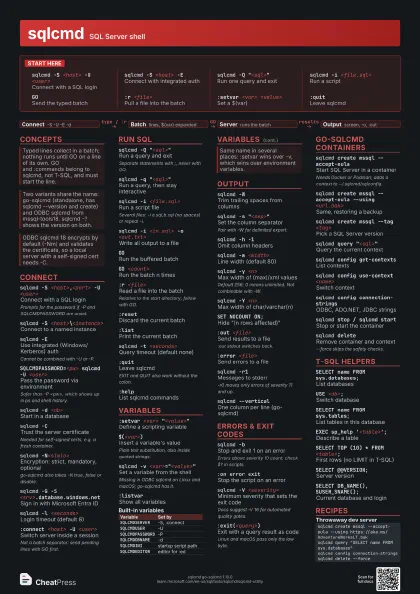
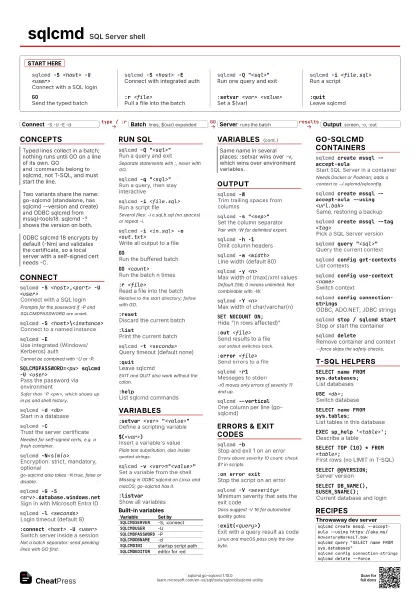
Start here
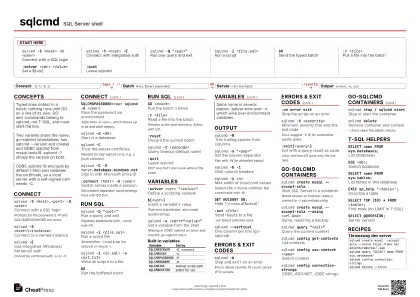
sqlcmd -S <host> -U <user>
Connect with a SQL login
sqlcmd -S <host> -E
Connect with integrated auth
sqlcmd -Q "<sql>"
Run one query and exit
sqlcmd -i <file.sql>
Run a script
GOSend the typed batch
:r <file>Pull a file into the batch
:setvar <var> <value>
Set a $(var)
:quitLeave sqlcmd
Concepts
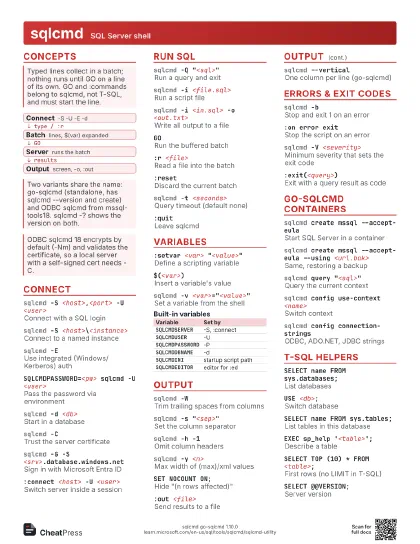
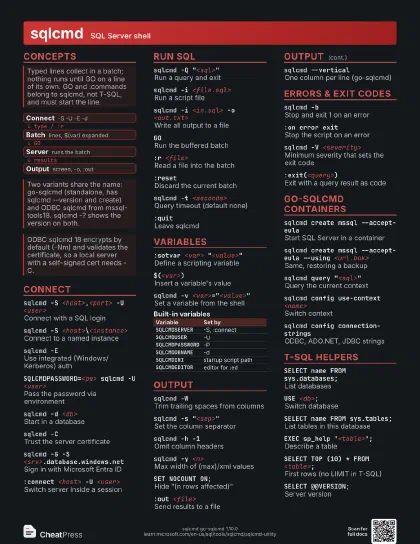
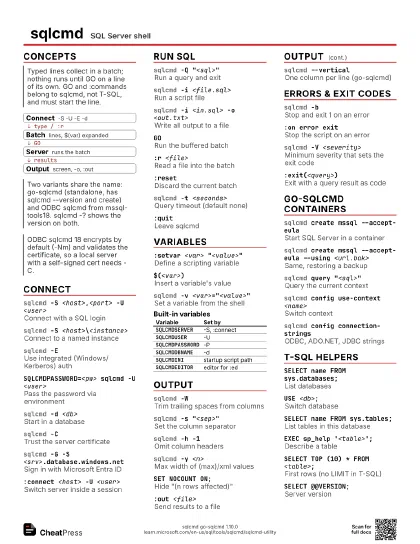
- Connect -S -U -E -d
- Batch lines, $(var) expanded
- Server runs the batch
- Output screen, -o, :out
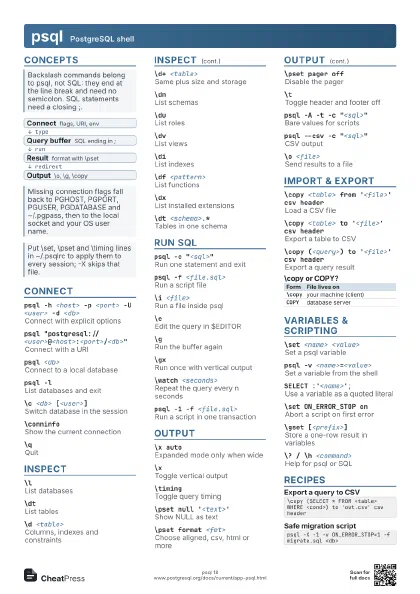
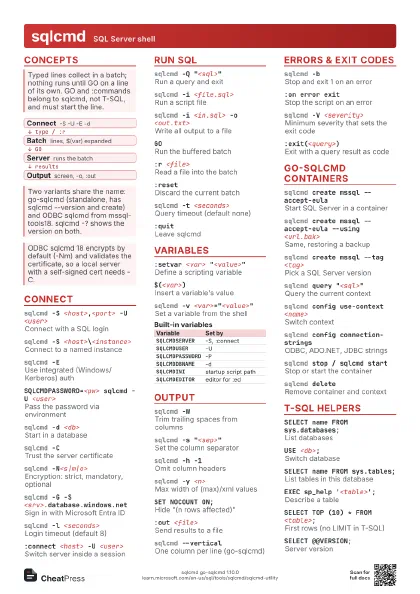
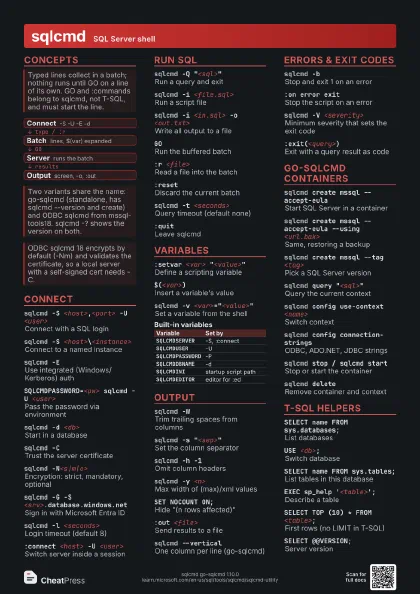
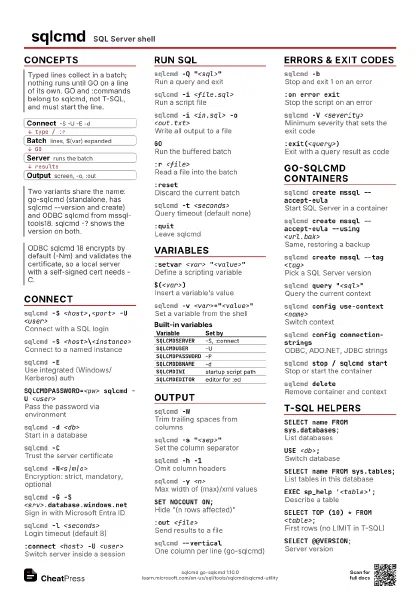
Connect
sqlcmd -S <host>,<port> -U <user>
Connect with a SQL login
Prompts for the password if -P and SQLCMDPASSWORD are unset.
sqlcmd -S <host>\<instance>
Connect to a named instance
sqlcmd -EUse integrated (Windows/Kerberos) auth
Cannot be combined with -U or -P.
SQLCMDPASSWORD=<pw> sqlcmd -U <user>
Pass the password via environment
Safer than -P <pw>, which shows up in ps and shell
history.
sqlcmd -d <db>
Start in a database
sqlcmd -CTrust the server certificate
Needed for self-signed certs, e.g. a fresh container.
sqlcmd -N<s|m|o>
Encryption: strict, mandatory, optional
go-sqlcmd also takes -N true, false or disable.
sqlcmd -G -S <srv>.database.windows.net
Sign in with Microsoft Entra ID
sqlcmd -l <seconds>
Login timeout (default 8)
sqlcmd -S tcp:<host>,<port>
Force the TCP protocol
:connect <host> -U <user>
Switch server inside a session
Not a batch separator: send pending lines with GO first.
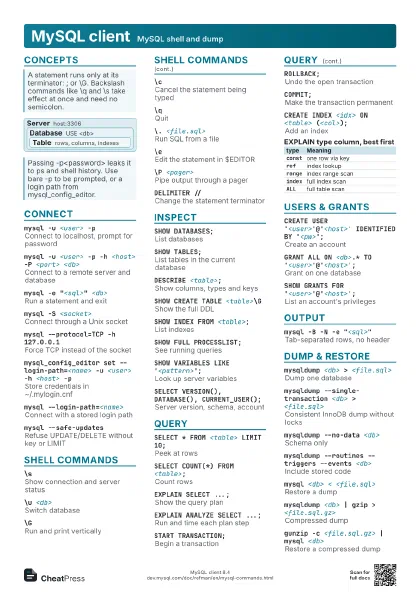
Run SQL
sqlcmd -Q "<sql>"
Run a query and exit
Separate statements with ;, never with GO.
sqlcmd -q "<sql>"
Run a query, then stay interactive
sqlcmd -i <file.sql>
Run a script file
Several files: -i a.sql,b.sql (no spaces) or repeat -i.
sqlcmd -i <in.sql> -o <out.txt>
Write all output to a file
GORun the buffered batch
GO <count>
Run the batch n times
:r <file>Read a file into the batch
Relative to the start directory; follow with GO.
:resetDiscard the current batch
:listPrint the current batch
:edEdit the batch in $SQLCMDEDITOR
ODBC sqlcmd: Windows only.
:!! <cmd>Run a shell command
sqlcmd -t <seconds>
Query timeout (default none)
sqlcmd -c <word>
Use another batch terminator
:quitLeave sqlcmd
EXIT and QUIT also work without the colon.
:helpList sqlcmd commands
Variables
:setvar <var> "<value>"
Define a scripting variable
$(<var>)Insert a variable's value
Plain text substitution, also inside quoted strings.
sqlcmd -v <var>="<value>"
Set a variable from the shell
Missing in ODBC sqlcmd on Linux and macOS; go-sqlcmd has it.
:setvar <var>
Remove a variable
:listvarShow all variables
sqlcmd -xTurn off $(var) substitution
For data that contains literal $(...) text.
sqlcmd -XBlock :ed, :!!, startup script, env
-X1 exits instead of warning.
| Variable | Set by |
|---|---|
SQLCMDSERVER |
-S, :connect |
SQLCMDUSER |
-U |
SQLCMDPASSWORD |
-P |
SQLCMDDBNAME |
-d |
SQLCMDINI |
startup script path |
SQLCMDEDITOR |
editor for :ed |
Output
sqlcmd -WTrim trailing spaces from columns
sqlcmd -s "<sep>"
Set the column separator
Pair with -W for delimited export.
sqlcmd -h -1Omit column headers
sqlcmd -w <width>
Line width (default 80)
sqlcmd -y <n>
Max width of (max)/xml values
Default 256; 0 means unlimited. Not combinable with -W.
sqlcmd -Y <n>
Max width of char/varchar(n)
SET NOCOUNT ON;Hide "(n rows affected)"
:out <file>
Send results to a file
:out stdout switches back.
:error <file>
Send errors to a file
sqlcmd -r1Messages to stderr
-r0 moves only errors of severity 11 and up.
sqlcmd --vertical
One column per line (go-sqlcmd)
:xml onStream FOR XML / FOR JSON output
ODBC sqlcmd: Windows only.
Errors & Exit Codes
sqlcmd -bStop and exit 1 on an error
Errors above severity 10 count; check $? in scripts.
:on error exitStop the script on an error
:on error ignore
Keep going after errors
sqlcmd -V <severity>
Minimum severity that sets the exit code
Docs suggest -V 16 for automated quality gates.
sqlcmd -m-1Print all messages, incl. informational
No space between -m and -1.
:exit(<query>)
Exit with a query result as code
Linux and macOS pass only the low byte.
go-sqlcmd Containers
sqlcmd create mssql --accept-eula
Start SQL Server in a container
Needs Docker or Podman; adds a context to ~/.sqlcmd/sqlconfig.
sqlcmd create mssql --accept-eula --using
                    <url.bak>
Same, restoring a backup
sqlcmd create mssql --tag <tag>
Pick a SQL Server version
sqlcmd create mssql get-tags
List available version tags
sqlcmd query "<sql>"
Query the current context
sqlcmd config get-contexts
List contexts
sqlcmd config use-context <name>
Switch context
sqlcmd config current-context
Show the active context
sqlcmd config connection-strings
ODBC, ADO.NET, JDBC strings
sqlcmd config view
Show the config file
sqlcmd stop / sqlcmd start
Stop or start the container
sqlcmd deleteRemove container and context
--force skips the safety checks.
T-SQL Helpers
SELECT name FROM sys.databases;
List databases
USE <db>;Switch database
SELECT name FROM sys.tables;
List tables in this database
EXEC sp_help '<table>';
Describe a table
SELECT TOP (10) * FROM <table>;
First rows (no LIMIT in T-SQL)
SELECT @@VERSION;
Server version
SELECT DB_NAME(), SUSER_SNAME();
Current database and login
Recipes
sqlcmd create mssql --accept-eula --using https://aka.ms/AdventureWorksLT.baksqlcmd query "SELECT name FROM sys.databases"sqlcmd config connection-stringssqlcmd delete --forceexport SQLCMDPASSWORD="$DB_PASSWORD"sqlcmd -S <host> -U <user> -d <db> -b -V 16 -i migrate.sql# non-zero exit code stops the pipelinesqlcmd -S <host> -E -d <db> -W -s "," -h -1 \ -Q "SET NOCOUNT ON; SELECT id, name FROM <table>" -o out.csv-- deploy.sqlCREATE DATABASE [$(Db)];GOUSE [$(Db)];:r ./schema.sqlGO# run: sqlcmd -S <host> -U <user> -v Db=AppDb -i deploy.sql