Cheat
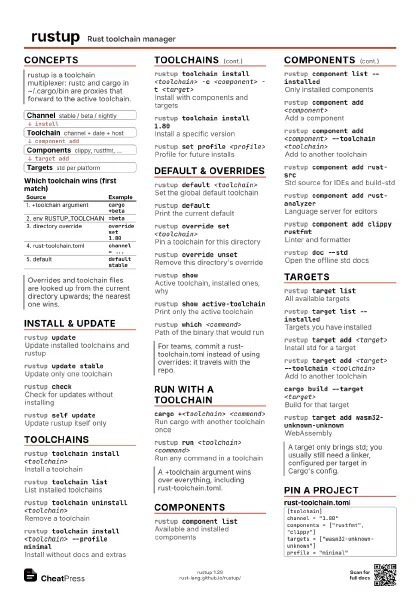
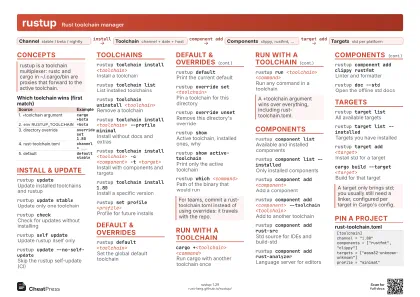
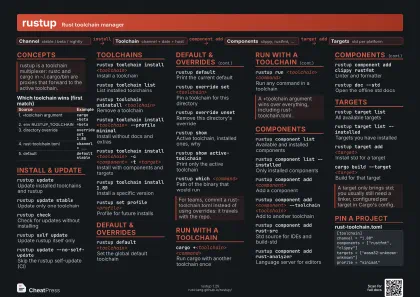
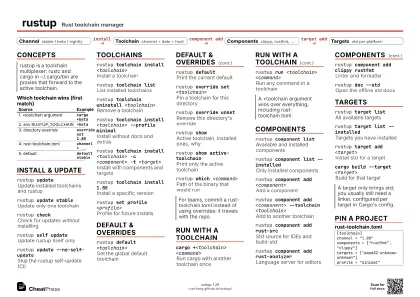
rustup Rust toolchain manager
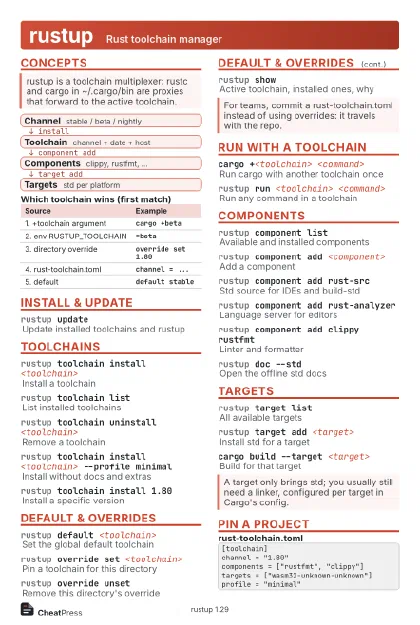 Light · Postcard
102 × 152 mm · PDF
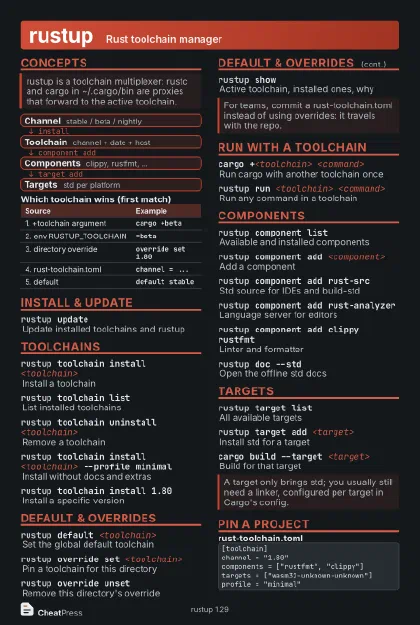 Dark · Postcard
102 × 152 mm · PDF
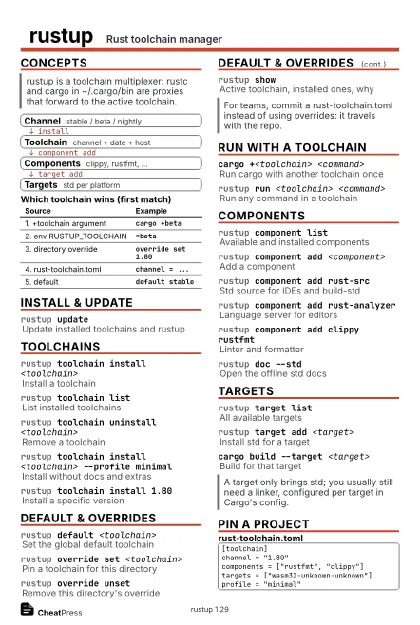 Ink saver · Postcard
102 × 152 mm · PDF
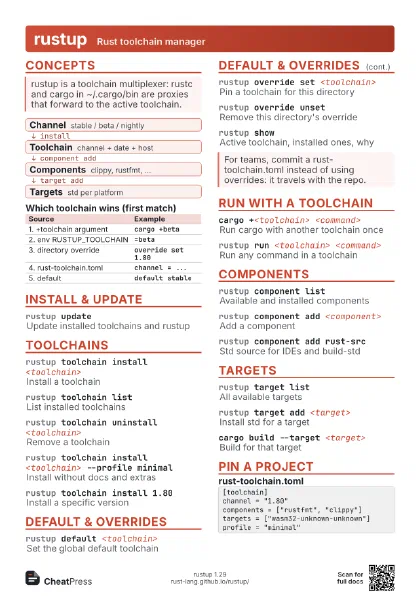
 Light · A4 landscape
297 × 210 mm · PDF
 Dark · A4 landscape
297 × 210 mm · PDF
 Ink saver · A4 landscape
297 × 210 mm · PDF
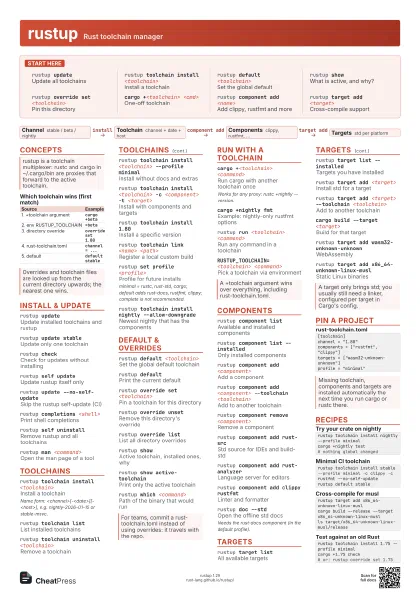
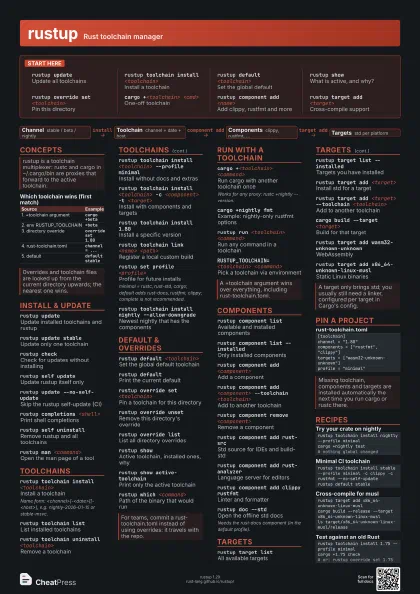
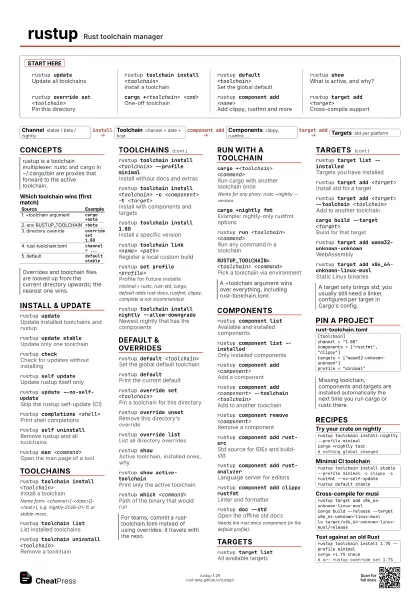
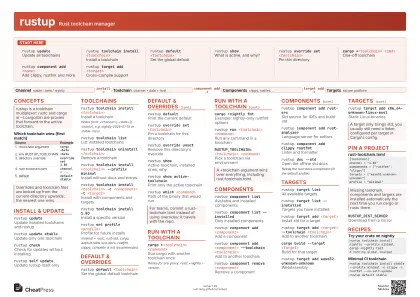 Light · A3 landscape
420 × 297 mm · PDF
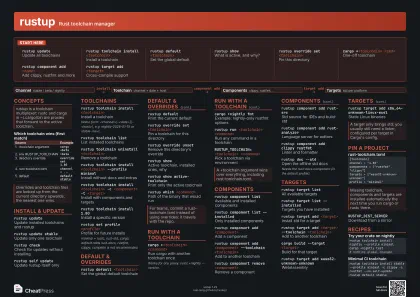 Dark · A3 landscape
420 × 297 mm · PDF
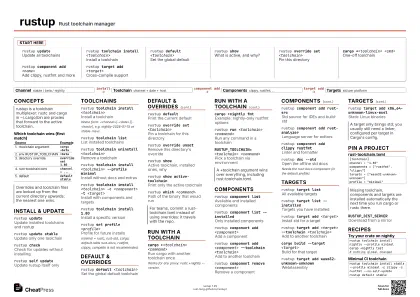 Ink saver · A3 landscape
420 × 297 mm · PDF
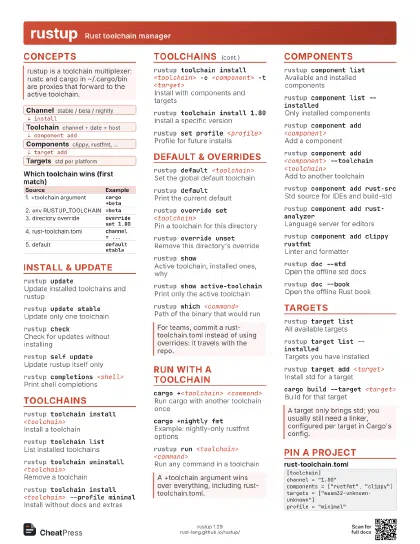
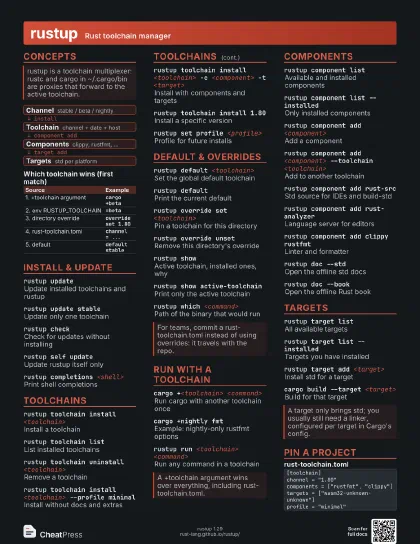
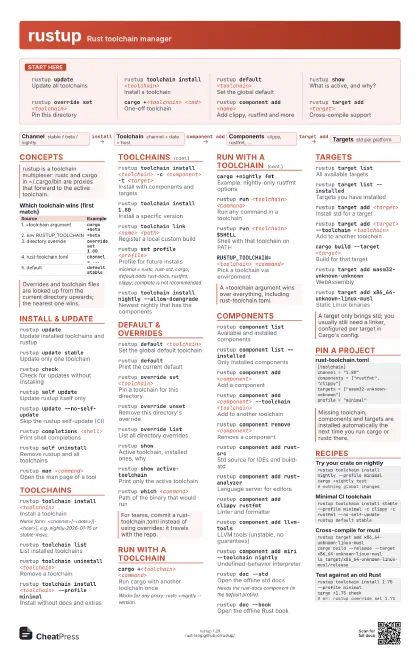
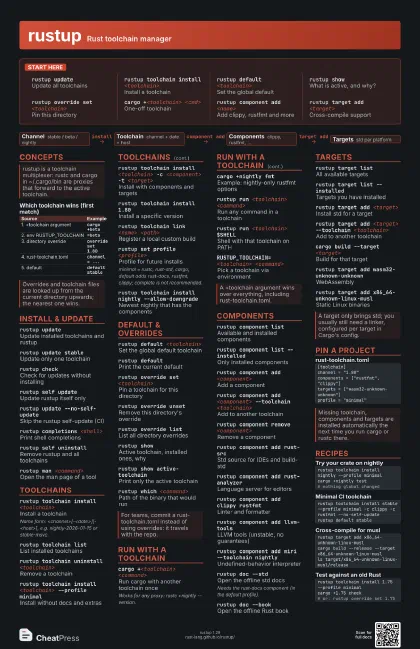
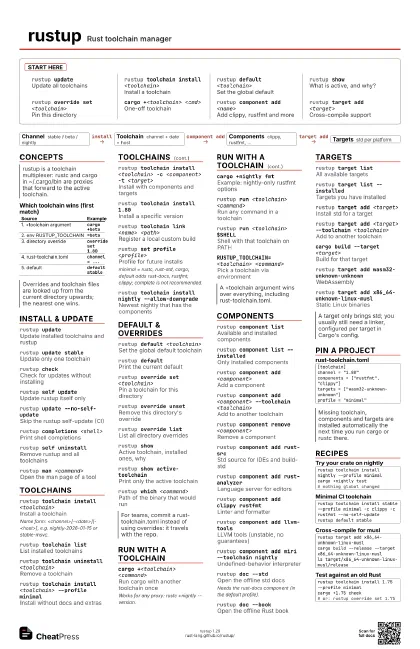
Start here
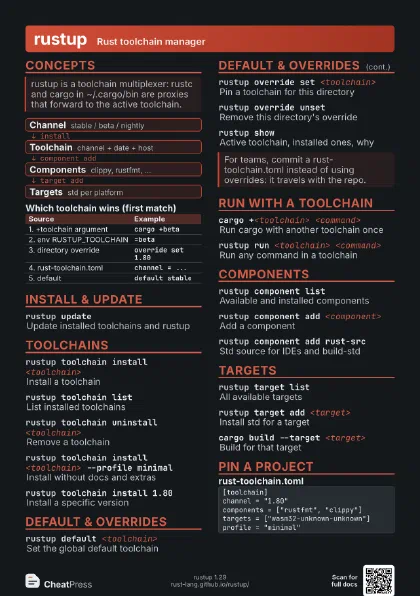
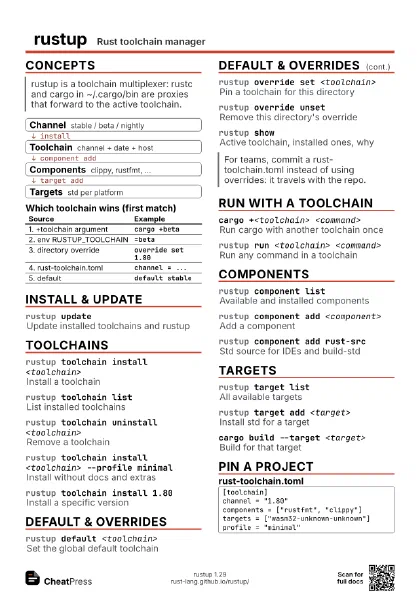
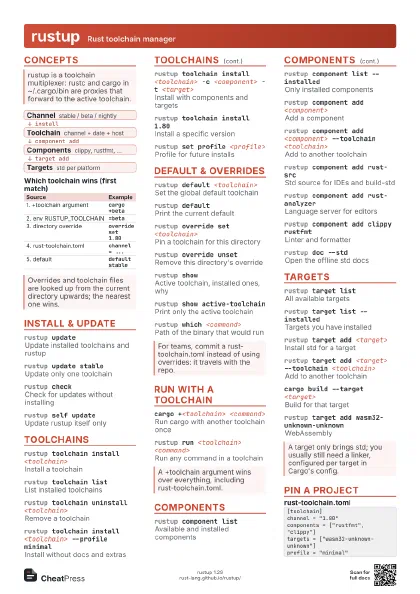
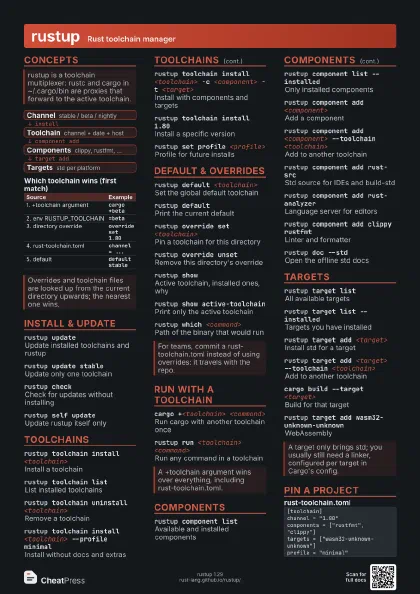
rustup updateUpdate all toolchains
rustup toolchain install <toolchain>
Install a toolchain
rustup default <toolchain>
Set the global default
rustup showWhat is active, and why?
rustup override set <toolchain>
Pin this directory
cargo +<toolchain> <cmd>
One-off toolchain
rustup component add <name>
Add clippy, rustfmt and more
rustup target add <target>
Cross-compile support
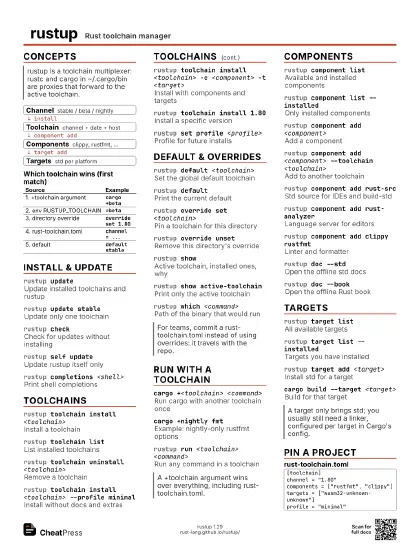
Concepts
- Channel stable / beta / nightly
- Toolchain channel + date + host
- Components clippy, rustfmt, ...
- Targets std per platform
| Source | Example |
|---|---|
| 1. +toolchain argument | cargo +beta |
| 2. env RUSTUP_TOOLCHAIN | =beta |
| 3. directory override | override set 1.80 |
| 4. rust-toolchain.toml | channel = ... |
| 5. default | default stable |
Install & update
rustup updateUpdate installed toolchains and rustup
rustup update stable
Update only one toolchain
rustup checkCheck for updates without installing
rustup self update
Update rustup itself only
rustup update --no-self-update
Skip the rustup self-update (CI)
rustup completions <shell>
Print shell completions
rustup self uninstall
Remove rustup and all toolchains
rustup man <command>
Open the man page of a tool
Toolchains
rustup toolchain install <toolchain>
Install a toolchain
Name form: <channel>[-<date>][-<host>], e.g.
nightly-2026-01-15 or stable-msvc.
rustup toolchain list
List installed toolchains
rustup toolchain uninstall <toolchain>
Remove a toolchain
rustup toolchain install <toolchain> --profile
                    minimal
Install without docs and extras
rustup toolchain install <toolchain> -c
                    <component> -t <target>
Install with components and targets
rustup toolchain install 1.80
Install a specific version
rustup toolchain link <name> <path>
Register a local custom build
rustup set profile <profile>
Profile for future installs
minimal = rustc, rust-std, cargo; default adds rust-docs,
rustfmt, clippy; complete is not recommended.
rustup toolchain install nightly --allow-downgrade
Newest nightly that has the components
Default & overrides
rustup default <toolchain>
Set the global default toolchain
rustup defaultPrint the current default
rustup override set <toolchain>
Pin a toolchain for this directory
rustup override unset
Remove this directory's override
rustup override list
List all directory overrides
rustup showActive toolchain, installed ones, why
rustup show active-toolchain
Print only the active toolchain
rustup which <command>
Path of the binary that would run
Run with a toolchain
cargo +<toolchain> <command>
Run cargo with another toolchain once
Works for any proxy: rustc +nightly --version.
cargo +nightly fmt
Example: nightly-only rustfmt options
rustup run <toolchain> <command>
Run any command in a toolchain
rustup run <toolchain> $SHELL
Shell with that toolchain on PATH
RUSTUP_TOOLCHAIN=<toolchain> <command>
Pick a toolchain via environment
Components
rustup component list
Available and installed components
rustup component list --installed
Only installed components
rustup component add <component>
Add a component
rustup component add <component> --toolchain
                    <toolchain>
Add to another toolchain
rustup component remove <component>
Remove a component
rustup component add rust-src
Std source for IDEs and build-std
rustup component add rust-analyzer
Language server for editors
rustup component add clippy rustfmt
Linter and formatter
rustup component add llvm-tools
LLVM tools (unstable, no guarantees)
rustup component add miri --toolchain nightly
Undefined-behavior interpreter
rustup doc --std
Open the offline std docs
Needs the rust-docs component (in the default profile).
rustup doc --book
Open the offline Rust book
Targets
rustup target list
All available targets
rustup target list --installed
Targets you have installed
rustup target add <target>
Install std for a target
rustup target add <target> --toolchain
                    <toolchain>
Add to another toolchain
rustup target remove <target>
Remove a target
cargo build --target <target>
Build for that target
rustup target add wasm32-unknown-unknown
WebAssembly
rustup target add x86_64-unknown-linux-musl
Static Linux binaries
Pin a project
[toolchain]channel = "1.80"components = ["rustfmt", "clippy"]targets = ["wasm32-unknown-unknown"]profile = "minimal"RUSTUP_HOME / CARGO_HOME
Where toolchains and cargo/bin live
Set before installing to relocate; keep CARGO_HOME/bin on
PATH.
RUSTUP_DIST_SERVER
Download from a mirror
Recipes
rustup toolchain install nightly --profile minimalcargo +nightly test# nothing global changedrustup toolchain install stable --profile minimal -c clippy -c rustfmt --no-self-updaterustup default stablerustup target add x86_64-unknown-linux-muslcargo build --release --target x86_64-unknown-linux-muslls target/x86_64-unknown-linux-musl/releaserustup toolchain install 1.75 --profile minimalcargo +1.75 check# or: rustup override set 1.75