Cheat
sbt Scala build tool
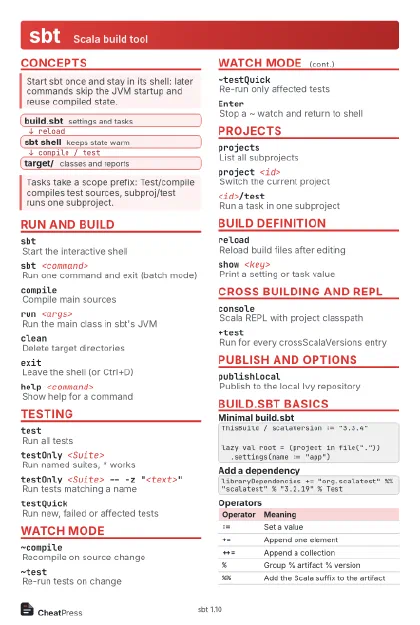 Light · Postcard
102 × 152 mm · PDF
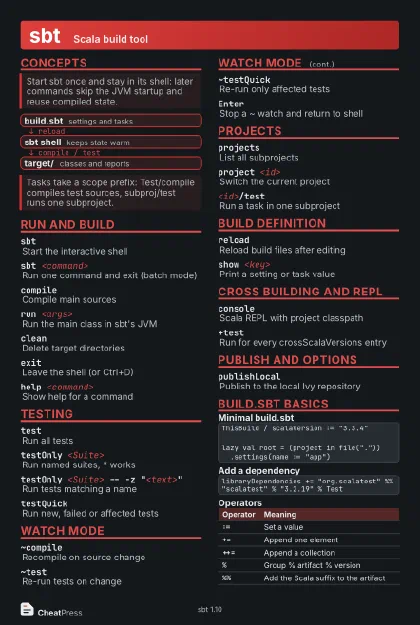 Dark · Postcard
102 × 152 mm · PDF
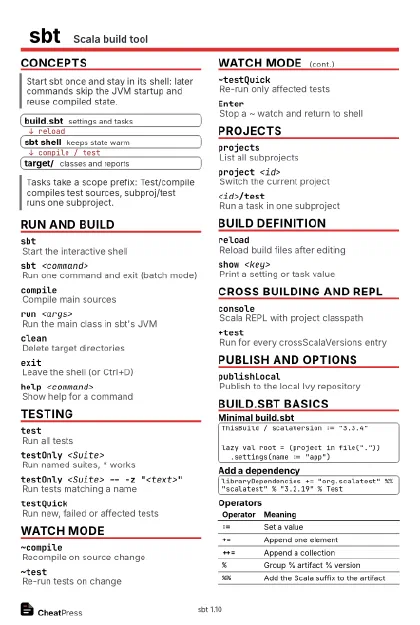 Ink saver · Postcard
102 × 152 mm · PDF
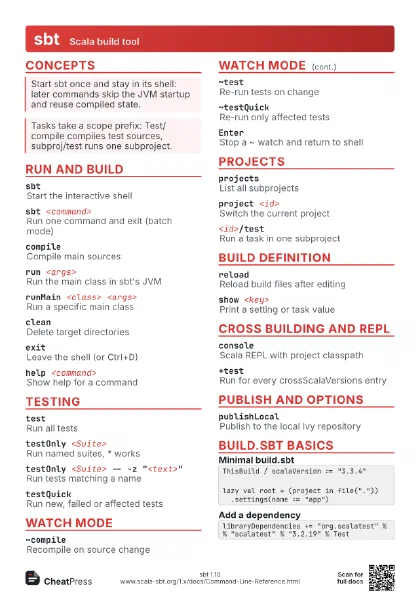
 Light · A4 landscape
297 × 210 mm · PDF
 Dark · A4 landscape
297 × 210 mm · PDF
 Ink saver · A4 landscape
297 × 210 mm · PDF
 Light · A3 landscape
420 × 297 mm · PDF
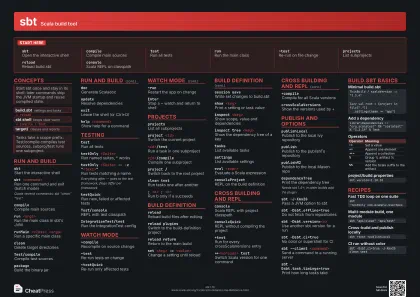 Dark · A3 landscape
420 × 297 mm · PDF
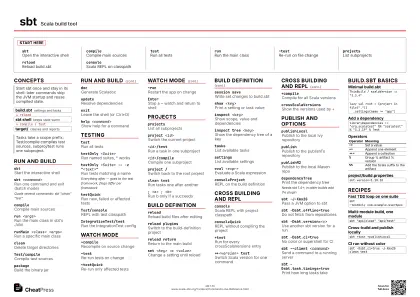 Ink saver · A3 landscape
420 × 297 mm · PDF
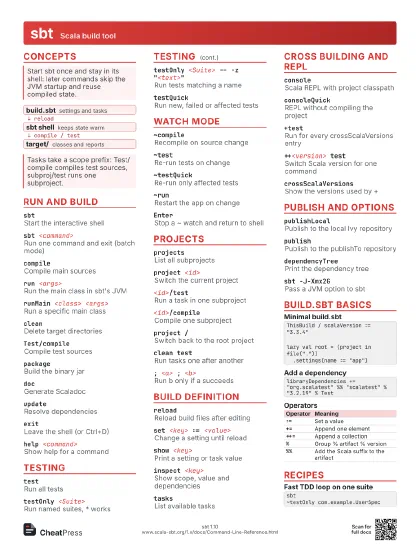
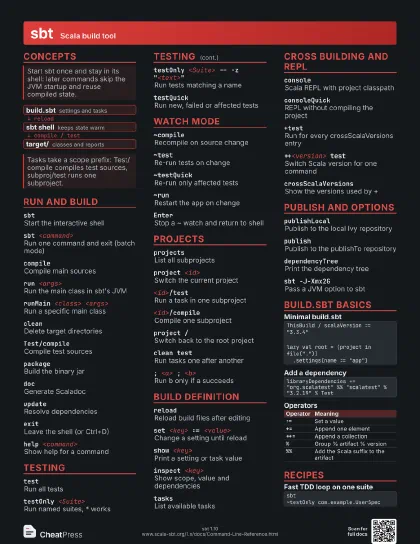
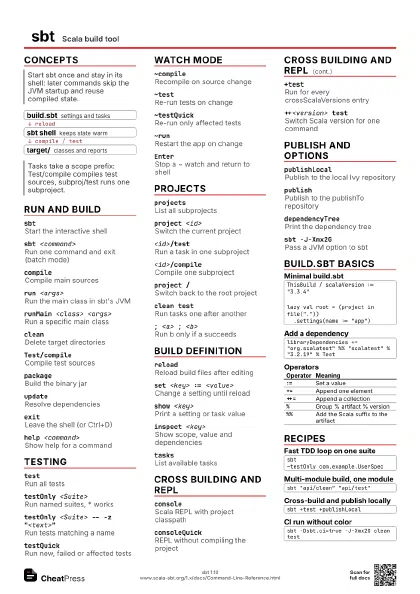
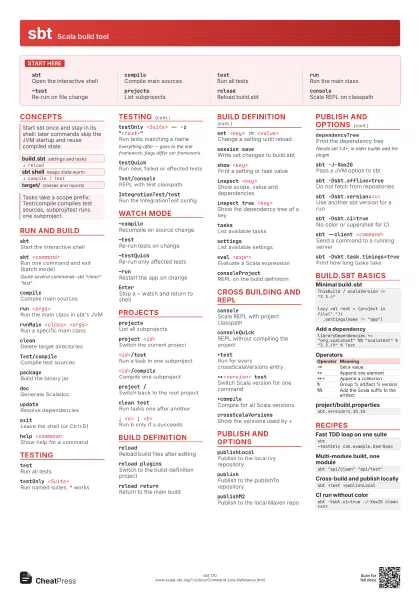
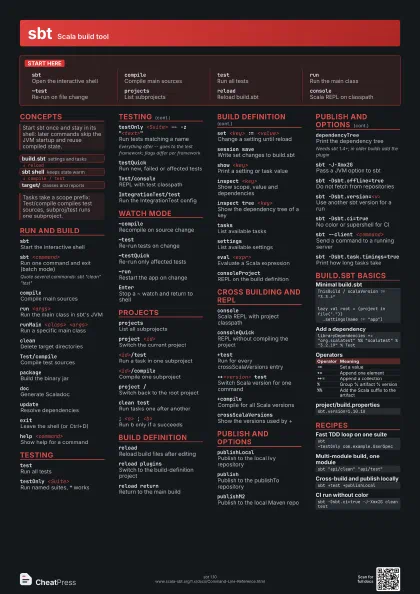
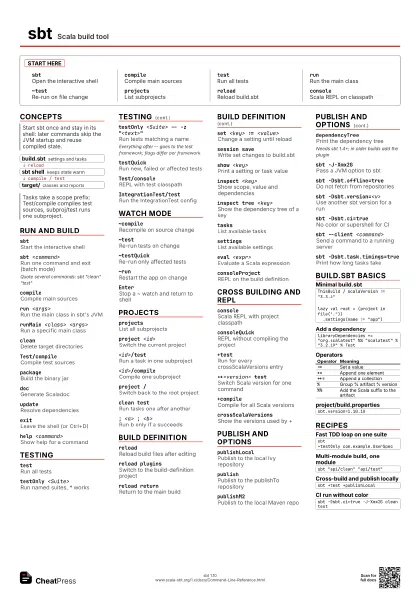
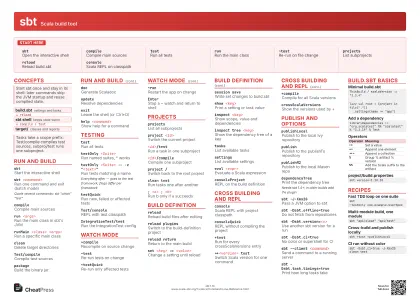
Start here
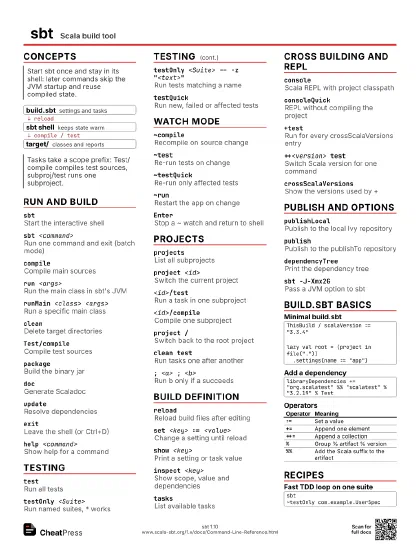
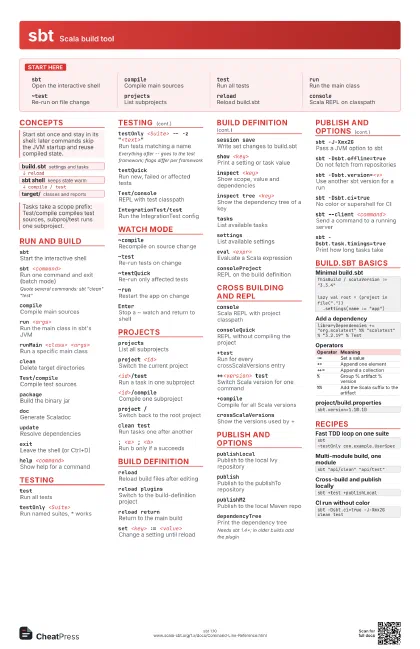
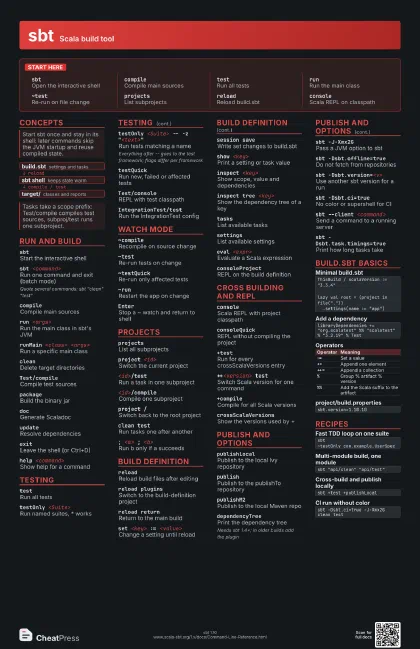
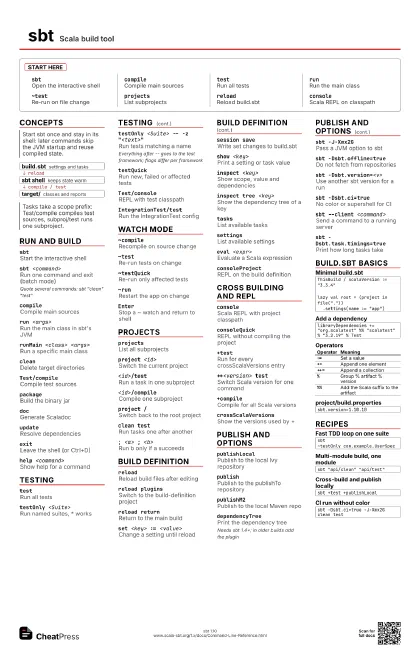
sbtOpen the interactive shell
compileCompile main sources
testRun all tests
runRun the main class
~testRe-run on file change
projectsList subprojects
reloadReload build.sbt
consoleScala REPL on classpath
Concepts
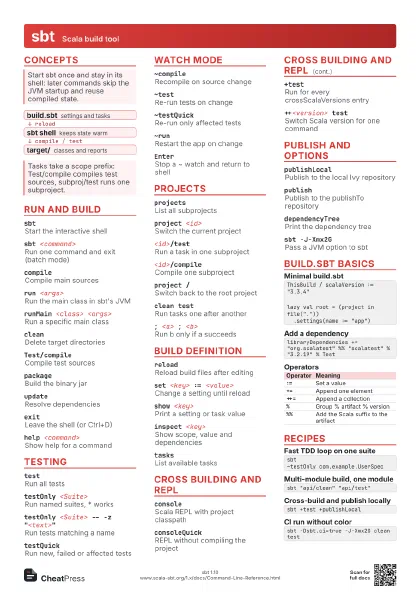
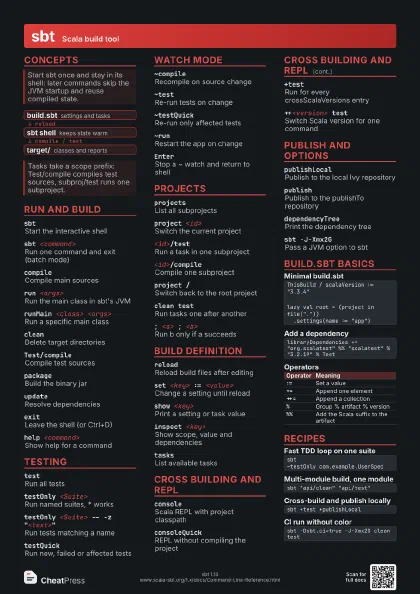
- build.sbt settings and tasks
- sbt shell keeps state warm
- target/ classes and reports
Run and build
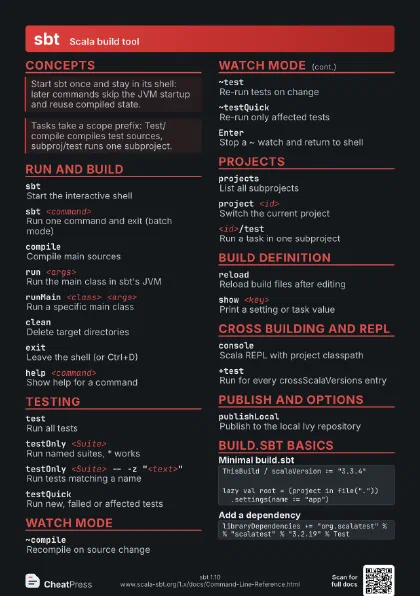
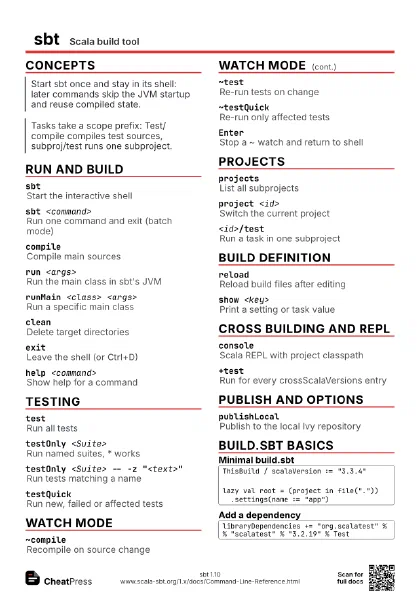
sbtStart the interactive shell
sbt <command>
Run one command and exit (batch mode)
Quote several commands: sbt "clean" "test"
compileCompile main sources
run <args>
Run the main class in sbt's JVM
runMain <class> <args>
Run a specific main class
cleanDelete target directories
Test/compileCompile test sources
packageBuild the binary jar
docGenerate Scaladoc
updateResolve dependencies
exitLeave the shell (or Ctrl+D)
help <command>
Show help for a command
Testing
testRun all tests
testOnly <Suite>
Run named suites, * works
testOnly <Suite> -- -z "<text>"
Run tests matching a name
Everything after -- goes to the test framework; flags differ
per framework
testQuickRun new, failed or affected tests
Test/consoleREPL with test classpath
IntegrationTest/test
Run the IntegrationTest config
Watch mode
~compileRecompile on source change
~testRe-run tests on change
~testQuickRe-run only affected tests
~runRestart the app on change
EnterStop a ~ watch and return to shell
Projects
projectsList all subprojects
project <id>
Switch the current project
<id>/testRun a task in one subproject
<id>/compile
Compile one subproject
project /Switch back to the root project
clean testRun tasks one after another
; <a> ; <b>
Run b only if a succeeds
Build definition
reloadReload build files after editing
reload pluginsSwitch to the build-definition project
reload returnReturn to the main build
set <key> := <value>
Change a setting until reload
session saveWrite set changes to build.sbt
show <key>
Print a setting or task value
inspect <key>
Show scope, value and dependencies
inspect tree <key>
Show the dependency tree of a key
tasksList available tasks
settingsList available settings
eval <expr>
Evaluate a Scala expression
consoleProjectREPL on the build definition
Cross building and REPL
consoleScala REPL with project classpath
consoleQuickREPL without compiling the project
+testRun for every crossScalaVersions entry
++<version> test
Switch Scala version for one command
+compileCompile for all Scala versions
crossScalaVersions
Show the versions used by +
Publish and options
publishLocalPublish to the local Ivy repository
publishPublish to the publishTo repository
publishM2Publish to the local Maven repo
dependencyTreePrint the dependency tree
Needs sbt 1.4+; in older builds add the plugin
sbt -J-Xmx2GPass a JVM option to sbt
sbt -Dsbt.offline=true
Do not fetch from repositories
sbt -Dsbt.version=<v>
Use another sbt version for a run
sbt -Dsbt.ci=true
No color or supershell for CI
sbt --client <command>
Send a command to a running server
sbt -Dsbt.task.timings=true
Print how long tasks take
build.sbt basics
ThisBuild / scalaVersion := "3.3.4"lazy val root = (project in file(".")) .settings(name := "app")libraryDependencies += "org.scalatest" %% "scalatest" % "3.2.19" % Test| Operator | Meaning |
|---|---|
:= |
Set a value |
+= |
Append one element |
++= |
Append a collection |
% |
Group % artifact % version |
%% |
Add the Scala suffix to the artifact |
sbt.version=1.10.10Recipes
sbt~testOnly com.example.UserSpecsbt "api/clean" "api/test"sbt +test +publishLocalsbt -Dsbt.ci=true -J-Xmx2G clean test