Cheat
Ruby on Rails Ruby web framework
 Light · Postcard
102 × 152 mm · PDF
 Dark · Postcard
102 × 152 mm · PDF
 Ink saver · Postcard
102 × 152 mm · PDF
 Light · A4 landscape
297 × 210 mm · PDF
 Dark · A4 landscape
297 × 210 mm · PDF
 Ink saver · A4 landscape
297 × 210 mm · PDF
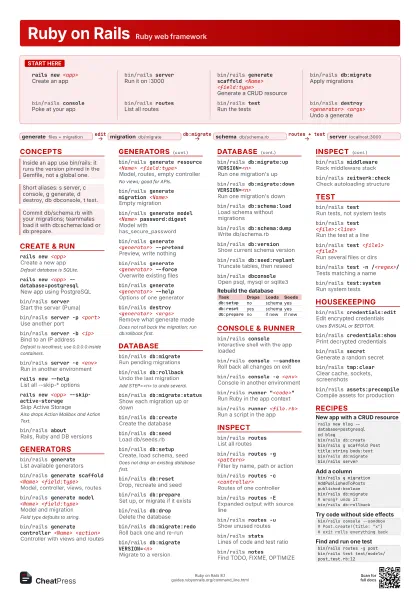
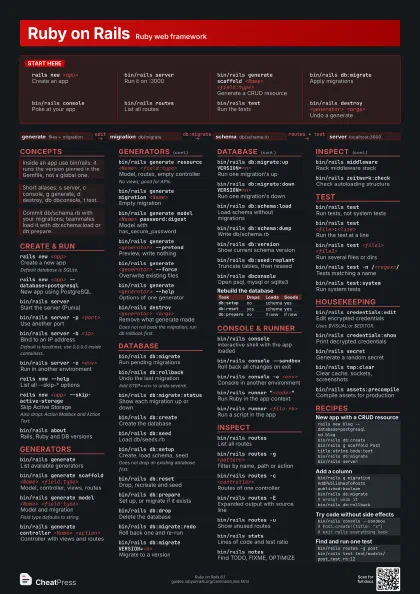
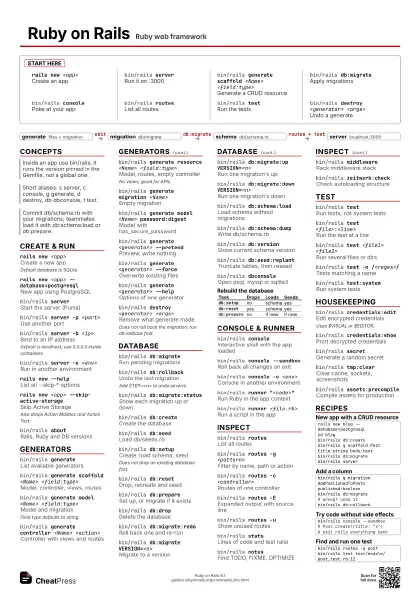
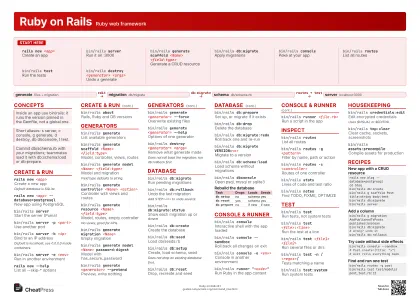 Light · A3 landscape
420 × 297 mm · PDF
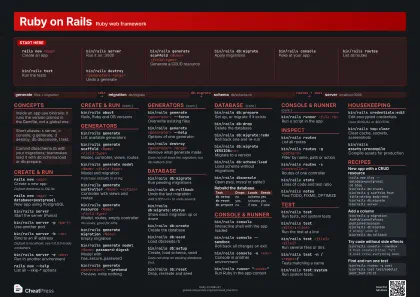 Dark · A3 landscape
420 × 297 mm · PDF
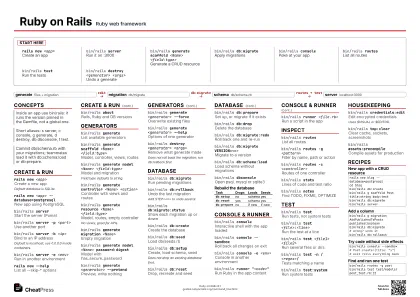 Ink saver · A3 landscape
420 × 297 mm · PDF
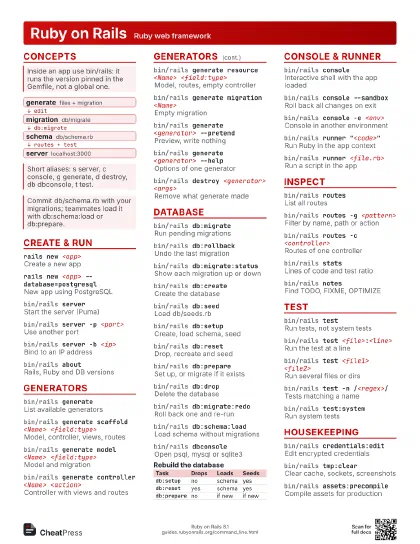
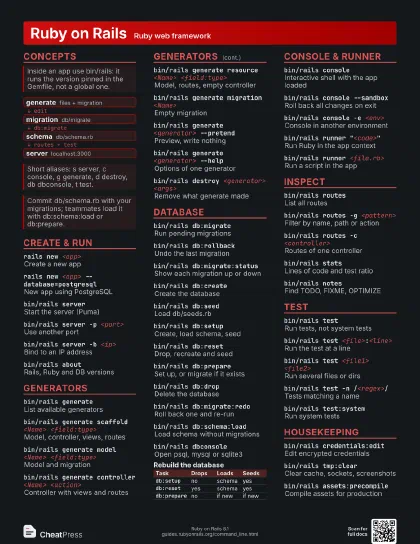
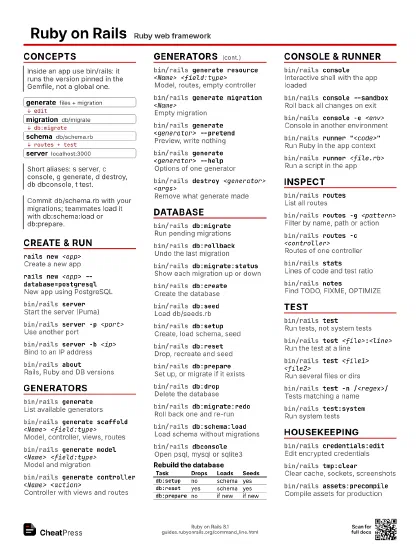
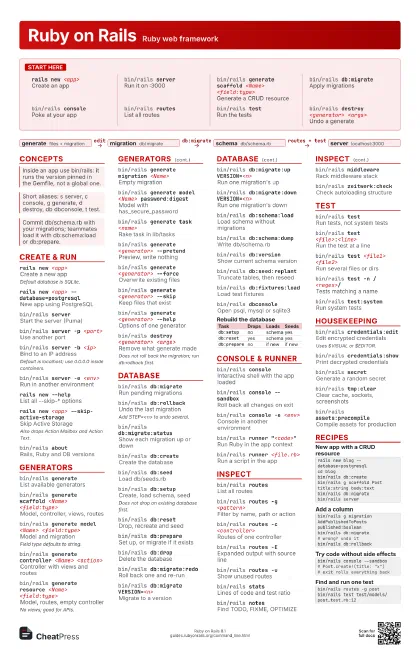
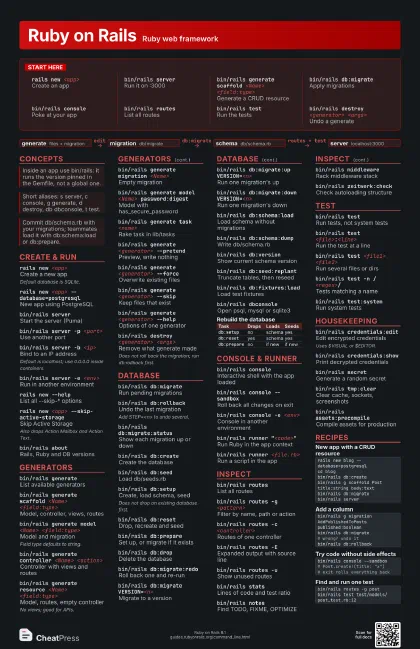
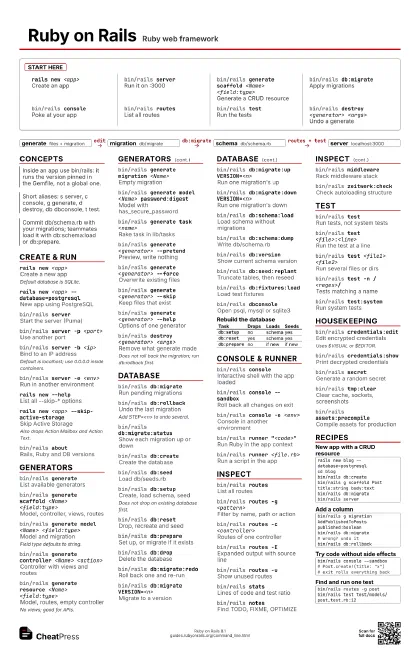
Start here
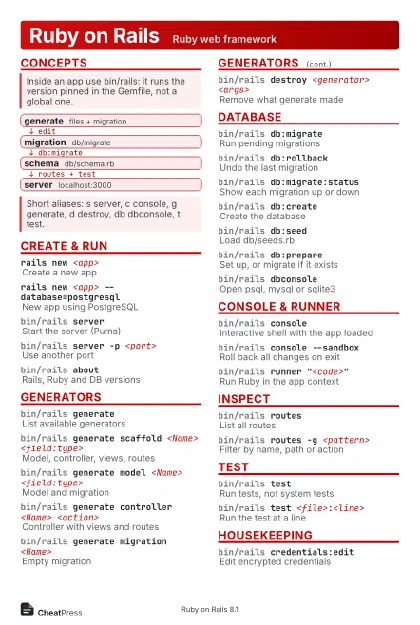
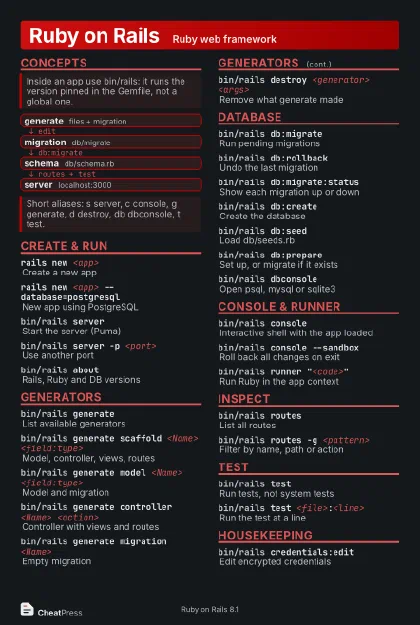
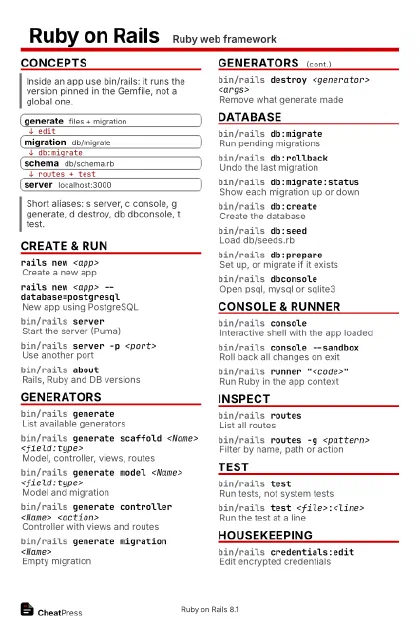
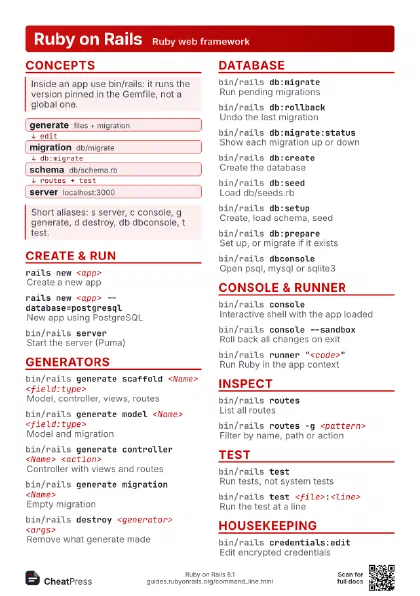
rails new <app>
Create an app
bin/rails server
Run it on :3000
bin/rails generate scaffold <Name>
                    <field:type>
Generate a CRUD resource
bin/rails db:migrate
Apply migrations
bin/rails console
Poke at your app
bin/rails routes
List all routes
bin/rails testRun the tests
bin/rails destroy <generator> <args>
Undo a generate
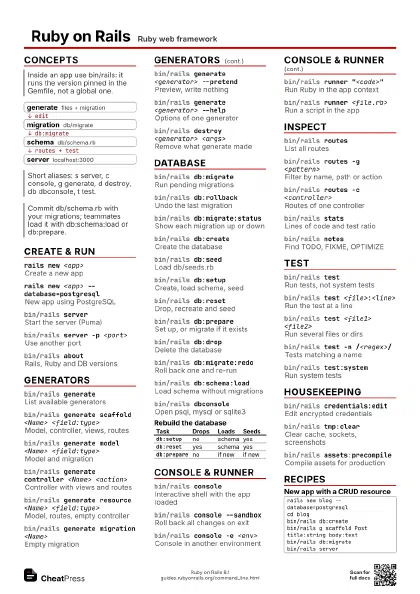
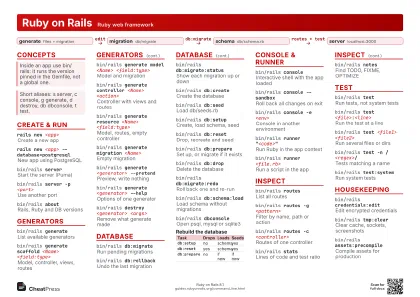
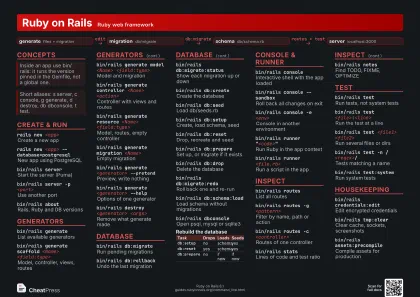
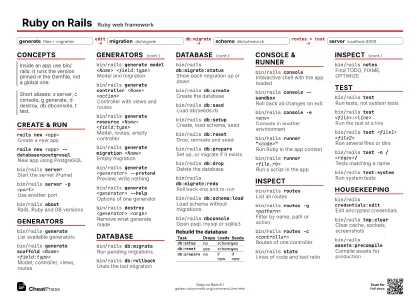
Concepts
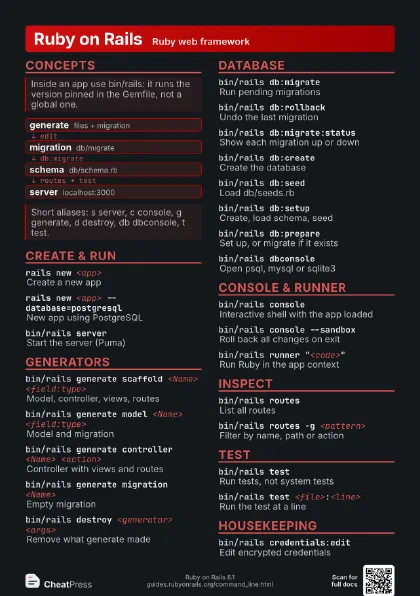
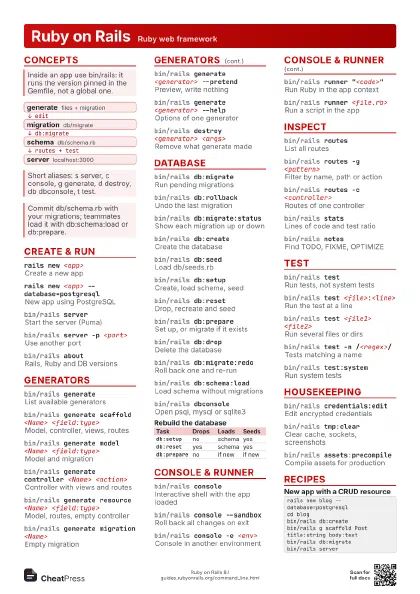
- generate files + migration
- migration db/migrate
- schema db/schema.rb
- server localhost:3000
Create & run
rails new <app>
Create a new app
Default database is SQLite.
rails new <app> --database=postgresql
New app using PostgreSQL
bin/rails server
Start the server (Puma)
bin/rails server -p <port>
Use another port
bin/rails server -b <ip>
Bind to an IP address
Default is localhost; use 0.0.0.0 inside containers.
bin/rails server -e <env>
Run in another environment
rails new --help
List all --skip-* options
rails new <app> --skip-active-storage
Skip Active Storage
Also drops Action Mailbox and Action Text.
bin/rails aboutRails, Ruby and DB versions
Generators
bin/rails generate
List available generators
bin/rails generate scaffold <Name>
                    <field:type>
Model, controller, views, routes
bin/rails generate model <Name>
                    <field:type>
Model and migration
Field type defaults to string.
bin/rails generate controller <Name>
                    <action>
Controller with views and routes
bin/rails generate resource <Name>
                    <field:type>
Model, routes, empty controller
No views; good for APIs.
bin/rails generate migration <Name>
Empty migration
bin/rails generate model <Name> password:digest
Model with has_secure_password
bin/rails generate task <name>
Rake task in lib/tasks
bin/rails generate <generator> --pretend
Preview, write nothing
bin/rails generate <generator> --force
Overwrite existing files
bin/rails generate <generator> --skip
Keep files that exist
bin/rails generate <generator> --help
Options of one generator
bin/rails destroy <generator> <args>
Remove what generate made
Does not roll back the migration; run db:rollback first.
Database
bin/rails db:migrate
Run pending migrations
bin/rails db:rollback
Undo the last migration
Add STEP=<n> to undo several.
bin/rails db:migrate:status
Show each migration up or down
bin/rails db:create
Create the database
bin/rails db:seed
Load db/seeds.rb
bin/rails db:setup
Create, load schema, seed
Does not drop an existing database first.
bin/rails db:reset
Drop, recreate and seed
bin/rails db:prepare
Set up, or migrate if it exists
bin/rails db:drop
Delete the database
bin/rails db:migrate:redo
Roll back one and re-run
bin/rails db:migrate VERSION=<n>
Migrate to a version
bin/rails db:migrate:up VERSION=<n>
Run one migration's up
bin/rails db:migrate:down VERSION=<n>
Run one migration's down
bin/rails db:schema:load
Load schema without migrations
bin/rails db:schema:dump
Write db/schema.rb
bin/rails db:version
Show current schema version
bin/rails db:seed:replant
Truncate tables, then reseed
bin/rails db:fixtures:load
Load test fixtures
bin/rails db:system:change --to=<adapter>
Switch database adapter
bin/rails dbconsole
Open psql, mysql or sqlite3
| Task | Drops | Loads | Seeds |
|---|---|---|---|
db:setup |
no | schema | yes |
db:reset |
yes | schema | yes |
db:prepare |
no | if new | if new |
Console & runner
bin/rails console
Interactive shell with the app loaded
bin/rails console --sandbox
Roll back all changes on exit
bin/rails console -e <env>
Console in another environment
bin/rails runner "<code>"
Run Ruby in the app context
bin/rails runner <file.rb>
Run a script in the app
bin/rails runner --skip-executor <file.rb>
Skip the Rails Executor
bin/rails bootLoad config and exit
Handy for timing or debugging startup.
Inspect
bin/rails routes
List all routes
bin/rails routes -g <pattern>
Filter by name, path or action
bin/rails routes -c <controller>
Routes of one controller
bin/rails routes -E
Expanded output with source line
bin/rails routes -u
Show unused routes
bin/rails statsLines of code and test ratio
bin/rails notesFind TODO, FIXME, OPTIMIZE
bin/rails notes -a <TAG>
Search custom tags
bin/rails middleware
Rack middleware stack
bin/rails initializers
Initializers in run order
bin/rails zeitwerk:check
Check autoloading structure
Test
bin/rails testRun tests, not system tests
bin/rails test <file>:<line>
Run the test at a line
bin/rails test <file1> <file2>
Run several files or dirs
bin/rails test -n /<regex>/
Tests matching a name
bin/rails test <file>:<start>-<end>
Tests in a line range
bin/rails test:system
Run system tests
bin/rails test:db
Reset test DB and run tests
Housekeeping
bin/rails credentials:edit
Edit encrypted credentials
Uses $VISUAL or $EDITOR.
bin/rails credentials:show
Print decrypted credentials
bin/rails secret
Generate a random secret
bin/rails tmp:clear
Clear cache, sockets, screenshots
bin/rails tmp:cache:clear
Clear tmp/cache only
bin/rails assets:precompile
Compile assets for production
bin/rails assets:clobber
Remove compiled assets
bin/rails assets:clean
Remove old compiled assets
bin/rails db:encryption:init
Keys for Active Record encryption
bin/rails time:zones:all
List time zones
Recipes
rails new blog --database=postgresqlcd blogbin/rails db:createbin/rails g scaffold Post title:string body:textbin/rails db:migratebin/rails serverbin/rails g migration AddPublishedToPosts published:booleanbin/rails db:migrate# wrong? undo itbin/rails db:rollbackbin/rails console --sandbox# Post.create!(title: "x")# exit rolls everything backbin/rails routes -g postbin/rails test test/models/post_test.rb:12