Cheat
RubyGems Ruby package manager
 Light · Postcard
102 × 152 mm · PDF
 Dark · Postcard
102 × 152 mm · PDF
 Ink saver · Postcard
102 × 152 mm · PDF
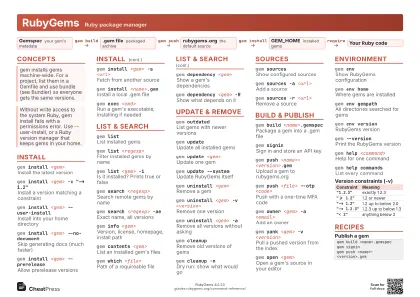 Light · A4 landscape
297 × 210 mm · PDF
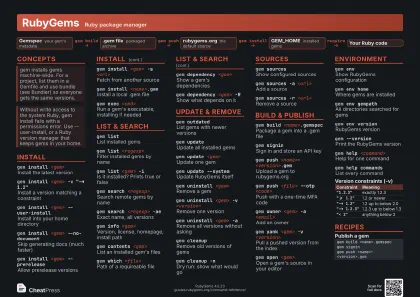 Dark · A4 landscape
297 × 210 mm · PDF
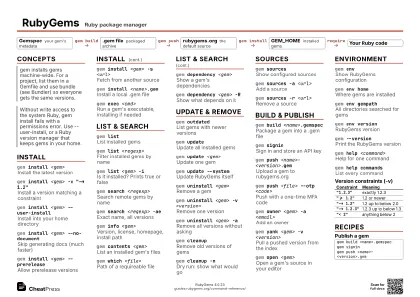 Ink saver · A4 landscape
297 × 210 mm · PDF
 Light · A3 landscape
420 × 297 mm · PDF
 Dark · A3 landscape
420 × 297 mm · PDF
 Ink saver · A3 landscape
420 × 297 mm · PDF
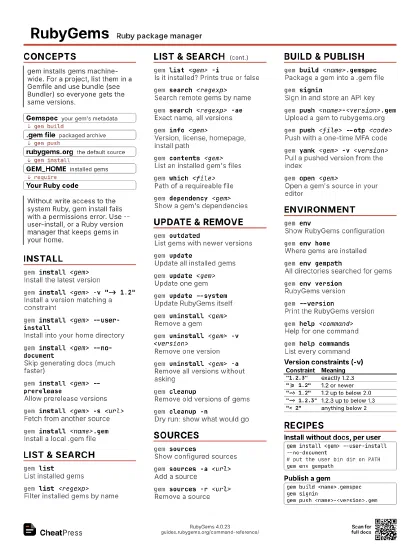
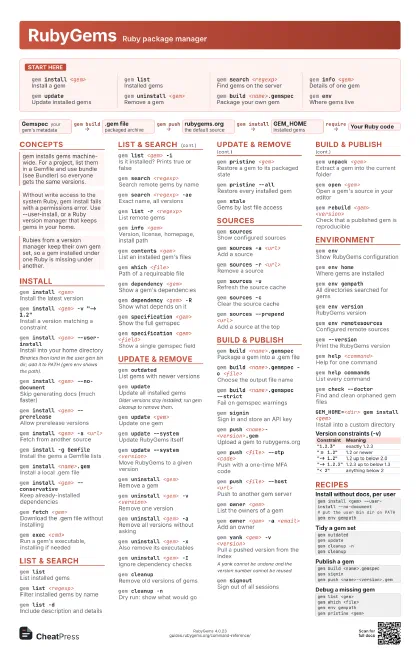
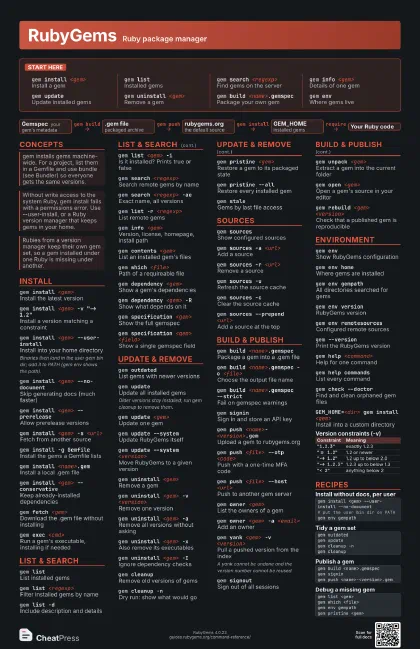
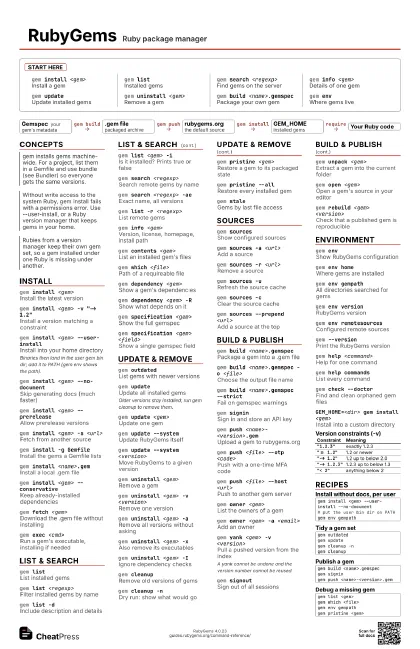
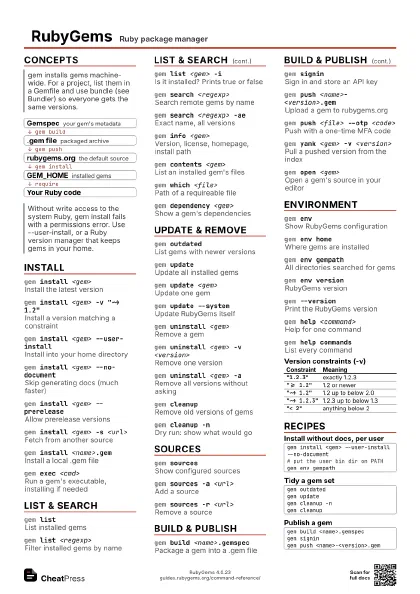
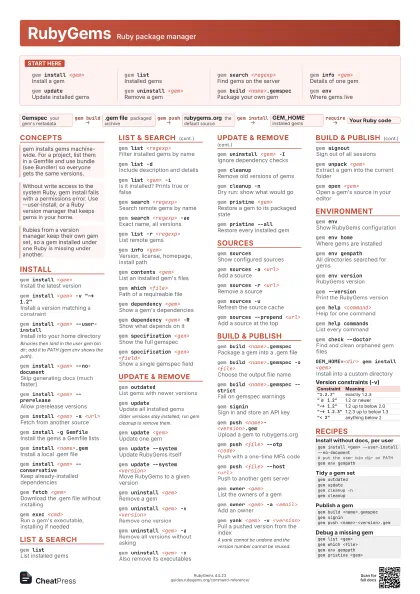
Start here
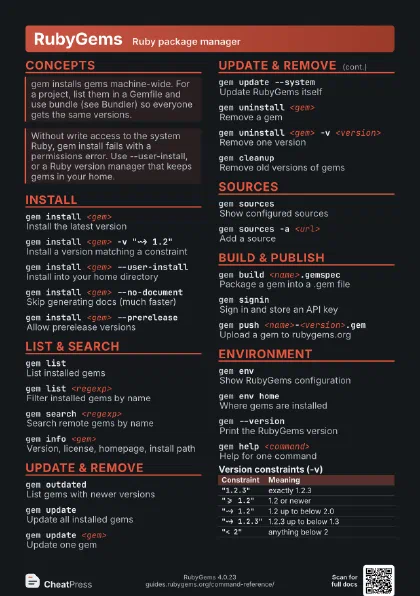
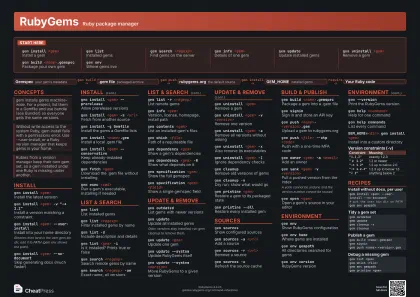
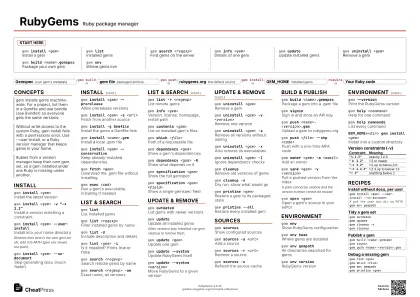
gem install <gem>
Install a gem
gem listInstalled gems
gem search <regexp>
Find gems on the server
gem info <gem>
Details of one gem
gem updateUpdate installed gems
gem uninstall <gem>
Remove a gem
gem build <name>.gemspec
Package your own gem
gem envWhere gems live
Concepts
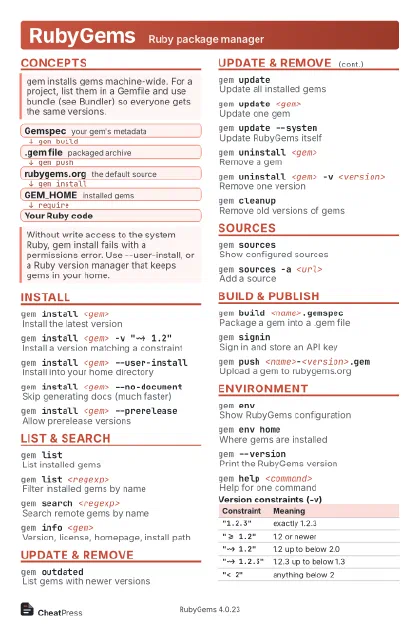
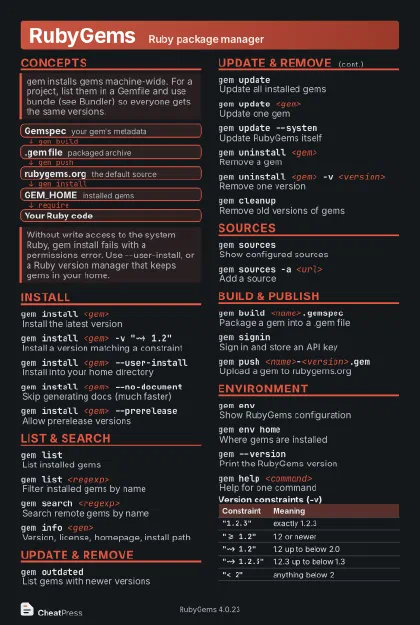
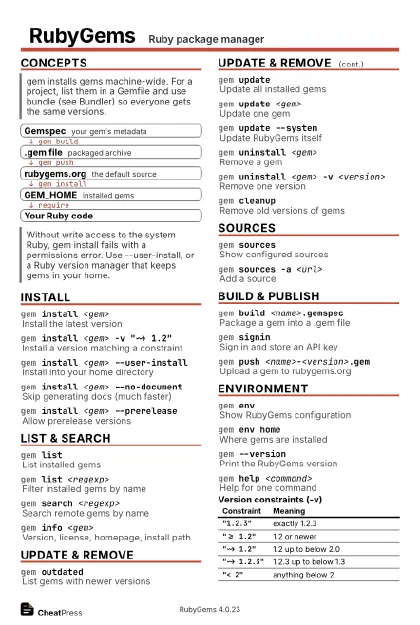
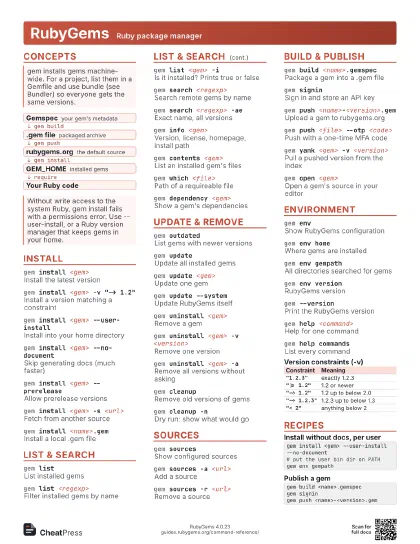
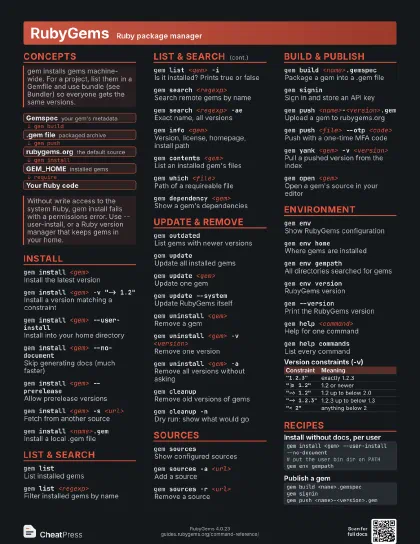
- Gemspec your gem's metadata
- .gem file packaged archive
- rubygems.org the default source
- GEM_HOME installed gems
- Your Ruby code
Install
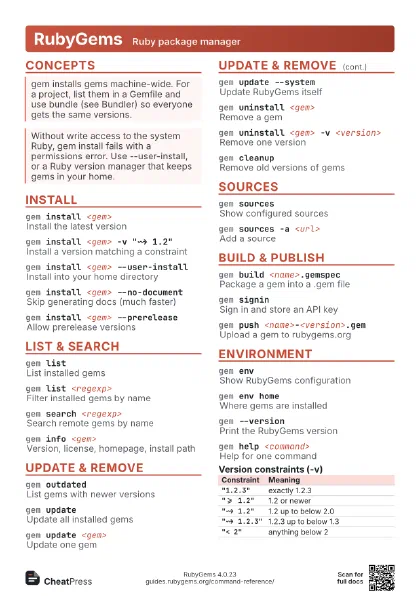
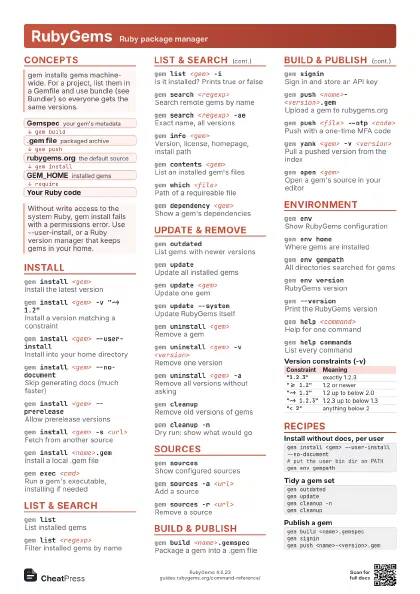
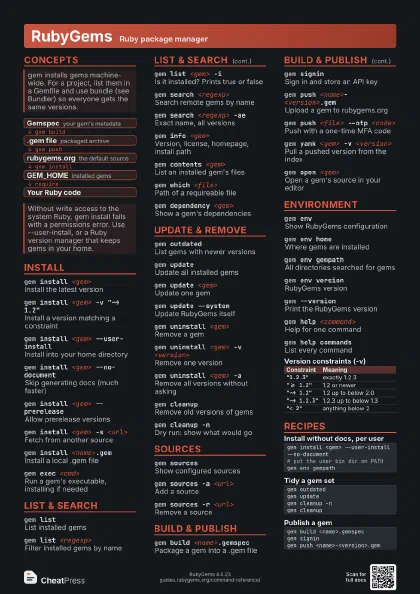
gem install <gem>
Install the latest version
gem install <gem> -v "~> 1.2"
Install a version matching a constraint
gem install <gem> --user-install
Install into your home directory
Binaries then land in the user gem bin dir; add it to PATH
(gem env shows the path).
gem install <gem> --no-document
Skip generating docs (much faster)
gem install <gem> --prerelease
Allow prerelease versions
gem install <gem> -s <url>
Fetch from another source
gem install -g Gemfile
Install the gems a Gemfile lists
gem install <name>.gem
Install a local .gem file
gem install <gem> --conservative
Keep already-installed dependencies
gem fetch <gem>
Download the .gem file without installing
gem exec <cmd>
Run a gem's executable, installing if needed
List & search
gem listList installed gems
gem list <regexp>
Filter installed gems by name
gem list -dInclude description and details
gem list <gem> -i
Is it installed? Prints true or false
gem search <regexp>
Search remote gems by name
gem search <regexp> -ae
Exact name, all versions
gem list -r <regexp>
List remote gems
gem info <gem>
Version, license, homepage, install path
gem contents <gem>
List an installed gem's files
gem which <file>
Path of a requireable file
gem dependency <gem>
Show a gem's dependencies
gem dependency <gem> -R
Show what depends on it
gem specification <gem>
Show the full gemspec
gem specification <gem> <field>
Show a single gemspec field
Update & remove
gem outdatedList gems with newer versions
gem updateUpdate all installed gems
Older versions stay installed; run gem cleanup to remove them.
gem update <gem>
Update one gem
gem update --system
Update RubyGems itself
gem update --system <version>
Move RubyGems to a given version
gem uninstall <gem>
Remove a gem
gem uninstall <gem> -v <version>
Remove one version
gem uninstall <gem> -a
Remove all versions without asking
gem uninstall <gem> -x
Also remove its executables
gem uninstall <gem> -I
Ignore dependency checks
gem cleanupRemove old versions of gems
gem cleanup -nDry run: show what would go
gem pristine <gem>
Restore a gem to its packaged state
gem pristine --all
Restore every installed gem
gem staleGems by last file access
Sources
gem sourcesShow configured sources
gem sources -a <url>
Add a source
gem sources -r <url>
Remove a source
gem sources -uRefresh the source cache
gem sources -cClear the source cache
gem sources --prepend <url>
Add a source at the top
Build & publish
gem build <name>.gemspec
Package a gem into a .gem file
gem build <name>.gemspec -o <file>
Choose the output file name
gem build <name>.gemspec --strict
Fail on gemspec warnings
gem signinSign in and store an API key
gem push <name>-<version>.gem
Upload a gem to rubygems.org
gem push <file> --otp <code>
Push with a one-time MFA code
gem push <file> --host <url>
Push to another gem server
gem owner <gem>
List the owners of a gem
gem owner <gem> -a <email>
Add an owner
gem yank <gem> -v <version>
Pull a pushed version from the index
A yank cannot be undone and the version number cannot be
reused.
gem signoutSign out of all sessions
gem unpack <gem>
Extract a gem into the current folder
gem open <gem>
Open a gem's source in your editor
gem rebuild <gem> <version>
Check that a published gem is reproducible
Environment
gem envShow RubyGems configuration
gem env homeWhere gems are installed
gem env gempathAll directories searched for gems
gem env versionRubyGems version
gem env remotesources
Configured remote sources
gem --versionPrint the RubyGems version
gem help <command>
Help for one command
gem help commands
List every command
gem check --doctor
Find and clean orphaned gem files
GEM_HOME=<dir> gem install <gem>
Install into a custom directory
| Constraint | Meaning |
|---|---|
"1.2.3" |
exactly 1.2.3 |
">= 1.2" |
1.2 or newer |
"~> 1.2" |
1.2 up to below 2.0 |
"~> 1.2.3" |
1.2.3 up to below 1.3 |
"< 2" |
anything below 2 |
Recipes
gem install <gem> --user-install --no-document# put the user bin dir on PATHgem env gempathgem outdatedgem updategem cleanup -ngem cleanupgem build <name>.gemspecgem signingem push <name>-<version>.gemgem list <gem>gem which <file>gem env gempathgem pristine <gem>