Cheat
OpenShift CLI (oc) OpenShift cluster CLI
 Light · Postcard
102 × 152 mm · PDF
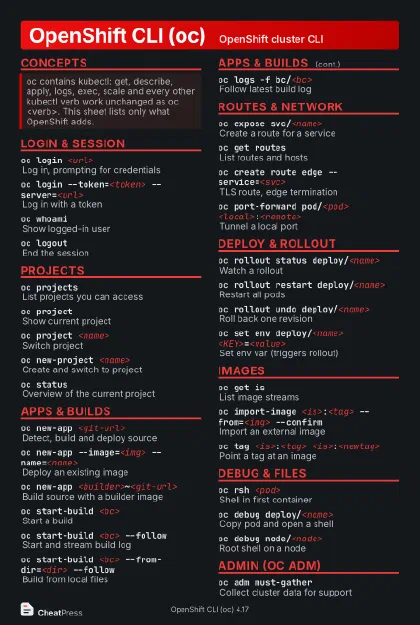 Dark · Postcard
102 × 152 mm · PDF
 Ink saver · Postcard
102 × 152 mm · PDF
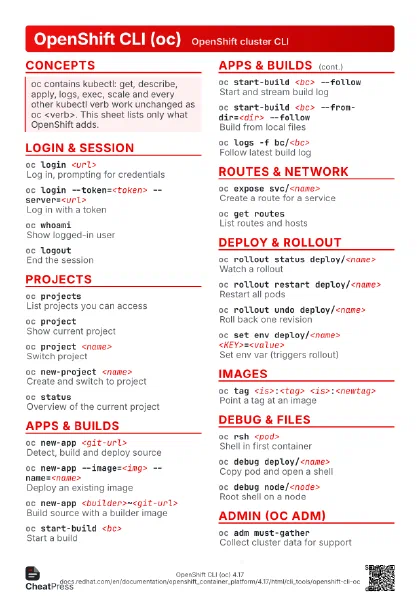
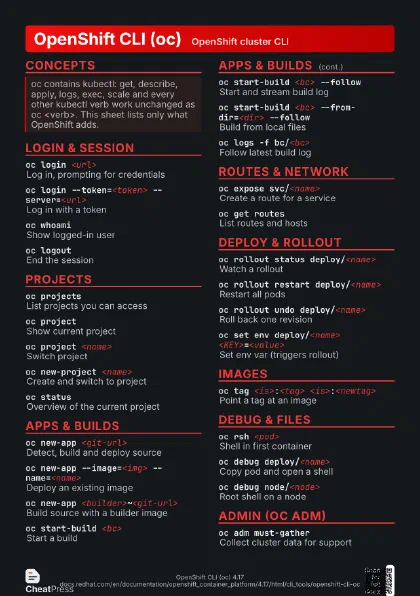
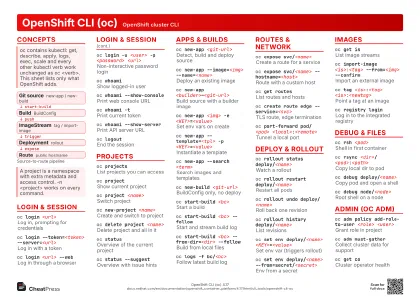 Light · A4 landscape
297 × 210 mm · PDF
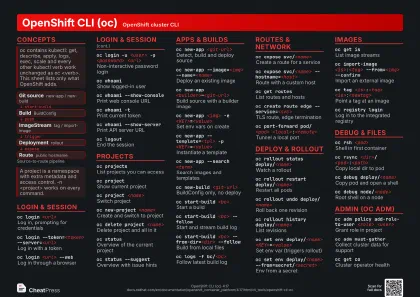 Dark · A4 landscape
297 × 210 mm · PDF
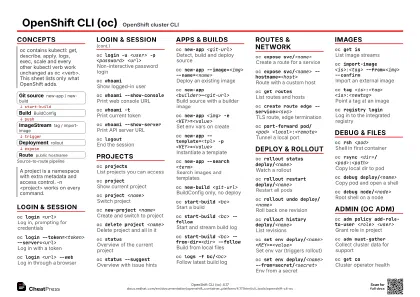 Ink saver · A4 landscape
297 × 210 mm · PDF
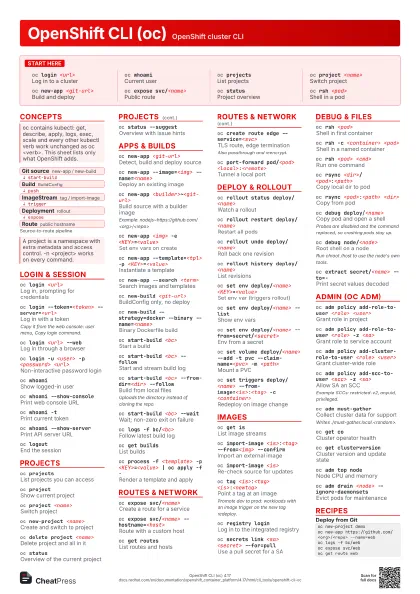
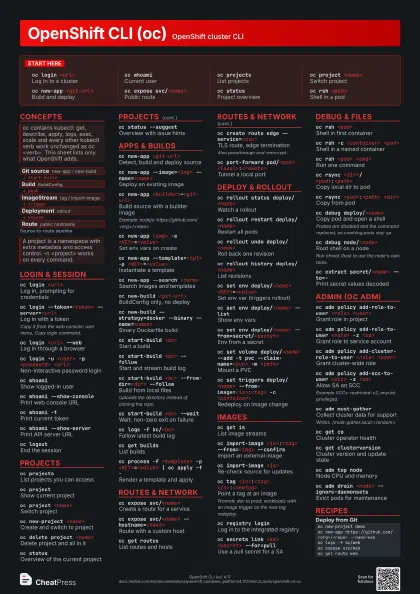
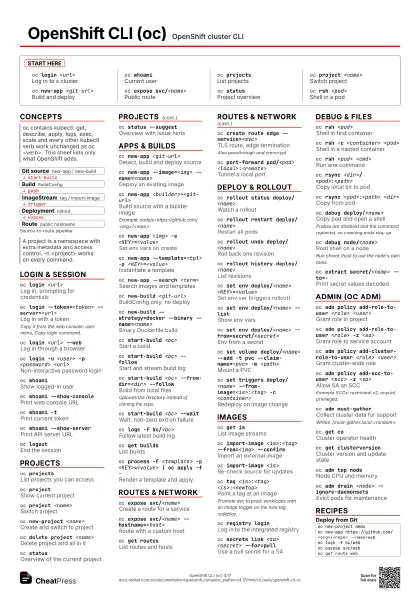
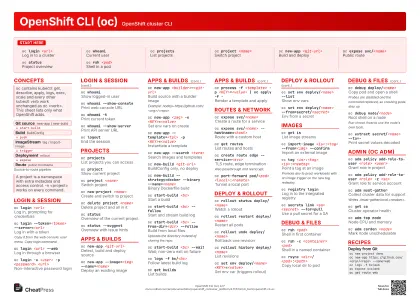 Light · A3 landscape
420 × 297 mm · PDF
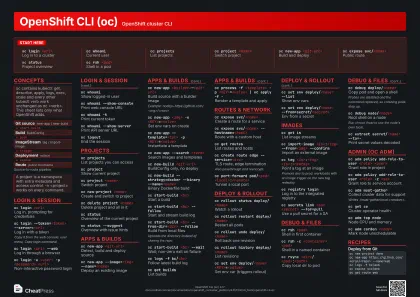 Dark · A3 landscape
420 × 297 mm · PDF
 Ink saver · A3 landscape
420 × 297 mm · PDF
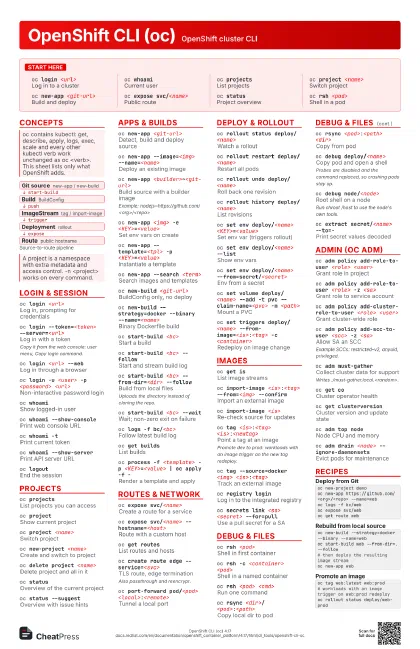
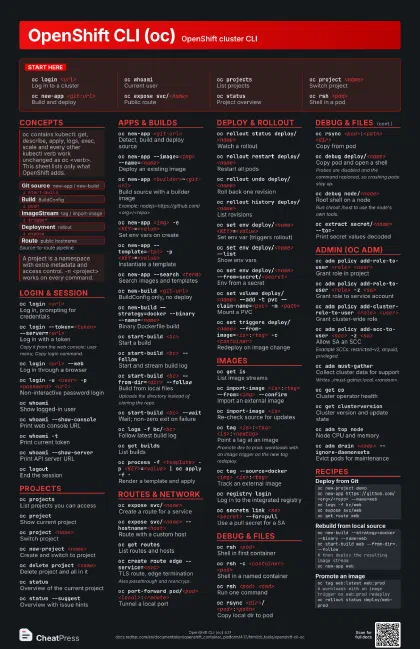
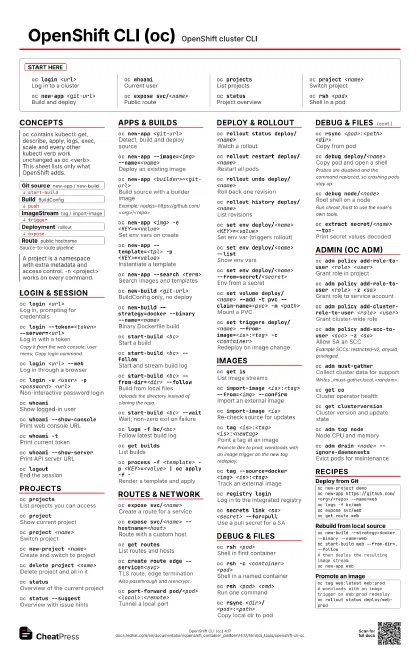
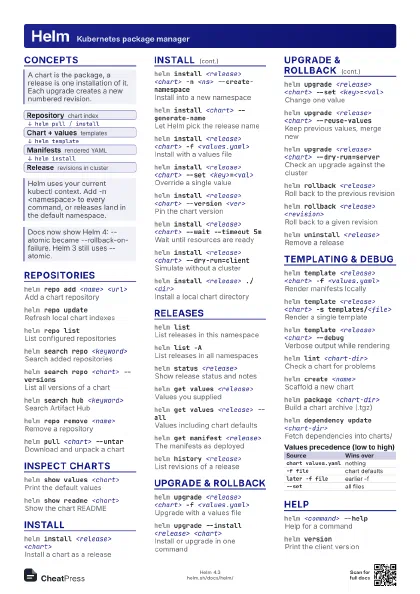
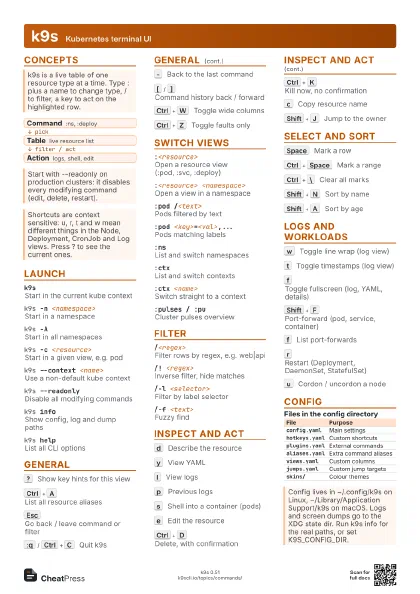
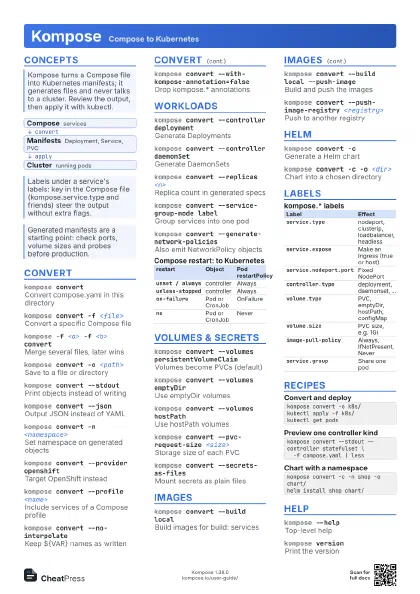
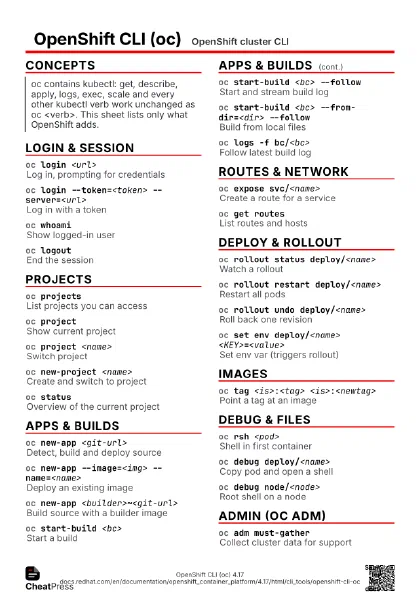
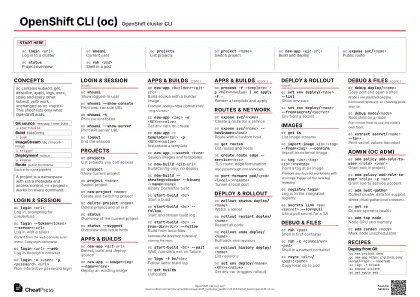
Start here
oc login <url>
Log in to a cluster
oc whoamiCurrent user
oc projectsList projects
oc project <name>
Switch project
oc new-app <git-url>
Build and deploy
oc expose svc/<name>
Public route
oc statusProject overview
oc rsh <pod>
Shell in a pod
Concepts
- Git source new-app / new-build
- Build BuildConfig
- ImageStream tag / import-image
- Deployment rollout
- Route public hostname
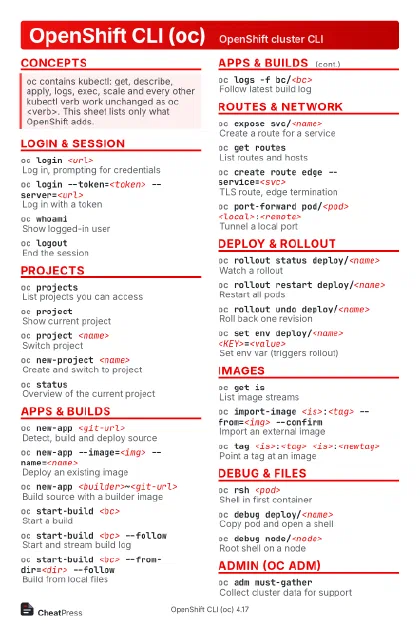
Login & Session
oc login <url>
Log in, prompting for credentials
oc login --token=<token> --server=<url>
Log in with a token
Copy it from the web console: user menu, Copy login command.
oc login <url> --web
Log in through a browser
oc login -u <user> -p <password>
                    <url>
Non-interactive password login
oc whoamiShow logged-in user
oc whoami --show-console
Print web console URL
oc whoami -tPrint current token
oc whoami --show-server
Print API server URL
oc logoutEnd the session
oc versionClient and server versions
source <(oc completion bash)
Enable tab completion
Projects
oc projectsList projects you can access
oc projectShow current project
oc project <name>
Switch project
oc new-project <name>
Create and switch to project
oc delete project <name>
Delete project and all in it
oc statusOverview of the current project
oc status --suggest
Overview with issue hints
Apps & Builds
oc new-app <git-url>
Detect, build and deploy source
oc new-app --image=<img> --name=<name>
Deploy an existing image
oc new-app <builder>~<git-url>
Build source with a builder image
Example: nodejs~https://github.com/<org>/<repo>
oc new-app <img> -e <KEY>=<value>
Set env vars on create
oc new-app --template=<tpl> -p
                    <KEY>=<value>
Instantiate a template
oc new-app --search <term>
Search images and templates
oc new-build <git-url>
BuildConfig only, no deploy
oc new-build --strategy=docker --binary
                    --name=<name>
Binary Dockerfile build
oc start-build <bc>
Start a build
oc start-build <bc> --follow
Start and stream build log
oc start-build <bc> --from-dir=<dir>
                    --follow
Build from local files
Uploads the directory instead of cloning the repo.
oc start-build <bc> --wait
Wait; non-zero exit on failure
oc cancel-build <build>
Cancel a running build
oc logs -f bc/<bc>
Follow latest build log
oc get buildsList builds
oc process -f <template> -p <KEY>=<value>
                    | oc apply -f -
Render a template and apply
Routes & Network
oc expose svc/<name>
Create a route for a service
oc expose svc/<name> --hostname=<host>
Route with a custom host
oc get routesList routes and hosts
oc create route edge --service=<svc>
TLS route, edge termination
Also passthrough and reencrypt.
oc set route-backends <route> <a>=<w>
                    <b>=<w>
Split traffic (A/B)
oc port-forward pod/<pod>
                    <local>:<remote>
Tunnel a local port
oc idle <svc>
Scale to zero until traffic
Deploy & Rollout
oc rollout status deploy/<name>
Watch a rollout
oc rollout restart deploy/<name>
Restart all pods
oc rollout undo deploy/<name>
Roll back one revision
oc rollout history deploy/<name>
List revisions
oc rollout latest dc/<name>
New rollout of a DeploymentConfig
oc set env deploy/<name>
                    <KEY>=<value>
Set env var (triggers rollout)
oc set env deploy/<name> --list
Show env vars
oc set env deploy/<name>
                    --from=secret/<secret>
Env from a secret
oc set volume deploy/<name> --add -t pvc
                    --claim-name=<pvc> -m <path>
Mount a PVC
oc set triggers deploy/<name>
                    --from-image=<is>:<tag> -c
                    <container>
Redeploy on image change
Images
oc get isList image streams
oc import-image <is>:<tag> --from=<img>
                    --confirm
Import an external image
oc import-image <is>
Re-check source for updates
oc tag <is>:<tag>
                    <is>:<newtag>
Point a tag at an image
Promote dev to prod: workloads with an image trigger on the
new tag redeploy.
oc tag --source=docker <img>
                    <is>:<tag>
Track an external image
oc registry login
Log in to the integrated registry
oc image mirror <src> <dest>
Copy image between registries
oc secrets link <sa> <secret> --for=pull
Use a pull secret for a SA
Debug & Files
oc rsh <pod>
Shell in first container
oc rsh -c <container> <pod>
Shell in a named container
oc rsh <pod> <cmd>
Run one command
oc rsync <dir>/ <pod>:<path>
Copy local dir to pod
oc rsync <pod>:<path> <dir>
Copy from pod
oc debug deploy/<name>
Copy pod and open a shell
Probes are disabled and the command replaced, so crashing pods
stay up.
oc debug deploy/<name> --as-root
Debug copy running as root
oc debug node/<node>
Root shell on a node
Run chroot /host to use the node's own tools.
oc extract secret/<name> --to=-
Print secret values decoded
Admin (oc adm)
oc adm policy add-role-to-user <role>
                    <user>
Grant role in project
oc adm policy add-role-to-user <role> -z
                    <sa>
Grant role to service account
oc adm policy add-cluster-role-to-user <role>
                    <user>
Grant cluster-wide role
oc adm policy add-scc-to-user <scc> -z
                    <sa>
Allow SA an SCC
Example SCCs: restricted-v2, anyuid, privileged.
oc adm must-gather
Collect cluster data for support
Writes ./must-gather.local.<random>.
oc get coCluster operator health
oc get clusterversion
Cluster version and update state
oc adm top nodeNode CPU and memory
oc adm cordon <node>
Mark node unschedulable
oc adm drain <node> --ignore-daemonsets
Evict pods for maintenance
oc adm upgradeShow available updates
Recipes
oc new-project demooc new-app https://github.com/<org>/<repo> --name=weboc logs -f bc/weboc expose svc/weboc get route weboc new-build --strategy=docker --binary --name=weboc start-build web --from-dir=. --follow# then deploy the resulting image streamoc new-app weboc tag web:latest web:prod# workloads with an image trigger on web:prod redeployoc rollout status deploy/web-prodoc debug node/<node>chroot /hostjournalctl -u kubeletexit