Cheat
Kompose Compose to Kubernetes
 Light · Postcard
102 × 152 mm · PDF
 Dark · Postcard
102 × 152 mm · PDF
 Ink saver · Postcard
102 × 152 mm · PDF
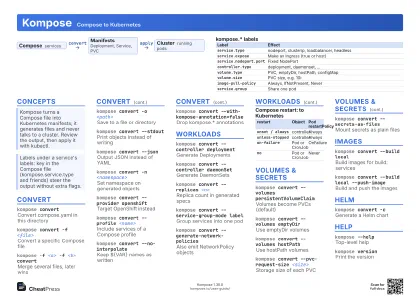 Light · A4 landscape
297 × 210 mm · PDF
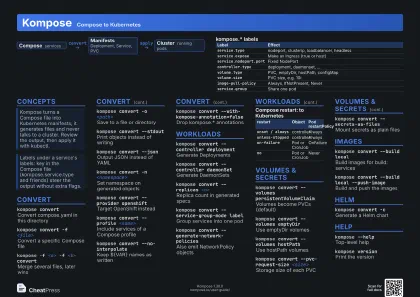 Dark · A4 landscape
297 × 210 mm · PDF
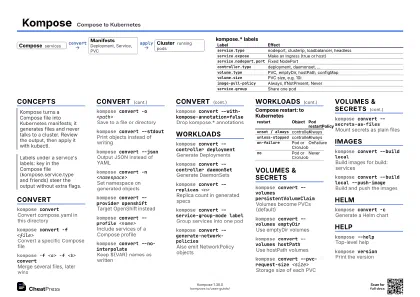 Ink saver · A4 landscape
297 × 210 mm · PDF
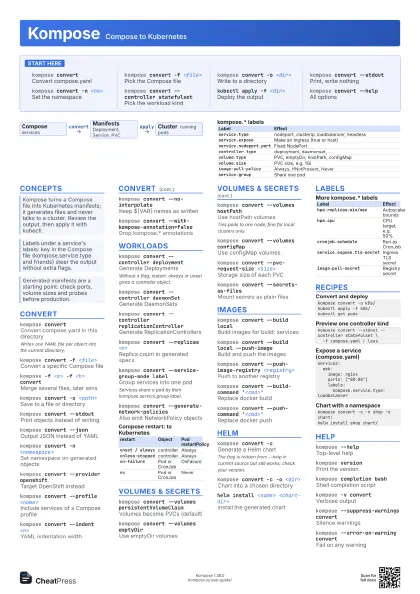
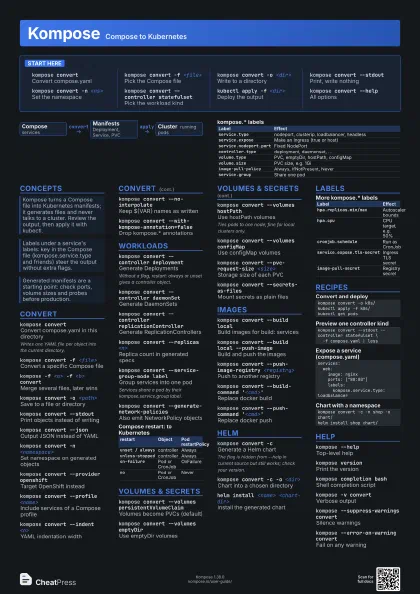
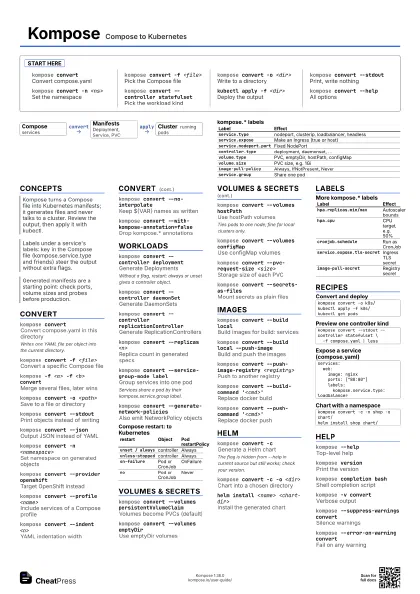
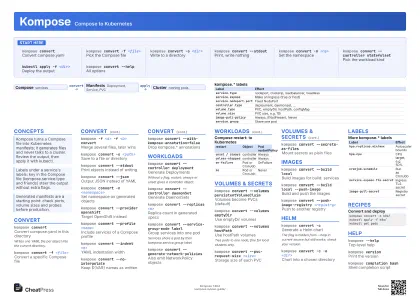 Light · A3 landscape
420 × 297 mm · PDF
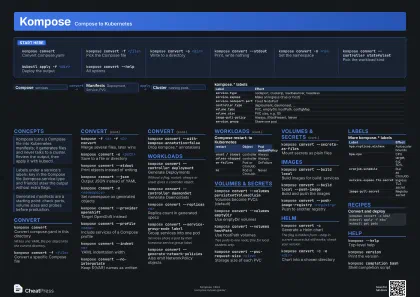 Dark · A3 landscape
420 × 297 mm · PDF
 Ink saver · A3 landscape
420 × 297 mm · PDF
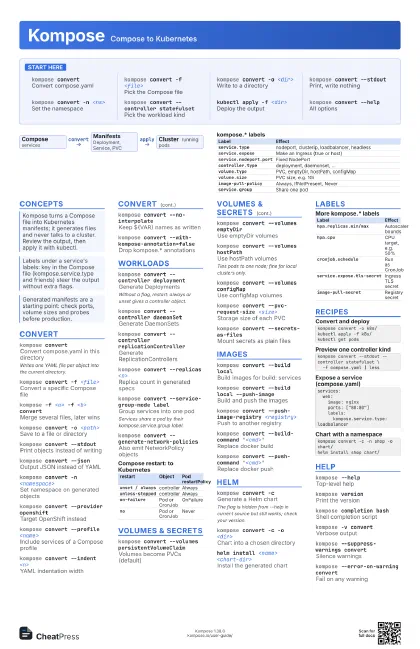
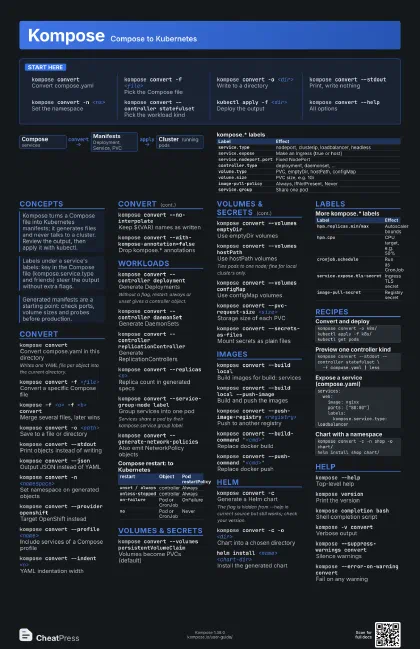
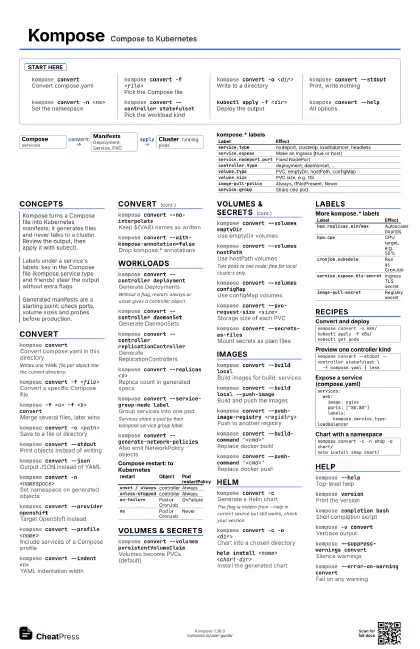
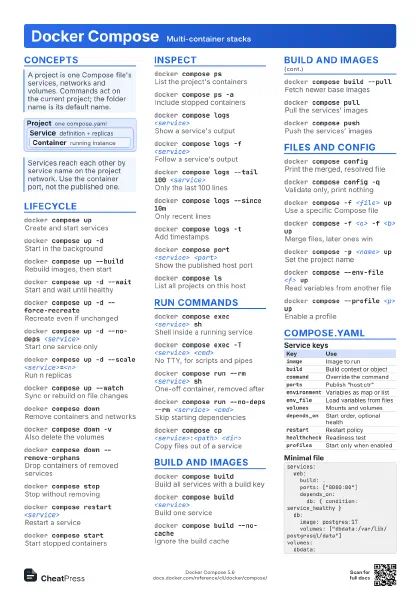
Start here
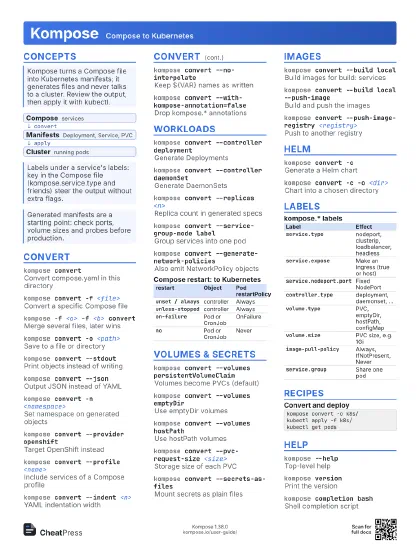
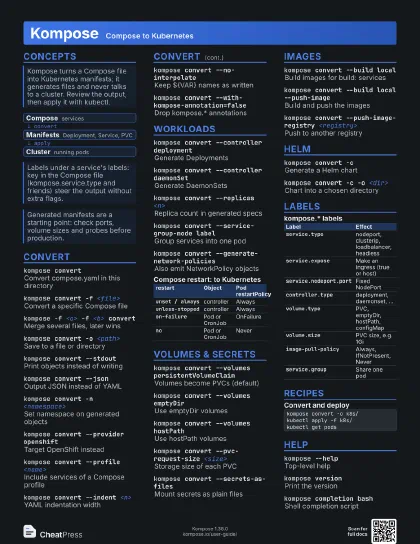
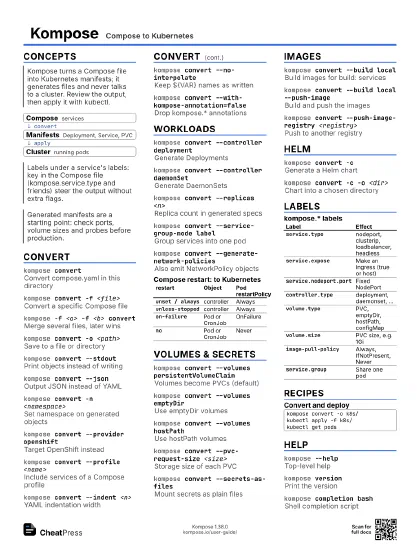
kompose convertConvert compose.yaml
kompose convert -f <file>
Pick the Compose file
kompose convert -o <dir>
Write to a directory
kompose convert --stdout
Print, write nothing
kompose convert -n <ns>
Set the namespace
kompose convert --controller statefulset
Pick the workload kind
kubectl apply -f <dir>
Deploy the output
kompose convert --help
All options
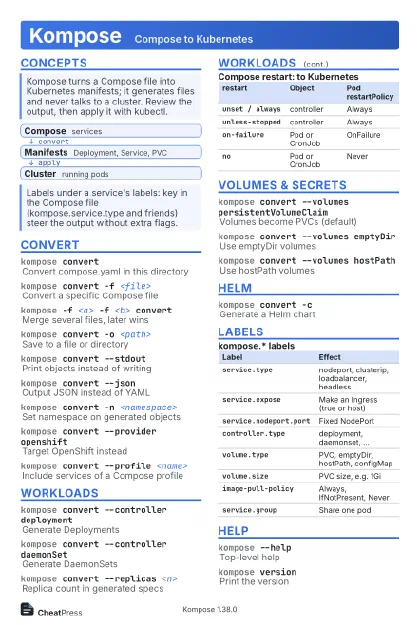
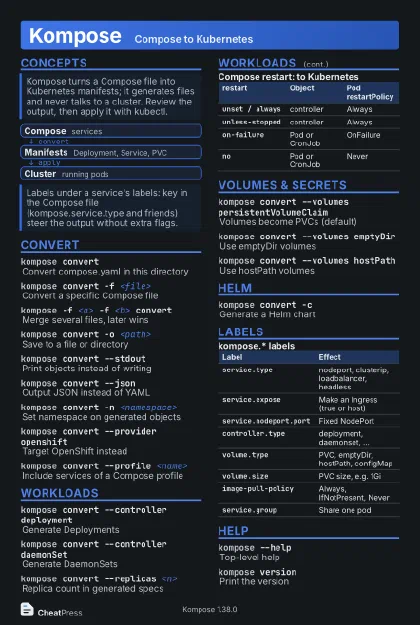
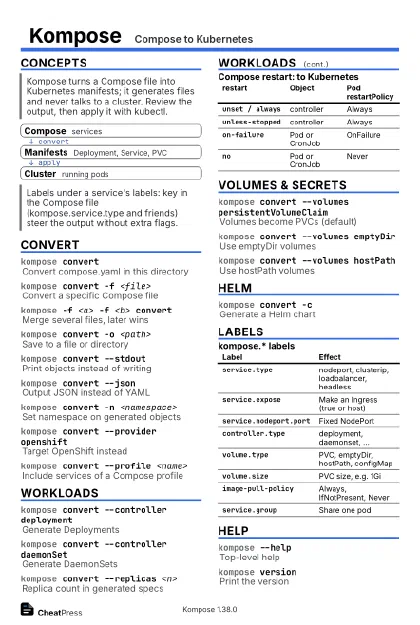
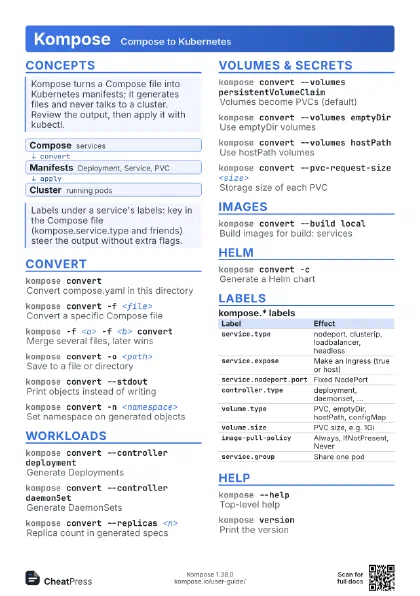
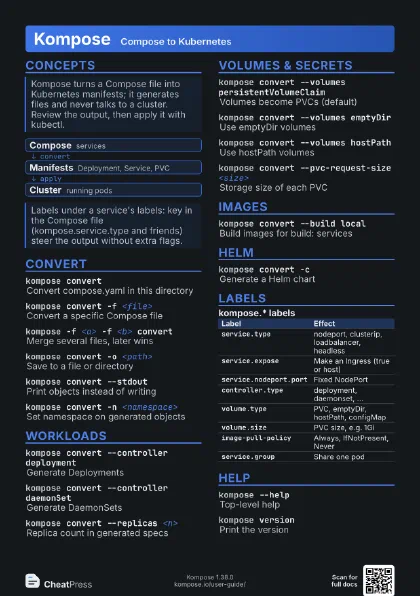
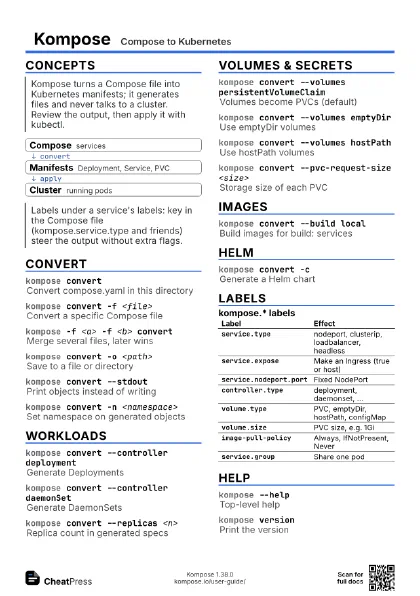
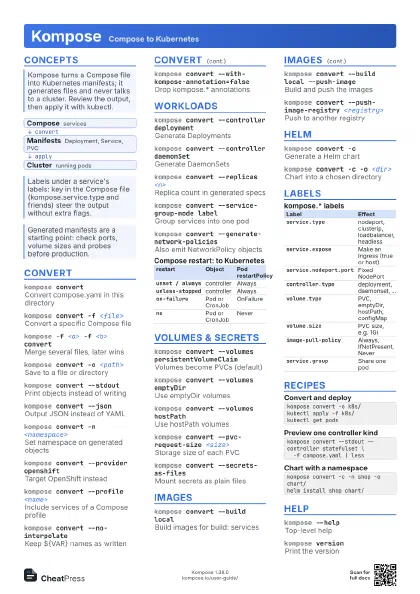
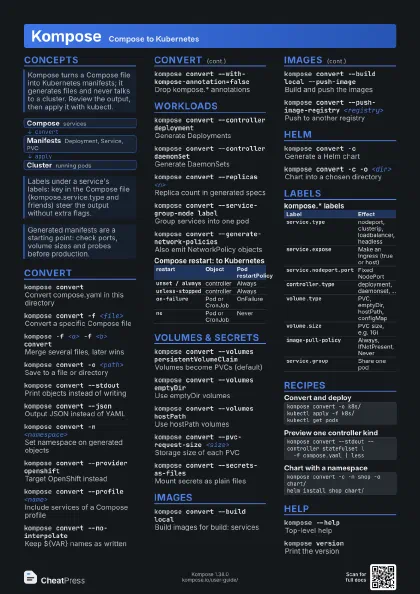
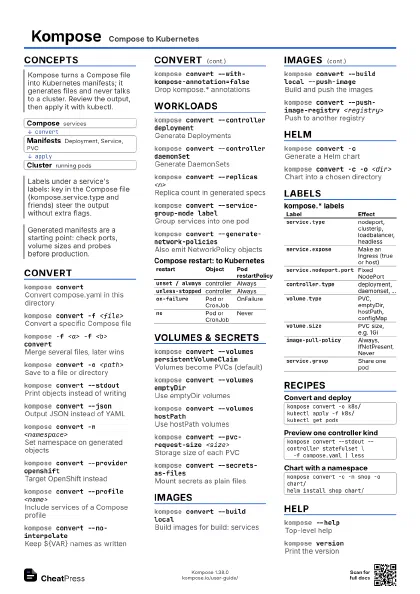
Concepts
- Compose services
- Manifests Deployment, Service, PVC
- Cluster running pods
Convert
kompose convertConvert compose.yaml in this directory
Writes one YAML file per object into the current directory.
kompose convert -f <file>
Convert a specific Compose file
kompose -f <a> -f <b> convert
Merge several files, later wins
kompose convert -o <path>
Save to a file or directory
kompose convert --stdout
Print objects instead of writing
kompose convert --json
Output JSON instead of YAML
kompose convert -n <namespace>
Set namespace on generated objects
kompose convert --provider openshift
Target OpenShift instead
kompose convert --profile <name>
Include services of a Compose profile
kompose convert --indent <n>
YAML indentation width
kompose convert --no-interpolate
Keep ${VAR} names as written
kompose convert --with-kompose-annotation=false
Drop kompose.* annotations
Workloads
kompose convert --controller deployment
Generate Deployments
Without a flag, restart: always or unset gives a controller
object.
kompose convert --controller daemonSet
Generate DaemonSets
kompose convert --controller replicationController
Generate ReplicationControllers
kompose convert --replicas <n>
Replica count in generated specs
kompose convert --service-group-mode label
Group services into one pod
Services share a pod by their kompose.service.group label.
kompose convert --generate-network-policies
Also emit NetworkPolicy objects
| restart | Object | Pod restartPolicy |
|---|---|---|
unset / always |
controller | Always |
unless-stopped |
controller | Always |
on-failure |
Pod or CronJob | OnFailure |
no |
Pod or CronJob | Never |
Volumes & Secrets
kompose convert --volumes persistentVolumeClaim
Volumes become PVCs (default)
kompose convert --volumes emptyDir
Use emptyDir volumes
kompose convert --volumes hostPath
Use hostPath volumes
Ties pods to one node; fine for local clusters only.
kompose convert --volumes configMap
Use configMap volumes
kompose convert --pvc-request-size <size>
Storage size of each PVC
kompose convert --secrets-as-files
Mount secrets as plain files
Images
kompose convert --build local
Build images for build: services
kompose convert --build local --push-image
Build and push the images
kompose convert --push-image-registry
                    <registry>
Push to another registry
kompose convert --build-command '<cmd>'
Replace docker build
kompose convert --push-command '<cmd>'
Replace docker push
Helm
kompose convert -c
Generate a Helm chart
The flag is hidden from --help in current source but still
works; check your version.
kompose convert -c -o <dir>
Chart into a chosen directory
helm install <name> <chart-dir>
Install the generated chart
Labels
| Label | Effect |
|---|---|
service.type |
nodeport, clusterip, loadbalancer, headless |
service.expose |
Make an Ingress (true or host) |
service.nodeport.port |
Fixed NodePort |
controller.type |
deployment, daemonset, ... |
volume.type |
PVC, emptyDir, hostPath, configMap |
volume.size |
PVC size, e.g. 1Gi |
image-pull-policy |
Always, IfNotPresent, Never |
service.group |
Share one pod |
| Label | Effect |
|---|---|
hpa.replicas.min/max |
Autoscaler bounds |
hpa.cpu |
CPU target, e.g. 50% |
cronjob.schedule |
Run as CronJob |
service.expose.tls-secret |
Ingress TLS secret |
image-pull-secret |
Registry secret |
Recipes
kompose convert -o k8s/kubectl apply -f k8s/kubectl get podskompose convert --stdout --controller statefulset \ -f compose.yaml | lessservices: web: image: nginx ports: ["80:80"] labels: kompose.service.type: loadbalancerkompose convert -c -n shop -o chart/helm install shop chart/Help
kompose --helpTop-level help
kompose versionPrint the version
kompose completion bash
Shell completion script
kompose -v convert
Verbose output
kompose --suppress-warnings convert
Silence warnings
kompose --error-on-warning convert
Fail on any warning