Cheat
Newman Postman collection runner
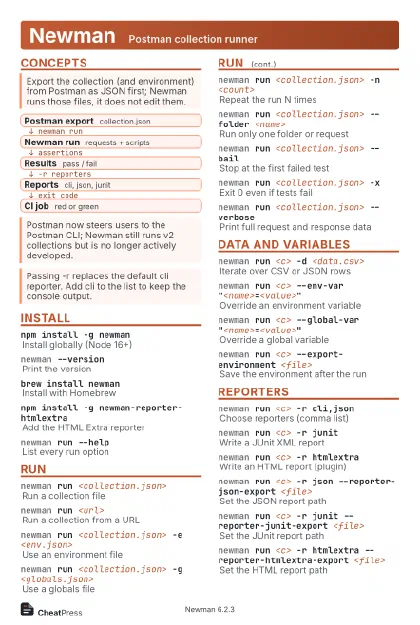 Light · Postcard
102 × 152 mm · PDF
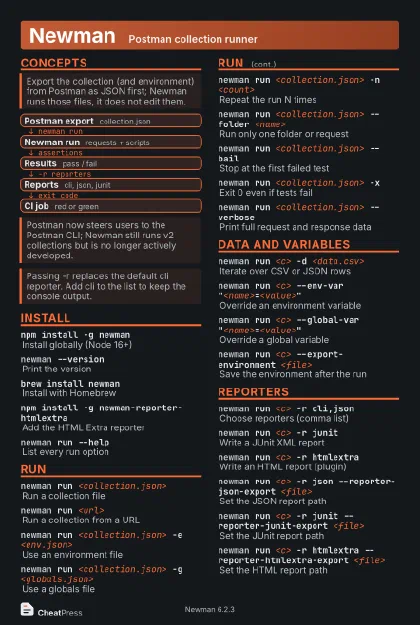 Dark · Postcard
102 × 152 mm · PDF
 Ink saver · Postcard
102 × 152 mm · PDF
 Light · A4 landscape
297 × 210 mm · PDF
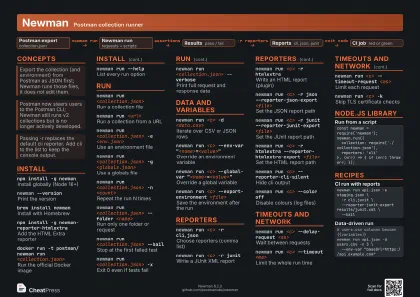 Dark · A4 landscape
297 × 210 mm · PDF
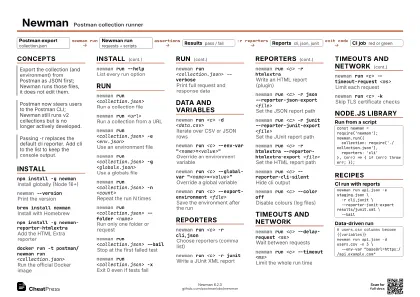 Ink saver · A4 landscape
297 × 210 mm · PDF
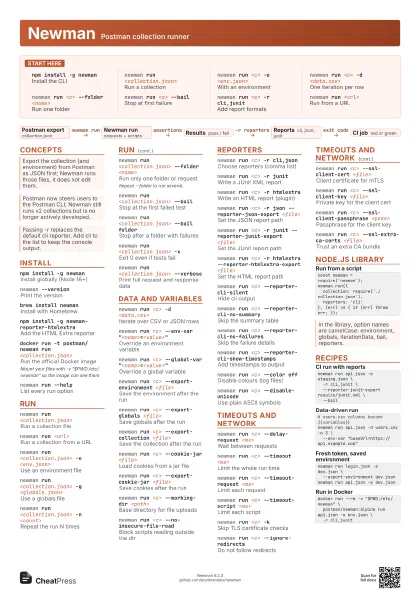
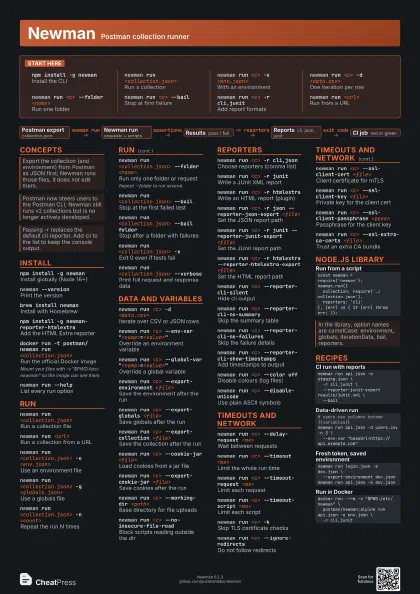
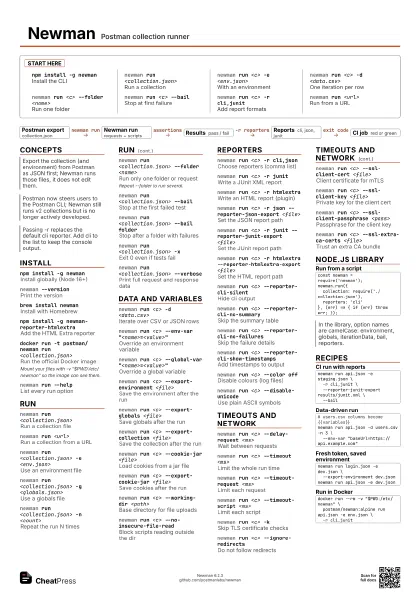
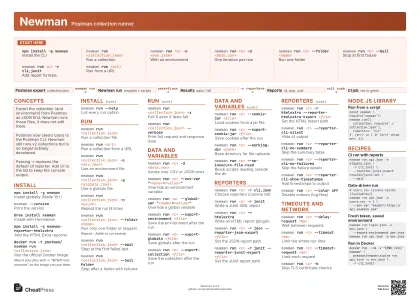 Light · A3 landscape
420 × 297 mm · PDF
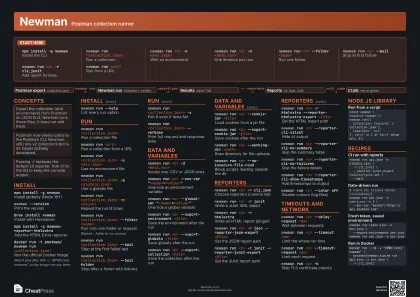 Dark · A3 landscape
420 × 297 mm · PDF
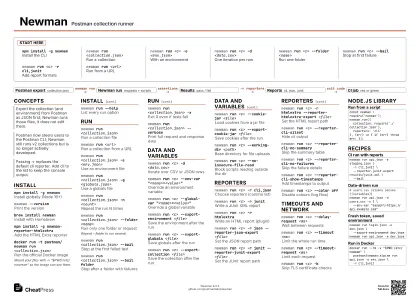 Ink saver · A3 landscape
420 × 297 mm · PDF
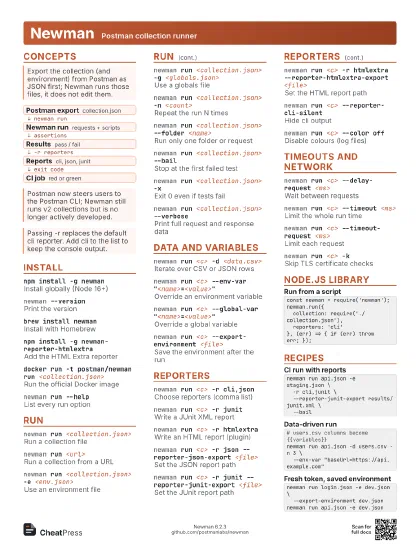
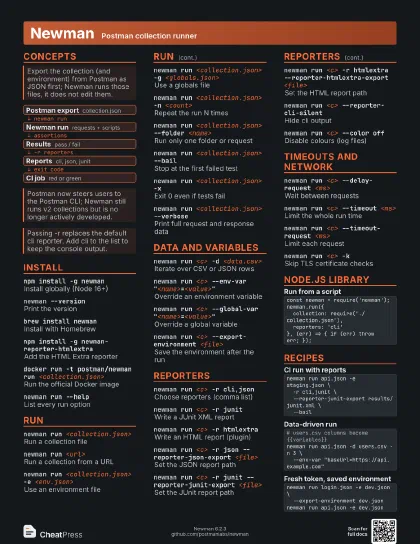
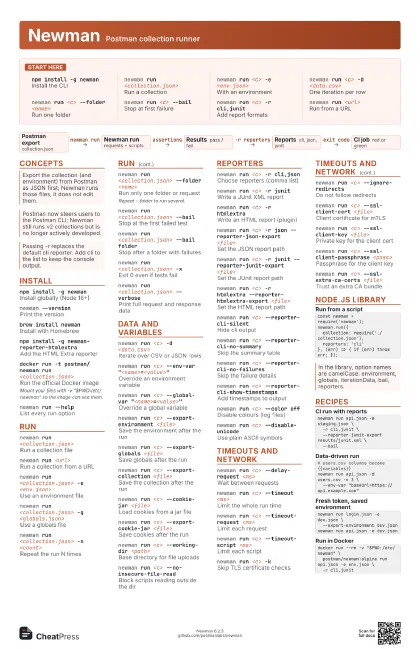
Start here
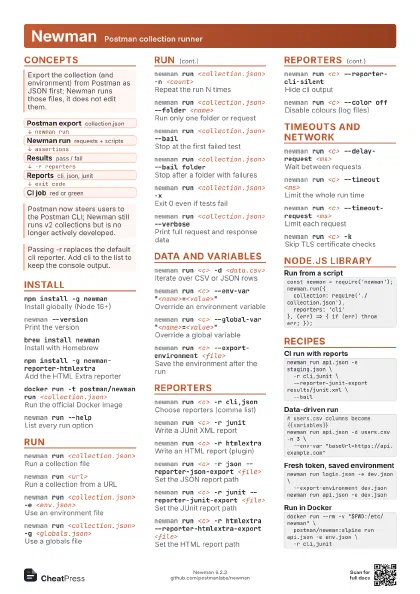
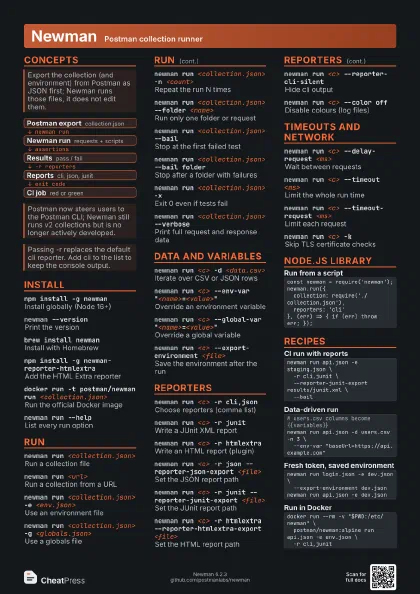
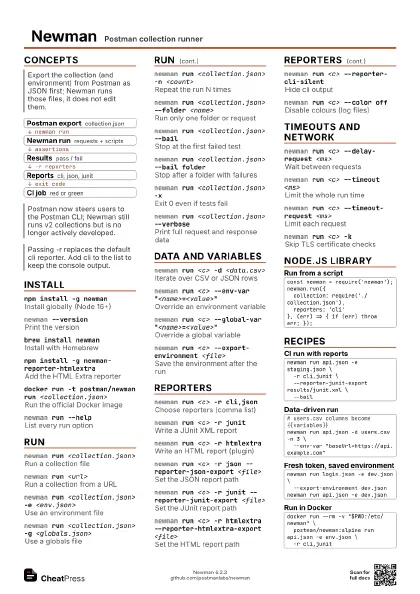
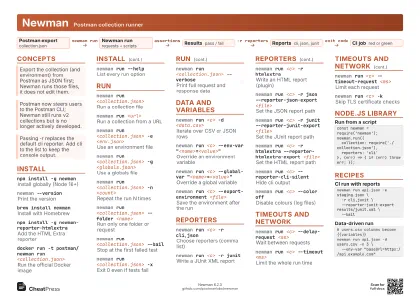
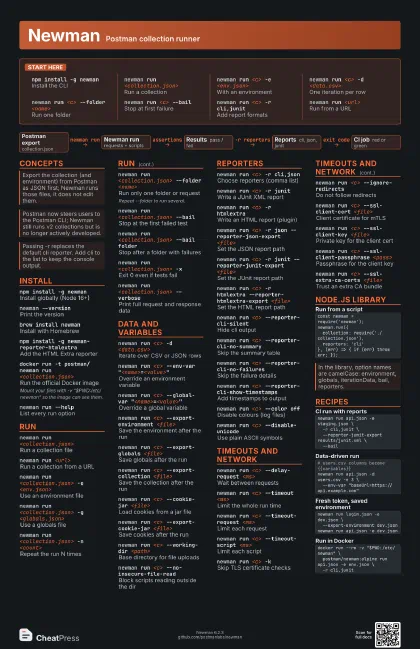
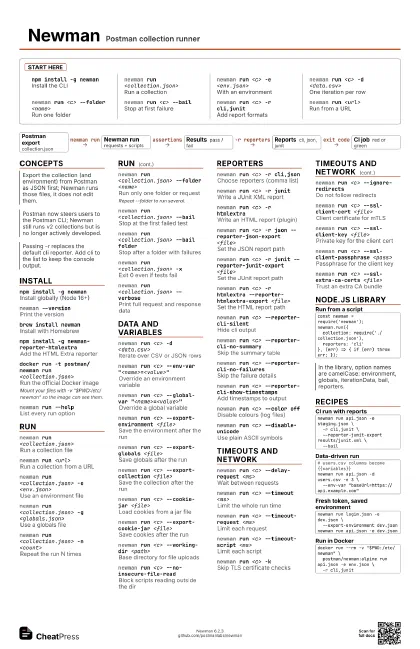
npm install -g newman
Install the CLI
newman run <collection.json>
Run a collection
newman run <c> -e <env.json>
With an environment
newman run <c> -d <data.csv>
One iteration per row
newman run <c> --folder <name>
Run one folder
newman run <c> --bail
Stop at first failure
newman run <c> -r cli,junit
Add report formats
newman run <url>
Run from a URL
Concepts
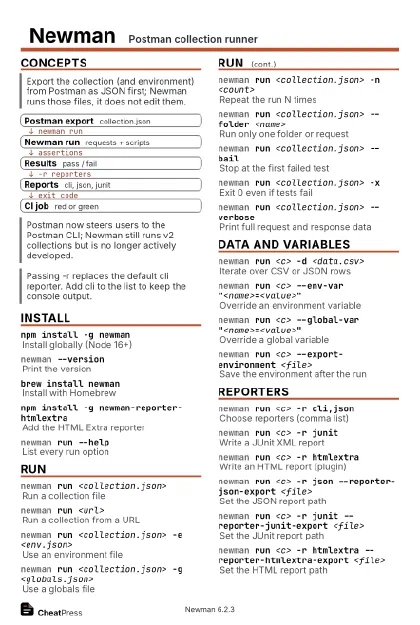
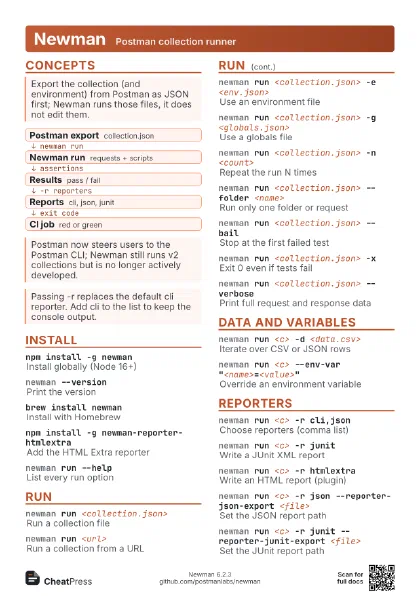
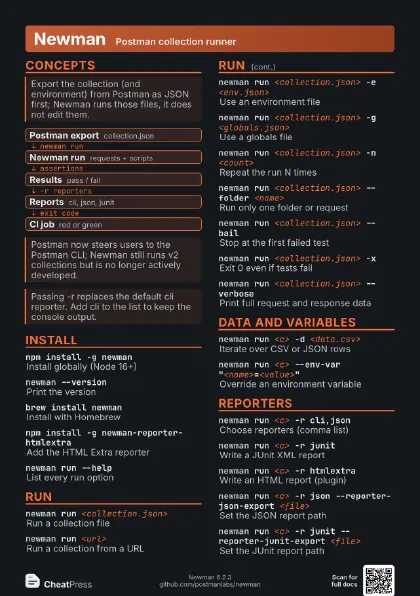
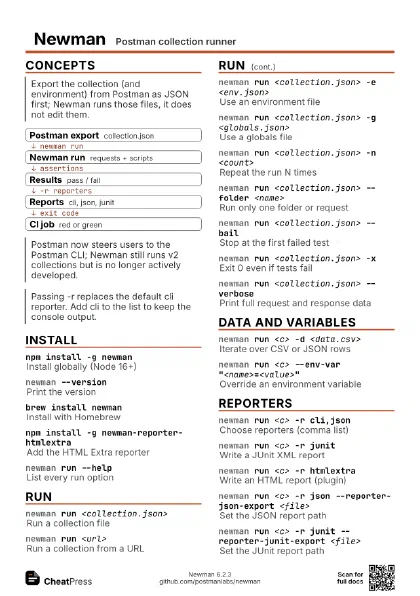
- Postman export collection.json
- Newman run requests + scripts
- Results pass / fail
- Reports cli, json, junit
- CI job red or green
Install
npm install -g newman
Install globally (Node 16+)
newman --version
Print the version
brew install newman
Install with Homebrew
npm install -g newman-reporter-htmlextra
Add the HTML Extra reporter
docker run -t postman/newman run
                    <collection.json>
Run the official Docker image
Mount your files with -v "$PWD:/etc/newman" so the
image can see them.
newman run --help
List every run option
Run
newman run <collection.json>
Run a collection file
newman run <url>
Run a collection from a URL
newman run <collection.json> -e
                    <env.json>
Use an environment file
newman run <collection.json> -g
                    <globals.json>
Use a globals file
newman run <collection.json> -n <count>
Repeat the run N times
newman run <collection.json> --folder
                    <name>
Run only one folder or request
Repeat --folder to run several.
newman run <collection.json> --bail
Stop at the first failed test
newman run <collection.json> --bail folder
Stop after a folder with failures
newman run <collection.json> -x
Exit 0 even if tests fail
newman run <collection.json> --verbose
Print full request and response data
Data and variables
newman run <c> -d <data.csv>
Iterate over CSV or JSON rows
newman run <c> --env-var
                    "<name>=<value>"
Override an environment variable
newman run <c> --global-var
                    "<name>=<value>"
Override a global variable
newman run <c> --export-environment
                    <file>
Save the environment after the run
newman run <c> --export-globals <file>
Save globals after the run
newman run <c> --export-collection <file>
Save the collection after the run
newman run <c> --cookie-jar <file>
Load cookies from a jar file
newman run <c> --export-cookie-jar <file>
Save cookies after the run
newman run <c> --working-dir <path>
Base directory for file uploads
newman run <c> --no-insecure-file-read
Block scripts reading outside the dir
Reporters
newman run <c> -r cli,json
Choose reporters (comma list)
newman run <c> -r junit
Write a JUnit XML report
newman run <c> -r htmlextra
Write an HTML report (plugin)
newman run <c> -r json --reporter-json-export
                    <file>
Set the JSON report path
newman run <c> -r junit --reporter-junit-export
                    <file>
Set the JUnit report path
newman run <c> -r htmlextra
                    --reporter-htmlextra-export <file>
Set the HTML report path
newman run <c> --reporter-cli-silent
Hide cli output
newman run <c> --reporter-cli-no-summary
Skip the summary table
newman run <c> --reporter-cli-no-failures
Skip the failure details
newman run <c> --reporter-cli-show-timestamps
Add timestamps to output
newman run <c> --color off
Disable colours (log files)
newman run <c> --disable-unicode
Use plain ASCII symbols
Timeouts and network
newman run <c> --delay-request <ms>
Wait between requests
newman run <c> --timeout <ms>
Limit the whole run time
newman run <c> --timeout-request <ms>
Limit each request
newman run <c> --timeout-script <ms>
Limit each script
newman run <c> -k
Skip TLS certificate checks
newman run <c> --ignore-redirects
Do not follow redirects
newman run <c> --ssl-client-cert <file>
Client certificate for mTLS
newman run <c> --ssl-client-key <file>
Private key for the client cert
newman run <c> --ssl-client-passphrase
                    <pass>
Passphrase for the client key
newman run <c> --ssl-extra-ca-certs
                    <file>
Trust an extra CA bundle
Node.js library
const newman = require('newman');newman.run({ collection: require('./collection.json'), reporters: 'cli'}, (err) => { if (err) throw err; });Recipes
newman run api.json -e staging.json \ -r cli,junit \ --reporter-junit-export results/junit.xml \ --bail# users.csv columns become {{variables}}newman run api.json -d users.csv -n 3 \ --env-var "baseUrl=https://api.example.com"newman run login.json -e dev.json \ --export-environment dev.jsonnewman run api.json -e dev.jsondocker run --rm -v "$PWD:/etc/newman" \ postman/newman:alpine run api.json -e env.json \ -r cli,junit