Cheat
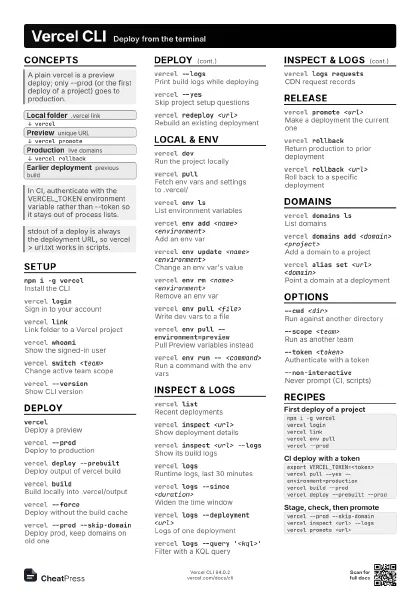
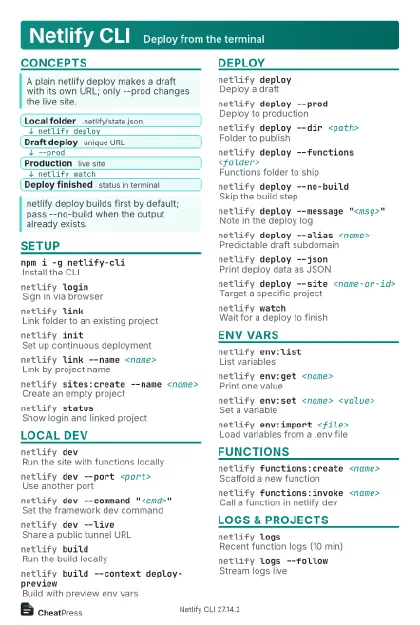
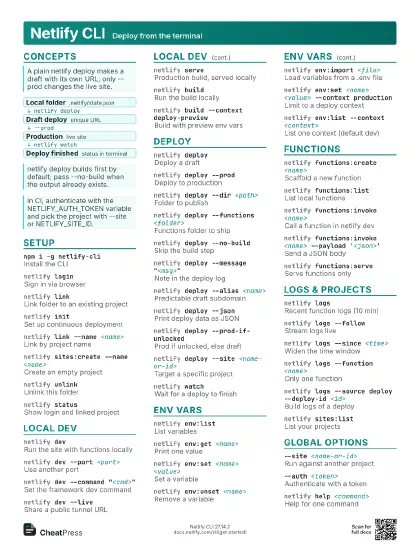
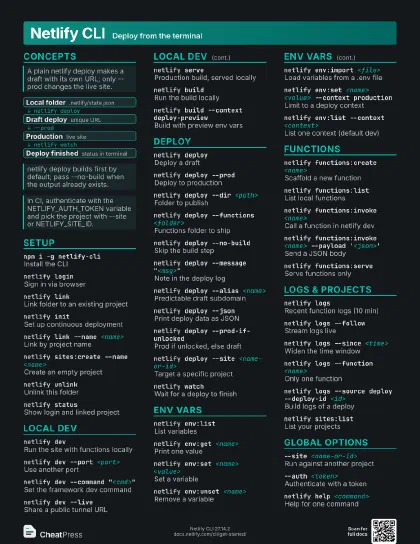
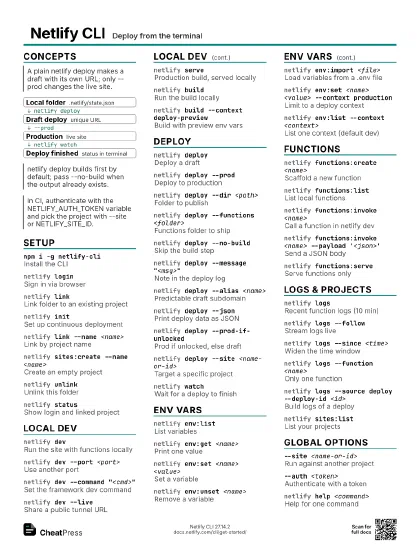
Netlify CLI Deploy from the terminal
 Light · Postcard
102 × 152 mm · PDF
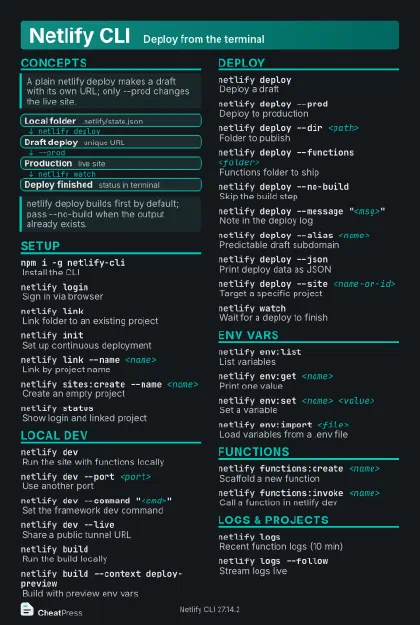 Dark · Postcard
102 × 152 mm · PDF
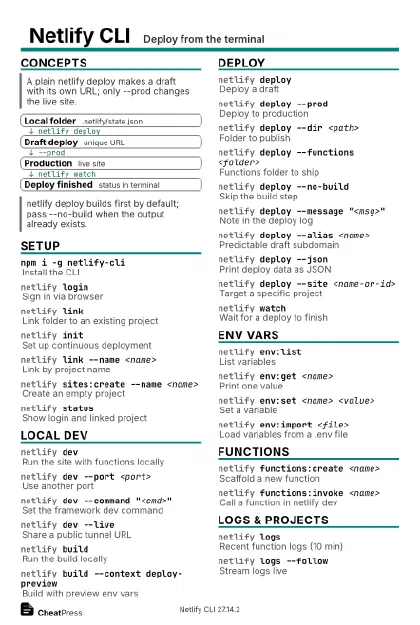 Ink saver · Postcard
102 × 152 mm · PDF
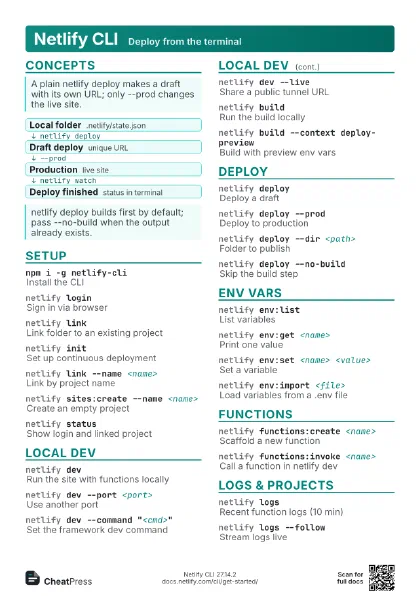
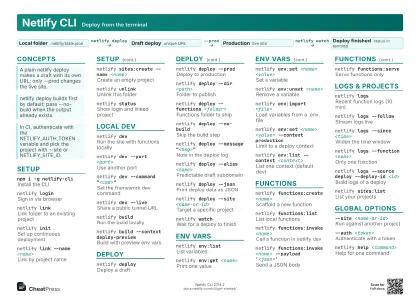 Light · A4 landscape
297 × 210 mm · PDF
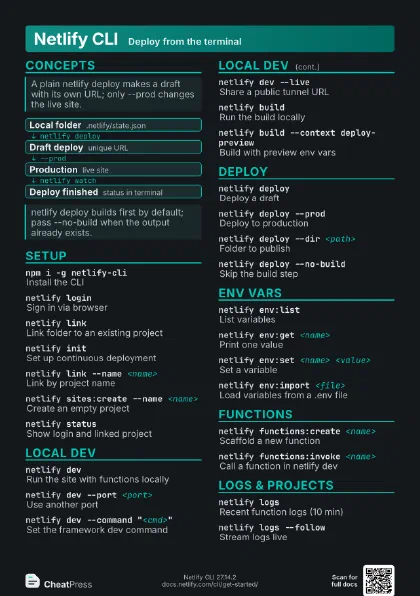
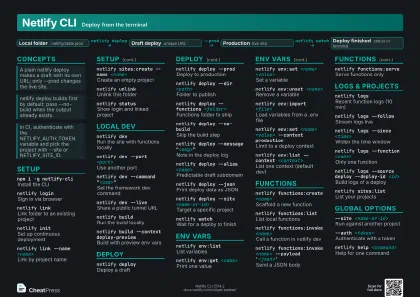 Dark · A4 landscape
297 × 210 mm · PDF
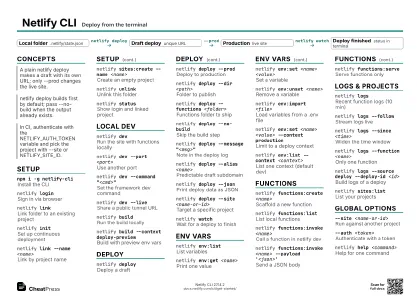 Ink saver · A4 landscape
297 × 210 mm · PDF
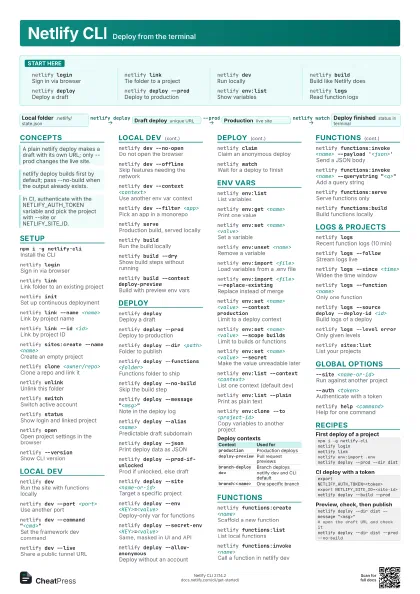
 Light · A3 landscape
420 × 297 mm · PDF
 Dark · A3 landscape
420 × 297 mm · PDF
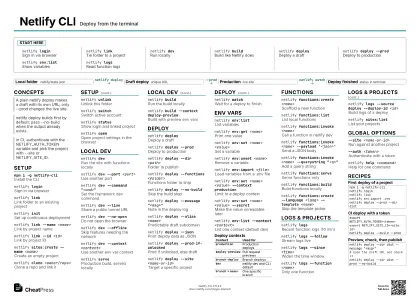 Ink saver · A3 landscape
420 × 297 mm · PDF
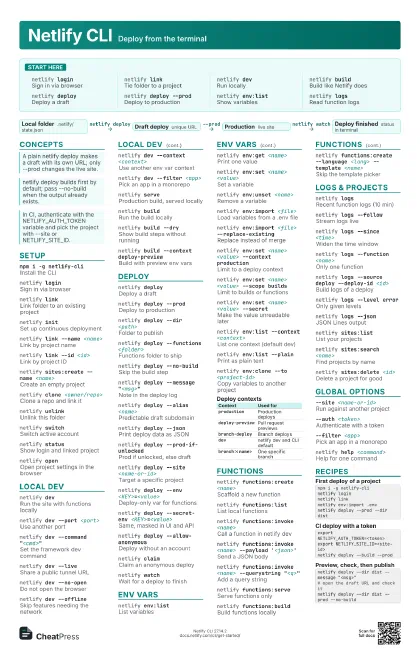
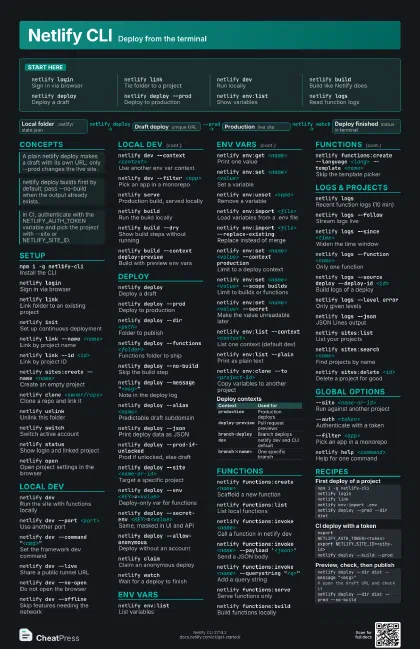
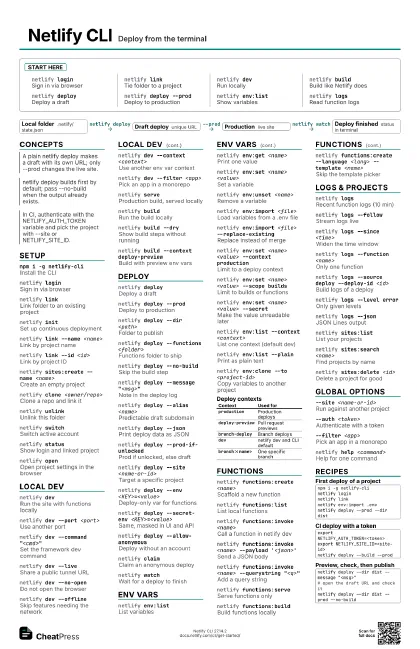
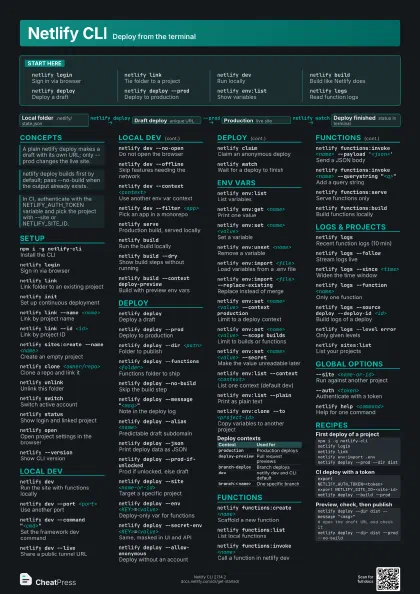
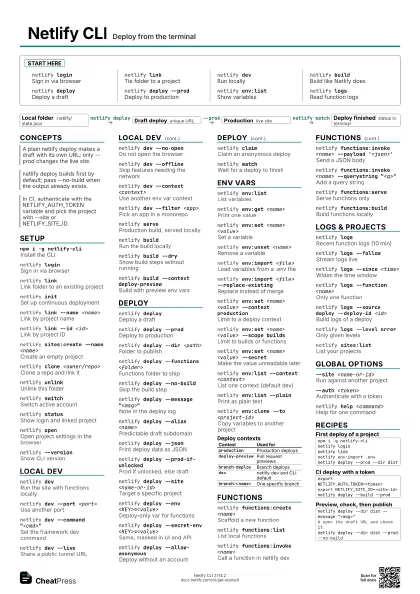
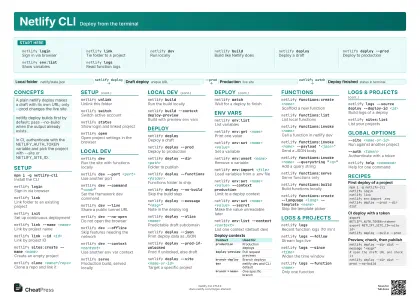
Start here
netlify loginSign in via browser
netlify linkTie folder to a project
netlify devRun locally
netlify buildBuild like Netlify does
netlify deployDeploy a draft
netlify deploy --prod
Deploy to production
netlify env:list
Show variables
netlify logsRead function logs
Concepts
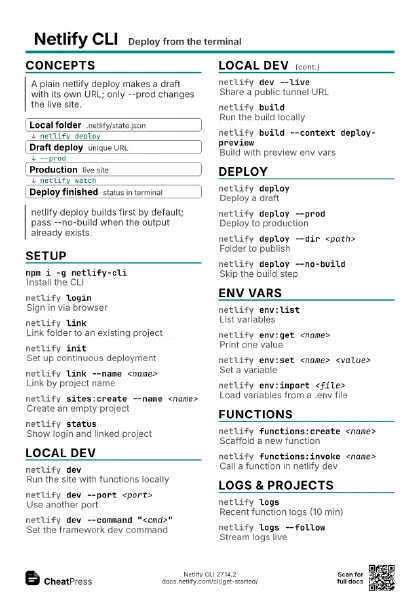
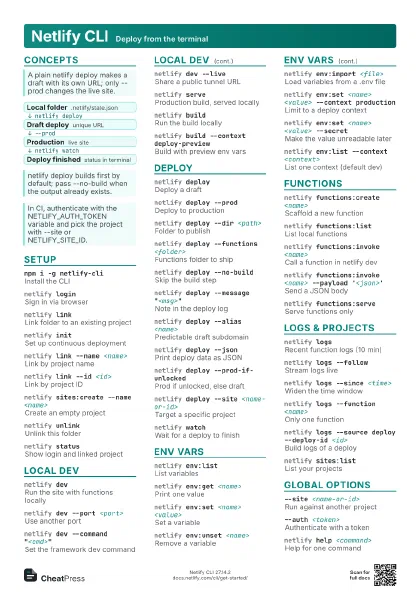
- Local folder .netlify/state.json
- Draft deploy unique URL
- Production live site
- Deploy finished status in terminal
Setup
npm i -g netlify-cli
Install the CLI
netlify loginSign in via browser
netlify linkLink folder to an existing project
netlify initSet up continuous deployment
netlify link --name <name>
Link by project name
netlify link --id <id>
Link by project ID
netlify sites:create --name <name>
Create an empty project
netlify clone <owner/repo>
Clone a repo and link it
netlify unlinkUnlink this folder
netlify switchSwitch active account
netlify statusShow login and linked project
netlify openOpen project settings in the browser
netlify --version
Show CLI version
Local dev
netlify devRun the site with functions locally
netlify dev --port <port>
Use another port
netlify dev --command "<cmd>"
Set the framework dev command
netlify dev --live
Share a public tunnel URL
netlify dev --no-open
Do not open the browser
netlify dev --offline
Skip features needing the network
netlify dev --context <context>
Use another env var context
netlify dev --filter <app>
Pick an app in a monorepo
netlify serveProduction build, served locally
netlify buildRun the build locally
netlify build --dry
Show build steps without running
netlify build --context deploy-preview
Build with preview env vars
Deploy
netlify deployDeploy a draft
netlify deploy --prod
Deploy to production
netlify deploy --dir <path>
Folder to publish
netlify deploy --functions <folder>
Functions folder to ship
netlify deploy --no-build
Skip the build step
netlify deploy --message "<msg>"
Note in the deploy log
netlify deploy --alias <name>
Predictable draft subdomain
netlify deploy --json
Print deploy data as JSON
netlify deploy --open
Open the site afterwards
netlify deploy --prod-if-unlocked
Prod if unlocked, else draft
netlify deploy --site <name-or-id>
Target a specific project
netlify deploy --env <KEY>=<value>
Deploy-only var for functions
netlify deploy --secret-env <KEY>=<value>
Same, masked in UI and API
netlify deploy --allow-anonymous
Deploy without an account
netlify claimClaim an anonymous deploy
netlify watchWait for a deploy to finish
Env vars
netlify env:list
List variables
netlify env:get <name>
Print one value
netlify env:set <name> <value>
Set a variable
netlify env:unset <name>
Remove a variable
netlify env:import <file>
Load variables from a .env file
netlify env:import <file> --replace-existing
Replace instead of merge
netlify env:set <name> <value> --context
                    production
Limit to a deploy context
netlify env:set <name> <value> --scope
                    builds
Limit to builds or functions
netlify env:set <name> <value> --secret
Make the value unreadable later
netlify env:list --context <context>
List one context (default dev)
netlify env:list --plain
Print as plain text
netlify env:clone --to <project-id>
Copy variables to another project
| Context | Used for |
|---|---|
production |
Production deploys |
deploy-preview |
Pull request previews |
branch-deploy |
Branch deploys |
dev |
netlify dev and CLI default |
branch:<name> |
One specific branch |
Functions
netlify functions:create <name>
Scaffold a new function
netlify functions:list
List local functions
netlify functions:invoke <name>
Call a function in netlify dev
netlify functions:invoke <name> --payload
                    '<json>'
Send a JSON body
netlify functions:invoke <name> --querystring
                    "<q>"
Add a query string
netlify functions:serve
Serve functions only
netlify functions:build
Build functions locally
netlify functions:create --language <lang> --template
                    <name>
Skip the template picker
Logs & projects
netlify logsRecent function logs (10 min)
netlify logs --follow
Stream logs live
netlify logs --since <time>
Widen the time window
netlify logs --function <name>
Only one function
netlify logs --source deploy --deploy-id <id>
Build logs of a deploy
netlify logs --level error
Only given levels
netlify logs --json
JSON Lines output
netlify sites:list
List your projects
netlify sites:search <name>
Find projects by name
netlify sites:delete <id>
Delete a project for good
netlify status:hooks
Show hooks of the linked project
Global options
--site <name-or-id>
Run against another project
--auth <token>
Authenticate with a token
--filter <app>
Pick an app in a monorepo
--debugPrint debugging information
netlify help <command>
Help for one command
netlify completion
Generate shell completion
Recipes
npm i -g netlify-clinetlify loginnetlify linknetlify env:import .envnetlify deploy --prod --dir distexport NETLIFY_AUTH_TOKEN=<token>export NETLIFY_SITE_ID=<site-id>netlify deploy --build --prodnetlify deploy --dir dist --message "<msg>"# open the draft URL and check itnetlify deploy --dir dist --prod --no-buildnetlify devnetlify functions:invoke <name> --payload '{"id": 1}'