Cheat
nano Simple terminal editor
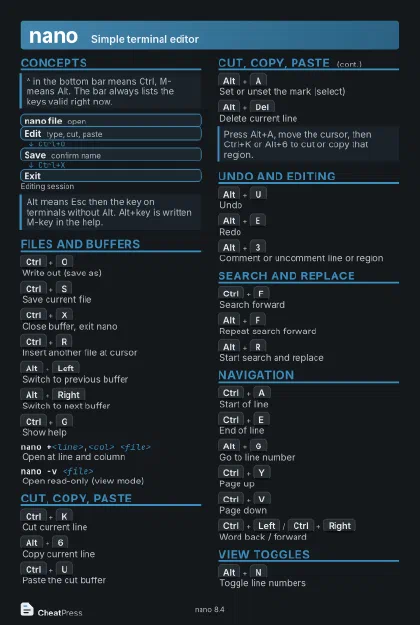
 Light · Postcard
102 × 152 mm · PDF
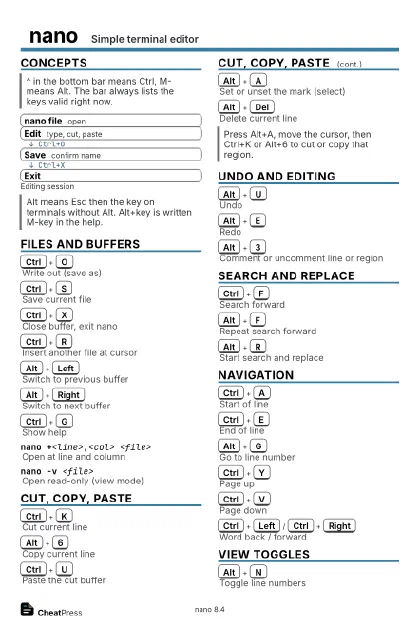
 Dark · Postcard
102 × 152 mm · PDF
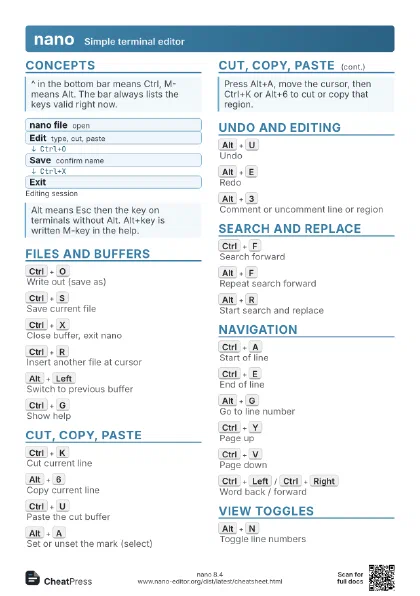
 Ink saver · Postcard
102 × 152 mm · PDF
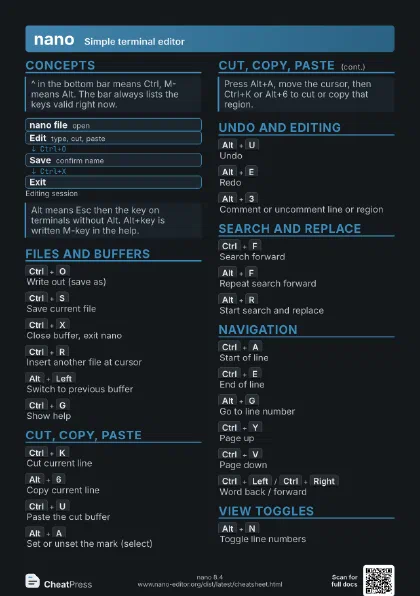
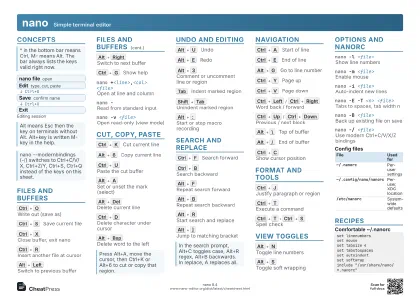 Light · A4 landscape
297 × 210 mm · PDF
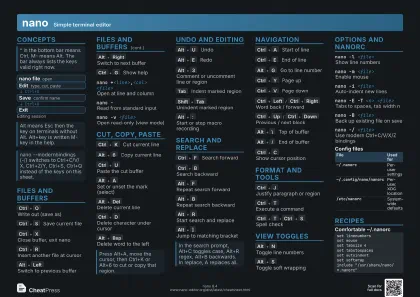 Dark · A4 landscape
297 × 210 mm · PDF
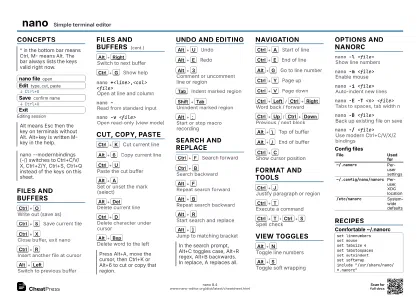 Ink saver · A4 landscape
297 × 210 mm · PDF
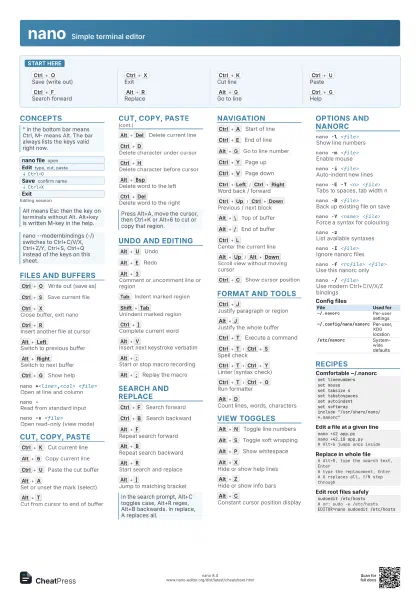
 Light · A3 landscape
420 × 297 mm · PDF
 Dark · A3 landscape
420 × 297 mm · PDF
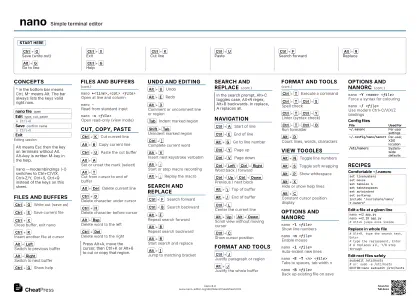 Ink saver · A3 landscape
420 × 297 mm · PDF
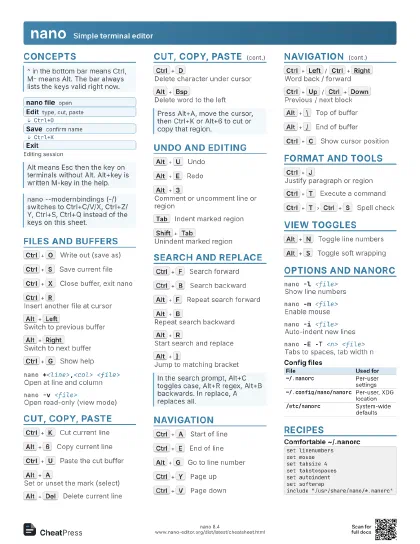
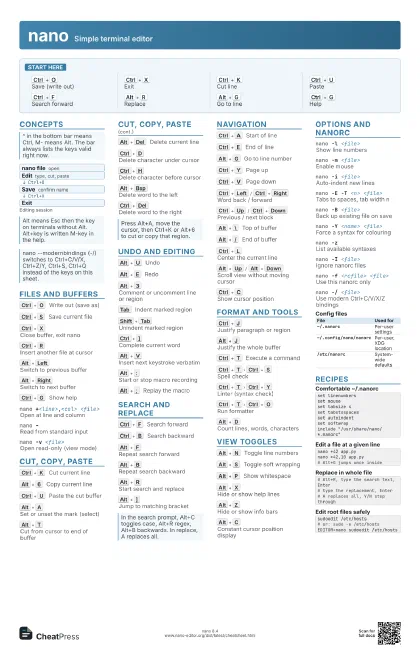
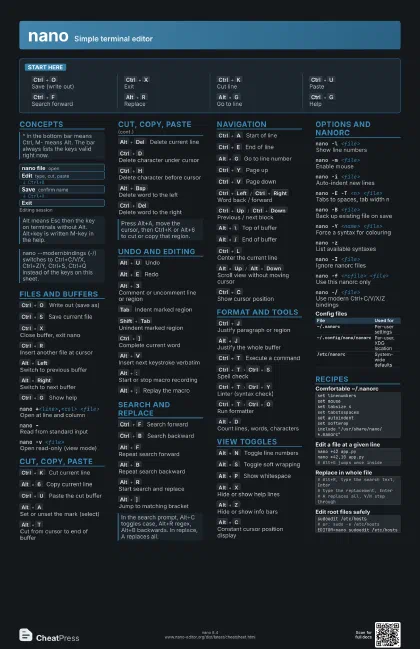
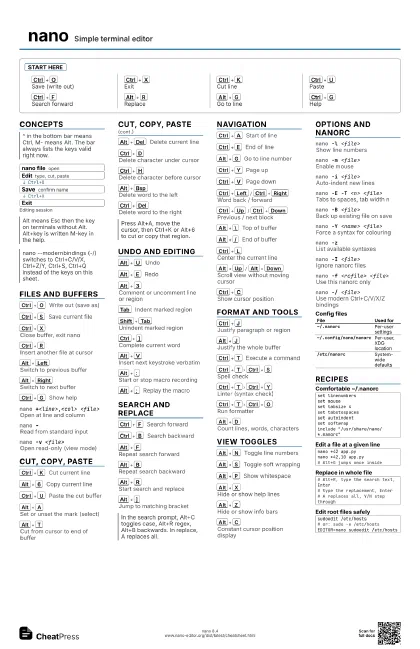
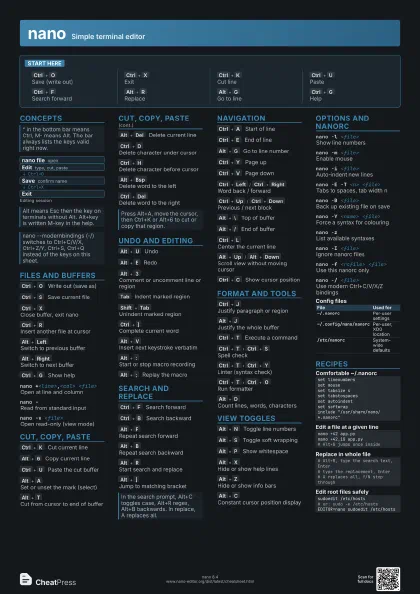
Start here
Ctrl+O
Save (write out)
Ctrl+X
Exit
Ctrl+K
Cut line
Ctrl+U
Paste
Ctrl+F
Search forward
Alt+R
Replace
Alt+G
Go to line
Ctrl+G
Help
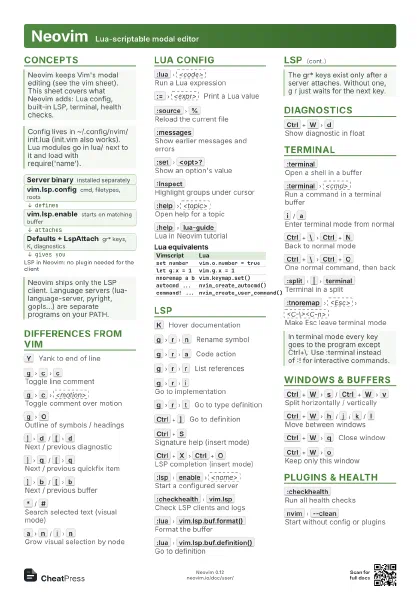
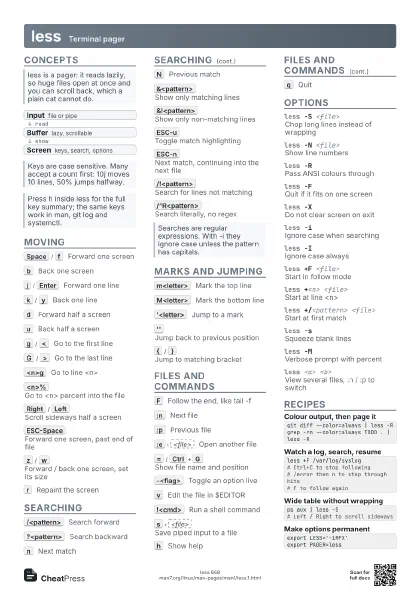
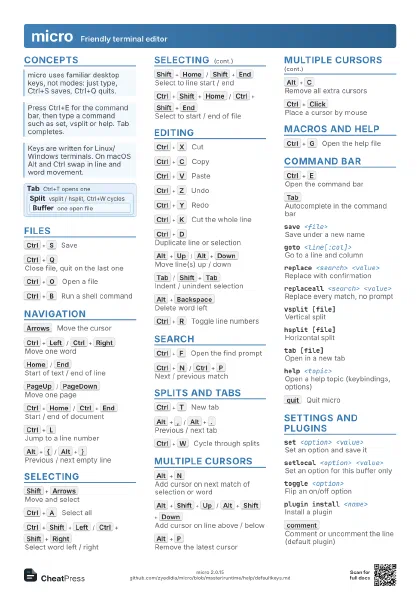
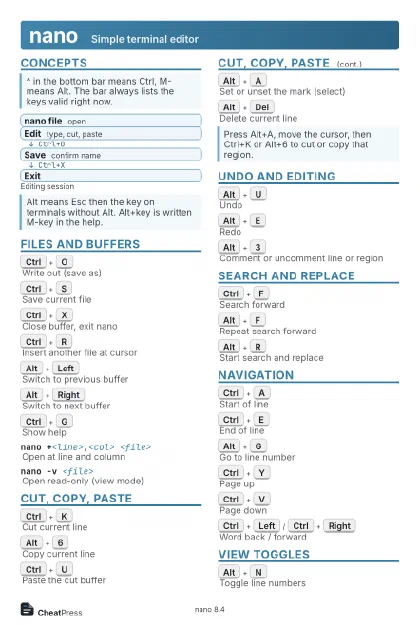
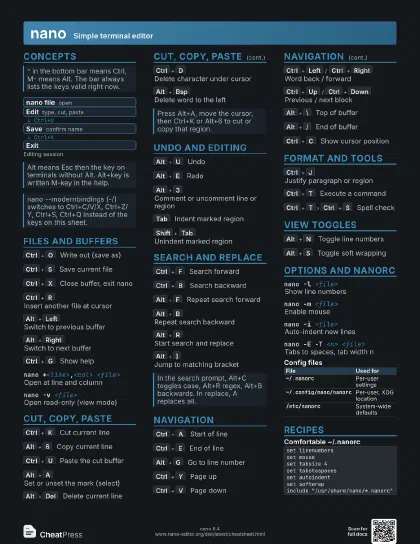
Concepts
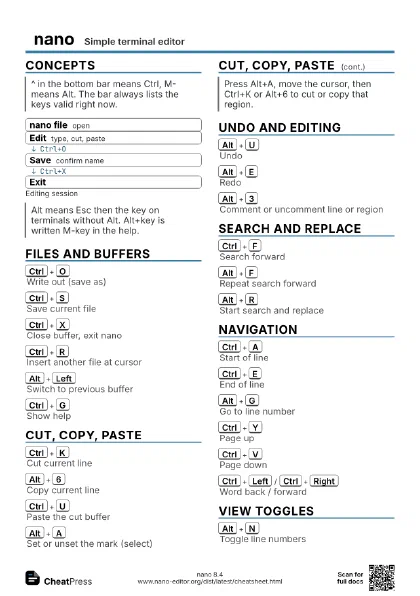
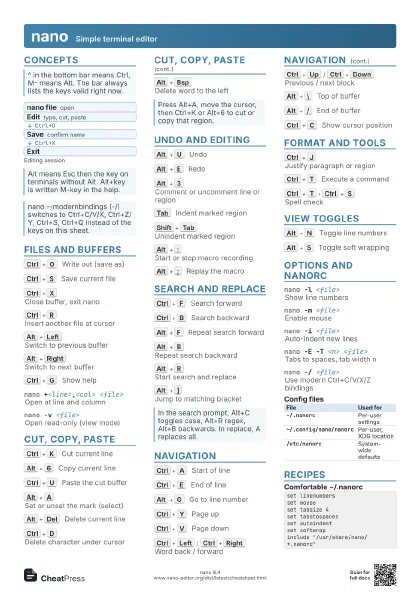
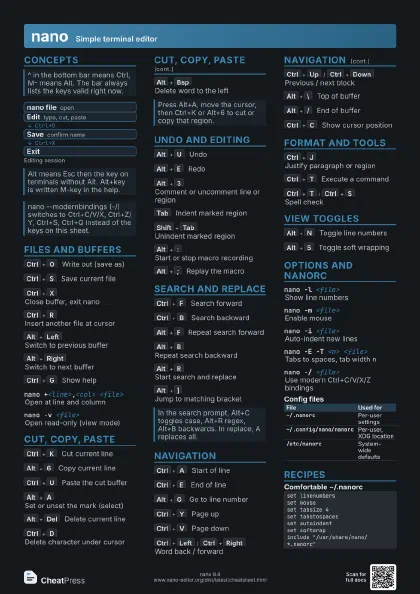
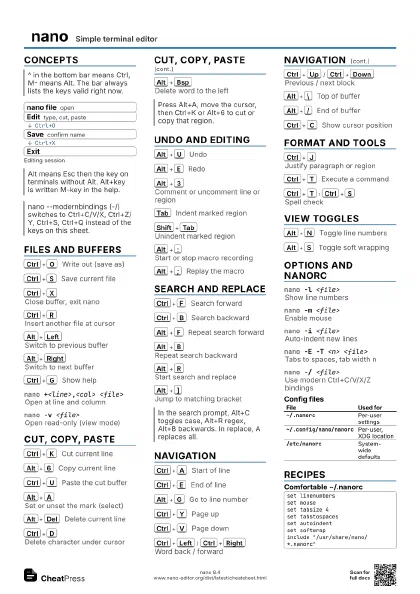
- nano file open
- Edit type, cut, paste
- Save confirm name
- Exit
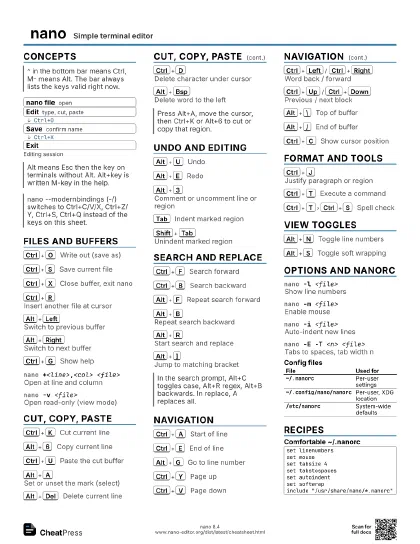
Files and buffers
Ctrl+O
Write out (save as)
Ctrl+S
Save current file
Ctrl+X
Close buffer, exit nano
Ctrl+R
Insert another file at cursor
Alt+Left
Switch to previous buffer
Alt+Right
Switch to next buffer
Ctrl+G
Show help
nano +<line>,<col> <file>
Open at line and column
nano -Read from standard input
nano -v <file>
Open read-only (view mode)
Cut, copy, paste
Ctrl+K
Cut current line
Alt+6
Copy current line
Ctrl+U
Paste the cut buffer
Alt+A
Set or unset the mark (select)
Alt+T
Cut from cursor to end of buffer
Alt+Del
Delete current line
Ctrl+D
Delete character under cursor
Ctrl+H
Delete character before cursor
Alt+Bsp
Delete word to the left
Ctrl+Del
Delete word to the right
Undo and editing
Alt+U
Undo
Alt+E
Redo
Alt+3
Comment or uncomment line or region
Tab
Indent marked region
Shift+Tab
Unindent marked region
Ctrl+]
Complete current word
Alt+V
Insert next keystroke verbatim
Alt+:
Start or stop macro recording
Alt+;
Replay the macro
Search and replace
Ctrl+F
Search forward
Ctrl+B
Search backward
Alt+F
Repeat search forward
Alt+B
Repeat search backward
Alt+R
Start search and replace
Alt+]
Jump to matching bracket
Navigation
Ctrl+A
Start of line
Ctrl+E
End of line
Alt+G
Go to line number
Ctrl+Y
Page up
Ctrl+V
Page down
Ctrl+Left
/
Ctrl+Right
Word back / forward
Ctrl+Up
/
Ctrl+Down
Previous / next block
Alt+\
Top of buffer
Alt+/
End of buffer
Ctrl+L
Center the current line
Alt+Up
/
Alt+Down
Scroll view without moving cursor
Ctrl+C
Show cursor position
Format and tools
Ctrl+J
Justify paragraph or region
Alt+J
Justify the whole buffer
Ctrl+T
Execute a command
Ctrl+T
Ctrl+S
Spell check
Ctrl+T
Ctrl+Y
Linter (syntax check)
Ctrl+T
Ctrl+O
Run formatter
Alt+D
Count lines, words, characters
View toggles
Alt+N
Toggle line numbers
Alt+S
Toggle soft wrapping
Alt+P
Show whitespace
Alt+X
Hide or show help lines
Alt+Z
Hide or show info bars
Alt+C
Constant cursor position display
Options and nanorc
nano -l <file>
Show line numbers
nano -m <file>
Enable mouse
nano -i <file>
Auto-indent new lines
nano -E -T <n> <file>
Tabs to spaces, tab width n
nano -B <file>
Back up existing file on save
nano -Y <name> <file>
Force a syntax for colouring
nano -zList available syntaxes
nano -I <file>
Ignore nanorc files
nano -f <rcfile> <file>
Use this nanorc only
nano -/ <file>
Use modern Ctrl+C/V/X/Z bindings
| File | Used for |
|---|---|
~/.nanorc |
Per-user settings |
~/.config/nano/nanorc |
Per-user, XDG location |
/etc/nanorc |
System-wide defaults |
Recipes
set linenumbersset mouseset tabsize 4set tabstospacesset autoindentset softwrapinclude "/usr/share/nano/*.nanorc"nano +42 app.pynano +42,10 app.py# Alt+G jumps once inside# Alt+R, type the search text, Enter# type the replacement, Enter# A replaces all, Y/N step throughsudoedit /etc/hosts# or: sudo -e /etc/hostsEDITOR=nano sudoedit /etc/hosts