Cheat
minikube Local Kubernetes
 Light · Postcard
102 × 152 mm · PDF
 Dark · Postcard
102 × 152 mm · PDF
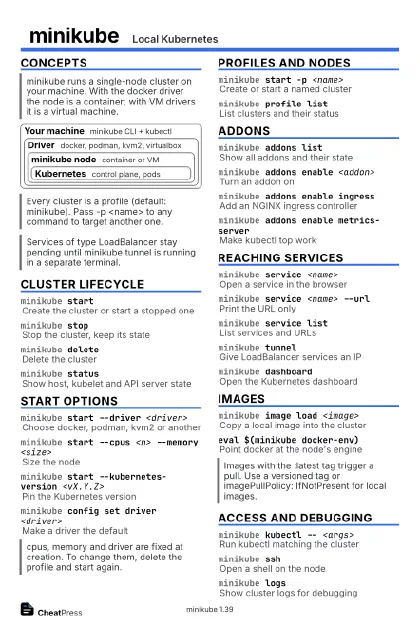 Ink saver · Postcard
102 × 152 mm · PDF
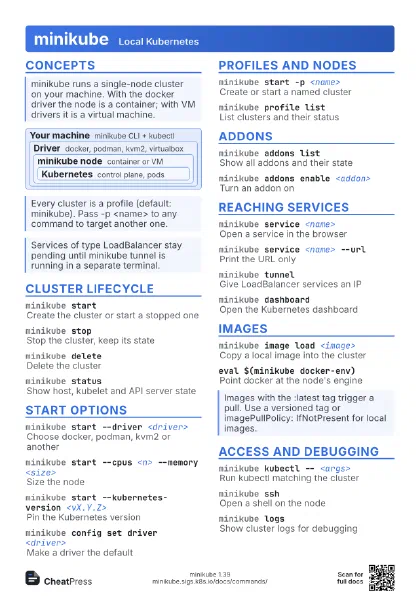
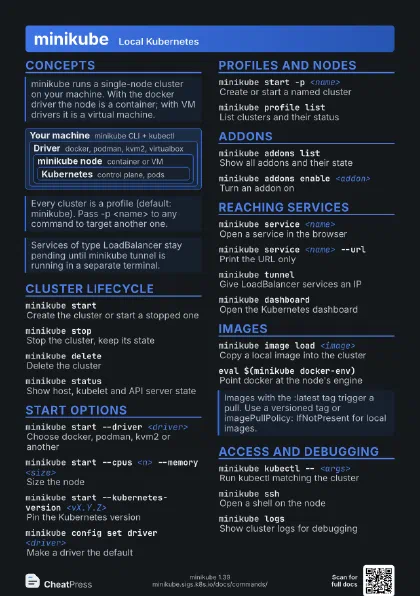
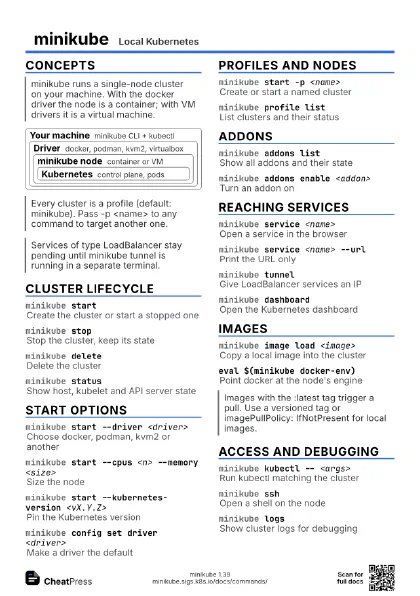
 Light · A4 landscape
297 × 210 mm · PDF
 Dark · A4 landscape
297 × 210 mm · PDF
 Ink saver · A4 landscape
297 × 210 mm · PDF
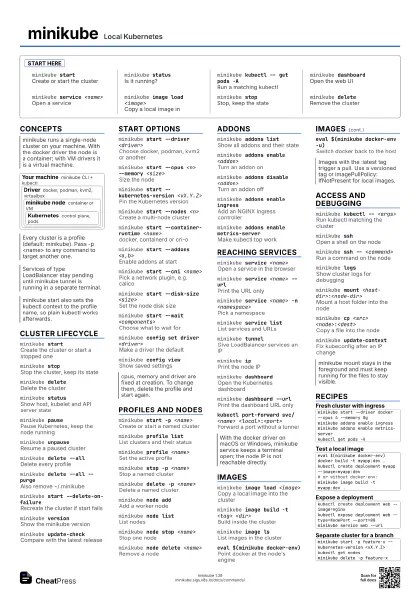
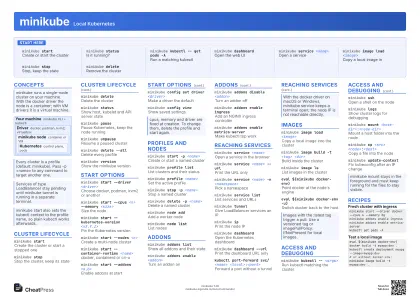 Light · A3 landscape
420 × 297 mm · PDF
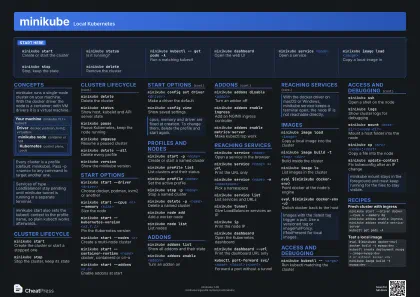 Dark · A3 landscape
420 × 297 mm · PDF
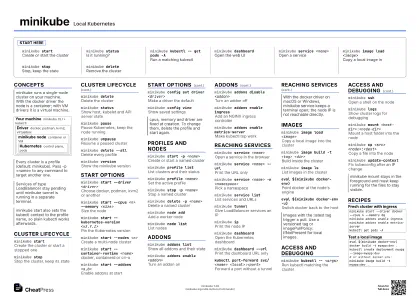 Ink saver · A3 landscape
420 × 297 mm · PDF
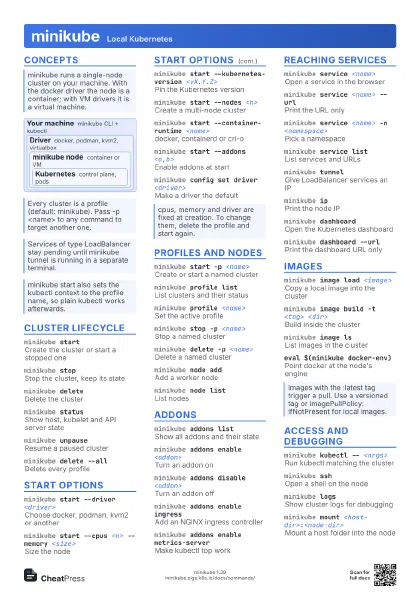
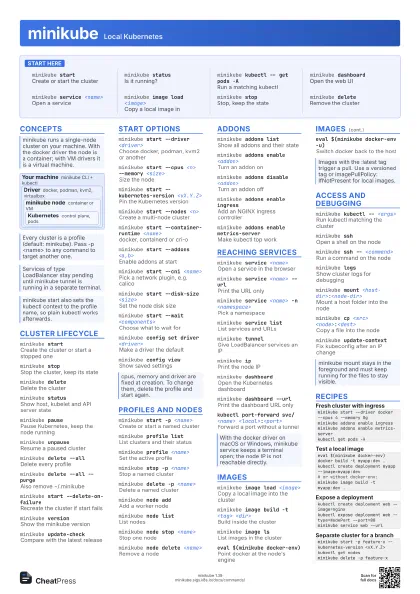
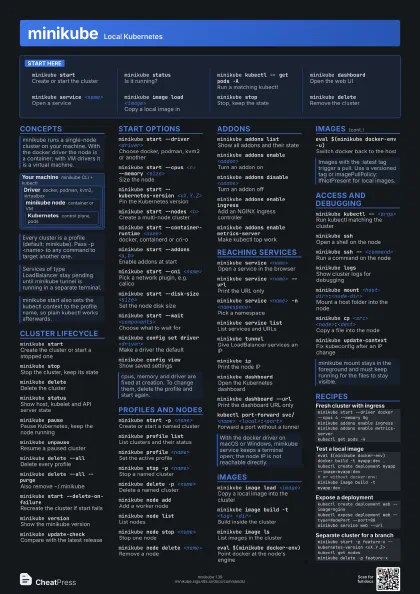
Start here
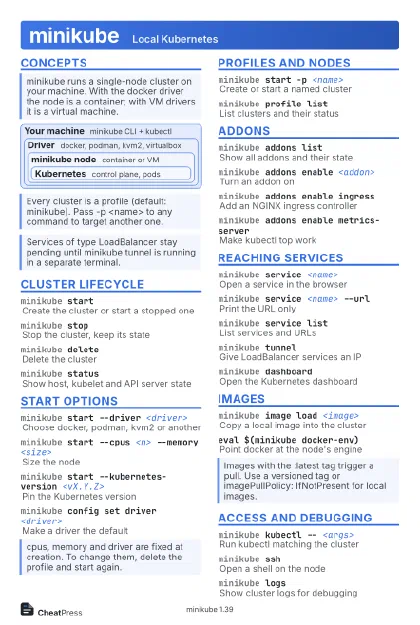
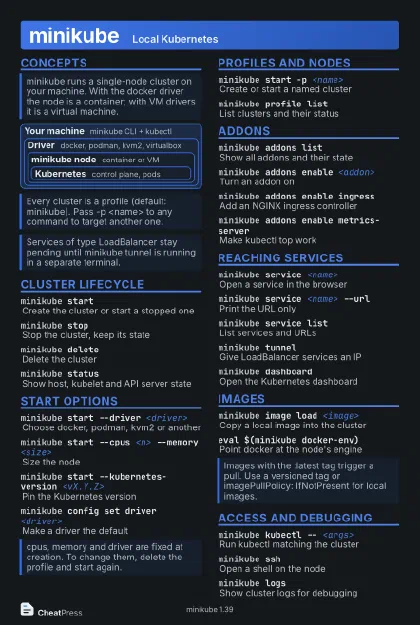
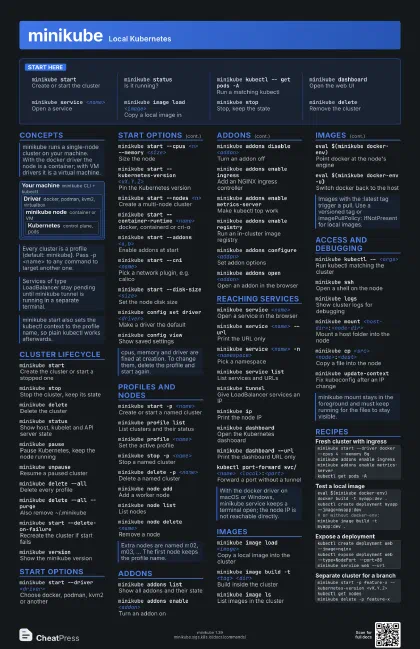
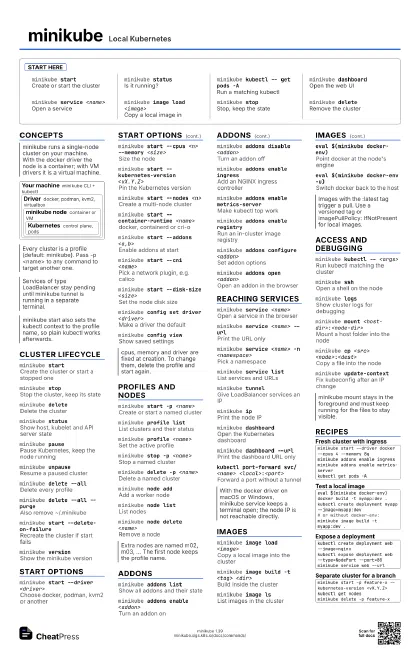
minikube startCreate or start the cluster
minikube statusIs it running?
minikube kubectl -- get pods -A
Run a matching kubectl
minikube dashboard
Open the web UI
minikube service <name>
Open a service
minikube image load <image>
Copy a local image in
minikube stopStop, keep the state
minikube deleteRemove the cluster
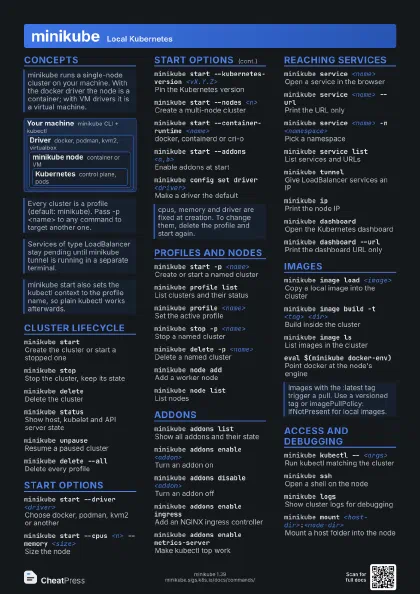
Concepts
Your machine
minikube CLI + kubectl
Driver
docker, podman, kvm2, virtualbox
minikube node
container or VM
Kubernetes
control plane, pods
Cluster lifecycle
minikube start
Create the cluster or start a stopped one
minikube stopStop the cluster, keep its state
minikube deleteDelete the cluster
minikube statusShow host, kubelet and API server state
minikube pausePause Kubernetes, keep the node running
minikube unpause
Resume a paused cluster
minikube delete --all
Delete every profile
minikube delete --all --purge
Also remove ~/.minikube
minikube start --delete-on-failure
Recreate the cluster if start fails
minikube version
Show the minikube version
minikube update-check
Compare with the latest release
Start options
minikube start --driver <driver>
Choose docker, podman, kvm2 or another
minikube start --cpus <n> --memory <size>
Size the node
minikube start --kubernetes-version <vX.Y.Z>
Pin the Kubernetes version
minikube start --nodes <n>
Create a multi-node cluster
minikube start --container-runtime <name>
docker, containerd or cri-o
minikube start --addons <a,b>
Enable addons at start
minikube start --cni <name>
Pick a network plugin, e.g. calico
minikube start --disk-size <size>
Set the node disk size
minikube start --wait <components>
Choose what to wait for
minikube config set driver <driver>
Make a driver the default
minikube config view
Show saved settings
Profiles and nodes
minikube start -p <name>
Create or start a named cluster
minikube profile list
List clusters and their status
minikube profile <name>
Set the active profile
minikube stop -p <name>
Stop a named cluster
minikube delete -p <name>
Delete a named cluster
minikube node add
Add a worker node
minikube node list
List nodes
minikube node stop <name>
Stop one node
minikube node start <name>
Start a stopped node
minikube node delete <name>
Remove a node
Addons
minikube addons list
Show all addons and their state
minikube addons enable <addon>
Turn an addon on
minikube addons disable <addon>
Turn an addon off
minikube addons enable ingress
Add an NGINX ingress controller
minikube addons enable metrics-server
Make kubectl top work
minikube addons enable registry
Run an in-cluster image registry
minikube addons images <addon>
List the images an addon uses
minikube addons configure <addon>
Set addon options
minikube addons open <addon>
Open an addon in the browser
Reaching services
minikube service <name>
Open a service in the browser
minikube service <name> --url
Print the URL only
minikube service <name> -n <namespace>
Pick a namespace
minikube service list
List services and URLs
minikube tunnelGive LoadBalancer services an IP
minikube tunnel --cleanup
Remove stale tunnel routes
minikube ipPrint the node IP
minikube dashboard
Open the Kubernetes dashboard
minikube dashboard --url
Print the dashboard URL only
kubectl port-forward svc/<name>
                    <local>:<port>
Forward a port without a tunnel
Images
minikube image load <image>
Copy a local image into the cluster
minikube image build -t <tag> <dir>
Build inside the cluster
minikube image ls
List images in the cluster
minikube image rm <image>
Remove an image from the cluster
minikube image load <file.tar>
Load an image from an archive
minikube image pull <image>
Pull an image into the node
minikube image save <image> <file.tar>
Export an image to an archive
eval $(minikube docker-env)
Point docker at the node's engine
eval $(minikube docker-env -u)
Switch docker back to the host
eval $(minikube podman-env)
Point podman at the node
Access and debugging
minikube kubectl -- <args>
Run kubectl matching the cluster
minikube sshOpen a shell on the node
minikube ssh -- <command>
Run a command on the node
minikube logsShow cluster logs for debugging
minikube logs --file <file>
Write the logs to a file
minikube mount <host-dir>:<node-dir>
Mount a host folder into the node
minikube cp <src> <node>:<dest>
Copy a file into the node
minikube update-context
Fix kubeconfig after an IP change
minikube ssh-key
Print the node's SSH key path
minikube start --alsologtostderr -v 7
Verbose start output
minikube completion bash
Print shell completion script
Recipes
minikube start --driver docker --cpus 4 --memory 8gminikube addons enable ingressminikube addons enable metrics-serverkubectl get pods -Aeval $(minikube docker-env)docker build -t myapp:dev .kubectl create deployment myapp --image=myapp:dev# or without docker-env:minikube image build -t myapp:dev .kubectl create deployment web --image=nginxkubectl expose deployment web --type=NodePort --port=80minikube service web --urlminikube start -p feature-x --kubernetes-version <vX.Y.Z>kubectl get nodesminikube delete -p feature-x