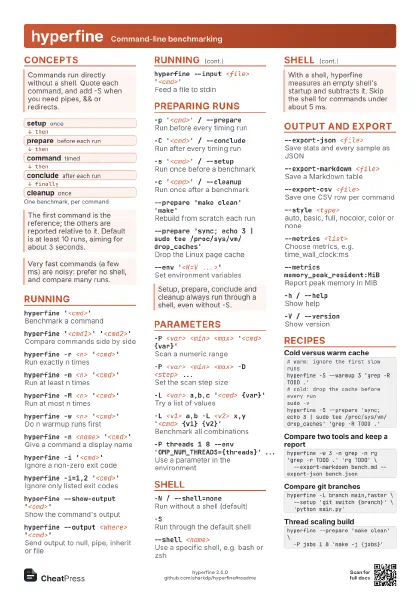
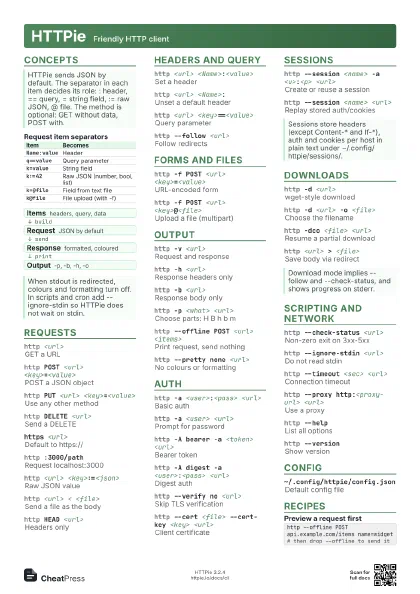
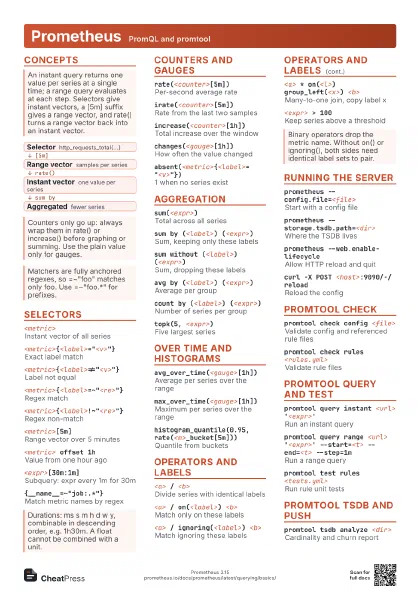
Cheat
k6 Load testing
 Light · Postcard
102 × 152 mm · PDF
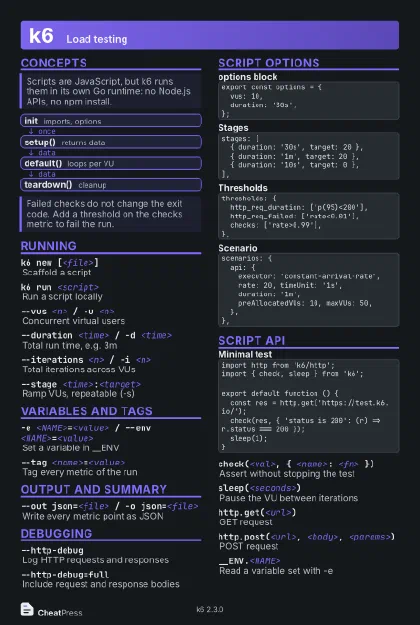 Dark · Postcard
102 × 152 mm · PDF
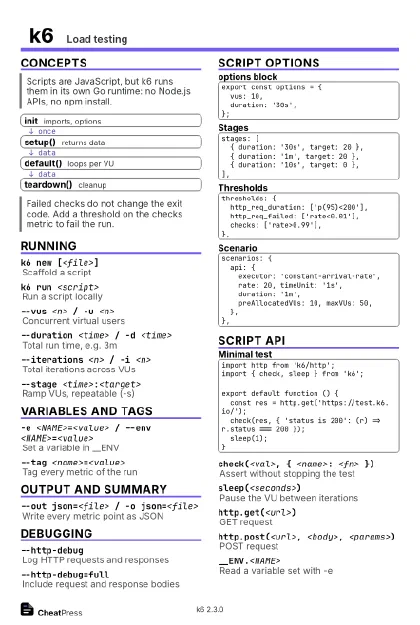 Ink saver · Postcard
102 × 152 mm · PDF
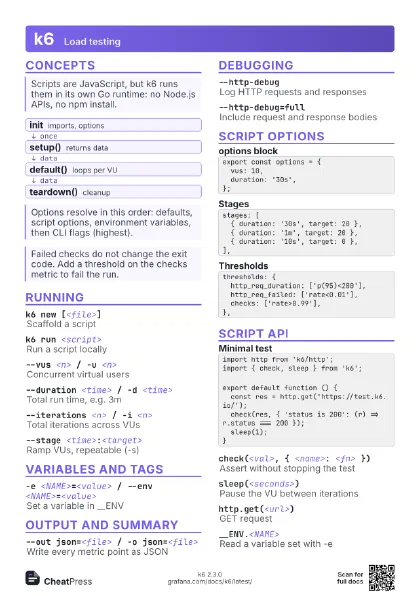
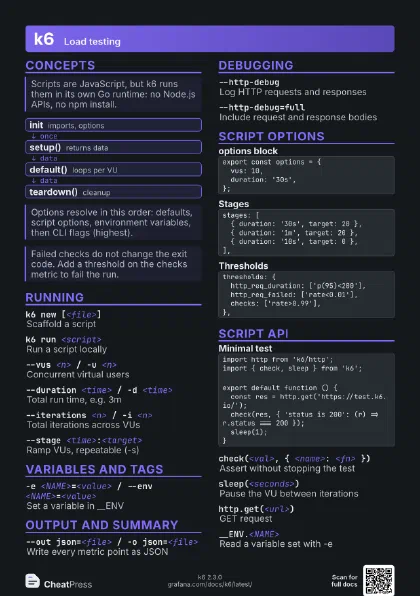
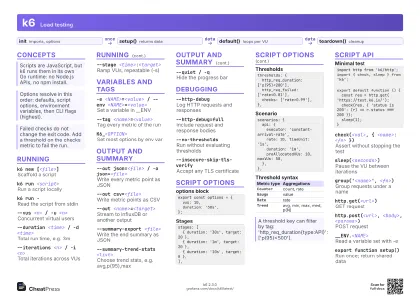 Light · A4 landscape
297 × 210 mm · PDF
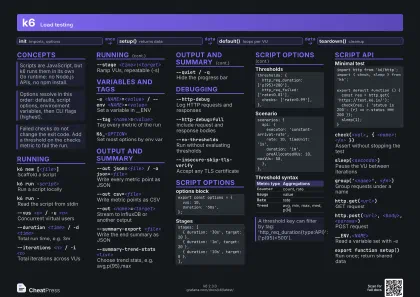 Dark · A4 landscape
297 × 210 mm · PDF
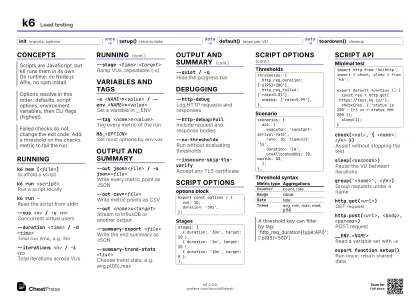 Ink saver · A4 landscape
297 × 210 mm · PDF
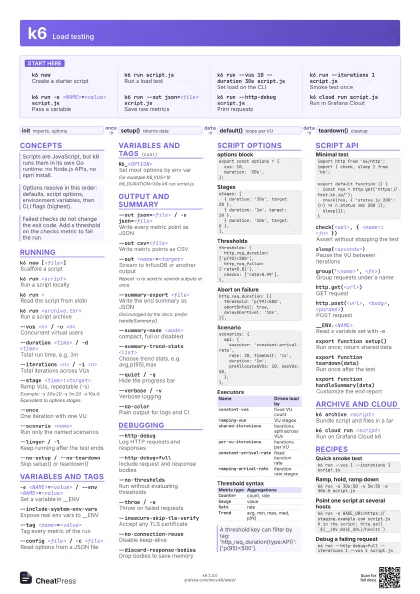
 Light · A3 landscape
420 × 297 mm · PDF
 Dark · A3 landscape
420 × 297 mm · PDF
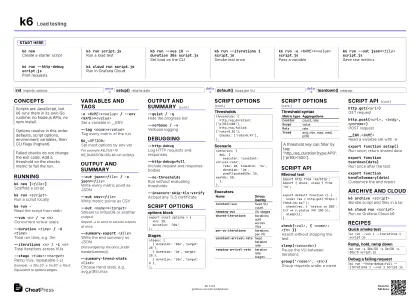 Ink saver · A3 landscape
420 × 297 mm · PDF
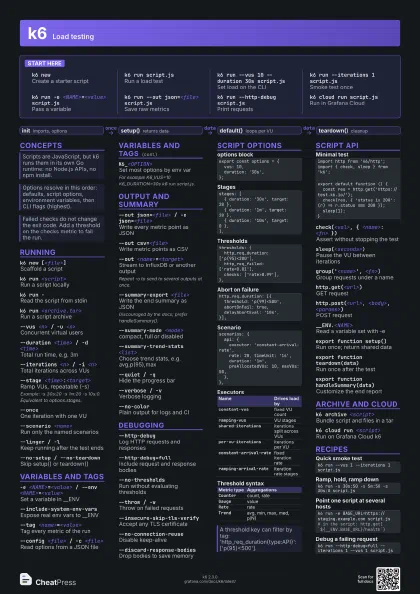
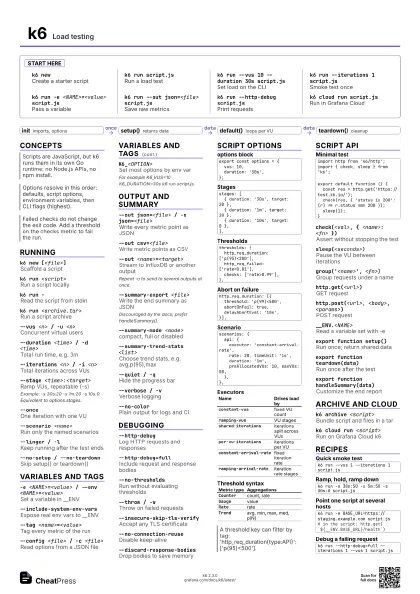
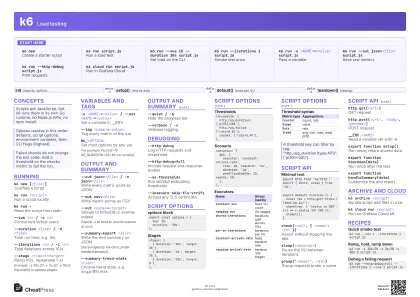
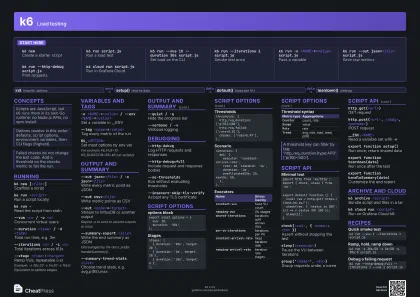
Start here
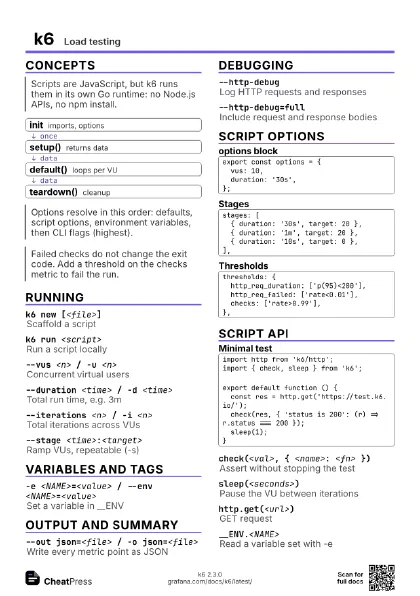
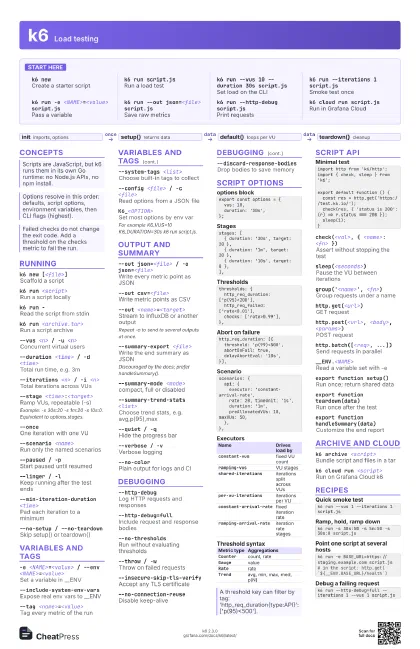
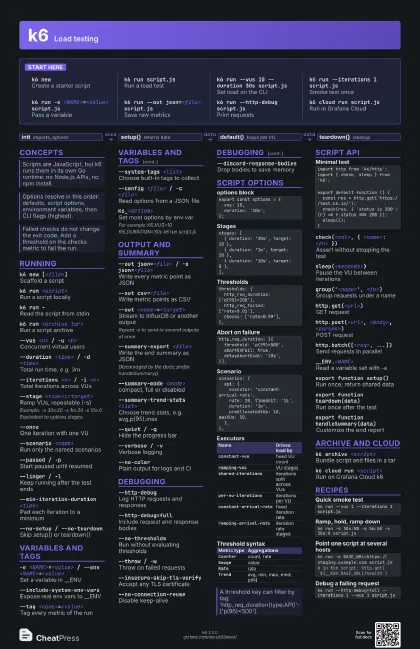
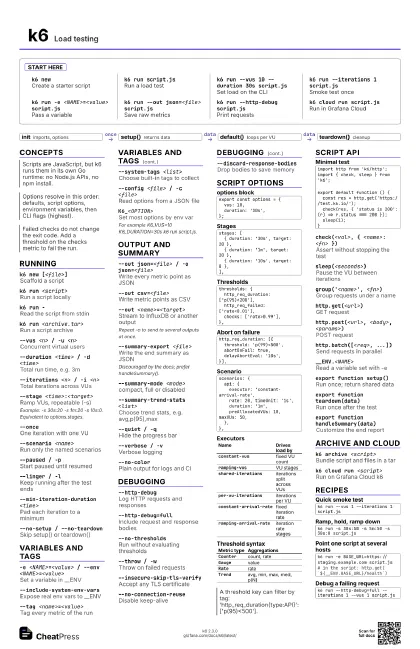
k6 newCreate a starter script
k6 run script.js
Run a load test
k6 run --vus 10 --duration 30s script.js
Set load on the CLI
k6 run --iterations 1 script.js
Smoke test once
k6 run -e <NAME>=<value> script.js
Pass a variable
k6 run --out json=<file> script.js
Save raw metrics
k6 run --http-debug script.js
Print requests
k6 cloud run script.js
Run in Grafana Cloud
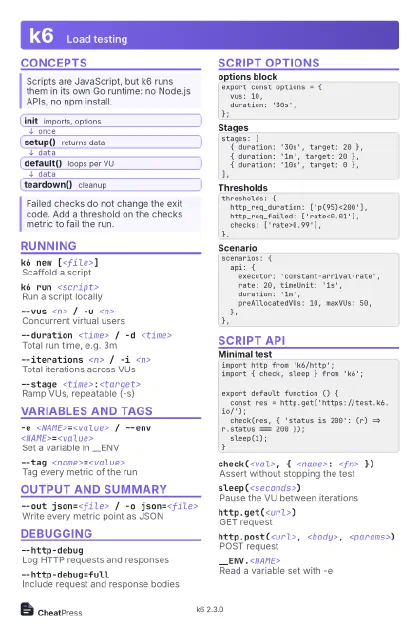
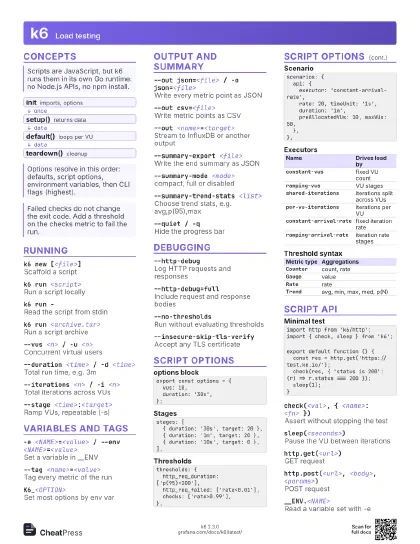
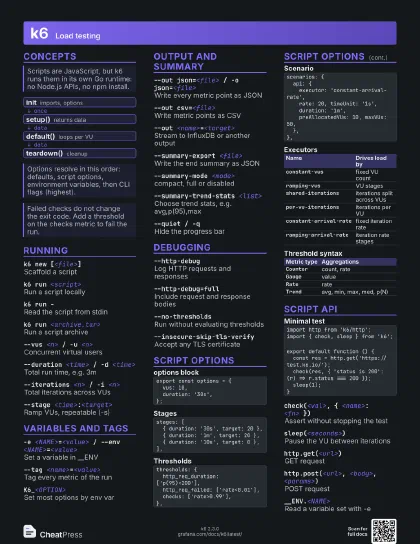
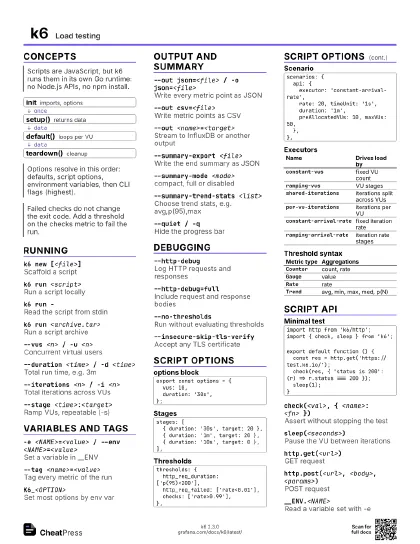
Concepts
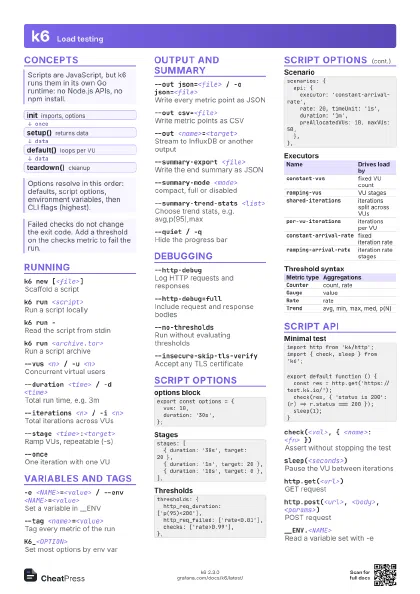
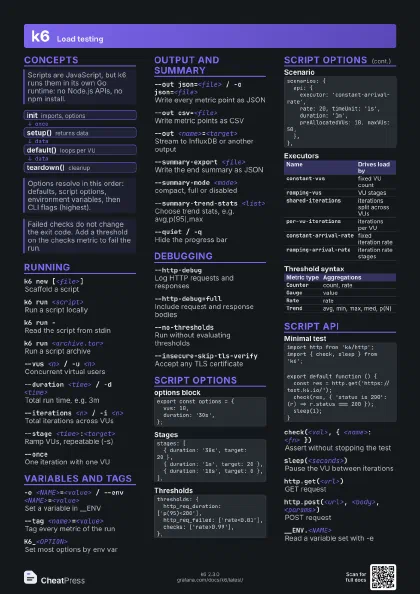
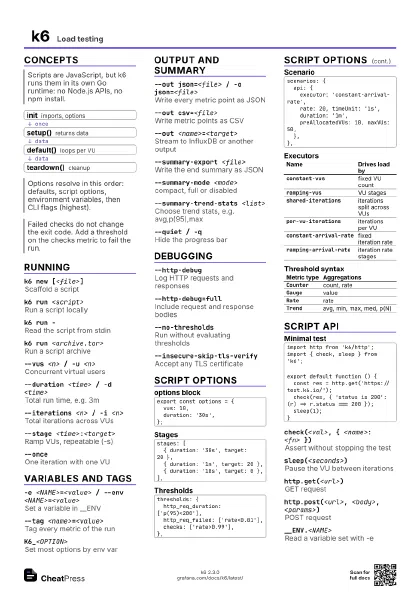
- init imports, options
- setup() returns data
- default() loops per VU
- teardown() cleanup
Running
k6 new [<file>]
Scaffold a script
k6 run <script>
Run a script locally
k6 run -Read the script from stdin
k6 run <archive.tar>
Run a script archive
--vus <n> / -u <n>
Concurrent virtual users
--duration <time> / -d <time>
Total run time, e.g. 3m
--iterations <n> / -i <n>
Total iterations across VUs
--stage <time>:<target>
Ramp VUs, repeatable (-s)
Example: -s 30s:20 -s 1m:20 -s 10s:0. Equivalent to
options.stages.
--onceOne iteration with one VU
--scenario <name>
Run only the named scenarios
--paused / -pStart paused until resumed
--linger / -lKeep running after the test ends
--min-iteration-duration <time>
Pad each iteration to a minimum
--rps <n>Cap requests per second
Discouraged; use an arrival-rate executor instead.
--no-setup / --no-teardown
Skip setup() or teardown()
Variables and tags
-e <NAME>=<value> / --env
                    <NAME>=<value>
Set a variable in __ENV
--include-system-env-vars
Expose real env vars to __ENV
--tag <name>=<value>
Tag every metric of the run
--system-tags <list>
Choose built-in tags to collect
--user-agent <string>
Set the User-Agent header
--config <file> / -c <file>
Read options from a JSON file
K6_<OPTION>
Set most options by env var
For example K6_VUS=10 K6_DURATION=30s k6 run script.js.
Output and summary
--out json=<file> / -o json=<file>
Write every metric point as JSON
--out csv=<file>
Write metric points as CSV
--out <name>=<target>
Stream to InfluxDB or another output
Repeat -o to send to several outputs at once.
--summary-export <file>
Write the end summary as JSON
Discouraged by the docs; prefer handleSummary().
--summary-mode <mode>
compact, full or disabled
--summary-trend-stats <list>
Choose trend stats, e.g. avg,p(95),max
--summary-time-unit <unit>
s, ms or us in the summary
--quiet / -qHide the progress bar
--verbose / -vVerbose logging
--no-colorPlain output for logs and CI
--console-output <file>
Send console.log output to a file
--log-output <dest>
stdout, stderr, file=<path>, loki=<url>
--no-usage-report
Do not send the usage report
Debugging
--http-debugLog HTTP requests and responses
--http-debug=full
Include request and response bodies
--no-thresholdsRun without evaluating thresholds
--throw / -wThrow on failed requests
--insecure-skip-tls-verify
Accept any TLS certificate
--no-connection-reuse
Disable keep-alive
--discard-response-bodies
Drop bodies to save memory
--max-redirects <n>
Redirects to follow (default 10)
--dns <config>
DNS ttl, select and policy
--block-hostnames <list>
Refuse calls to these hosts
--address <host:port> / -a
Expose the REST API
Script options
export const options = { vus: 10, duration: '30s',};stages: [ { duration: '30s', target: 20 }, { duration: '1m', target: 20 }, { duration: '10s', target: 0 },],thresholds: { http_req_duration: ['p(95)<200'], http_req_failed: ['rate<0.01'], checks: ['rate>0.99'],},http_req_duration: [{ threshold: 'p(99)<500', abortOnFail: true, delayAbortEval: '10s',}],scenarios: { api: { executor: 'constant-arrival-rate', rate: 20, timeUnit: '1s', duration: '1m', preAllocatedVUs: 10, maxVUs: 50, },},| Name | Drives load by |
|---|---|
constant-vus |
fixed VU count |
ramping-vus |
VU stages |
shared-iterations |
iterations split across VUs |
per-vu-iterations |
iterations per VU |
constant-arrival-rate |
fixed iteration rate |
ramping-arrival-rate |
iteration rate stages |
| Metric type | Aggregations |
|---|---|
Counter |
count, rate |
Gauge |
value |
Rate |
rate |
Trend |
avg, min, max, med, p(N) |
Script API
import http from 'k6/http';import { check, sleep } from 'k6';export default function () { const res = http.get('https://test.k6.io/'); check(res, { 'status is 200': (r) => r.status === 200 }); sleep(1);}check(<val>, { <name>: <fn> })
Assert without stopping the test
sleep(<seconds>)
Pause the VU between iterations
group('<name>', <fn>)
Group requests under a name
http.get(<url>)
GET request
http.post(<url>, <body>, <params>)
POST request
http.batch([<req>, ...])
Send requests in parallel
__ENV.<NAME>
Read a variable set with -e
export function setup()
Run once; return shared data
export function teardown(data)
Run once after the test
export function handleSummary(data)
Customize the end report
Archive and cloud
k6 archive <script>
Bundle script and files in a tar
k6 archive -O <file> <script>
Name the archive file
--exclude-env-vars
Leave env vars out of the archive
k6 cloud run <script>
Run on Grafana Cloud k6
k6 cloud run --local-execution <script>
Run locally, stream to cloud
k6 cloud upload <script>
Upload a script without running
--exit-on-running
Return once the cloud test starts
k6 versionPrint the installed version
Recipes
k6 run --vus 1 --iterations 1 script.jsk6 run -s 30s:50 -s 5m:50 -s 30s:0 script.jsk6 run -e BASE_URL=https://staging.example.com script.js# in the script: http.get(`${__ENV.BASE_URL}/health`)k6 run --http-debug=full --iterations 1 --vus 1 script.js