Cheat
GitLab CLI GitLab from the terminal
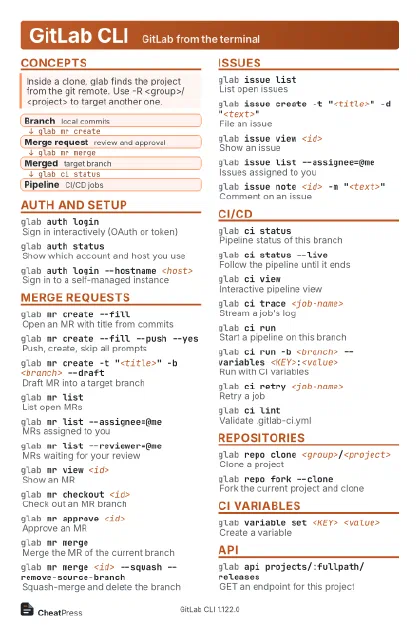 Light · Postcard
102 × 152 mm · PDF
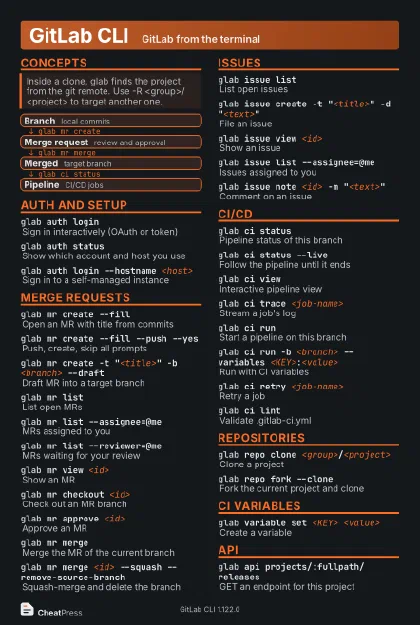 Dark · Postcard
102 × 152 mm · PDF
 Ink saver · Postcard
102 × 152 mm · PDF
 Light · A4 landscape
297 × 210 mm · PDF
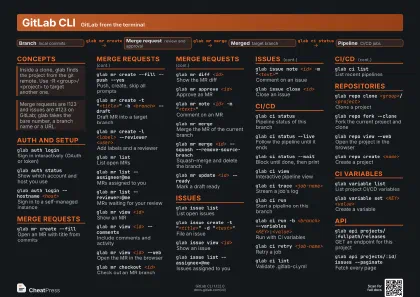 Dark · A4 landscape
297 × 210 mm · PDF
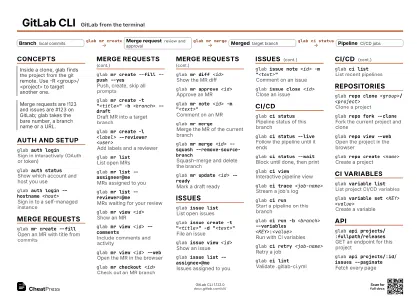 Ink saver · A4 landscape
297 × 210 mm · PDF
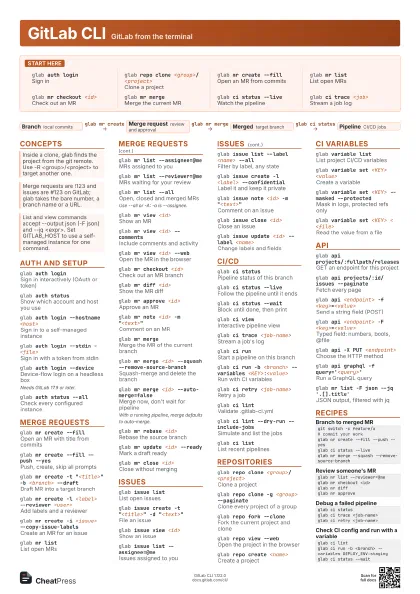
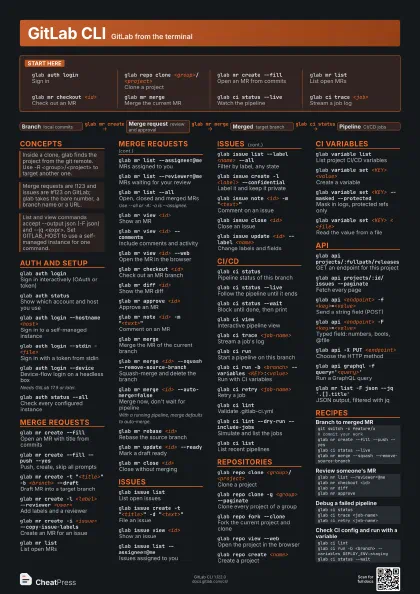
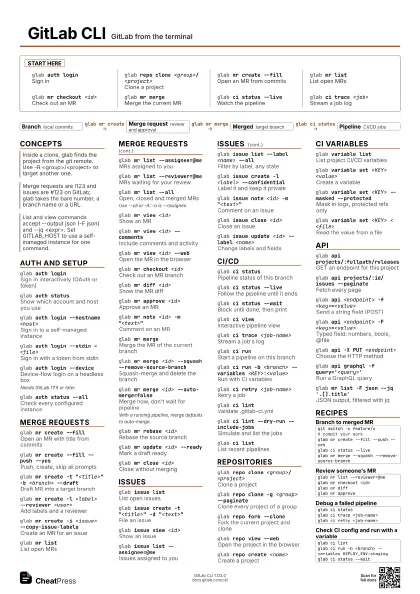
 Light · A3 landscape
420 × 297 mm · PDF
 Dark · A3 landscape
420 × 297 mm · PDF
 Ink saver · A3 landscape
420 × 297 mm · PDF
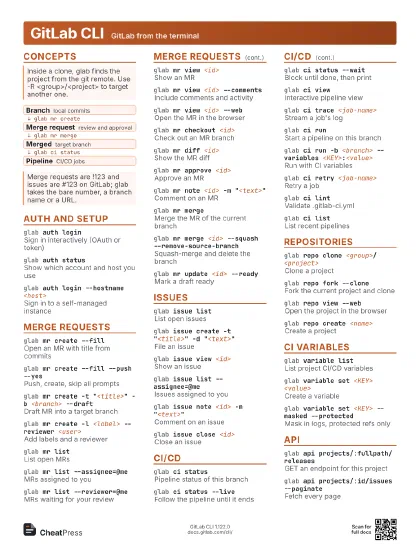
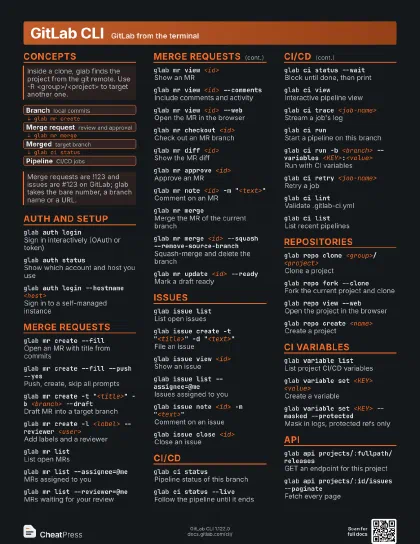
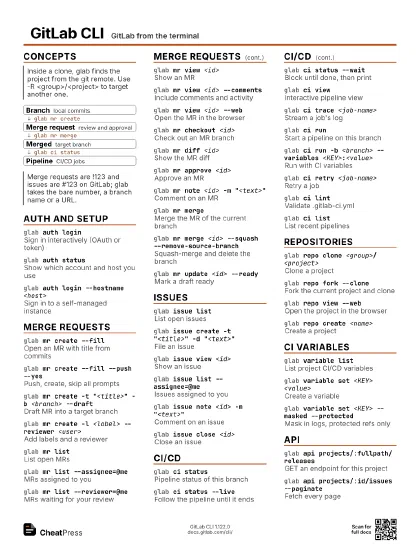
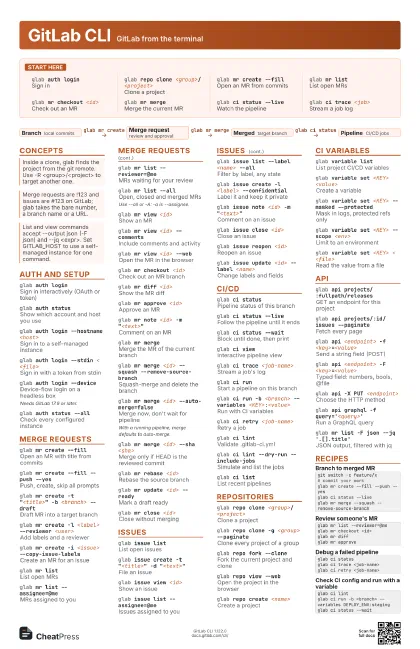
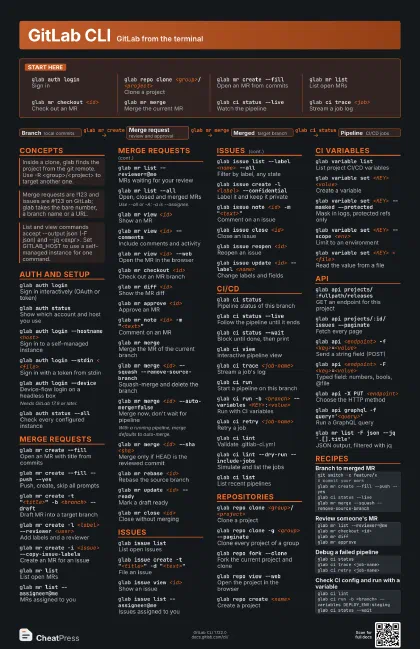
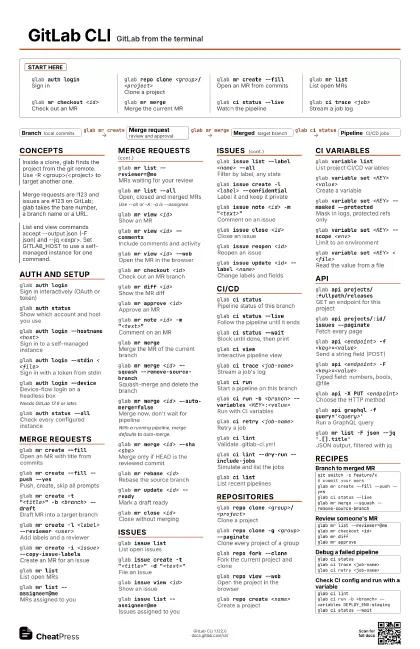
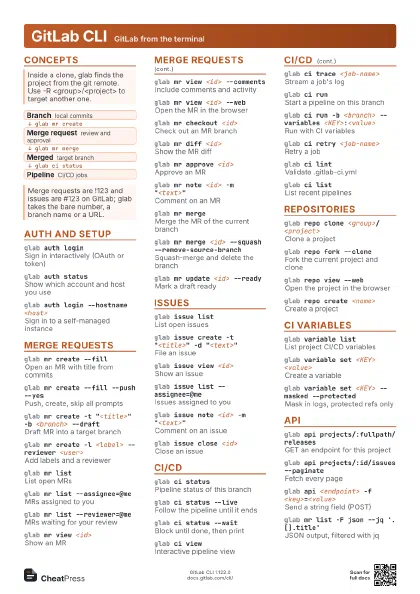
Start here
glab auth loginSign in
glab repo clone <group>/<project>
Clone a project
glab mr create --fill
Open an MR from commits
glab mr listList open MRs
glab mr checkout <id>
Check out an MR
glab mr mergeMerge the current MR
glab ci status --live
Watch the pipeline
glab ci trace <job>
Stream a job log
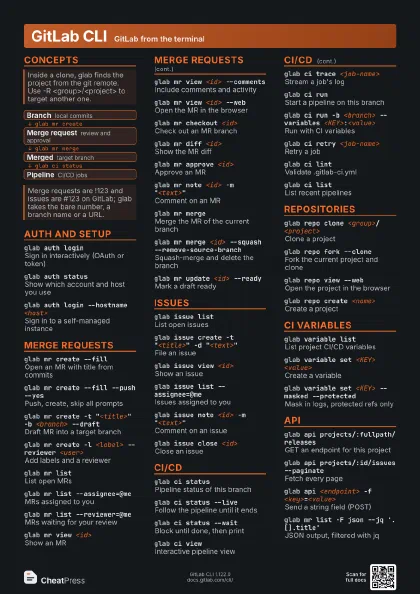
Concepts
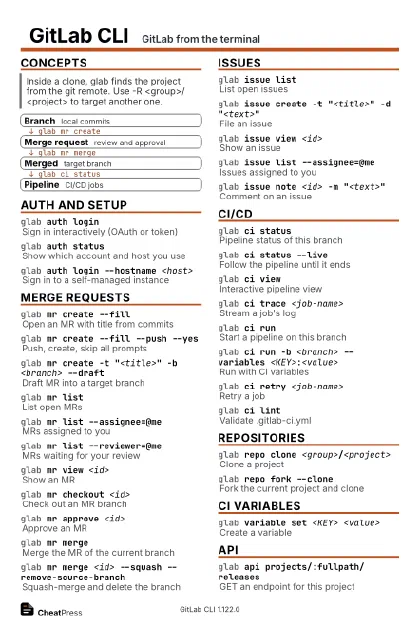
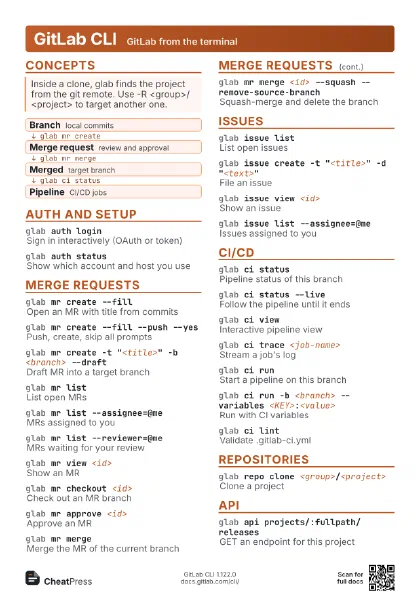
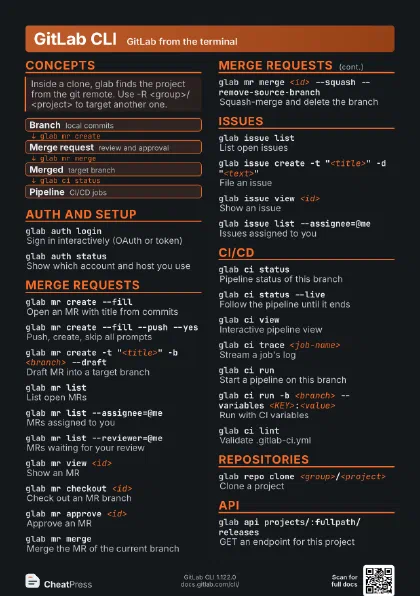
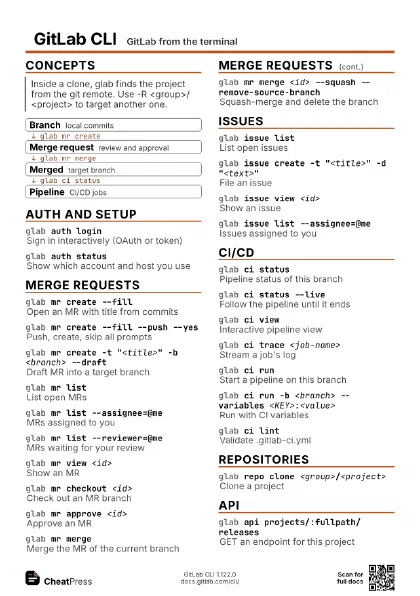
- Branch local commits
- Merge request review and approval
- Merged target branch
- Pipeline CI/CD jobs
Auth and setup
glab auth loginSign in interactively (OAuth or token)
glab auth status
Show which account and host you use
glab auth login --hostname <host>
Sign in to a self-managed instance
glab auth login --stdin < <file>
Sign in with a token from stdin
glab auth login --device
Device-flow login on a headless box
Needs GitLab 17.9 or later.
glab auth status --all
Check every configured instance
glab --versionShow the glab version
Merge requests
glab mr create --fill
Open an MR with title from commits
glab mr create --fill --push --yes
Push, create, skip all prompts
glab mr create -t "<title>" -b <branch>
                    --draft
Draft MR into a target branch
glab mr create -l <label> --reviewer
                    <user>
Add labels and a reviewer
glab mr create -i <issue> --copy-issue-labels
Create an MR for an issue
glab mr listList open MRs
glab mr list --assignee=@me
MRs assigned to you
glab mr list --reviewer=@me
MRs waiting for your review
glab mr list --all
Open, closed and merged MRs
Use --all or -A: -a is --assignee.
glab mr view <id>
Show an MR
glab mr view <id> --comments
Include comments and activity
glab mr view <id> --web
Open the MR in the browser
glab mr checkout <id>
Check out an MR branch
glab mr diff <id>
Show the MR diff
glab mr approve <id>
Approve an MR
glab mr note <id> -m "<text>"
Comment on an MR
glab mr mergeMerge the MR of the current branch
glab mr merge <id> --squash
                    --remove-source-branch
Squash-merge and delete the branch
glab mr merge <id> --auto-merge=false
Merge now, don't wait for pipeline
With a running pipeline, merge defaults to auto-merge.
glab mr merge <id> --sha <sha>
Merge only if HEAD is the reviewed commit
glab mr rebase <id>
Rebase the source branch
glab mr update <id> --ready
Mark a draft ready
glab mr close <id>
Close without merging
Issues
glab issue listList open issues
glab issue create -t "<title>" -d
                    "<text>"
File an issue
glab issue view <id>
Show an issue
glab issue list --assignee=@me
Issues assigned to you
glab issue list --label <name> --all
Filter by label, any state
glab issue create -l <label> --confidential
Label it and keep it private
glab issue note <id> -m "<text>"
Comment on an issue
glab issue close <id>
Close an issue
glab issue reopen <id>
Reopen an issue
glab issue update <id> --label <name>
Change labels and fields
CI/CD
glab ci statusPipeline status of this branch
glab ci status --live
Follow the pipeline until it ends
glab ci status --wait
Block until done, then print
glab ci viewInteractive pipeline view
glab ci trace <job-name>
Stream a job's log
glab ci runStart a pipeline on this branch
glab ci run -b <branch> --variables
                    <KEY>:<value>
Run with CI variables
glab ci run --input <key>:<value>
Pass a pipeline input
glab ci run --mr
Run a merge request pipeline
glab ci retry <job-name>
Retry a job
glab ci lintValidate .gitlab-ci.yml
glab ci lint --dry-run --include-jobs
Simulate and list the jobs
glab ci listList recent pipelines
glab ci cancelCancel a pipeline or job
Repositories
glab repo clone <group>/<project>
Clone a project
glab repo clone <project-id>
Clone by numeric project ID
glab repo clone -g <group> --paginate
Clone every project of a group
glab repo clone --wiki <group>/<project>
Clone the project's wiki
glab repo fork --clone
Fork the current project and clone
glab repo view --web
Open the project in the browser
glab repo listList your projects
glab repo create <name>
Create a project
glab repo clone <group>/<project> -- --depth
                    1
Pass flags through to git clone
CI variables
glab variable list
List project CI/CD variables
glab variable set <KEY> <value>
Create a variable
glab variable set <KEY> --masked --protected
Mask in logs, protected refs only
glab variable set <KEY> --scope <env>
Limit to an environment
glab variable set <KEY> --group <group>
Set it on a group
glab variable set <KEY> < <file>
Read the value from a file
glab variable list --group <group>
List a group's variables
API
glab api projects/:fullpath/releases
GET an endpoint for this project
glab api projects/:id/issues --paginate
Fetch every page
glab api <endpoint> -f
                    <key>=<value>
Send a string field (POST)
glab api <endpoint> -F
                    <key>=<value>
Typed field: numbers, bools, @file
glab api -X PUT <endpoint>
Choose the HTTP method
glab api <endpoint> --input -
Send a JSON body from stdin
glab api graphql -f query='<query>'
Run a GraphQL query
glab api issues --paginate --output ndjson
One JSON object per line
glab mr list -F json --jq '.[].title'
JSON output, filtered with jq
| Placeholder | Replaced with |
|---|---|
:fullpath |
group/project path |
:id |
numeric project ID |
:branch |
current branch |
:user |
your username |
Recipes
git switch -c feature/x# commit your workglab mr create --fill --push --yesglab ci status --liveglab mr merge --squash --remove-source-branchglab mr list --reviewer=@meglab mr checkout <id>glab mr diffglab mr approveglab ci statusglab ci trace <job-name>glab ci retry <job-name>glab ci lintglab ci run -b <branch> --variables DEPLOY_ENV:stagingglab ci status --wait