Cheat
Gitleaks Secret scanner
 Light · Postcard
102 × 152 mm · PDF
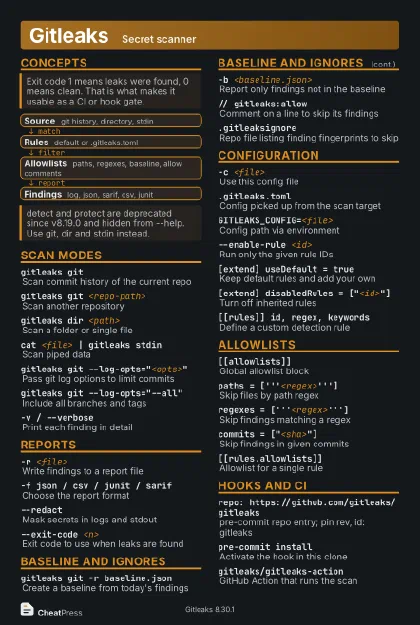 Dark · Postcard
102 × 152 mm · PDF
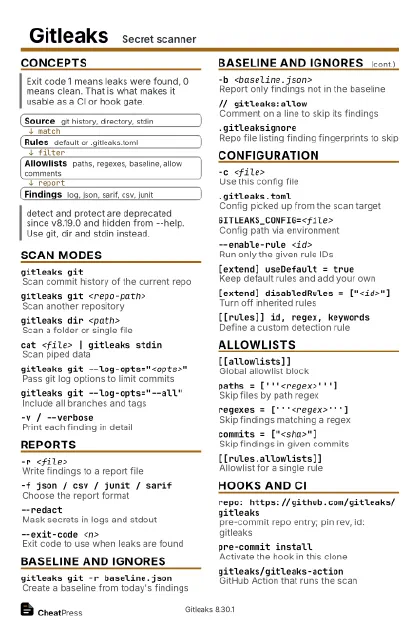 Ink saver · Postcard
102 × 152 mm · PDF
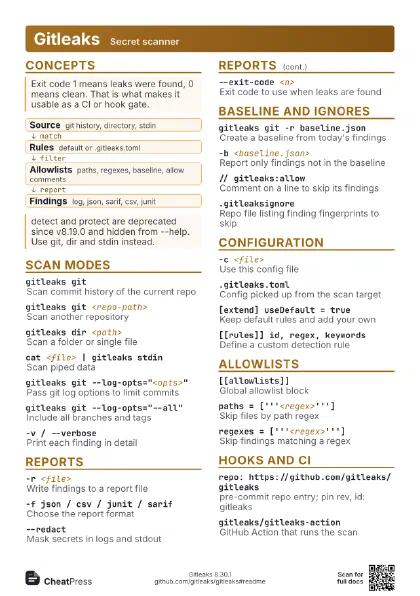
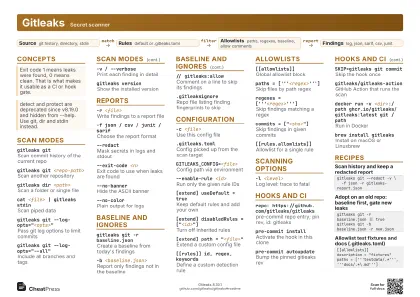 Light · A4 landscape
297 × 210 mm · PDF
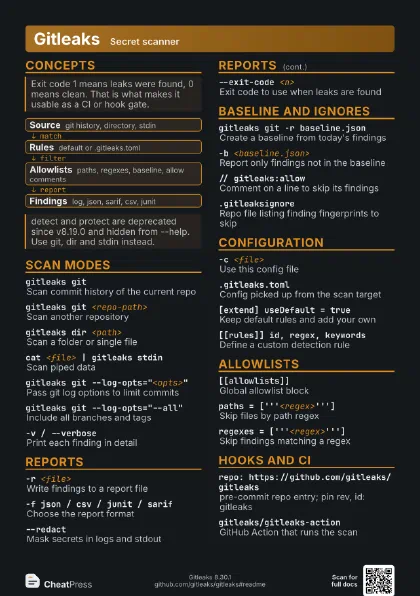
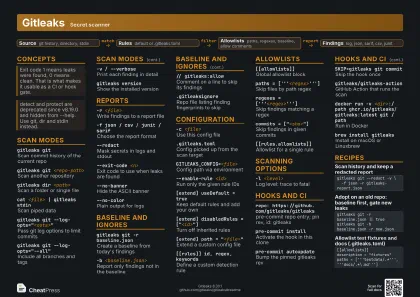 Dark · A4 landscape
297 × 210 mm · PDF
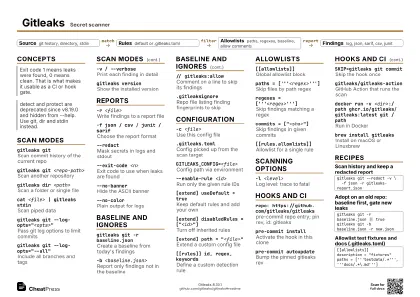 Ink saver · A4 landscape
297 × 210 mm · PDF
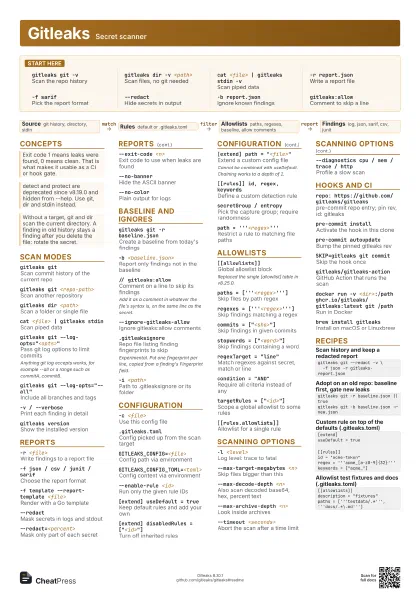
 Light · A3 landscape
420 × 297 mm · PDF
 Dark · A3 landscape
420 × 297 mm · PDF
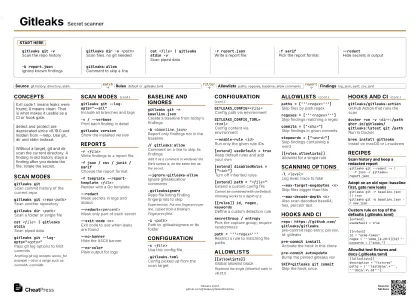 Ink saver · A3 landscape
420 × 297 mm · PDF
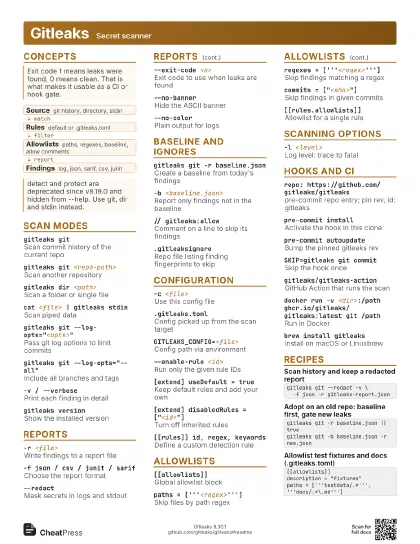
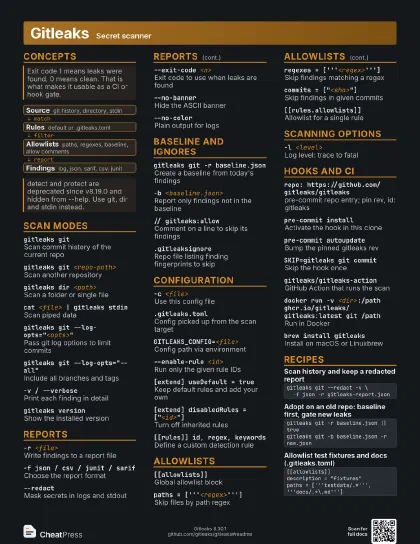
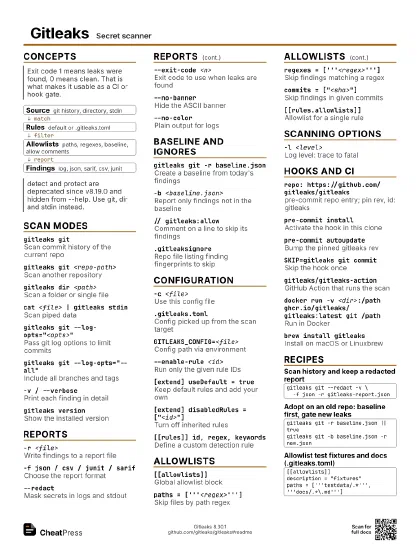
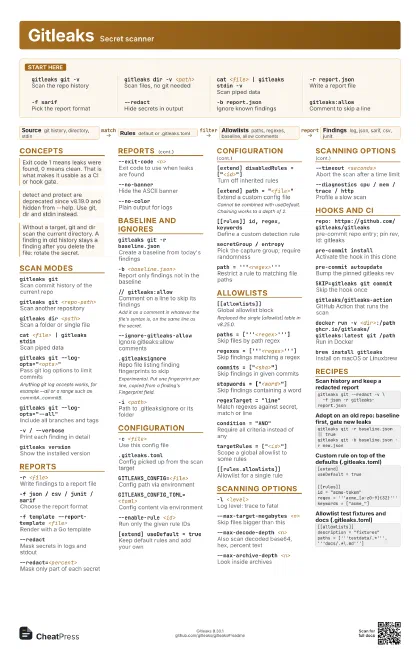
Start here
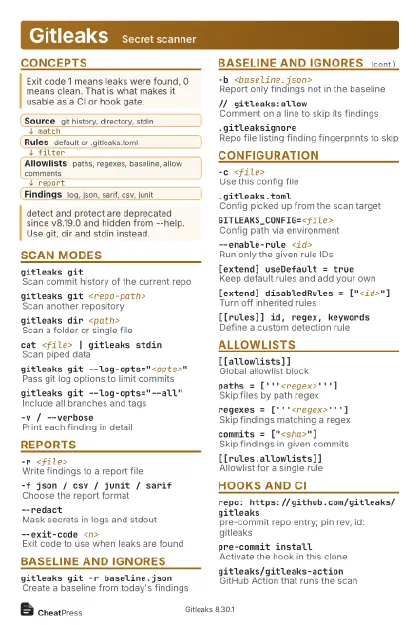
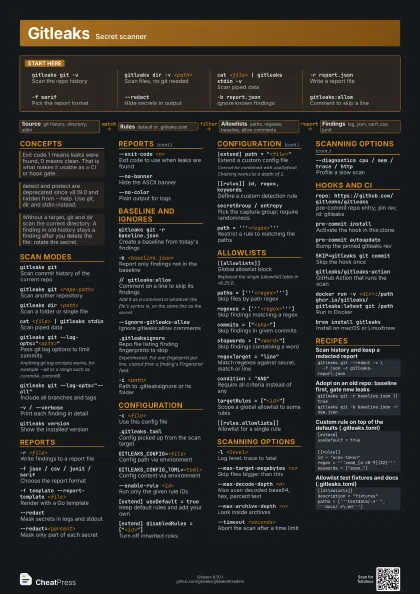
gitleaks git -vScan the repo history
gitleaks dir -v <path>
Scan files, no git needed
cat <file> | gitleaks stdin -v
Scan piped data
-r report.jsonWrite a report file
-f sarifPick the report format
--redactHide secrets in output
-b report.jsonIgnore known findings
gitleaks:allowComment to skip a line
Concepts
- Source git history, directory, stdin
- Rules default or .gitleaks.toml
- Allowlists paths, regexes, baseline, allow comments
- Findings log, json, sarif, csv, junit
Scan modes
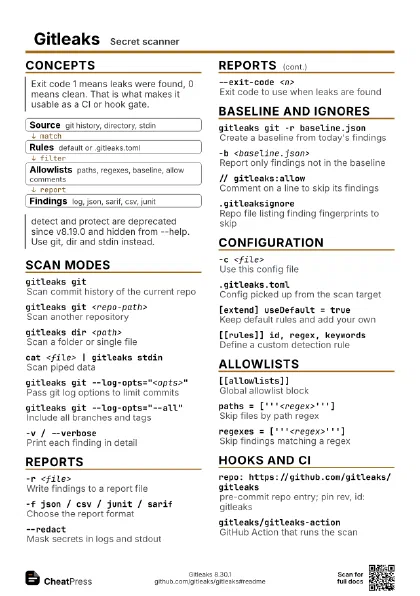
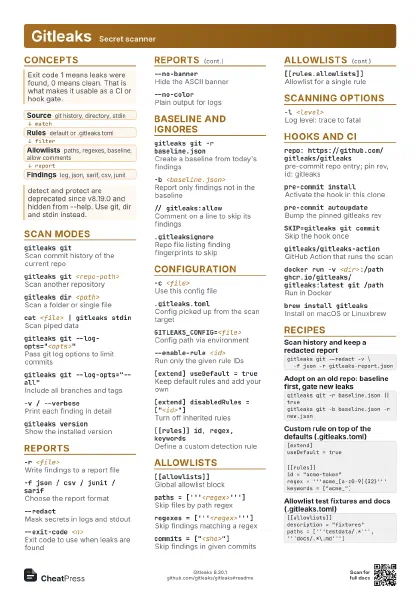
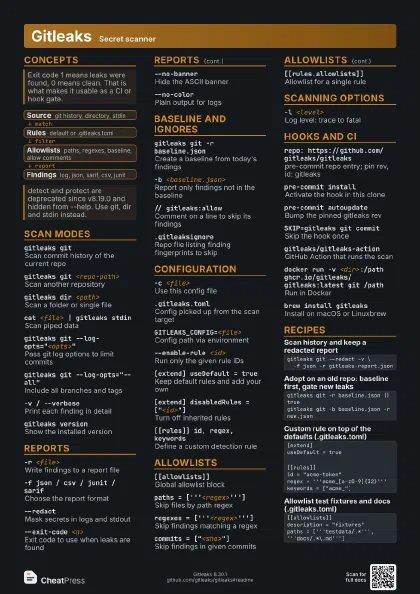
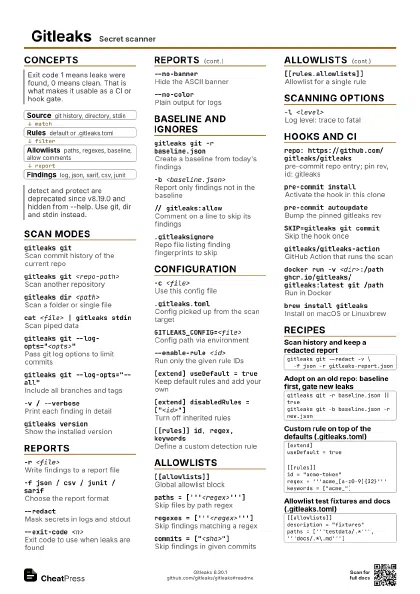
gitleaks gitScan commit history of the current repo
gitleaks git <repo-path>
Scan another repository
gitleaks dir <path>
Scan a folder or single file
cat <file> | gitleaks stdin
Scan piped data
gitleaks git --log-opts="<opts>"
Pass git log options to limit commits
Anything git log accepts works, for example --all or a range
such as commitA..commitB.
gitleaks git --log-opts="--all"
Include all branches and tags
-v / --verbosePrint each finding in detail
gitleaks version
Show the installed version
Reports
-r <file>Write findings to a report file
-f json / csv / junit / sarif
Choose the report format
-f template --report-template <file>
Render with a Go template
--redactMask secrets in logs and stdout
--redact=<percent>
Mask only part of each secret
--exit-code <n>
Exit code to use when leaks are found
--no-bannerHide the ASCII banner
--no-colorPlain output for logs
Baseline and ignores
gitleaks git -r baseline.json
Create a baseline from today's findings
-b <baseline.json>
Report only findings not in the baseline
// gitleaks:allow
Comment on a line to skip its findings
Add it as a comment in whatever the file's syntax is, on
the same line as the secret.
--ignore-gitleaks-allow
Ignore gitleaks:allow comments
.gitleaksignore
Repo file listing finding fingerprints to skip
Experimental. Put one fingerprint per line, copied from a
finding's Fingerprint field.
-i <path>Path to .gitleaksignore or its folder
Configuration
-c <file>Use this config file
.gitleaks.tomlConfig picked up from the scan target
GITLEAKS_CONFIG=<file>
Config path via environment
GITLEAKS_CONFIG_TOML=<toml>
Config content via environment
--enable-rule <id>
Run only the given rule IDs
[extend] useDefault = true
Keep default rules and add your own
[extend] disabledRules = ["<id>"]
Turn off inherited rules
[extend] path = "<file>"
Extend a custom config file
Cannot be combined with useDefault. Chaining works to a depth
of 2.
[[rules]] id, regex, keywords
Define a custom detection rule
secretGroup / entropy
Pick the capture group; require randomness
path = '''<regex>'''
Restrict a rule to matching file paths
Allowlists
[[allowlists]]Global allowlist block
Replaced the single [allowlist] table in v8.25.0.
paths = ['''<regex>''']
Skip files by path regex
regexes =
                    ['''<regex>''']
Skip findings matching a regex
commits = ["<sha>"]
Skip findings in given commits
stopwords = ["<word>"]
Skip findings containing a word
regexTarget = "line"
Match regexes against secret, match or line
condition = "AND"
Require all criteria instead of any
targetRules = ["<id>"]
Scope a global allowlist to some rules
[[rules.allowlists]]
Allowlist for a single rule
Scanning options
-l <level>
Log level: trace to fatal
--max-target-megabytes <n>
Skip files bigger than this
--max-decode-depth <n>
Also scan decoded base64, hex, percent text
--max-archive-depth <n>
Look inside archives
--timeout <seconds>
Abort the scan after a time limit
--diagnostics cpu / mem / trace / http
Profile a slow scan
Hooks and CI
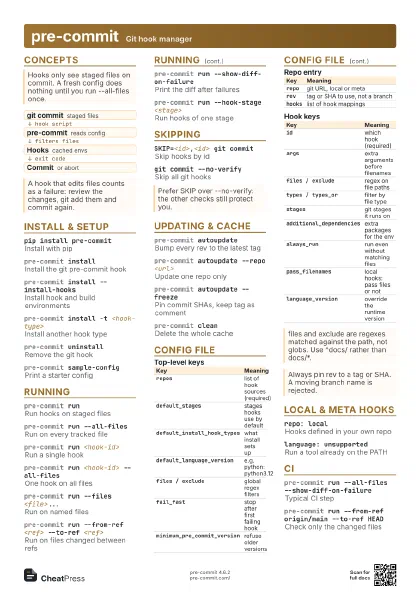
repo: https://github.com/gitleaks/gitleaks
pre-commit repo entry; pin rev, id: gitleaks
pre-commit install
Activate the hook in this clone
pre-commit autoupdate
Bump the pinned gitleaks rev
SKIP=gitleaks git commit
Skip the hook once
gitleaks/gitleaks-action
GitHub Action that runs the scan
docker run -v <dir>:/path
                    ghcr.io/gitleaks/gitleaks:latest git /path
Run in Docker
brew install gitleaks
Install on macOS or Linuxbrew
Recipes
gitleaks git --redact -v \ -f json -r gitleaks-report.jsongitleaks git -r baseline.json || truegitleaks git -b baseline.json -r new.json[extend]useDefault = true[[rules]]id = "acme-token"regex = '''acme_[a-z0-9]{32}'''keywords = ["acme_"][[allowlists]]description = "fixtures"paths = ['''testdata/.*''', '''docs/.*\.md''']