Cheat
Git LFS Large files in Git
 Light · Postcard
102 × 152 mm · PDF
 Dark · Postcard
102 × 152 mm · PDF
 Ink saver · Postcard
102 × 152 mm · PDF
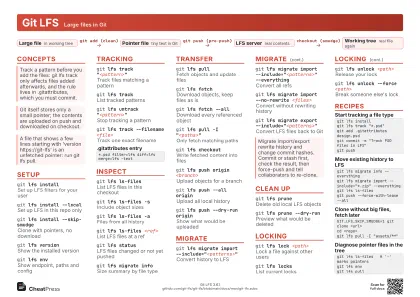 Light · A4 landscape
297 × 210 mm · PDF
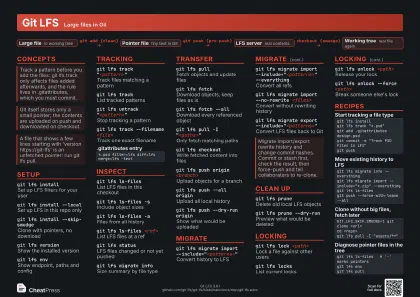 Dark · A4 landscape
297 × 210 mm · PDF
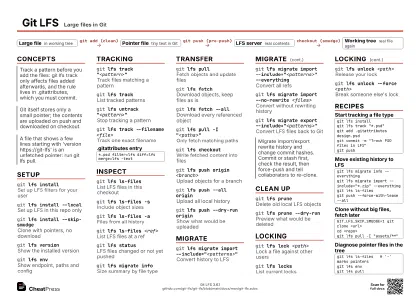 Ink saver · A4 landscape
297 × 210 mm · PDF
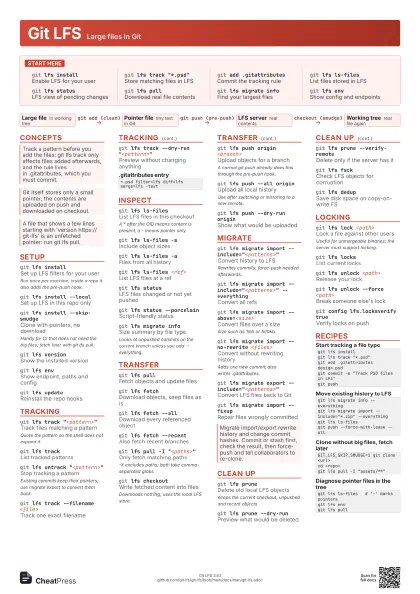
 Light · A3 landscape
420 × 297 mm · PDF
 Dark · A3 landscape
420 × 297 mm · PDF
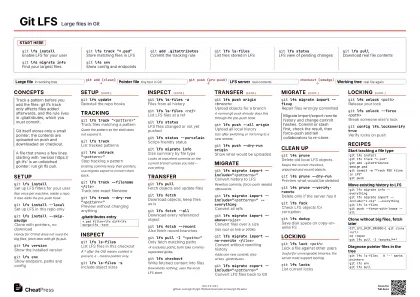 Ink saver · A3 landscape
420 × 297 mm · PDF
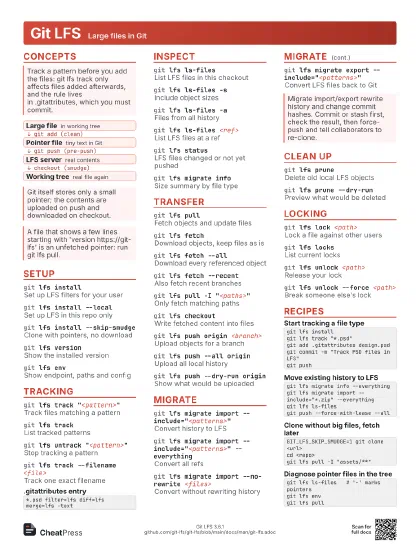
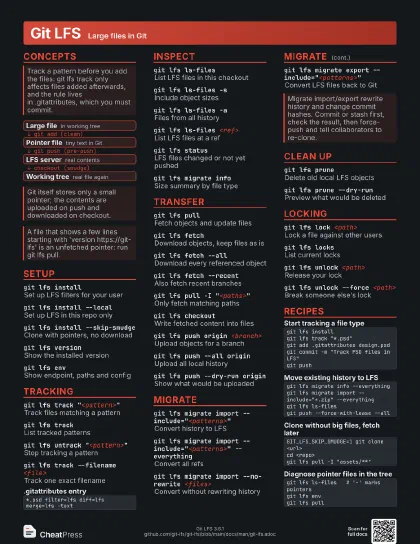
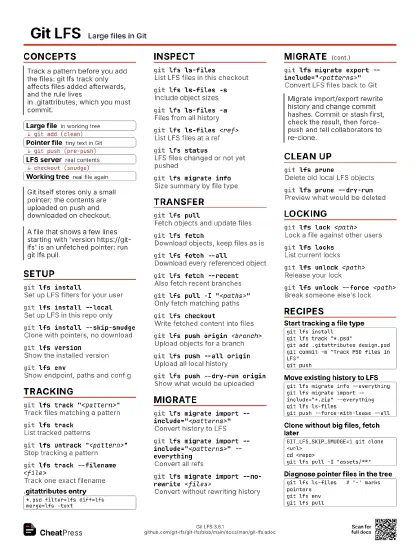
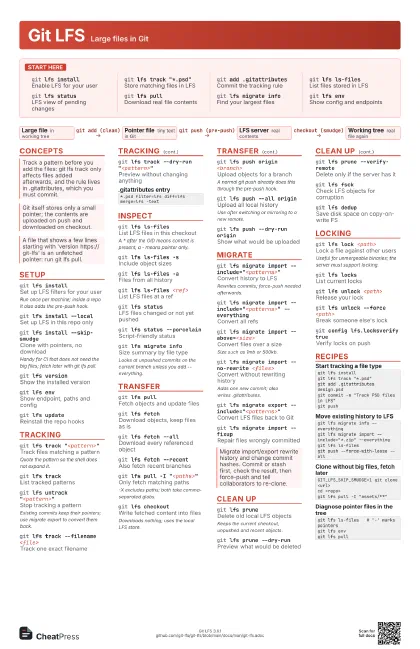
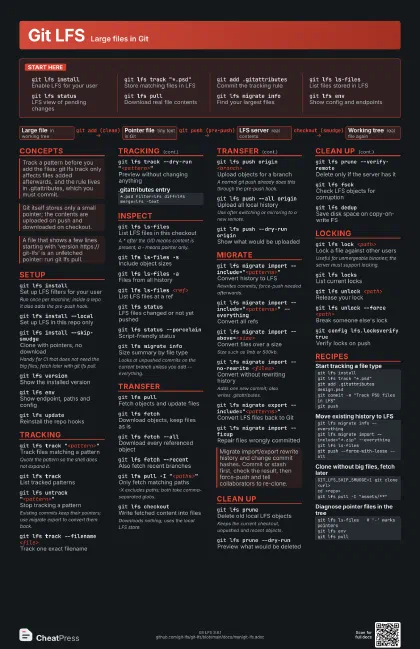
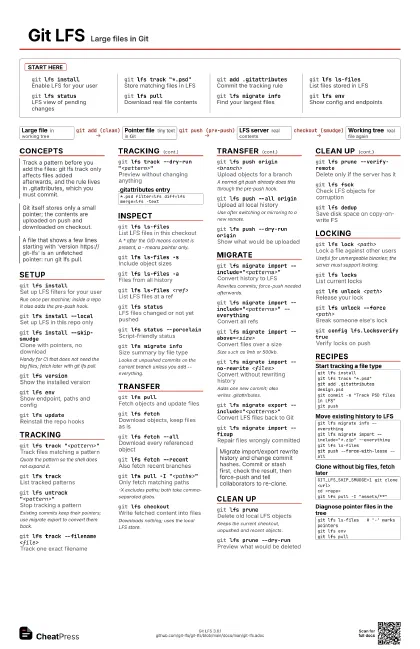
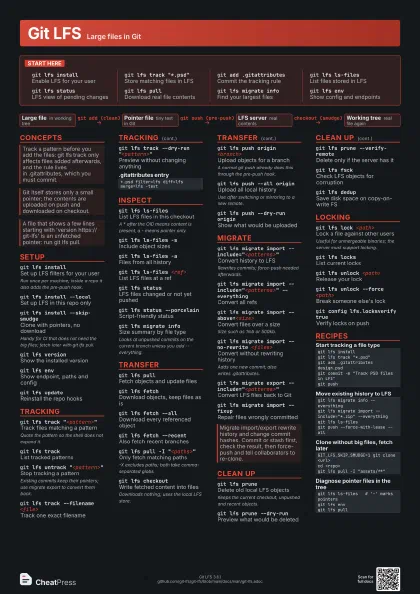
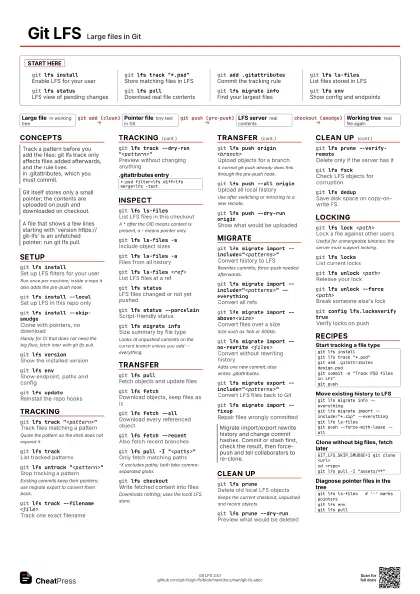
Start here
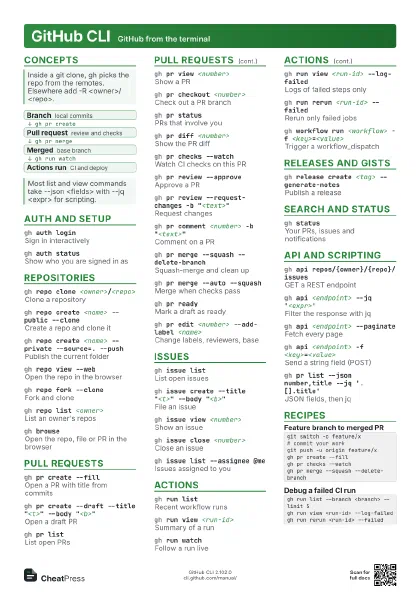
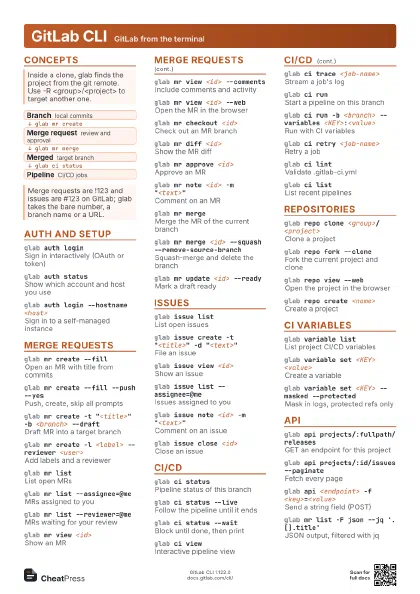
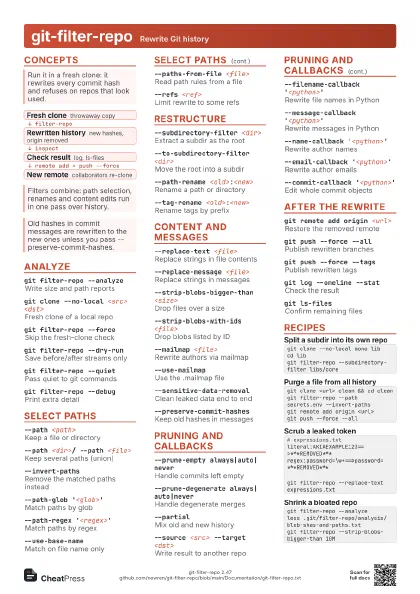
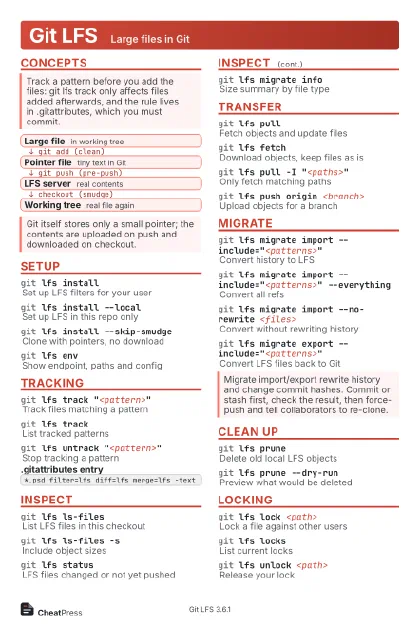
git lfs installEnable LFS for your user
git lfs track "*.psd"
Store matching files in LFS
git add .gitattributes
Commit the tracking rule
git lfs ls-files
List files stored in LFS
git lfs statusLFS view of pending changes
git lfs pullDownload real file contents
git lfs migrate info
Find your largest files
git lfs envShow config and endpoints
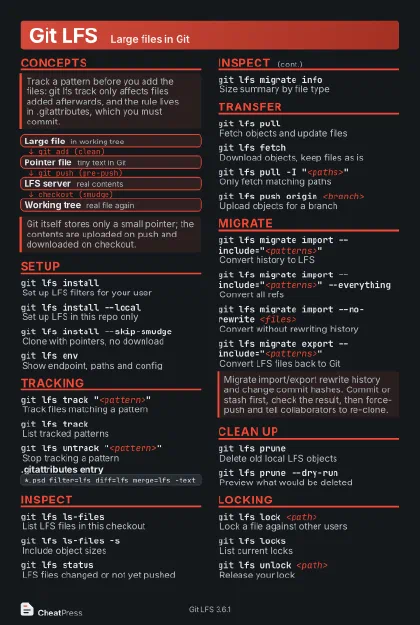
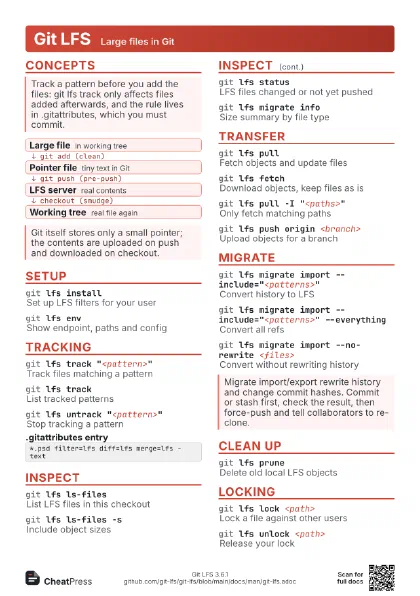
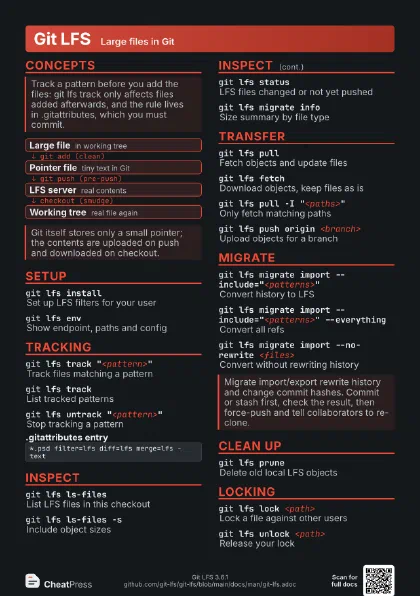
Concepts
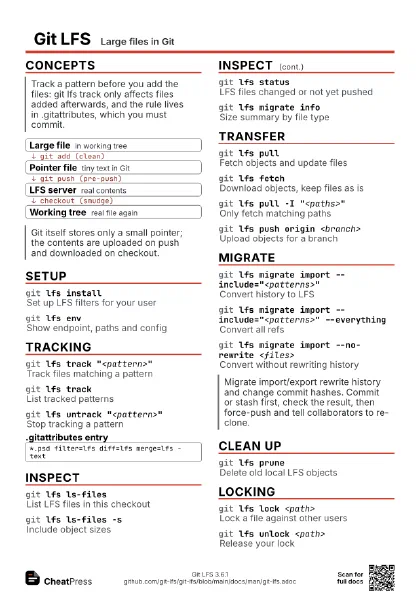
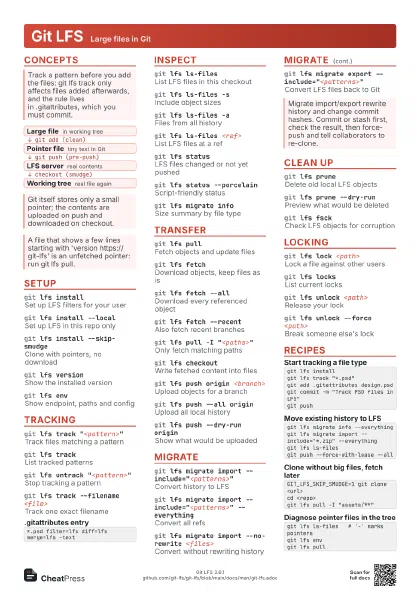
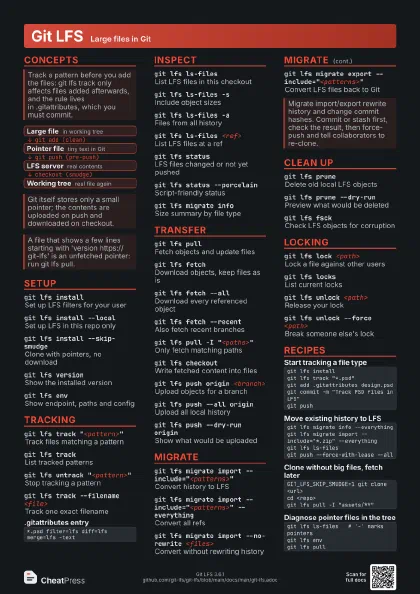
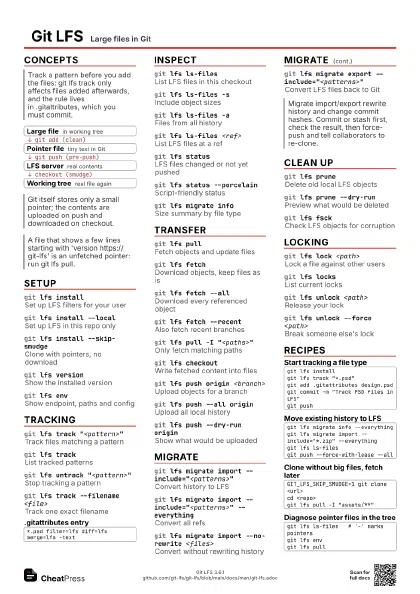
- Large file in working tree
- Pointer file tiny text in Git
- LFS server real contents
- Working tree real file again
Setup
git lfs installSet up LFS filters for your user
Run once per machine; inside a repo it also adds the pre-push
hook.
git lfs install --local
Set up LFS in this repo only
git lfs install --skip-smudge
Clone with pointers, no download
Handy for CI that does not need the big files; fetch later
with git lfs pull.
git lfs versionShow the installed version
git lfs envShow endpoint, paths and config
git lfs updateReinstall the repo hooks
Tracking
git lfs track "<pattern>"
Track files matching a pattern
Quote the pattern so the shell does not expand it.
git lfs trackList tracked patterns
git lfs untrack "<pattern>"
Stop tracking a pattern
Existing commits keep their pointers; use migrate export to
convert them back.
git lfs track --filename <file>
Track one exact filename
git lfs track --dry-run "<pattern>"
Preview without changing anything
*.psd filter=lfs diff=lfs merge=lfs -textInspect
git lfs ls-files
List LFS files in this checkout
A * after the OID means content is present, a - means pointer
only.
git lfs ls-files -s
Include object sizes
git lfs ls-files -a
Files from all history
git lfs ls-files <ref>
List LFS files at a ref
git lfs statusLFS files changed or not yet pushed
git lfs status --porcelain
Script-friendly status
git lfs migrate info
Size summary by file type
Looks at unpushed commits on the current branch unless you add
--everything.
Transfer
git lfs pullFetch objects and update files
git lfs fetchDownload objects, keep files as is
git lfs fetch --all
Download every referenced object
git lfs fetch --recent
Also fetch recent branches
git lfs pull -I "<paths>"
Only fetch matching paths
-X excludes paths; both take comma-separated globs.
git lfs checkout
Write fetched content into files
Downloads nothing; uses the local LFS store.
git lfs push origin <branch>
Upload objects for a branch
A normal git push already does this through the pre-push hook.
git lfs push --all origin
Upload all local history
Use after switching or mirroring to a new remote.
git lfs push --dry-run origin
Show what would be uploaded
Migrate
git lfs migrate import
                    --include="<patterns>"
Convert history to LFS
Rewrites commits; force-push needed afterwards.
git lfs migrate import --include="<patterns>"
                    --everything
Convert all refs
git lfs migrate import --above=<size>
Convert files over a size
Size such as 1mb or 500kb.
git lfs migrate import --no-rewrite <files>
Convert without rewriting history
Adds one new commit; also writes .gitattributes.
git lfs migrate export
                    --include="<patterns>"
Convert LFS files back to Git
git lfs migrate import --fixup
Repair files wrongly committed
Clean up
git lfs pruneDelete old local LFS objects
Keeps the current checkout, unpushed and recent objects.
git lfs prune --dry-run
Preview what would be deleted
git lfs prune --verify-remote
Delete only if the server has it
git lfs fsckCheck LFS objects for corruption
git lfs dedupSave disk space on copy-on-write FS
Locking
git lfs lock <path>
Lock a file against other users
Useful for unmergeable binaries; the server must support
locking.
git lfs locksList current locks
git lfs unlock <path>
Release your lock
git lfs unlock --force <path>
Break someone else's lock
git config lfs.locksverify true
Verify locks on push
Recipes
git lfs installgit lfs track "*.psd"git add .gitattributes design.psdgit commit -m "Track PSD files in LFS"git pushgit lfs migrate info --everythinggit lfs migrate import --include="*.zip" --everythinggit lfs ls-filesgit push --force-with-lease --allGIT_LFS_SKIP_SMUDGE=1 git clone <url>cd <repo>git lfs pull -I "assets/**"git lfs ls-files # '-' marks pointersgit lfs envgit lfs pull