Cheat
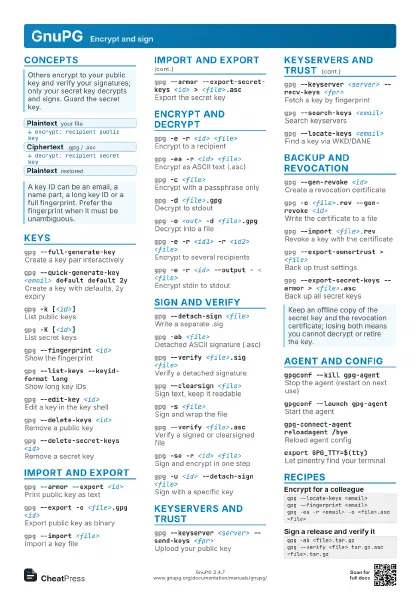
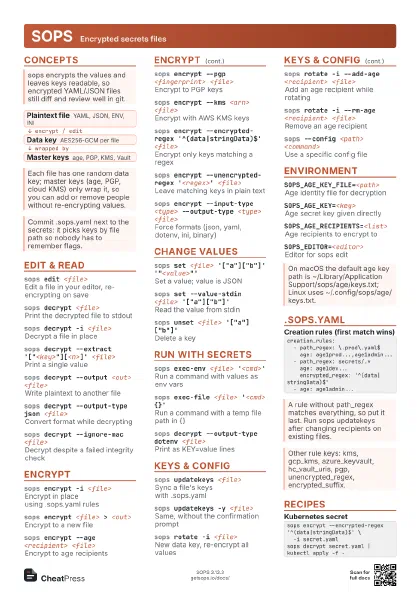
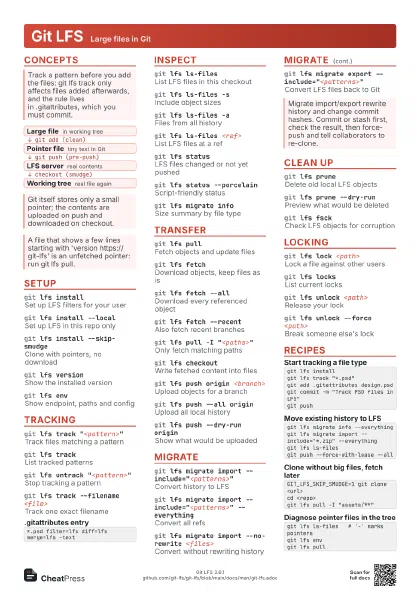
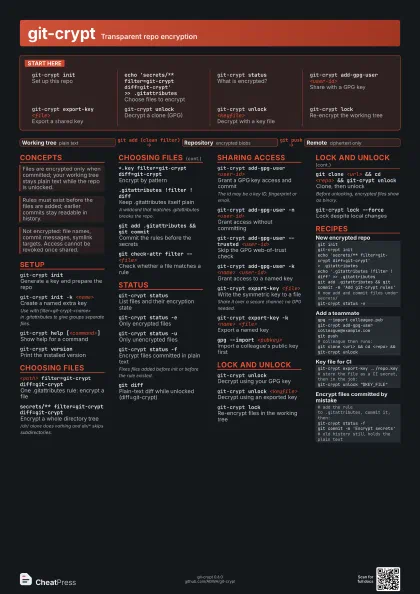
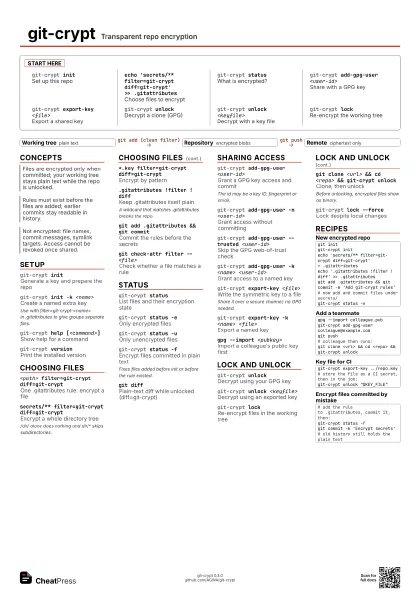
git-crypt Transparent repo encryption
 Light · Postcard
102 × 152 mm · PDF
 Dark · Postcard
102 × 152 mm · PDF
 Ink saver · Postcard
102 × 152 mm · PDF
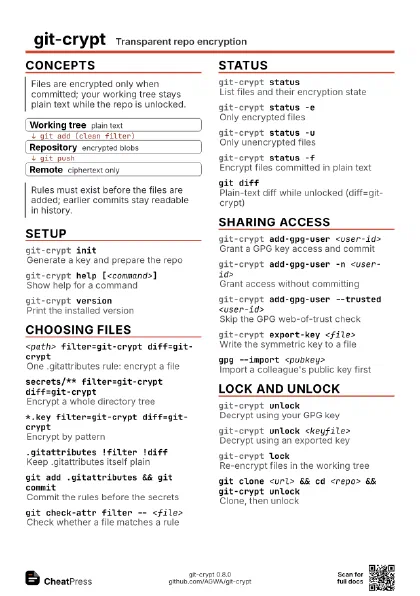
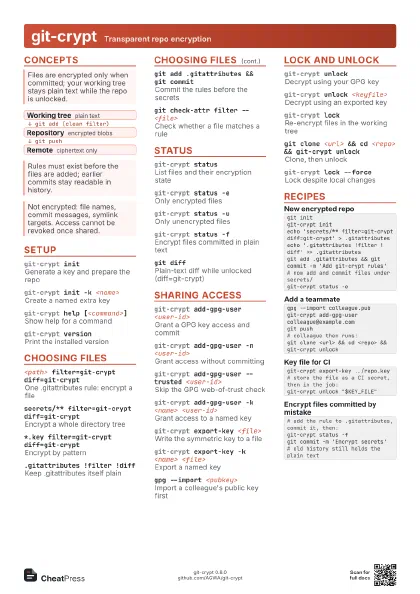
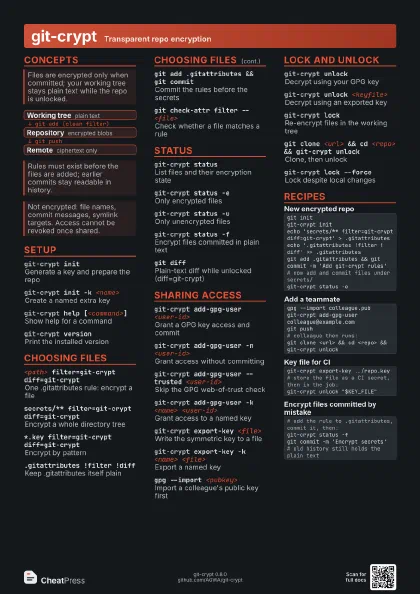
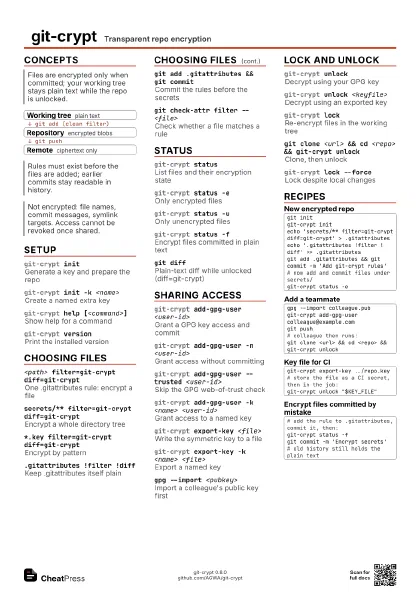
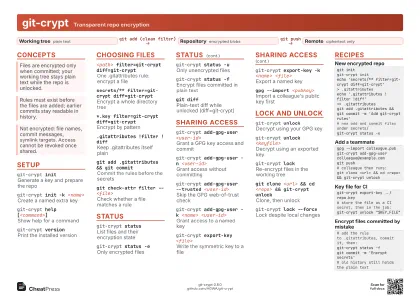 Light · A4 landscape
297 × 210 mm · PDF
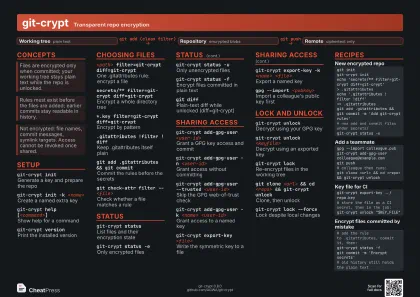 Dark · A4 landscape
297 × 210 mm · PDF
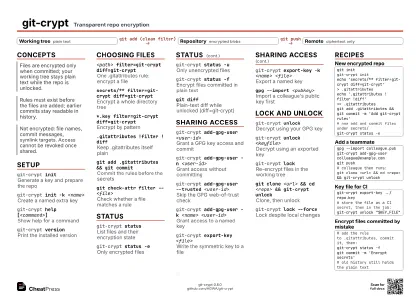 Ink saver · A4 landscape
297 × 210 mm · PDF
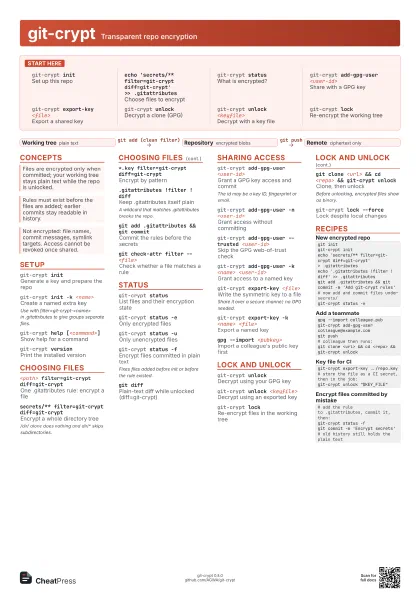
 Light · A3 landscape
420 × 297 mm · PDF
 Dark · A3 landscape
420 × 297 mm · PDF
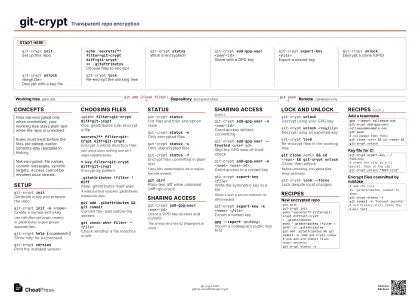 Ink saver · A3 landscape
420 × 297 mm · PDF
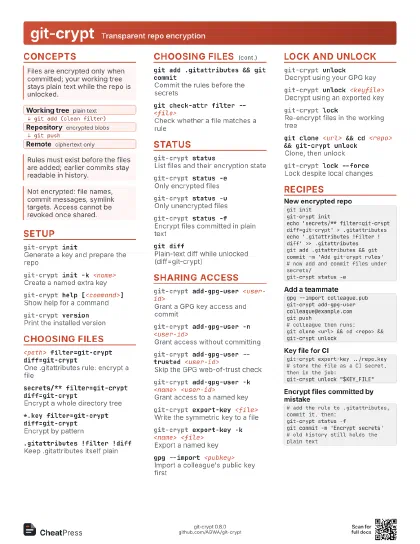
Start here
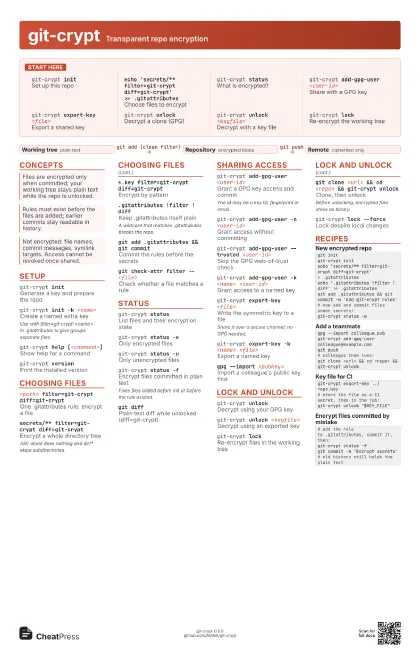
git-crypt initSet up this repo
echo 'secrets/** filter=git-crypt diff=git-crypt'
                    >> .gitattributes
Choose files to encrypt
git-crypt status
What is encrypted?
git-crypt add-gpg-user <user-id>
Share with a GPG key
git-crypt export-key <file>
Export a shared key
git-crypt unlock
Decrypt a clone (GPG)
git-crypt unlock <keyfile>
Decrypt with a key file
git-crypt lockRe-encrypt the working tree
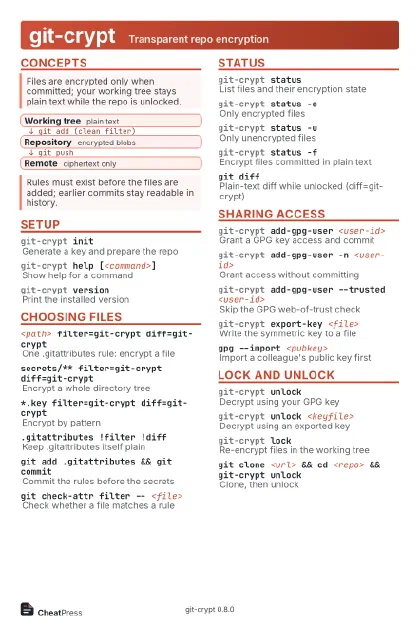
Concepts
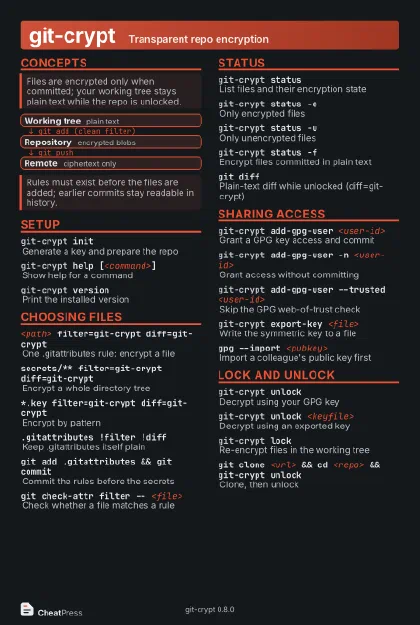
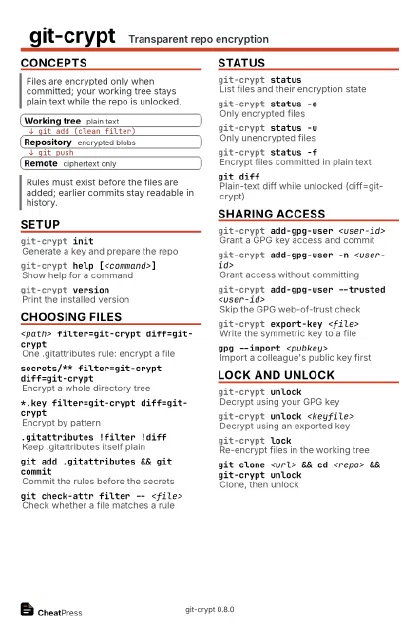
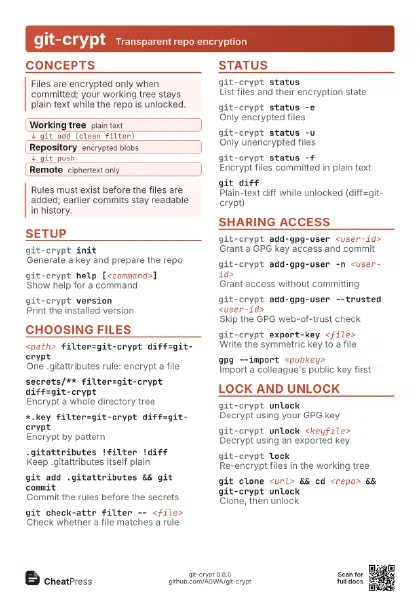
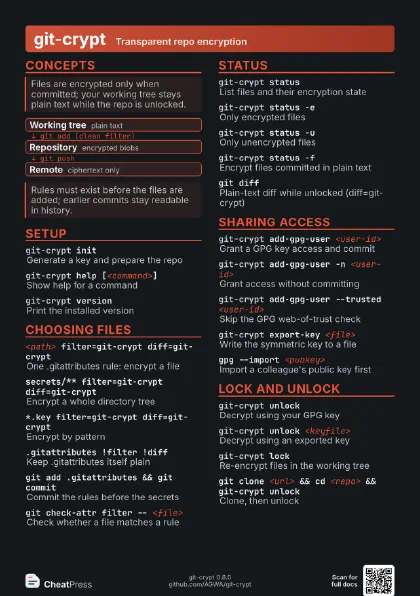
- Working tree plain text
- Repository encrypted blobs
- Remote ciphertext only
Setup
git-crypt initGenerate a key and prepare the repo
git-crypt init -k <name>
Create a named extra key
Use with filter=git-crypt-<name> in .gitattributes to
give groups separate files.
git-crypt help [<command>]
Show help for a command
git-crypt version
Print the installed version
Choosing files
<path> filter=git-crypt diff=git-crypt
One .gitattributes rule: encrypt a file
secrets/** filter=git-crypt diff=git-crypt
Encrypt a whole directory tree
/dir/ alone does nothing and dir/* skips subdirectories.
*.key filter=git-crypt diff=git-crypt
Encrypt by pattern
.gitattributes !filter !diff
Keep .gitattributes itself plain
A wildcard that matches .gitattributes breaks the repo.
git add .gitattributes && git commit
Commit the rules before the secrets
git check-attr filter -- <file>
Check whether a file matches a rule
Status
git-crypt status
List files and their encryption state
git-crypt status -e
Only encrypted files
git-crypt status -u
Only unencrypted files
git-crypt status -f
Encrypt files committed in plain text
Fixes files added before init or before the rule existed.
git diff
Plain-text diff while unlocked (diff=git-crypt)
Sharing access
git-crypt add-gpg-user <user-id>
Grant a GPG key access and commit
The id may be a key ID, fingerprint or email.
git-crypt add-gpg-user -n <user-id>
Grant access without committing
git-crypt add-gpg-user --trusted <user-id>
Skip the GPG web-of-trust check
git-crypt add-gpg-user -k <name>
                    <user-id>
Grant access to a named key
git-crypt export-key <file>
Write the symmetric key to a file
Share it over a secure channel; no GPG needed.
git-crypt export-key -k <name> <file>
Export a named key
gpg --import <pubkey>
Import a colleague's public key first
Lock and unlock
git-crypt unlock
Decrypt using your GPG key
git-crypt unlock <keyfile>
Decrypt using an exported key
git-crypt lockRe-encrypt files in the working tree
git clone <url> && cd <repo> &&
                    git-crypt unlock
Clone, then unlock
Before unlocking, encrypted files show as binary.
git-crypt lock --force
Lock despite local changes
Recipes
git initgit-crypt initecho 'secrets/** filter=git-crypt diff=git-crypt' > .gitattributesecho '.gitattributes !filter !diff' >> .gitattributesgit add .gitattributes && git commit -m 'Add git-crypt rules'# now add and commit files under secrets/git-crypt status -egpg --import colleague.pubgit-crypt add-gpg-user colleague@example.comgit push# colleague then runs:git clone <url> && cd <repo> && git-crypt unlockgit-crypt export-key ../repo.key# store the file as a CI secret, then in the job:git-crypt unlock "$KEY_FILE"# add the rule to .gitattributes, commit it, then:git-crypt status -fgit commit -m 'Encrypt secrets'# old history still holds the plain text