Cheat
git-filter-repo Rewrite Git history
 Light · Postcard
102 × 152 mm · PDF
 Dark · Postcard
102 × 152 mm · PDF
 Ink saver · Postcard
102 × 152 mm · PDF
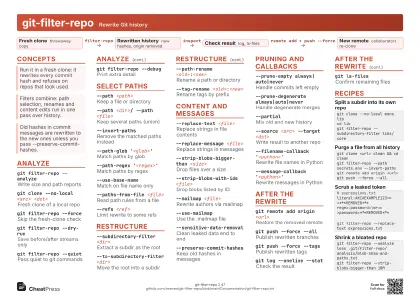 Light · A4 landscape
297 × 210 mm · PDF
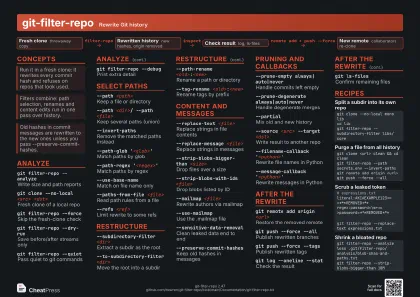 Dark · A4 landscape
297 × 210 mm · PDF
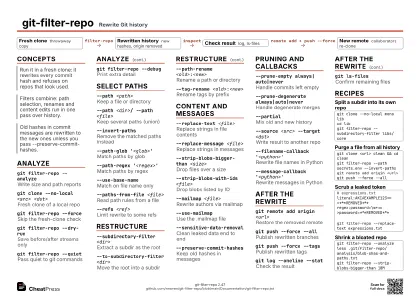 Ink saver · A4 landscape
297 × 210 mm · PDF
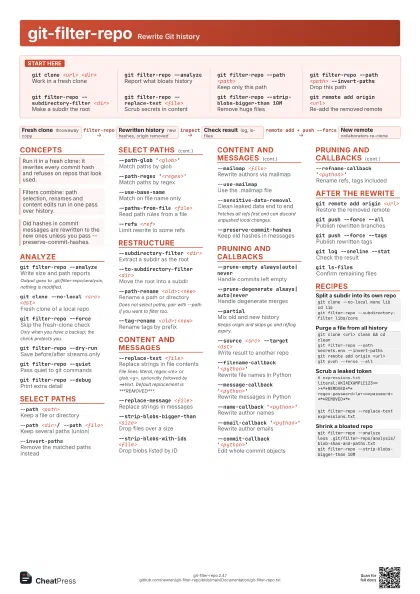
 Light · A3 landscape
420 × 297 mm · PDF
 Dark · A3 landscape
420 × 297 mm · PDF
 Ink saver · A3 landscape
420 × 297 mm · PDF
Start here
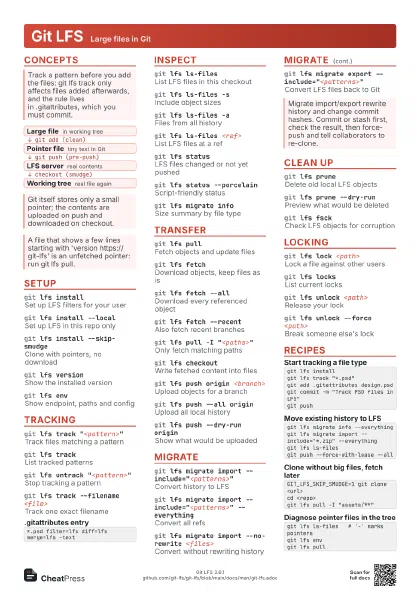
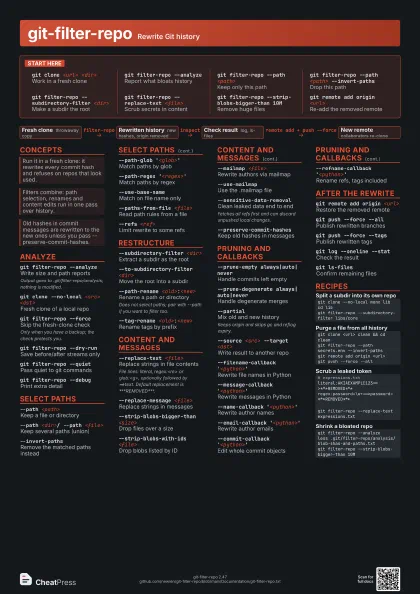
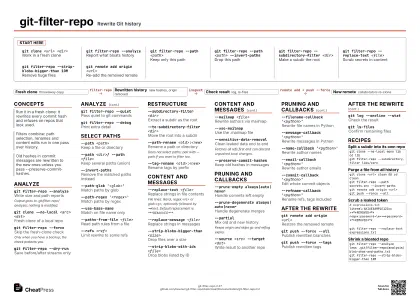
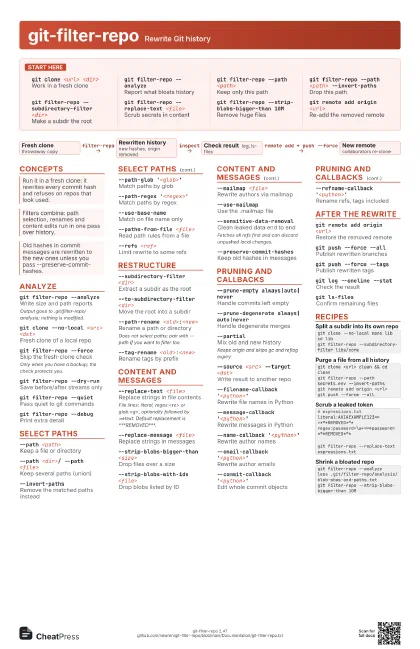
git clone <url> <dir>
Work in a fresh clone
git filter-repo --analyze
Report what bloats history
git filter-repo --path <path>
Keep only this path
git filter-repo --path <path> --invert-paths
Drop this path
git filter-repo --subdirectory-filter <dir>
Make a subdir the root
git filter-repo --replace-text <file>
Scrub secrets in content
git filter-repo --strip-blobs-bigger-than 10M
Remove huge files
git remote add origin <url>
Re-add the removed remote
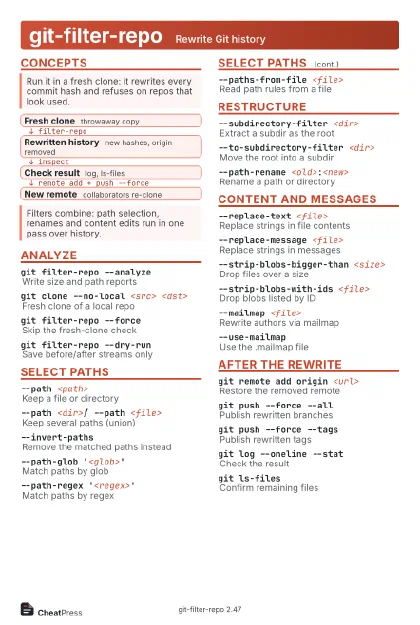
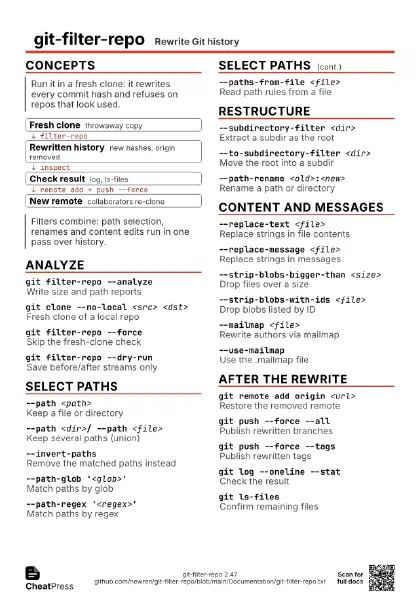
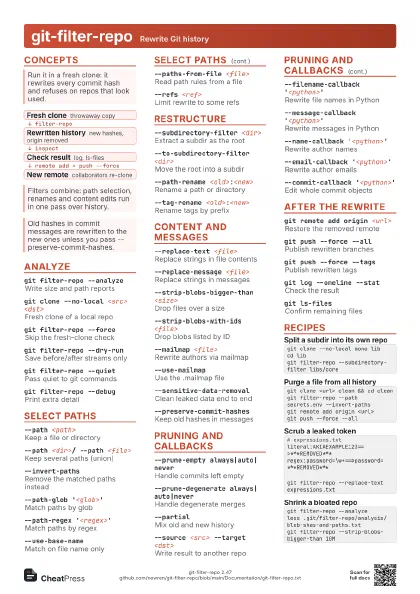
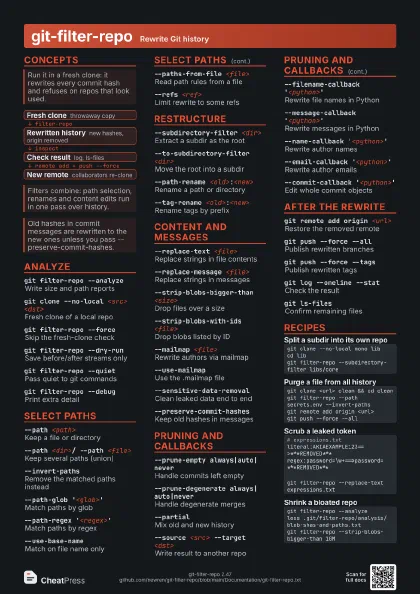
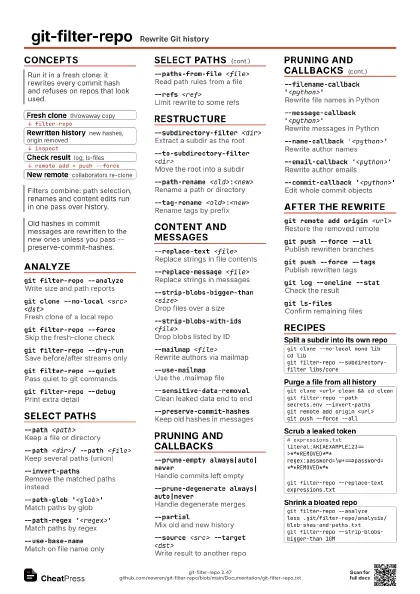
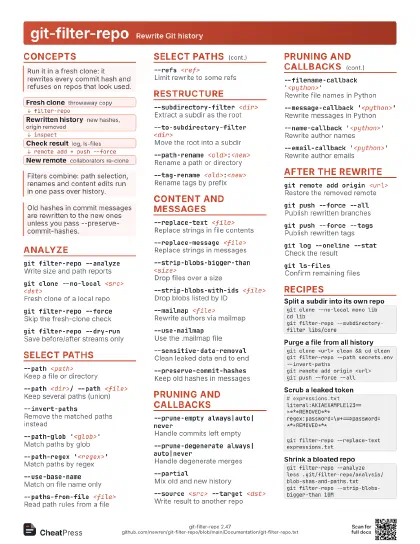
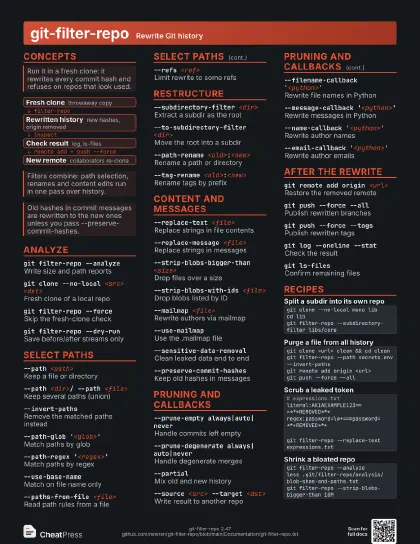
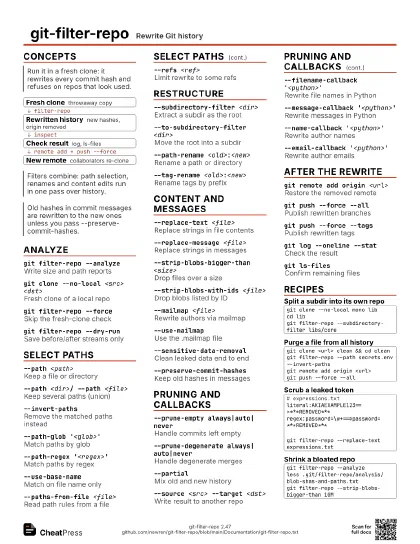
Concepts
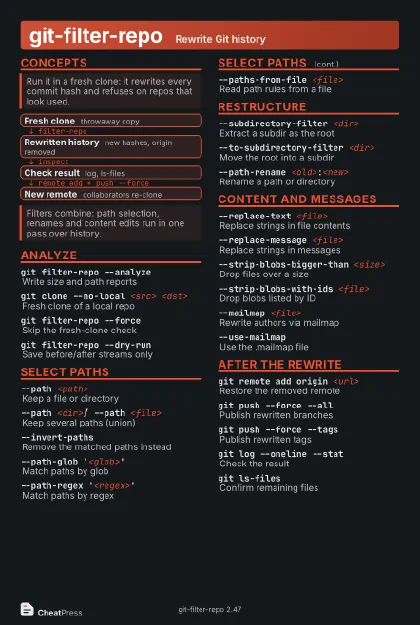
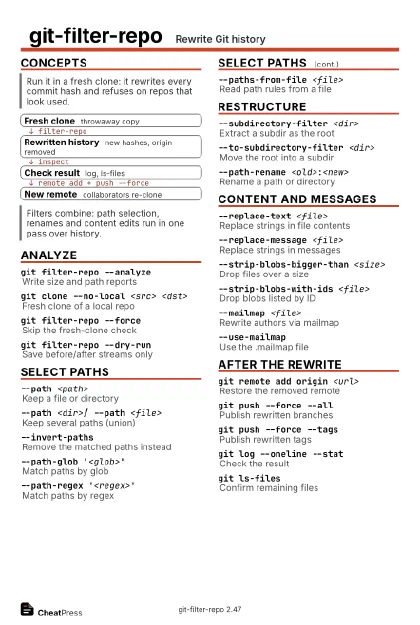
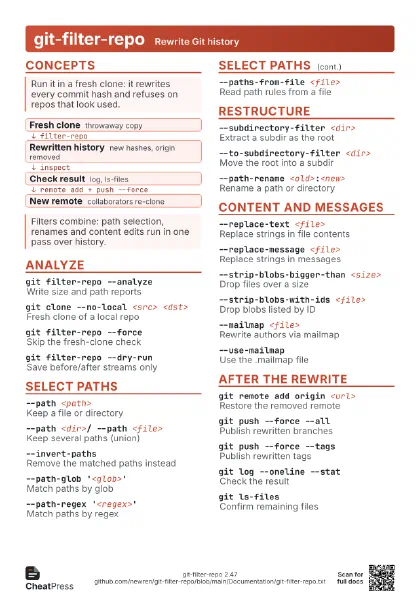
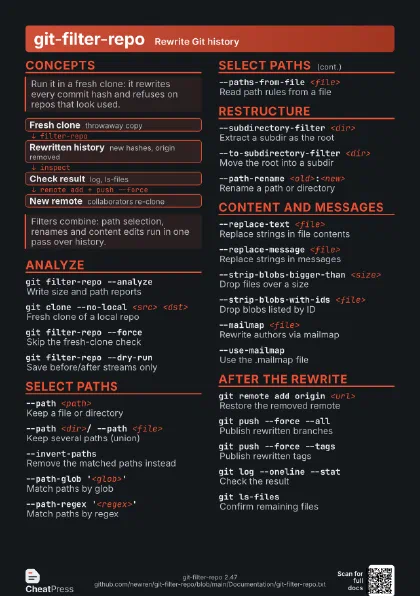
- Fresh clone throwaway copy
- Rewritten history new hashes, origin removed
- Check result log, ls-files
- New remote collaborators re-clone
Analyze
git filter-repo --analyze
Write size and path reports
Output goes to .git/filter-repo/analysis; nothing is modified.
git clone --no-local <src> <dst>
Fresh clone of a local repo
git filter-repo --force
Skip the fresh-clone check
Only when you have a backup; the check protects you.
git filter-repo --dry-run
Save before/after streams only
git filter-repo --quiet
Pass quiet to git commands
git filter-repo --debug
Print extra detail
Select paths
--path <path>
Keep a file or directory
--path <dir>/ --path <file>
Keep several paths (union)
--invert-pathsRemove the matched paths instead
--path-glob '<glob>'
Match paths by glob
--path-regex '<regex>'
Match paths by regex
--use-base-nameMatch on file name only
--paths-from-file <file>
Read path rules from a file
--refs <ref>
Limit rewrite to some refs
Restructure
--subdirectory-filter <dir>
Extract a subdir as the root
--to-subdirectory-filter <dir>
Move the root into a subdir
--path-rename <old>:<new>
Rename a path or directory
Does not select paths; pair with --path if you want to filter
too.
--tag-rename <old>:<new>
Rename tags by prefix
Content and messages
--replace-text <file>
Replace strings in file contents
File lines: literal, regex:<re> or glob:<g>,
optionally followed by ==>text. Default replacement is
***REMOVED***.
--replace-message <file>
Replace strings in messages
--strip-blobs-bigger-than <size>
Drop files over a size
--strip-blobs-with-ids <file>
Drop blobs listed by ID
--mailmap <file>
Rewrite authors via mailmap
--use-mailmapUse the .mailmap file
--sensitive-data-removal
Clean leaked data end to end
Fetches all refs first and can discard unpushed local changes.
--preserve-commit-hashes
Keep old hashes in messages
Pruning and callbacks
--prune-empty always|auto|never
Handle commits left empty
--prune-degenerate always|auto|never
Handle degenerate merges
--partialMix old and new history
Keeps origin and skips gc and reflog expiry.
--source <src> --target <dst>
Write result to another repo
--filename-callback '<python>'
Rewrite file names in Python
--message-callback '<python>'
Rewrite messages in Python
--name-callback '<python>'
Rewrite author names
--email-callback '<python>'
Rewrite author emails
--commit-callback '<python>'
Edit whole commit objects
--refname-callback '<python>'
Rename refs, tags included
After the rewrite
git remote add origin <url>
Restore the removed remote
git push --force --all
Publish rewritten branches
git push --force --tags
Publish rewritten tags
git log --oneline --stat
Check the result
git ls-filesConfirm remaining files
Recipes
git clone --no-local mono libcd libgit filter-repo --subdirectory-filter libs/coregit clone <url> clean && cd cleangit filter-repo --path secrets.env --invert-pathsgit remote add origin <url>git push --force --all# expressions.txtliteral:AKIAEXAMPLE123==>***REMOVED***regex:password=\w+==>password=***REMOVED***git filter-repo --replace-text expressions.txtgit filter-repo --analyzeless .git/filter-repo/analysis/blob-shas-and-paths.txtgit filter-repo --strip-blobs-bigger-than 10M