Cheat
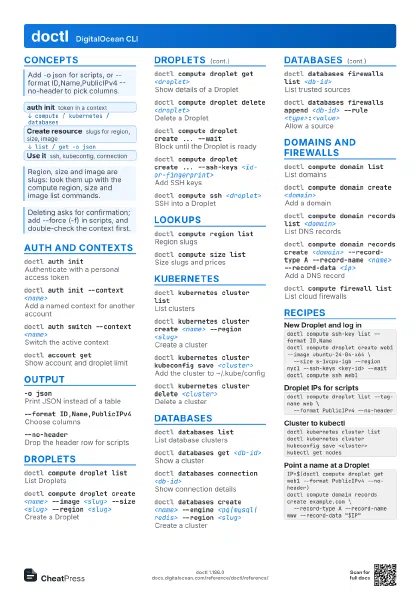
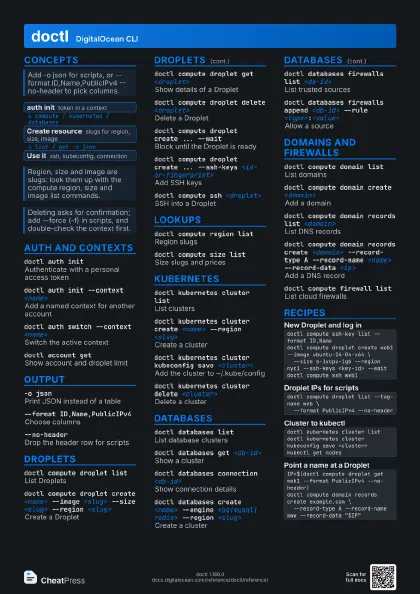
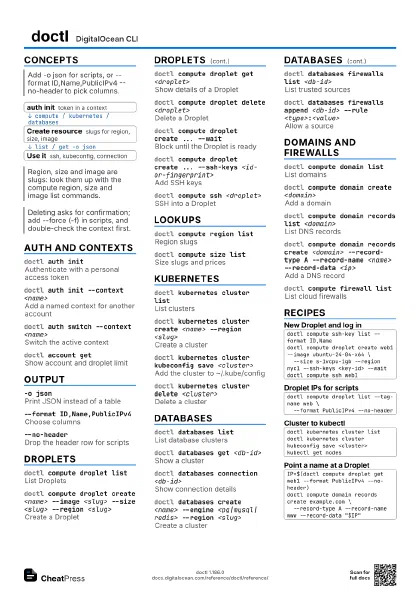
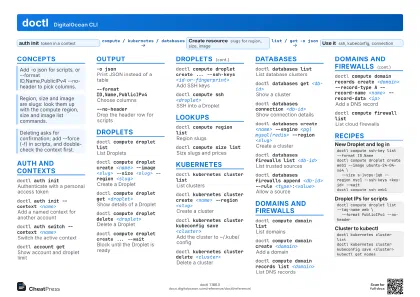
doctl DigitalOcean CLI
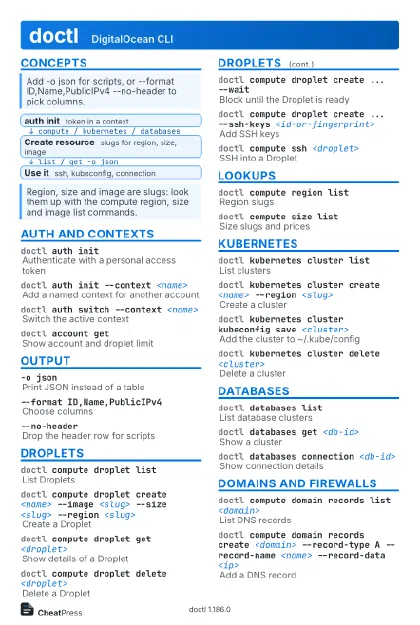 Light · Postcard
102 × 152 mm · PDF
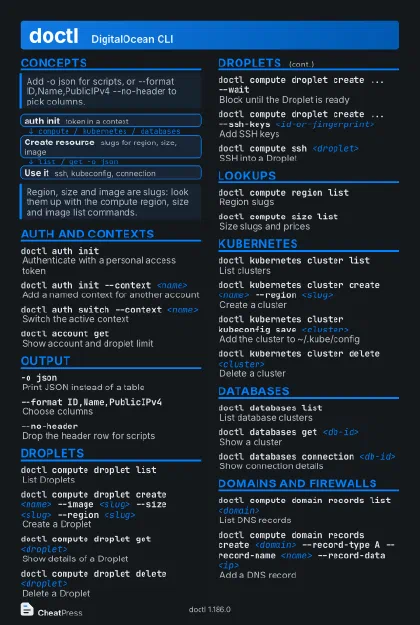 Dark · Postcard
102 × 152 mm · PDF
 Ink saver · Postcard
102 × 152 mm · PDF
 Light · A4 landscape
297 × 210 mm · PDF
 Dark · A4 landscape
297 × 210 mm · PDF
 Ink saver · A4 landscape
297 × 210 mm · PDF
 Light · A3 landscape
420 × 297 mm · PDF
 Dark · A3 landscape
420 × 297 mm · PDF
 Ink saver · A3 landscape
420 × 297 mm · PDF
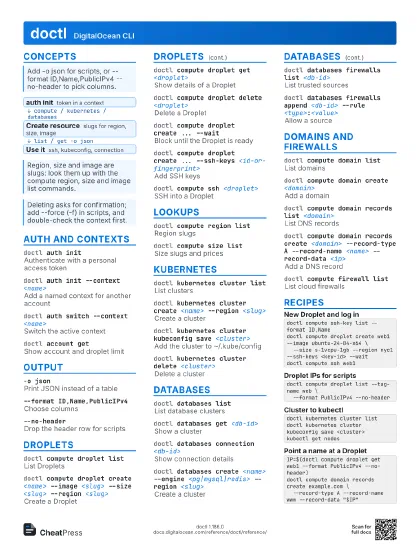
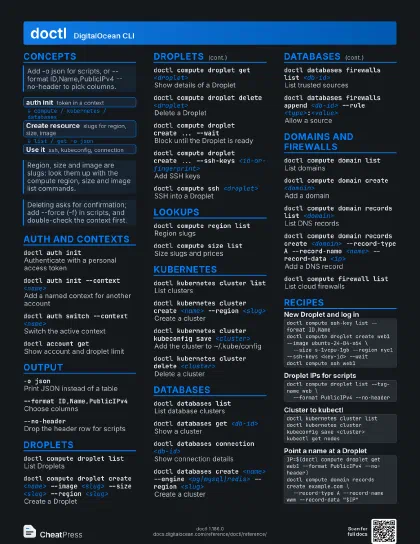
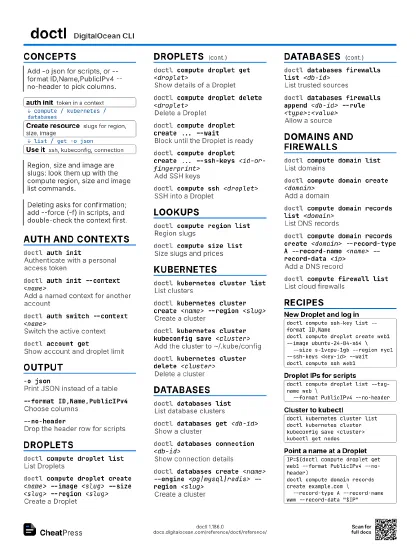
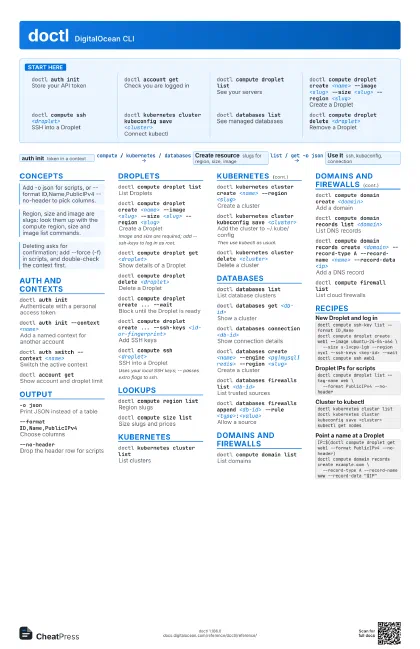
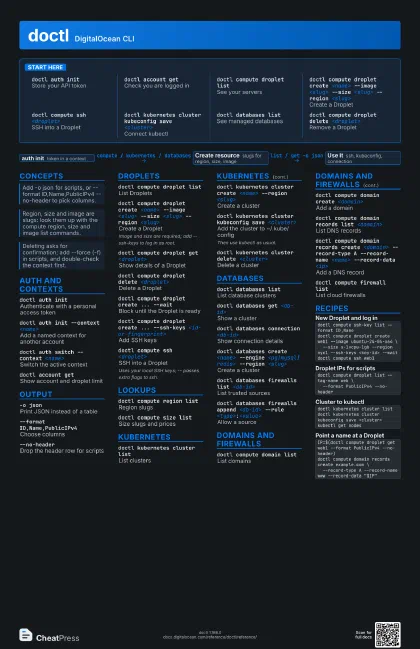
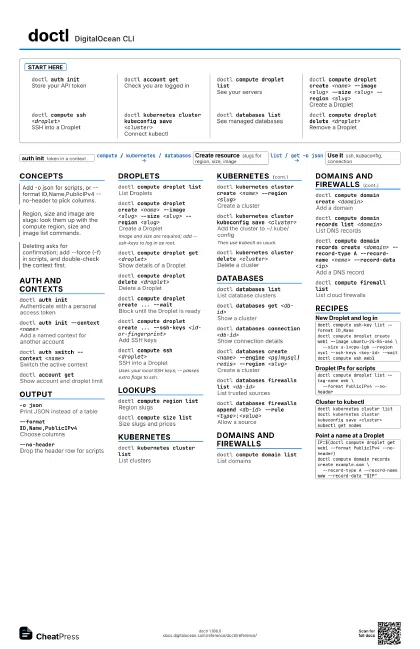
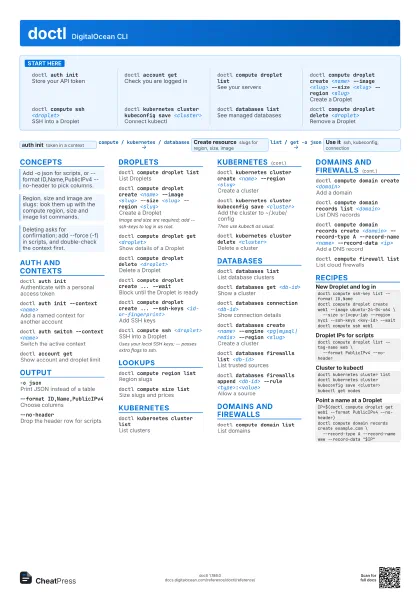
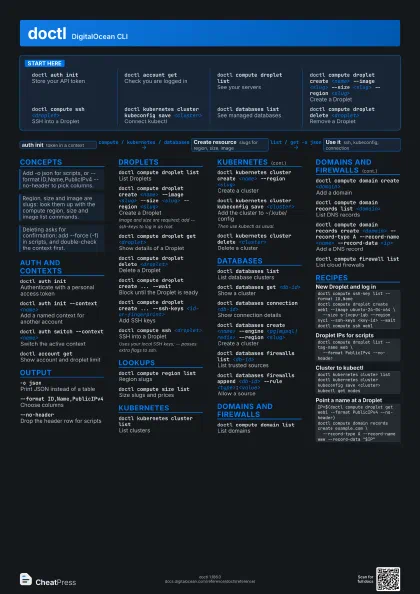
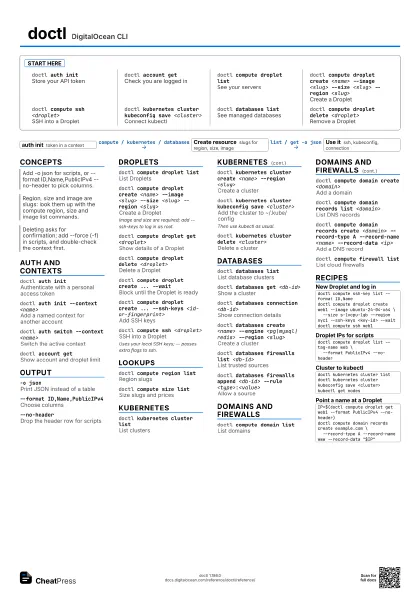
Start here
doctl auth initStore your API token
doctl account get
Check you are logged in
doctl compute droplet list
See your servers
doctl compute droplet create <name> --image
                    <slug> --size <slug> --region <slug>
Create a Droplet
doctl compute ssh <droplet>
SSH into a Droplet
doctl kubernetes cluster kubeconfig save
                    <cluster>
Connect kubectl
doctl databases list
See managed databases
doctl compute droplet delete <droplet>
Remove a Droplet
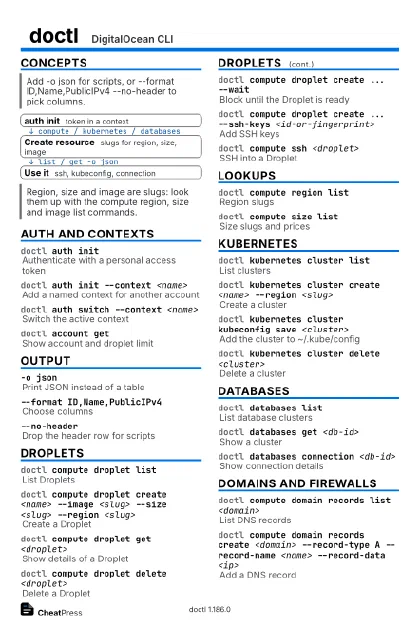
Concepts
- auth init token in a context
- Create resource slugs for region, size, image
- Use it ssh, kubeconfig, connection
Auth and contexts
doctl auth init
Authenticate with a personal access token
doctl auth init --context <name>
Add a named context for another account
doctl auth switch --context <name>
Switch the active context
doctl account get
Show account and droplet limit
Output
-o jsonPrint JSON instead of a table
--format ID,Name,PublicIPv4
Choose columns
--no-headerDrop the header row for scripts
Droplets
doctl compute droplet list
List Droplets
doctl compute droplet create <name> --image
                    <slug> --size <slug> --region <slug>
Create a Droplet
Image and size are required; add --ssh-keys to log in as root.
doctl compute droplet get <droplet>
Show details of a Droplet
doctl compute droplet delete <droplet>
Delete a Droplet
doctl compute droplet create ... --wait
Block until the Droplet is ready
doctl compute droplet create ... --ssh-keys
                    <id-or-fingerprint>
Add SSH keys
doctl compute ssh <droplet>
SSH into a Droplet
Uses your local SSH keys; -- passes extra flags to ssh.
Lookups
doctl compute region list
Region slugs
doctl compute size list
Size slugs and prices
Kubernetes
doctl kubernetes cluster list
List clusters
doctl kubernetes cluster create <name> --region
                    <slug>
Create a cluster
doctl kubernetes cluster kubeconfig save
                    <cluster>
Add the cluster to ~/.kube/config
Then use kubectl as usual.
doctl kubernetes cluster delete <cluster>
Delete a cluster
Databases
doctl databases list
List database clusters
doctl databases get <db-id>
Show a cluster
doctl databases connection <db-id>
Show connection details
doctl databases create <name> --engine
                    <pg|mysql|redis> --region <slug>
Create a cluster
doctl databases firewalls list <db-id>
List trusted sources
doctl databases firewalls append <db-id> --rule
                    <type>:<value>
Allow a source
Domains and firewalls
doctl compute domain list
List domains
doctl compute domain create <domain>
Add a domain
doctl compute domain records list <domain>
List DNS records
doctl compute domain records create <domain>
                    --record-type A --record-name <name> --record-data
                    <ip>
Add a DNS record
doctl compute firewall list
List cloud firewalls
Recipes
doctl compute ssh-key list --format ID,Namedoctl compute droplet create web1 --image ubuntu-24-04-x64 \ --size s-1vcpu-1gb --region nyc1 --ssh-keys <key-id> --waitdoctl compute ssh web1doctl compute droplet list --tag-name web \ --format PublicIPv4 --no-headerdoctl kubernetes cluster listdoctl kubernetes cluster kubeconfig save <cluster>kubectl get nodesIP=$(doctl compute droplet get web1 --format PublicIPv4 --no-header)doctl compute domain records create example.com \ --record-type A --record-name www --record-data "$IP"