Cheat
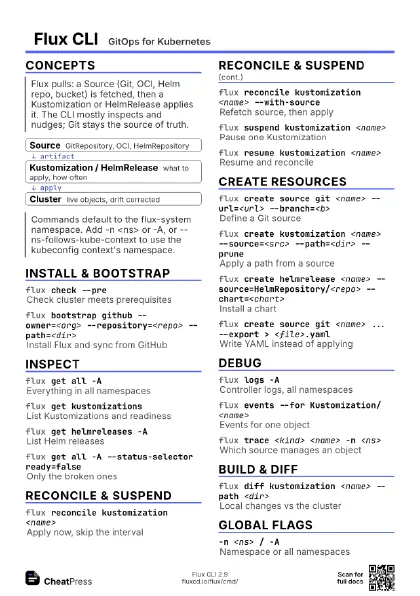
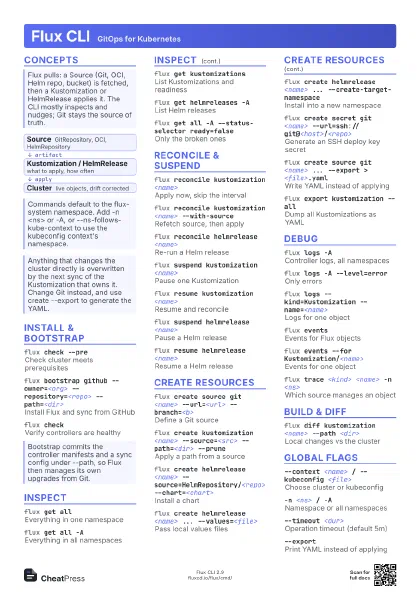
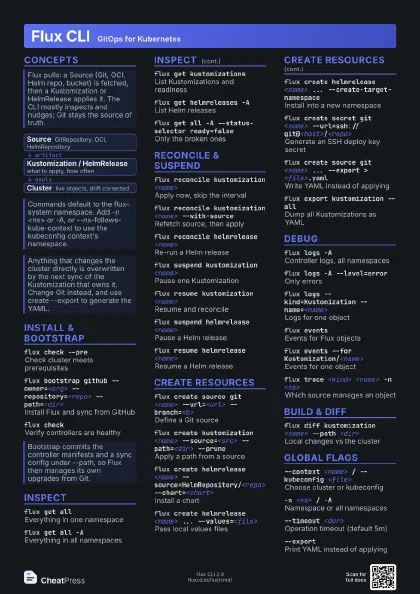
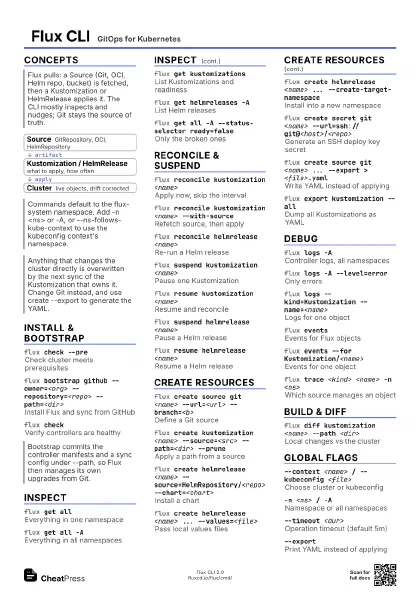
Flux CLI GitOps for Kubernetes
 Light · Postcard
102 × 152 mm · PDF
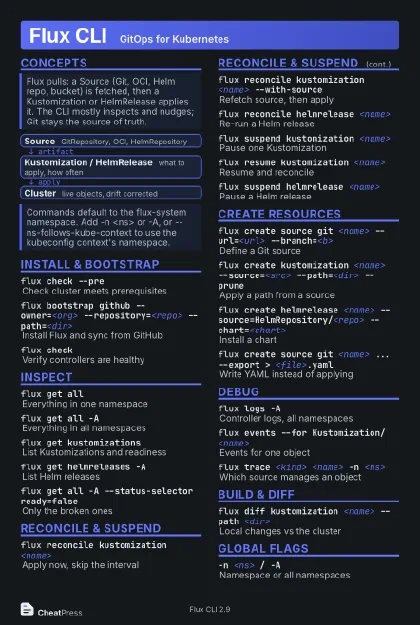 Dark · Postcard
102 × 152 mm · PDF
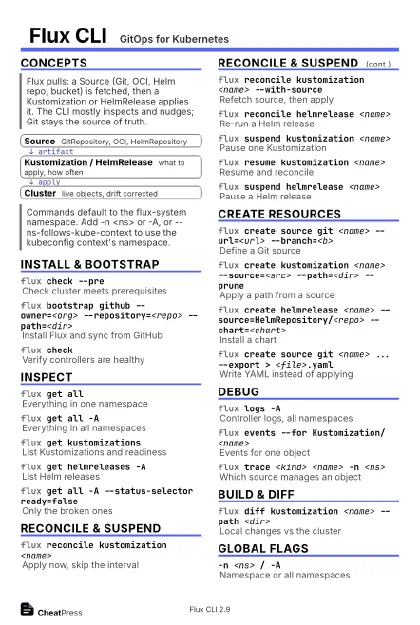 Ink saver · Postcard
102 × 152 mm · PDF
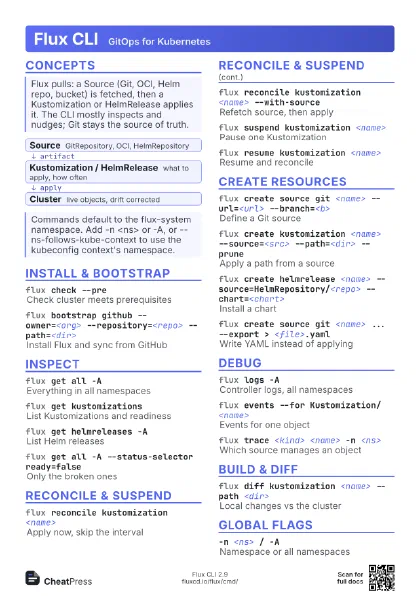
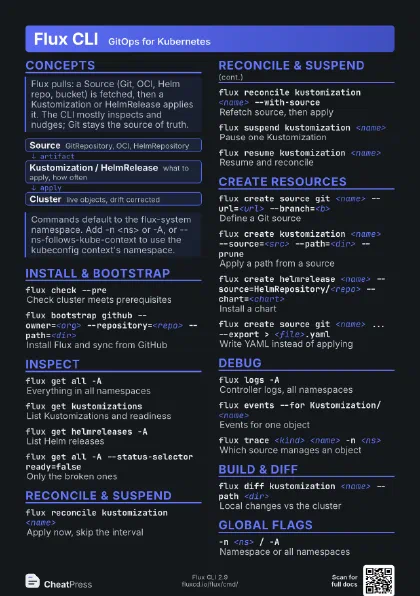
 Light · A4 landscape
297 × 210 mm · PDF
 Dark · A4 landscape
297 × 210 mm · PDF
 Ink saver · A4 landscape
297 × 210 mm · PDF
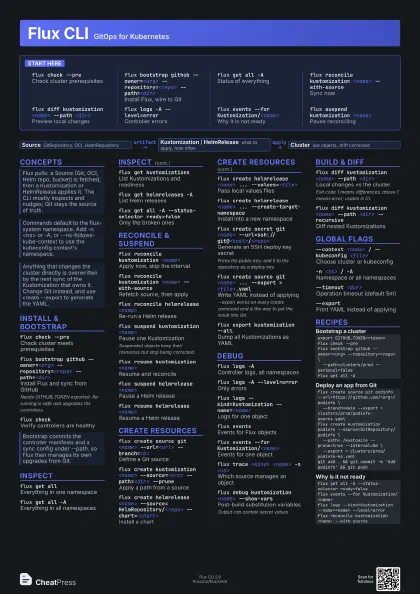
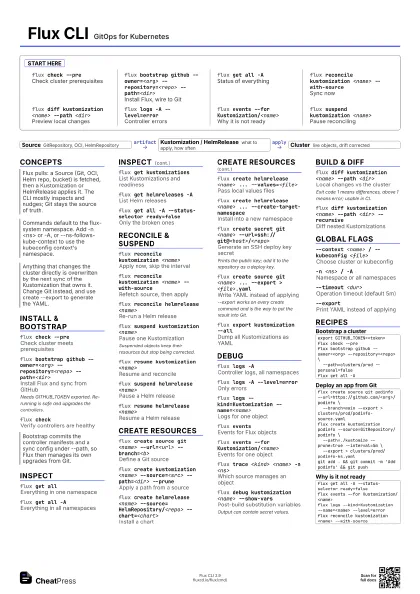
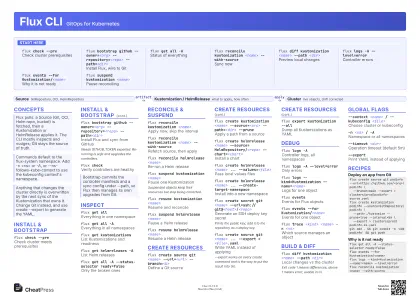 Light · A3 landscape
420 × 297 mm · PDF
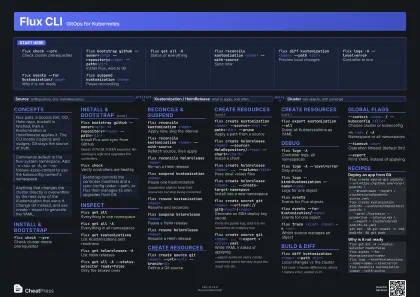 Dark · A3 landscape
420 × 297 mm · PDF
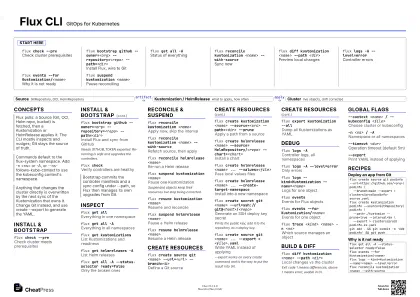 Ink saver · A3 landscape
420 × 297 mm · PDF
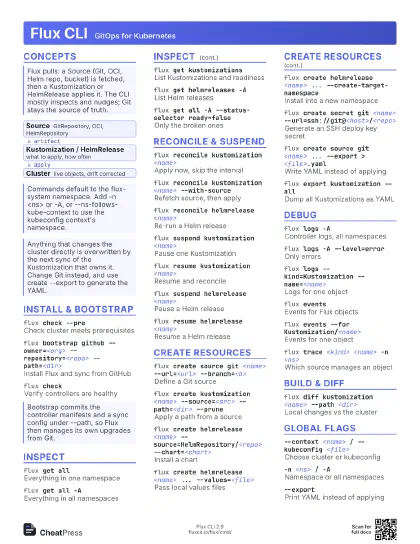
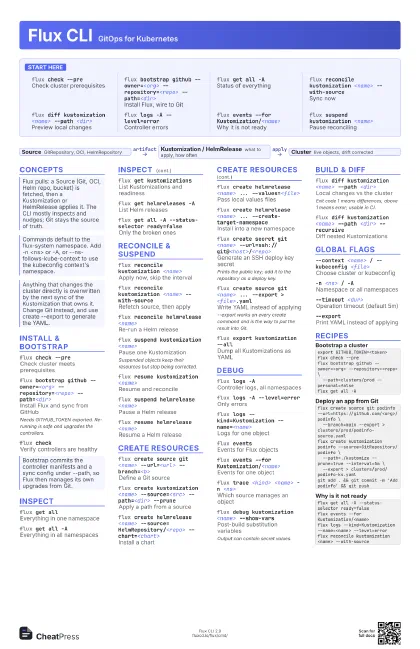
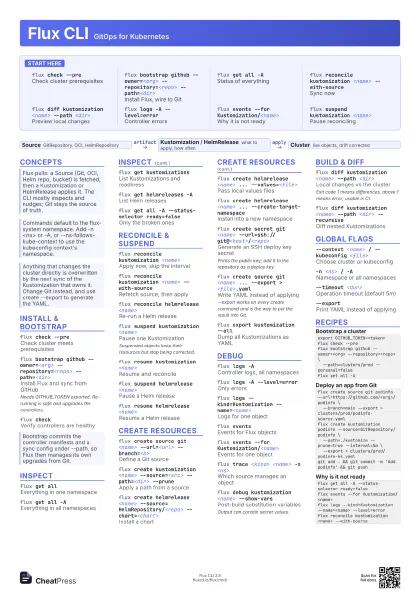
Start here
flux check --pre
Check cluster prerequisites
flux bootstrap github --owner=<org>
                    --repository=<repo> --path=<dir>
Install Flux, wire to Git
flux get all -AStatus of everything
flux reconcile kustomization <name>
                    --with-source
Sync now
flux diff kustomization <name> --path
                    <dir>
Preview local changes
flux logs -A --level=error
Controller errors
flux events --for Kustomization/<name>
Why it is not ready
flux suspend kustomization <name>
Pause reconciling
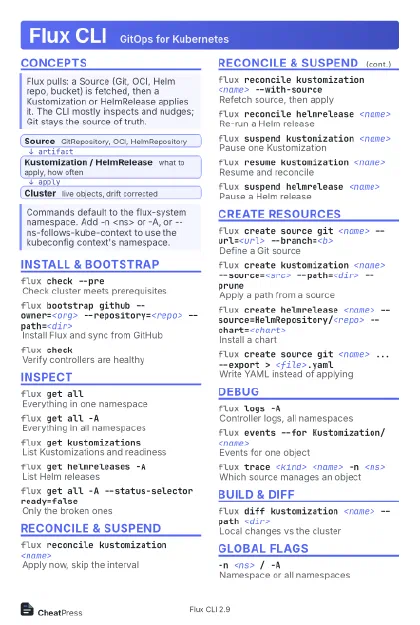
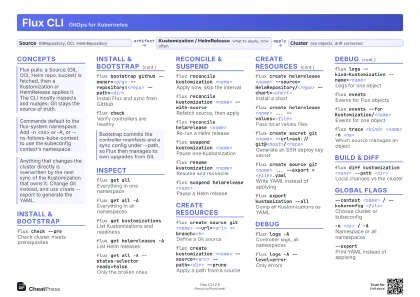
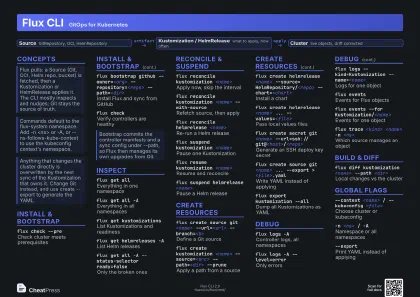
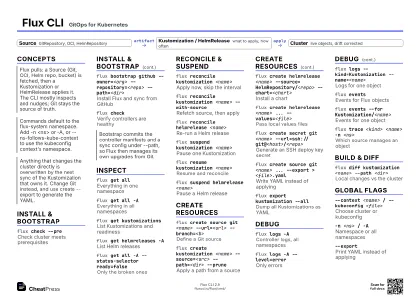
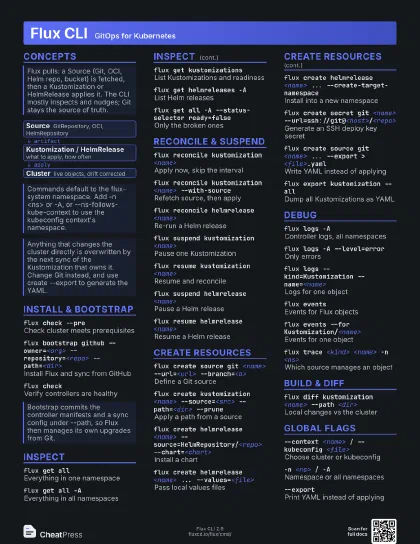
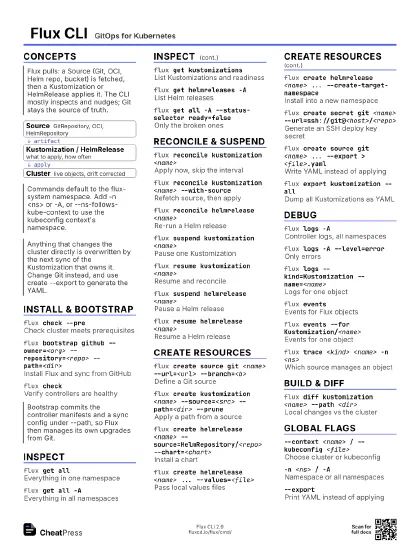
Concepts
- Source GitRepository, OCI, HelmRepository
- Kustomization / HelmRelease what to apply, how often
- Cluster live objects, drift corrected
Install & Bootstrap
flux check --pre
Check cluster meets prerequisites
flux bootstrap github --owner=<org>
                    --repository=<repo> --path=<dir>
Install Flux and sync from GitHub
Needs GITHUB_TOKEN exported. Re-running is safe and upgrades
the controllers.
flux checkVerify controllers are healthy
Inspect
flux get allEverything in one namespace
flux get all -AEverything in all namespaces
flux get kustomizations
List Kustomizations and readiness
flux get helmreleases -A
List Helm releases
flux get all -A --status-selector ready=false
Only the broken ones
Reconcile & Suspend
flux reconcile kustomization <name>
Apply now, skip the interval
flux reconcile kustomization <name>
                    --with-source
Refetch source, then apply
flux reconcile helmrelease <name>
Re-run a Helm release
flux suspend kustomization <name>
Pause one Kustomization
Suspended objects keep their resources but stop being
corrected.
flux resume kustomization <name>
Resume and reconcile
flux suspend helmrelease <name>
Pause a Helm release
flux resume helmrelease <name>
Resume a Helm release
Create Resources
flux create source git <name> --url=<url>
                    --branch=<b>
Define a Git source
flux create kustomization <name> --source=<src>
                    --path=<dir> --prune
Apply a path from a source
flux create helmrelease <name>
                    --source=HelmRepository/<repo>
                    --chart=<chart>
Install a chart
flux create helmrelease <name> ...
                    --values=<file>
Pass local values files
flux create helmrelease <name> ...
                    --create-target-namespace
Install into a new namespace
flux create secret git <name>
                    --url=ssh://git@<host>/<repo>
Generate an SSH deploy key secret
Prints the public key; add it to the repository as a deploy
key.
flux create source git <name> ... --export >
                    <file>.yaml
Write YAML instead of applying
--export works on every create command and is the way to put
the result into Git.
flux export kustomization --all
Dump all Kustomizations as YAML
Debug
flux logs -AController logs, all namespaces
flux logs -A --level=error
Only errors
flux logs --kind=Kustomization --name=<name>
Logs for one object
flux eventsEvents for Flux objects
flux events --for Kustomization/<name>
Events for one object
flux trace <kind> <name> -n <ns>
Which source manages an object
flux debug kustomization <name> --show-vars
Post-build substitution variables
Output can contain secret values.
Build & Diff
flux diff kustomization <name> --path
                    <dir>
Local changes vs the cluster
Exit code 1 means differences, above 1 means error; usable in
CI.
flux diff kustomization <name> --path <dir>
                    --recursive
Diff nested Kustomizations
Global Flags
--context <name> / --kubeconfig <file>
Choose cluster or kubeconfig
-n <ns> / -A
Namespace or all namespaces
--timeout <dur>
Operation timeout (default 5m)
--exportPrint YAML instead of applying
Recipes
export GITHUB_TOKEN=<token>flux check --preflux bootstrap github --owner=<org> --repository=<repo> \ --path=clusters/prod --personal=falseflux get all -Aflux create source git podinfo --url=https://github.com/<org>/podinfo \ --branch=main --export > clusters/prod/podinfo-source.yamlflux create kustomization podinfo --source=GitRepository/podinfo \ --path=./kustomize --prune=true --interval=5m \ --export > clusters/prod/podinfo-ks.yamlgit add . && git commit -m 'Add podinfo' && git pushflux get all -A --status-selector ready=falseflux events --for Kustomization/<name>flux logs --kind=Kustomization --name=<name> --level=errorflux reconcile kustomization <name> --with-source