Cheat
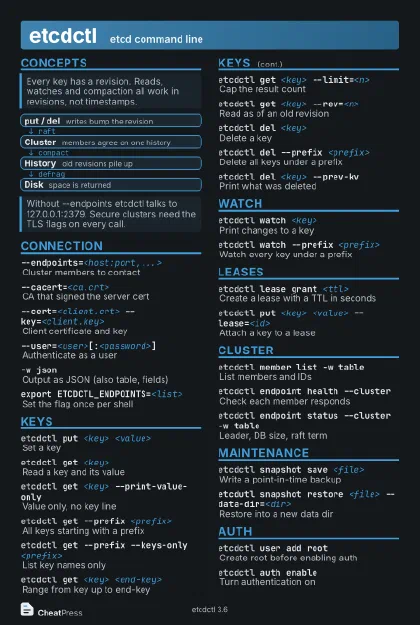
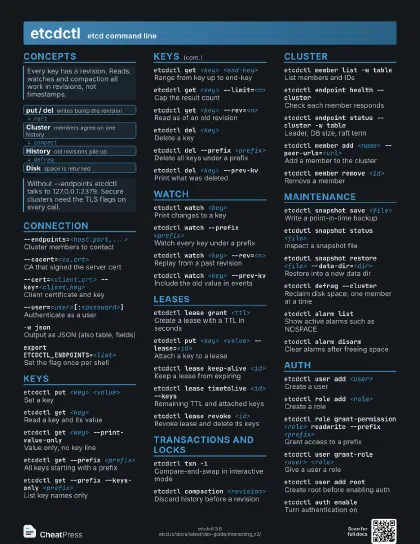
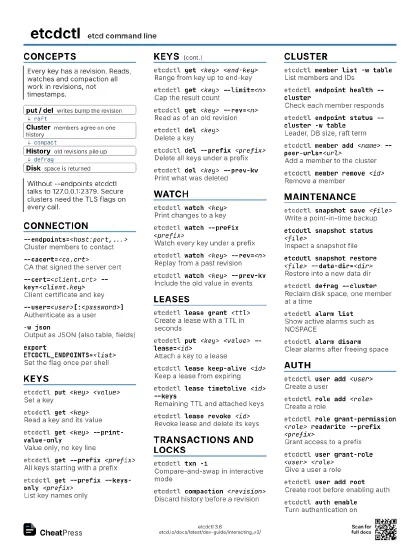
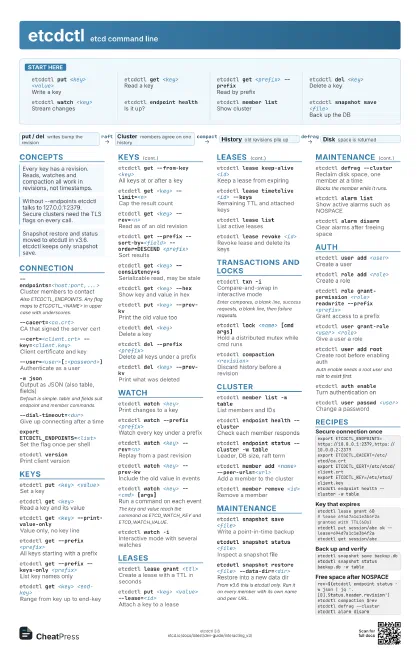
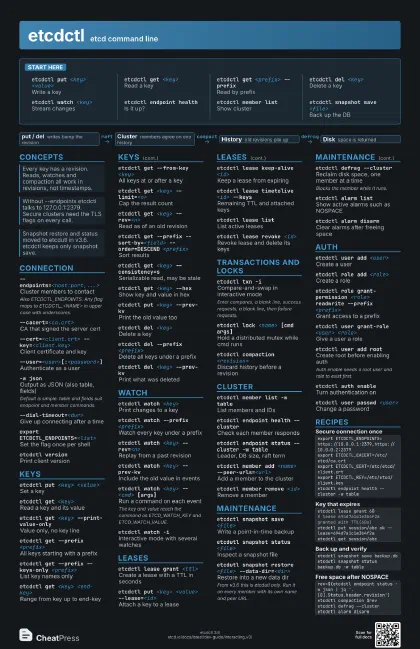
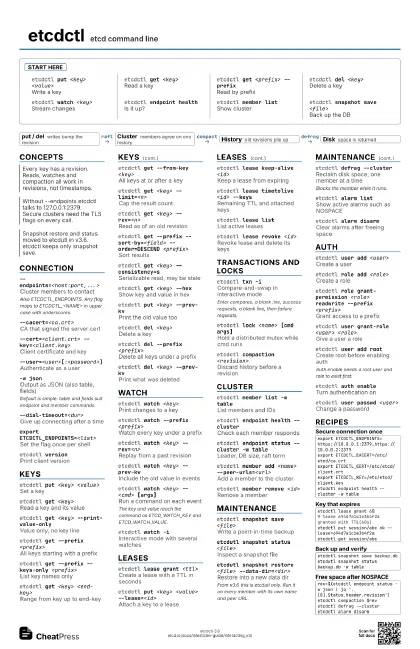
etcdctl etcd command line
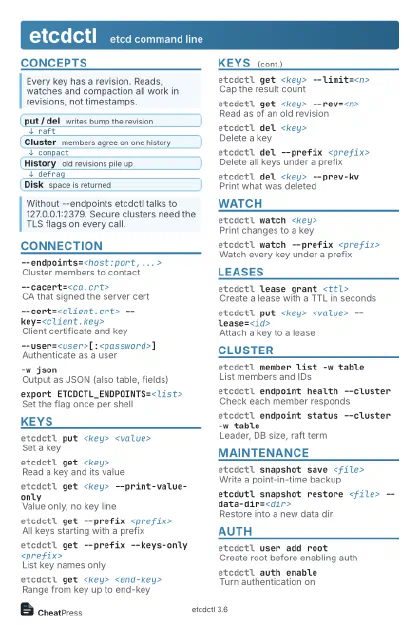 Light · Postcard
102 × 152 mm · PDF
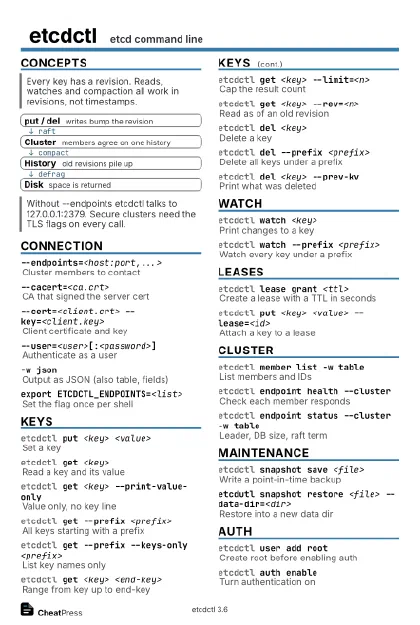
 Dark · Postcard
102 × 152 mm · PDF
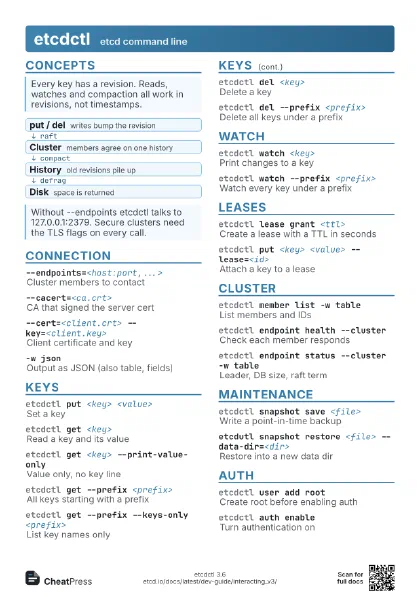
 Ink saver · Postcard
102 × 152 mm · PDF
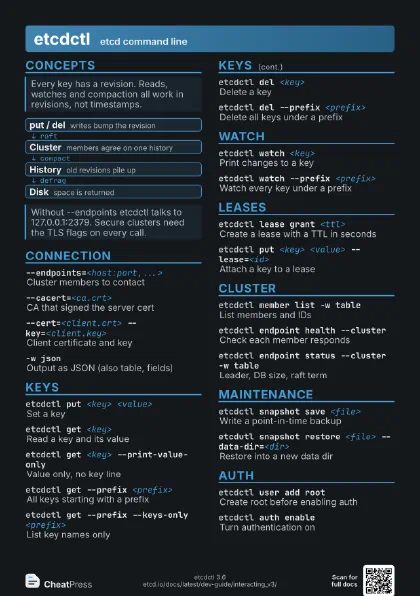
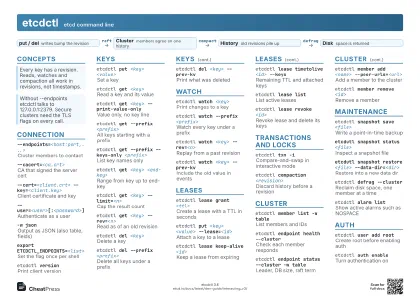 Light · A4 landscape
297 × 210 mm · PDF
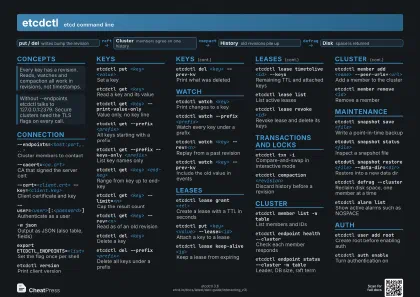 Dark · A4 landscape
297 × 210 mm · PDF
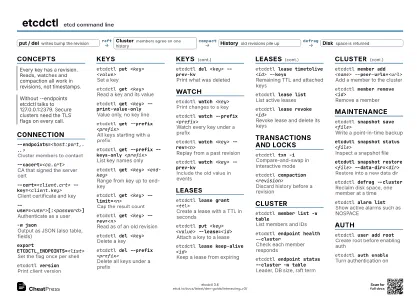 Ink saver · A4 landscape
297 × 210 mm · PDF
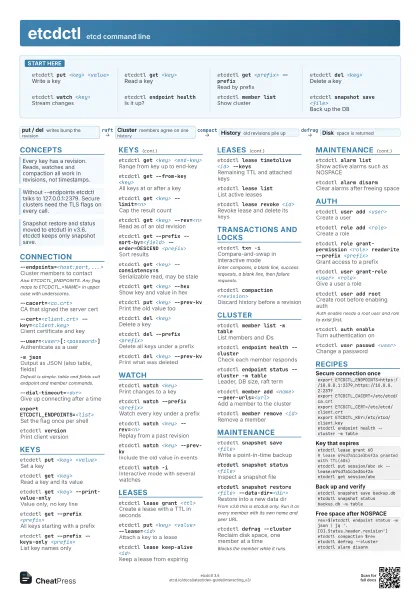
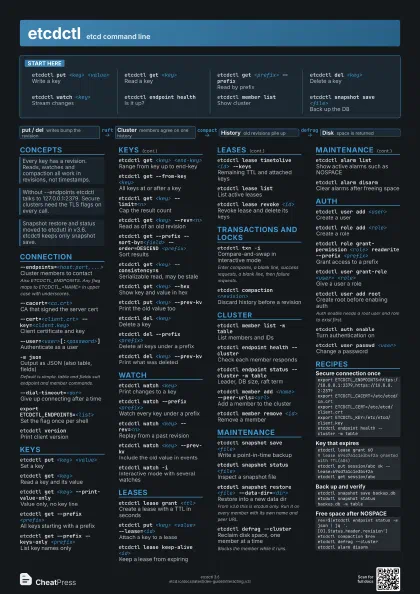
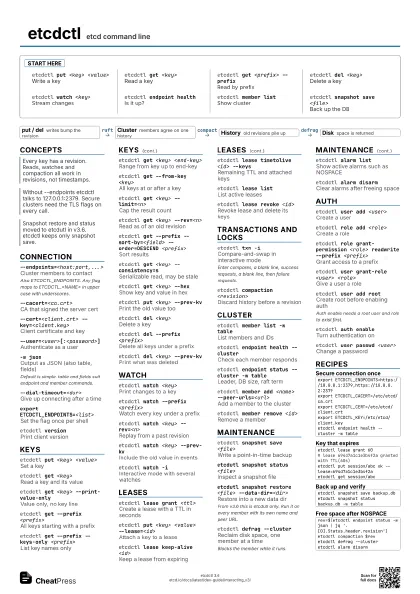
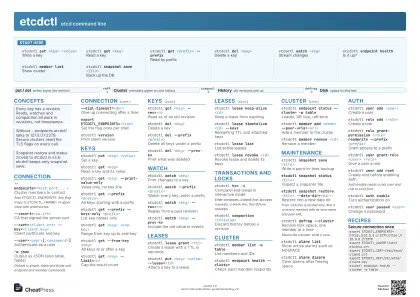 Light · A3 landscape
420 × 297 mm · PDF
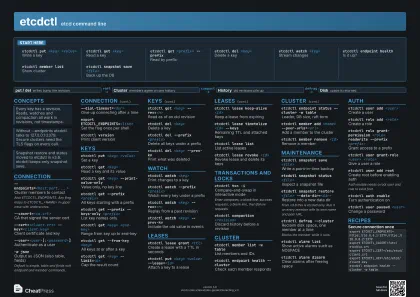 Dark · A3 landscape
420 × 297 mm · PDF
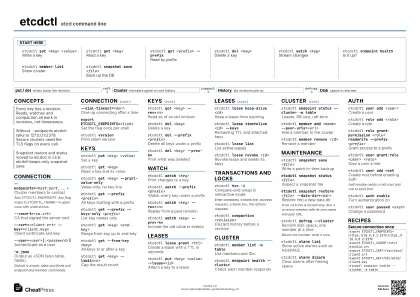 Ink saver · A3 landscape
420 × 297 mm · PDF
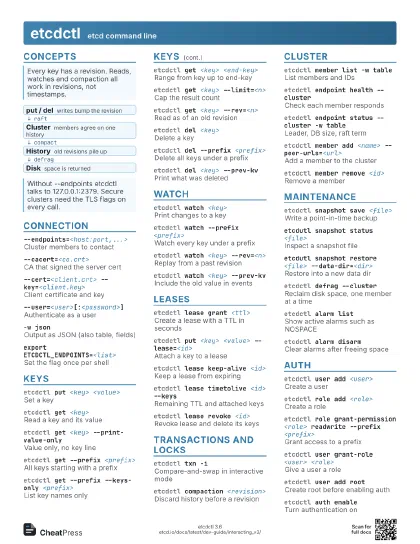
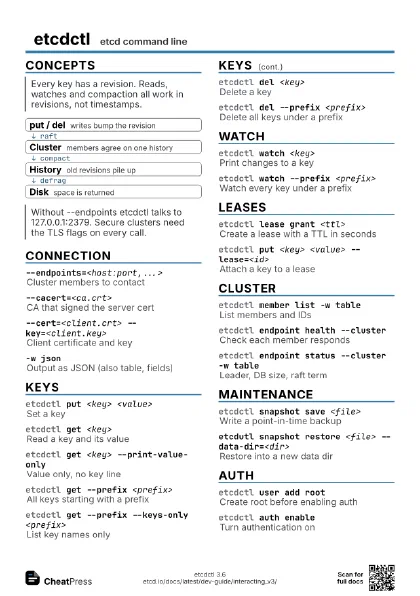
Start here
etcdctl put <key> <value>
Write a key
etcdctl get <key>
Read a key
etcdctl get <prefix> --prefix
Read by prefix
etcdctl del <key>
Delete a key
etcdctl watch <key>
Stream changes
etcdctl endpoint health
Is it up?
etcdctl member list
Show cluster
etcdctl snapshot save <file>
Back up the DB
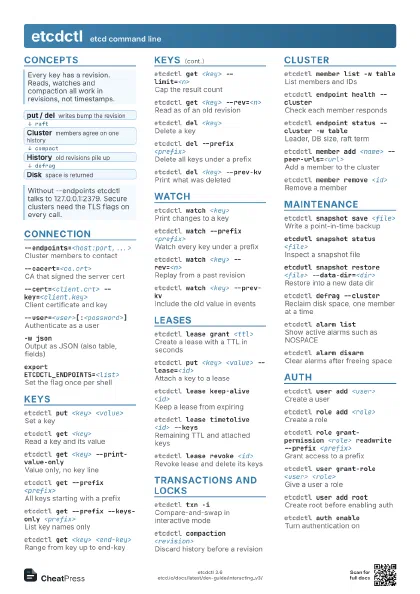
Concepts
- put / del writes bump the revision
- Cluster members agree on one history
- History old revisions pile up
- Disk space is returned
Connection
--endpoints=<host:port,...>
Cluster members to contact
Also ETCDCTL_ENDPOINTS. Any flag maps to ETCDCTL_<NAME>
in upper case with underscores.
--cacert=<ca.crt>
CA that signed the server cert
--cert=<client.crt> --key=<client.key>
Client certificate and key
--user=<user>[:<password>]
Authenticate as a user
-w jsonOutput as JSON (also table, fields)
Default is simple. table and fields suit endpoint and member
commands.
--dial-timeout=<dur>
Give up connecting after a time
export ETCDCTL_ENDPOINTS=<list>
Set the flag once per shell
etcdctl versionPrint client version
Keys
etcdctl put <key> <value>
Set a key
etcdctl get <key>
Read a key and its value
etcdctl get <key> --print-value-only
Value only, no key line
etcdctl get --prefix <prefix>
All keys starting with a prefix
etcdctl get --prefix --keys-only <prefix>
List key names only
etcdctl get <key> <end-key>
Range from key up to end-key
etcdctl get --from-key <key>
All keys at or after a key
etcdctl get <key> --limit=<n>
Cap the result count
etcdctl get <key> --rev=<n>
Read as of an old revision
etcdctl get --prefix --sort-by=<field>
                    --order=DESCEND <prefix>
Sort results
etcdctl get <key> --consistency=s
Serializable read, may be stale
etcdctl get <key> --hex
Show key and value in hex
etcdctl put <key> --prev-kv
Print the old value too
etcdctl del <key>
Delete a key
etcdctl del --prefix <prefix>
Delete all keys under a prefix
etcdctl del <key> --prev-kv
Print what was deleted
etcdctl del --from-key <key>
Delete keys at or after a key
Watch
etcdctl watch <key>
Print changes to a key
etcdctl watch --prefix <prefix>
Watch every key under a prefix
etcdctl watch <key> --rev=<n>
Replay from a past revision
etcdctl watch <key> --prev-kv
Include the old value in events
etcdctl watch <key> -- <cmd> [args]
Run a command on each event
The key and value reach the command as ETCD_WATCH_KEY and
ETCD_WATCH_VALUE.
etcdctl watch -i
Interactive mode with several watches
Leases
etcdctl lease grant <ttl>
Create a lease with a TTL in seconds
etcdctl put <key> <value>
                    --lease=<id>
Attach a key to a lease
etcdctl lease keep-alive <id>
Keep a lease from expiring
etcdctl lease timetolive <id> --keys
Remaining TTL and attached keys
etcdctl lease list
List active leases
etcdctl lease revoke <id>
Revoke lease and delete its keys
Transactions and locks
etcdctl txn -iCompare-and-swap in interactive mode
Enter compares, a blank line, success requests, a blank line,
then failure requests.
etcdctl lock <name> [cmd args]
Hold a distributed mutex while cmd runs
etcdctl elect <name> <proposal>
Run for leader of a named election
etcdctl compaction <revision>
Discard history before a revision
Cluster
etcdctl member list -w table
List members and IDs
etcdctl endpoint health --cluster
Check each member responds
etcdctl endpoint status --cluster -w table
Leader, DB size, raft term
etcdctl endpoint hashkv --cluster
Compare KV hashes across members
etcdctl member add <name>
                    --peer-urls=<url>
Add a member to the cluster
etcdctl member remove <id>
Remove a member
etcdctl member update <id>
                    --peer-urls=<url>
Change a member's peer URLs
etcdctl move-leader <hex-id>
Hand leadership to another member
Maintenance
etcdctl snapshot save <file>
Write a point-in-time backup
etcdutl snapshot status <file>
Inspect a snapshot file
etcdutl snapshot restore <file>
                    --data-dir=<dir>
Restore into a new data dir
From v3.6 this is etcdutl only. Run it on every member with
its own name and peer URL.
etcdctl defrag --cluster
Reclaim disk space, one member at a time
Blocks the member while it runs.
etcdctl alarm list
Show active alarms such as NOSPACE
etcdctl alarm disarm
Clear alarms after freeing space
etcdctl check perf
Run a 60 s load test
Auth
etcdctl user add <user>
Create a user
etcdctl role add <role>
Create a role
etcdctl role grant-permission <role> readwrite
                    --prefix <prefix>
Grant access to a prefix
etcdctl user grant-role <user> <role>
Give a user a role
etcdctl user add root
Create root before enabling auth
Auth enable needs a root user and role to exist first.
etcdctl auth enable
Turn authentication on
etcdctl user passwd <user>
Change a password
etcdctl user list
List users
etcdctl user delete <user>
Remove a user
etcdctl auth disable
Turn authentication off
Recipes
export ETCDCTL_ENDPOINTS=https://10.0.0.1:2379,https://10.0.0.2:2379export ETCDCTL_CACERT=/etc/etcd/ca.crtexport ETCDCTL_CERT=/etc/etcd/client.crtexport ETCDCTL_KEY=/etc/etcd/client.keyetcdctl endpoint health --cluster -w tableetcdctl lease grant 60# lease 694d7a1c1e3b4f2a granted with TTL(60s)etcdctl put session/abc ok --lease=694d7a1c1e3b4f2aetcdctl get session/abcetcdctl snapshot save backup.dbetcdutl snapshot status backup.db -w tablerev=$(etcdctl endpoint status -w json | jq '.[0].Status.header.revision')etcdctl compaction $revetcdctl defrag --clusteretcdctl alarm disarm