Cheat
dive Explore image layers
 Light · Postcard
102 × 152 mm · PDF
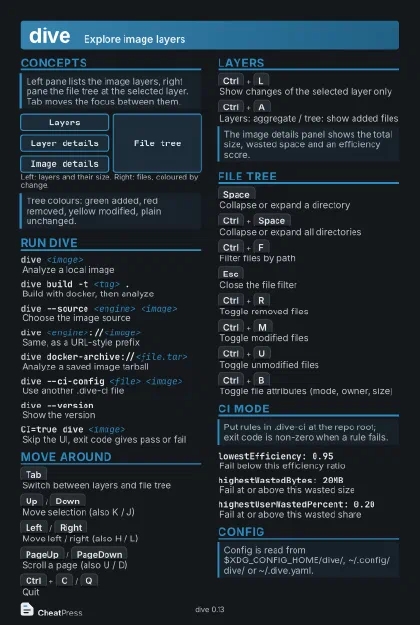 Dark · Postcard
102 × 152 mm · PDF
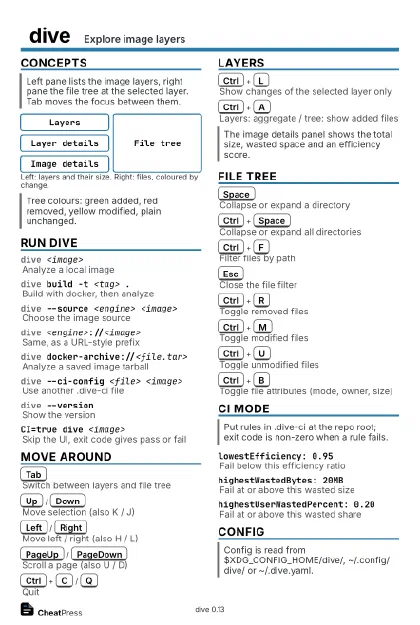 Ink saver · Postcard
102 × 152 mm · PDF
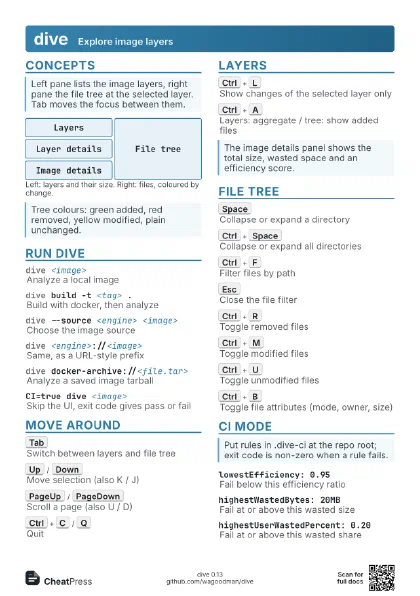
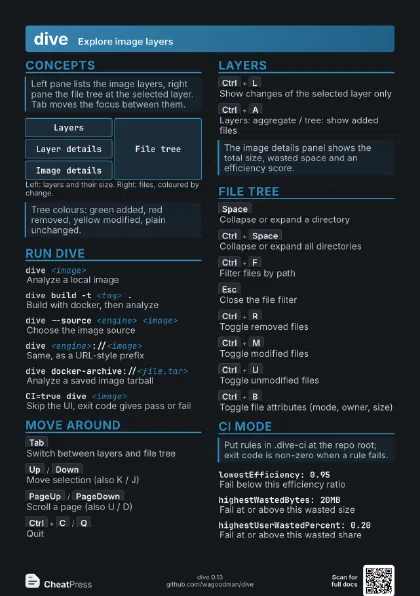
 Light · A4 landscape
297 × 210 mm · PDF
 Dark · A4 landscape
297 × 210 mm · PDF
 Ink saver · A4 landscape
297 × 210 mm · PDF
 Light · A3 landscape
420 × 297 mm · PDF
 Dark · A3 landscape
420 × 297 mm · PDF
 Ink saver · A3 landscape
420 × 297 mm · PDF
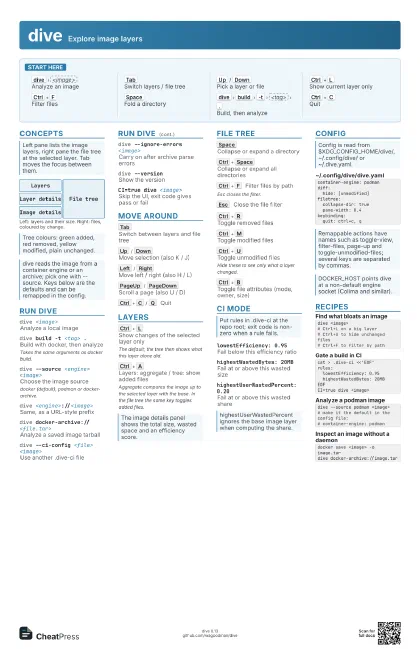
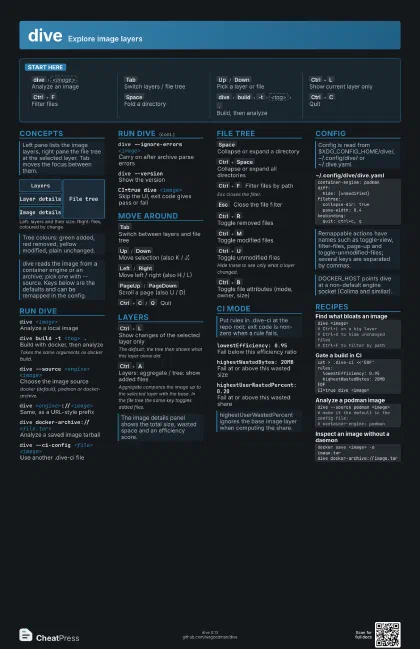
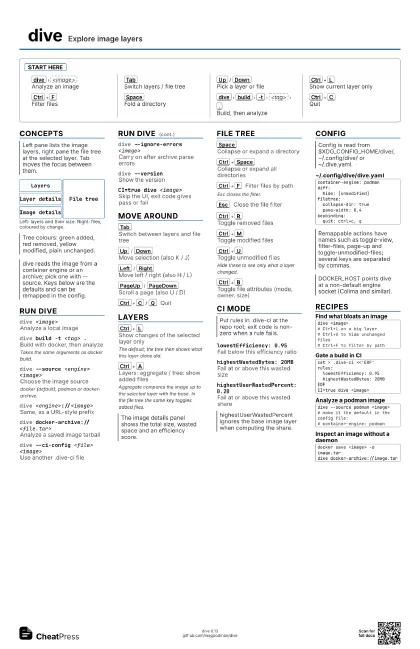
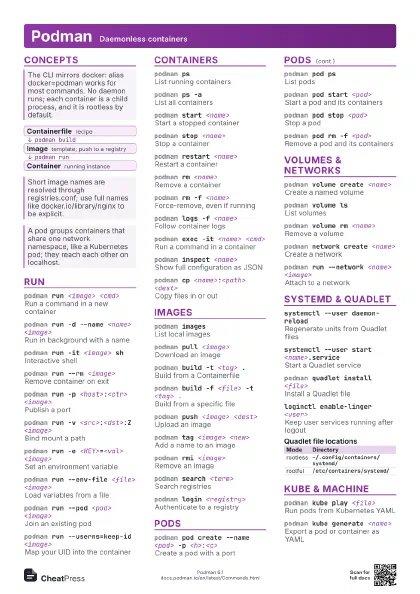
Start here
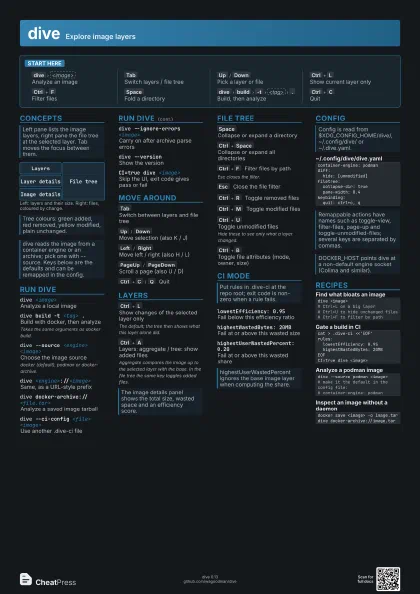
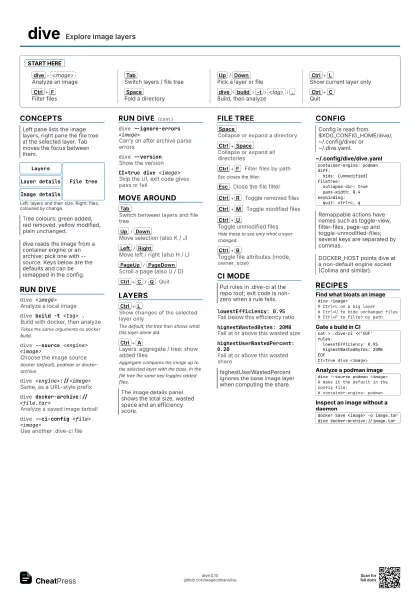
dive
<image>
Analyze an image
Tab
Switch layers / file tree
Up
/
Down
Pick a layer or file
Ctrl+L
Show current layer only
Ctrl+F
Filter files
Space
Fold a directory
dive
build
-t
<tag>
.
Build, then analyze
Ctrl+C
Quit
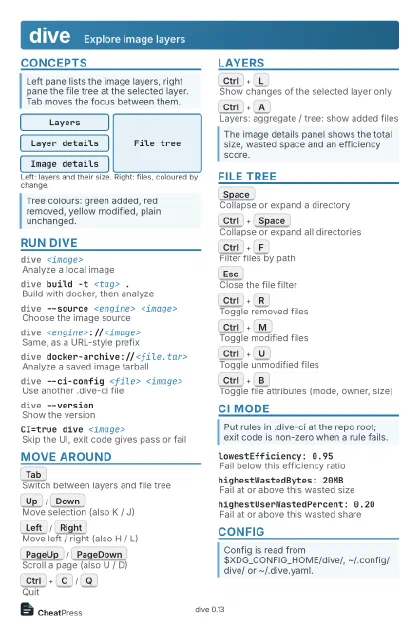
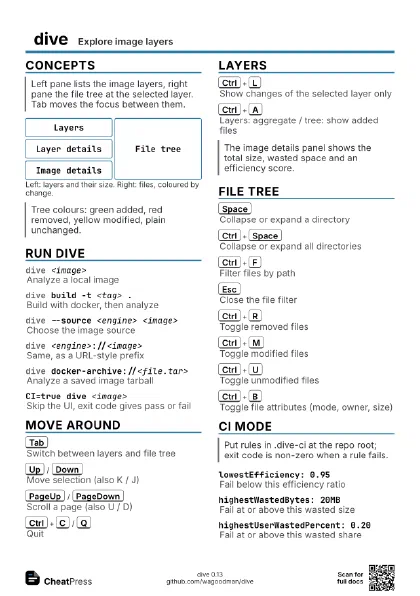
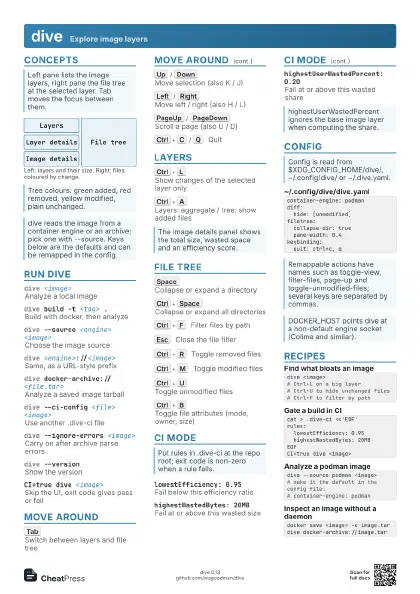
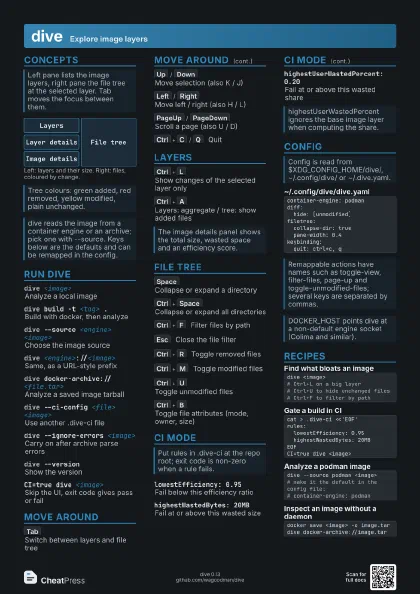
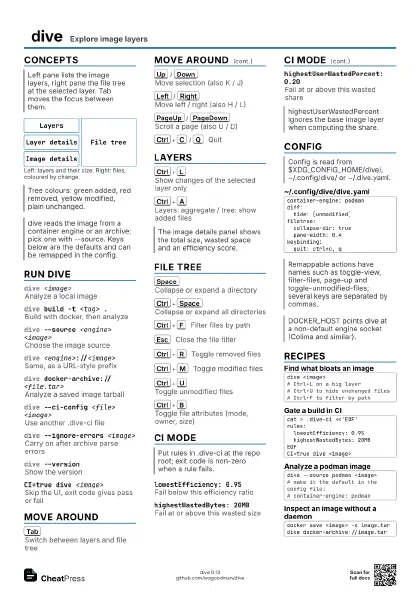
Concepts
Layers
Layer details
Image details
File tree
Run dive
dive <image>
Analyze a local image
dive build -t <tag> .
Build with docker, then analyze
Takes the same arguments as docker build.
dive --source <engine> <image>
Choose the image source
docker (default), podman or docker-archive.
dive <engine>://<image>
Same, as a URL-style prefix
dive docker-archive://<file.tar>
Analyze a saved image tarball
dive --ci-config <file> <image>
Use another .dive-ci file
dive --ignore-errors <image>
Carry on after archive parse errors
dive --versionShow the version
CI=true dive <image>
Skip the UI, exit code gives pass or fail
Move around
Tab
Switch between layers and file tree
Up
/
Down
Move selection (also K / J)
Left
/
Right
Move left / right (also H / L)
PageUp
/
PageDown
Scroll a page (also U / D)
Ctrl+C
/
Q
Quit
Layers
Ctrl+L
Show changes of the selected layer only
The default; the tree then shows what this layer alone did.
Ctrl+A
Layers: aggregate / tree: show added files
Aggregate compares the image up to the selected layer with the
base. In the file tree the same key toggles added files.
File tree
Space
Collapse or expand a directory
Ctrl+Space
Collapse or expand all directories
Ctrl+F
Filter files by path
Esc closes the filter.
Esc
Close the file filter
Ctrl+R
Toggle removed files
Ctrl+M
Toggle modified files
Ctrl+U
Toggle unmodified files
Hide these to see only what a layer changed.
Ctrl+B
Toggle file attributes (mode, owner, size)
CI mode
lowestEfficiency: 0.95
Fail below this efficiency ratio
highestWastedBytes: 20MB
Fail at or above this wasted size
highestUserWastedPercent: 0.20
Fail at or above this wasted share
Config
container-engine: podmandiff: hide: [unmodified]filetree: collapse-dir: true pane-width: 0.4keybinding: quit: ctrl+c, qRecipes
dive <image># Ctrl+L on a big layer# Ctrl+U to hide unchanged files# Ctrl+F to filter by pathcat > .dive-ci <<'EOF'rules: lowestEfficiency: 0.95 highestWastedBytes: 20MBEOFCI=true dive <image>dive --source podman <image># make it the default in the config file:# container-engine: podmandocker save <image> -o image.tardive docker-archive://image.tar