Cheat
Ninja Fast build executor
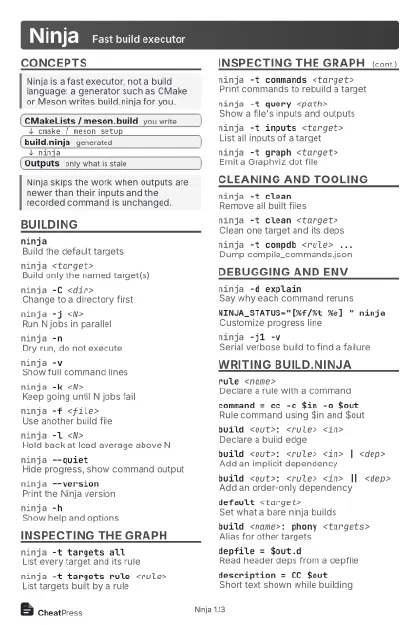 Light · Postcard
102 × 152 mm · PDF
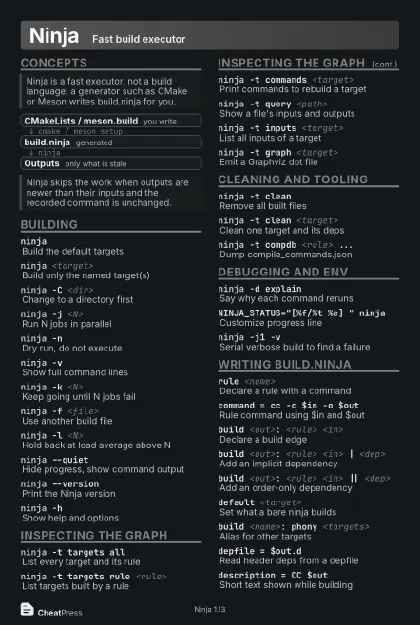 Dark · Postcard
102 × 152 mm · PDF
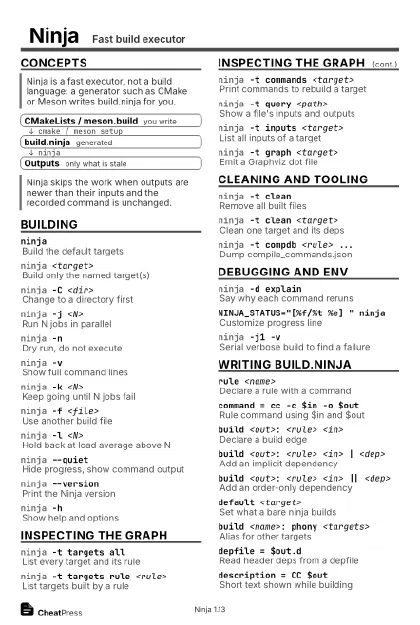 Ink saver · Postcard
102 × 152 mm · PDF
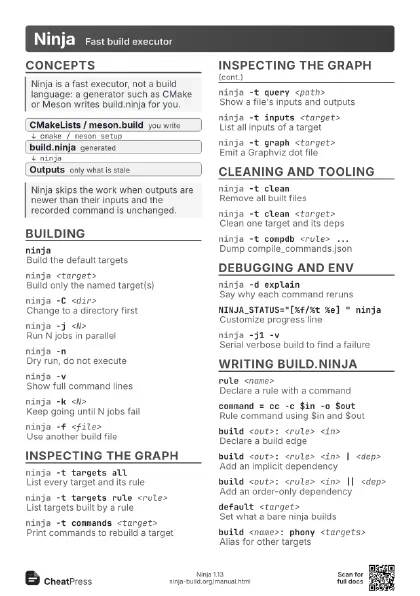
 Light · A4 landscape
297 × 210 mm · PDF
 Dark · A4 landscape
297 × 210 mm · PDF
 Ink saver · A4 landscape
297 × 210 mm · PDF
 Light · A3 landscape
420 × 297 mm · PDF
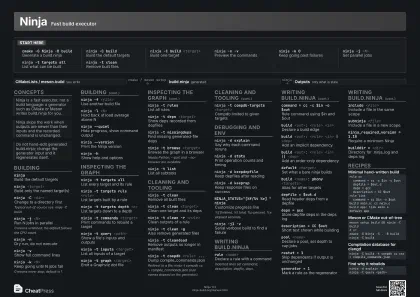 Dark · A3 landscape
420 × 297 mm · PDF
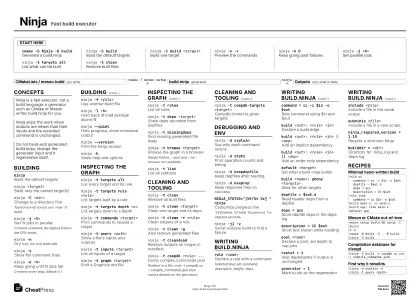 Ink saver · A3 landscape
420 × 297 mm · PDF
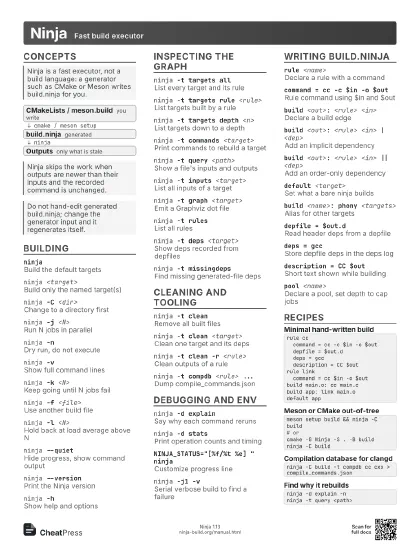
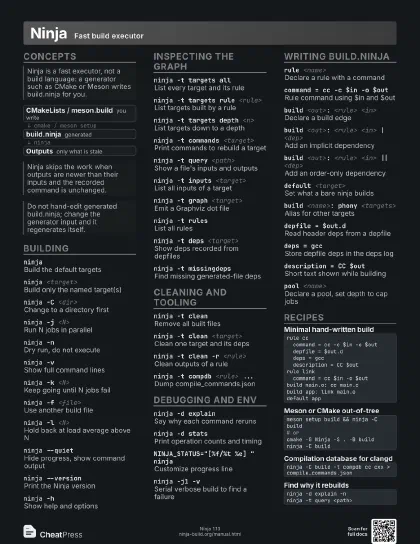
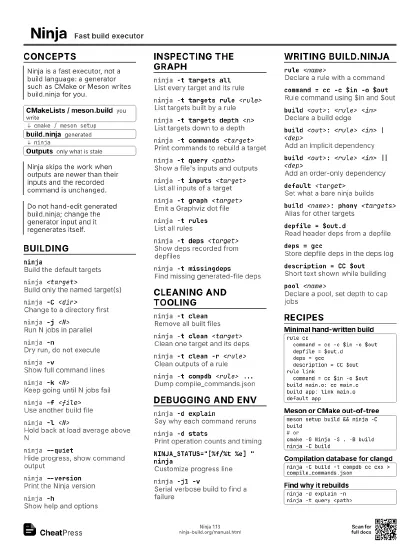
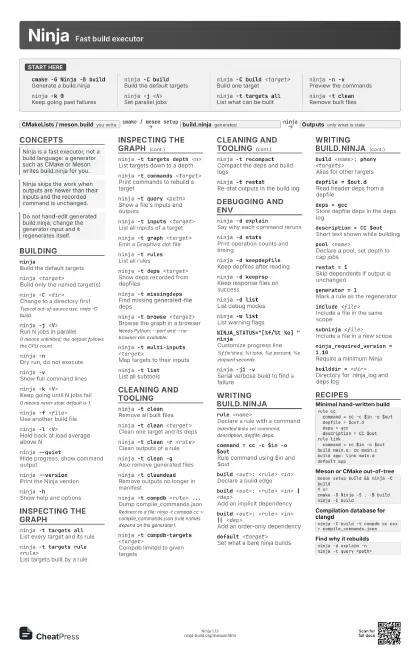
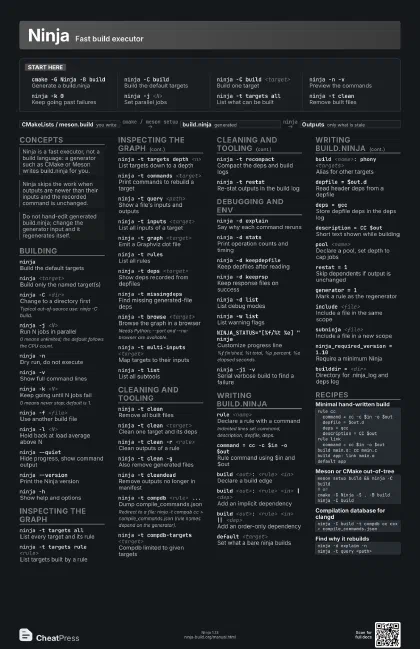
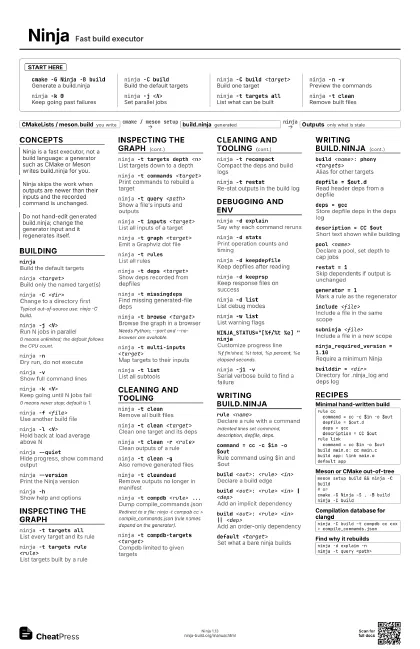
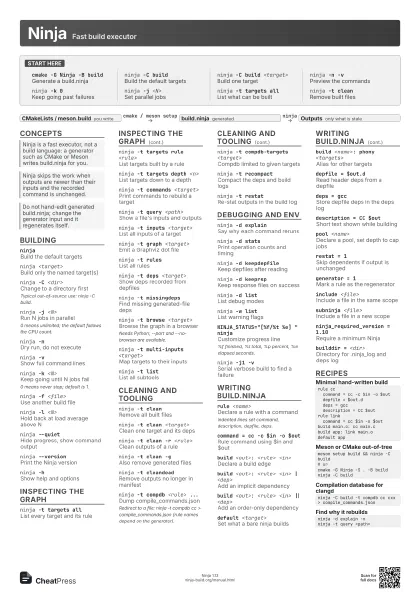
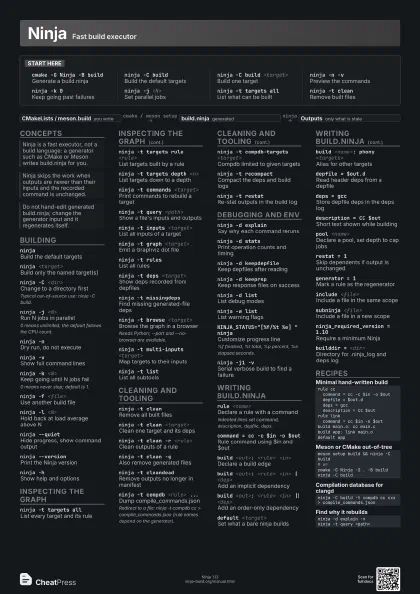
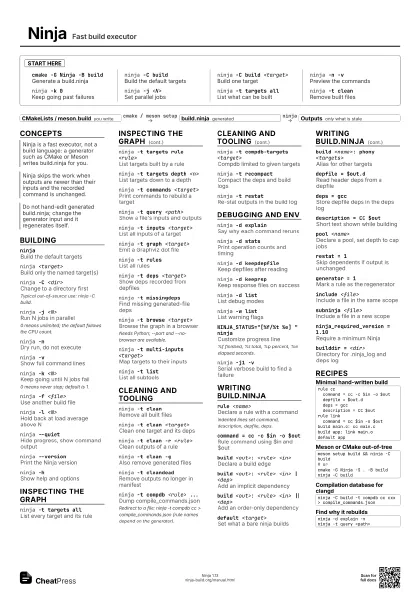
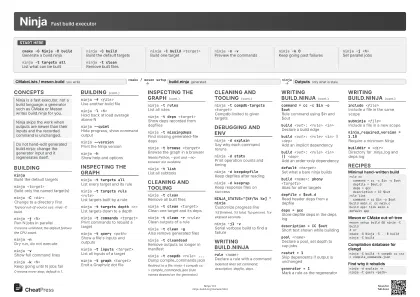
Start here
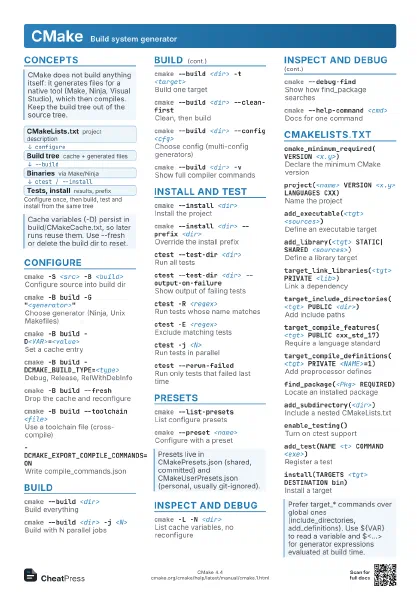
cmake -G Ninja -B build
Generate a build.ninja
ninja -C buildBuild the default targets
ninja -C build <target>
Build one target
ninja -n -vPreview the commands
ninja -k 0Keep going past failures
ninja -j <N>
Set parallel jobs
ninja -t targets all
List what can be built
ninja -t cleanRemove built files
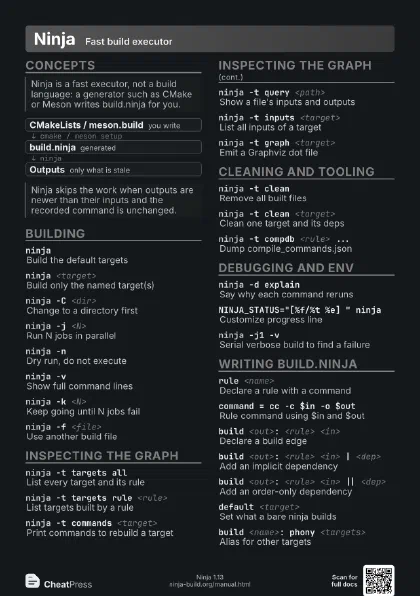
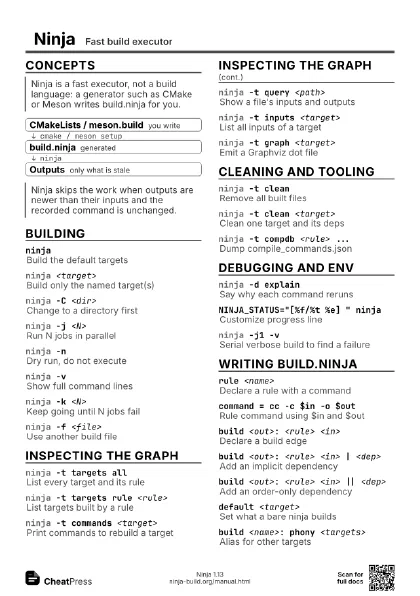
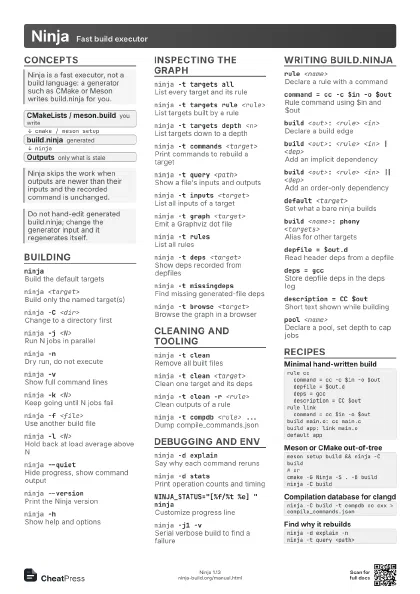
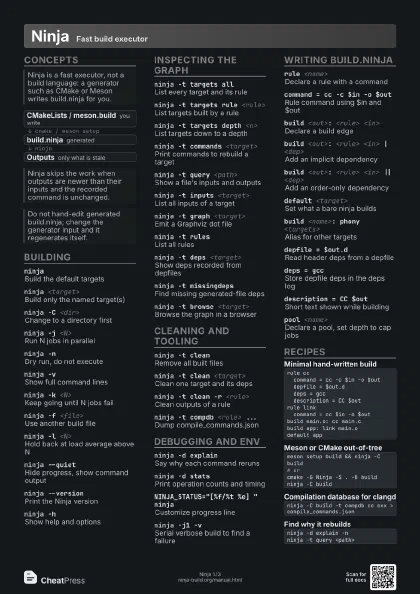
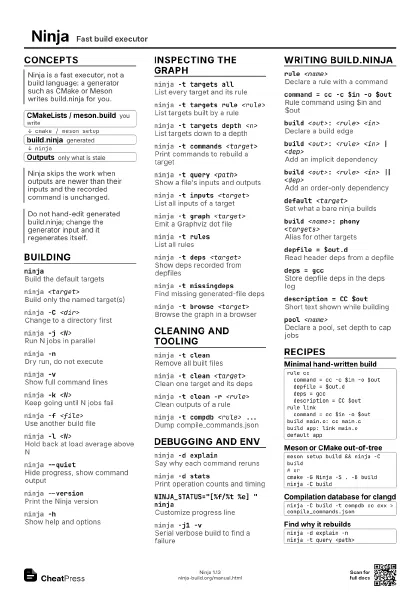
Concepts
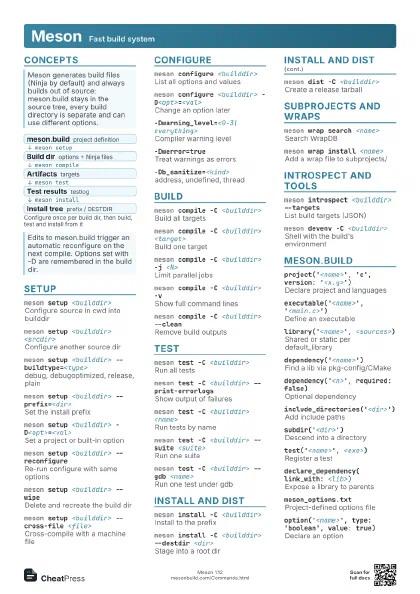
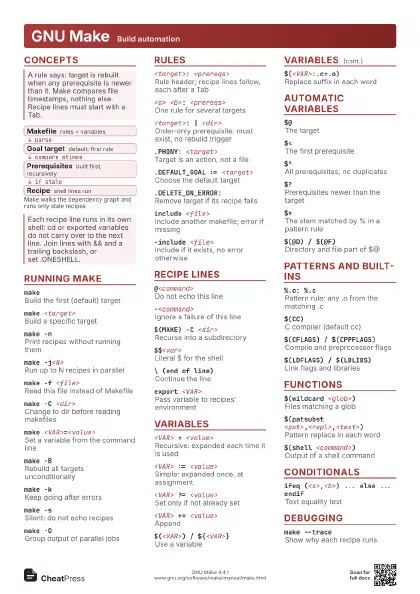
- CMakeLists / meson.build you write
- build.ninja generated
- Outputs only what is stale
Building
ninjaBuild the default targets
ninja <target>
Build only the named target(s)
ninja -C <dir>
Change to a directory first
Typical out-of-source use: ninja -C build.
ninja -j <N>
Run N jobs in parallel
0 means unlimited; the default follows the CPU count.
ninja -nDry run, do not execute
ninja -vShow full command lines
ninja -k <N>
Keep going until N jobs fail
0 means never stop; default is 1.
ninja -f <file>
Use another build file
ninja -l <N>
Hold back at load average above N
ninja --quietHide progress, show command output
ninja --versionPrint the Ninja version
ninja -hShow help and options
Inspecting the graph
ninja -t targets all
List every target and its rule
ninja -t targets rule <rule>
List targets built by a rule
ninja -t targets depth <n>
List targets down to a depth
ninja -t commands <target>
Print commands to rebuild a target
ninja -t query <path>
Show a file's inputs and outputs
ninja -t inputs <target>
List all inputs of a target
ninja -t graph <target>
Emit a Graphviz dot file
ninja -t rulesList all rules
ninja -t deps <target>
Show deps recorded from depfiles
ninja -t missingdeps
Find missing generated-file deps
ninja -t browse <target>
Browse the graph in a browser
Needs Python; --port and --no-browser are available.
ninja -t multi-inputs <target>
Map targets to their inputs
ninja -t listList all subtools
Cleaning and tooling
ninja -t cleanRemove all built files
ninja -t clean <target>
Clean one target and its deps
ninja -t clean -r <rule>
Clean outputs of a rule
ninja -t clean -g
Also remove generated files
ninja -t cleandead
Remove outputs no longer in manifest
ninja -t compdb <rule> ...
Dump compile_commands.json
Redirect to a file: ninja -t compdb cc >
compile_commands.json (rule names depend on the generator).
ninja -t compdb-targets <target>
Compdb limited to given targets
ninja -t recompact
Compact the deps and build logs
ninja -t restatRe-stat outputs in the build log
Debugging and env
ninja -d explain
Say why each command reruns
ninja -d statsPrint operation counts and timing
ninja -d keepdepfile
Keep depfiles after reading
ninja -d keeprsp
Keep response files on success
ninja -d listList debug modes
ninja -w listList warning flags
NINJA_STATUS="[%f/%t %e] " ninja
Customize progress line
%f finished, %t total, %p percent, %e elapsed seconds.
ninja -j1 -vSerial verbose build to find a failure
Writing build.ninja
rule <name>
Declare a rule with a command
Indented lines set command, description, depfile, deps.
command = cc -c $in -o $out
Rule command using $in and $out
build <out>: <rule> <in>
Declare a build edge
build <out>: <rule> <in> |
                    <dep>
Add an implicit dependency
build <out>: <rule> <in> ||
                    <dep>
Add an order-only dependency
default <target>
Set what a bare ninja builds
build <name>: phony <targets>
Alias for other targets
depfile = $out.d
Read header deps from a depfile
deps = gccStore depfile deps in the deps log
description = CC $out
Short text shown while building
pool <name>
Declare a pool, set depth to cap jobs
restat = 1Skip dependents if output is unchanged
generator = 1Mark a rule as the regenerator
include <file>
Include a file in the same scope
subninja <file>
Include a file in a new scope
ninja_required_version = 1.10
Require a minimum Ninja
builddir = <dir>
Directory for .ninja_log and deps log
Recipes
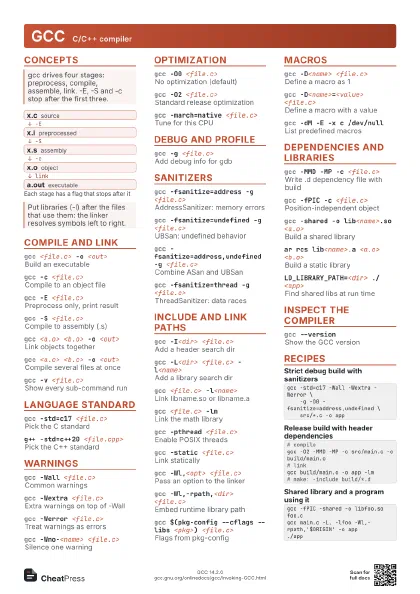
rule cc command = cc -c $in -o $out depfile = $out.d deps = gcc description = CC $outrule link command = cc $in -o $outbuild main.o: cc main.cbuild app: link main.odefault appmeson setup build && ninja -C build# orcmake -G Ninja -S . -B buildninja -C buildninja -C build -t compdb cc cxx > compile_commands.jsonninja -d explain -nninja -t query <path>