Cheat
clang-format C/C++ code formatter
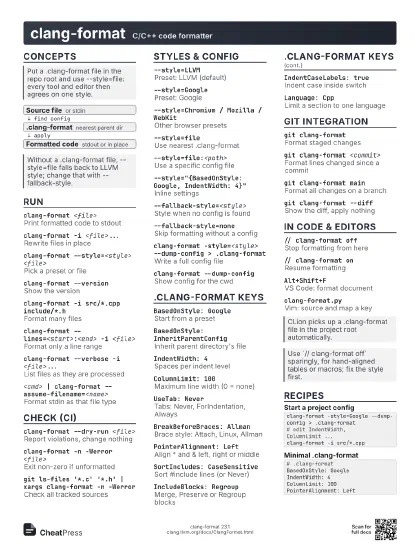
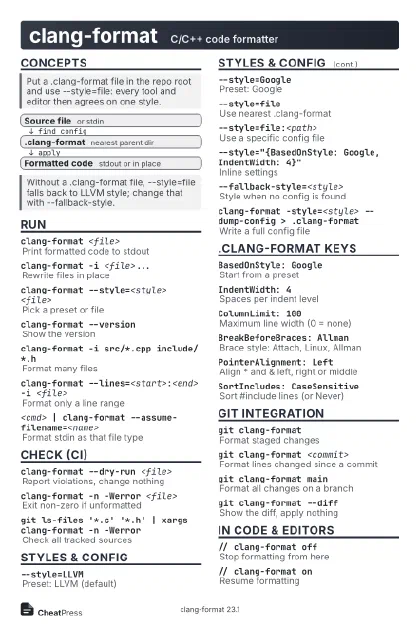 Light · Postcard
102 × 152 mm · PDF
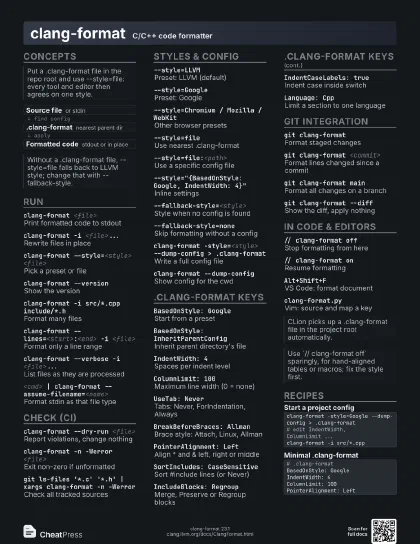
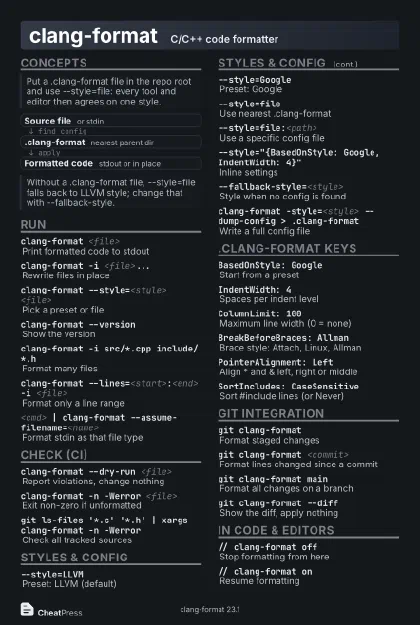 Dark · Postcard
102 × 152 mm · PDF
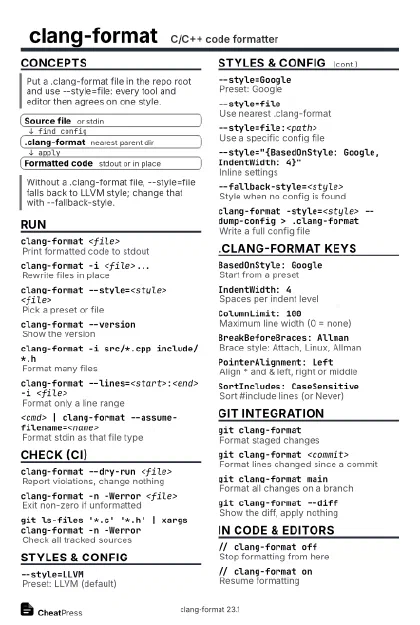 Ink saver · Postcard
102 × 152 mm · PDF
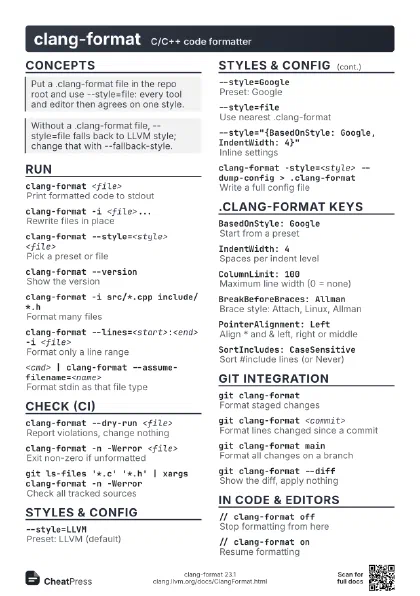
 Light · A4 landscape
297 × 210 mm · PDF
 Dark · A4 landscape
297 × 210 mm · PDF
 Ink saver · A4 landscape
297 × 210 mm · PDF
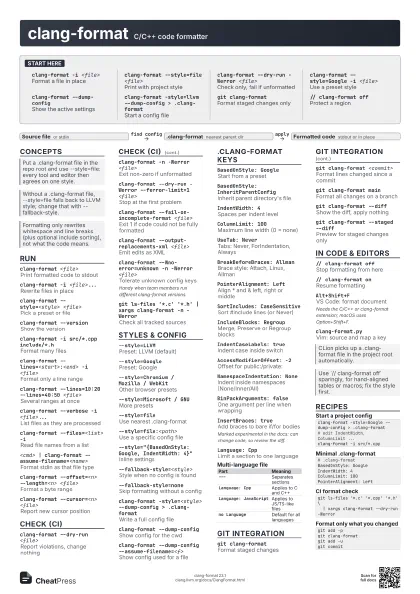
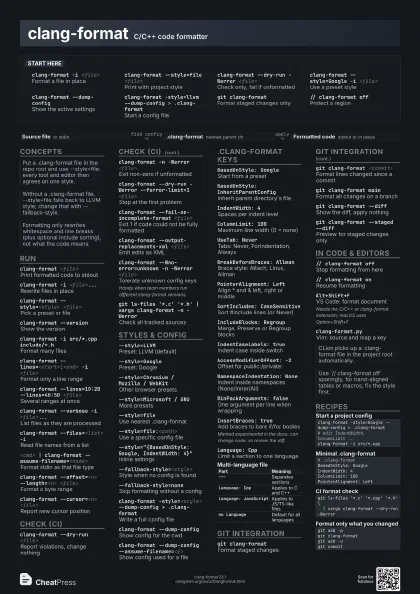
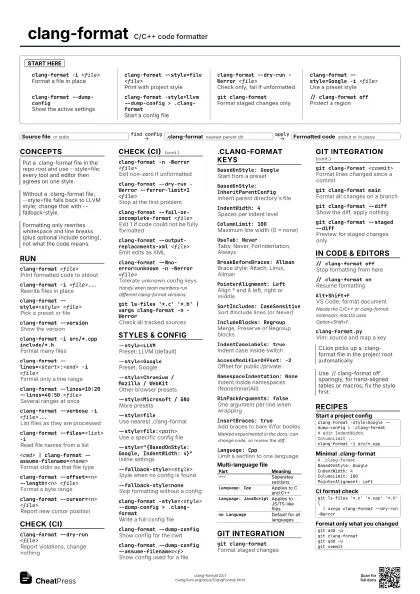
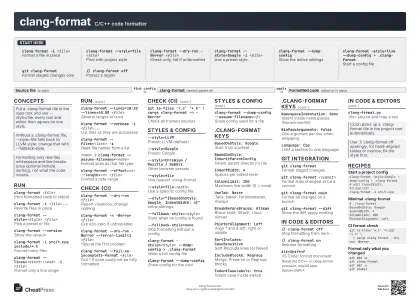 Light · A3 landscape
420 × 297 mm · PDF
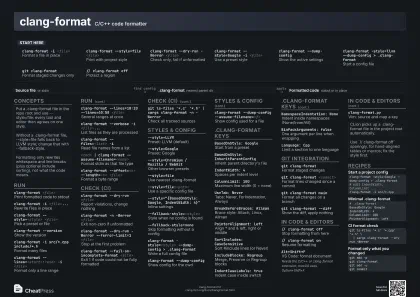 Dark · A3 landscape
420 × 297 mm · PDF
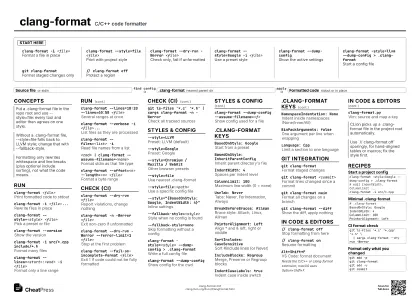 Ink saver · A3 landscape
420 × 297 mm · PDF
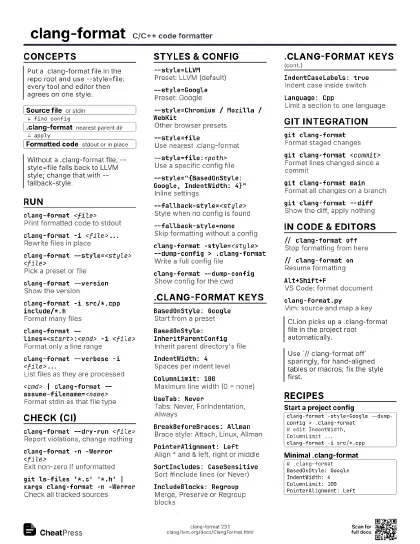
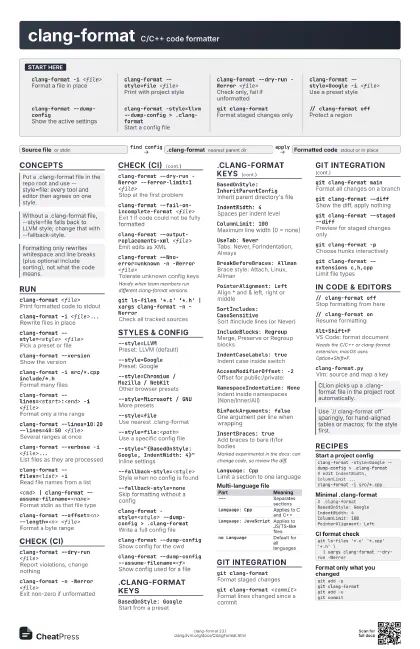
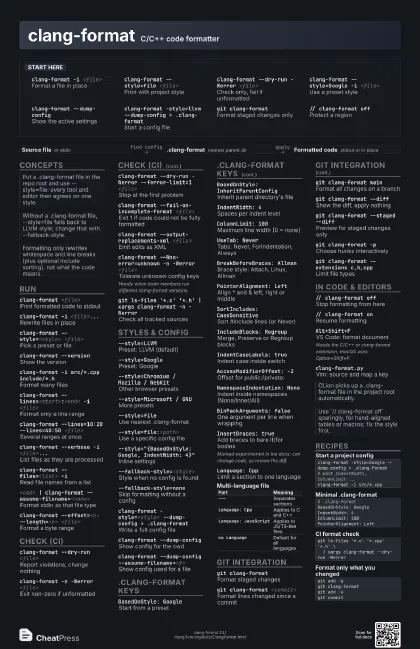
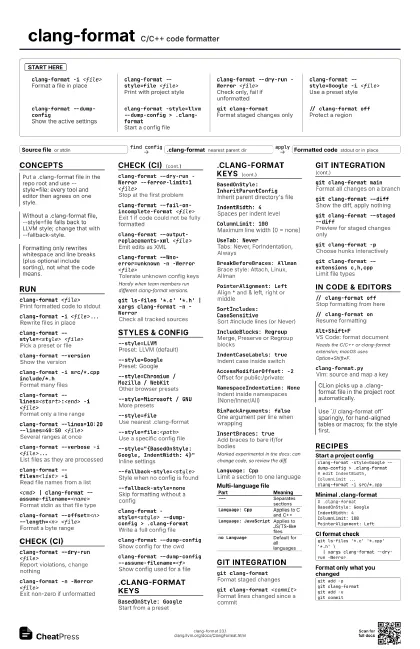
Start here
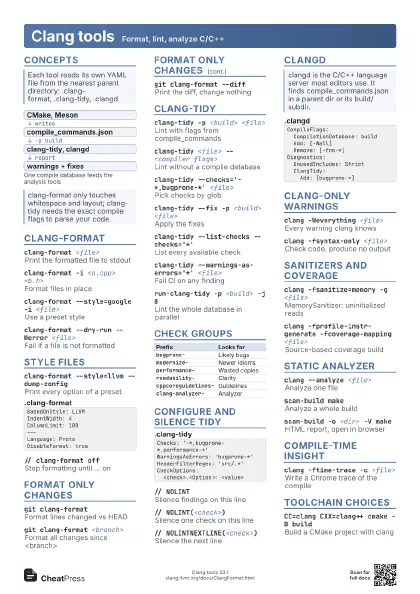
clang-format -i <file>
Format a file in place
clang-format --style=file <file>
Print with project style
clang-format --dry-run -Werror <file>
Check only, fail if unformatted
clang-format --style=Google -i <file>
Use a preset style
clang-format --dump-config
Show the active settings
clang-format -style=llvm --dump-config >
                    .clang-format
Start a config file
git clang-format
Format staged changes only
// clang-format off
Protect a region
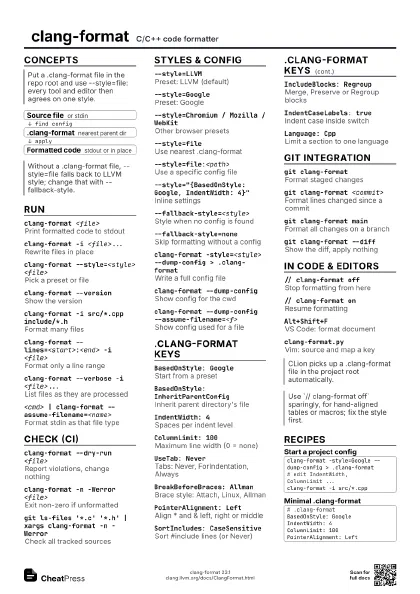
Concepts
- Source file or stdin
- .clang-format nearest parent dir
- Formatted code stdout or in place
Run
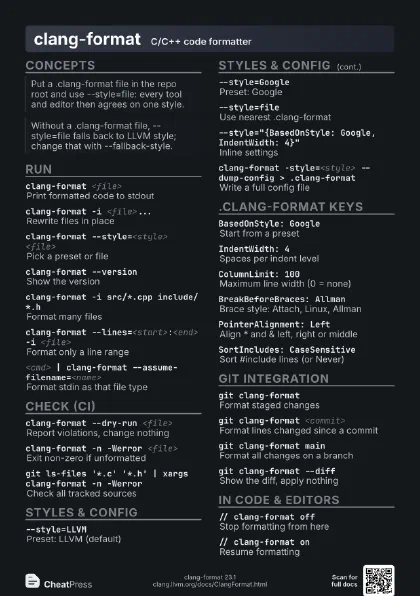
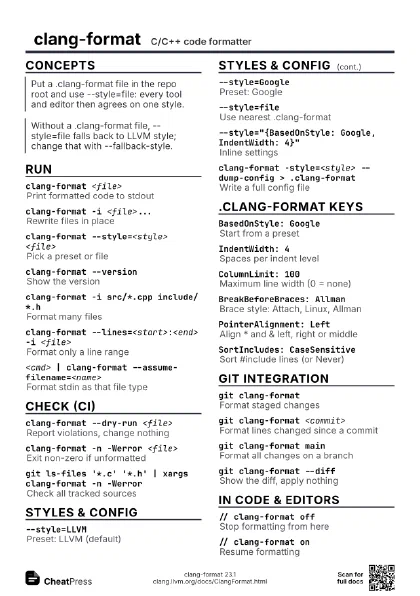
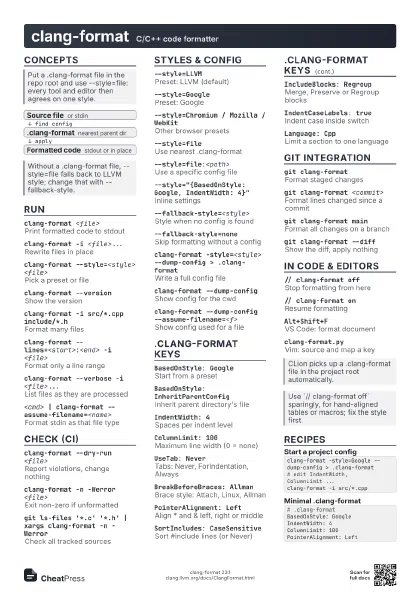
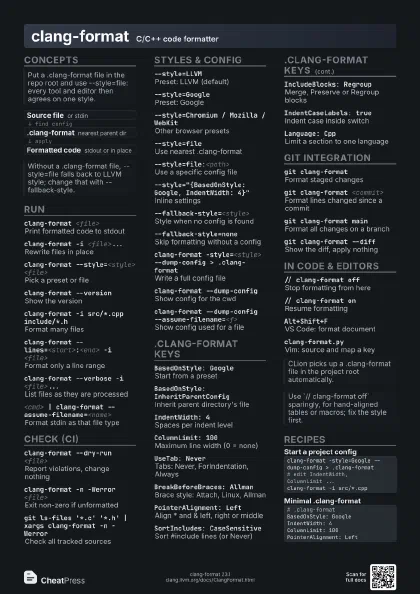
clang-format <file>
Print formatted code to stdout
clang-format -i <file>...
Rewrite files in place
clang-format --style=<style> <file>
Pick a preset or file
clang-format --version
Show the version
clang-format -i src/*.cpp include/*.h
Format many files
clang-format --lines=<start>:<end> -i
                    <file>
Format only a line range
clang-format --lines=10:20 --lines=40:50 <file>
Several ranges at once
clang-format --verbose -i <file>...
List files as they are processed
clang-format --files=<list> -i
Read file names from a list
<cmd> | clang-format
                    --assume-filename=<name>
Format stdin as that file type
clang-format --offset=<n> --length=<n>
                    <file>
Format a byte range
clang-format --cursor=<n> <file>
Report new cursor position
Check (CI)
clang-format --dry-run <file>
Report violations, change nothing
clang-format -n -Werror <file>
Exit non-zero if unformatted
clang-format --dry-run -Werror --ferror-limit=1
                    <file>
Stop at the first problem
clang-format --fail-on-incomplete-format <file>
Exit 1 if code could not be fully formatted
clang-format --output-replacements-xml <file>
Emit edits as XML
clang-format --Wno-error=unknown -n -Werror
                    <file>
Tolerate unknown config keys
Handy when team members run different clang-format versions.
git ls-files '*.c' '*.h' | xargs
                    clang-format -n -Werror
Check all tracked sources
Styles & config
--style=LLVMPreset: LLVM (default)
--style=GooglePreset: Google
--style=Chromium / Mozilla / WebKit
Other browser presets
--style=Microsoft / GNU
More presets
--style=fileUse nearest .clang-format
--style=file:<path>
Use a specific config file
--style="{BasedOnStyle: Google, IndentWidth:
                    4}"
Inline settings
--fallback-style=<style>
Style when no config is found
--fallback-style=none
Skip formatting without a config
clang-format -style=<style> --dump-config >
                    .clang-format
Write a full config file
clang-format --dump-config
Show config for the cwd
clang-format --dump-config
                    --assume-filename=<f>
Show config used for a file
.clang-format keys
BasedOnStyle: Google
Start from a preset
BasedOnStyle: InheritParentConfig
Inherit parent directory's file
IndentWidth: 4Spaces per indent level
ColumnLimit: 100
Maximum line width (0 = none)
UseTab: NeverTabs: Never, ForIndentation, Always
BreakBeforeBraces: Allman
Brace style: Attach, Linux, Allman
PointerAlignment: Left
Align * and & left, right or middle
SortIncludes: CaseSensitive
Sort #include lines (or Never)
IncludeBlocks: Regroup
Merge, Preserve or Regroup blocks
IndentCaseLabels: true
Indent case inside switch
AccessModifierOffset: -2
Offset for public:/private:
NamespaceIndentation: None
Indent inside namespaces (None/Inner/All)
BinPackArguments: false
One argument per line when wrapping
InsertBraces: true
Add braces to bare if/for bodies
Marked experimental in the docs: can change code, so review
the diff.
Language: CppLimit a section to one language
| Part | Meaning |
|---|---|
--- |
Separates sections |
Language: Cpp |
Applies to C and C++ |
Language: JavaScript |
Applies to JS/TS-like files |
no Language |
Default for all languages |
Git integration
git clang-format
Format staged changes
git clang-format <commit>
Format lines changed since a commit
git clang-format main
Format all changes on a branch
git clang-format --diff
Show the diff, apply nothing
git clang-format --staged --diff
Preview for staged changes only
git clang-format -p
Choose hunks interactively
git clang-format --extensions c,h,cpp
Limit file types
git clang-format --style=<style>
Override the style
git config clangFormat.style file
Default style for git-clang-format
git diff -U0 --no-color HEAD^ | clang-format-diff.py -p1
                    -i
Format only the changed lines of a diff
In code & editors
// clang-format off
Stop formatting from here
// clang-format on
Resume formatting
/* clang-format off */
Block-comment form
Alt+Shift+F
VS Code: format document
Needs the C/C++ or clang-format extension; macOS uses
Option+Shift+F.
Ctrl+R Ctrl+F
Visual Studio: format selection
clang-format.pyVim: source and map a key
clang-format-region
Emacs: bind from clang-format.el
Recipes
clang-format -style=Google --dump-config > .clang-format# edit IndentWidth, ColumnLimit ...clang-format -i src/*.cpp# .clang-formatBasedOnStyle: GoogleIndentWidth: 4ColumnLimit: 100PointerAlignment: Leftgit ls-files '*.c' '*.cpp' '*.h' \ | xargs clang-format --dry-run -Werrorgit add -pgit clang-formatgit add -ugit commit