Cheat
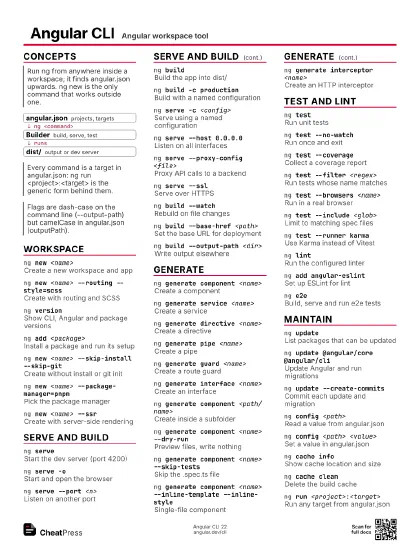
Angular CLI Angular workspace tool
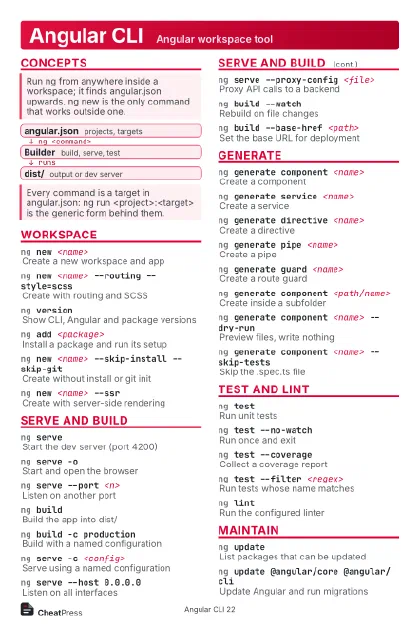 Light · Postcard
102 × 152 mm · PDF
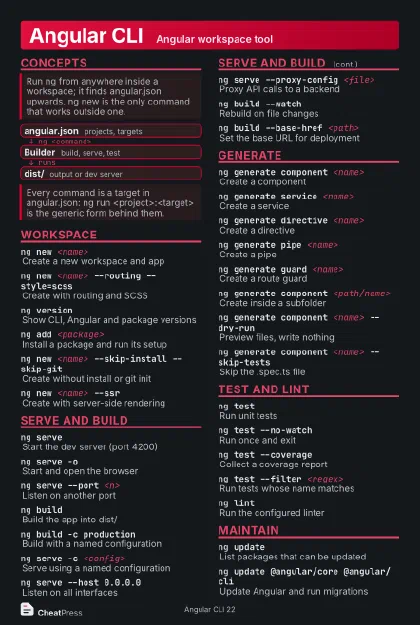 Dark · Postcard
102 × 152 mm · PDF
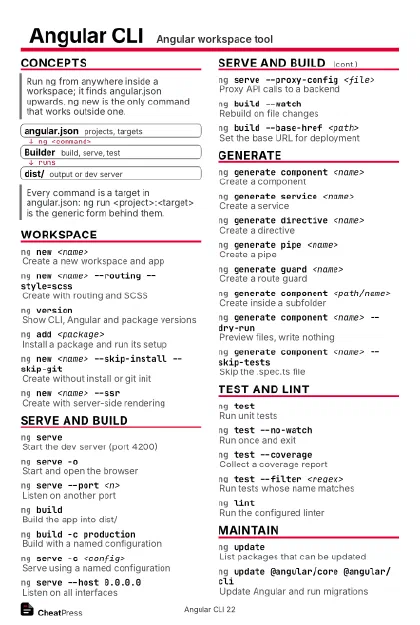 Ink saver · Postcard
102 × 152 mm · PDF
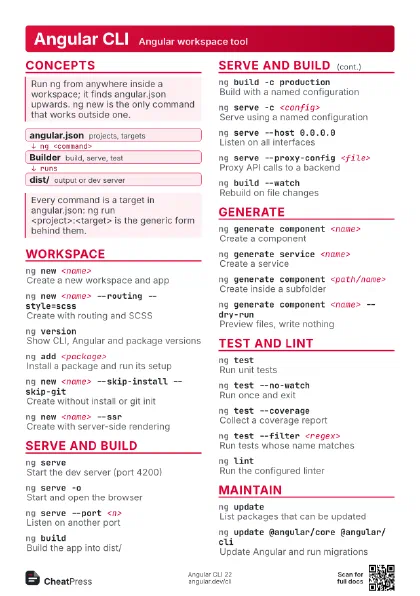
 Light · A4 landscape
297 × 210 mm · PDF
 Dark · A4 landscape
297 × 210 mm · PDF
 Ink saver · A4 landscape
297 × 210 mm · PDF
 Light · A3 landscape
420 × 297 mm · PDF
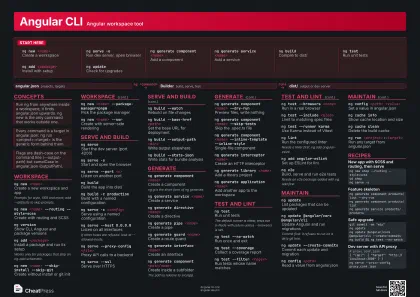 Dark · A3 landscape
420 × 297 mm · PDF
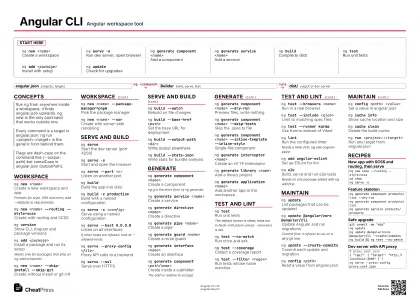 Ink saver · A3 landscape
420 × 297 mm · PDF
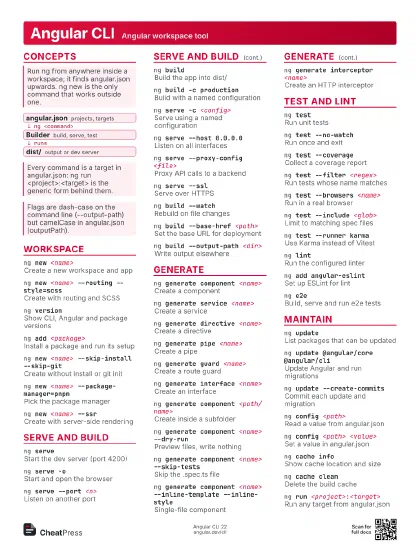
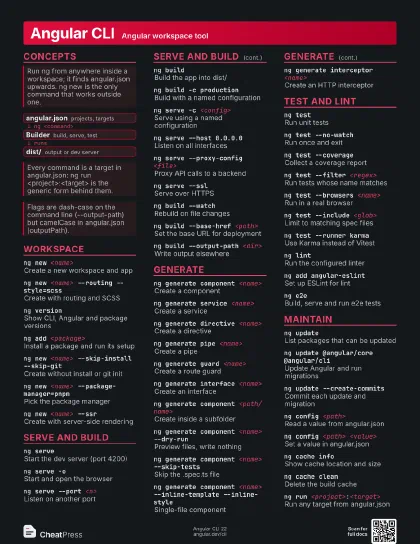
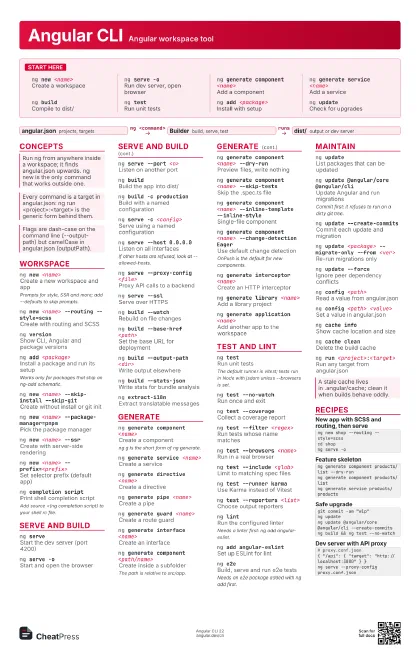
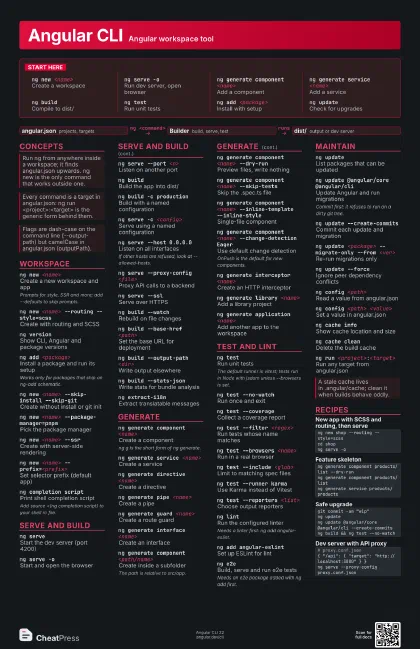
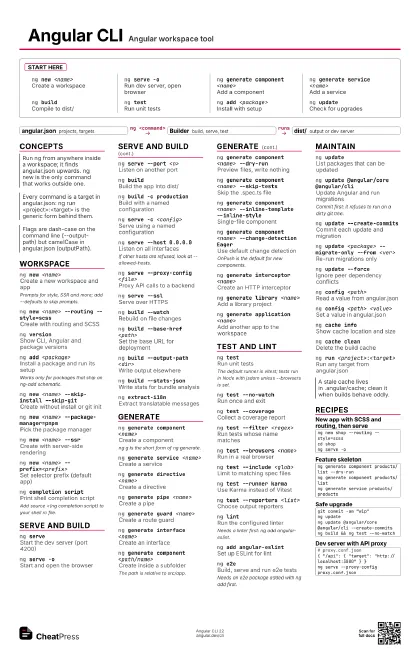
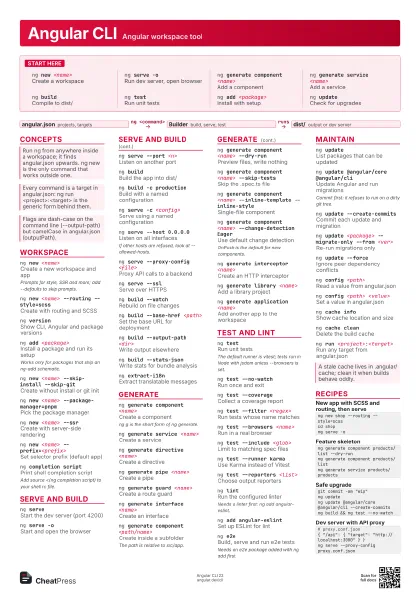
Start here
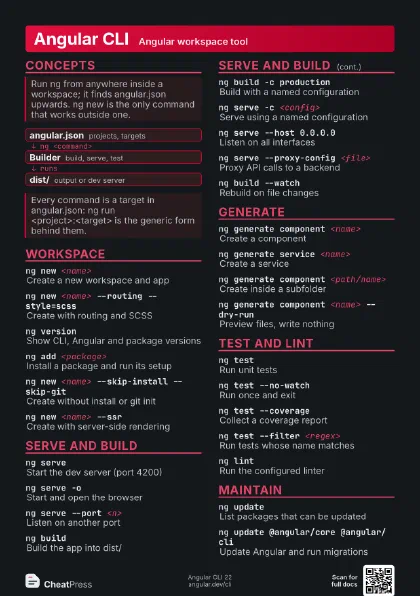
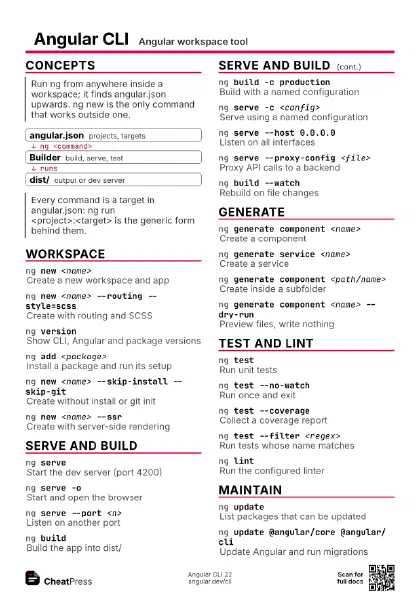
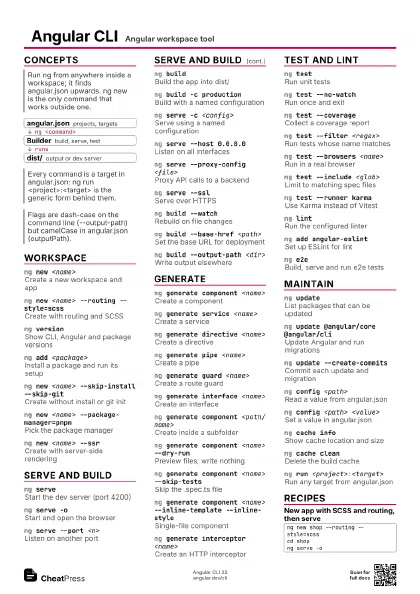
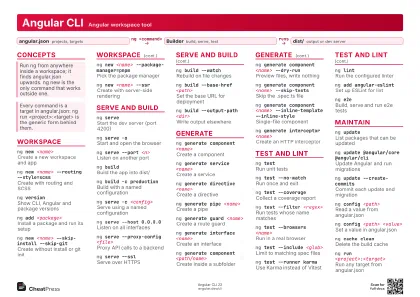
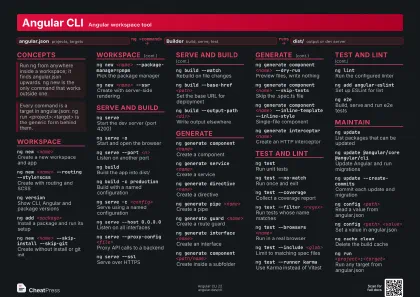
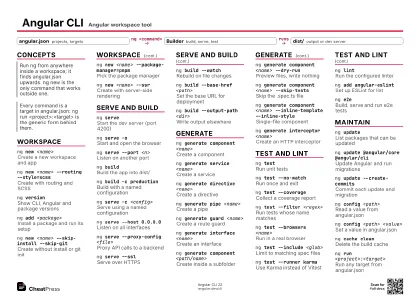
ng new <name>
Create a workspace
ng serve -oRun dev server, open browser
ng generate component <name>
Add a component
ng generate service <name>
Add a service
ng buildCompile to dist/
ng testRun unit tests
ng add <package>
Install with setup
ng updateCheck for upgrades
Concepts
- angular.json projects, targets
- Builder build, serve, test
- dist/ output or dev server
Workspace
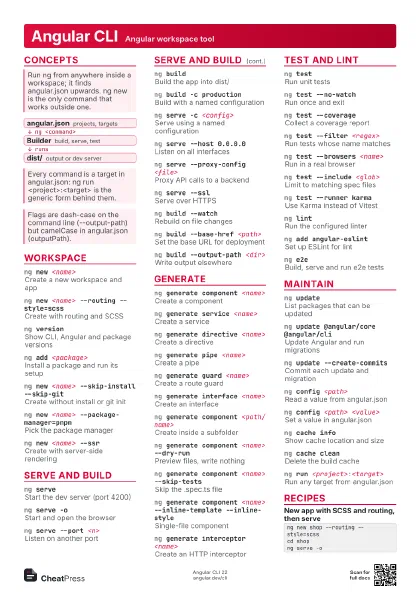
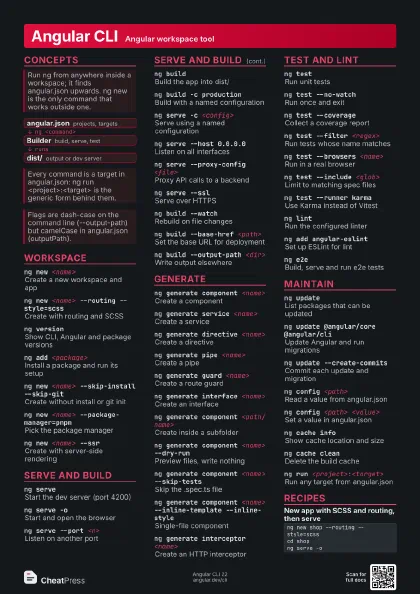
ng new <name>
Create a new workspace and app
Prompts for style, SSR and more; add --defaults to skip
prompts.
ng new <name> --routing --style=scss
Create with routing and SCSS
ng versionShow CLI, Angular and package versions
ng add <package>
Install a package and run its setup
Works only for packages that ship an ng-add schematic.
ng new <name> --skip-install --skip-git
Create without install or git init
ng new <name> --package-manager=pnpm
Pick the package manager
ng new <name> --ssr
Create with server-side rendering
ng new <name> --prefix=<prefix>
Set selector prefix (default app)
ng completion script
Print shell completion script
Add source <(ng completion script) to your shell rc file.
Serve and build
ng serveStart the dev server (port 4200)
ng serve -oStart and open the browser
ng serve --port <n>
Listen on another port
ng buildBuild the app into dist/
ng build -c production
Build with a named configuration
ng serve -c <config>
Serve using a named configuration
ng serve --host 0.0.0.0
Listen on all interfaces
If other hosts are refused, look at --allowed-hosts.
ng serve --proxy-config <file>
Proxy API calls to a backend
ng serve --sslServe over HTTPS
ng build --watch
Rebuild on file changes
ng build --base-href <path>
Set the base URL for deployment
ng build --output-path <dir>
Write output elsewhere
ng build --stats-json
Write stats for bundle analysis
ng extract-i18nExtract translatable messages
Generate
ng generate component <name>
Create a component
ng g is the short form of ng generate.
ng generate service <name>
Create a service
ng generate directive <name>
Create a directive
ng generate pipe <name>
Create a pipe
ng generate guard <name>
Create a route guard
ng generate interface <name>
Create an interface
ng generate component <path/name>
Create inside a subfolder
The path is relative to src/app.
ng generate component <name> --dry-run
Preview files, write nothing
ng generate component <name> --skip-tests
Skip the .spec.ts file
ng generate component <name> --inline-template
                    --inline-style
Single-file component
ng generate component <name> --change-detection
                    Eager
Use default change detection
OnPush is the default for new components.
ng generate interceptor <name>
Create an HTTP interceptor
ng generate library <name>
Add a library project
ng generate application <name>
Add another app to the workspace
Test and lint
ng testRun unit tests
The default runner is vitest; tests run in Node with jsdom
unless --browsers is set.
ng test --no-watch
Run once and exit
ng test --coverage
Collect a coverage report
ng test --filter <regex>
Run tests whose name matches
ng test --browsers <name>
Run in a real browser
ng test --include <glob>
Limit to matching spec files
ng test --runner karma
Use Karma instead of Vitest
ng test --reporters <list>
Choose output reporters
ng lintRun the configured linter
Needs a linter first: ng add angular-eslint.
ng add angular-eslint
Set up ESLint for lint
ng e2eBuild, serve and run e2e tests
Needs an e2e package added with ng add first.
Maintain
ng updateList packages that can be updated
ng update @angular/core @angular/cli
Update Angular and run migrations
Commit first: it refuses to run on a dirty git tree.
ng update --create-commits
Commit each update and migration
ng update <package> --migrate-only --from
                    <ver>
Re-run migrations only
ng update --force
Ignore peer dependency conflicts
ng config <path>
Read a value from angular.json
ng config <path> <value>
Set a value in angular.json
ng cache infoShow cache location and size
ng cache cleanDelete the build cache
ng run <project>:<target>
Run any target from angular.json
Recipes
ng new shop --routing --style=scsscd shopng serve -ong generate component products/list --dry-runng generate component products/listng generate service products/productsgit commit -am "wip"ng updateng update @angular/core @angular/cli --create-commitsng build && ng test --no-watch# proxy.conf.json{ "/api": { "target": "http://localhost:3000" } }ng serve --proxy-config proxy.conf.json